

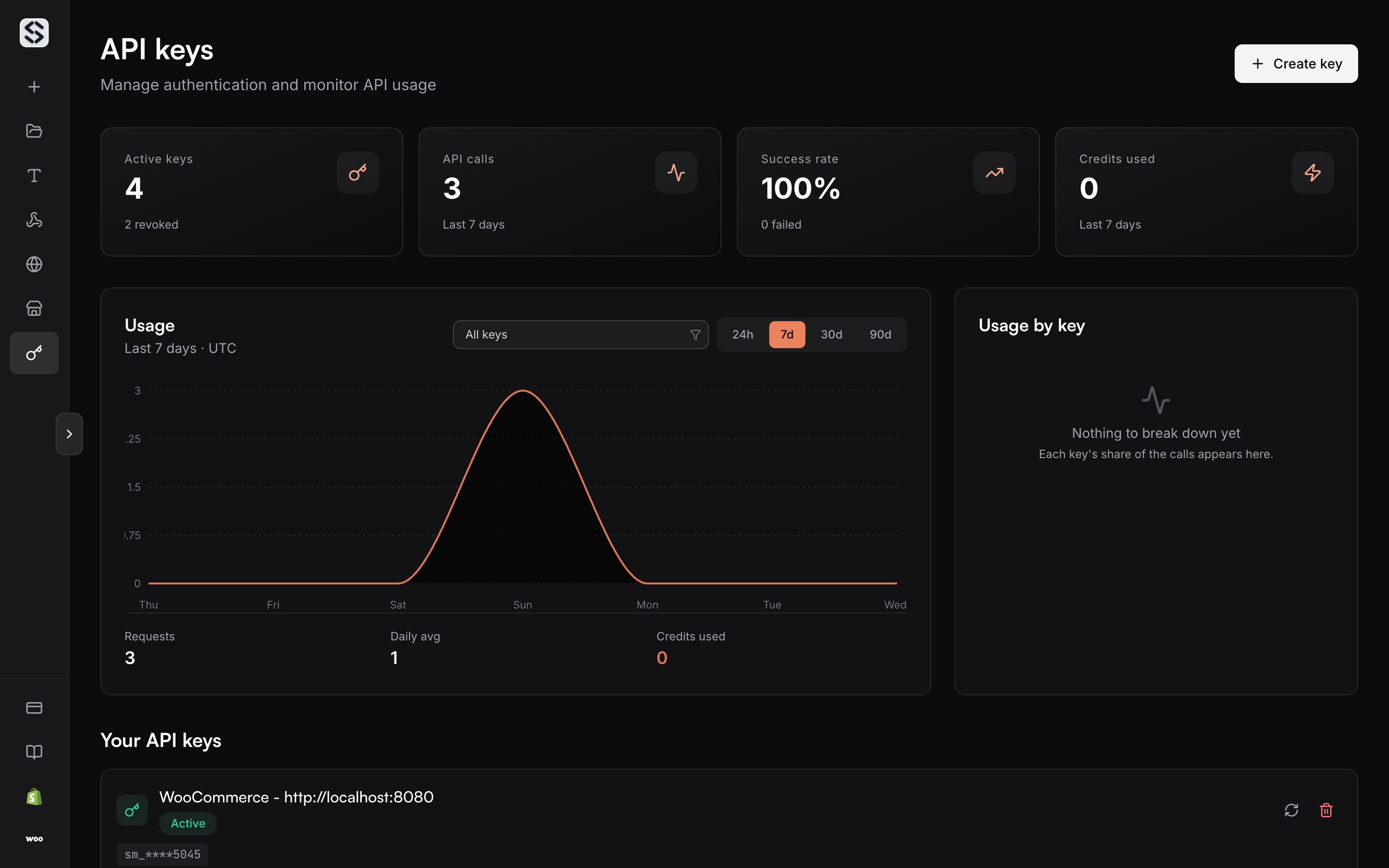
Create a key
Name the key after the thing that will hold it, not after yourself. A key calledstorefront-production tells you what breaks when you revoke it; a key
called key 2 does not.
The key is shown in full once, at creation. Copy it then. Keys begin with
sm_ and go in the x-api-key header on every request.
Watch what a key does
The chart above the list plots requests over time, and it can be filtered to a single key. That is the fastest way to answer two questions: whether an integration is actually calling, and which key is spending the credits. A key that has never been used says so rather than drawing an empty chart.Revoke and regenerate
Revoking a key stops it immediately and does not touch the others. Regenerating issues a new secret for the same entry, which is the right move when a key leaked but the integration holding it should keep its identity.Bind a key to a domain
A key can render to one of your custom domains. Set it here and every render made with that key serves its images from that domain, with nothing to pass per request.Authentication
Where the key belongs, and what a rejected key answers.
Usage limits
The request rate and the concurrency ceiling a key works inside.