

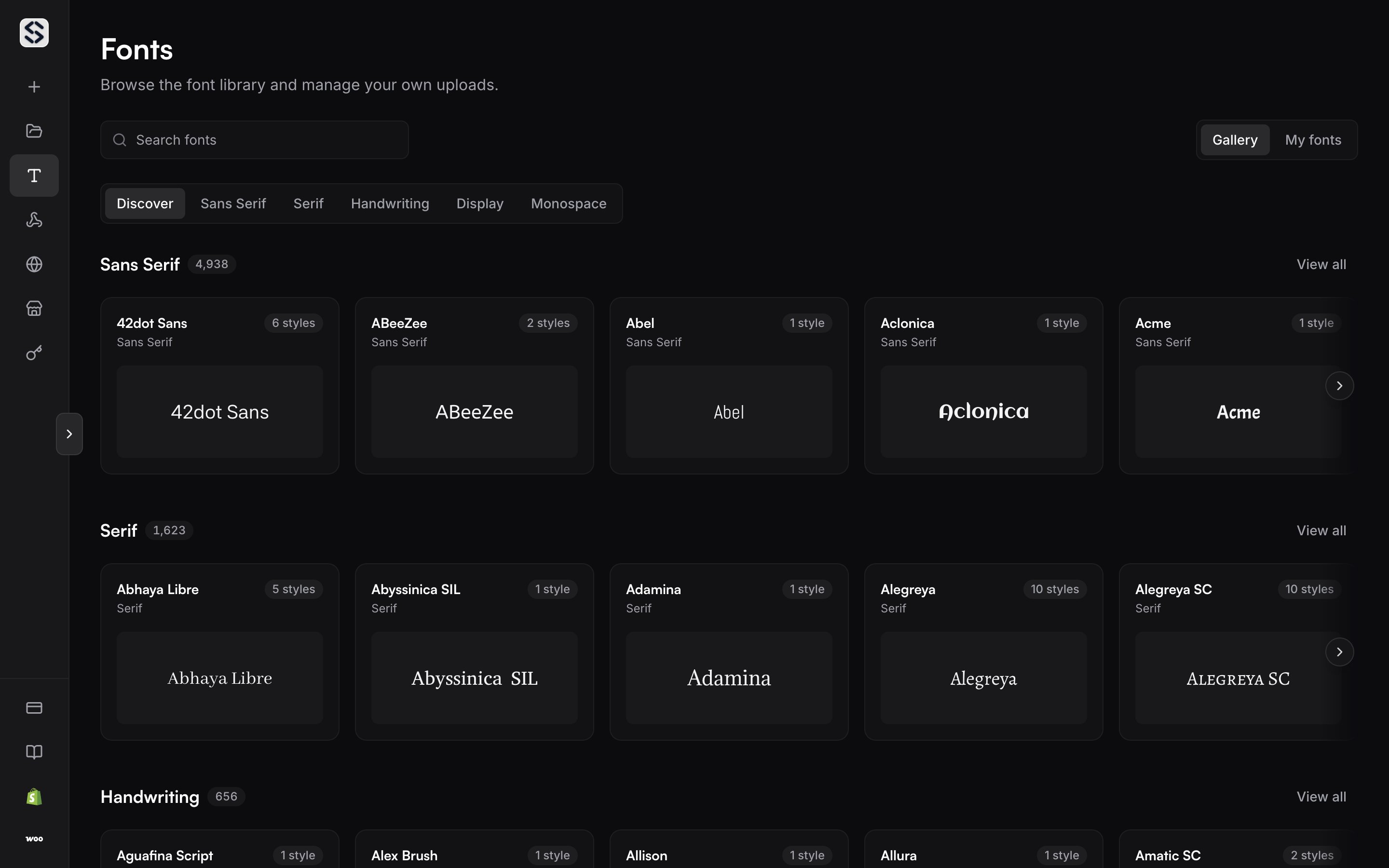
Upload a font
Drop a font file on the page, or choose one from disk. The upload registers the family and returns a UUID, and from that point a render can ask for it by name or by identifier.Upload only fonts you are licensed to use. A font you upload is reachable by
your account alone.
What a render does with it
A render asks for a font by name or by uuid. A name that is not in your catalogue fails withFONT_NOT_FOUND, and a name that matches more than one
font fails with FONT_AMBIGUOUS and hands back the candidates. A text layer
whose own font is missing renders with a default and warns you rather than
failing the job.
Fonts covers the catalogue endpoint and the filters it takes.
Text layers covers how a layer asks for one.
One catalogue, every template
The catalogue belongs to the account, not to a template. A font uploaded once is reachable from every mockup you own, so there is nothing to attach per mockup and nothing to repeat when you add a template.Text layers
Replace copy, set a colour, and choose the family per render.
Fitting and colour
What happens when the new copy is longer than the old copy.