Gelato Mockup Generator: How It Works, Limits, and API Options
How Gelato's mockup tools work, what needs Gelato+, the 3,000 px download cap, what the Gelato API returns, and when rendering your own PSD makes more sense.
TL;DR
Gelato's mockup tools live in the dashboard. Basic product mockups are free on every plan; the 800+ premium mockups, Magic Mockups (AI, 30 uses a month) and high-resolution downloads need Gelato+ ($29.99/month or $19.99/month billed yearly). Downloads cap at 3,000 x 3,000 px, and the Gelato API only returns product preview URLs. If you need your own branded scenes at volume or bigger files, keep Gelato for fulfillment and render listing images from your own PSD by API.
Key Takeaways:
- •Gelato includes free product mockups on every plan; premium mockups (800+), Magic Mockups and high-resolution downloads are Gelato+ features.
- •Gelato+ costs $29.99 per month, or $19.99 per month billed yearly, per Gelato's subscription page on 2026-09-30.
- •Gelato mockup downloads are capped at 3,000 x 3,000 px in PNG, WebP or JPG, with extra rules for Etsy and some store platforms.
- •The Gelato API has no general mockup render endpoint; Ecommerce API products and templates return a previewUrl, and standard API terms allow 5,000 calls per day.
- •For one brand look across many products, suppliers and colorways, render listing images from your own PSD and keep Gelato for printing and shipping.
Gelato's mockup generator lives inside your Gelato dashboard: you pick a Gelato product, place your design, choose a scene and push the result to your store listing. Basic product mockups come with every plan, but the 800+ premium mockups, Magic Mockups (AI) and high-resolution mockup downloads are Gelato+ features, downloads top out at 3,000 x 3,000 px, and the Gelato API gives you product preview URLs rather than a general mockup renderer.
That is fine if you sell a handful of Gelato products with Gelato's scenes. It gets tight when you want your own branded photography, the same look across hundreds of designs, or images bigger than 3,000 px. Below is what each Gelato tool does, what it costs, what the API really returns, and where rendering your own PSD by API is the better fit.
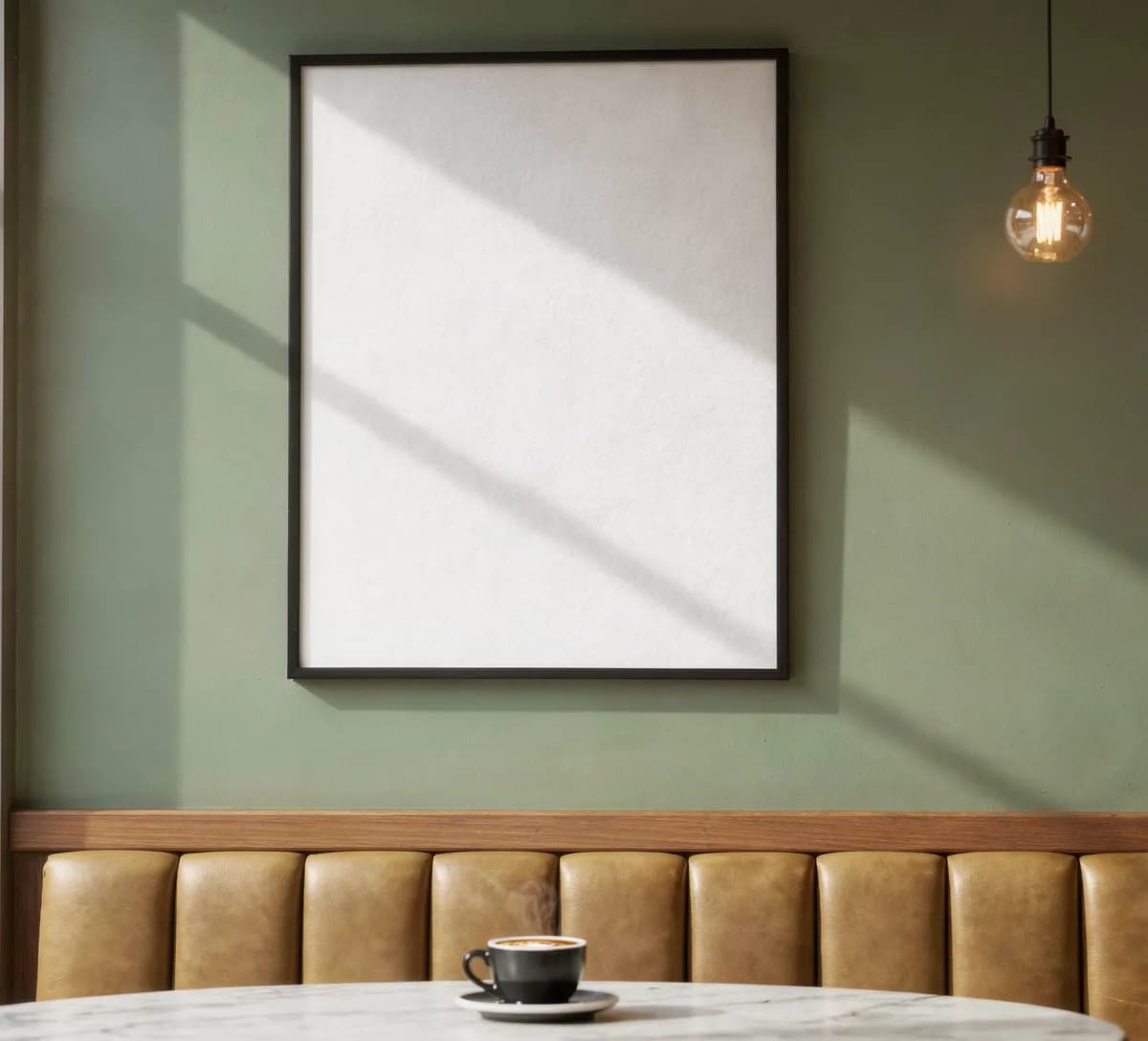
 A SudoMock PSD template for café wall art, shown with its print area empty. Gelato's own scenes cover its catalog; a PSD like this one is how you keep one brand look across every product you list.
#The Gelato mockup tools, one by one
Gelato has four different things people call "the Gelato mockup generator". They are not the same, and the plan rules differ.
| Tool | What it does | Who gets it (official wording) |
|---|---|---|
| Product mockups in product creation | Mockups of the Gelato product you are listing, pushed to your connected store | "Free product mockups" on all plans |
| Mockup Studio | Scene editor: format, background scene, product size and position, layers, logos, text | "currently available for Gelato+ subscribers", "specifically designed for the Wall art product category" (help center) |
| Magic Mockups | AI scenes from a text prompt in six styles: Lifestyle, Studio, Nature, Urban Outdoor, Flat Lay, Floating | Gelato+, "limited to 30 uses per month" (help center) |
| Premium mockups | "800+ premium mockups for your products" | Full access on Gelato+ and Platinum |
Two things to know before you plan around these tools. First, Gelato's own pages do not fully agree: the marketing page shows Mockup Studio for "apparel to mugs, wall art and phone cases", while the help center (last updated October 30, 2025) says it is designed for wall art. Check your dashboard before you build a workflow on it. Second, Magic Mockups generates the product and the background together with AI, so it is a scene idea tool, not a pixel-exact render of your print file.
#What Gelato+ costs and what it unlocks for mockups
Gelato's subscription page lists three plans on September 30, 2026:
- Free: $0. Includes "free product mockups".
- Gelato+: $29.99 per month, or $19.99 per month billed yearly. Adds the 800+ premium mockups and Magic Mockups.
- Platinum: custom pricing, same mockup access as Gelato+.
Downloading mockup files is also tied to the plan. Gelato's help center says: "With a Gelato+ subscription, you unlock the ability to download stunning, high-resolution mockups of your products." The same article sets the ceiling: "Our mockups are available at a maximum resolution of 3000x3000 pixels", in PNG, WebP or JPG.
There are platform rules on top of that, straight from the same article:
- Etsy: WebP and PNG are not supported, and "Etsy allows 10 mockups per listing".
- WooCommerce, Wix, Squarespace and BigCommerce: mockups can only be downloaded during product creation.
- Products that contain Shutterstock elements: mockup download is unavailable.
#Does Gelato have a mockup API?
Not in the sense most developers mean. Gelato's API has separate services for orders, products, shipment and ecommerce (order.gelatoapis.com, product.gelatoapis.com, shipment.gelatoapis.com, ecommerce.gelatoapis.com), all authenticated with an X-API-KEY header. The Product API returns catalog metadata, not images.
Images show up in the Ecommerce API. When you create a store product from a template with POST /v1/stores/{storeId}/products:create-from-template, you pass your artwork in imagePlaceholders[].fileUrl (jpg, jpeg, png or pdf) and the product comes back with a previewUrl. Templates and store products also expose previewUrl, and store products add externalPreviewUrl and externalThumbnailUrl. The example in the docs is a signed storage link with a 24 hour expiry, so store the file yourself if you need it later.
What you do not get is a call where you send any scene you own plus a design and get back a finished image. Gelato's API terms also set "a standard daily limit of 5000 per day, unless otherwise agreed" for API calls, which matters if you plan to regenerate previews for a large catalog.
#When to render your own PSD instead
Gelato is a fulfillment network first. Its mockups are built to sell Gelato products, and they do that well. You outgrow them in four common situations:
- You want one brand look across every product. Your own photography or a designer's PSD, not the scenes every other Gelato seller can pick.
- You list at volume. Hundreds of designs times several colorways times several angles. Doing that in a dashboard is click work.
- You need bigger files. Ads, hero banners and zoomable product images often want more than 3,000 px.
- You sell through more than one supplier. A PSD-based pipeline does not care whether the order is printed by Gelato, Printful or your own shop.
This is the job SudoMock does. You upload a PSD with smart objects once, then send one render request per design. Gelato keeps printing and shipping; the listing images come from your template.
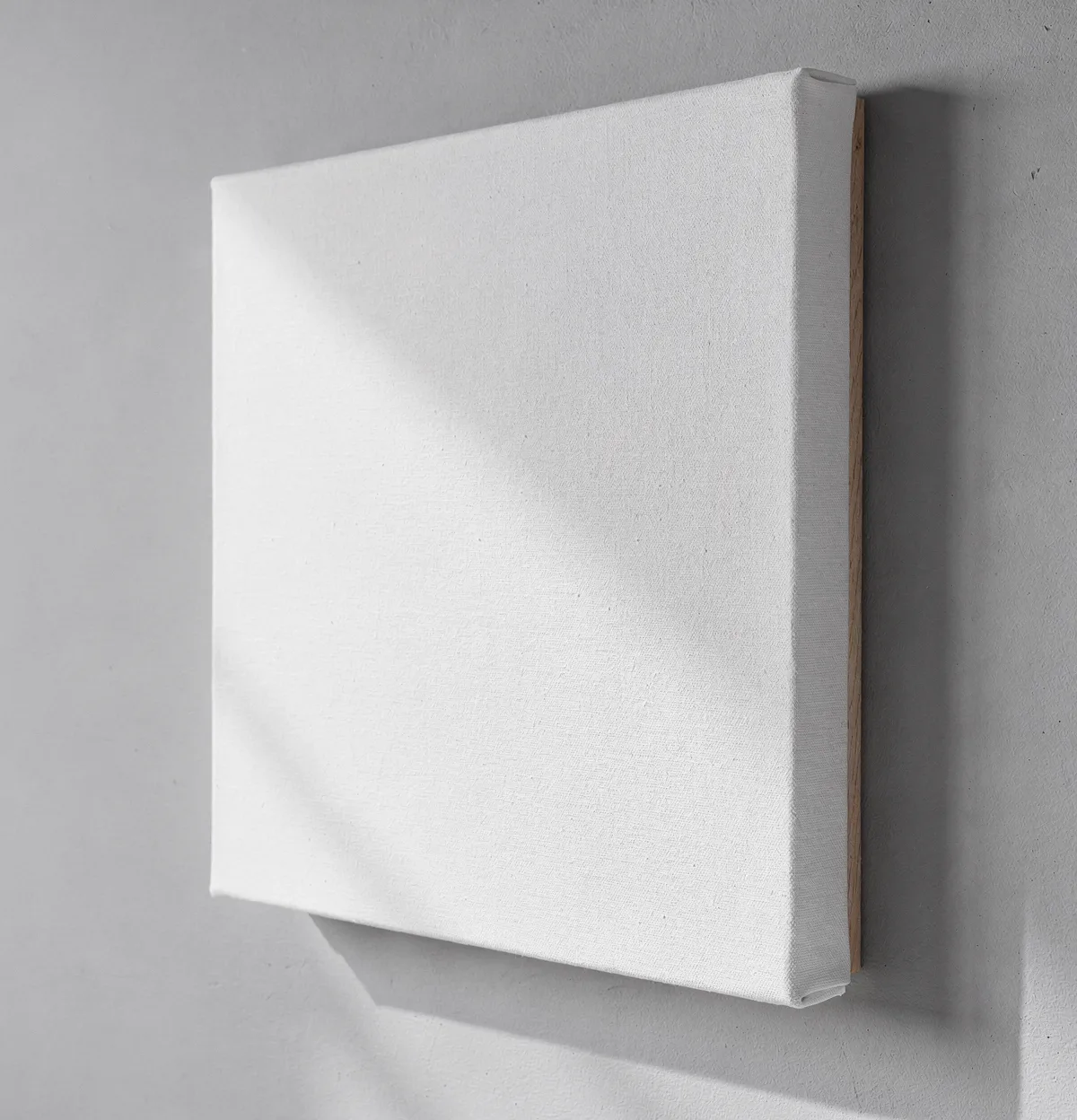 Canvas is one of Gelato's core wall art products. With a PSD template like this one, the same angle, shadow and wall appear for every design you render, which is what makes a catalog look consistent.
#Gelato mockups vs your own PSD: the numbers side by side
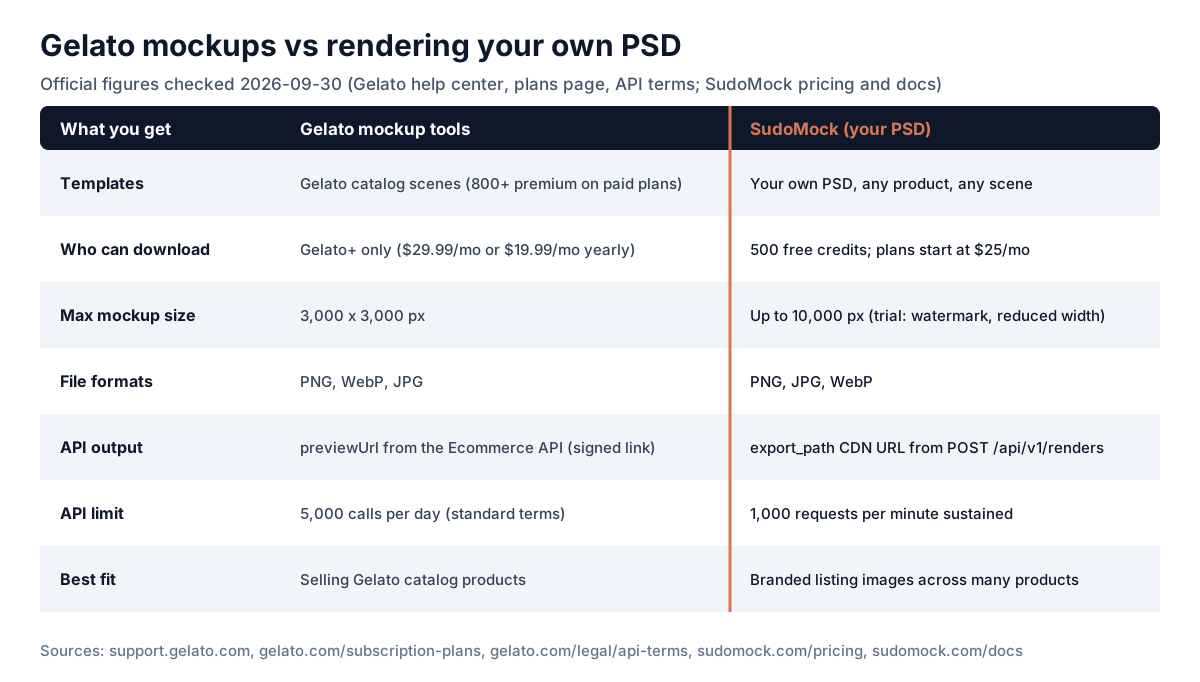 The limits that decide which tool fits: Gelato caps downloads at 3,000 px and ties them to Gelato+, while a PSD render API is metered per render. The same figures are in the table below.
| Gelato mockup tools | SudoMock (your PSD) | |
|---|---|---|
| Templates | Gelato catalog scenes, 800+ premium on paid plans | Your own PSD, any product, any scene |
| Download access | Gelato+ ($29.99/mo, or $19.99/mo billed yearly) | 500 free credits. Plans start at $25/month, subscriptions from $0.002 per render, and $0.05 per render even without a subscription |
| Max image size | 3,000 x 3,000 px | Up to 10,000 px |
| Formats | PNG, WebP, JPG | PNG, JPG, WebP |
| API output | previewUrl on Ecommerce API products and templates | Image URL in data.print_files[0].export_path |
| API limit | 5,000 calls per day (standard API terms) | 1,000 requests per minute sustained |
| Best fit | Selling Gelato catalog products with Gelato's scenes | Branded listing images across many products and suppliers |
SudoMock trial renders carry a watermark and are capped at 1,024 px until you fund the account, so test with the free credits and judge quality at full size on a paid render before you commit.
#How a Gelato seller wires this up
A typical setup keeps Gelato for fulfillment and uses the API only for images:
- Prepare one PSD per product and angle, with the print area as a smart object. SudoMock's smart object guide covers the layer setup.
- Upload it once. The response lists each smart object's
uuid. - For every new design, call the render endpoint with the artwork URL. Add a
coloroverlay per smart object if you sell colorways. - Upload the returned image to Shopify, Etsy or your own store as the listing image, and create the Gelato product for fulfillment as usual.
curl -X POST "https://api.sudomock.com/api/v1/renders" \-H "x-api-key: sm_your_api_key" \-H "Content-Type: application/json" \-d '{"mockup_uuid": "YOUR_POSTER_TEMPLATE_UUID","smart_objects": [{"uuid": "PRINT_AREA_SMART_OBJECT_UUID","asset": { "url": "https://yourcdn.com/designs/sunset-print.png", "fit": "fit" }}],"export_options": { "image_format": "jpg", "image_size": 1024, "quality": 90 }}'
Renders on free credits are capped at 1,024 px wide, so the example uses image_size: 1024. On a paid plan, raise it up to 10,000 px for print-size listing images.
The default call is synchronous and returns the image URL in the response. For large batches, set "is_async": true, then poll the job or register a webhook endpoint for render.succeeded and render.failed instead of waiting on each request. JPG at 3,000 px is a practical default for listing images; switch image_format to png when you need transparency.
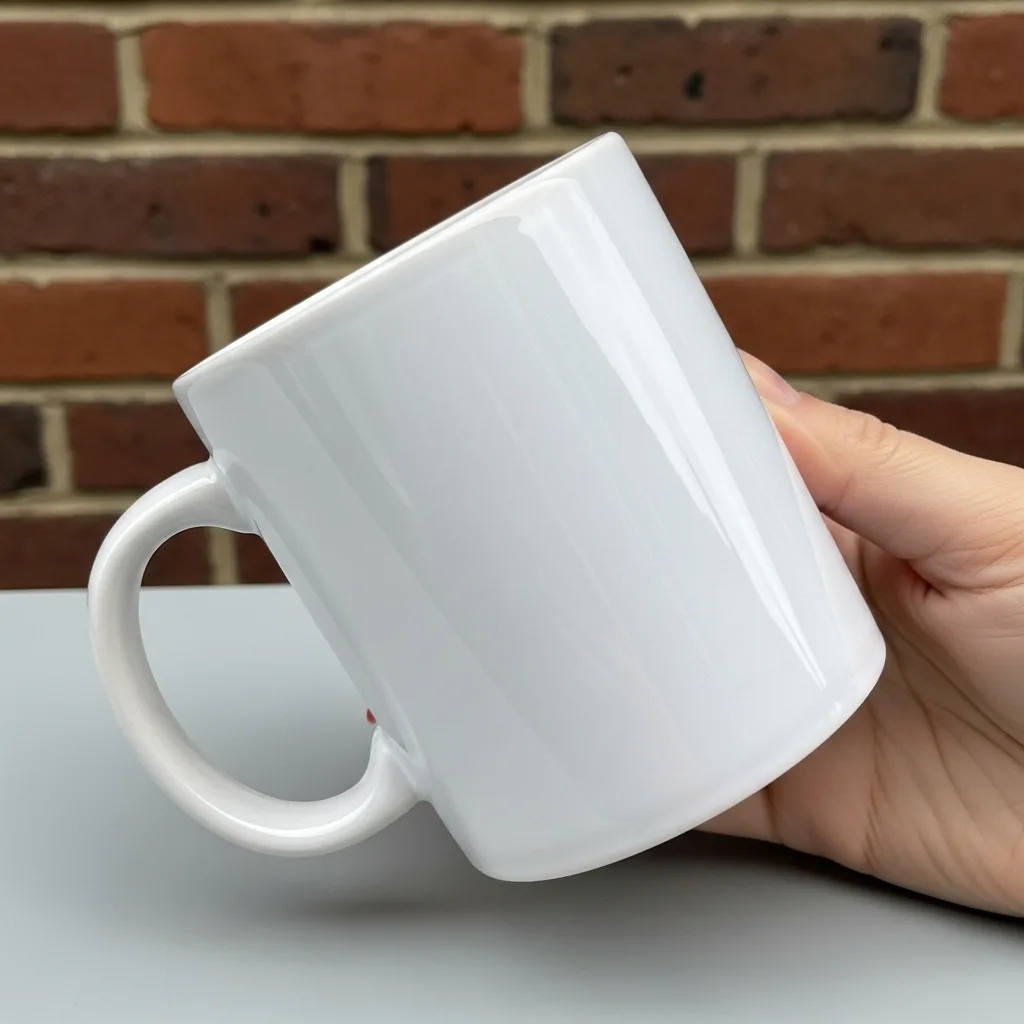 Mugs are another Gelato staple. The same render call works for any product you have a PSD for, so apparel, wall art and drinkware can share one pipeline.
If you do not have PSDs yet, SudoMock's library has 300+ Gelato-compatible templates across apparel, accessories, drinkware, wall art and packaging that you can start from.
#Honest limits of the PSD route
- You need a PSD per scene. Gelato's AI scenes are faster to try when you just want ideas.
- Rendering does not touch fulfillment. You still create the Gelato product so orders route to Gelato.
- A PSD template is only as good as its photography. A cheap template renders a cheap-looking mockup, fast.
#Next step
If Gelato's built-in mockups cover your catalog, stay with them. If you need your own scenes at volume, upload one PSD and render a few of your real designs with the 500 free credits, following the quickstart. For how other print providers handle mockups, see the Printful mockup generator guide, Printify's mockup API and the mockup API pricing comparison.
#How we checked this
Gelato's mockup tools, plans, download limits and API terms come from Gelato's help center, subscription plans page and API terms, checked on September 30, 2026. We re-check these figures every quarter. SudoMock's pricing, output sizes, free-credit limits and the render request were checked against SudoMock's pricing page and API docs on October 1, 2026. The three product photos are SudoMock PSD templates shown with an empty print area, not renders of a design. The comparison graphic is drawn from the same figures as the table.
Frequently Asked Questions
Sources
- Gelato: Mockup generator (opens in new tab)
- Gelato Help Center: How do I use the Mockup Studio tool (opens in new tab)
- Gelato Help Center: Magic Mockups (opens in new tab)
- Gelato Help Center: Can I download mockups (opens in new tab)
- Gelato: Subscription plans (opens in new tab)
- Gelato API Terms of Service (opens in new tab)
- Gelato API documentation (opens in new tab)
- Gelato API: Create product from template (opens in new tab)
- Gelato API: Get template (opens in new tab)
- SudoMock pricing (opens in new tab)
- SudoMock render API reference (opens in new tab)
- SudoMock usage limits (opens in new tab)
Related Articles

Renderforest API Pricing 2026: Templates vs Your PSD
Renderforest gates API access behind custom Enterprise plans and renders its own templates. See how the pricing works and when you need pixel-accurate PSD mockups.

Printful Mockup Generator: How It Works, API Limits and Terms
Printful's mockup generator is free for catalog products. How to use it, how the API task flow works, the 72h URL expiry, the usage terms, and when your own PSD fits better.

Printify Mockup API vs Your Own Brand PSD (2026)
Printify's mockup generator is free but locked to its product catalog. See how rendering your own brand PSD at Photoshop fidelity changes what you can ship.
Explore by Use Case
See SudoMock in action for your specific product category
Your own PSD, rendered via API
Render your own PSD through the API. Start with 500 one-time credits, no card.