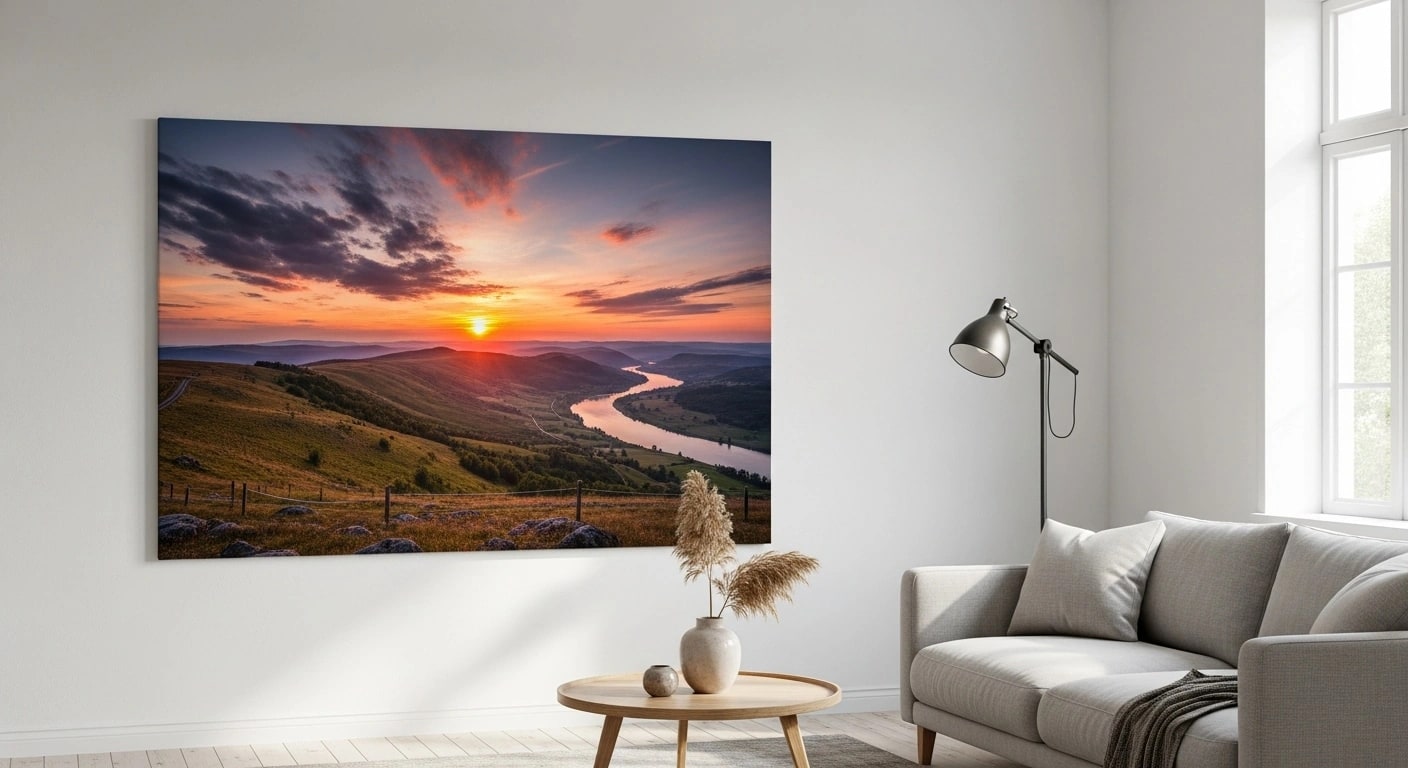
Time-Consuming Manual Work
Every new design, angle, and variant adds another manual placement, export, and review step.
Transform your artwork into stunning gallery-ready canvas mockups. Professional wrap edges, room contexts, and multi-panel layouts.
The Challenge
Every new design, angle, and variant adds another manual placement, export, and review step.
Mixing tools and templates makes framing, lighting, and catalog consistency harder to maintain.
Without automation, catalog growth becomes a queue of repetitive image-production work.
The Solution
SudoMock's API renders canvas print mockups from your own PSD templates, including gallery wrap edges, multiple depth options, and room contexts.
Realistic 3D wrap rendering with mirrored, stretched, or solid color edges. Your mockups look identical to real prints.
Show customers exactly how art looks on their walls. Living rooms, bedrooms, offices, and gallery spaces included.
Generate mockups through the API and use webhooks to continue the workflow when each render completes.
How It Works
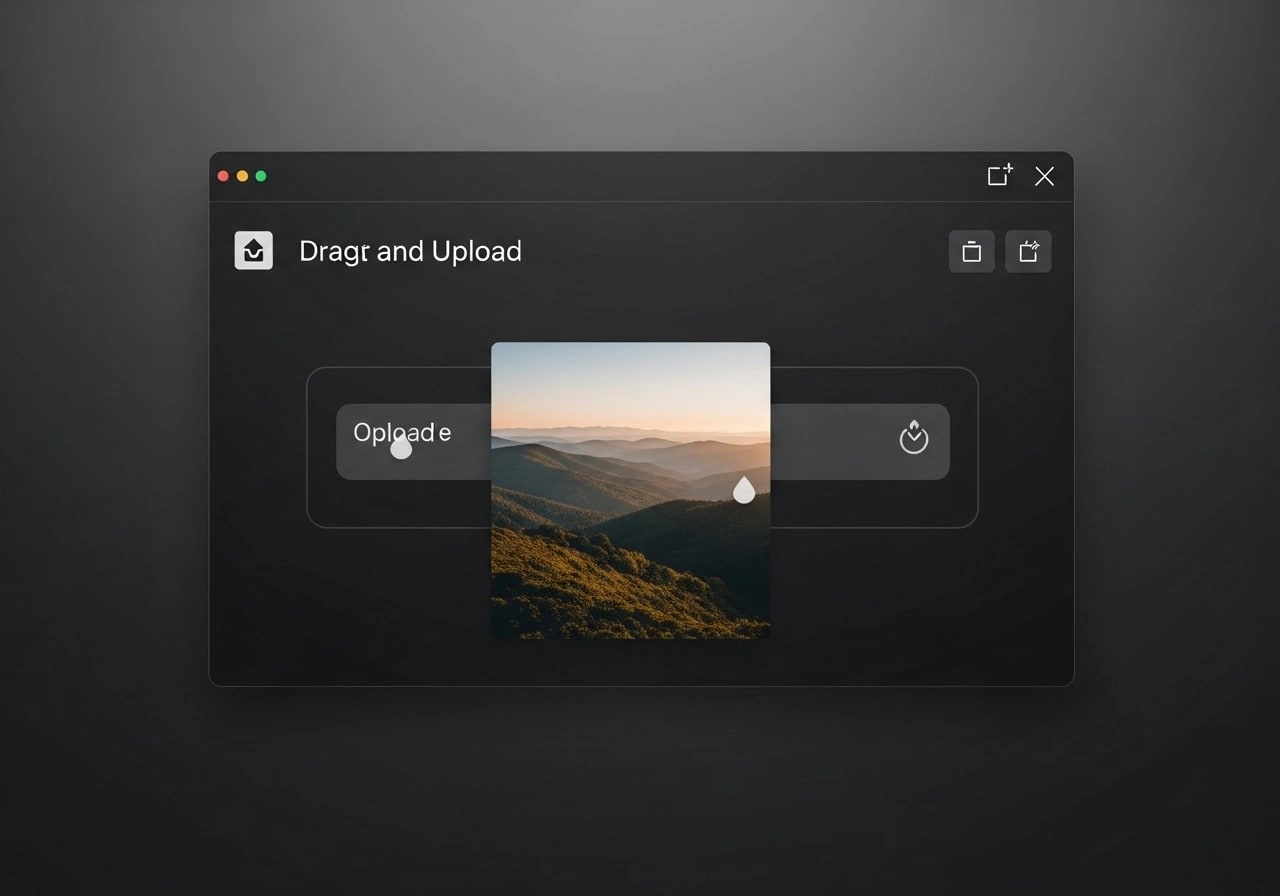
Upload any image format (PNG, JPG, PSD). Our system handles any resolution and automatically optimizes for canvas display.
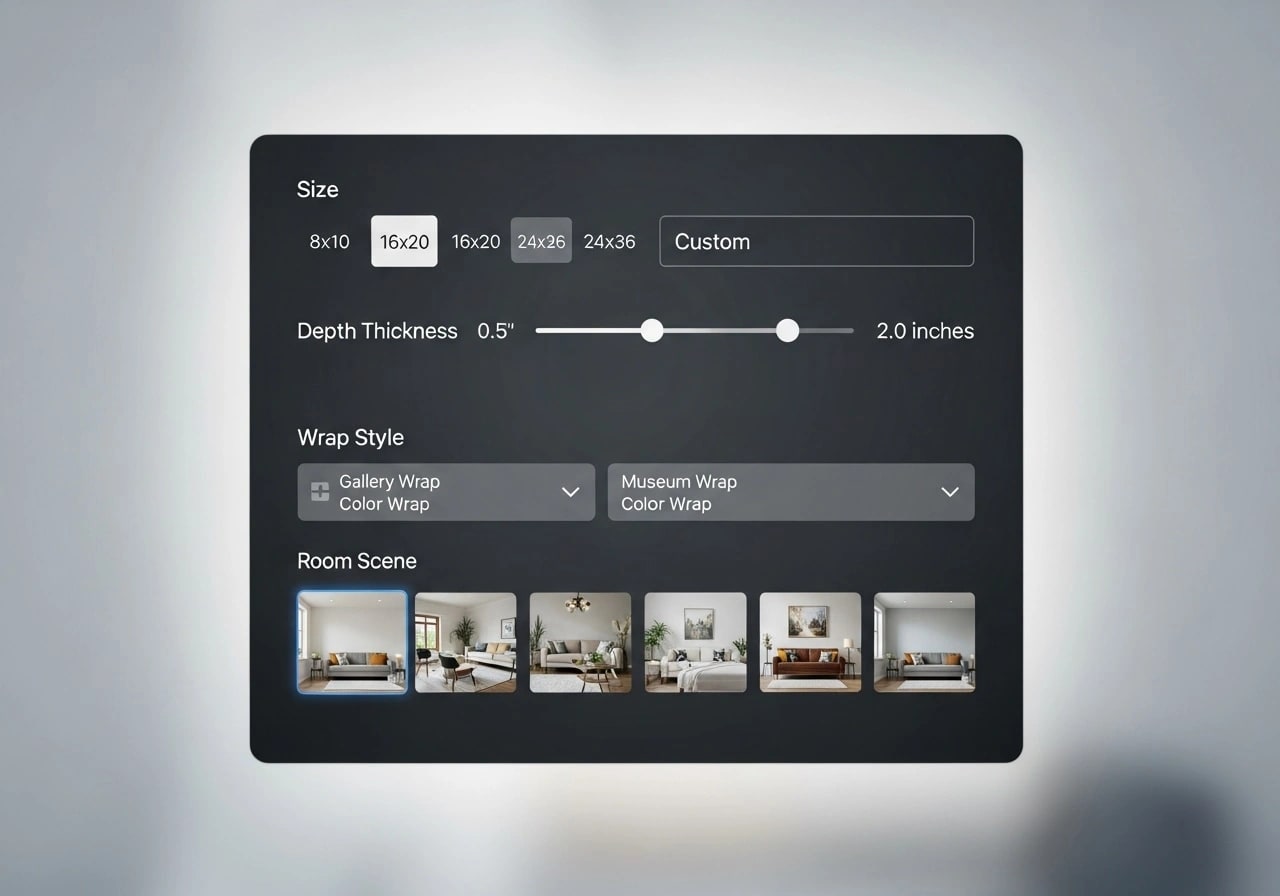
Pick the canvas template for the size, wrap, depth and room you sell, from the template library or your own PSD. Preview the design on it in the dashboard before rendering by API.
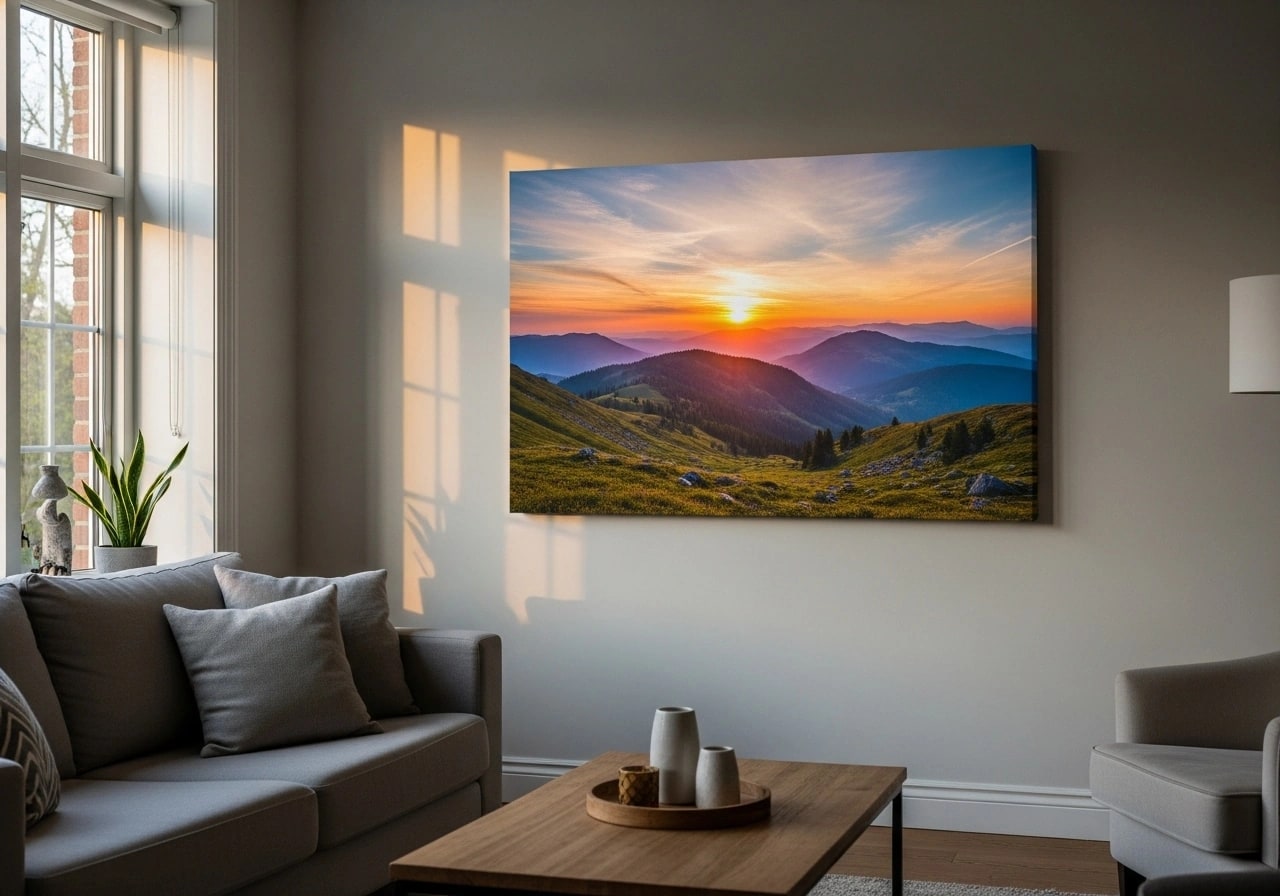
Receive a CDN-hosted canvas mockup URL ready for your website, marketplace, or portfolio.
Features
Authentic mirrored, stretched, or colored edge wrapping. Each style renders with true 3D depth and proper shadow casting.
Professional gallery-ready presentation
0.75", 1.5", and 2" canvas depth options available. Match specifications from Printful, SPOD, and other printing services.
Match any printing service's specs
Use curated living-room, bedroom, office, and gallery-wall scenes, or upload your own room PSD templates.
Show customers how art looks in their space
Diptych, triptych and gallery-wall templates with one smart object per panel. Send one artwork per panel in the same render request.
Create stunning multi-panel art displays
Authentic fabric texture and weave patterns rendered onto every mockup. Visible at high zoom for realistic material appearance.
Photorealistic material rendering
Generate catalog mockups through parallel requests, plan-based parallel rendering, and webhook-driven automation.
Scale your catalog without manual work
Choose your interface
Start visually, add code when it earns its place, or connect the storefront and automation tools your team already uses. The reusable PSD workflow stays the same.
Upload artwork, choose a reusable mockup, adjust the editable inputs, and export without building an integration first.
Open PSD MockupsUpload a custom PSD once, send artwork and text per render, then use async jobs and webhooks for production workflows.
Read the quick startUse native Shopify and WooCommerce integrations or connect n8n, Zapier, and Make to the same render engine.
Explore integrationsPublished plans
Every new account starts with 500 one-time credits, no card required. Annual billing is available. Compare every volume and limit on the pricing page.
Pay-as-you-go limits apply to a funded balance. They hold while the balance is positive and for 90 days after your last top-up.
Fits your stack
Keep SudoMock as the rendering layer while your storefront, automation tool, or application remains the system your team already knows.
FAQ
Upload your artwork through the dashboard or API, select the canvas configuration and room context, then receive the completed mockup URL. No Photoshop is required for each render.
Any wrap your PSD template shows: gallery wrap with mirrored edges, stretched, solid color or museum wrap. SudoMock renders the template as built, so the edge looks exactly as the designer made it.
Depth comes from the template: a template built with a 1.5-inch side renders every design with that side. Use one template for each depth you sell, such as 0.75, 1.5 and 2 inches.
Yes. Use curated living-room, bedroom, office, and gallery-wall scenes, or upload your own room PSD for a brand-specific setting.
Use a template with one smart object per panel and send each panel its artwork in one render request. For a single wide artwork, cut it into panels before you send it.
We accept PNG, JPEG, TIFF, and PSD files. For best results, use high-resolution images (300 DPI or higher) with proper color profiles (sRGB or Adobe RGB). For print, set export_options.dpi (for example 300) to embed a resolution tag, and size with image_size = print_inches x dpi.
Use the REST API with parallel requests and webhooks. Plans run up to 25 renders in parallel, and the API docs include request examples.
Automate canvas mockups from your own PSD templates with gallery wraps, room contexts, and parallel rendering.