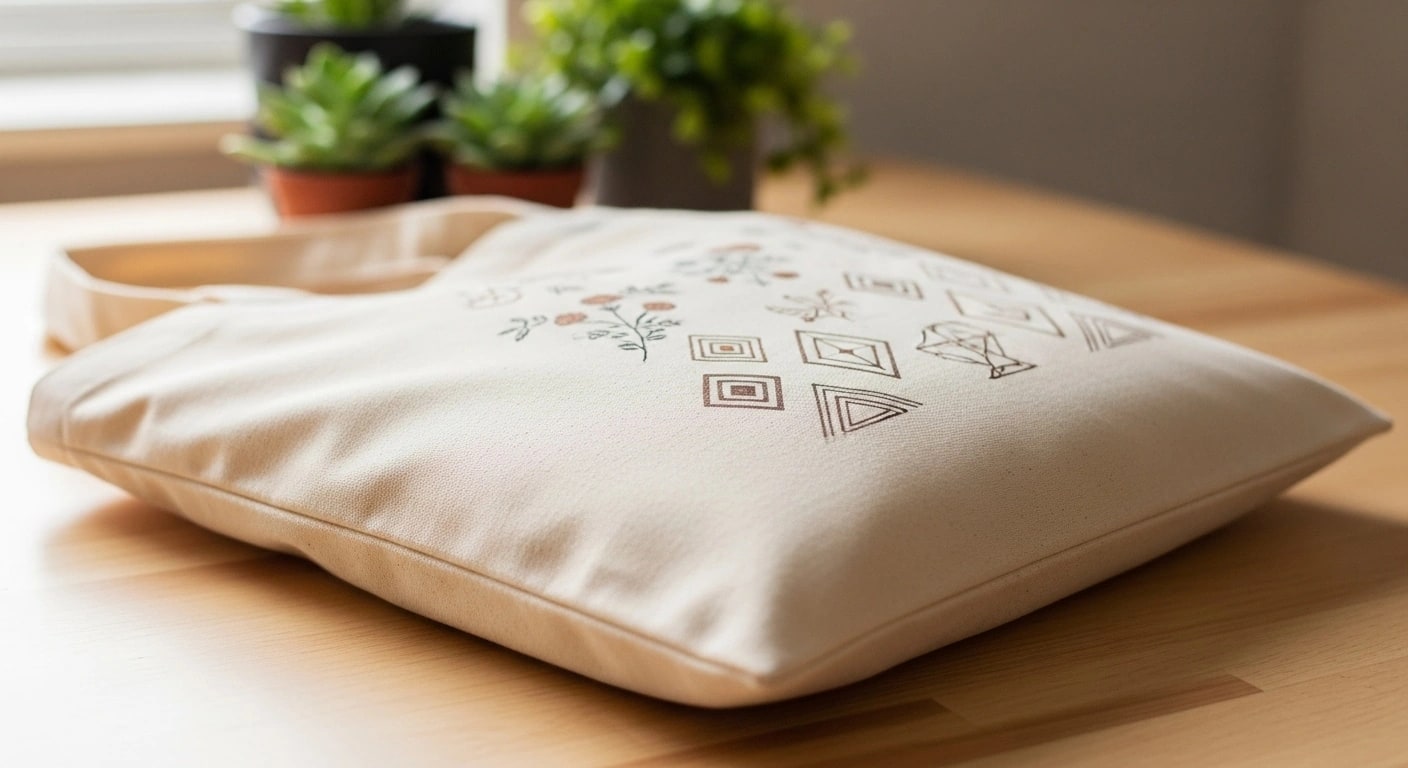
Canvas Texture Looks Fake
Every new design, angle, and variant adds another manual placement, export, and review step.
Generate canvas tote bag mockups from your own PSD templates for brand, event merchandise, and retail workflows.
The Challenge
Every new design, angle, and variant adds another manual placement, export, and review step.
Mixing tools and templates makes framing, lighting, and catalog consistency harder to maintain.
Without automation, catalog growth becomes a queue of repetitive image-production work.
The Solution
SudoMock turns tote-bag PSD templates into a repeatable API workflow with canvas texture, handle, color, and product-view variations.
Our rendering preserves natural canvas weave, cotton grain, and fabric drape. Smart object placement respects fabric physics for photorealistic results.
Plans start at $25/month. Pro and Scale add higher volume and parallel rendering for larger catalogs.
Render flat-lay, front, back and lifestyle views from one design, one parallel request per view template. Consistent branding across all your product images.
How It Works
Upload your tote bag mockup PSD with smart object layers. SudoMock preserves canvas texture, handle shadows, and fabric details.
Send a single API request with your artwork. Specify the template, design placement, and optional color variations.
Receive a production-ready, CDN-hosted mockup URL and use webhooks to continue the catalog workflow.
Visual Features
See the difference professional texture rendering makes for your tote bag mockups.
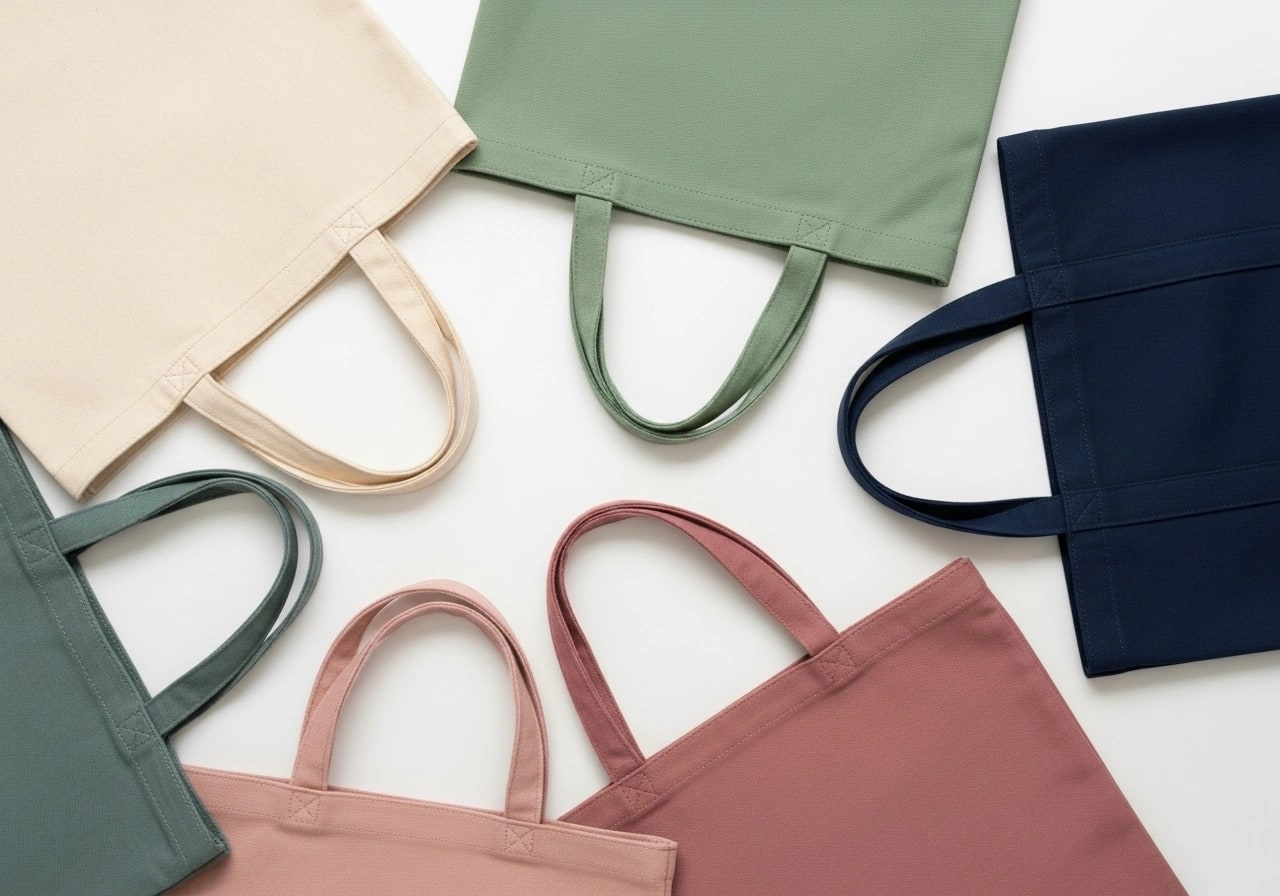
Our rendering engine preserves the natural weave patterns, subtle imperfections, and authentic cotton texture that make canvas tote bags look genuine. No more flat, digital-looking overlays.
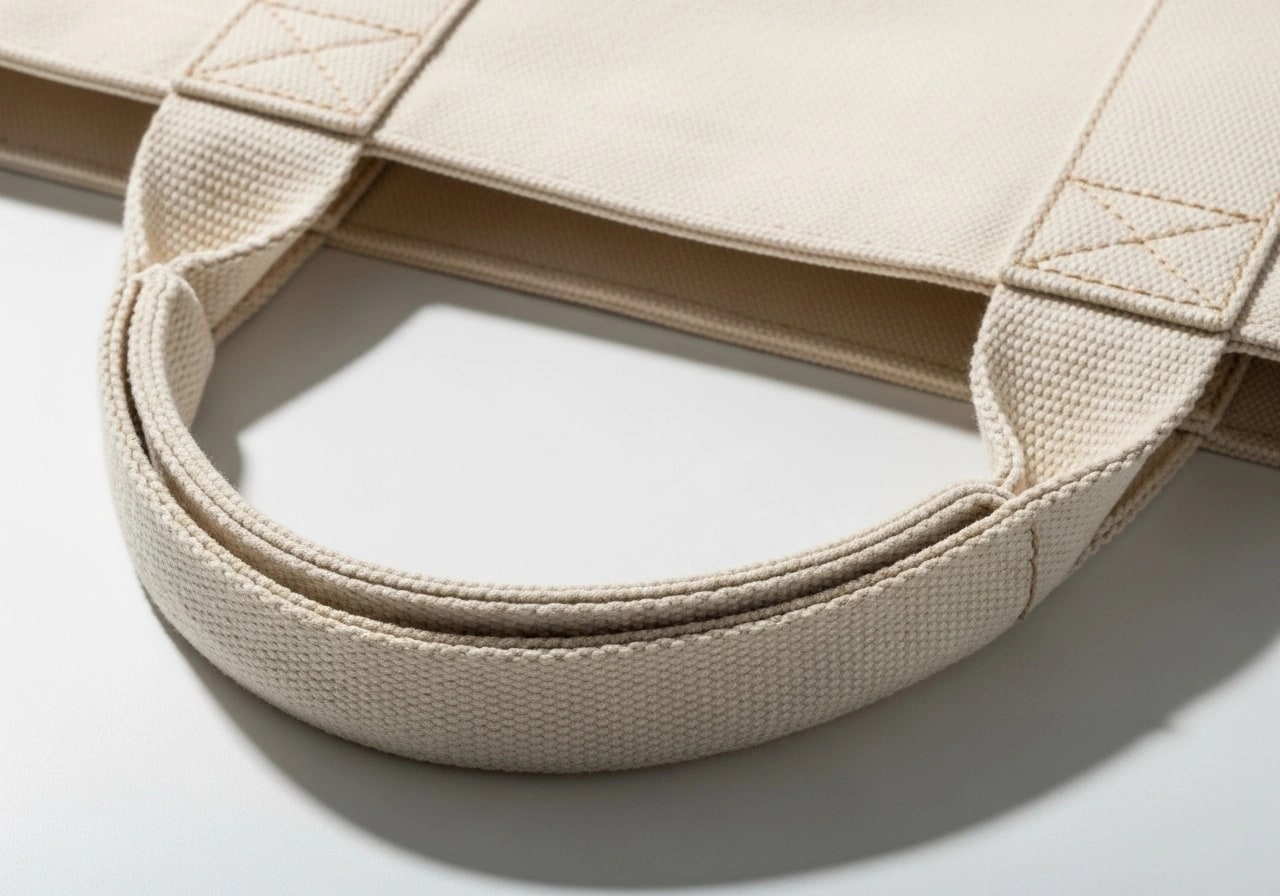
Handles are the trickiest part of tote bag photography. Our templates support natural handle draping for lifestyle shots and neat positioning for flat-lay product images.
Features
Preserve natural canvas weave and fabric texture in every render. Smart objects inherit grain, shadows, and fabric wrinkles automatically.
Photorealistic fabric quality
Support for front, back, flat-lay, and lifestyle views. Generate all product angles from a single design upload.
Complete product coverage
Each template keeps the handles where its photo shows them, laid flat or draped over a shoulder. Pick the template that fits the shot.
Consistent handle rendering
Render natural cotton, dyed canvas and jute bags from a template of each material, and recolor a bag through the color layer of its template.
Every material you sell
Composite tote bags into lifestyle scenes with models, environments, and props. Perfect for social media and ads.
Marketing-ready visuals
Use parallel requests with plan-based parallel rendering and webhooks for catalog launches.
Up to 25 parallel renders
Choose your interface
Start visually, add code when it earns its place, or connect the storefront and automation tools your team already uses. The reusable PSD workflow stays the same.
Upload artwork, choose a reusable mockup, adjust the editable inputs, and export without building an integration first.
Open PSD MockupsUpload a custom PSD once, send artwork and text per render, then use async jobs and webhooks for production workflows.
Read the quick startUse native Shopify and WooCommerce integrations or connect n8n, Zapier, and Make to the same render engine.
Explore integrationsPublished plans
Every new account starts with 500 one-time credits, no card required. Annual billing is available. Compare every volume and limit on the pricing page.
Pay-as-you-go limits apply to a funded balance. They hold while the balance is positive and for 90 days after your last top-up.
Fits your stack
Keep SudoMock as the rendering layer while your storefront, automation tool, or application remains the system your team already knows.
FAQ
Upload a tote-bag PSD template with Smart Object layers, then call the REST API with a design image. The template preserves its canvas texture and fabric details.
SudoMock supports natural cotton canvas, heavy-duty duck canvas, organic cotton, recycled materials, and jute textures. Your templates can include material-specific grain patterns that render realistically at any resolution.
Yes, you can create templates with front and back views. Our API supports multi-smart-object templates, allowing you to place different designs on front and back panels in a single render request.
Our rendering engine respects handle layer positioning and shadows defined in your PSD. For flat-lay shots, handles can be positioned naturally around the bag. For lifestyle shots, handles drape realistically based on template setup.
Template size is entirely up to you. Common formats include standard grocery totes (14x16"), large market bags (18x20"), and compact lunch totes (10x12"). Upload any PSD template that matches your product dimensions.
Absolutely. Upload separate templates for lifestyle scenes (models, environments) and flat-lay product shots. Send the same design to both templates in parallel requests, and both view types come back together.
Use parallel requests and webhooks for seasonal collections and event merchandise. Plans run up to 25 renders in parallel.
Automate tote bag mockups from your own PSD templates with parallel rendering and webhook delivery.