Airtable Mockup Automation: Render Your Own PSD per Record
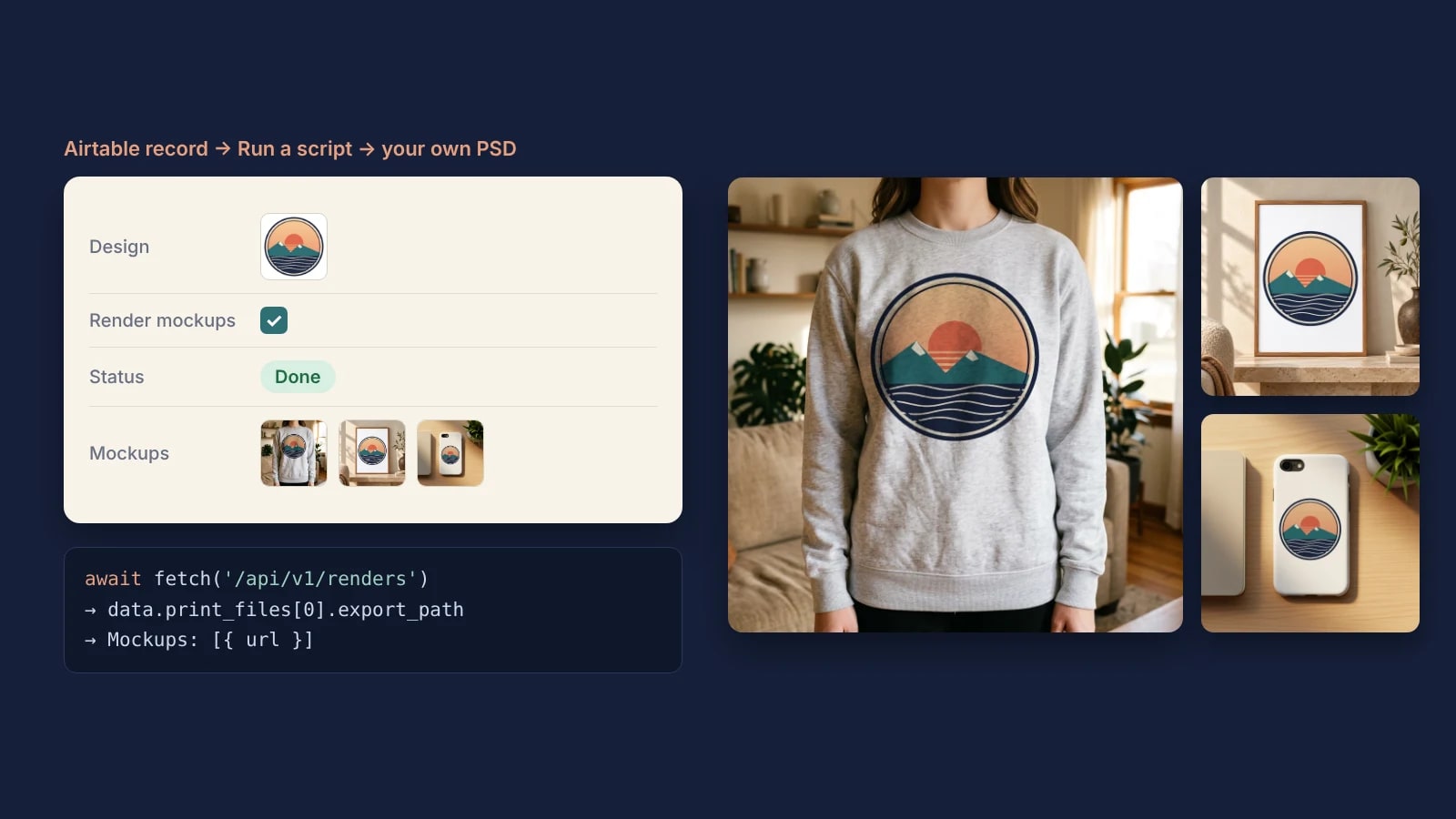
An Airtable automation can render each record's design on your own PSD templates and attach the mockups to that record. A checkbox fires the When record matches conditions trigger, and a Run a script action sends one SudoMock render request per template with fetch(), then writes every image link into an attachment field.
Published 8 min readBeck
Key takeaways
- Keep the SudoMock key in an Airtable secret: input.secret() reads it and logs never show it.
- The record's own Design attachment link works as the artwork URL, with no public hosting.
- A run allows 50 fetch requests, so one record can render on several templates in one run.
Set up the Designs table and the template ids
The base needs one table with five fields, a SudoMock API key held as an Airtable secret, and two ids for each template. Nothing is installed in Airtable.
Airtable automations have no action that sends an HTTP request of its own. Airtable's help page for the Run a script action, read on 28 November 2026, routes every outbound call through that action and fetch(), and lists the action on "All plan types with varying limitations". The same page says it is not available on a Team plan trial.
The table that holds your designs needs five fields. The script below calls it Designs:
| Field | Type | What it holds |
|---|---|---|
| Design | Attachment | The artwork, a PNG, JPEG or WebP file |
| Render mockups | Checkbox | Ticked when the record is ready to render |
| Mockups | Attachment | Written by the script, one image per template |
| Status | Single select with the options Done and Error | Written by the script |
| Render note | Long text | The reason, when a render fails |
The templates are your own PSDs, uploaded once. Upload each one in the dashboard, which takes files up to 300 MB, or over the API, which has no file size limit. Every template then needs two ids in the script: its mockup uuid and the uuid of the smart object that takes the design. List PSD mockups returns both in one call:
curl -X GET "https://api.sudomock.com/api/v1/psd-mockups" \-H "x-api-key: YOUR_API_KEY"
const response = await fetch('https://api.sudomock.com/api/v1/psd-mockups', {method: 'GET',headers: {'x-api-key': 'YOUR_API_KEY',},});const data = await response.json();console.log(data);
import requestsresponse = requests.get("https://api.sudomock.com/api/v1/psd-mockups",headers={"x-api-key": "YOUR_API_KEY",},)print(response.json())
package mainimport ("fmt""io""net/http")func main() {req, err := http.NewRequest("GET", "https://api.sudomock.com/api/v1/psd-mockups", nil)if err != nil {panic(err)}req.Header.Set("x-api-key", "YOUR_API_KEY")resp, err := http.DefaultClient.Do(req)if err != nil {panic(err)}defer resp.Body.Close()body, _ := io.ReadAll(resp.Body)fmt.Println(string(body))}
<?php$ch = curl_init('https://api.sudomock.com/api/v1/psd-mockups');curl_setopt_array($ch, [CURLOPT_CUSTOMREQUEST => 'GET',CURLOPT_RETURNTRANSFER => true,CURLOPT_HTTPHEADER => ['x-api-key: YOUR_API_KEY',],]);$response = curl_exec($ch);curl_close($ch);echo $response;
The answer lists each template's uuid with the uuid and name of every layer it can fill. In our account the sweatshirt template's design layer is "Front Design" and the framed poster's is "Artwork"; copy the pair of each template you want on the record.
Trigger the run with a checkbox
The trigger is When record matches conditions, with one condition: Render mockups is checked. A checkbox gives the team one deliberate signal per record, and the same box re-renders a record after its design changes.
Airtable's help page for this trigger, read on 28 November 2026, says it "runs every time a record changes into the matching state, not once per record", and that records already matching when you build the automation do not fire it. For work that should happen once per record it recommends "a checkbox a person ticks when the record is ready". Untick the box and tick it again, and the record renders once more.
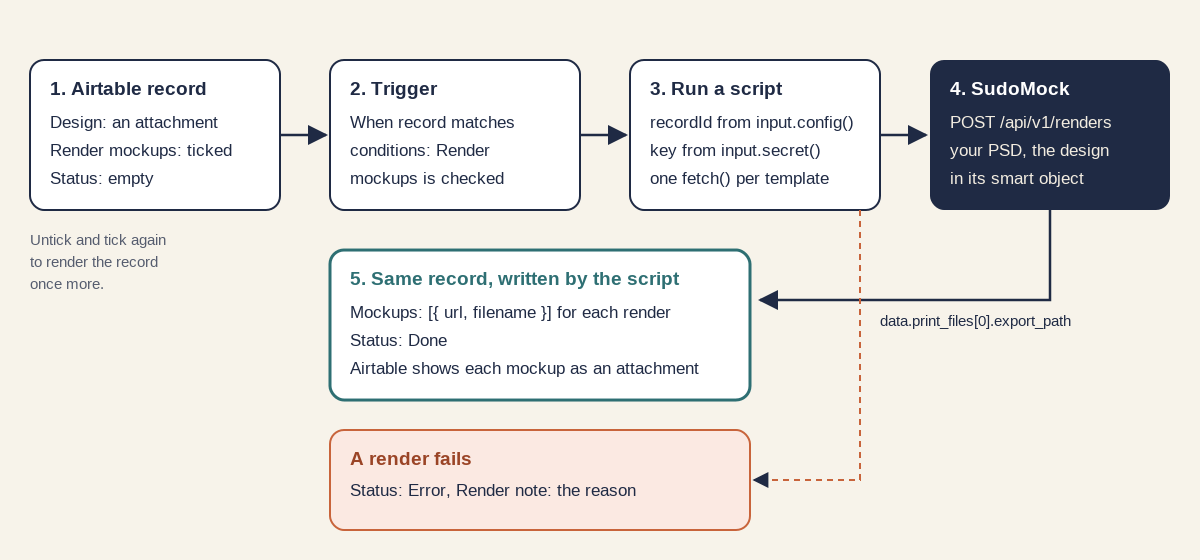 The whole automation: one trigger, one Run a script action, and every result written back into the record that started it.
The Run a script action needs two settings in its left panel before you paste the script:
- Input variable
recordId: the trigger record's Airtable record ID. - Secret
SUDOMOCK_API_KEY: your SudoMock API key, added with "Add new secret" in the Secrets tab.
Airtable's scripting reference for secrets reads a secret with input.secret() inside automation scripts. Airtable announced secrets on 13 May 2025 for all customers who can use scripting, and its Run a script page says secrets are redacted from console output and that editors without access to them can run the automation but cannot view the value. The key never appears in the script text.
The script: one render per template, attached in one update
The script reads the record, sends one render request per template, one after another, and writes every finished image into the Mockups field in one update. Paste it into the Run a script action and replace the three uuid pairs with your own.
// Input variable: recordId (the trigger record's Airtable record ID)// Secret: SUDOMOCK_API_KEY (your SudoMock API key)const { recordId } = input.config();const apiKey = input.secret('SUDOMOCK_API_KEY');// One entry per PSD template: its mockup uuid and the uuid of the design layerconst TEMPLATES = [{ name: 'sweatshirt', mockup: 'SWEATSHIRT_MOCKUP_UUID', layer: 'SWEATSHIRT_LAYER_UUID' },{ name: 'poster', mockup: 'POSTER_MOCKUP_UUID', layer: 'POSTER_LAYER_UUID' },{ name: 'phone-case', mockup: 'CASE_MOCKUP_UUID', layer: 'CASE_LAYER_UUID' },];const table = base.getTable('Designs');const record = await table.selectRecordAsync(recordId);const design = record.getCellValue('Design');async function render(template, designUrl) {const response = await fetch('https://api.sudomock.com/api/v1/renders', {method: 'POST',headers: { 'x-api-key': apiKey, 'Content-Type': 'application/json' },body: JSON.stringify({mockup_uuid: template.mockup,smart_objects: [{ uuid: template.layer, asset: { url: designUrl, fit: 'fit' } },],export_options: { image_format: 'webp', image_size: 1024 },}),});const result = await response.json();if (!response.ok) {throw new Error(`${template.name}: ${response.status} ${result.detail || ''}`);}return {url: result.data.print_files[0].export_path,filename: `${record.name}-${template.name}.webp`,};}try {if (!design || design.length === 0) {throw new Error('No file in Design');}const mockups = [];for (const template of TEMPLATES) {mockups.push(await render(template, design[0].url));}await table.updateRecordAsync(recordId, {'Mockups': mockups,'Status': { name: 'Done' },'Render note': '',});} catch (error) {await table.updateRecordAsync(recordId, {'Status': { name: 'Error' },'Render note': String(error.message),});throw error;}
The request body is the one the render reference documents. fit: 'fit' keeps the whole design inside the layer with its proportions, and image_size is the output width in pixels, with the height following the template. The finished image link comes back at data.print_files[0].export_path.
Airtable's cell values reference, read on 28 November 2026, writes an attachment cell as a list of objects with url and an optional filename, and says "New attachments only require the url property." The script replaces what Mockups held, so a record that renders again shows only its current set. To keep the earlier images as well, pass the attachments already in the cell back with the new ones: Airtable needs the full object for an attachment that is already there.
The design needs no public hosting. The script reads the link of the record's own Design attachment, and Airtable's attachment URL page, read on 28 November 2026, says such download links need no Airtable access and expire a couple of hours after they are generated. The script sends the render request right after it reads the record, well inside that window.
Each run can make 50 fetch requests, each fetch times out after 30 seconds, and the whole script has to finish within Airtable's script time limit of 30 seconds, raised to 120 seconds for now (Airtable's Run a script page, read on 28 November 2026). One template is one request and the average SudoMock render finishes in under a second, so a record carries several templates in one run; a long template list goes to the asynchronous form of the request in the Airtable guide in the docs.
One record, three templates
We sent the script's three render requests on 28 November 2026 with one original coast badge design, to a sweatshirt, a framed poster and a phone case template in our account. Each answer carried a 1,024 x 1,024 WebP at export_path, which is what lands in the Mockups field.
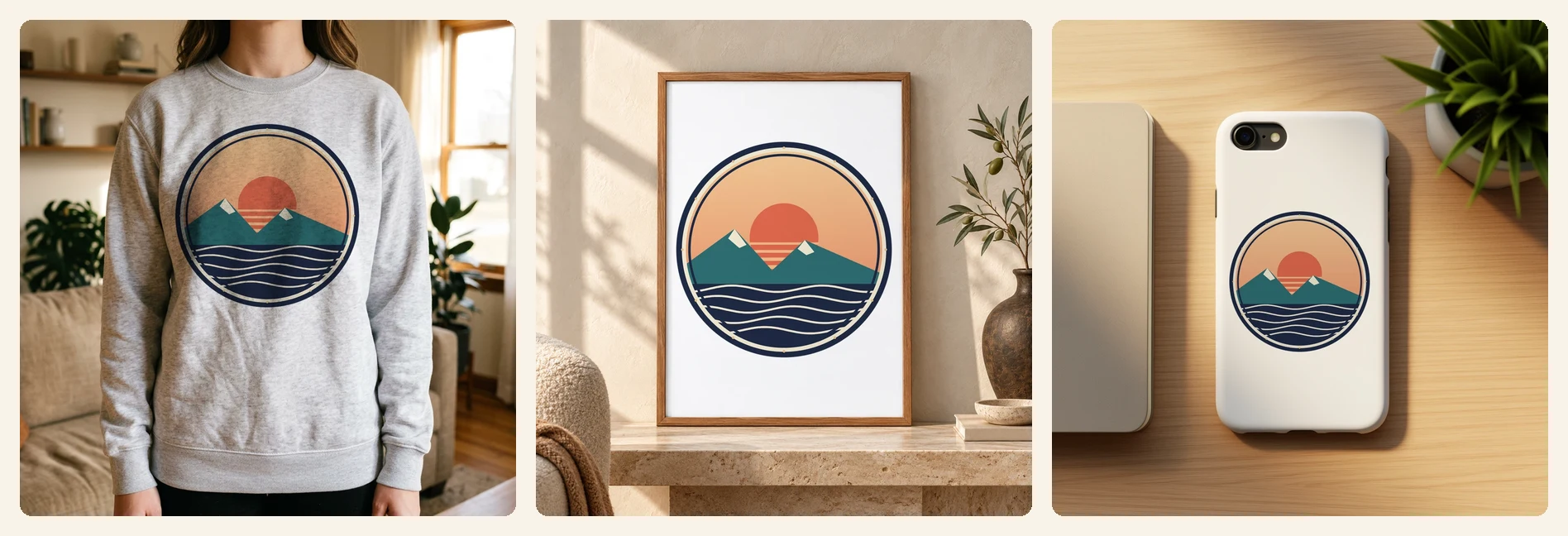 One design, three of our PSD templates: the sweatshirt, framed poster and phone case renders the three requests returned on 28 November 2026.
The sweatshirt render keeps the fabric's heather texture through the print, and the poster and the case keep the light of their scenes: the render matches Photoshop's own output. A team without its own PSD can start from a ready template such as this Gildan 18000 crewneck sweatshirt mockup, drop a design on it in the browser with no account, and render it from the script with the two calls that page shows: read the template, then post to /api/v1/photo-mockups/{id}/render with print_areas in place of the smart object body, in a copy of render. Its answer carries the image link at the same data.print_files[0].export_path.
When a run fails
A failed render ends with Status set to Error and the reason in Render note, and the script then fails the run so it also shows in the automation's run history. Fix what the note names and tick the checkbox again.
| Render note shows | What it means | Fix |
|---|---|---|
No file in Design | The record has no artwork attached | Attach the file, then tick the box again |
401 | The secret holds a wrong or incomplete key | Replace the secret's value with the full key |
422 | A placeholder left in TEMPLATES, or the design link did not open | Paste the real uuids, then tick the box again so the script reads a fresh Design link |
404 or 400 | The uuid is not on your account or not on that template | Copy the pair again from your template list |
429 | The rate limit was reached | Tick the box again a minute later |
Errors gives the retry rule for every other code. A team that ticks hundreds of records at once starts one run per record, and the asynchronous form of the request suits a backlog that size.
Next step
Paste the script into a Run a script action, put your uuid pairs in TEMPLATES and tick one test record. The Airtable guide in the docs has the asynchronous form of the request for a backlog, and the render reference has the text layer and export fields a record can fill next. A team whose catalog lives in a sheet can run the same render from Zapier or Make, and Automate PSD mockups covers the API, MCP and no-code routes.
Frequently asked questions
Can an Airtable automation call an image API without Zapier or Make?
Yes. Airtable automations have no HTTP request action, but the Run a script action can call any API with fetch(). The script sends the render request, takes the image link from the answer and writes it into the record.
Which Airtable plans can run the script?
Airtable lists the Run a script action on all plan types with varying limitations. Its help page, read on 28 November 2026, says the action is not available on a Team plan trial.
How many mockups can one record get in a single run?
Airtable allows 50 fetch requests per run, and each one times out after 30 seconds. One render is one request, so a record can render on several templates in one run, one request after another. The average SudoMock render finishes in under a second.
Where should the SudoMock API key go?
In an Airtable secret, which the script reads with input.secret(). Airtable redacts secrets from console output, and editors without access to the secret can run the automation but cannot see its value.
Does the design have to be at a public URL?
No. The script can use the link of the record's own Design attachment, because Airtable's download links open without an Airtable login for a couple of hours after they are generated. The render request goes out right after the script reads the record.
Sources
- Airtable automation action: Run a script (opens in new tab), Airtable Help Center
- Airtable automation trigger: When record matches conditions (opens in new tab), Airtable Help Center
- Cell values & field options (opens in new tab), Airtable Scripting API
- secrets (opens in new tab), Airtable Scripting API
- Introducing Secrets in Automations: Secure Your API Keys and Sensitive Data (opens in new tab), Airtable Community
- Airtable attachment URL behavior (opens in new tab), Airtable Help Center
- Automated Image Generation from Airtable Records (opens in new tab), Airtable Community
- Render mockups with Airtable and SudoMock (opens in new tab), SudoMock Docs
- Render a PSD mockup (opens in new tab), SudoMock Docs
- List PSD mockups (opens in new tab), SudoMock Docs
- Errors (opens in new tab), SudoMock Docs
Beck
CTO
Related articles
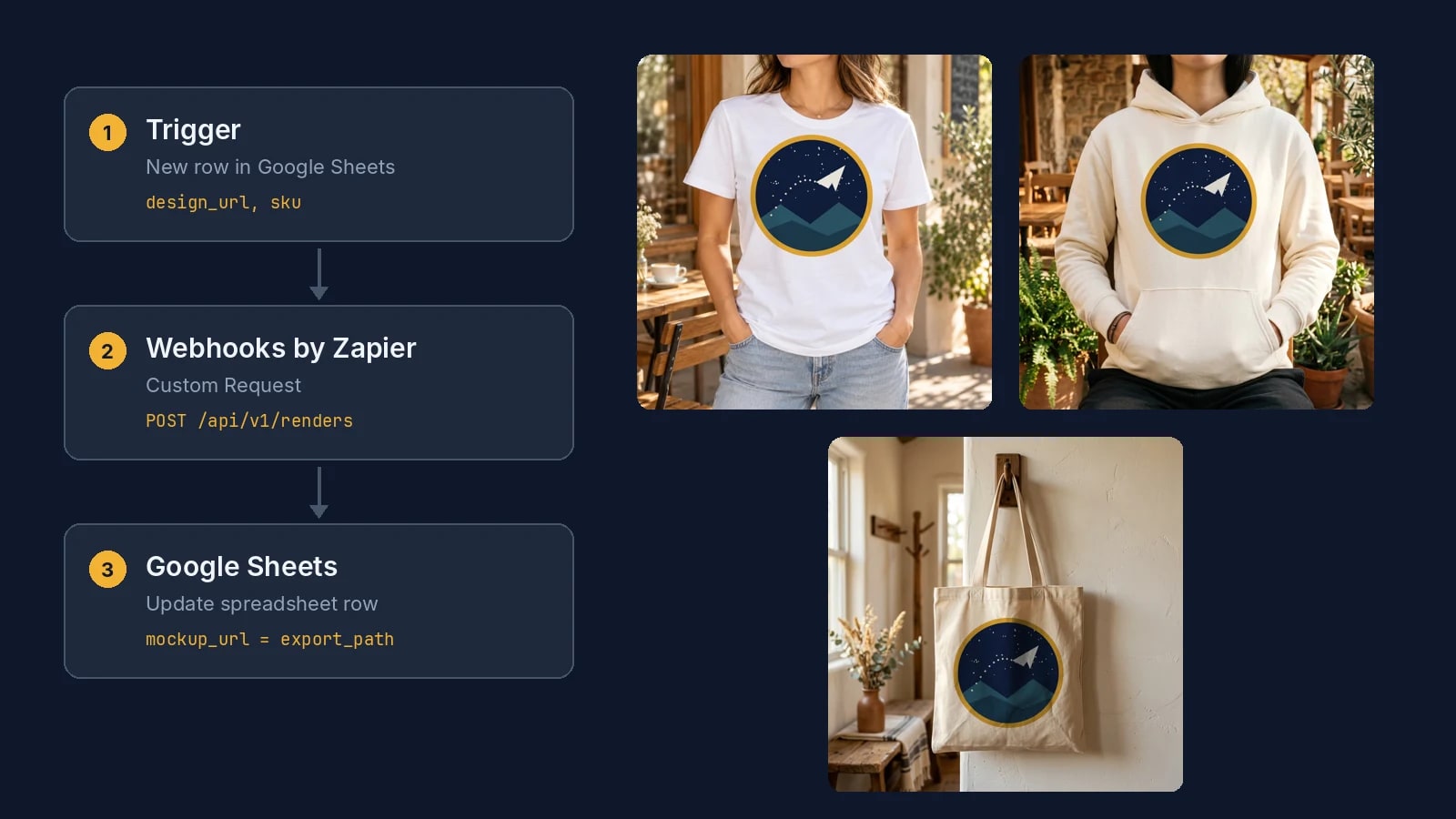
Zapier Mockup Automation: Render Your Own PSD on Any Trigger
One Webhooks by Zapier request turns each trigger into a finished mockup on your own template, with real tee, hoodie, tote and color renders.
8 min read
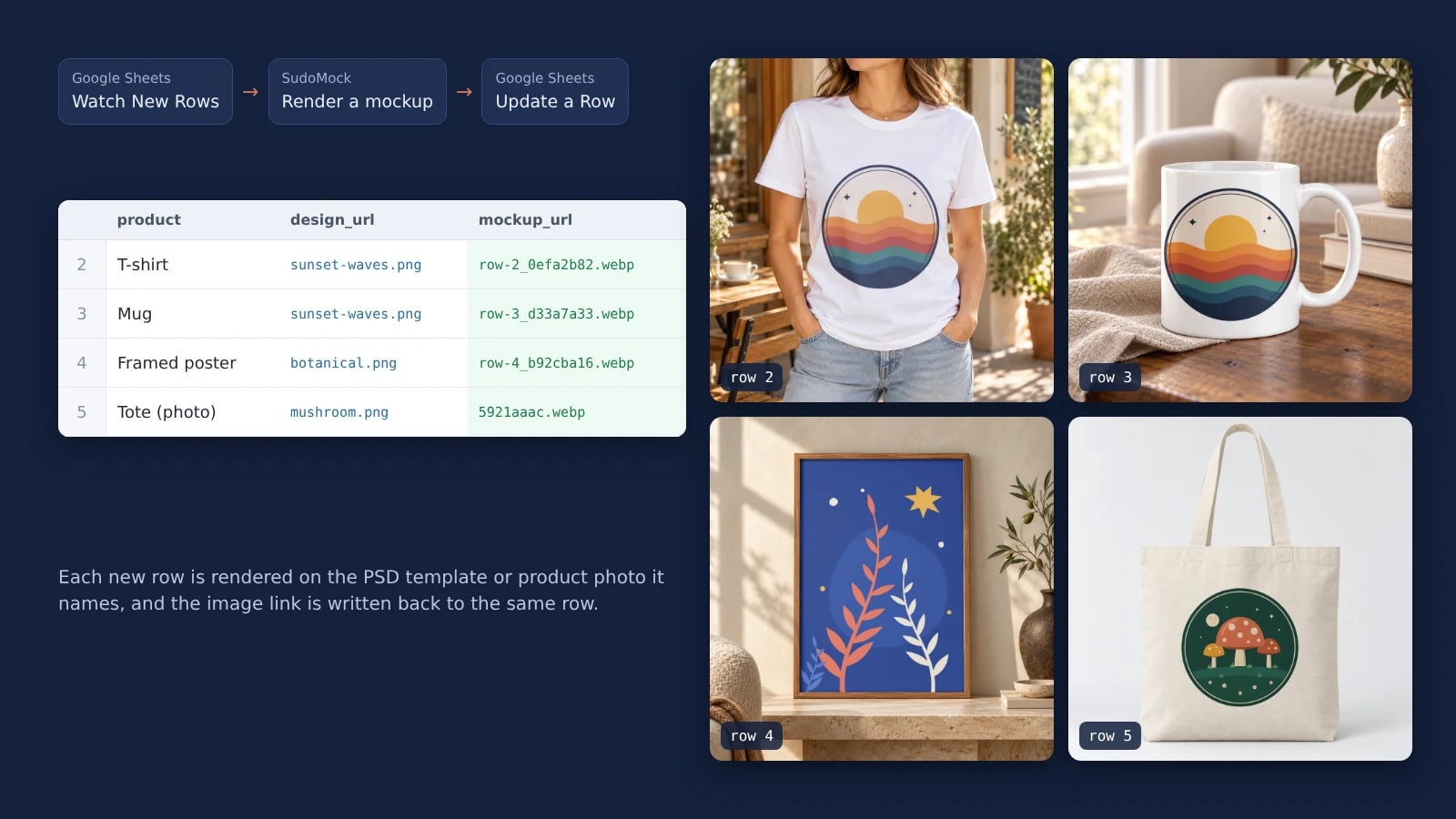
Make.com Mockup Scenario: Render Each New Google Sheets Row on Your Own PSD or Product Photo
Three Make modules turn each new sheet row into a finished mockup on your own template, with real renders of a tee, a mug, a framed print and a tote.
9 min read
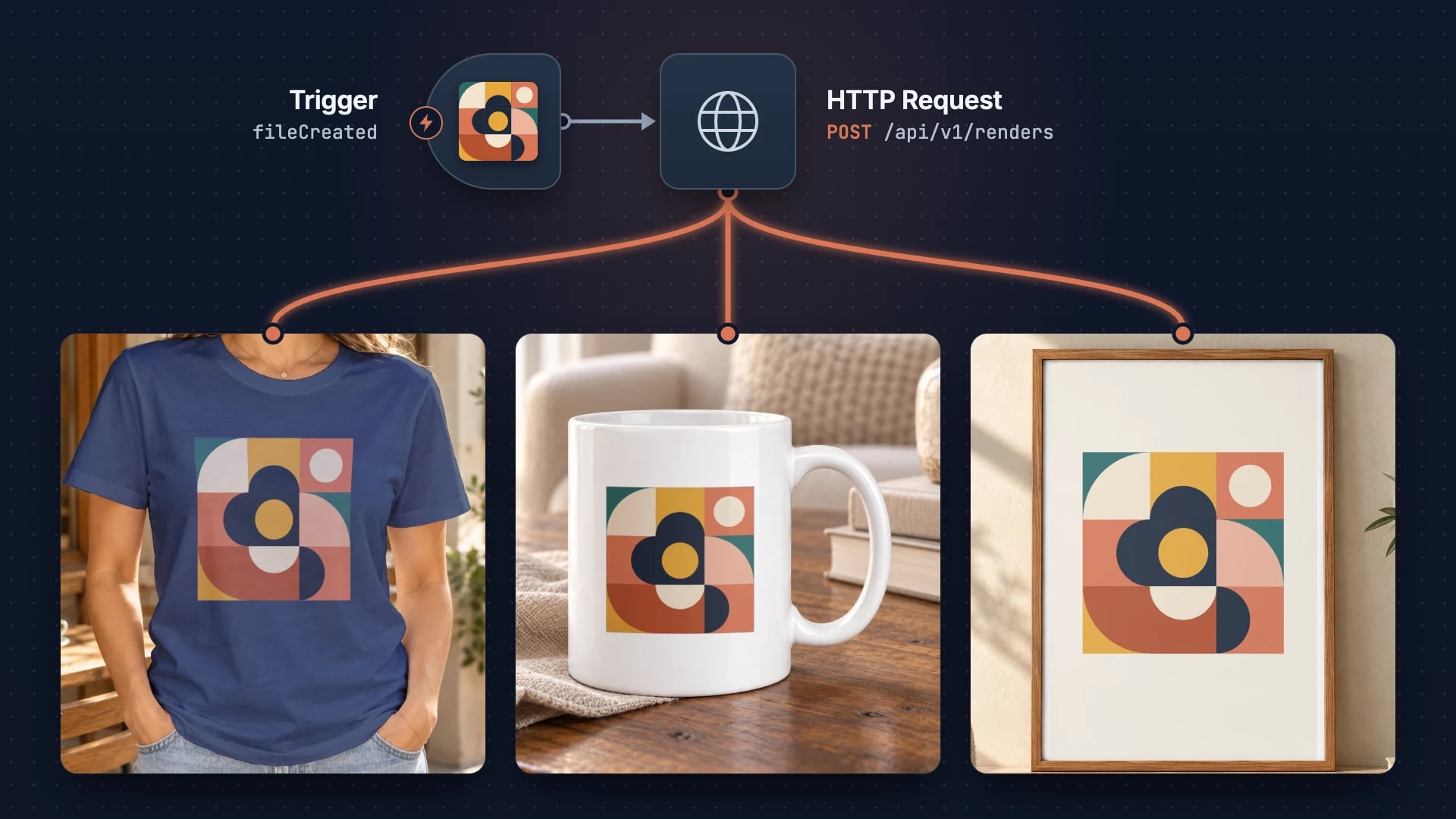
Building a Print-on-Demand Pipeline with n8n
Build an automated print-on-demand pipeline with n8n and SudoMock API. Step-by-step guide from design upload to Etsy/Shopify listing creation from $0.002 per render.
2 min read
Latest articles
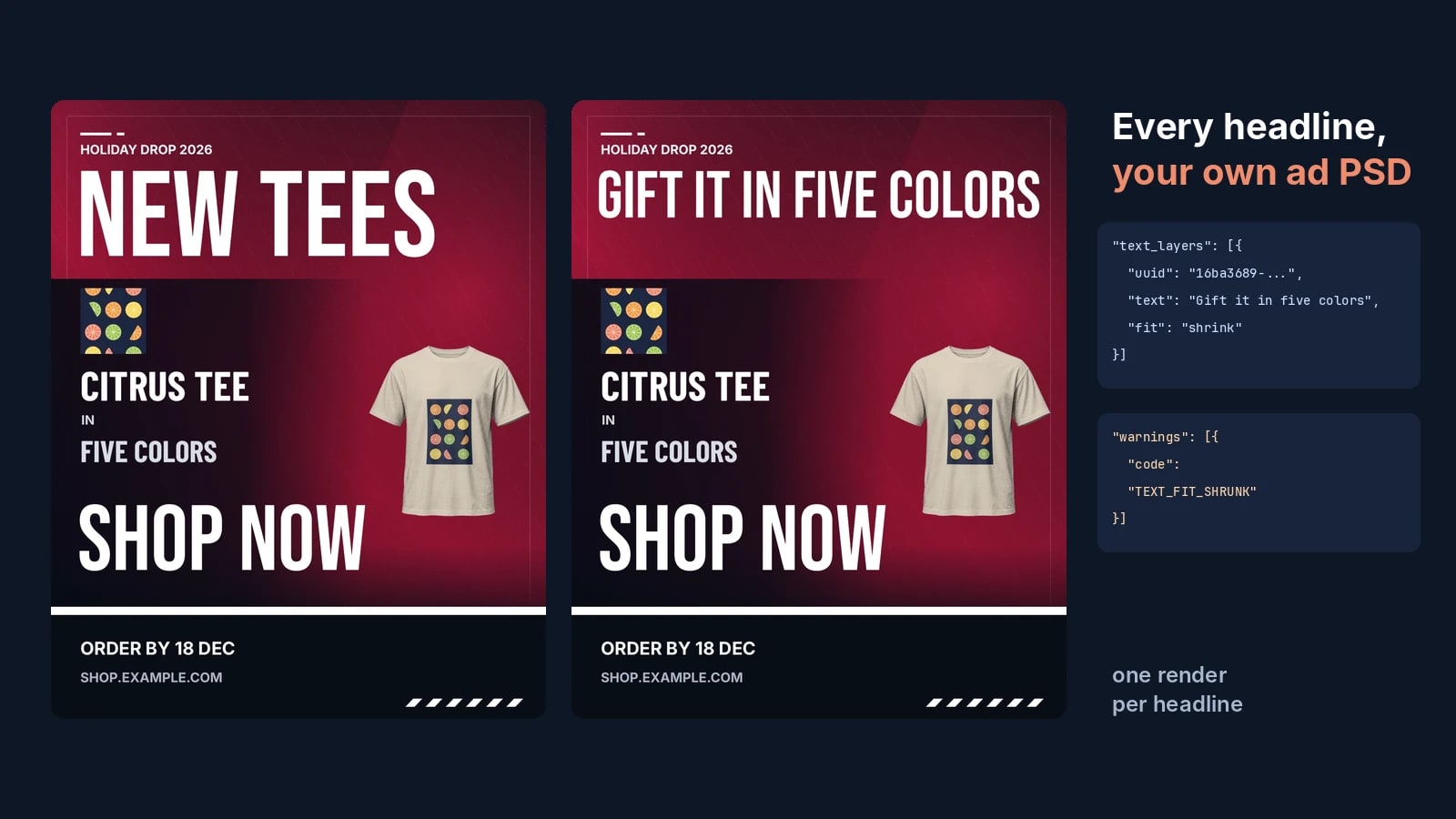
Ad Variants From Your Own PSD Templates With Claude or ChatGPT
Claude or ChatGPT fills each headline into your own ad PSDs and renders every placement, with real renders, the request and the long headline fix.
8 min read
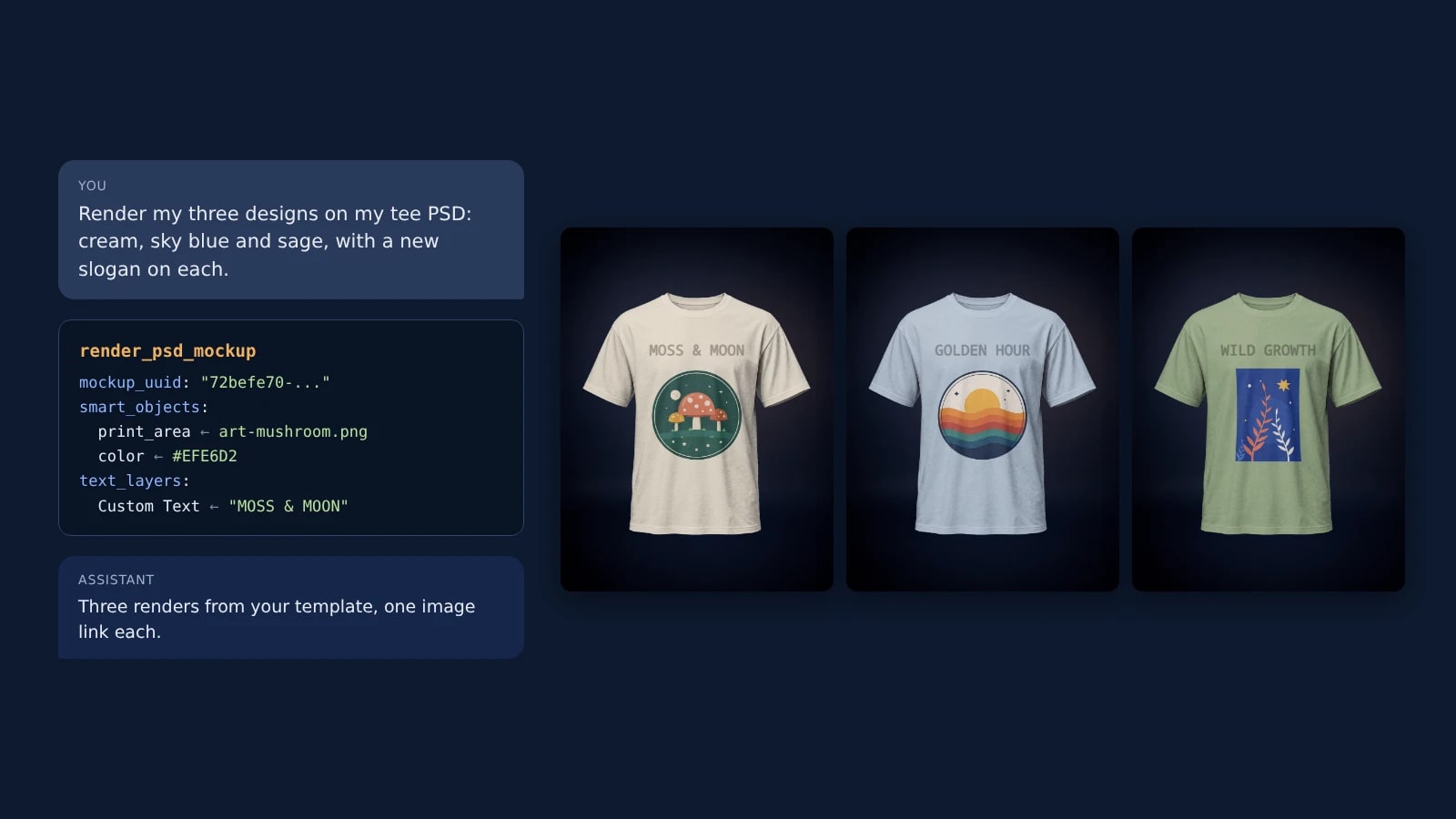
ChatGPT PSD Mockups: Render Your Own Template With ChatGPT or Claude
Connected to SudoMock, ChatGPT or Claude uploads your PSD mockup and renders every design, shirt color and slogan into it, with real tee renders.
6 min read
Beanie Mockups: Lay the Logo Out at the Cuff File, Render Every Color
Lay the logo out at the cuff file of your blank, draw that area on one beanie photo, and render every knit color by API.
8 min read
Explore by use case
See SudoMock in action for your specific product category
Your own PSD, rendered via API
Render your own PSD through the API. Start with 500 one-time credits, no card.