ChatGPT PSD Mockups: Render Your Own Template With ChatGPT or Claude
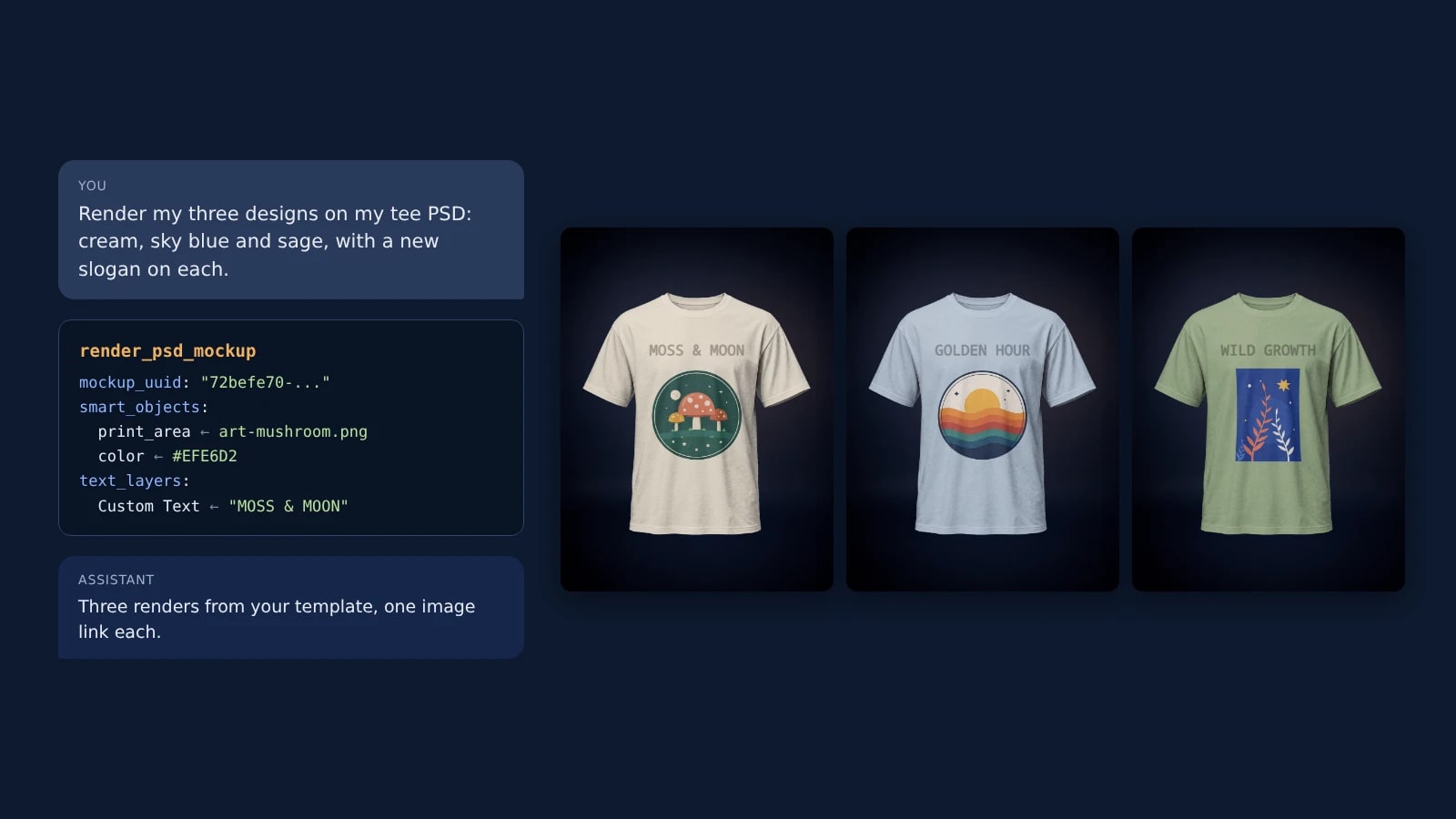
ChatGPT and Claude render your own PSD mockup once SudoMock's MCP server is connected. The assistant uploads the template from a link, reads its smart objects and text layers, and fills them for each design in one call that returns the image link. The folds, shadows and texture you built in Photoshop stay as they are.
Published 6 min readBeck
Key takeaways
- A PSD link must download without a sign-in; open it in a private window before you share it.
- Name every smart object and text layer for a person: the assistant matches the slots by name.
- Dashboard uploads take PSDs up to 300 MB; over the API there is no file size limit.
What ChatGPT and Claude need to use your PSD
Connected to SudoMock, ChatGPT or Claude needs three things from you to render your PSD: the template, a link to each design and a plain instruction. Without the connection, ChatGPT, Claude and Gemini each answered "chatgpt psd mockup" on 25 November 2026, with web search on, by pointing to Adobe Photoshop.
- The PSD mockup template, the one you bought or built, with the design area as a smart object. A product color layer and a slogan text layer are filled in the same render when the template has them.
- The designs, each at a link, such as the file URL in your store or at your print provider. A transparent PNG works best.
- A plain instruction: which designs go on which template, in which colors, with which wording.
What it saves is the desktop loop. A seller in a March 2023 thread on the Adobe community forum (community.adobe.com, read 26 November 2026) had ChatGPT write a Photoshop script to batch mockups from several PSD files, then asked the forum for help when the script still threw an error. Here the assistant calls SudoMock's tools directly, and no script or Photoshop install sits between the request and the image.
Connect SudoMock to ChatGPT or Claude
Add https://mcp.sudomock.com in either app, as a custom MCP server in ChatGPT and a custom connector in Claude, and approve access in the SudoMock sign-in window. The steps for each app are in Product mockups with ChatGPT or Claude, and Claude Code, Cursor and Codex CLI are on Connect an agent.
Then ask the assistant to run list_psd_mockups. It reads the templates already in your account and creates nothing, so any answer, even an empty list, means the tools are live.
Give the assistant the PSD
The assistant reads a template from a link, so the PSD needs an address that downloads the file directly. It passes that address to upload_psd, which stores the template once and returns its id with every slot you can fill.
| Where the PSD is | What the assistant calls | File size |
|---|---|---|
| At a link that downloads the file | upload_psd with psd_file_url | No file size limit over the API |
| Uploaded once in the SudoMock dashboard | list_psd_mockups finds it by name | Up to 300 MB per file |
A coding agent such as Claude Code, Cursor or Codex CLI sends a file from your disk with create_upload_url first and passes the file_url it returns to upload_psd.
These are the arguments the assistant sends for a link:
{"psd_file_url": "https://files.example.com/templates/heavyweight-tee-front.psd","psd_name": "Heavyweight tee front"}
The link must answer without a sign-in. A share page that opens a preview or asks you to log in sends the assistant a web page instead of the file; open the link in a private window first, and when the download starts, the assistant can read it too. Smart objects linked to an external file render as the file places them, so you do not have to run Embed Linked before the upload. The dashboard takes PSD and PSB files up to 300 MB, and over the API there is no file size limit.
Read the slots the template carries
The upload answers with the template's id, its smart objects and its text layers, each under the name you gave the layer in Photoshop. That list is every slot a render can fill, and the assistant reads it again at any time with get_psd_mockup.
This is the answer for SudoMock's demo tee template, read on 26 November 2026 and trimmed to the fields the render uses:
{"data": {"uuid": "72befe70-bb84-43d9-b003-c80d6ce23686","width": 2400,"height": 3200,"smart_objects": [{"uuid": "5662df1f-0168-4482-ab15-ddf07a374b1b","name": "color","blend_mode": "multiply"},{"uuid": "93d5719d-f9d2-4e32-84fe-e4b78f23d277","name": "print_area","blend_mode": "normal"}],"text_layers": [{"uuid": "b435eb9d-a89a-4dab-8c49-0992fa3feafd","name": "Custom Text","text_content": "CUSTOM TEXT","font_postscript_name": "NotoSansMono-Regular","segment_count": 1}]},"success": true}
print_area takes the design, color takes a hex color that dyes the shirt, and Custom Text takes new wording in the template's own font. The assistant matches slots by name, so name every smart object and text layer for a person before you save the file ("Front print", never "Layer 7"); SudoMock's guide to preparing a PSD lists the rest. A smart object has to be visible in the file to be listed as a slot.
Render every design into the template
Each design is one render_psd_mockup call that names the template, fills its slots and returns the finished image's URL. The template never changes between calls, so every design lands in the same place with the same folds, shadows and texture.
These are the arguments for the first tee, a mushroom badge on a cream shirt with the slogan MOSS & MOON; use the UUIDs get_psd_mockup returns for your own template:
{"mockup_uuid": "72befe70-bb84-43d9-b003-c80d6ce23686","smart_objects": [{"uuid": "93d5719d-f9d2-4e32-84fe-e4b78f23d277","asset": { "url": "https://example.com/designs/mushroom-badge.png", "fit": "fit" }},{"uuid": "5662df1f-0168-4482-ab15-ddf07a374b1b","color": { "hex": "#EFE6D2" }}],"text_layers": [{ "uuid": "b435eb9d-a89a-4dab-8c49-0992fa3feafd", "text": "MOSS & MOON" }],"image_format": "webp","image_size": 1024}
fit keeps the whole design inside the smart object at its own proportions, crop covers the area and trims what spills over, and fill stretches the design to the edges. We ran three of these calls on 26 November 2026 on the demo tee, one per design. Only the design link, the hex color and the slogan changed between them.
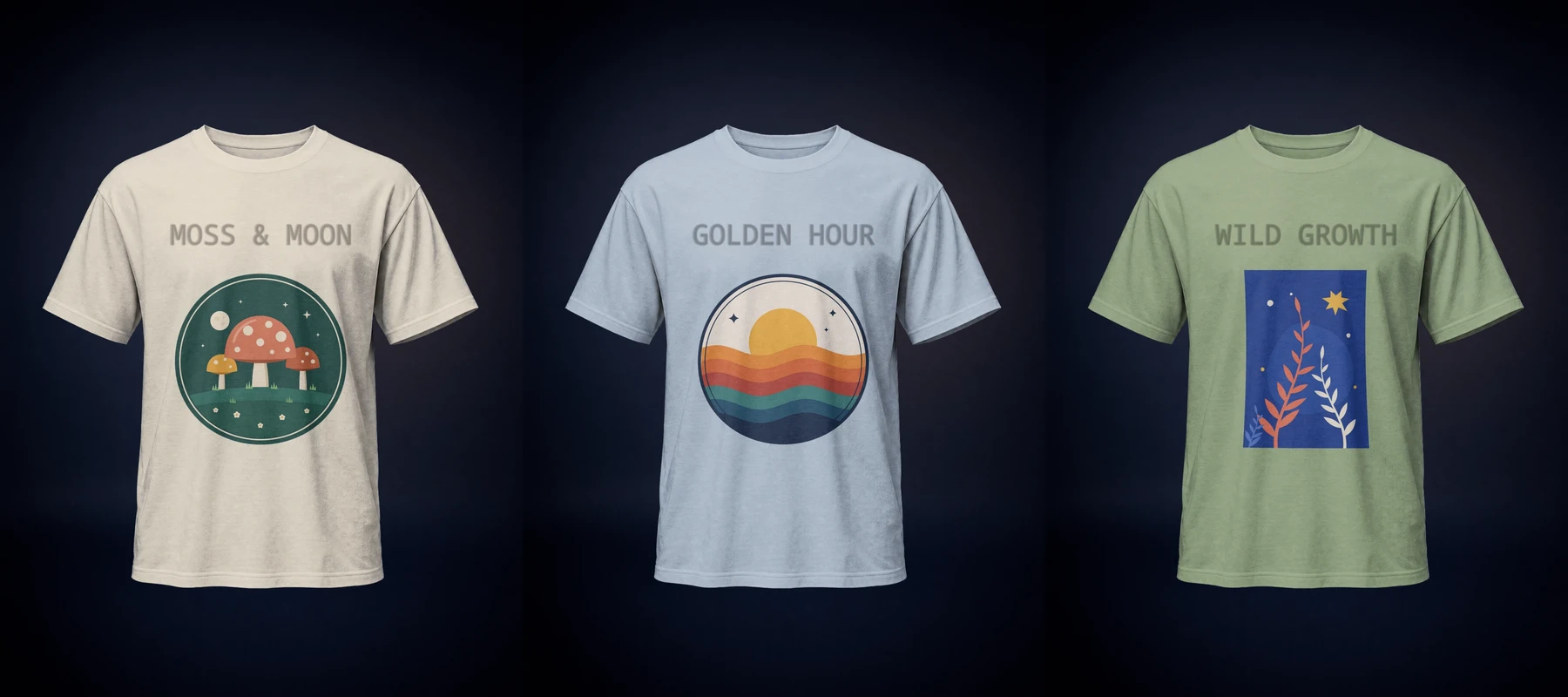 Three renders of SudoMock's demo tee PSD on 26 November 2026, 1024 px WebP each: design in print_area, shirt color in color, slogan in Custom Text.
Renders match Photoshop's own output, and the average SudoMock render finishes in under a second.
A script or an automation sends the same render with one request, and the image is at data.print_files[0].export_path:
curl -X POST https://api.sudomock.com/api/v1/renders \-H "x-api-key: $SUDOMOCK_API_KEY" \-H "Content-Type: application/json" \-d '{"mockup_uuid": "72befe70-bb84-43d9-b003-c80d6ce23686","smart_objects": [{"uuid": "93d5719d-f9d2-4e32-84fe-e4b78f23d277","asset": { "url": "https://example.com/designs/mushroom-badge.png", "fit": "fit" }},{"uuid": "5662df1f-0168-4482-ab15-ddf07a374b1b","color": { "hex": "#EFE6D2" }}],"text_layers": [{ "uuid": "b435eb9d-a89a-4dab-8c49-0992fa3feafd", "text": "MOSS & MOON" }],"export_options": { "image_format": "webp", "image_size": 1024 }}'
const response = await fetch('https://api.sudomock.com/api/v1/renders', {method: 'POST',headers: {'x-api-key': process.env.SUDOMOCK_API_KEY,'Content-Type': 'application/json',},body: JSON.stringify({"mockup_uuid": "72befe70-bb84-43d9-b003-c80d6ce23686","smart_objects": [{"uuid": "93d5719d-f9d2-4e32-84fe-e4b78f23d277","asset": {"url": "https://example.com/designs/mushroom-badge.png","fit": "fit"}},{"uuid": "5662df1f-0168-4482-ab15-ddf07a374b1b","color": {"hex": "#EFE6D2"}}],"text_layers": [{"uuid": "b435eb9d-a89a-4dab-8c49-0992fa3feafd","text": "MOSS & MOON"}],"export_options": {"image_format": "webp","image_size": 1024}}),});const data = await response.json();console.log(data);
import osimport requestsresponse = requests.post("https://api.sudomock.com/api/v1/renders",headers={"x-api-key": os.environ["SUDOMOCK_API_KEY"],"Content-Type": "application/json",},json={"mockup_uuid": "72befe70-bb84-43d9-b003-c80d6ce23686","smart_objects": [{"uuid": "93d5719d-f9d2-4e32-84fe-e4b78f23d277","asset": {"url": "https://example.com/designs/mushroom-badge.png","fit": "fit",},},{"uuid": "5662df1f-0168-4482-ab15-ddf07a374b1b","color": {"hex": "#EFE6D2",},},],"text_layers": [{"uuid": "b435eb9d-a89a-4dab-8c49-0992fa3feafd","text": "MOSS & MOON",},],"export_options": {"image_format": "webp","image_size": 1024,},},)print(response.json())
package mainimport ("bytes""fmt""io""net/http""os")func main() {payload := []byte(`{"mockup_uuid": "72befe70-bb84-43d9-b003-c80d6ce23686","smart_objects": [{"uuid": "93d5719d-f9d2-4e32-84fe-e4b78f23d277","asset": {"url": "https://example.com/designs/mushroom-badge.png","fit": "fit"}},{"uuid": "5662df1f-0168-4482-ab15-ddf07a374b1b","color": {"hex": "#EFE6D2"}}],"text_layers": [{"uuid": "b435eb9d-a89a-4dab-8c49-0992fa3feafd","text": "MOSS & MOON"}],"export_options": {"image_format": "webp","image_size": 1024}}`)req, err := http.NewRequest("POST", "https://api.sudomock.com/api/v1/renders", bytes.NewBuffer(payload))if err != nil {panic(err)}req.Header.Set("x-api-key", os.Getenv("SUDOMOCK_API_KEY"))req.Header.Set("Content-Type", "application/json")resp, err := http.DefaultClient.Do(req)if err != nil {panic(err)}defer resp.Body.Close()body, _ := io.ReadAll(resp.Body)fmt.Println(string(body))}
<?php$payload = <<<'JSON'{"mockup_uuid": "72befe70-bb84-43d9-b003-c80d6ce23686","smart_objects": [{"uuid": "93d5719d-f9d2-4e32-84fe-e4b78f23d277","asset": {"url": "https://example.com/designs/mushroom-badge.png","fit": "fit"}},{"uuid": "5662df1f-0168-4482-ab15-ddf07a374b1b","color": {"hex": "#EFE6D2"}}],"text_layers": [{"uuid": "b435eb9d-a89a-4dab-8c49-0992fa3feafd","text": "MOSS & MOON"}],"export_options": {"image_format": "webp","image_size": 1024}}JSON;$ch = curl_init('https://api.sudomock.com/api/v1/renders');curl_setopt_array($ch, [CURLOPT_CUSTOMREQUEST => 'POST',CURLOPT_RETURNTRANSFER => true,CURLOPT_HTTPHEADER => ['x-api-key: ' . getenv('SUDOMOCK_API_KEY'),'Content-Type: application/json',],CURLOPT_POSTFIELDS => $payload,]);$response = curl_exec($ch);curl_close($ch);echo $response;
For a whole color range of one design, the same call runs once per hex value, as in T-shirt color variant mockups.
Instructions to give your assistant
Paste these rules into a ChatGPT or Claude project, or into the AGENTS.md of a coding agent. They keep the assistant on the template you already own, make it upload a file once, and bring back links you can use.
You render product mockups from my own PSD templates with the SudoMock tools.1. Look for the template with list_psd_mockups first, by name.Call upload_psd only when it is not there, with the PSD'sdirect download link. Never upload the same file twice.2. Read the slots with get_psd_mockup and match them by layername, never by position in the list.3. For each design, call render_psd_mockup once: the design linkin the artwork slot with fit "fit", the shirt color as a hex inthe color slot, and the wording in the text layer when I give one.4. Use jpg for marketplace uploads and image_size 1024 unless Iask for a larger width.5. Use my design files as they are. Never redraw a design or theproduct with an image model.6. Reply with a table: design, color, wording, image URL.
Next step
Connect the server with the ChatGPT and Claude steps in Product mockups with ChatGPT or Claude, or on Connect an agent for a coding agent, then give the assistant one PSD link and one design. Upload a PSD explains every field of the upload answer, and Render a PSD mockup lists every option of the render. When you have no tee template of your own yet, start from the t-shirt mockup templates in the library. To render on a trigger instead of a chat message, see Zapier mockup automation.
Frequently asked questions
Can ChatGPT put my design into a PSD mockup?
Yes, once SudoMock is added to ChatGPT as a custom MCP server. The assistant uploads the PSD from a link, places your design in its smart object and returns the finished image link. Each further design is one more render on the same stored template.
Do I need Photoshop open to render my PSD with ChatGPT or Claude?
No. The template is uploaded once and every render is made from the stored file, with the folds, shadows and texture you built. Photoshop is only needed to build or change the template itself.
Can I attach the PSD file in the chat?
The connector reads the PSD from a link that downloads the file, or from a template you already uploaded in the SudoMock dashboard. The dashboard takes files up to 300 MB, and over the API there is no file size limit. A coding agent such as Claude Code sends a file from your disk with create_upload_url.
Can the assistant change the shirt color and the text too?
Yes, when the template has a color smart object and a text layer. One render fills the design, the hex color and the new wording together. The assistant reads which slots a template has with get_psd_mockup.
What does a PSD render through ChatGPT or Claude cost?
A PSD render through the connector costs what the same render costs over the API, from the same account and the same credits. Plans start at $25/month. Subscriptions from $0.002 per render.
Sources
- Upload a PSD (opens in new tab), SudoMock Docs
- Preparing a PSD (opens in new tab), SudoMock Docs
- Render a PSD mockup (opens in new tab), SudoMock Docs
- Connect an agent (opens in new tab), SudoMock Docs
- Script to Batch Mockups from Multiple PSD files [Photoshop Scripts], Adobe Community, community.adobe.com, read November 26, 2026
Beck
CTO
Related articles
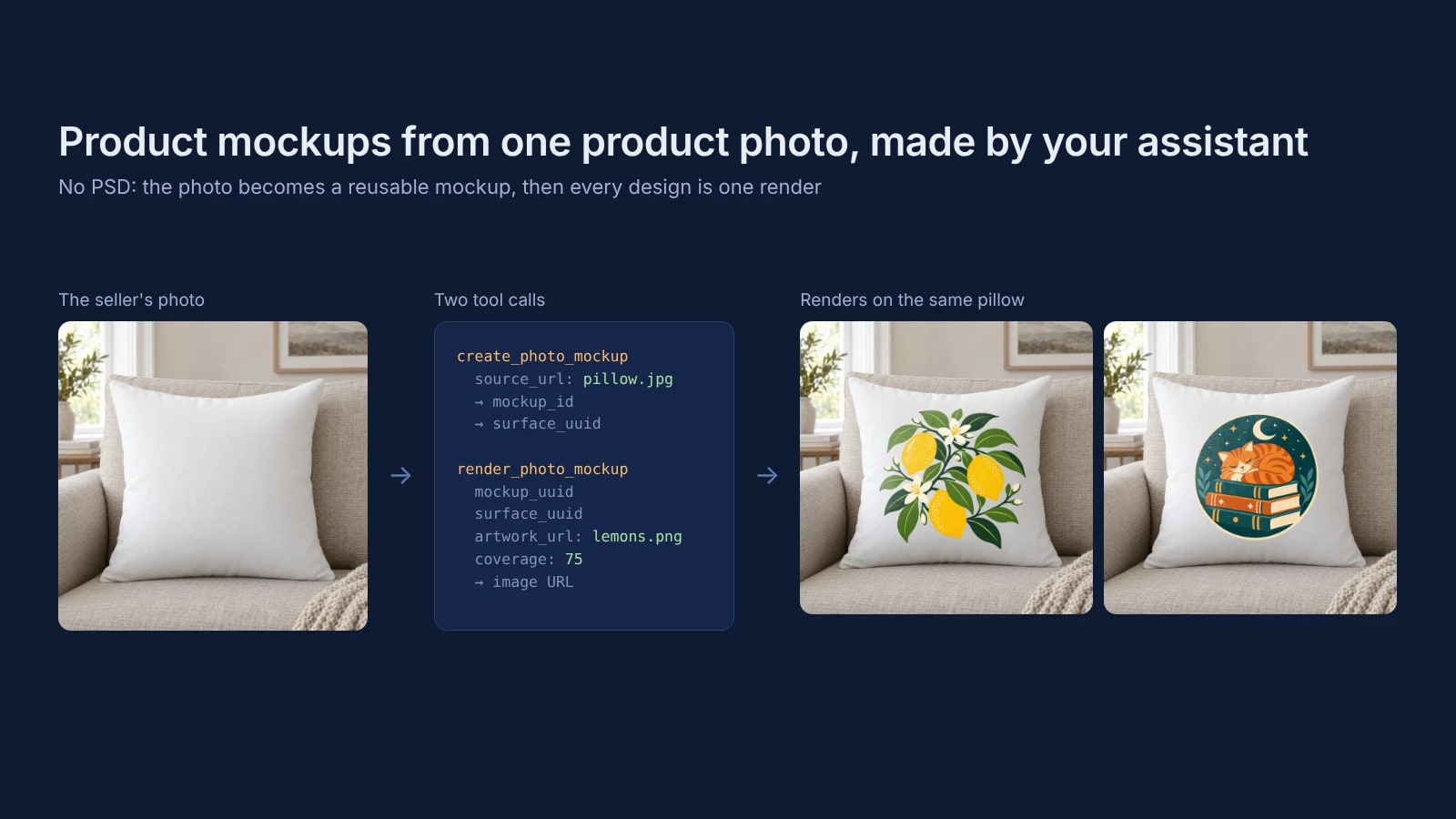
Product Mockups With ChatGPT or Claude From One Product Photo
Make product mockups in ChatGPT or Claude without a PSD: one product photo becomes a reusable mockup, and each design is one render on it.
7 min read
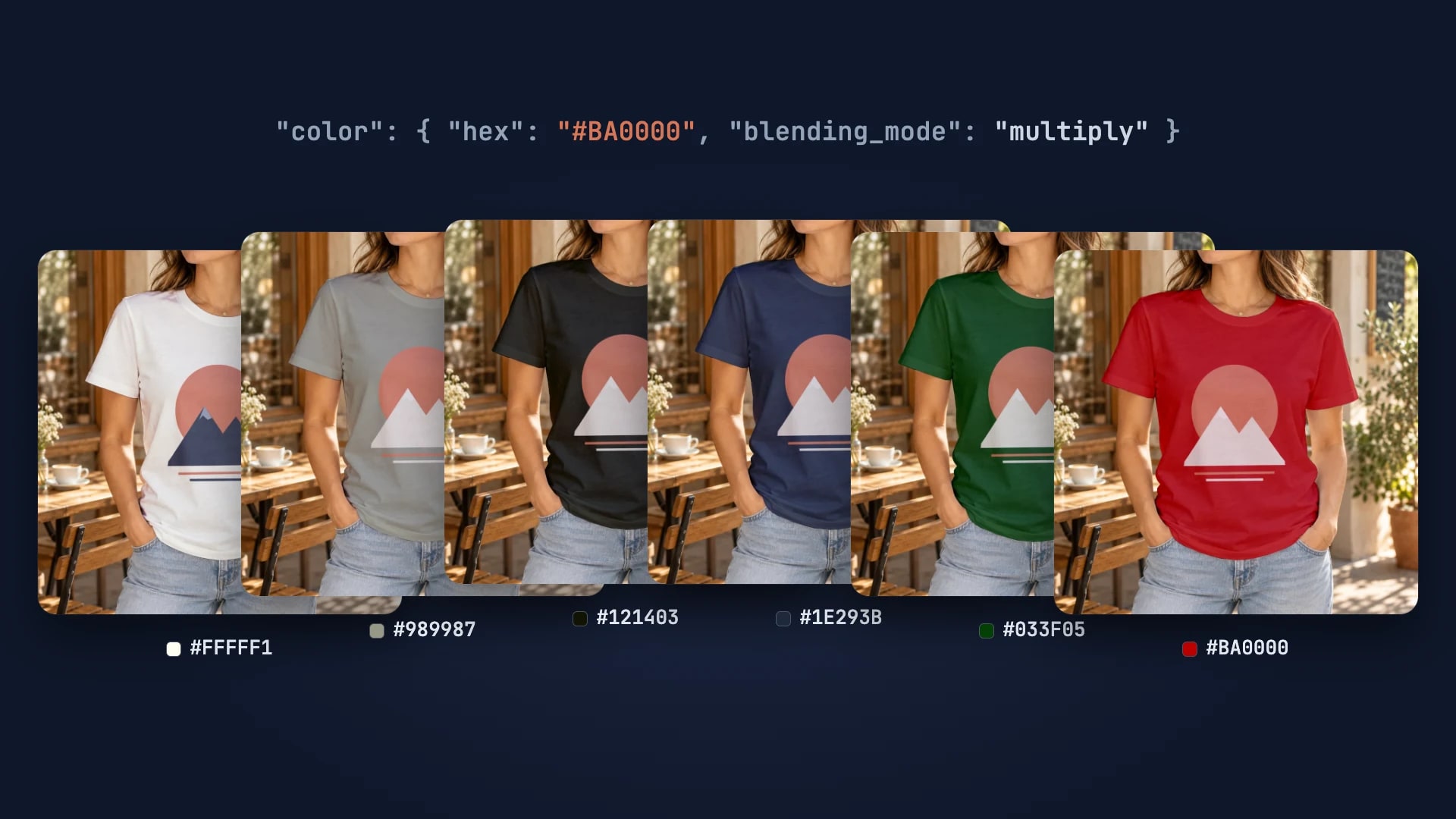
Every T-Shirt Color Variant Mockup from One PSD by API
One PSD with a color smart object renders every t-shirt colorway: one request per color, shown with six real renders.
4 min read
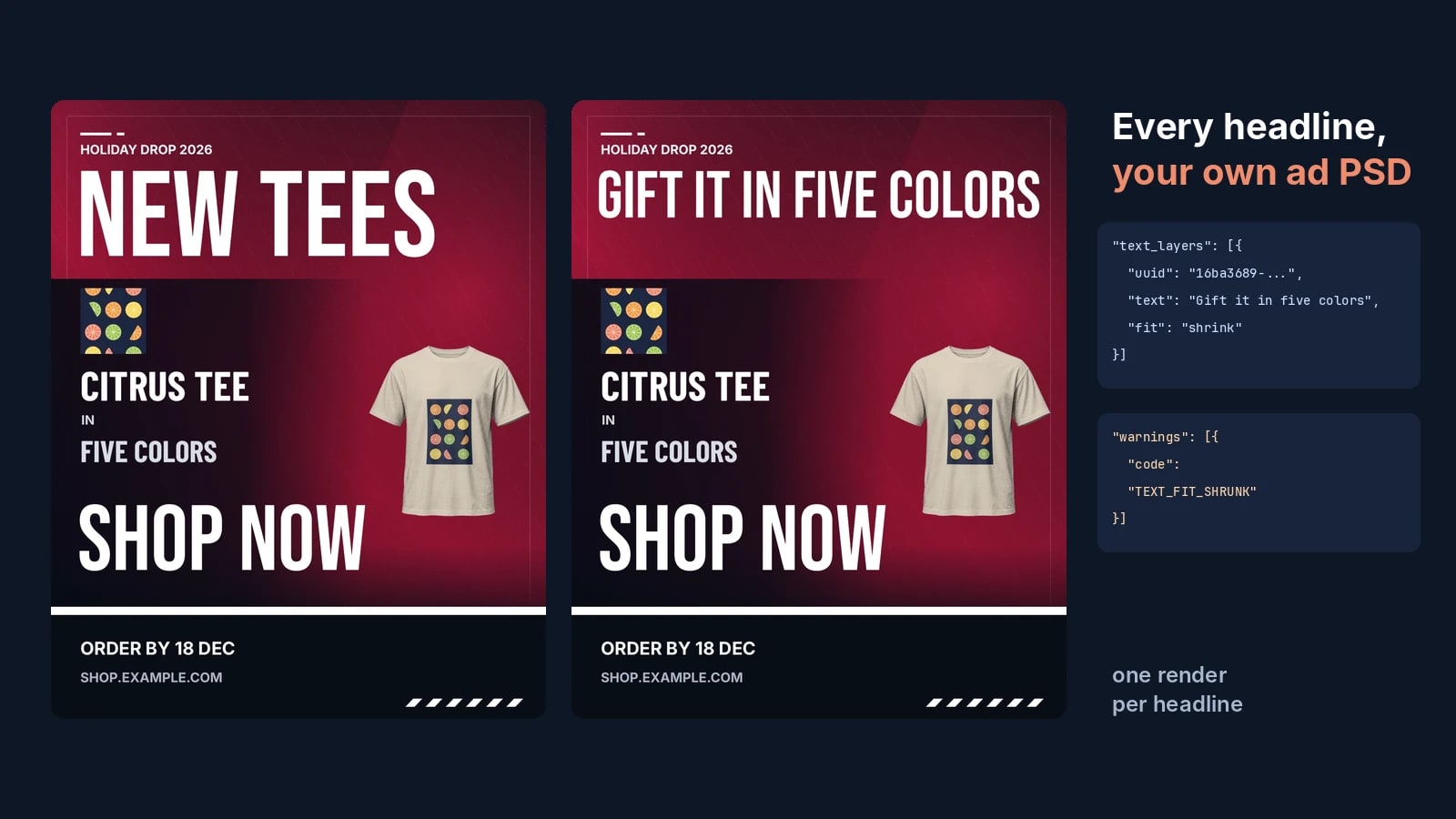
Ad Variants From Your Own PSD Templates With Claude or ChatGPT
Claude or ChatGPT fills each headline into your own ad PSDs and renders every placement, with real renders, the request and the long headline fix.
8 min read
Latest articles
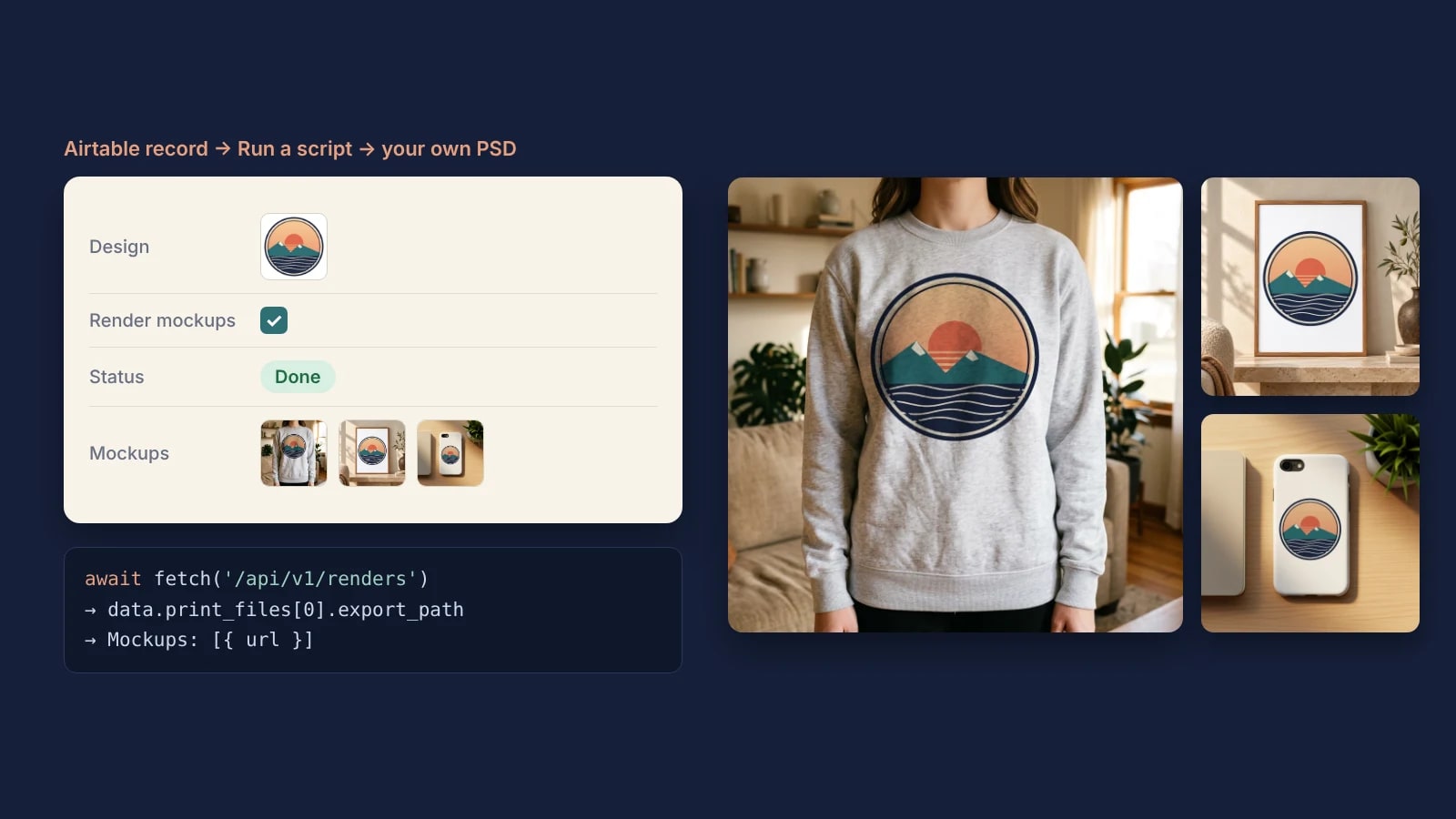
Airtable Mockup Automation: Render Your Own PSD per Record
One Run a script action turns a ticked record into finished mockups on your own templates, attached to the same record, with real sweatshirt, poster and phone case renders.
8 min read
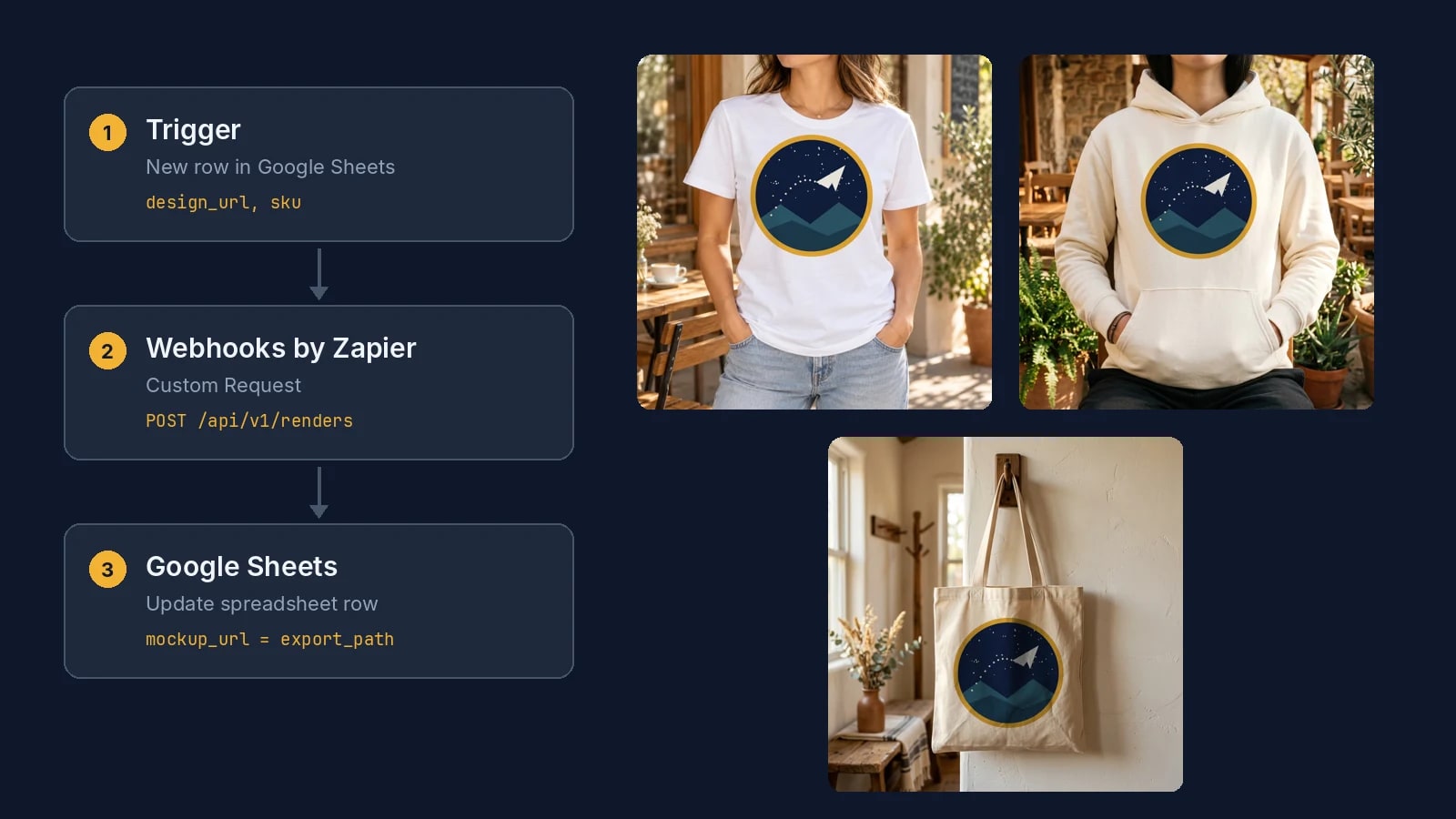
Zapier Mockup Automation: Render Your Own PSD on Any Trigger
One Webhooks by Zapier request turns each trigger into a finished mockup on your own template, with real tee, hoodie, tote and color renders.
8 min read
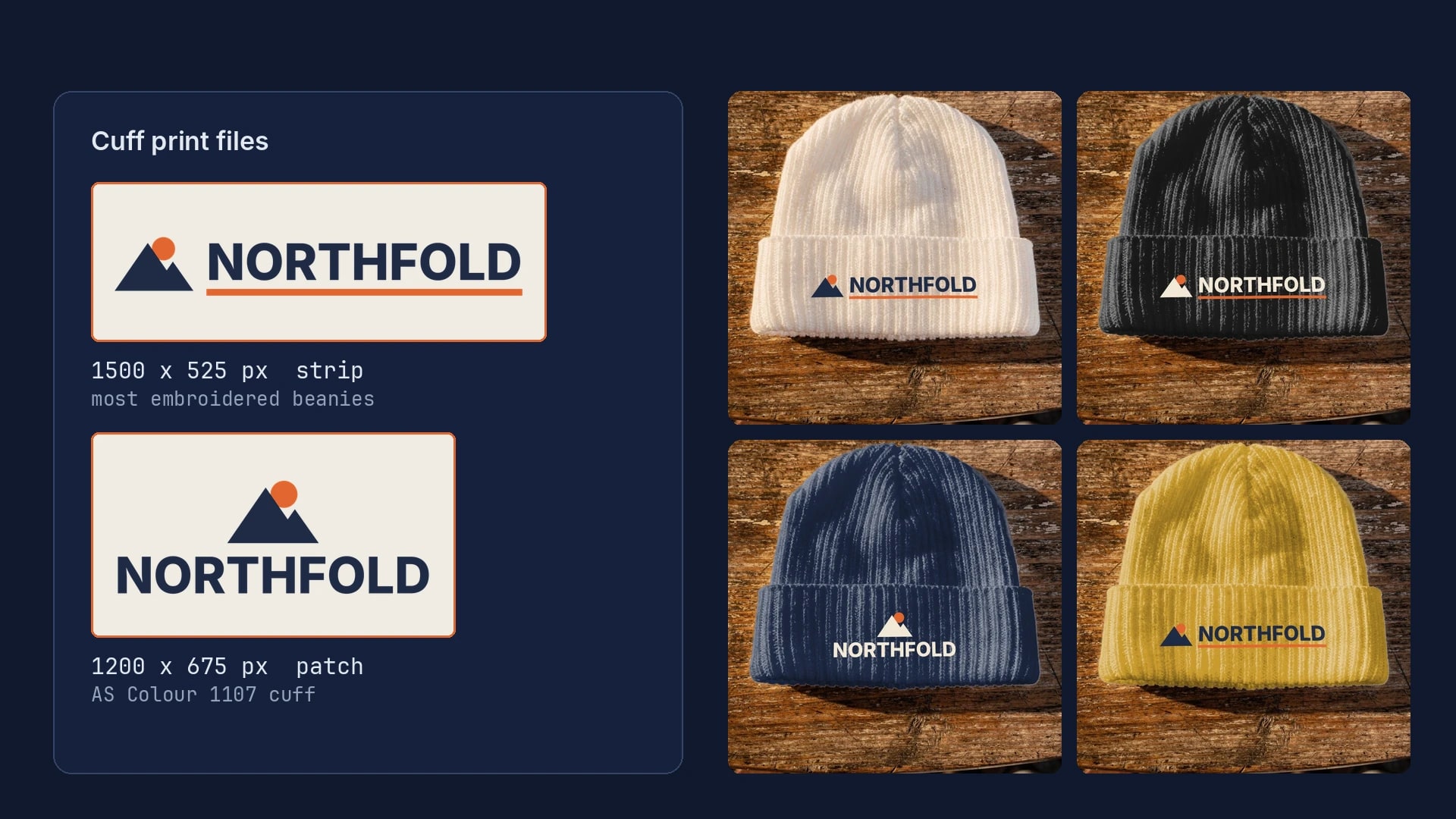
Beanie Mockups: Lay the Logo Out at the Cuff File, Render Every Color
Lay the logo out at the cuff file of your blank, draw that area on one beanie photo, and render every knit color by API.
8 min read
Explore by use case
See SudoMock in action for your specific product category
Your own PSD, rendered via API
Render your own PSD through the API. Start with 500 one-time credits, no card.