Ad Variants From Your Own PSD Templates With Claude or ChatGPT
Connected to SudoMock, Claude or ChatGPT fills each headline into the text layer of your own ad PSDs, one template per placement, and renders every headline on every canvas. Send the headline with fit set to shrink, so a line longer than the placeholder still fits, in the layout and fonts you built in Photoshop.
Published 8 min readBeck
Key takeaways
- A canvas with only text layers renders from text_layers alone, with no smart object entry.
- Read font_available first: false means a default font and a TEXT_FONT_FALLBACK warning.
- Have the assistant list every TEXT_FIT_SHRUNK so you see which headlines came out smaller.
What the assistant needs from your ad files
A set of ad variants takes four inputs: a PSD for each placement, a live headline layer in each, the product photo in a smart object and the list of headlines. With those, one message to Claude or ChatGPT connected to SudoMock brings back every headline on every canvas as image links.
- One PSD per placement. A 4:5 feed card, a 9:16 story and a wide banner are three files, each built at its placement's size.
- The headline as a live text layer in each file, never converted to a shape or rasterized, with a name a person can read. Any other line that changes per variant, such as the offer or the end date, is a text layer too.
- The product photo in a smart object, on the canvases that show one, so a new product or color goes in as a link.
- The headlines, typed into the message or pasted from the sheet where your team keeps them. For a CSV run without an assistant, Photoshop variables and data sets maps each column to a layer.
Anthropic's growth marketing team described the chore this replaces in How Anthropic uses Claude in marketing (published January 26, 2026, read November 27, 2026): "Creating ad variations meant endless copying, pasting, and switching between Figma and Google Docs," across ten or more variations and several aspect ratios.
Connect SudoMock and upload each canvas
Add https://mcp.sudomock.com as a custom connector in Claude or as a custom MCP server in ChatGPT, then give the assistant a download link for each ad PSD. It stores every file once with upload_psd and renders from the stored template from then on.
The steps for both apps are in Product mockups with ChatGPT or Claude. Name each file for its placement when you hand it over ("Holiday feed 4:5", "Holiday banner 5:3"), because the assistant finds templates again by name with list_psd_mockups. The link has to download the file without a sign-in; ChatGPT PSD mockup shows the upload arguments and the route for a file that sits only on your disk. Dashboard uploads take PSD and PSB files up to 300 MB, and over the API there is no file size limit.
Check the headline layer before the first render
get_psd_mockup lists every text layer of a template with its name, its current text and whether its typeface is ready to render. Read it once per canvas before the first render, because two of its fields decide whether the whole set comes out as designed.
This is the answer for the 4:5 card, a 1080 x 1350 template, read on 27 November 2026 and trimmed to the headline and the photo slot:
{"data": {"uuid": "436ad2d8-cde8-439a-b0a6-419d8657f9ac","width": 1080,"height": 1350,"text_layers": [{"uuid": "16ba3689-636b-4c6e-84ac-f8898a783d53","name": "HEADLINE","text_content": "FINAL","font_postscript_name": "BebasNeue-Regular","font_available": true,"segment_count": 1}],"smart_objects": [{"uuid": "d3ba62d6-f74e-45eb-8d5f-e3827dee0940","name": "ATHLETE_PHOTO","size": { "width": 720, "height": 1000 }}]},"success": true}
Its placeholder reads FINAL and its photo slot is named for an athlete: a text layer is a slot whatever it was designed for, and the renders below turn the card into a holiday ad.
font_availableis false when the layer's typeface is not in your account's catalogue. A render then falls back to a default font and the response carries aTEXT_FONT_FALLBACKwarning. Pro and Scale accounts add their own licensed TTF or OTF file once withPOST /api/v1/fonts, and each headline names it by its uuid infontinside itstext_layersentry;list_fontsshows the assistant which fonts are there. Fonts has the upload request.segment_countof 1 means the headline has one style, sotextreplaces it andfitapplies. A layer with two styles in one line takessegmentsinstead, one entry per styled run.
Render one image per headline and canvas
Each variant is one render_psd_mockup call that names the canvas, puts the headline in its text layer and the product in its smart object. Two headlines on two canvases are four calls, and the set comes back as four image links.
These are the arguments for the second headline on the 4:5 card. The card's seven other lines and its badge were sent the same way and are left out here; use the uuids get_psd_mockup returns for your own canvases:
{"mockup_uuid": "436ad2d8-cde8-439a-b0a6-419d8657f9ac","smart_objects": [{"uuid": "d3ba62d6-f74e-45eb-8d5f-e3827dee0940","asset": {"url": "https://example.com/products/citrus-tee-sand.webp","fit": "fit","remove_background": true,"size": { "width": 420, "height": 560 },"position": { "top": 260, "left": 300 }}}],"text_layers": [{ "uuid": "16ba3689-636b-4c6e-84ac-f8898a783d53", "text": "Gift it in five colors", "fit": "shrink" }],"image_format": "webp","image_size": 1024}
remove_background places the tee as a clean cutout, and size with position sets it in the lower right of the photo slot, clear of the headline. Background removal is charged on every render that asks for it, so for a large set send the product as a transparent PNG and leave it out. The tee itself is a SudoMock render of a demo tee template with a citrus print; when you have no product shot of your own, the t-shirt mockup templates render one from your design.
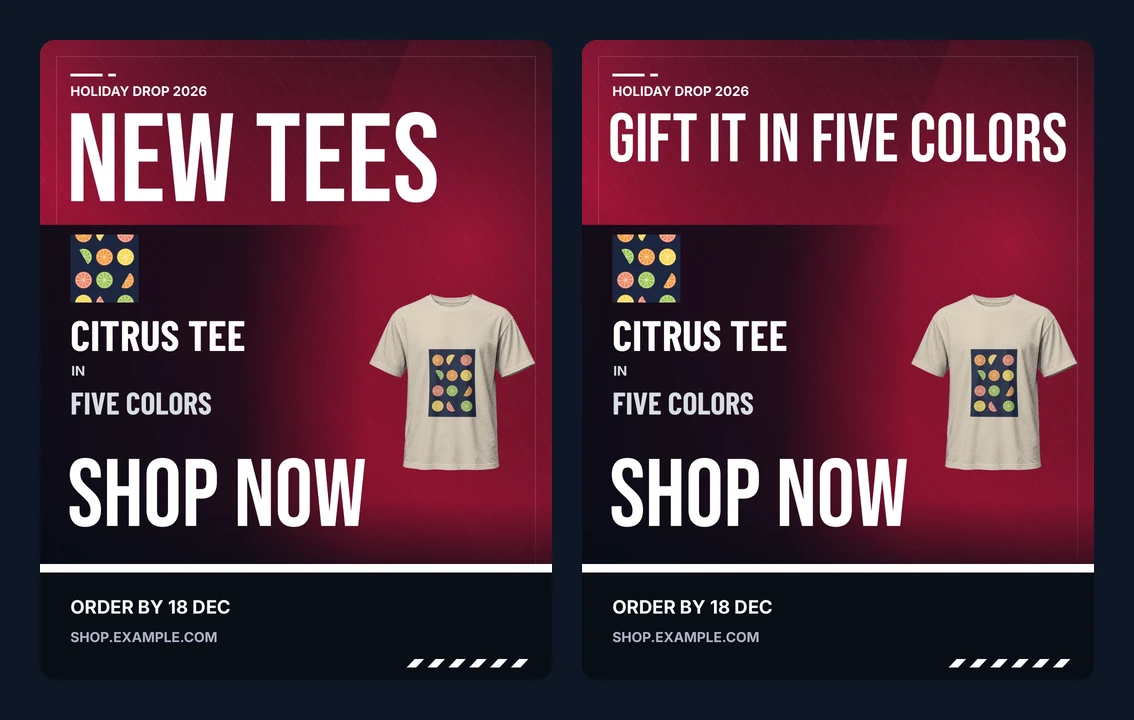 Two headlines on one 4:5 canvas, rendered on 27 November 2026: two renders, 1024 px WebP each.
We ran the four renders on 27 November 2026 at image_size 1024. Only the headline and the canvas changed between them:
| Canvas | Template size | Headline | fit | Output | Warning |
|---|---|---|---|---|---|
| 4:5 feed card | 1080 x 1350 | New tees | shrink | 1024 x 1280 | none |
| 4:5 feed card | 1080 x 1350 | Gift it in five colors | shrink | 1024 x 1280 | TEXT_FIT_SHRUNK |
| 5:3 banner | 2000 x 1200 | New tees | shrink | 1024 x 614 | none |
| 5:3 banner | 2000 x 1200 | Gift it in five colors | shrink | 1024 x 614 | none |
The banner carries text layers only, so its renders send text_layers alone, and its headline layer was wide enough for the longer line: only the feed card scaled it. Renders match Photoshop's own output, and the average SudoMock render finishes in under a second.
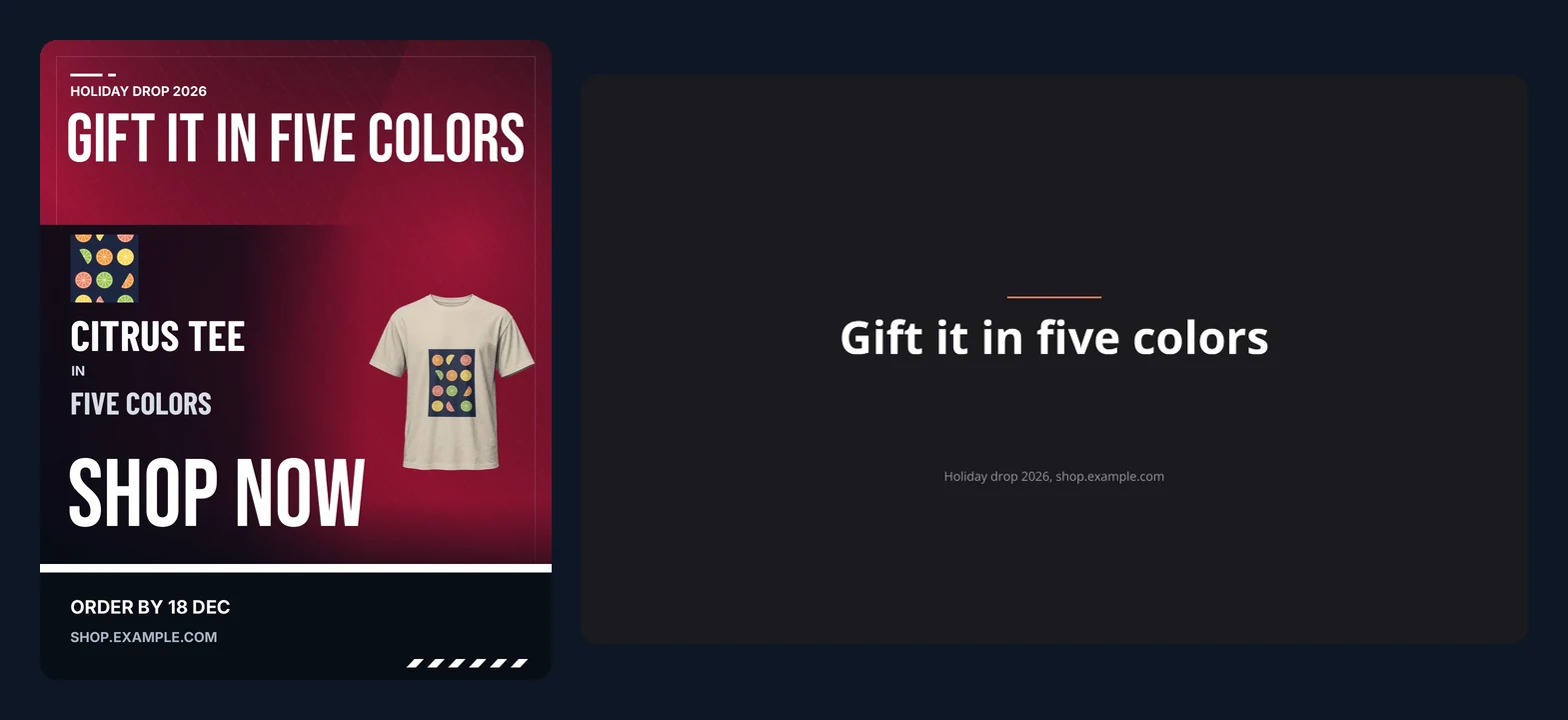 One headline on two canvases, rendered on 27 November 2026. The card is a 1080 x 1350 template and the banner a 2000 x 1200 one, drawn here at the sizes those two canvases have beside each other.
A script or a scheduled automation sends a headline as one request. Add the smart_objects entry and the card's other lines from the arguments above for the full ad; the image link is at data.print_files[0].export_path:
curl -X POST https://api.sudomock.com/api/v1/renders \-H "x-api-key: $SUDOMOCK_API_KEY" \-H "Content-Type: application/json" \-d '{"mockup_uuid": "436ad2d8-cde8-439a-b0a6-419d8657f9ac","text_layers": [{ "uuid": "16ba3689-636b-4c6e-84ac-f8898a783d53", "text": "Gift it in five colors", "fit": "shrink" }],"export_options": { "image_format": "webp", "image_size": 1024 }}'
const response = await fetch('https://api.sudomock.com/api/v1/renders', {method: 'POST',headers: {'x-api-key': process.env.SUDOMOCK_API_KEY,'Content-Type': 'application/json',},body: JSON.stringify({"mockup_uuid": "436ad2d8-cde8-439a-b0a6-419d8657f9ac","text_layers": [{"uuid": "16ba3689-636b-4c6e-84ac-f8898a783d53","text": "Gift it in five colors","fit": "shrink"}],"export_options": {"image_format": "webp","image_size": 1024}}),});const data = await response.json();console.log(data);
import osimport requestsresponse = requests.post("https://api.sudomock.com/api/v1/renders",headers={"x-api-key": os.environ["SUDOMOCK_API_KEY"],"Content-Type": "application/json",},json={"mockup_uuid": "436ad2d8-cde8-439a-b0a6-419d8657f9ac","text_layers": [{"uuid": "16ba3689-636b-4c6e-84ac-f8898a783d53","text": "Gift it in five colors","fit": "shrink",},],"export_options": {"image_format": "webp","image_size": 1024,},},)print(response.json())
package mainimport ("bytes""fmt""io""net/http""os")func main() {payload := []byte(`{"mockup_uuid": "436ad2d8-cde8-439a-b0a6-419d8657f9ac","text_layers": [{"uuid": "16ba3689-636b-4c6e-84ac-f8898a783d53","text": "Gift it in five colors","fit": "shrink"}],"export_options": {"image_format": "webp","image_size": 1024}}`)req, err := http.NewRequest("POST", "https://api.sudomock.com/api/v1/renders", bytes.NewBuffer(payload))if err != nil {panic(err)}req.Header.Set("x-api-key", os.Getenv("SUDOMOCK_API_KEY"))req.Header.Set("Content-Type", "application/json")resp, err := http.DefaultClient.Do(req)if err != nil {panic(err)}defer resp.Body.Close()body, _ := io.ReadAll(resp.Body)fmt.Println(string(body))}
<?php$payload = <<<'JSON'{"mockup_uuid": "436ad2d8-cde8-439a-b0a6-419d8657f9ac","text_layers": [{"uuid": "16ba3689-636b-4c6e-84ac-f8898a783d53","text": "Gift it in five colors","fit": "shrink"}],"export_options": {"image_format": "webp","image_size": 1024}}JSON;$ch = curl_init('https://api.sudomock.com/api/v1/renders');curl_setopt_array($ch, [CURLOPT_CUSTOMREQUEST => 'POST',CURLOPT_RETURNTRANSFER => true,CURLOPT_HTTPHEADER => ['x-api-key: ' . getenv('SUDOMOCK_API_KEY'),'Content-Type: application/json',],CURLOPT_POSTFIELDS => $payload,]);$response = curl_exec($ch);curl_close($ch);echo $response;
Fit a long headline into its canvas
Send every headline with fit set to shrink. The default, overflow, keeps the designer's type size, so a headline longer than the placeholder runs past its area and, near an edge, off the canvas; shrink scales it down until it fits the width of the original line.
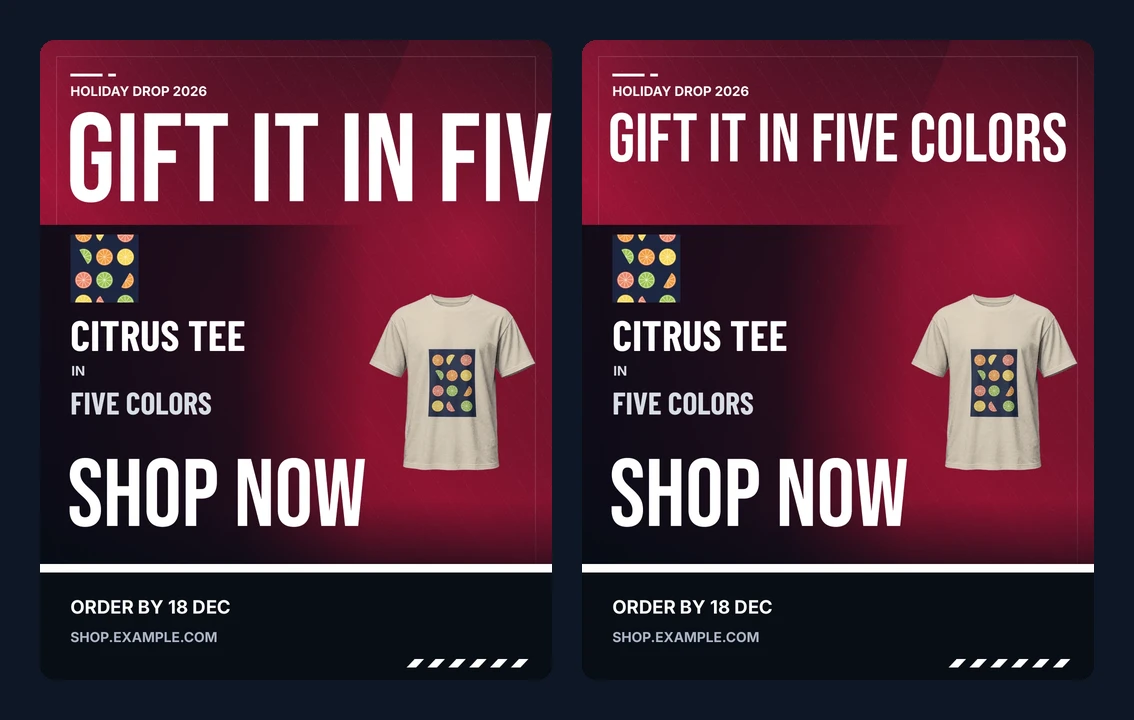 One canvas, one headline, two renders on 27 November 2026: no fit on the left, fit shrink on the right.
A shrink that reduced a layer is reported in the response, so the assistant can tell you which headlines came out smaller than the design. This is the warning the feed card returned for the longer headline:
{"warnings": [{"code": "TEXT_FIT_SHRUNK","message": "Text for layer 'HEADLINE' was scaled to 55% to fit its area."}]}
A font_size you send is the largest size shrink will use, and vertical_align set to center keeps a shrunk headline in the middle of its original area instead of at the top. Box text shrinks to its box's width and height and rewraps as it does.
Instructions to give your assistant
These rules make the assistant name every font that would fall back before it renders, and return one row per headline and canvas. Add them to the project's instructions in Claude or ChatGPT before the first run.
You make ad variants from my own PSD ad templates with the SudoMock tools.1. Find each canvas with list_psd_mockups by its name. Call upload_psdonly for a canvas that is not there yet.2. Read each canvas with get_psd_mockup and match the headline layer byits name. Before any render, tell me every text layer whosefont_available is false.3. For every headline and every canvas, call render_psd_mockup once withthe headline in the headline layer and fit "shrink".4. Keep the product photo, the offer and the date the same across theset unless I change them.5. Leave every layer I did not name as the template has it.6. Send back one row per render: headline, canvas, image URL and anywarning code.
Next step
Connect the server, upload one canvas and render two headlines on it before you add the other placements. Fitting and color covers every fit option with its warnings, Text layers explains each field of the layer list, and Render a PSD mockup lists every render option. Automate PSD mockups runs the same renders on a trigger, and to render the set whenever a new headline row lands in a sheet, see Make scenario mockups from Google Sheets.
Frequently asked questions
Can Claude or ChatGPT make ad variants from my own PSD templates?
Yes, once SudoMock is connected to the assistant as an MCP server. The assistant uploads each ad PSD from a link, fills every headline into the headline text layer and returns one image link per headline and canvas. Your layout, fonts and product photo stay as you built them in Photoshop.
What happens when a headline is longer than the placeholder in my PSD?
Send it with fit set to shrink and the render scales it down until it fits the width of the original line, or the text box for box text. The response then carries a TEXT_FIT_SHRUNK warning that names the layer. Without fit, the headline keeps the designed size and can run past its area.
What if my brand font is not available in SudoMock?
The layer list shows font_available as false for that layer, and a render falls back to a default font with a TEXT_FONT_FALLBACK warning. Pro and Scale accounts upload the licensed TTF or OTF file once and name it in each headline by its uuid. Every render after that uses the brand font.
What does an ad variant render cost?
A render through the assistant costs the same as the same render over the API, from the same account. Plans start at $25/month. Subscriptions from $0.002 per render.
Sources
- Render a PSD mockup (opens in new tab), SudoMock Docs
- Text layers (opens in new tab), SudoMock Docs
- Fitting and color (opens in new tab), SudoMock Docs
- Fonts (opens in new tab), SudoMock Docs
- Connect an agent (opens in new tab), SudoMock Docs
- How Anthropic uses Claude in marketing (opens in new tab), Claude by Anthropic
Beck
CTO
Related articles
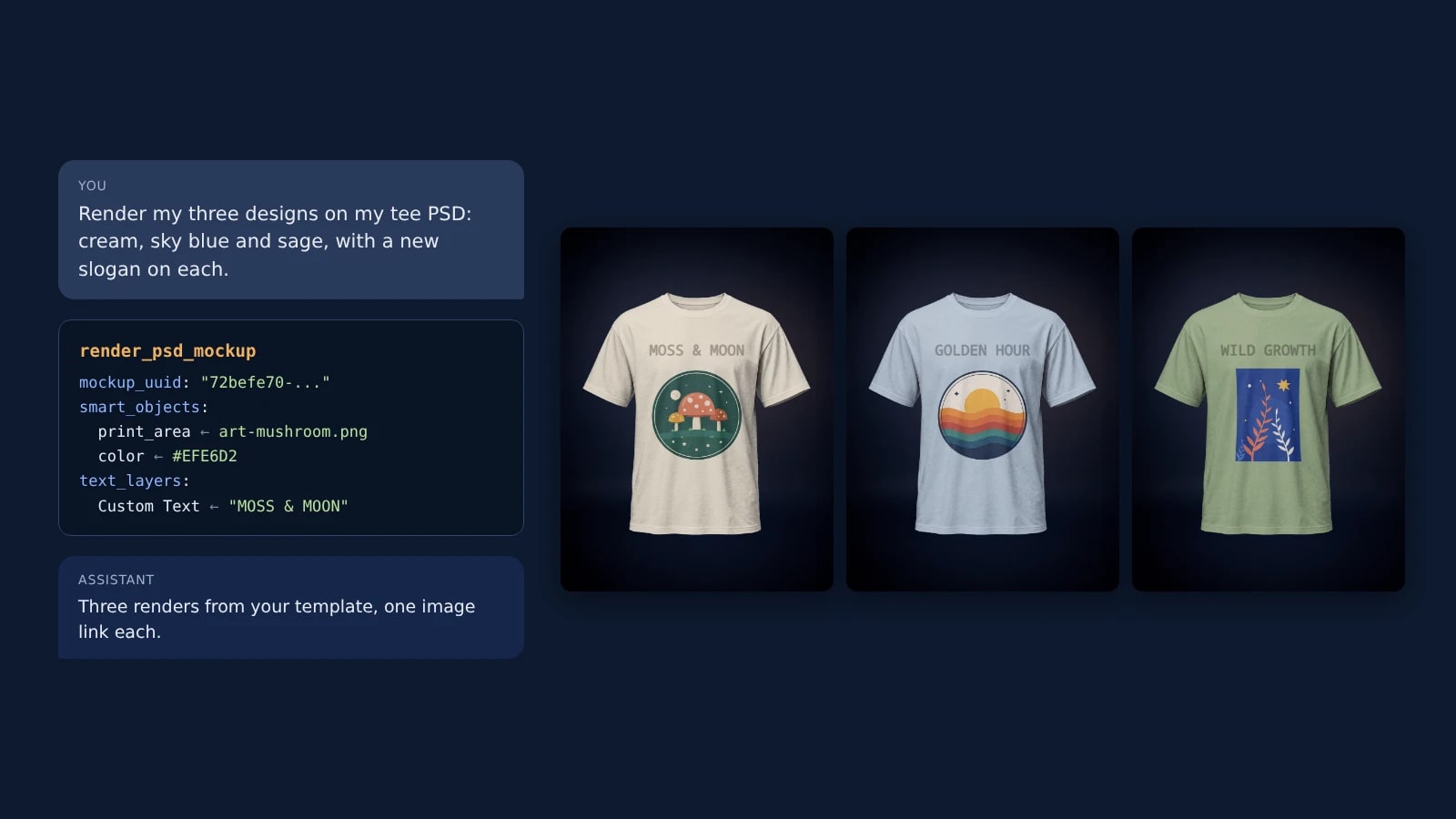
ChatGPT PSD Mockups: Render Your Own Template With ChatGPT or Claude
Connected to SudoMock, ChatGPT or Claude uploads your PSD mockup and renders every design, shirt color and slogan into it, with real tee renders.
6 min read
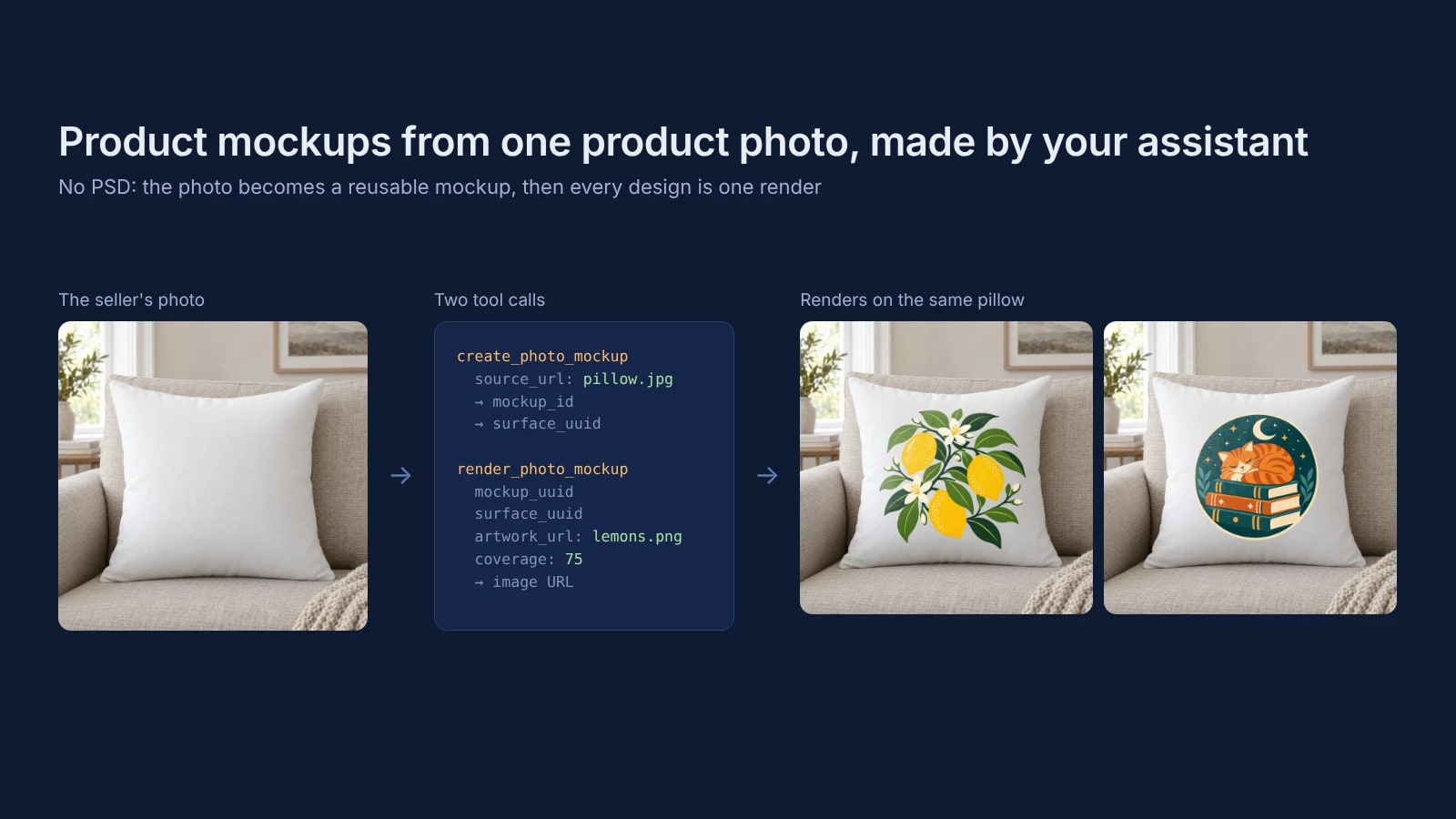
Product Mockups With ChatGPT or Claude From One Product Photo
Make product mockups in ChatGPT or Claude without a PSD: one product photo becomes a reusable mockup, and each design is one render on it.
7 min read
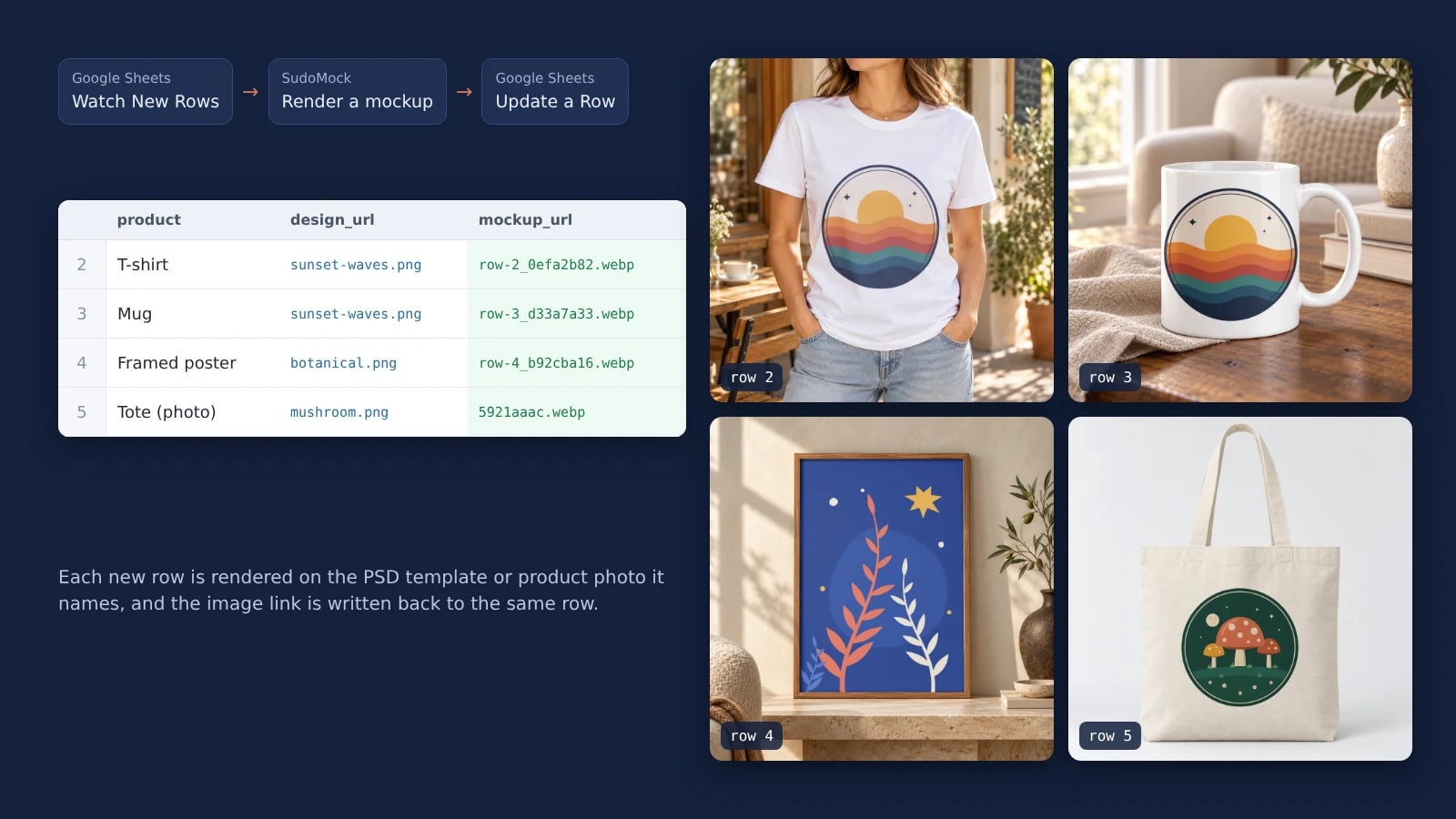
Make.com Mockup Scenario: Render Each New Google Sheets Row on Your Own PSD or Product Photo
Three Make modules turn each new sheet row into a finished mockup on your own template, with real renders of a tee, a mug, a framed print and a tote.
9 min read
Latest articles
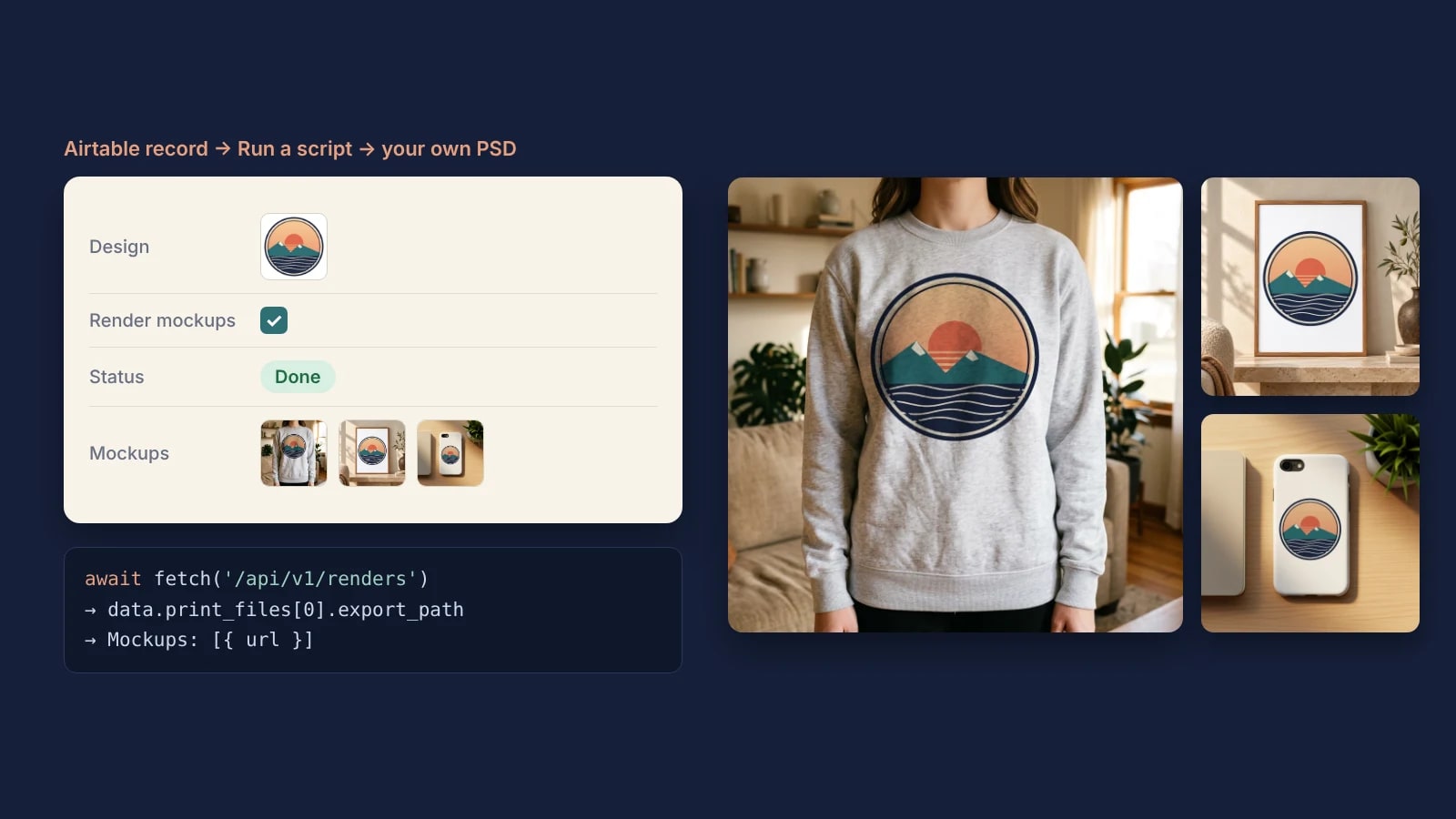
Airtable Mockup Automation: Render Your Own PSD per Record
One Run a script action turns a ticked record into finished mockups on your own templates, attached to the same record, with real sweatshirt, poster and phone case renders.
8 min read
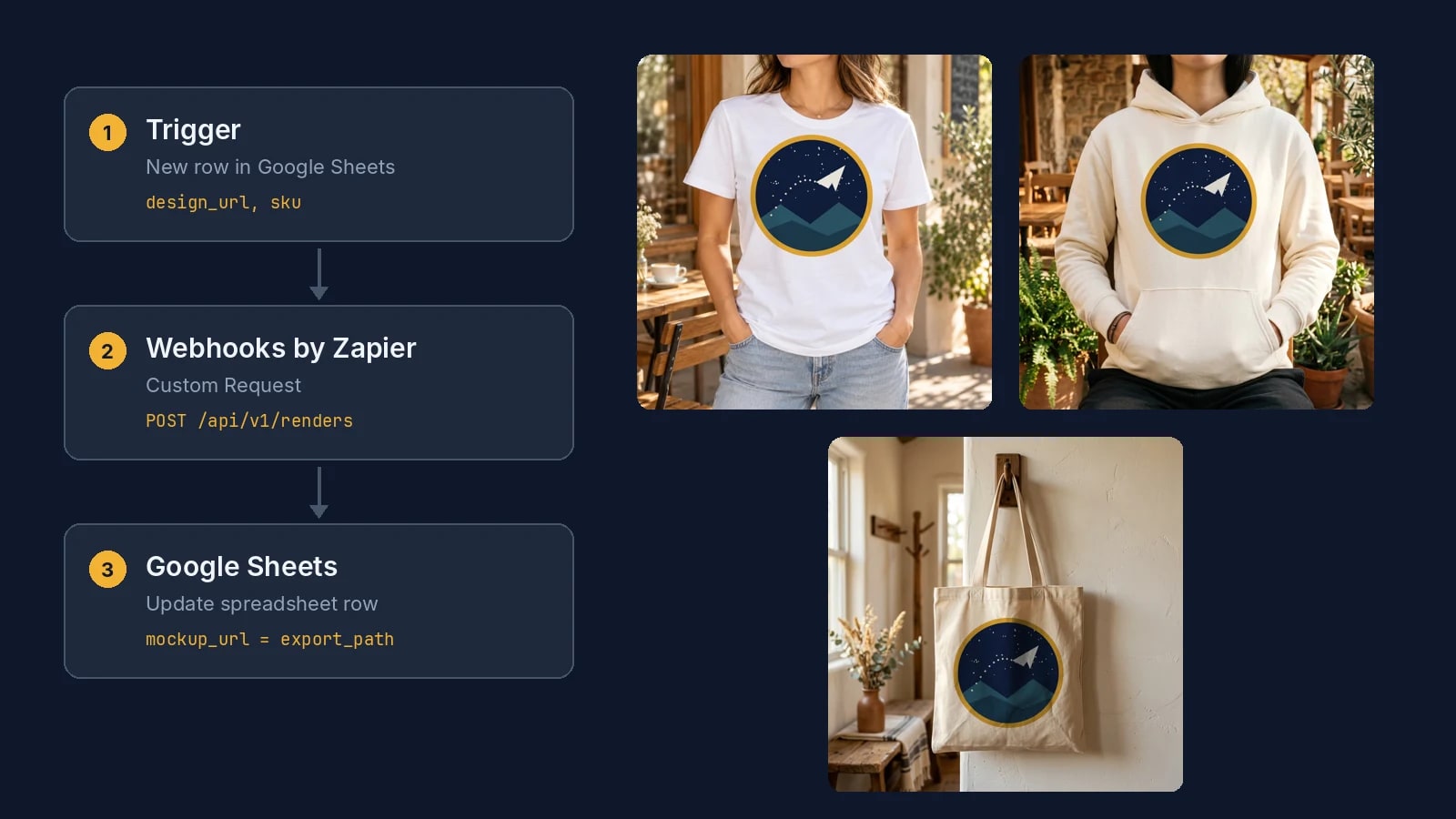
Zapier Mockup Automation: Render Your Own PSD on Any Trigger
One Webhooks by Zapier request turns each trigger into a finished mockup on your own template, with real tee, hoodie, tote and color renders.
8 min read
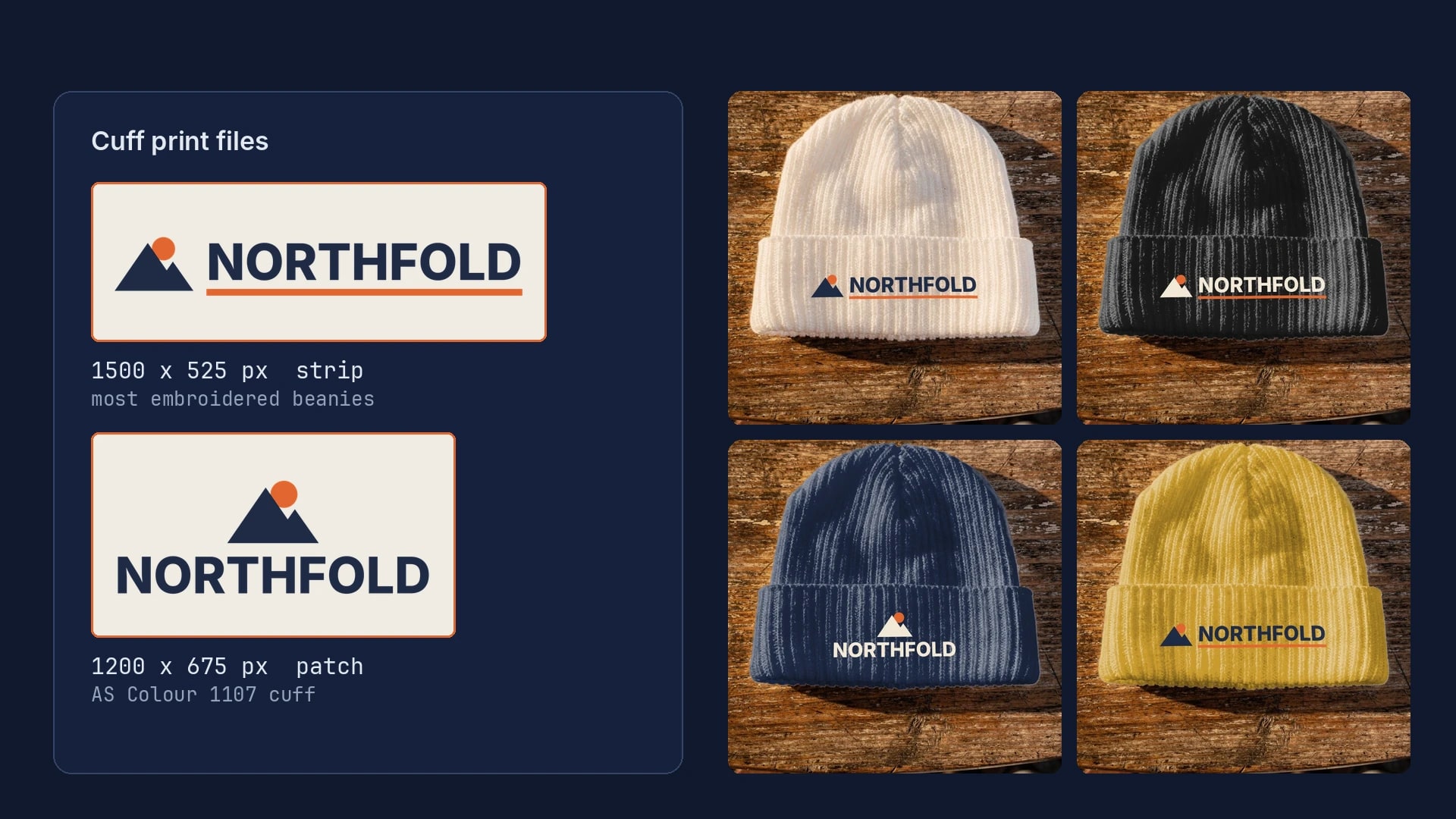
Beanie Mockups: Lay the Logo Out at the Cuff File, Render Every Color
Lay the logo out at the cuff file of your blank, draw that area on one beanie photo, and render every knit color by API.
8 min read
Your own PSD, rendered via API
Render your own PSD through the API. Start with 500 one-time credits, no card.