Building a Print-on-Demand Pipeline with n8n
Build an automated print-on-demand pipeline with n8n and SudoMock API. Step-by-step guide from design upload to Etsy/Shopify listing creation at $0.002/render.
TL;DR
Build a complete POD pipeline with n8n: watch folder for new designs, generate mockups via API, upload to cloud storage, create Etsy/Shopify listings automatically.
Key Takeaways:
- •n8n provides visual workflow automation
- •Watch folders for new designs, trigger automatically
- •Generate multiple mockup variants per design
- •Auto-create listings on Etsy, Shopify, or other platforms
Build a fully automated Print-on-Demand pipeline using n8n and SudoMock. From design upload to published listing - without touching a single mockup manually.
What We're Building
This pipeline automatically generates product mockups whenever you upload a new design. Here's the flow:
Prerequisites
- n8n account (cloud or self-hosted)
- SudoMock API key (get free credits)
- Cloud storage account (Google Drive, Dropbox, or S3)
- PSD templates uploaded to SudoMock
Step-by-Step Setup
Create the Trigger
In n8n, create a new workflow and add a Google Drive Trigger node (or your preferred storage). Configure it to watch your designs folder.
1{2 "resource": "file",3 "event": "fileCreated",4 "watchFolder": "POD Designs",5 "fileTypes": ["image/png", "image/jpeg"]6}
Add HTTP Request Node
Add an HTTP Request node to call SudoMock's render API. This generates your mockups.
1{2 "method": "POST",3 "url": "https://api.sudomock.com/api/v1/renders",4 "headers": {5 "X-API-KEY": "{{ $credentials.sudomockApiKey }}",6 "Content-Type": "application/json"7 },8 "body": {9 "mockup_uuid": "your-tshirt-template-uuid",10 "smart_objects": [{11 "uuid": "your-smart-object-uuid",12 "asset": {13 "url": "{{ $json.webContentLink }}"14 }15 }],16 "export_options": {17 "image_format": "webp",18 "image_size": 2000,19 "quality": 9520 }21 }22}
Multiple Products
Use a Split In Batches node to generate mockups for multiple product types (t-shirt, hoodie, mug) in parallel. Each product type gets its own HTTP Request node.
Save Results
Add another Google Drive node to save the rendered mockups. Use expressions to create organized folder structures.
1{2 "operation": "upload",3 "folder": "Mockups/{{ $json.design_name }}",4 "fileName": "{{ $json.product_type }}_{{ $json.design_name }}.webp",5 "binaryData": false,6 "fileUrl": "{{ $json.data.print_files[0].export_path }}"7}
Optional: Create Listings
Connect to Etsy or Shopify APIs to automatically create draft listings with your new mockups.
Complete Workflow JSON
Import this workflow directly into n8n to get started quickly:
1{2 "name": "POD Mockup Pipeline",3 "nodes": [4 {5 "name": "Google Drive Trigger",6 "type": "n8n-nodes-base.googleDriveTrigger",7 "position": [250, 300],8 "parameters": {9 "event": "fileCreated",10 "folderId": "your-folder-id"11 }12 },13 {14 "name": "Generate T-Shirt Mockup",15 "type": "n8n-nodes-base.httpRequest",16 "position": [450, 300],17 "parameters": {18 "method": "POST",19 "url": "https://api.sudomock.com/api/v1/renders",20 "authentication": "predefinedCredentialType",21 "nodeCredentialType": "httpHeaderAuth"22 }23 },24 {25 "name": "Save to Drive",26 "type": "n8n-nodes-base.googleDrive",27 "position": [650, 300],28 "parameters": {29 "operation": "upload"30 }31 }32 ],33 "connections": {34 "Google Drive Trigger": {35 "main": [[{"node": "Generate T-Shirt Mockup"}]]36 },37 "Generate T-Shirt Mockup": {38 "main": [[{"node": "Save to Drive"}]]39 }40 }41}
Advanced Tips
Result
Once set up, every design you drop into your folder automatically becomes a complete set of product mockups - ready for your store. No manual work required.
Related Resources
Frequently Asked Questions

Related Articles
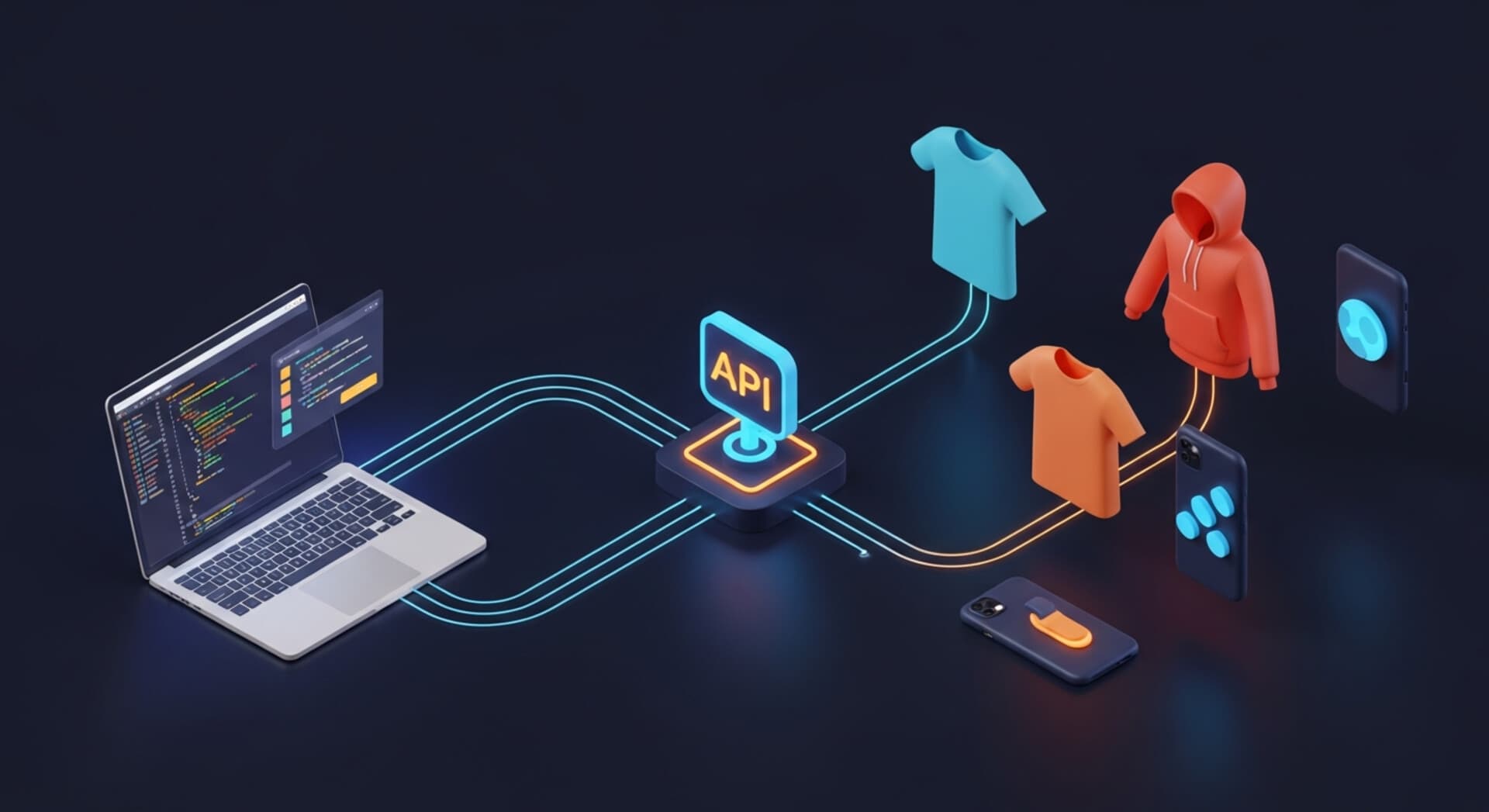
Vibe Coding Your POD Business: Build Mockup Automation Without Writing Code
Automate your POD mockup workflow with vibe coding. Use AI tools like Cursor to build mockup automation without coding. Save 18+ hours monthly.
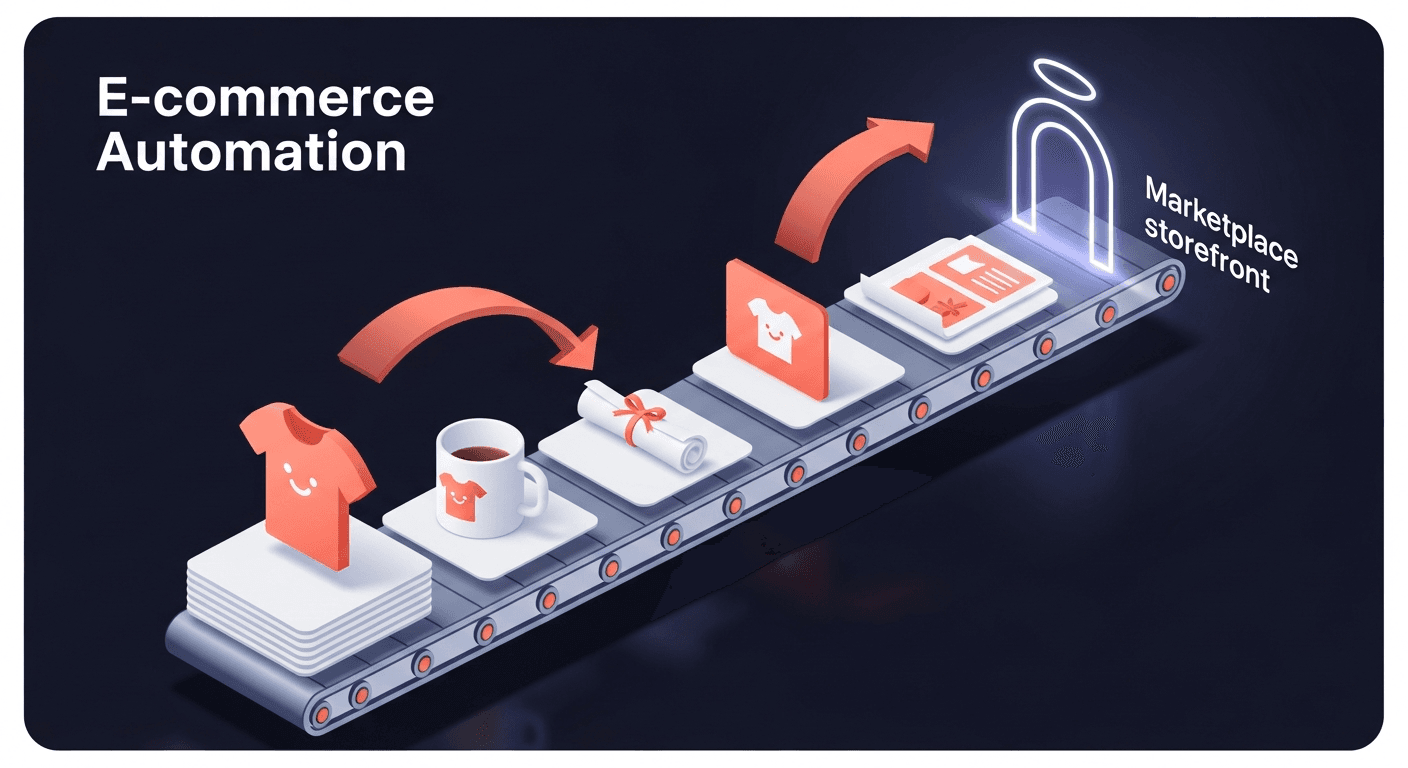
How to Automate Etsy Product Mockups in 2026
Step-by-step guide to automating your Etsy listing mockups with SudoMock API. Save hours of manual work.
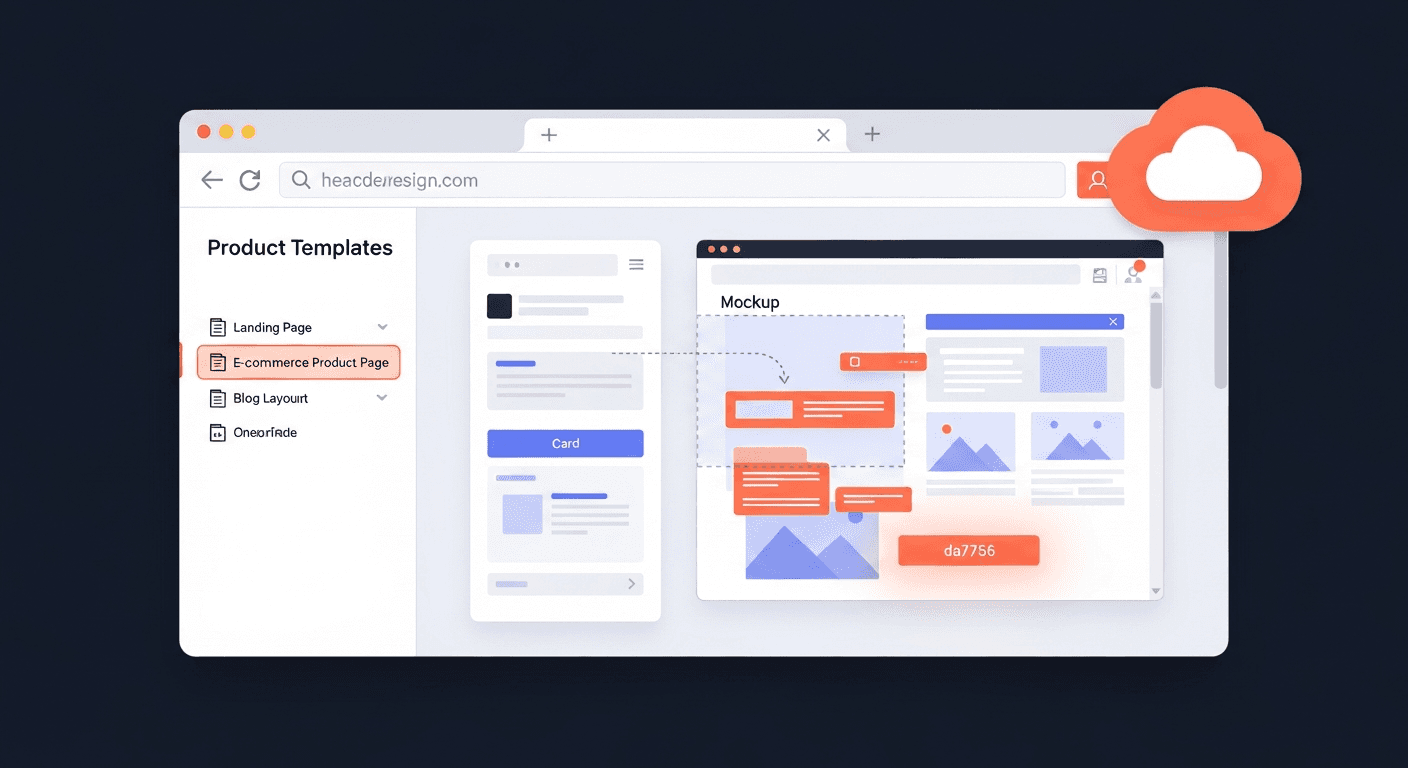
How to Create Mockups Without Photoshop
Create professional product mockups without Photoshop using SudoMock API. Automate t-shirt, mug, and poster mockups at $0.002/render. No design skills needed.
Explore by Use Case
See SudoMock in action for your specific product category
Your own PSD, rendered via API
Render your own PSD through the API. Start with 500 one-time credits, no card.