How to Automate Etsy Product Mockups in 2026
To automate Etsy product mockups, upload each PSD template to SudoMock once and save the mockup and smart object UUIDs from the response. Then send every new design URL to the render API from a script, n8n or Zapier. One template renders unlimited design variations, each in under a second, from $0.002 per render.
Published Updated 2 min readBeck
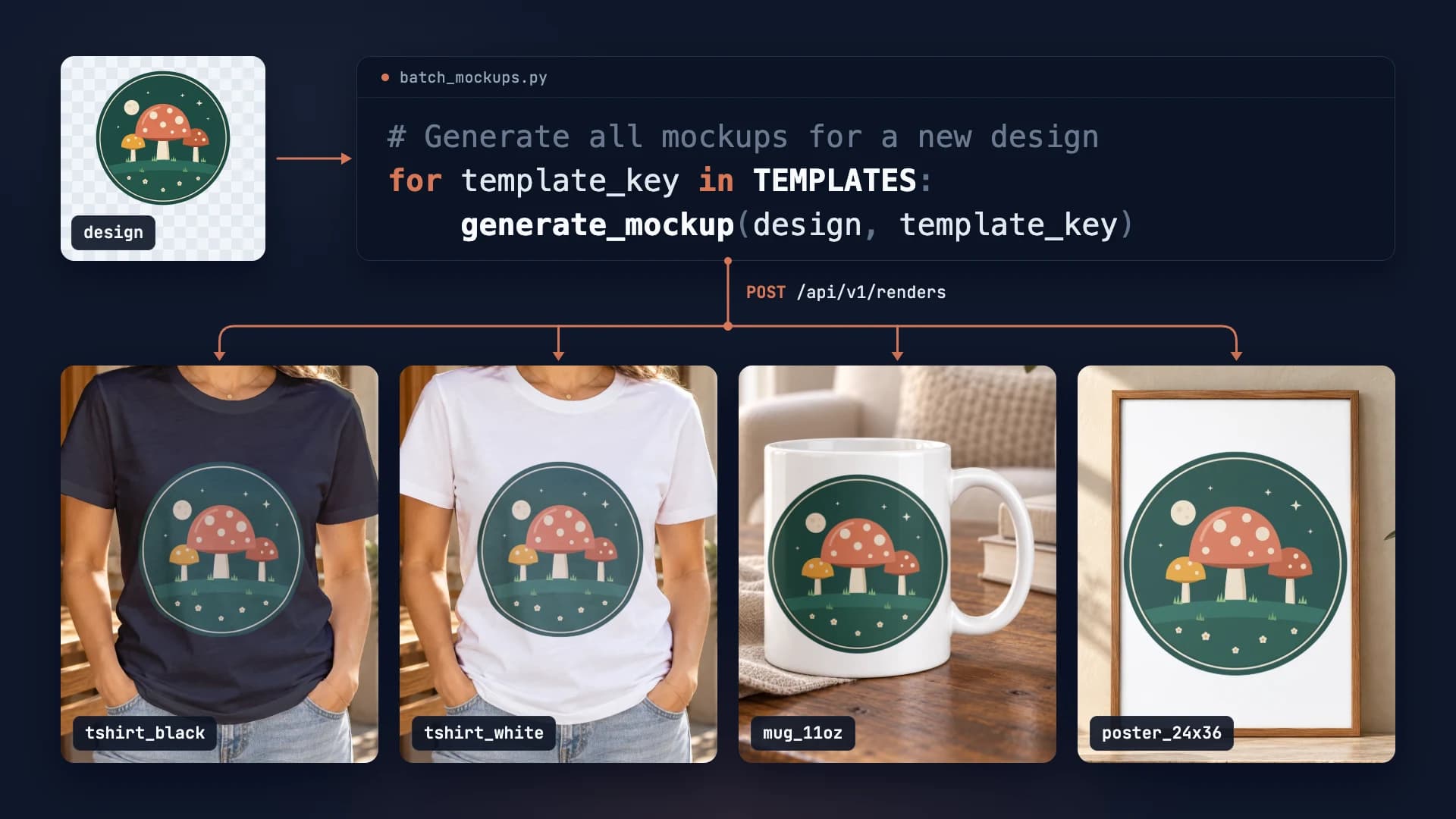
Running an Etsy shop with hundreds of designs? Manual mockup creation is eating your time. In this guide, we'll show you how to automate Etsy product mockup generation using SudoMock's API - saving hours of repetitive work every week.
500
Mockups
Generated in 10 minutes
<1s
Rendering
Per render
The Etsy Mockup Challenge
Every Etsy listing needs compelling product images. For POD sellers, that means creating mockups for t-shirts, mugs, posters, and more - often the same design across multiple products. At scale, this becomes unsustainable.
The API Automation Solution
SudoMock's REST API generates mockups programmatically. Upload your PSD templates once, then call the API with your design URLs.
1 Prepare Your Templates
Create PSD mockup templates for each product type you sell on Etsy. Each template needs Smart Object layers where your design will be placed. Upload these templates to SudoMock:
Upload PSD Template
curl -X POST "https://api.sudomock.com/api/v1/psd/upload" \-H "X-API-KEY: YOUR_API_KEY" \-H "Content-Type: application/json" \-d '{"psd_file_url": "https://your-storage.com/tshirt-mockup.psd","psd_name": "Black T-Shirt Front"}'
const response = await fetch('https://api.sudomock.com/api/v1/psd/upload', {method: 'POST',headers: {'X-API-KEY': 'YOUR_API_KEY','Content-Type': 'application/json',},body: JSON.stringify({"psd_file_url": "https://your-storage.com/tshirt-mockup.psd","psd_name": "Black T-Shirt Front"}),});const data = await response.json();console.log(data);
import requestsresponse = requests.post("https://api.sudomock.com/api/v1/psd/upload",headers={"X-API-KEY": "YOUR_API_KEY","Content-Type": "application/json",},json={"psd_file_url": "https://your-storage.com/tshirt-mockup.psd","psd_name": "Black T-Shirt Front",},)print(response.json())
package mainimport ("bytes""fmt""io""net/http")func main() {payload := []byte(`{"psd_file_url": "https://your-storage.com/tshirt-mockup.psd","psd_name": "Black T-Shirt Front"}`)req, err := http.NewRequest("POST", "https://api.sudomock.com/api/v1/psd/upload", bytes.NewBuffer(payload))if err != nil {panic(err)}req.Header.Set("X-API-KEY", "YOUR_API_KEY")req.Header.Set("Content-Type", "application/json")resp, err := http.DefaultClient.Do(req)if err != nil {panic(err)}defer resp.Body.Close()body, _ := io.ReadAll(resp.Body)fmt.Println(string(body))}
<?php$payload = <<<'JSON'{"psd_file_url": "https://your-storage.com/tshirt-mockup.psd","psd_name": "Black T-Shirt Front"}JSON;$ch = curl_init('https://api.sudomock.com/api/v1/psd/upload');curl_setopt_array($ch, [CURLOPT_CUSTOMREQUEST => 'POST',CURLOPT_RETURNTRANSFER => true,CURLOPT_HTTPHEADER => ['X-API-KEY: YOUR_API_KEY','Content-Type: application/json',],CURLOPT_POSTFIELDS => $payload,]);$response = curl_exec($ch);curl_close($ch);echo $response;
2 Store Template UUIDs
The upload response includes mockup_uuid and smart_object UUIDs.
Store these in your database or config file - you'll reference them for every render.
3 Build Your Automation Script
Here's a Python script that generates mockups for all your product types at once:
import requestsimport osAPI_KEY = os.environ.get("SUDOMOCK_API_KEY")API_URL = "https://api.sudomock.com/api/v1/renders"# Your template configurationsTEMPLATES = {"tshirt_black": {"mockup_uuid": "your-tshirt-black-uuid","smart_object_uuid": "your-so-uuid"},"tshirt_white": {"mockup_uuid": "your-tshirt-white-uuid","smart_object_uuid": "your-so-uuid"},"mug_11oz": {"mockup_uuid": "your-mug-uuid","smart_object_uuid": "your-so-uuid"},"poster_24x36": {"mockup_uuid": "your-poster-uuid","smart_object_uuid": "your-so-uuid"}}def generate_mockup(design_url, template_key):template = TEMPLATES[template_key]response = requests.post(API_URL,headers={"X-API-KEY": API_KEY,"Content-Type": "application/json"},json={"mockup_uuid": template["mockup_uuid"],"smart_objects": [{"uuid": template["smart_object_uuid"],"asset": {"url": design_url,"fit": "contain"}}],"export_options": {"image_format": "jpg","image_size": 1024,"quality": 95}})result = response.json()return result["data"]["print_files"][0]["export_path"]# Generate all mockups for a new designdesign = "https://cdn.example.com/new-design.png"for template_key in TEMPLATES:mockup_url = generate_mockup(design, template_key)print(f"{template_key}: {mockup_url}")
Connecting to Your Workflow
The real power comes from integrating this into your existing workflow. Here are the most popular approaches:
- n8n workflow: Trigger on new file in Dropbox/Google Drive
- Zapier integration: Connect to your design tool exports
- Custom script: Run on a schedule or trigger from your app
- GitHub Actions: Automate on repository changes
Cost Comparison
What 500 mockups take a typical Etsy seller, route by route:
| Method | Time | Cost |
|---|---|---|
| Manual in Photoshop | 41+ hours | Your own time |
| SudoMock API | 10 min | From $0.002 per render |
Next Steps
Run the quickstart with one of your own templates: it takes a PSD to a rendered mockup in two requests. If you have no PSD yet, start from the mockup templates for Etsy sellers.
To build the same flow without code, follow the n8n integration guide to set up the SudoMock node. The Etsy mockups use case shows where these renders fit in a full listing workflow.
Frequently asked questions
Can I automate mockup generation for my Etsy listings?
Yes, you can fully automate Etsy mockup generation using a mockup API. Connect your design files to the API, configure your PSD templates, and generate professional product images automatically for each listing variation.
How do I connect my Etsy store to a mockup automation workflow?
Use integration platforms like n8n, Make, or Zapier to connect Etsy with your mockup API. These tools can trigger mockup generation when new listings are created or designs are updated, then upload the images back to Etsy.
What mockup templates work best for Etsy products?
For Etsy, lifestyle mockups showing products in real-world settings perform best. T-shirt mockups with models, wall art in room scenes, and packaging mockups with lifestyle backgrounds typically increase conversion rates.
How many mockup variations should I create per Etsy listing?
Etsy allows up to 20 photos per listing. Best practice is to include 5-7 mockup variations showing different angles, colors, and contexts. This gives buyers confidence and showcases your product professionally.
Can I batch generate mockups for multiple Etsy products at once?
Yes, mockup APIs support batch processing. You can submit multiple design files with template configurations and receive all rendered mockups efficiently. This is ideal for shops with large product catalogs.
Sources
- Listing a Physical Item (opens in new tab), Etsy Help
Beck
CTO
Related articles
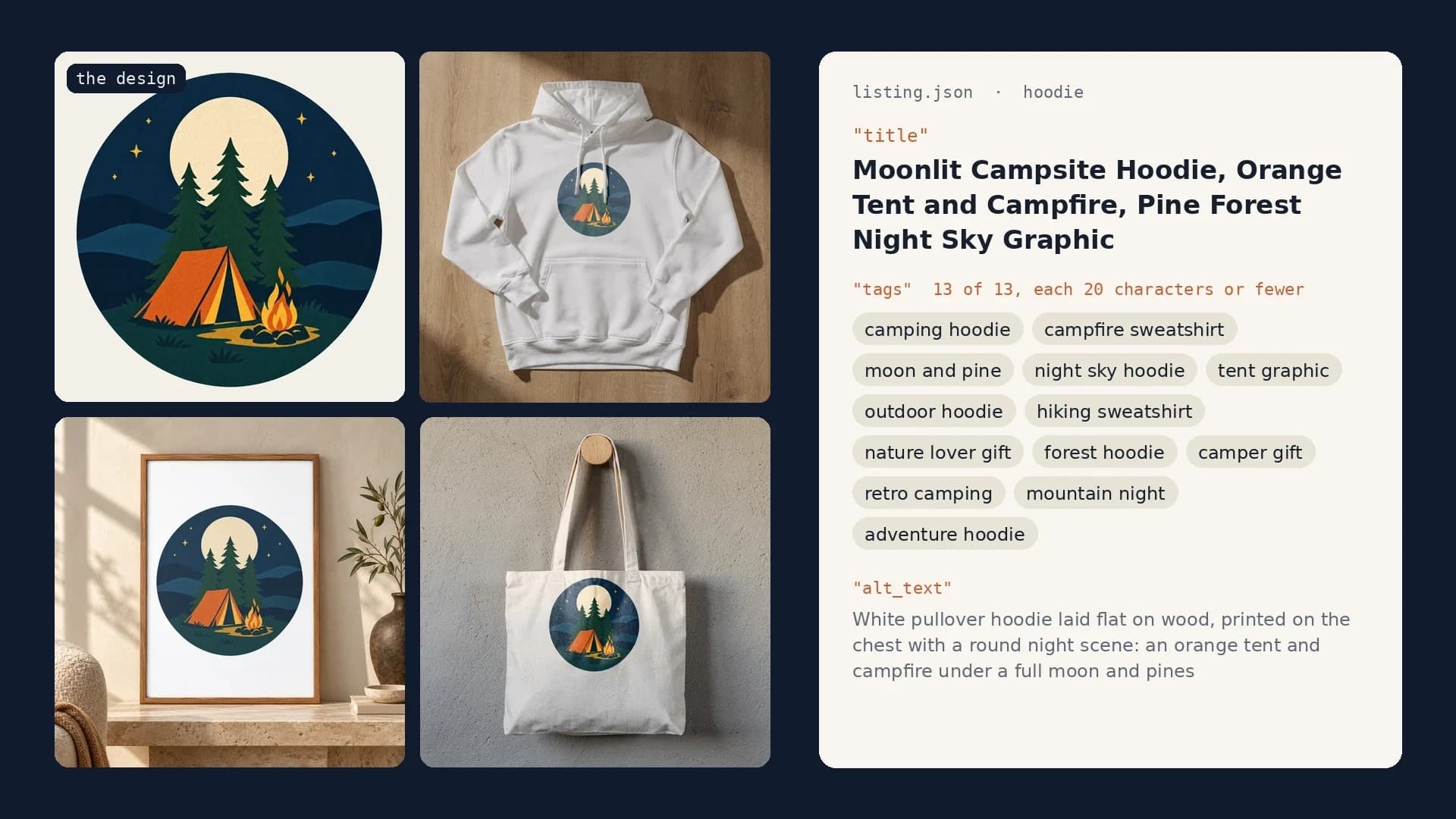
Etsy Listing Generator: Build Your Own With Claude and SudoMock
One design in, a full Etsy listing out: photos rendered on your own templates, then the title, tags and alt text Claude writes from them.
10 min read
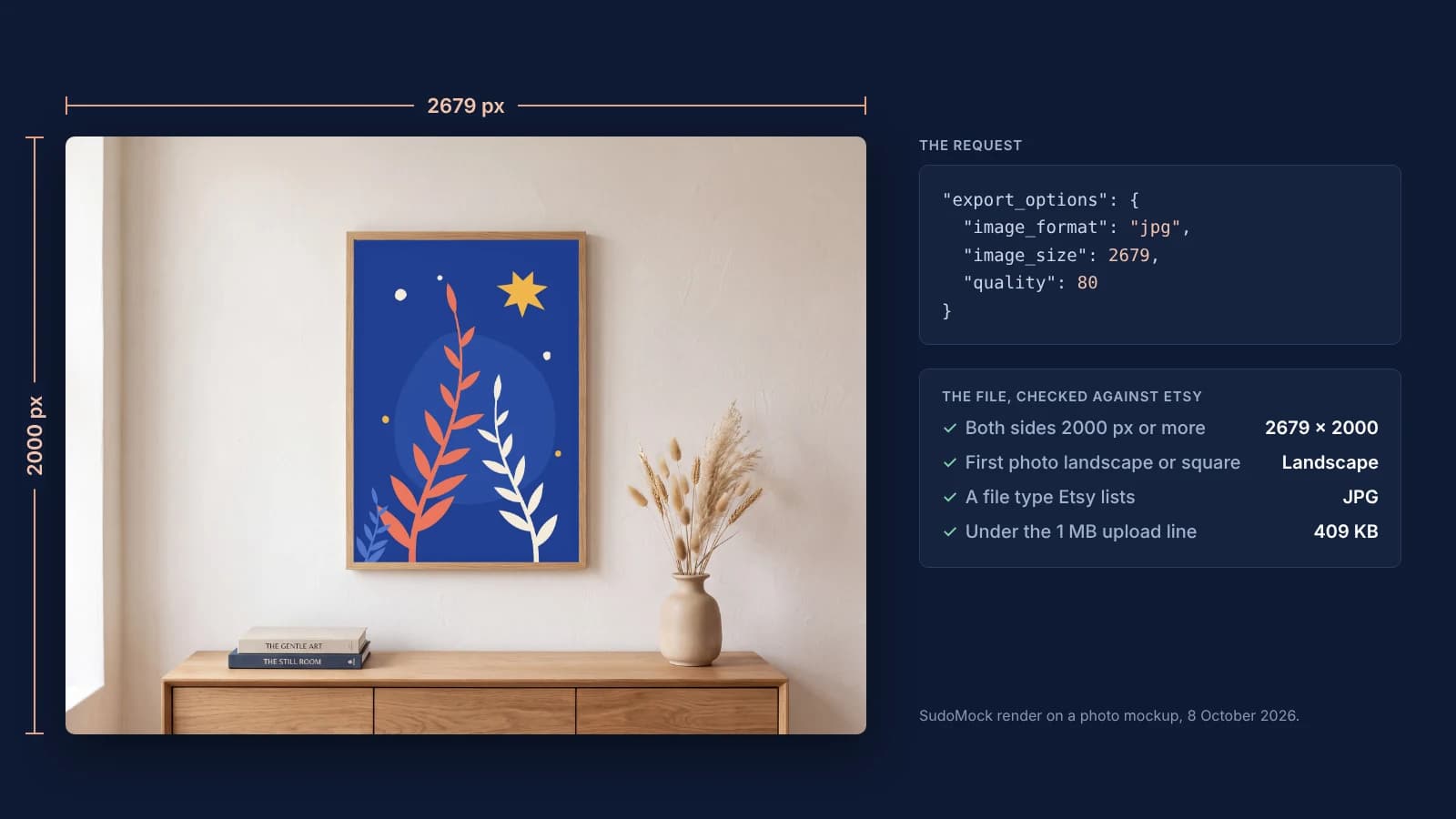
Etsy Listing Photo Size: Etsy's Rules and Files That Meet Them
Etsy's listing photo rules quoted with their dates, the render width for each template shape, and real files measured against the 1 MB line.
7 min read

Can You Use Mockups on Etsy? The Rule by Listing Type
Etsy's own sentences on mockups by listing type, dated, and a render setup for the option photos of a personalized listing.
8 min read
Explore by use case
See SudoMock in action for your specific product category
Your own PSD, rendered via API
Render your own PSD through the API. Start with 500 one-time credits, no card.