How to Create Mockups Without Photoshop
To create product mockups without Photoshop, place your design on a PSD template in SudoMock's browser dashboard, or automate a whole catalog over the REST API, from $0.002 per render. Renders take under a second, faster than any desktop approach, and match Photoshop's own output. Ready templates are in the free mockup library.
Published 2 min readBeck
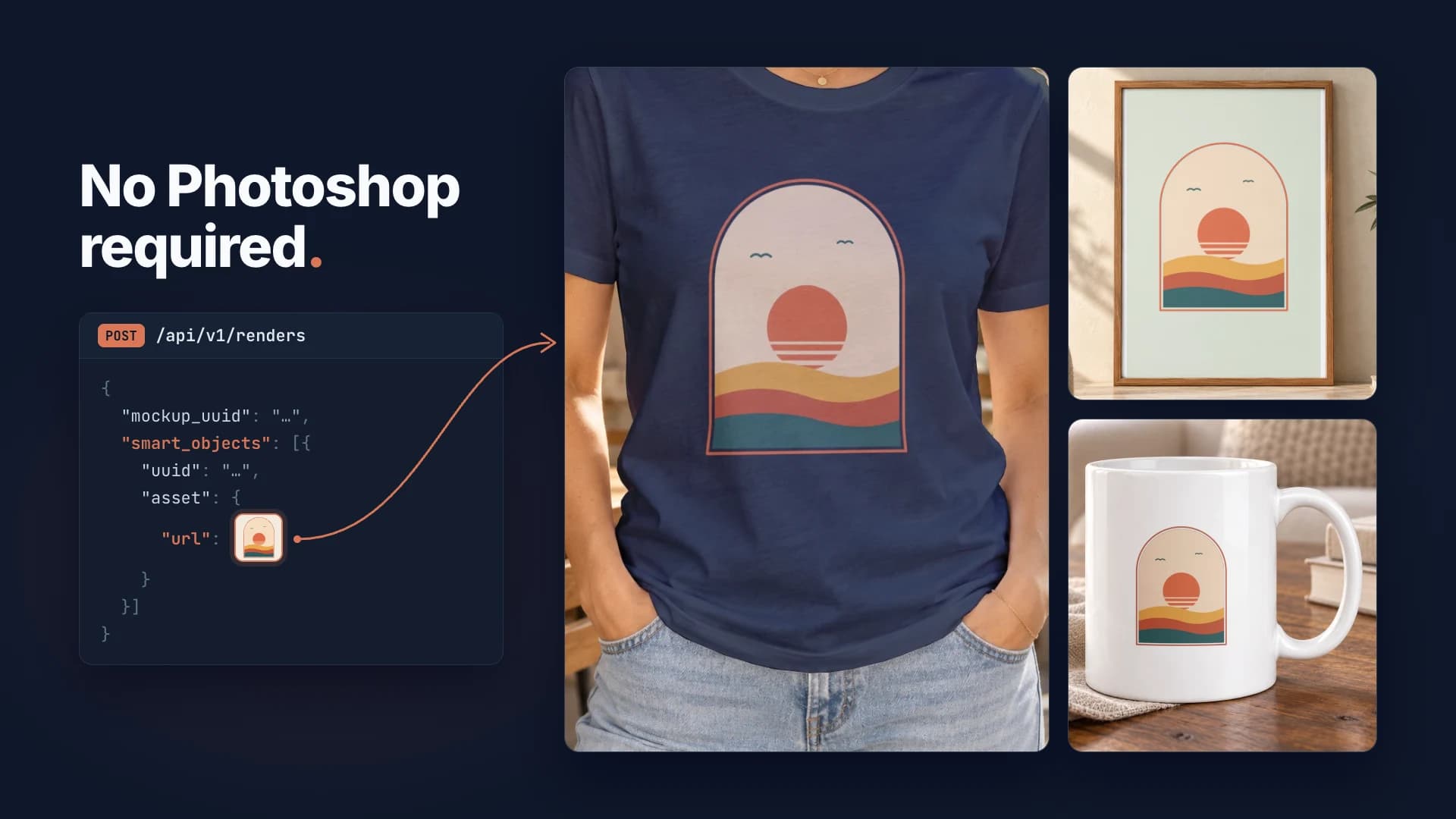
No Adobe subscription? No problem. Here's how to create professional product mockups without Photoshop - using APIs, free tools, and our unlimited dashboard.
$0
Cost
Free dashboard
0
Software
Browser-based
Fast
Rendering
API speed
∞
Unlimited
Dashboard renders
Why Skip Photoshop?
Adobe lists the Photoshop plan at US$22.99 a month on the annual plan billed monthly (adobe.com, read October 2026). For POD sellers and small businesses, that adds up - especially when you only need Photoshop for mockups.
| Option | Monthly Cost | Learning Curve | Best For |
|---|---|---|---|
| Adobe Photoshop | $22.99/mo (Adobe, Oct 2026) | Steep | Designers |
| SudoMock Dashboard | $0 | None | Everyone |
| SudoMock API | From $0.002 per render | Basic | Developers |
| Affinity | Free for individuals (Oct 2026) | Moderate | Budget designers |
Plans start at $25/month. Subscriptions from $0.002 per render.
Option 1: Free Dashboard (Easiest)
SudoMock's dashboard lets you create mockups visually - no software, no code. Just upload your design (from apparel mockup templates to mugs and wall art) and download the result.
- Completely free: No credit card, no limits
- Browser-based: Works on any device
- Instant preview: See results before downloading
- Multiple formats: PNG, JPEG, WebP exports
Option 2: REST API (For Automation)
If you need to generate mockups programmatically, use the API. No Photoshop required - just HTTP requests.
Generate mockup via API
curl -X POST "https://api.sudomock.com/api/v1/renders" \-H "X-API-KEY: YOUR_API_KEY" \-H "Content-Type: application/json" \-d '{"mockup_uuid": "your-template-uuid","smart_objects": [{"uuid": "smart-object-uuid","asset": {"url": "https://your-cdn.com/design.png"}}],"export_options": {"image_format": "webp","image_size": 1024,"quality": 95}}'
const response = await fetch('https://api.sudomock.com/api/v1/renders', {method: 'POST',headers: {'X-API-KEY': 'YOUR_API_KEY','Content-Type': 'application/json',},body: JSON.stringify({"mockup_uuid": "your-template-uuid","smart_objects": [{"uuid": "smart-object-uuid","asset": {"url": "https://your-cdn.com/design.png"}}],"export_options": {"image_format": "webp","image_size": 1024,"quality": 95}}),});const data = await response.json();console.log(data);
import requestsresponse = requests.post("https://api.sudomock.com/api/v1/renders",headers={"X-API-KEY": "YOUR_API_KEY","Content-Type": "application/json",},json={"mockup_uuid": "your-template-uuid","smart_objects": [{"uuid": "smart-object-uuid","asset": {"url": "https://your-cdn.com/design.png",},},],"export_options": {"image_format": "webp","image_size": 1024,"quality": 95,},},)print(response.json())
package mainimport ("bytes""fmt""io""net/http")func main() {payload := []byte(`{"mockup_uuid": "your-template-uuid","smart_objects": [{"uuid": "smart-object-uuid","asset": {"url": "https://your-cdn.com/design.png"}}],"export_options": {"image_format": "webp","image_size": 1024,"quality": 95}}`)req, err := http.NewRequest("POST", "https://api.sudomock.com/api/v1/renders", bytes.NewBuffer(payload))if err != nil {panic(err)}req.Header.Set("X-API-KEY", "YOUR_API_KEY")req.Header.Set("Content-Type", "application/json")resp, err := http.DefaultClient.Do(req)if err != nil {panic(err)}defer resp.Body.Close()body, _ := io.ReadAll(resp.Body)fmt.Println(string(body))}
<?php$payload = <<<'JSON'{"mockup_uuid": "your-template-uuid","smart_objects": [{"uuid": "smart-object-uuid","asset": {"url": "https://your-cdn.com/design.png"}}],"export_options": {"image_format": "webp","image_size": 1024,"quality": 95}}JSON;$ch = curl_init('https://api.sudomock.com/api/v1/renders');curl_setopt_array($ch, [CURLOPT_CUSTOMREQUEST => 'POST',CURLOPT_RETURNTRANSFER => true,CURLOPT_HTTPHEADER => ['X-API-KEY: YOUR_API_KEY','Content-Type: application/json',],CURLOPT_POSTFIELDS => $payload,]);$response = curl_exec($ch);curl_close($ch);echo $response;
{"success": true,"data": {"print_files": [{"export_path": "https://cdn.sudomock.com/renders/abc123.webp"}]}}
Option 3: Free PSD Alternatives
Need to create your own mockup templates? These free tools can create PSD-compatible files:
- Photopea: Free browser-based Photoshop clone - opens and saves PSD files
- GIMP + Plugin: Free desktop app with PSD export capability
- Affinity: Free for individuals (affinity.studio, October 2026), opens PSD files with their layers
Pre-Made Templates
Don't want to create templates yourself? Browse SudoMock's free mockup library with 100+ templates, or use community templates from marketplaces:
- Creative Market: Premium mockup templates with Smart Objects
- GraphicBurger: Free high-quality mockups
- Mockup World: Curated free mockup collection
- Pixeden: Mix of free and premium templates
Which option to choose
| Need | Best Solution |
|---|---|
| Quick one-off mockups | Free Dashboard |
| Bulk/automated generation | REST API |
| Create custom templates | Photopea (free) |
| Pre-made templates | SudoMock mockup library |
Ready to get started? Explore POD mockup templates.
Next steps
Pick a template and render your first mockup: Create a mockup in the browser covers the dashboard path. To automate the same render, Render a PSD without Photoshop walks through the API from upload to finished image.
To build your own template, follow the PSD Mockup Template Guide. For a whole product catalog, see print-on-demand mockup automation.
Frequently asked questions
Can I create professional mockups without Photoshop?
Yes, using a mockup API like SudoMock, you can generate professional mockups without having Photoshop installed. Upload your designs, select templates, and receive rendered images - all through API calls or web interfaces.
What alternatives exist to Photoshop for mockup creation?
Without Photoshop you can place a design on a PSD template in SudoMock's browser dashboard, automate the same render over its REST API, and build your own templates in a free PSD editor such as Photopea.
How do cloud-based mockup generators compare to Photoshop?
Cloud generators are easier to use, require no software installation, and often cost less. Photoshop offers more customization but has a steep learning curve. For production workflows, APIs provide the best of both: quality output with full automation.
Can I use my own PSD templates with mockup APIs?
Yes. SudoMock accepts your own PSD templates: upload one once, then render unlimited variations with different designs through the API.
What's the quality difference between API mockups and Photoshop?
SudoMock renders the actual PSD file, so its output matches Photoshop's own output for the same template. The same file gives the same mockup whether you render it from the dashboard or through the API.
Sources
- Photoshop plans (opens in new tab), Adobe
- Affinity (opens in new tab), Affinity
Beck
CTO
Related articles
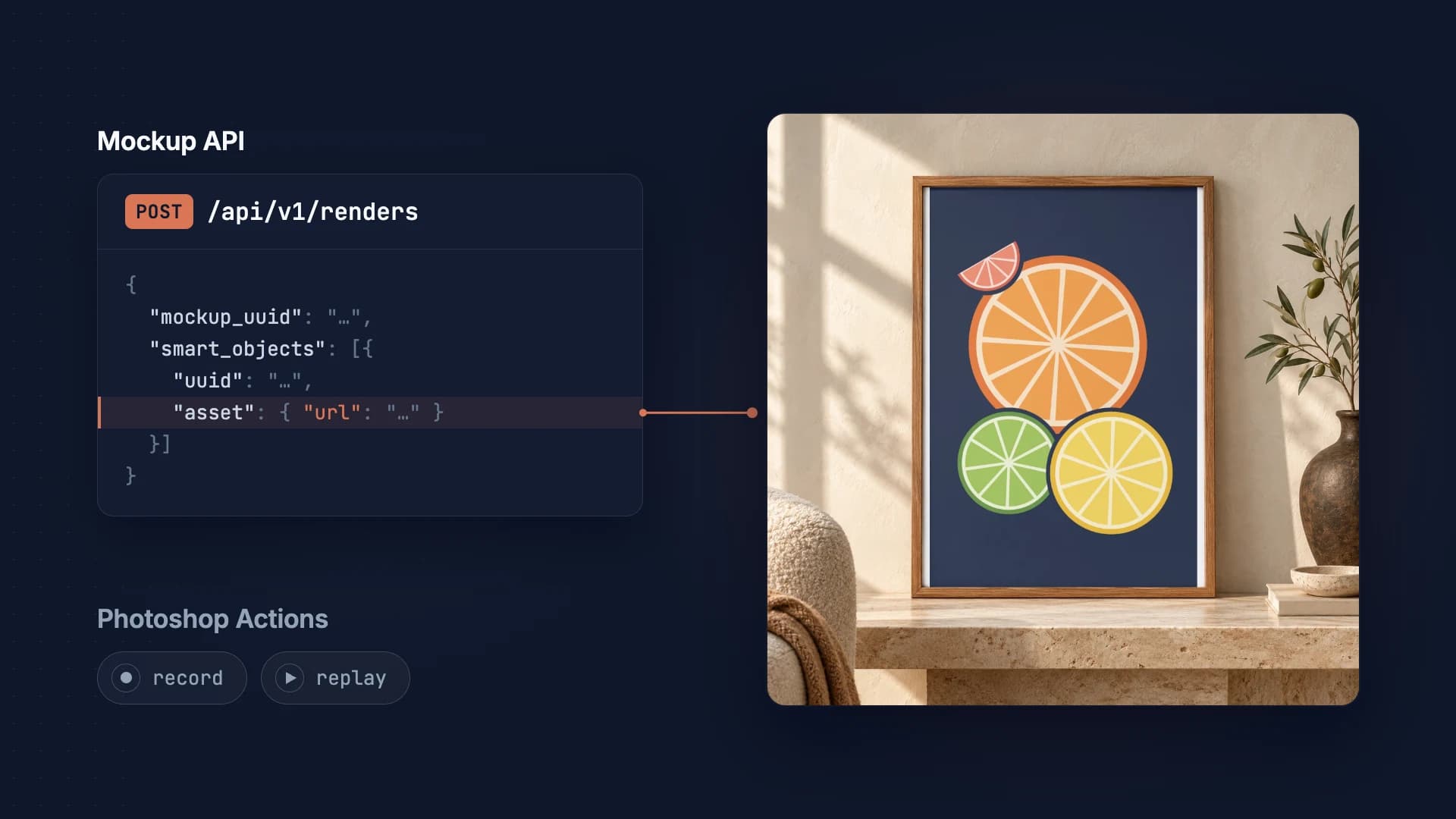
PSD Mockup API vs Photoshop Actions: Complete Guide
When to use a mockup API vs Photoshop actions. Pros, cons, and use cases for each approach.
2 min read
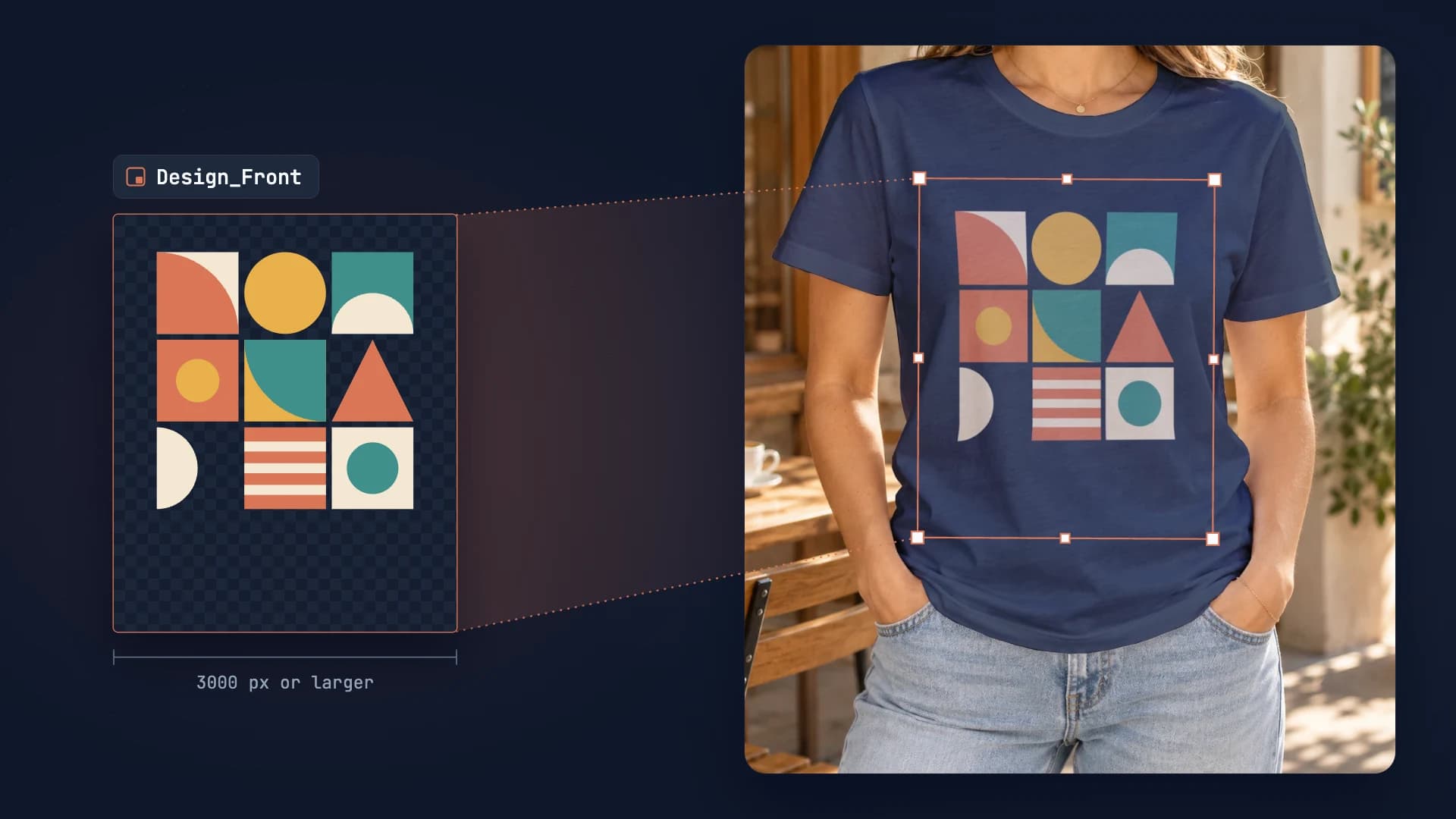
PSD Mockup Template Guide: Best Practices for Automation
Learn how to create API-ready PSD mockup templates. Complete guide covering dimensions, Smart Object setup, layer naming, blend modes, and optimization for automation.
7 min read
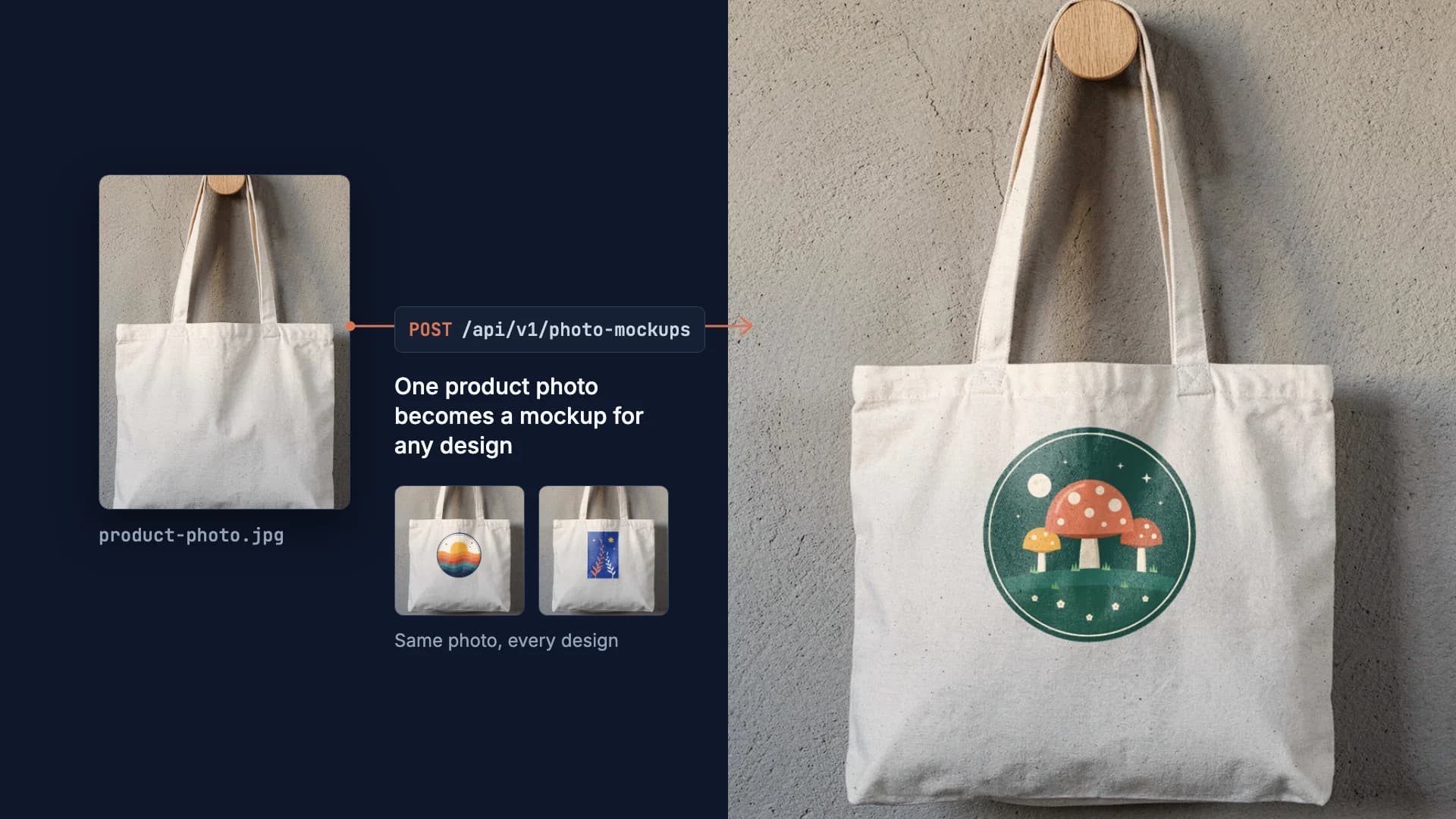
How to Make Your Own Mockup from Any Product Photo
One photo of your own product becomes a reusable mockup: the create call, the render call and real renders of four designs on a canvas tote.
7 min read
Explore by use case
See SudoMock in action for your specific product category
Your own PSD, rendered via API
Render your own PSD through the API. Start with 500 one-time credits, no card.