PSD Mockup API vs Photoshop Actions: Complete Guide
Use a mockup API for scale, cloud workflows and team collaboration: each mockup is one HTTP request, with no Photoshop installed. Photoshop Actions make sense for low-volume work you adjust by hand on a machine that runs Photoshop. SudoMock renders your own PSD to match Photoshop's own output, from $0.002 per render.
Published Updated 2 min readBeck
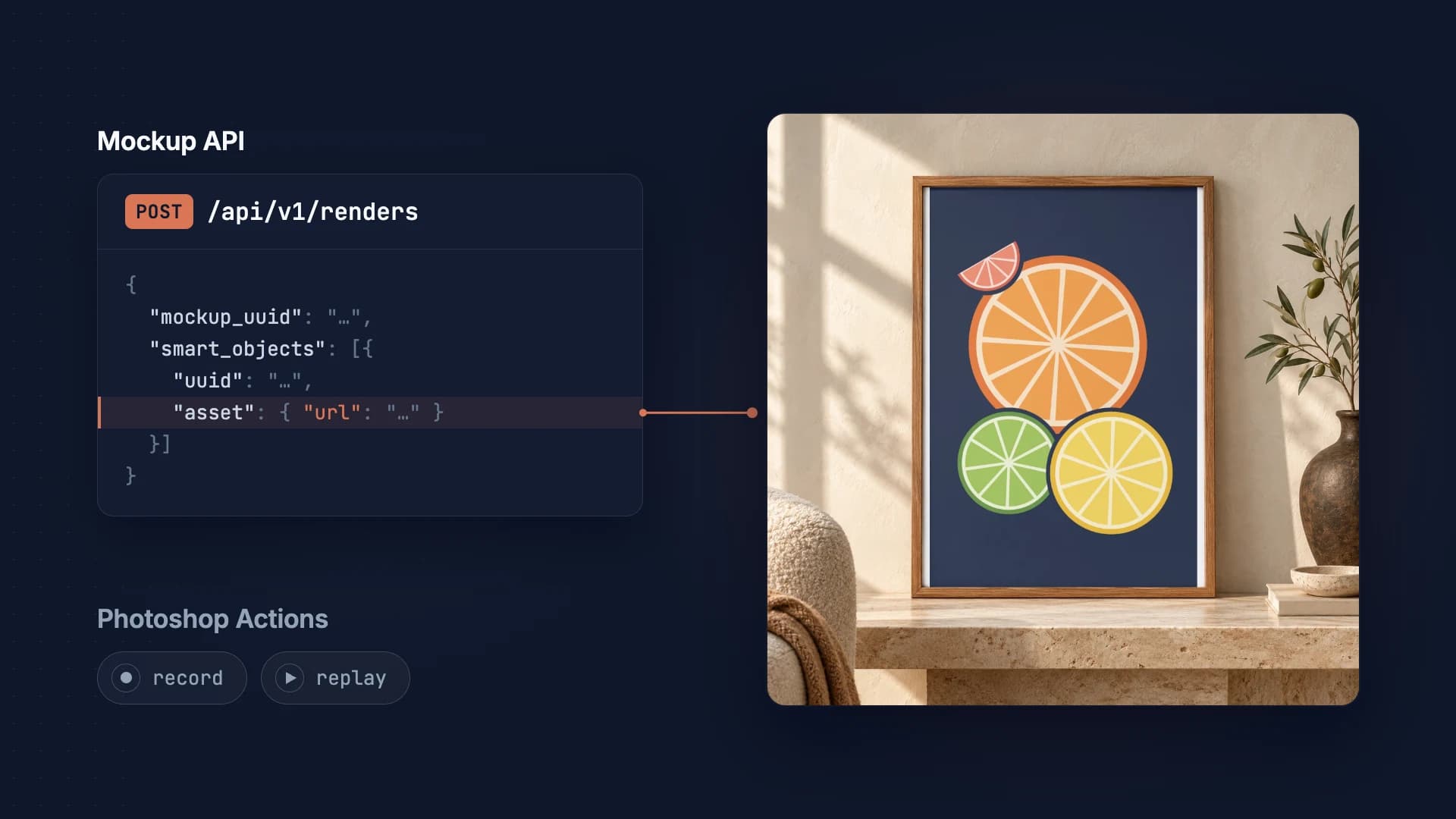
Quick Comparison
| Feature | Photoshop Actions | Mockup API |
|---|---|---|
| Setup time | 30-60 min | 5 min |
| Speed per mockup | 10-30 sec | Fast |
| Requires Photoshop | Yes | No |
| Server/cloud ready | No | Yes |
| Batch processing | Manual | Automatic |
| Cost | $22.99/mo (Adobe, Oct 2026) + time | from $0.002 per render |
Photoshop Actions: The Traditional Approach
Photoshop Actions record a sequence of steps that you can replay on different files. They've been the go-to solution for mockup automation for years.
Pros
- Full control: Complete access to all Photoshop features
- One-time setup: Create once, use forever
- Offline capable: Works without internet connection
Cons
Mockup API: The Modern Approach
A mockup API like SudoMock processes your PSD files on cloud servers, returning rendered images via HTTP. No desktop software required.
Pros
- Optimized rendering: Fast and reliable
- Runs anywhere: Servers, serverless functions, any platform
- Easy integration: Simple REST API with JSON
- Scalable: Handle thousands of mockups without bottlenecks
- No software: Works from any language or platform
Example API Call
Generate a mockup
curl -X POST "https://api.sudomock.com/api/v1/renders" \-H "X-API-KEY: sm_your_api_key" \-H "Content-Type: application/json" \-d '{"mockup_uuid": "your-template-uuid","smart_objects": [{"uuid": "smart-object-uuid","asset": {"url": "https://cdn.example.com/design.png"}}],"export_options": {"image_size": 1024}}'
const response = await fetch('https://api.sudomock.com/api/v1/renders', {method: 'POST',headers: {'X-API-KEY': 'sm_your_api_key','Content-Type': 'application/json',},body: JSON.stringify({"mockup_uuid": "your-template-uuid","smart_objects": [{"uuid": "smart-object-uuid","asset": {"url": "https://cdn.example.com/design.png"}}],"export_options": {"image_size": 1024}}),});const data = await response.json();console.log(data);
import requestsresponse = requests.post("https://api.sudomock.com/api/v1/renders",headers={"X-API-KEY": "sm_your_api_key","Content-Type": "application/json",},json={"mockup_uuid": "your-template-uuid","smart_objects": [{"uuid": "smart-object-uuid","asset": {"url": "https://cdn.example.com/design.png",},},],"export_options": {"image_size": 1024,},},)print(response.json())
package mainimport ("bytes""fmt""io""net/http")func main() {payload := []byte(`{"mockup_uuid": "your-template-uuid","smart_objects": [{"uuid": "smart-object-uuid","asset": {"url": "https://cdn.example.com/design.png"}}],"export_options": {"image_size": 1024}}`)req, err := http.NewRequest("POST", "https://api.sudomock.com/api/v1/renders", bytes.NewBuffer(payload))if err != nil {panic(err)}req.Header.Set("X-API-KEY", "sm_your_api_key")req.Header.Set("Content-Type", "application/json")resp, err := http.DefaultClient.Do(req)if err != nil {panic(err)}defer resp.Body.Close()body, _ := io.ReadAll(resp.Body)fmt.Println(string(body))}
<?php$payload = <<<'JSON'{"mockup_uuid": "your-template-uuid","smart_objects": [{"uuid": "smart-object-uuid","asset": {"url": "https://cdn.example.com/design.png"}}],"export_options": {"image_size": 1024}}JSON;$ch = curl_init('https://api.sudomock.com/api/v1/renders');curl_setopt_array($ch, [CURLOPT_CUSTOMREQUEST => 'POST',CURLOPT_RETURNTRANSFER => true,CURLOPT_HTTPHEADER => ['X-API-KEY: sm_your_api_key','Content-Type: application/json',],CURLOPT_POSTFIELDS => $payload,]);$response = curl_exec($ch);curl_close($ch);echo $response;
When to Use Each
Where Photoshop Actions stop
Choose SudoMock if:
Cost Analysis
Plans start at $25/month. Subscriptions from $0.002 per render.
$22.99
Photoshop
Adobe list price, Oct 2026
from $0.002
SudoMock API
Per render
Next step
To move a mockup workflow from Photoshop Actions to an API, upload the PSD template once and send one render request per design. Render a PSD without Photoshop covers the whole job end to end, and the quickstart gets you from a Photoshop file to a rendered mockup in two requests.
Preparing a PSD shows the smart object setup a template needs before upload. If you have no PSD yet, start from the ready-made mockup templates for POD sellers.
Frequently asked questions
What's the difference between a mockup API and Photoshop Actions?
Mockup APIs process templates server-side without needing Photoshop installed, offer true programmatic automation, and scale infinitely. Desktop Photoshop Actions run inside Photoshop on a machine that has it, each batch is started on that machine, and running actions from a server goes through Adobe's separate Photoshop API.
Which is faster: Mockup API or Photoshop Actions?
Mockup APIs are significantly faster for batch processing - generating hundreds of images in minutes. Photoshop Actions process one image at a time on a single machine, making them impractical for large volumes.
Do I still need Photoshop if I use a mockup API?
No. Once templates are ready, the API handles all rendering server-side. This means your production workflow runs without any Photoshop dependency.
Can I convert my existing Photoshop Actions to API workflows?
Yes, by recreating the workflow. Export your PSD templates with Smart Objects, then configure the API to target those layers. The result is a scalable, automated version of your Action.
What are the cost differences between Mockup API and Photoshop?
Photoshop requires monthly subscription fees plus hardware costs. Mockup APIs typically charge per render or offer volume-based pricing. For high-volume use cases (1000+ images/month), APIs are usually more cost-effective.
Sources
Beck
CTO
Related articles
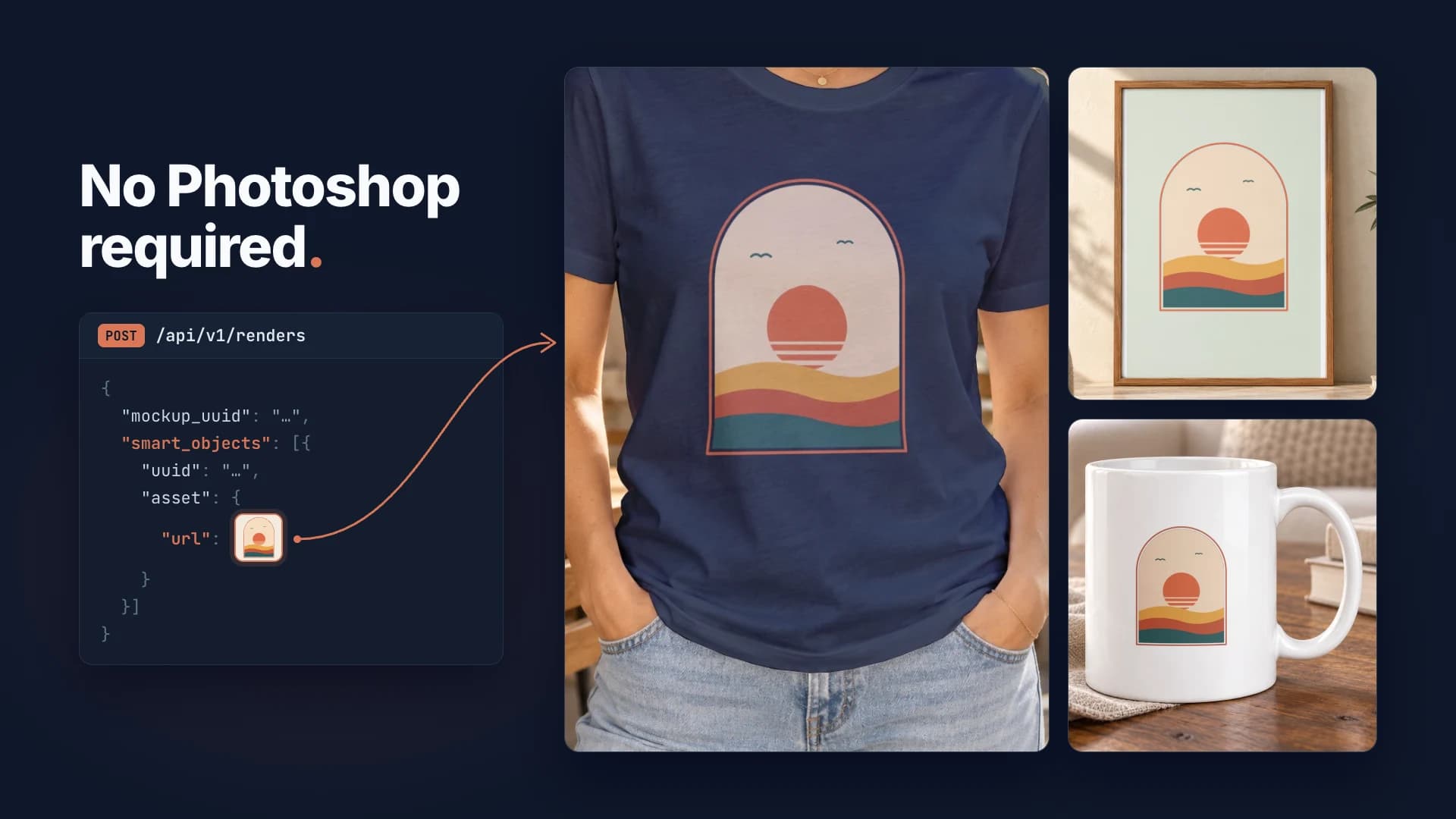
How to Create Mockups Without Photoshop
Create professional product mockups without Photoshop using SudoMock API. Automate t-shirt, mug, and poster mockups from $0.002 per render. No design skills needed.
2 min read
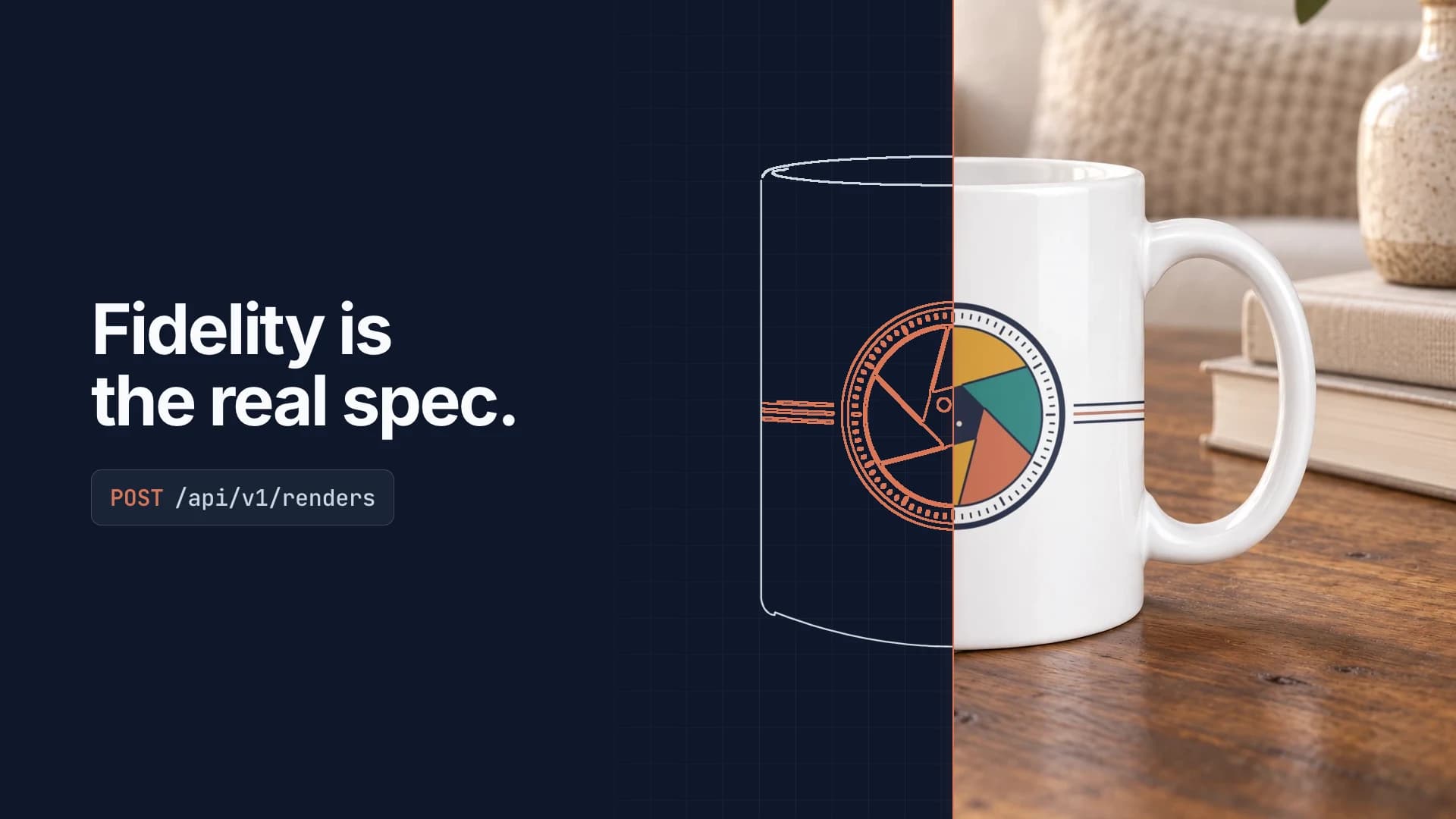
Photoshop API Pricing 2026: Real Cost + Mockup Alternative
Adobe Photoshop API pricing for 2026 broken down by call, plus Firefly credit rates and hidden costs. Then the part that matters more for product mockups: render fidelity, your own PSD, print-ready resolution, and where a purpose-built engine fits.
8 min read
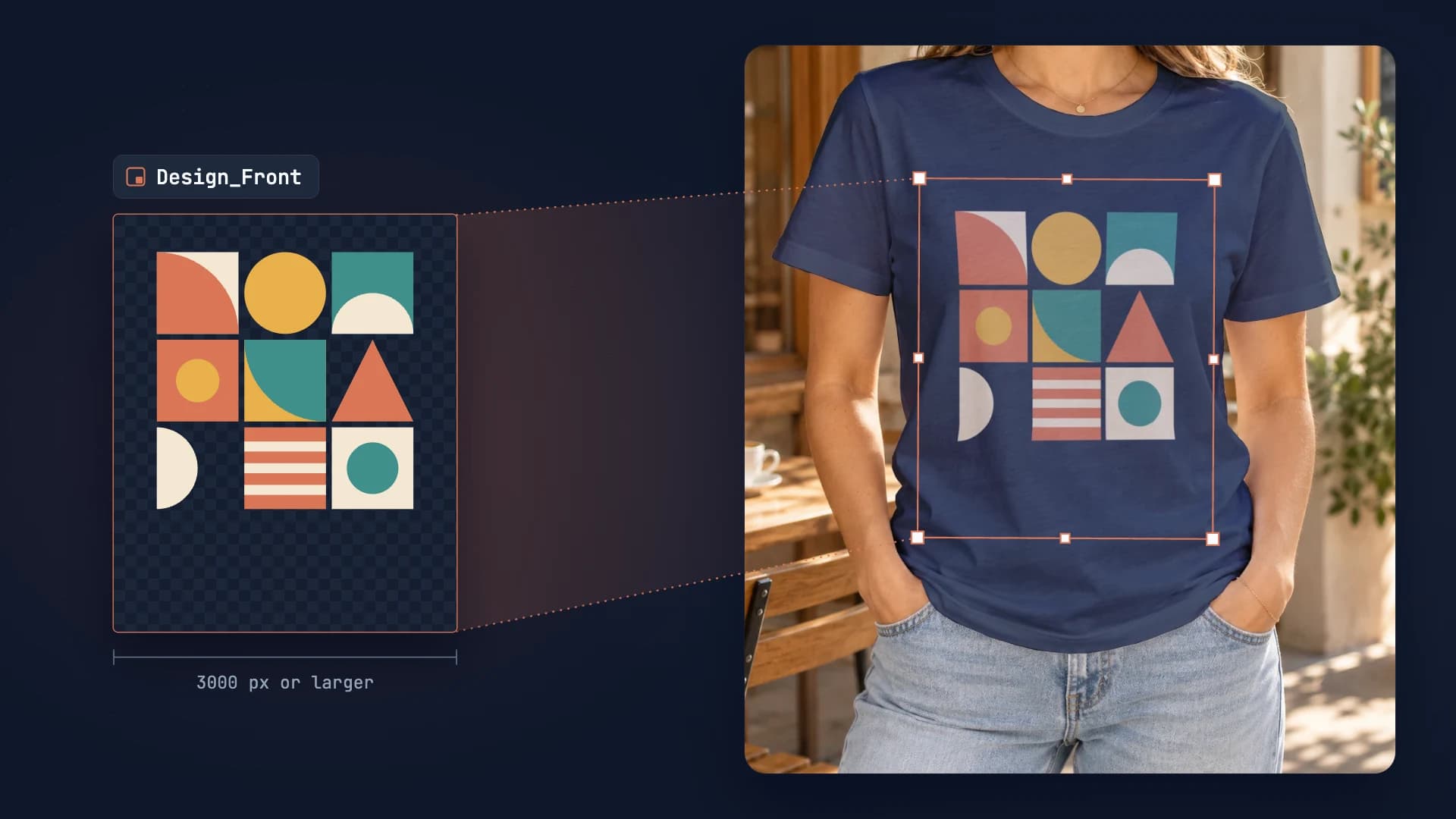
PSD Mockup Template Guide: Best Practices for Automation
Learn how to create API-ready PSD mockup templates. Complete guide covering dimensions, Smart Object setup, layer naming, blend modes, and optimization for automation.
7 min read
Explore by use case
See SudoMock in action for your specific product category
Your own PSD, rendered via API
Render your own PSD through the API. Start with 500 one-time credits, no card.