Mockup Guide
Complete Guide to Polo Mockups
Everything you need to know about creating and using polo mockups for print-on-demand and e-commerce.
What are Polo Mockups?
Polo mockup templates. These mockups are part of the T-Shirts collection within our Apparel category.
Best Practices
- Use high-resolution designs (300 DPI recommended) for crisp prints
- Keep key artwork inside the print area so nothing is cropped
- Test with multiple color backgrounds to see how your design adapts
- Use the SudoMock API to batch-generate multiple color variations
- Include lifestyle angles alongside flat-lay views for e-commerce listings
Recommended Workflow
- Browse the available polo mockups below
- Open any angle in Photo Mockups to place your design
- Use the Render API for automated batch processing
- Download high-resolution images for your product listings
Available Polo Mockups
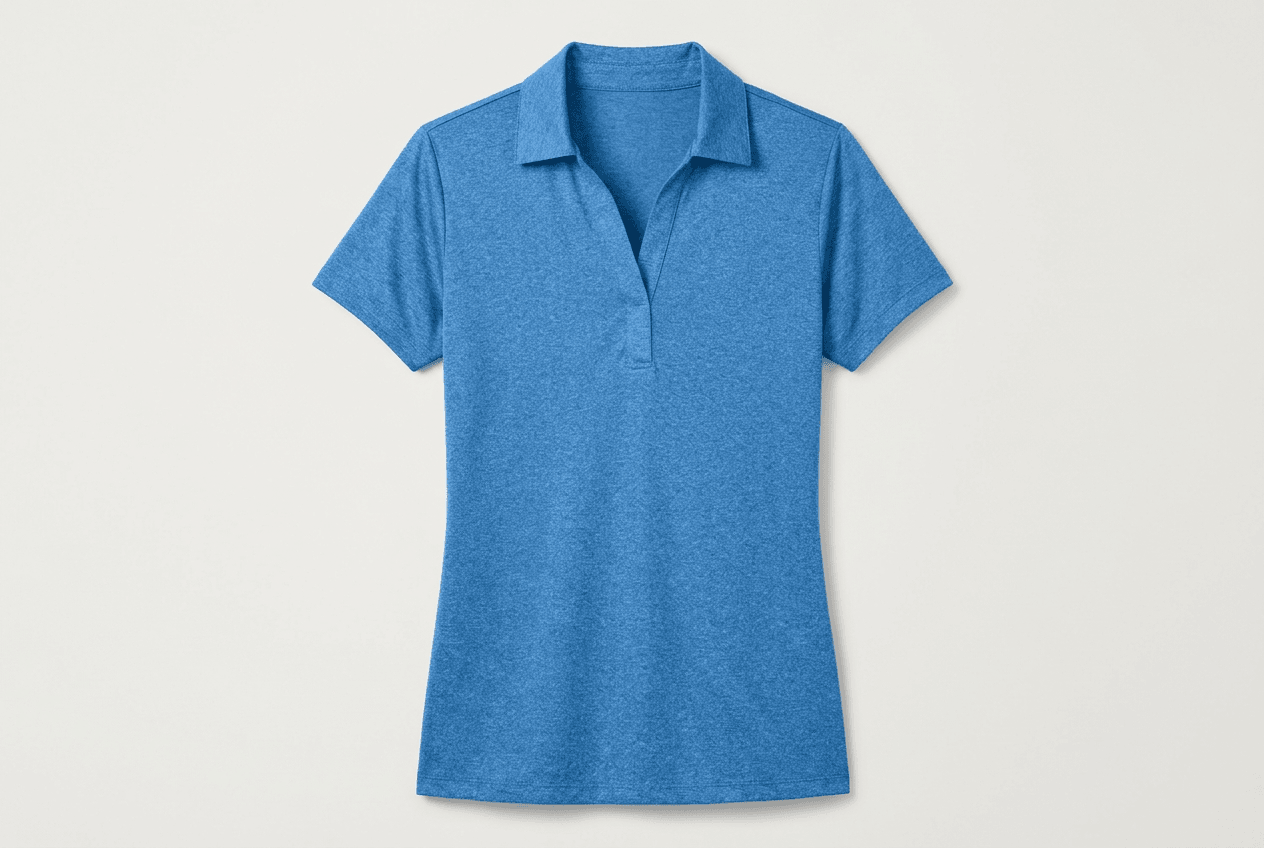
Browse the full template library. Browse All
Ready Angles
Every template comes with multiple angles. Pick one and place your artwork in the editor or through the API.
Learn about Photo Mockups →API Integration
Automate mockup generation with our REST API. Process hundreds of designs in minutes with batch rendering support.
View API Docs →Platform Ready
All mockups are ready for Etsy, Shopify, Amazon and 30+ print-on-demand platforms.
Browse by Platform →Browse Polo Mockups
View All TemplatesReady to Create Stunning Mockups?
Generate product mockups with Photo Mockups and the Render API. Upload artwork and export high-resolution images from one workflow.
No credit card required500 one-time creditsInstant API access