Mockup Guide
Complete Guide to Wall Clock Mockups
Everything you need to know about creating and using wall clock mockups for print-on-demand and e-commerce.
What are Wall Clock Mockups?
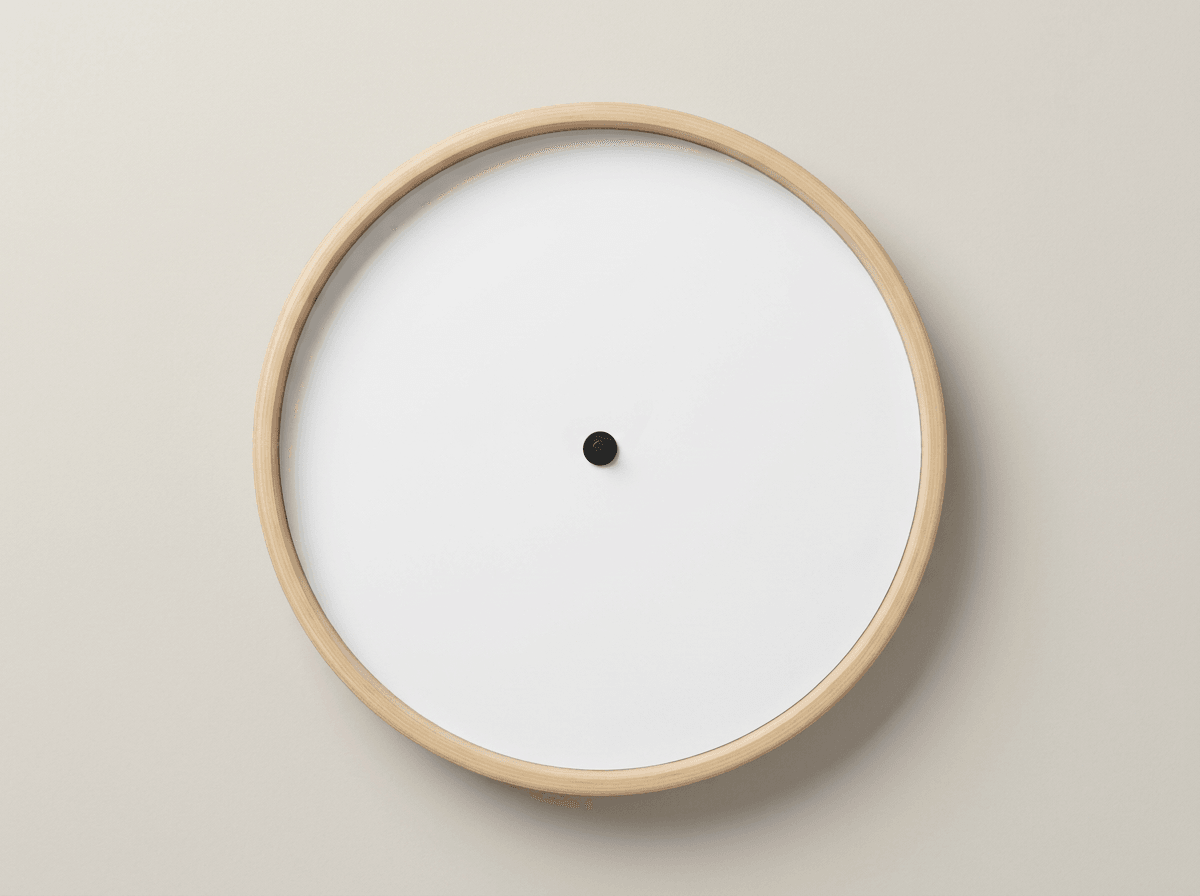
Wall Clock mockup templates. These mockups are part of the Home Decor collection within our Home & Living category.
Best Practices
- Use high-resolution designs (300 DPI recommended) for crisp prints
- Keep key artwork inside the print area so nothing is cropped
- Test with multiple color backgrounds to see how your design adapts
- Use the SudoMock API to batch-generate multiple color variations
- Include lifestyle angles alongside flat-lay views for e-commerce listings
Recommended Workflow
- Browse the available wall clock mockups below
- Open any mockup in Photo Mockups to place your design
- Use the Render API for automated batch processing
- Download high-resolution images for your product listings
Available Wall Clock Mockups
Browse the full template library. Browse All
Ready Mockups
Every template comes with several ready-made mockups. Pick one and place your artwork in the editor or through the API.
Learn about Photo Mockups →API Integration
Automate mockup generation with our REST API. Process hundreds of designs in minutes with batch rendering support.
View API Docs →Platform Ready
All mockups are ready for Etsy, Shopify, Amazon and 30+ print-on-demand platforms.
Browse by Platform →Browse Wall Clock Mockups
View All TemplatesReady to Create Stunning Mockups?
Generate product mockups with Photo Mockups and the Render API. Upload artwork and export high-resolution images from one workflow.
No credit card required500 one-time creditsInstant API access