Google Merchant Center Image Requirements: 500 x 500 From 2027 and Renders That Meet It
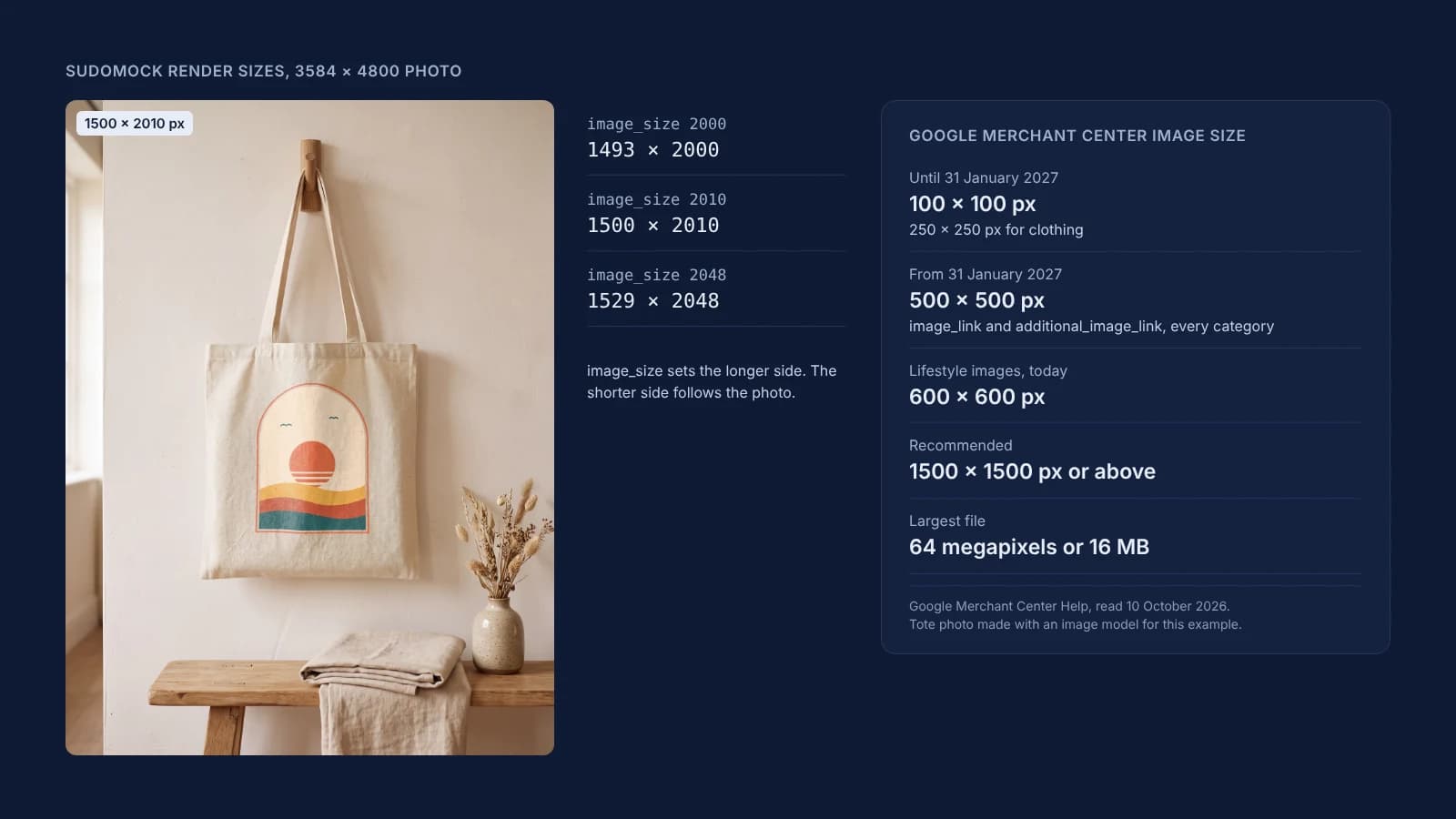
Google Merchant Center accepts product images from 100 x 100 pixels (250 x 250 for clothing) until January 31, 2027, then requires 500 x 500 for image_link and additional_image_link in every category. Google recommends 1500 x 1500 or more and caps files at 64 megapixels or 16 MB.
Published 9 min readBeck
Key takeaways
- Lifestyle images need 600 x 600 today, above the 500 x 500 rule for 2027.
- Google optimizes some small images itself, and a new file larger than 500 x 500 replaces its copy.
- A new image URL is crawled within 3 days, an unchanged URL can take up to 6 weeks to show.
What Google Merchant Center requires of a product image
Every size rule applies to both sides of the image, and the 2027 minimum covers the main image and every additional image in all categories. These are Google's lines, read on 10 October 2026:
| Rule | Google's wording | Page |
|---|---|---|
| Minimum until January 31, 2027 | "Until January 31, 2027, you can use an image that's at least 100 x 100 pixels for non-clothing and 250 x 250 pixels for clothing products." | Image too small |
| Minimum from January 31, 2027 | "we're increasing the minimum resolution for images submitted in the image link [image_link] and additional image link [additional_image_link] attributes to 500x500 pixels across all product categories and marketing methods." | Announcement of April 14, 2026 |
| Recommended size | "we recommend that you provide images 1500x1500 pixels or above." | Image link |
| Largest file | "Images cannot be larger than 64 megapixels or 16 MB in file size." | Image too small |
| File types | "JPEG (.jpg/.jpeg), WebP (.webp), PNG (.png), non-animated GIF (.gif), BMP (.bmp), and TIFF (.tif/.tiff)" | Product data specification |
| Enlarging | "Don't scale up an image or submit a thumbnail." | Product data specification |
| One variant per image | "Show only one variant per image: For products with multiple colors or styles, display only the single variant being sold in that listing." | Image link |
An image that is 2000 pixels wide and 450 pixels tall is below 500 x 500. Many guides still print 100 x 100 and 250 x 250 as the whole rule, without the 2027 date.
The 500 x 500 timeline
Google announced the new minimum on April 14, 2026 and enforces it from January 31, 2027. In Google's words: "We will begin issuing warnings in Merchant Center starting April 14, 2026 for images which do not meet the updated minimum resolution requirement, with enforcement starting on January 31, 2027."
The warnings widened in July 2026: "Starting July 2026 you will see warnings on images larger than the minimum requirements but smaller than 500 x 500." To find the affected products, Google says: "From the Needs attention tab, select "View history" and review the orange warnings on the right hand side of the page to find "Image too small for upcoming enforcement" and "Image resolution optimizations applied"."
The second warning name refers to Google's own fix for some images. The announcement says "We will also begin optimizing some images that are smaller than 500 x 500." and that "these optimized images will meet the new image requirements and will prevent product disapproval without any action from you." It also says how to replace one: "To update an image that has been optimized, you can submit a new image that is larger than 500 x 500 in your product data source."
Where a mockup fits in a Merchant Center listing
Google sets different rules for the main image and the images after it. The main image must show the physical product, and Google's list of images to avoid there names mockups that don't depict it. Additional images take graphics and staging, and lifestyle images show the product in a real setting.
On the image link page, read on 10 October 2026, under the images that lead to disapprovals: "Generic graphics and illustrations: Don't submit line art, mockups, or illustrations that don't depict the physical product." For personalized products the same page asks: "Accurately represent customized products: If you are selling a customized or personalized item, use an image that shows the customization."
The additional image link allows more: "The image can include product staging and show the product in use." and "Graphics or illustrations can be included." (product data specification), and it takes "up to 10 additional product images by including this attribute multiple times." The lifestyle image link is there "to showcase your product in a real world context" and has its own floor: "Use an image with a minimum resolution of 600 x 600 pixels and an aspect ratio between 2:0 and 2:3." Read as width to height, an upright lifestyle image can be no taller than 2:3, and the 1500 x 2010 tote render below is 3:4, inside that range. So renders of your own product photos go in additional_image_link, where they have to clear 500 x 500 by January 31, 2027, and in lifestyle_image_link, where they have to clear 600 x 600 today.
All three image attributes carry one more line, read on 10 October 2026 in the product data specification: "All images created using generative AI must contain meta data indicating that the image was AI-generated", with the IPTC DigitalSourceType tag as Google's example. A render on a product photo made with an image model carries that duty too. An image that misses Google's requirements does not appear, and the image link page says you then "see a notification in the Diagnostics section of your Merchant Center account."
Render images that clear 500 and 1500 on both sides
Google's sizes apply to both sides of the image, while a render's image_size sets only one. In a photo mockup render it sets the longer side, and the shorter side follows the shape of the product photo:
curl -X POST https://api.sudomock.com/api/v1/photo-mockups/YOUR_PHOTO_MOCKUP_ID/render \-H "x-api-key: $SUDOMOCK_API_KEY" \-H "Content-Type: application/json" \-d '{"print_areas": [{ "uuid": "YOUR_PRINT_AREA_UUID","artwork_url": "https://example.com/designs/sunset-arch.png" }],"export_options": { "image_format": "jpg", "image_size": 1024, "quality": 90 }}'
const response = await fetch('https://api.sudomock.com/api/v1/photo-mockups/YOUR_PHOTO_MOCKUP_ID/render', {method: 'POST',headers: {'x-api-key': process.env.SUDOMOCK_API_KEY,'Content-Type': 'application/json',},body: JSON.stringify({"print_areas": [{"uuid": "YOUR_PRINT_AREA_UUID","artwork_url": "https://example.com/designs/sunset-arch.png"}],"export_options": {"image_format": "jpg","image_size": 1024,"quality": 90}}),});const data = await response.json();console.log(data);
import osimport requestsresponse = requests.post("https://api.sudomock.com/api/v1/photo-mockups/YOUR_PHOTO_MOCKUP_ID/render",headers={"x-api-key": os.environ["SUDOMOCK_API_KEY"],"Content-Type": "application/json",},json={"print_areas": [{"uuid": "YOUR_PRINT_AREA_UUID","artwork_url": "https://example.com/designs/sunset-arch.png",},],"export_options": {"image_format": "jpg","image_size": 1024,"quality": 90,},},)print(response.json())
package mainimport ("bytes""fmt""io""net/http""os")func main() {payload := []byte(`{"print_areas": [{"uuid": "YOUR_PRINT_AREA_UUID","artwork_url": "https://example.com/designs/sunset-arch.png"}],"export_options": {"image_format": "jpg","image_size": 1024,"quality": 90}}`)req, err := http.NewRequest("POST", "https://api.sudomock.com/api/v1/photo-mockups/YOUR_PHOTO_MOCKUP_ID/render", bytes.NewBuffer(payload))if err != nil {panic(err)}req.Header.Set("x-api-key", os.Getenv("SUDOMOCK_API_KEY"))req.Header.Set("Content-Type", "application/json")resp, err := http.DefaultClient.Do(req)if err != nil {panic(err)}defer resp.Body.Close()body, _ := io.ReadAll(resp.Body)fmt.Println(string(body))}
<?php$payload = <<<'JSON'{"print_areas": [{"uuid": "YOUR_PRINT_AREA_UUID","artwork_url": "https://example.com/designs/sunset-arch.png"}],"export_options": {"image_format": "jpg","image_size": 1024,"quality": 90}}JSON;$ch = curl_init('https://api.sudomock.com/api/v1/photo-mockups/YOUR_PHOTO_MOCKUP_ID/render');curl_setopt_array($ch, [CURLOPT_CUSTOMREQUEST => 'POST',CURLOPT_RETURNTRANSFER => true,CURLOPT_HTTPHEADER => ['x-api-key: ' . getenv('SUDOMOCK_API_KEY'),'Content-Type: application/json',],CURLOPT_POSTFIELDS => $payload,]);$response = curl_exec($ch);curl_close($ch);echo $response;
The file's URL is in data.print_files[0].export_path, and every render gets a new URL. These SudoMock renders were made on 10 October 2026 from three photo mockups: a 4131 x 4131 mug photo, a 4800 x 3584 room photo and a 3584 x 4800 tote bag photo.
Photo and image_size | Pixels | Shorter side | File size |
|---|---|---|---|
| 4131 x 4131 mug photo, 500 | 500 x 500 | 500 | 26,419 bytes |
| 4131 x 4131 mug photo, 1500 | 1500 x 1500 | 1500 | 161,667 bytes |
| 4800 x 3584 room photo, 670 | 670 x 500 | 500 | 64,762 bytes |
| 4800 x 3584 room photo, 2000 | 2000 x 1493 | 1493 | 506,468 bytes |
| 4800 x 3584 room photo, 2010 | 2010 x 1500 | 1500 | 511,747 bytes |
| 3584 x 4800 tote photo, 2000 | 1493 x 2000 | 1493 | 551,037 bytes |
| 3584 x 4800 tote photo, 2010 | 1500 x 2010 | 1500 | 557,554 bytes |
| 3584 x 4800 tote photo, 2048 | 1529 x 2048 | 1529 | 579,424 bytes |
The longer side always equals image_size, on the wide room photo and on the upright tote photo alike. The rounding rule of the Etsy listing photo size post works on the longer side here: 1500 divided by 3584/4800 is 2008.9, and at 2010 both photos came back with a 1500 pixel short side. The 500 x 500 and 670 x 500 renders meet the 2027 minimum for additional_image_link and fall short of the 600 x 600 that lifestyle_image_link asks for.
A PSD template render takes the same export_options, but there image_size sets the output width, so on a landscape template check the height, and on a portrait template the width is the shorter side.
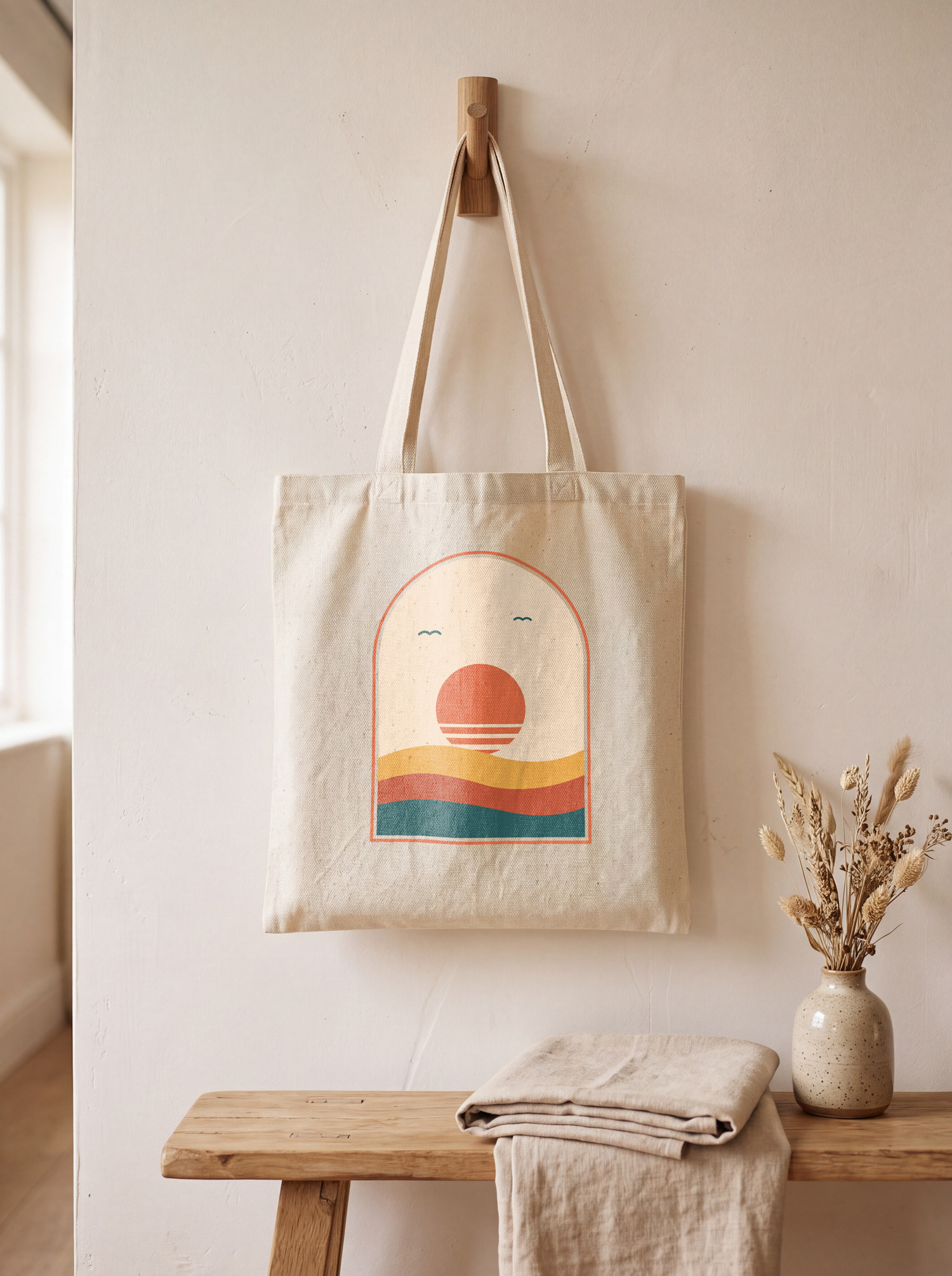 A SudoMock render on a 3584 x 4800 photo mockup at image_size 2010, 1500 by 2010 px, JPG quality 90. The tote photo was made with an image model for this example.
Check each file before it goes into the feed. This script prints the pixel size, the shorter side, the megapixels and the bytes, the four numbers Google's rules use:
import osimport sysfrom PIL import Imagepath = sys.argv[1]w, h = Image.open(path).sizeprint(f"{w} x {h} px, shorter side {min(w, h)}, {w * h / 1_000_000:.2f} MP, {os.path.getsize(path):,} bytes")print("500 x 500 from 2027-01-31:", min(w, h) >= 500)print("1500 x 1500 recommended:", min(w, h) >= 1500)print("under 64 MP and 16 MB:", w * h <= 64_000_000 and os.path.getsize(path) <= 16_000_000)
Run on the room photo's render at 2000 pixels, it printed:
2000 x 1493 px, shorter side 1493, 2.99 MP, 506,468 bytes500 x 500 from 2027-01-31: True1500 x 1500 recommended: Falseunder 64 MP and 16 MB: True
Replace the images and get them crawled again
A new file at a new URL is picked up in days, the same URL can take weeks. Google's image processing page says: "Always change the filename and the URL of the image in your product data to trigger a fresh crawl within 3 days." Its unable to show image page adds: "A new image can take up to 6 weeks to appear in your ad or listing if the image URL remains unchanged."
- Export the affected products: on the Image too small issue, select View fix, then Download impacted products, as Google's fix page describes. Google's 500 x 500 rule covers image_link and additional_image_link (announcement): a flagged image_link needs a main image that shows the physical product, as Google's image link page asks, and the renders in step 2 replace and add the additional and lifestyle images.
- Render each variant's images at an
image_sizethat keeps the shorter side at 1500 or more, from a product photo at least that large, one request per variant, in parallel: the average SudoMock render finishes in under a second. Google asks for a separate image per variant: "Submit a unique image for each variant: Don't reuse one general photo across different product variations." - Write each new URL to additional_image_link or lifestyle_image_link for that variant's item. For a large catalog, Google suggests you "pace large bulk image updates in batches (for example, 10% daily)".
Next step
Start with one variant: create a photo mockup from your largest product photo with create a mockup from a product photo, render it at image_size 1024, run the check, then set the size for your photo's shape. For lifestyle scenes, the tote bag templates, the wall art templates and the template library render the same design. In n8n, the Photo Mockup: Render operation offers Image Size 1024, 2048 or 4096 and Image Format JPG under Export Options, and 2048 gave the tote render a short side of 1529: see the n8n integration guide. The Shopify product image size post covers the store side of the same files.
Frequently asked questions
What is the minimum image size for Google Merchant Center?
Until January 31, 2027, Google accepts images of at least 100 x 100 pixels, or 250 x 250 pixels for clothing. From that date the minimum is 500 x 500 pixels for the main image and every additional image, in all categories. Google recommends 1500 x 1500 pixels or more.
When does Google enforce the 500 x 500 image minimum?
Google announced the 500 x 500 minimum on April 14, 2026 and enforces it from January 31, 2027. Warnings started on April 14, 2026, and since July 2026 they also cover images that pass the old minimums but are smaller than 500 x 500.
Can I use mockups in Google Merchant Center?
Additional images may include graphics or illustrations, and lifestyle images show the product in a real setting, so renders go in additional_image_link and lifestyle_image_link. For the main image, Google's image link page lists line art, mockups and illustrations that don't depict the physical product among the images to avoid. Images made with generative AI must carry metadata that says so, and an image that misses Google's requirements does not appear.
Does Google fix small product images automatically?
Google optimizes some images smaller than 500 x 500 itself and says these optimized images meet the new requirements and prevent disapproval. They are marked with a warning in the Needs attention section. To replace one, submit a new image larger than 500 x 500 in your product data.
How long does Google take to show a new product image?
Google says a new filename and URL triggers a fresh crawl within 3 days. At an unchanged URL, a new image can take up to 6 weeks to appear in an ad or listing. Use a new URL for every replacement image.
Sources
- Merchant Center product data specification update 2026 (opens in new tab), Google Merchant Center Help
- How to fix: Image too small (opens in new tab), Google Merchant Center Help
- Image link [image_link] (opens in new tab), Google Merchant Center Help
- Product data specification (opens in new tab), Google Merchant Center Help
- Lifestyle image link [lifestyle_image_link] (opens in new tab), Google Merchant Center Help
- How to fix: Image processing or experiencing delays (opens in new tab), Google Merchant Center Help
- How to fix: Unable to show image (opens in new tab), Google Merchant Center Help
- Render a photo mockup (opens in new tab)
- Render a PSD mockup (opens in new tab)
- Create a mockup from a product photo (opens in new tab)
Beck
CTO
Related articles
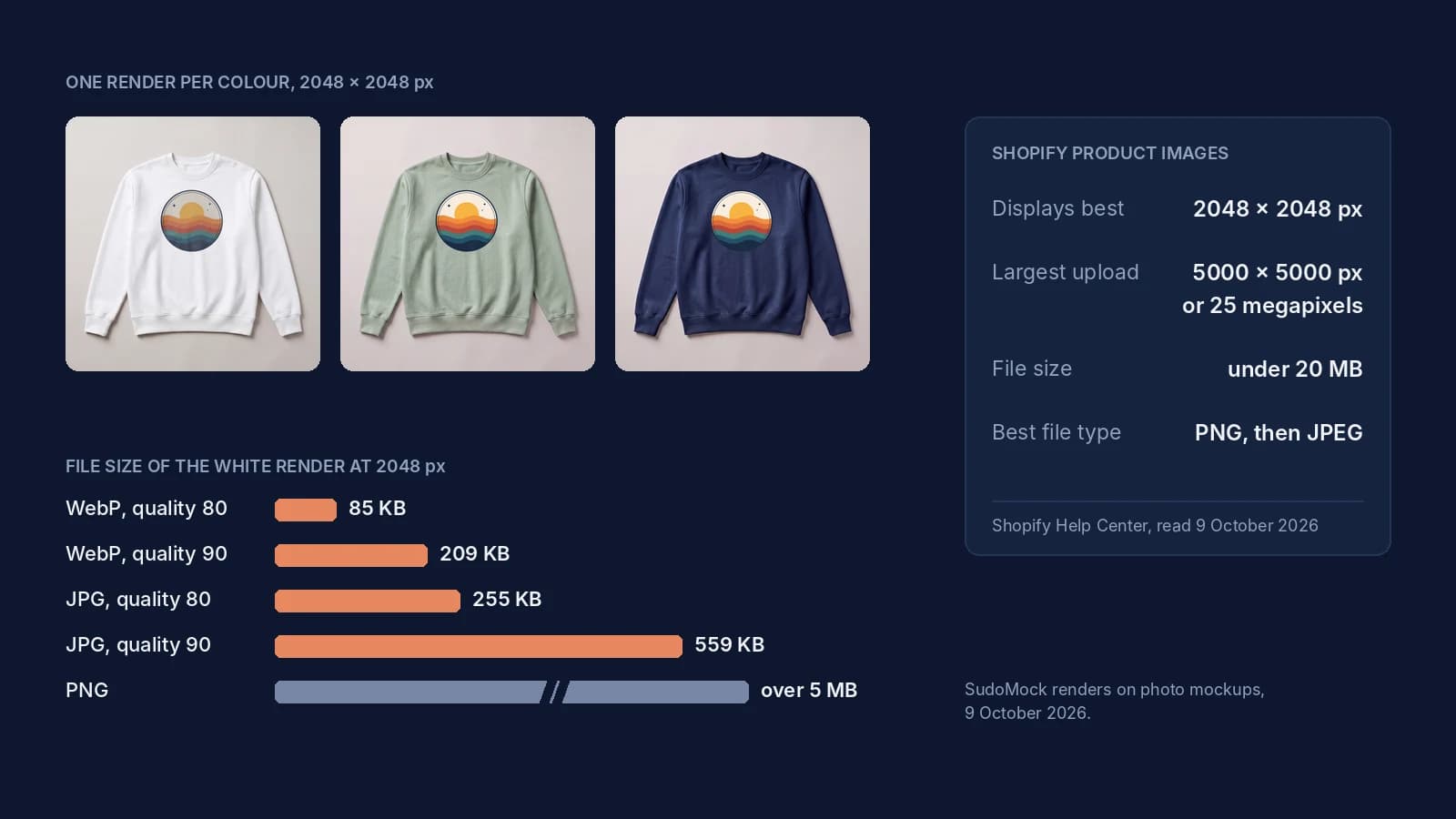
Shopify Product Image Size: 2048 px, the Real Limits and Files
Shopify's image limits quoted page by page, the old 4472 px figure explained, and 2048 px renders measured by format.
8 min read
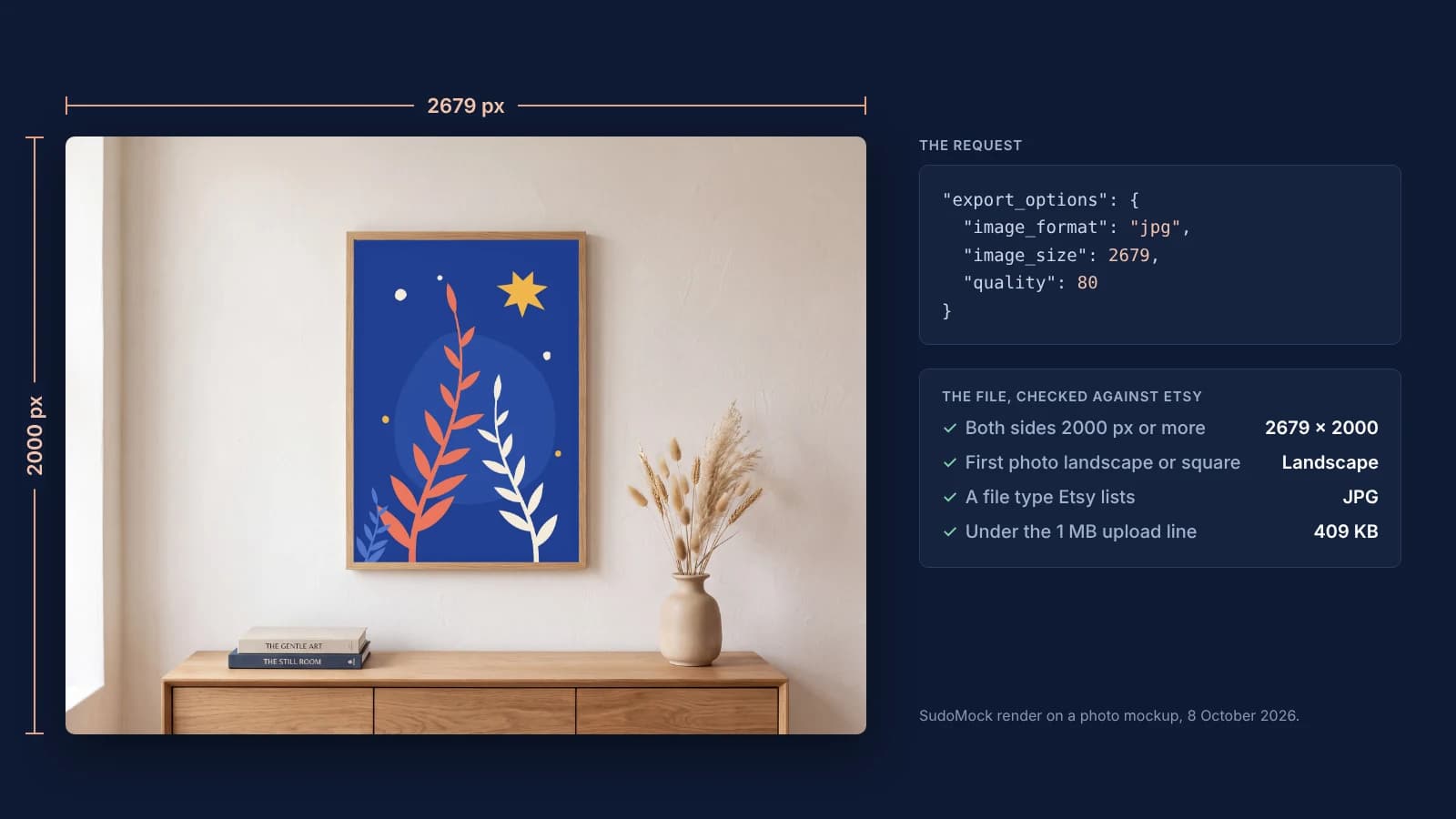
Etsy Listing Photo Size: Etsy's Rules and Files That Meet Them
Etsy's listing photo rules quoted with their dates, the render width for each template shape, and real files measured against the 1 MB line.
7 min read
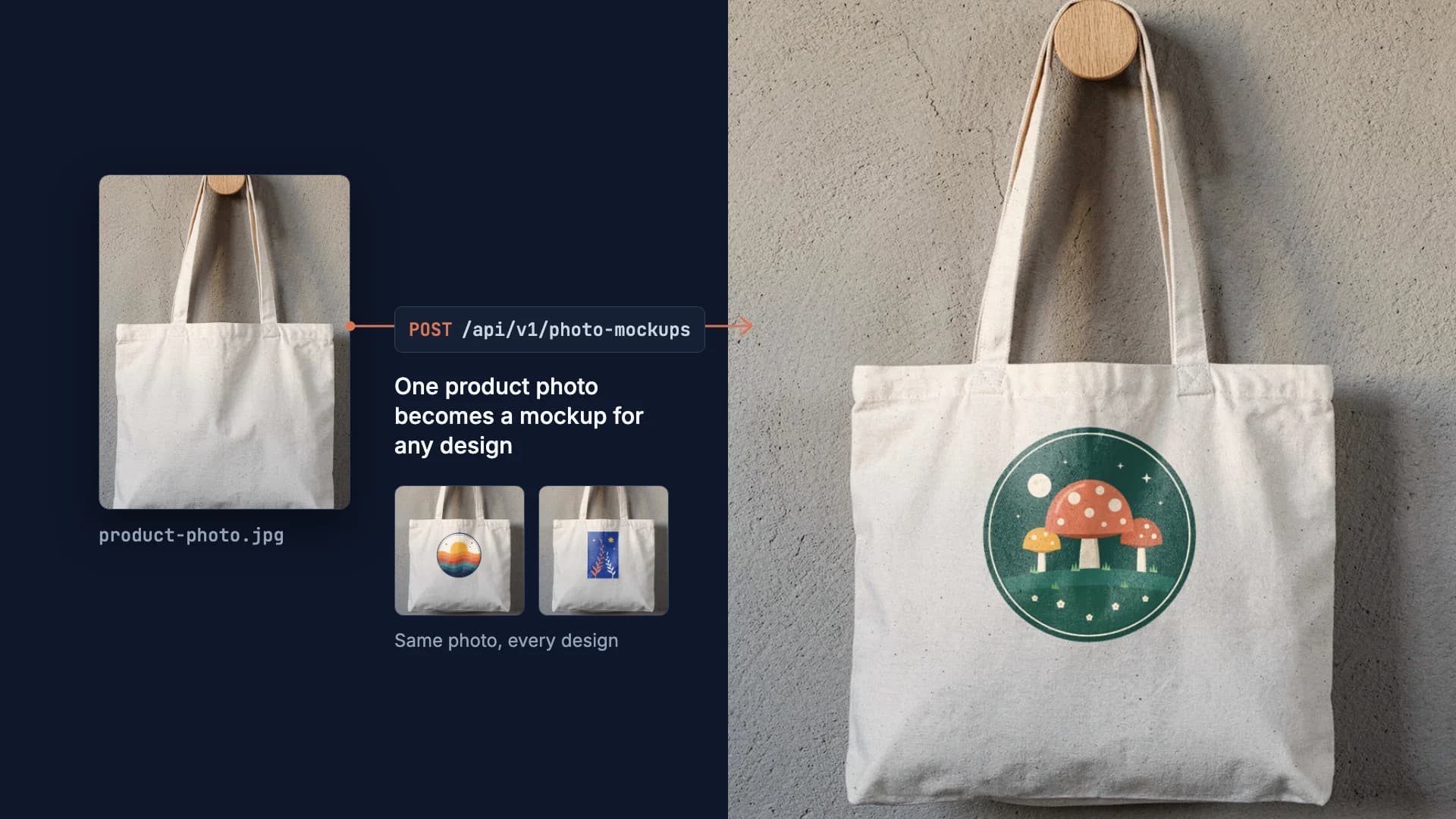
How to Make Your Own Mockup from Any Product Photo
One photo of your own product becomes a reusable mockup: the create call, the render call and real renders of four designs on a canvas tote.
7 min read
Explore by use case
See SudoMock in action for your specific product category
Your own PSD, rendered via API
Render your own PSD through the API. Start with 500 one-time credits, no card.