Can You Use Mockups on Etsy? The Rule by Listing Type
Yes, in two cases. Etsy allows a stock photo mockup when a production partner prints your original design onto a base item, and in the photos after the first on a personalized listing, where photo 1 must show a finished, customized item. Other items you make yourself need your own photos.
Published 8 min readBeck

Key takeaways
- Etsy's mockup wording dates from its July 2024 rewrite, the date the page still carries.
- Label each option image with the exact option names of your custom options field.
- Etsy's 2018 line allowing mockups for digital items is gone from the current page.
What Etsy's image rule says
Etsy's rule on mockups lives on one policy page, the Listing Image Requirements, which Etsy dates as last updated on 9 July 2024. Its default is original photos of the actual product, and its mockup exceptions are written out on that page.
The opening sentence sets the default: "we require sellers to use original photos of the actual product buyers will receive, not renderings or stock photos, except in the situations outlined below." The exceptions follow in one line: "You can use stock photos in some limited circumstances, where you are offering either personalized/customized items or an item made with a production partner, as discussed below."
Etsy's Seller Policy adds the test every listing photo has to pass, mockup or not: "Accurately represent your items, including any details you provide about country of origin, provenance, attributes, components or materials, in listings and listing photos."
The rule by listing type
What a listing may show depends on who makes the item and whether the buyer personalizes it. This table puts Etsy's own sentence next to each case, from the Listing Image Requirements and Etsy's Creativity Standards (last updated 10 June 2025).
| Listing type | First photo | Photos after the first | Etsy's words |
|---|---|---|---|
| Your original design, printed onto a base item by a production partner (print on demand) | A mockup may show it | A mockup may show it | "you may use a stock photo mockup to illustrate the end product buyers will receive" |
| Personalized or customized for the buyer | A finished, customized item | Computer-generated mockups of the options | "your first image must feature a finished, customized item similar to what buyers will receive" |
| A unique item a production partner manufactures for you | A real photo of the end product | A real photo of the end product | "use a real photo of the physical end product" |
| Made by you (no personalization) | Your own photos or video | Your own photos or video | "must use original photo or video content of the final product" |
| Sourced by you | Your photos or the maker's commercial images | Your photos or the maker's commercial images | "photo or video content of the items you have for sale, or commercial images" |
Three cases cross over. A print on demand item that the buyer personalizes follows the personalized row: "Buyer-personalized items must follow the guidelines in the “Personalized or Customized” section above." A personalized item you make yourself follows it too, as the Creativity Standards say for items made by a seller: "When listing personalized or custom items such as monogrammed or engraved accessories, your first image must show a finished, customized item rather than the blank product or placeholder text", and they refer to the Listing Image Requirements. And a digital download has no row of its own, because the current Listing Image Requirements do not mention digital items.
Print on demand listings: the mockup can lead the listing
When a production partner prints your own design onto a t-shirt, mug or poster, Etsy lets a stock photo mockup illustrate the end product, and the sentence puts no limit on which photo it is. Etsy's help article on production partners lists print on demand services among them, with Printful, Printify and Gooten as examples.
Two duties come with that allowance. The Seller Policy asks you to name the partner: "If you work with a production partner, you must disclose that production partner in your relevant listings." And the accuracy sentence above still applies, so the mockup has to show the blank, the colour and the print position the partner actually produces.
That is where a mockup made from your own template earns its place. Render the design on a PSD of the exact blank you sell, one request per colour, and every image shows the product that ships. Every T-Shirt Color Variant Mockup from One PSD shows that run for a full colour range.
Personalized listings: photo 1 is a finished item, mockups come after it
On a personalized listing the first photo must show a finished, customized item, and Etsy prohibits two things there: "a photo of the blank product or a mockup with placeholder text (e.g. “Your Text Here”)". Mockups belong in the photos after the first: "Computer-generated mockups may be used in additional listing images to showcase customization options", and the same sentence ends with "just make sure your first image is the real deal."
So photo 1 is a photo of a finished sample. When it shows an example you made before, Etsy's help page on personalized listings asks you to say so: "Be sure to note in your description that these are examples." The renders do the work in the photos after it, and the same page says how to lay them out: "Consider dedicating one image per field so buyers can easily compare choices", and "Make sure image labels match the options available in your fields."
For a mug with a name and a Font field of three options (Script, Serif and Sans), that is one artwork per option with the same sample name, one render per artwork, and one labelled image for the field. This is the request for the Script option, with the IDs and the artwork URL as placeholders:
curl -X POST https://api.sudomock.com/api/v1/renders \-H "x-api-key: $SUDOMOCK_API_KEY" \-H "Content-Type: application/json" \-d '{"mockup_uuid": "YOUR_MUG_MOCKUP_UUID","smart_objects": [{ "uuid": "YOUR_SMART_OBJECT_UUID","asset": { "url": "https://example.com/options/maya-script.png", "fit": "fit" } }],"export_options": { "image_format": "jpg", "image_size": 1024, "quality": 90 }}'
const response = await fetch('https://api.sudomock.com/api/v1/renders', {method: 'POST',headers: {'x-api-key': process.env.SUDOMOCK_API_KEY,'Content-Type': 'application/json',},body: JSON.stringify({"mockup_uuid": "YOUR_MUG_MOCKUP_UUID","smart_objects": [{"uuid": "YOUR_SMART_OBJECT_UUID","asset": {"url": "https://example.com/options/maya-script.png","fit": "fit"}}],"export_options": {"image_format": "jpg","image_size": 1024,"quality": 90}}),});const data = await response.json();console.log(data);
import osimport requestsresponse = requests.post("https://api.sudomock.com/api/v1/renders",headers={"x-api-key": os.environ["SUDOMOCK_API_KEY"],"Content-Type": "application/json",},json={"mockup_uuid": "YOUR_MUG_MOCKUP_UUID","smart_objects": [{"uuid": "YOUR_SMART_OBJECT_UUID","asset": {"url": "https://example.com/options/maya-script.png","fit": "fit",},},],"export_options": {"image_format": "jpg","image_size": 1024,"quality": 90,},},)print(response.json())
package mainimport ("bytes""fmt""io""net/http""os")func main() {payload := []byte(`{"mockup_uuid": "YOUR_MUG_MOCKUP_UUID","smart_objects": [{"uuid": "YOUR_SMART_OBJECT_UUID","asset": {"url": "https://example.com/options/maya-script.png","fit": "fit"}}],"export_options": {"image_format": "jpg","image_size": 1024,"quality": 90}}`)req, err := http.NewRequest("POST", "https://api.sudomock.com/api/v1/renders", bytes.NewBuffer(payload))if err != nil {panic(err)}req.Header.Set("x-api-key", os.Getenv("SUDOMOCK_API_KEY"))req.Header.Set("Content-Type", "application/json")resp, err := http.DefaultClient.Do(req)if err != nil {panic(err)}defer resp.Body.Close()body, _ := io.ReadAll(resp.Body)fmt.Println(string(body))}
<?php$payload = <<<'JSON'{"mockup_uuid": "YOUR_MUG_MOCKUP_UUID","smart_objects": [{"uuid": "YOUR_SMART_OBJECT_UUID","asset": {"url": "https://example.com/options/maya-script.png","fit": "fit"}}],"export_options": {"image_format": "jpg","image_size": 1024,"quality": 90}}JSON;$ch = curl_init('https://api.sudomock.com/api/v1/renders');curl_setopt_array($ch, [CURLOPT_CUSTOMREQUEST => 'POST',CURLOPT_RETURNTRANSFER => true,CURLOPT_HTTPHEADER => ['x-api-key: ' . getenv('SUDOMOCK_API_KEY'),'Content-Type: application/json',],CURLOPT_POSTFIELDS => $payload,]);$response = curl_exec($ch);curl_close($ch);echo $response;
Both IDs come from your PSD's upload response: data.uuid and data.smart_objects[].uuid. Run the request once per option with that option's artwork, and the image URL comes back in data.print_files[0].export_path. The three renders below are SudoMock renders of one mug template, one per option, made on 11 October 2026 and set side by side under the field name and the exact option labels.
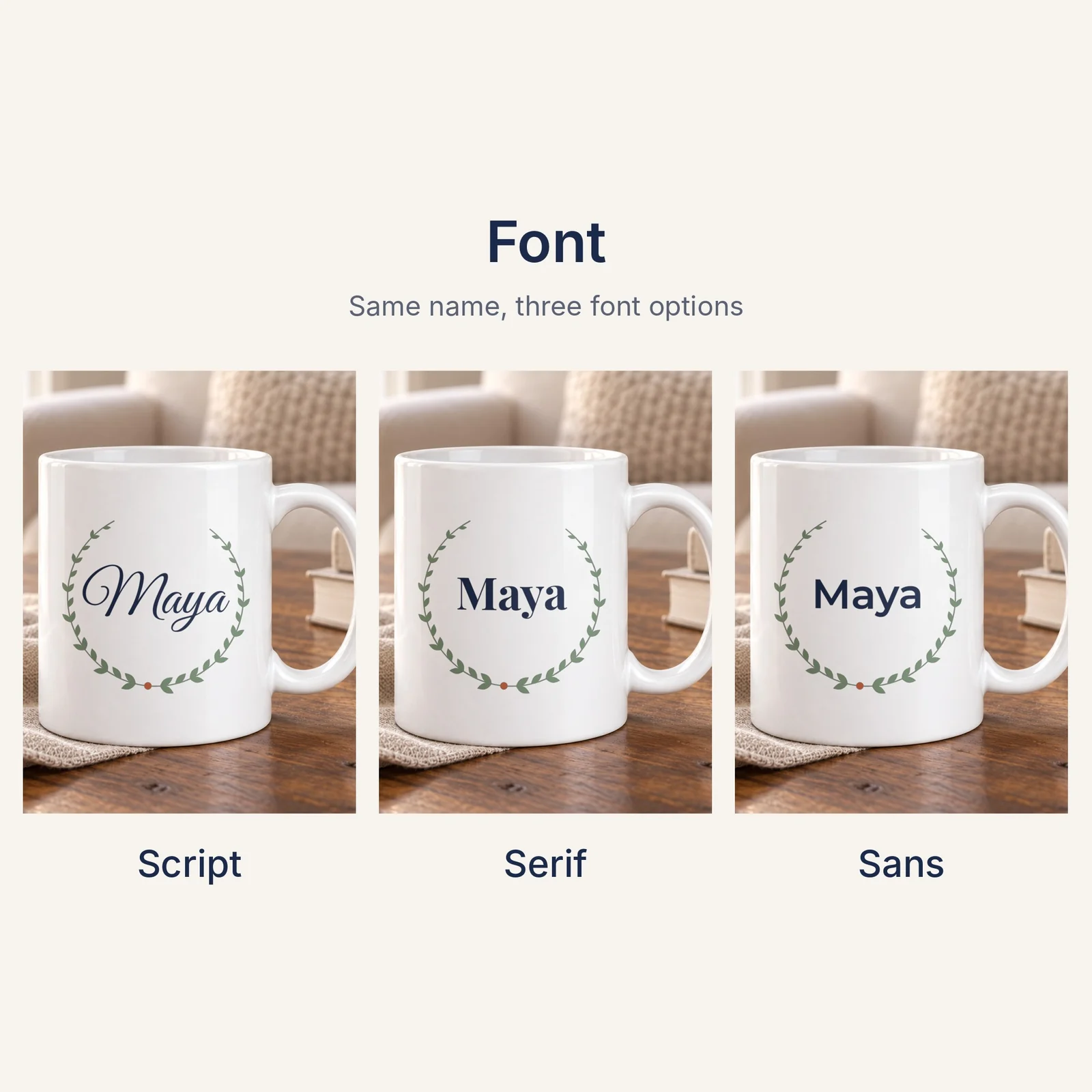 One image for the Font field: three SudoMock renders of the same mug template, one per option, for the photos after the first.
When the name sits in a live text layer of your PSD, the same request can set it without an artwork file: text_layers takes the layer's UUID with the new text, font and color, as Text layers shows. A list of names then becomes one render per name from one template.
The request sets jpg, a format Etsy's image requirements list. Width, shape and file size for each photo are covered in Etsy Listing Photo Size.
What changed in the rule and what did not
The mockup wording dates from Etsy's rewrite of 9 July 2024, and the page still carries that date. The Seller Policy was updated several times in 2026, most recently on 10 September 2026, and its photo and AI sentences read the same in each of those versions.
Some answers still quote the version that came before, last updated on 27 November 2018 (an Internet Archive copy shows it). Two of its sentences are gone from the current page: "Mockups may be used for digital items because they correctly depict the item", and the line that let production partner listings use "an image supplied by the production partner". The 2024 text replaced the second with two cases: a stock photo mockup for a design a partner prints onto a base item, and a real photo for a unique item a partner manufactures.
AI-generated mockups on Etsy
Etsy's Listing Image Requirements do not mention AI, and the Seller Policy puts its AI disclosure on the item itself: "If an item is created through the use of artificial intelligence, you must disclose this in your relevant listings." A mockup made by an image model is judged by the same photo rules as any other image.
That puts the weight on accuracy. An image model redraws the scene and the print each time, so the artwork on the product can drift from the file the partner prints. A render of your own print file on your own template places that exact file, the same way on every run, which is what the accuracy sentence asks a listing photo to show.
Next step
Pick the row of the table that matches your listing, then render the photos it allows. With a PSD template, Render a PSD mockup documents the request above. For names in a live text layer, start from Text layers. With no template yet, the mockup templates for Etsy sellers are ready to render. To run the whole catalogue, How to Automate Etsy Product Mockups loops the renders and the Etsy mockups use case covers the listing workflow. Without code, the SudoMock node in n8n sends the same request: see the n8n integration guide.
Frequently asked questions
Can I use Printify or Printful mockups on Etsy?
Yes, for your own design printed onto a base item: Etsy's Listing Image Requirements allow a stock photo mockup to illustrate the end product. Etsy's help article on production partners names Printful, Printify and Gooten as print on demand partners, and the Seller Policy asks you to disclose the production partner in your listings.
Can a mockup be the first photo of a personalized Etsy listing?
Etsy requires the first image of a personalized item to feature a finished, customized item similar to what buyers will receive. A photo of the blank product or a mockup with placeholder text such as Your Text Here is prohibited as the main image. Computer-generated mockups may show the customization options in the photos after the first, and Etsy adds: just make sure your first image is the real deal.
Are AI-generated mockups allowed on Etsy?
Etsy's Listing Image Requirements do not mention AI, so an AI-generated mockup falls under the same photo rules as any other mockup: allowed for a print on demand design and in the photos after the first on a personalized listing. The Seller Policy's AI disclosure covers items created with AI, and every listing photo has to represent the item accurately. A render of your own print file on your own template shows the exact artwork the buyer receives.
Can I use mockups for digital downloads on Etsy?
The current Listing Image Requirements do not mention digital items. An earlier version of the page, last updated in 2018, said mockups may be used for digital items, and that sentence is gone. The Seller Policy still asks every listing photo to represent the item accurately.
Sources
- Listing Image Requirements (opens in new tab), Etsy
- Seller Policy (opens in new tab), Etsy
- Creativity Standards (opens in new tab), Etsy
- How to Offer Personalized Listings (opens in new tab), Etsy Help Center
- Working with Production Partners on Etsy (opens in new tab), Etsy Help Center
- Requirements and Best Practices for Images in Your Etsy Shop (opens in new tab), Etsy Help Center
- Listing Image Requirements (version last updated 27 November 2018) (opens in new tab), Internet Archive
- Render a PSD mockup (opens in new tab)
- Text layers (opens in new tab)
Beck
CTO
Related articles
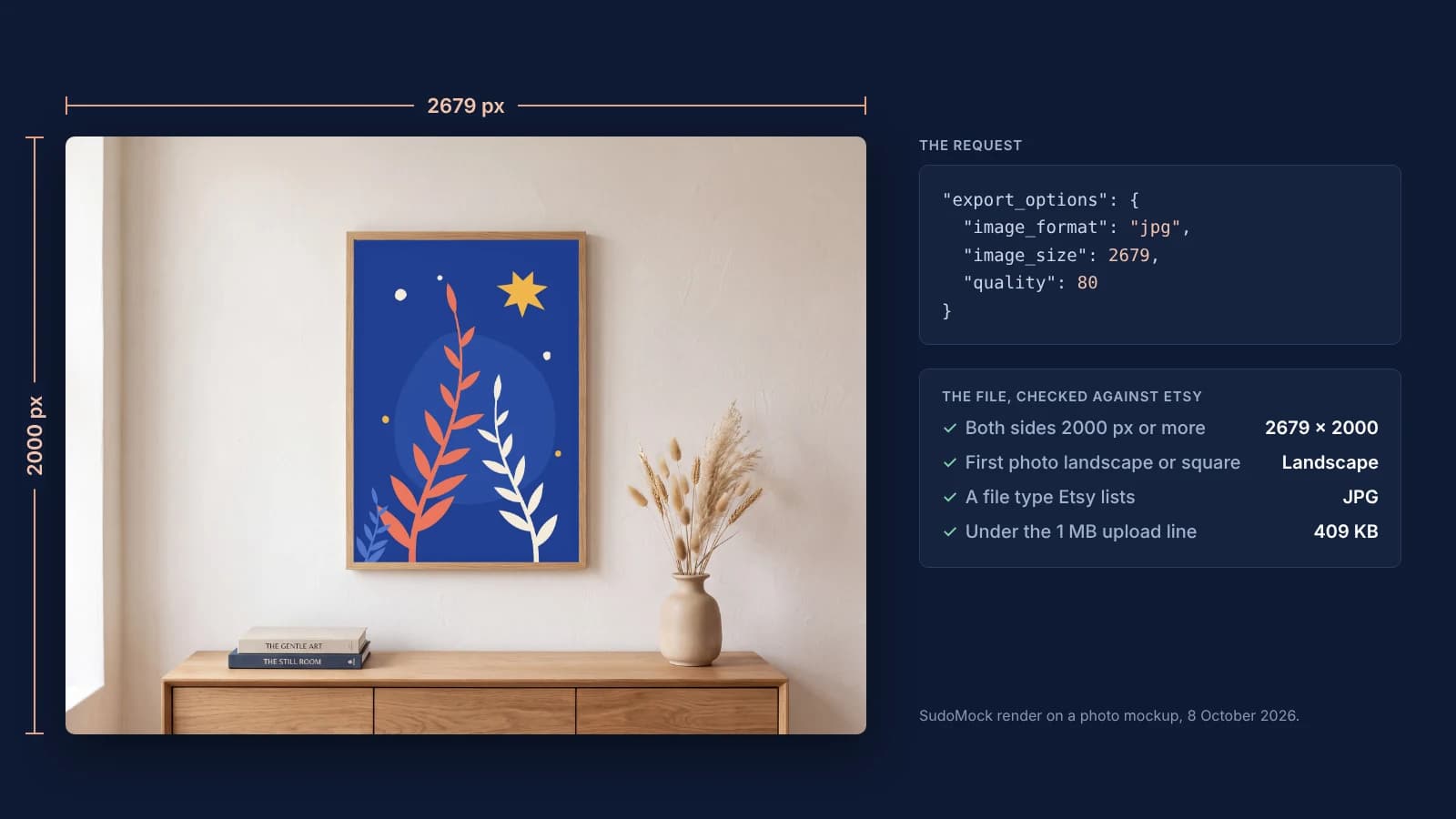
Etsy Listing Photo Size: Etsy's Rules and Files That Meet Them
Etsy's listing photo rules quoted with their dates, the render width for each template shape, and real files measured against the 1 MB line.
7 min read
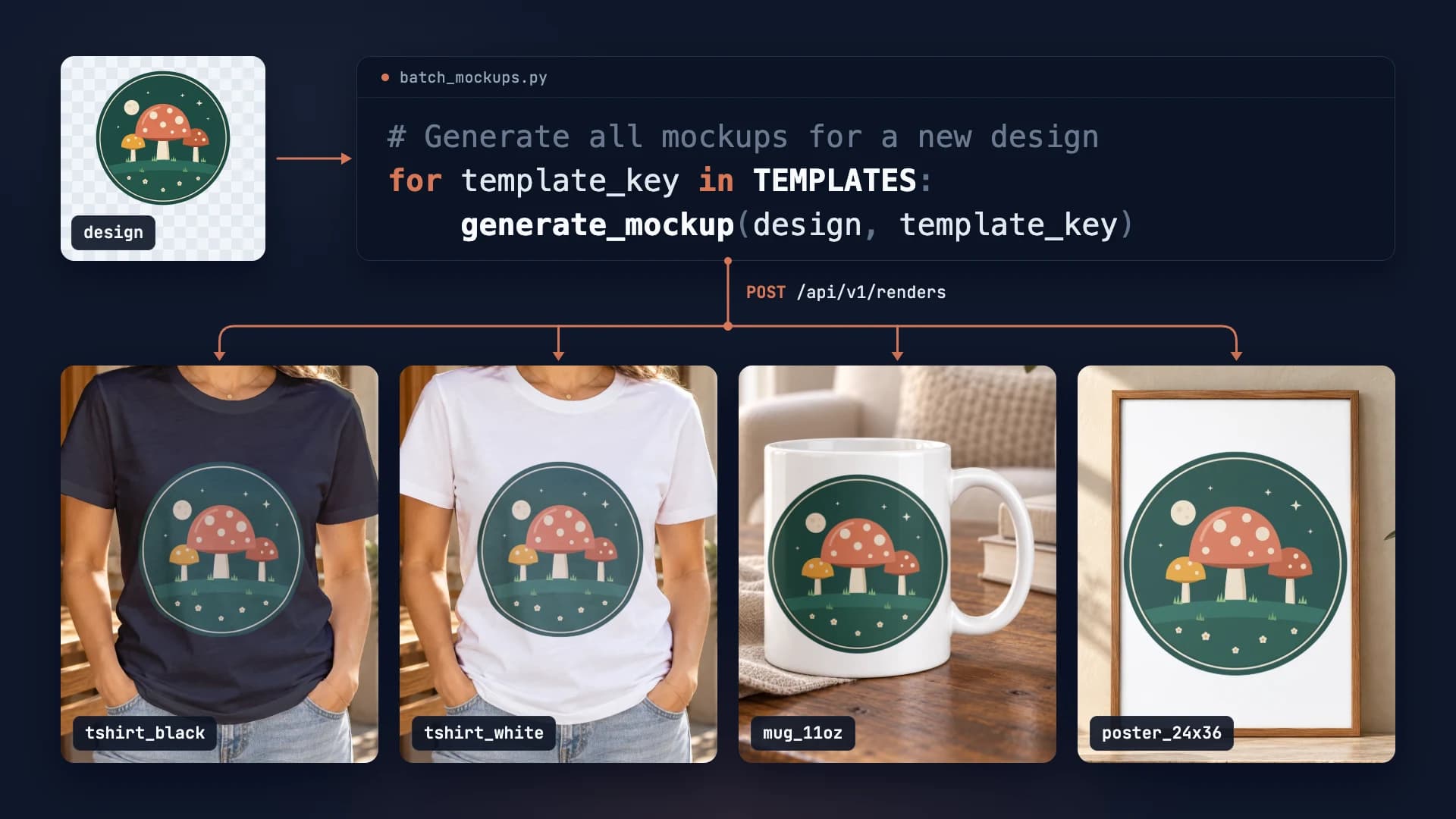
How to Automate Etsy Product Mockups in 2026
Step-by-step guide to automating your Etsy listing mockups with SudoMock API. Save hours of manual work.
2 min read
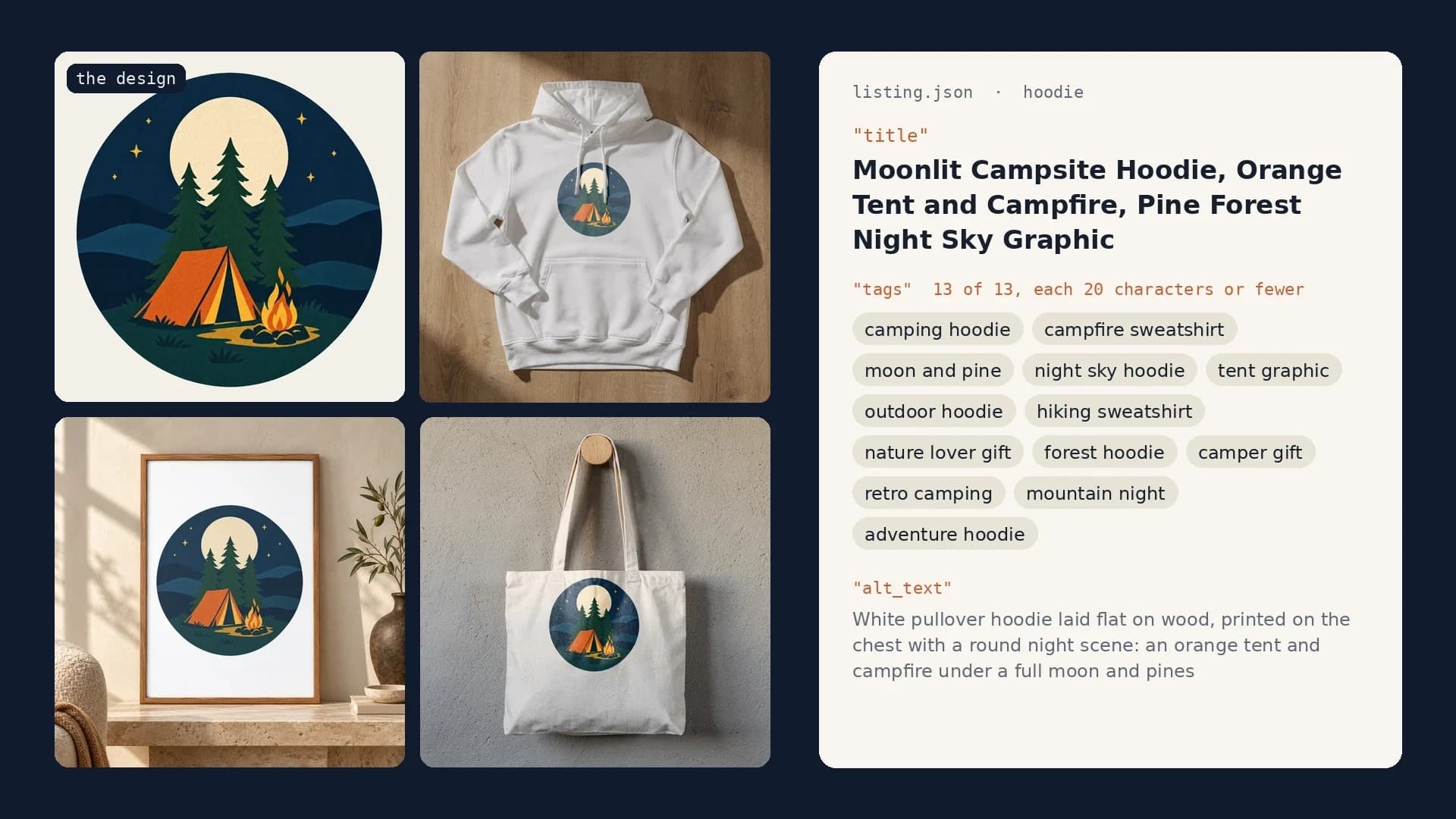
Etsy Listing Generator: Build Your Own With Claude and SudoMock
One design in, a full Etsy listing out: photos rendered on your own templates, then the title, tags and alt text Claude writes from them.
10 min read
Explore by use case
See SudoMock in action for your specific product category
Your own PSD, rendered via API
Render your own PSD through the API. Start with 500 one-time credits, no card.