Merch Mockups With ChatGPT or Claude: One Design on a Tee, a Mug and a Tote
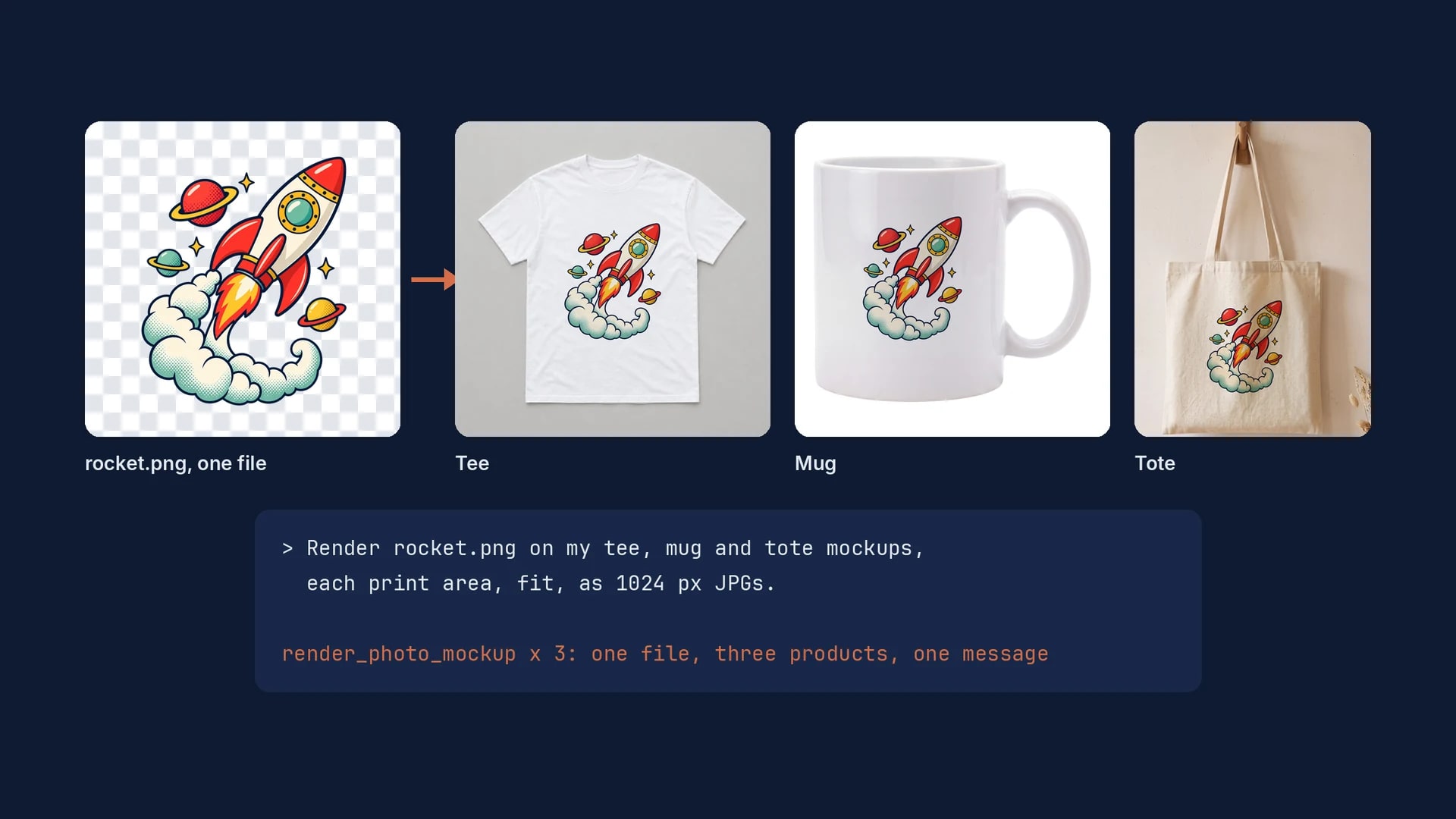
A merch mockup set is one design file rendered on each product where that product prints. Save one mockup per product with its print area once, and ChatGPT or Claude, connected to SudoMock, renders the same file on all of them from one message, identical on every render.
Published 6 min readBeck
Key takeaways
- One transparent PNG sized for the tee front covers the tee, the mug and the tote.
- On a mug photo the print area is the side facing the camera, so a wrap design needs its front part.
- Two runs of the same render request returned the same file, byte for byte.
What a merch set needs
A merch set needs one design file and one mockup for each product. The file is the print file you send your print provider, and each mockup carries a print area drawn where that product is printed, so every image shows the print where the buyer will find it.
- The design. One transparent PNG, made at the size of the largest print area in the set, usually the tee front. Each render fits it inside the smaller areas, so one file serves the tee, the mug and the tote.
- A mockup per product. A photo of each blank product becomes a photo mockup that stays in your account. With no photo of your own, start from the t-shirt mockup templates, mug mockup templates and tote bag mockup templates: Use This Mockup opens the template's photo in your account as a photo mockup. If you sell with PSD templates, the assistant renders on those instead.
- A print area per product. Take its place and its shape from the print file your provider asks for on that product, so the mockup shows the print at the size the buyer receives.
The set below uses three blank product photos saved as photo mockups:
| Product | Where the print area sits | Area in the photo |
|---|---|---|
| White tee, flat lay | Front, centered below the collar | 626 x 709 px of a 1536 px photo |
| White 11 oz mug | The side facing the camera | 1810 x 2120 px of a 4131 px photo |
| Canvas tote on a wall peg | Front panel, below the handles | 1020 x 1224 px of a 3584 x 4800 px photo |
Save each product as a mockup with its print area
Each product becomes a photo mockup once, with its print area saved on it. In the editor you drag the area into place by eye, and over the API you send it as four corner points in the photo's own pixels.
Without code, open each mockup in My mockups, choose Edit areas, drag the corners to where your provider prints that product, then choose Done. Name it on its card with Rename, such as Merch mug, so an assistant can find it.
Over the API, this is the create request for the mug, with its points from the top left corner clockwise:
curl -X POST https://api.sudomock.com/api/v1/photo-mockups \-H "x-api-key: $SUDOMOCK_API_KEY" \-H "Content-Type: application/json" \-d '{"source_url": "https://example.com/blanks/white-mug-11oz.jpg","name": "Merch mug","is_async": true,"print_areas": [{ "name": "Front", "points": [[600, 1010], [2410, 1010], [2410, 3130], [600, 3130]] }]}'
const response = await fetch('https://api.sudomock.com/api/v1/photo-mockups', {method: 'POST',headers: {'x-api-key': process.env.SUDOMOCK_API_KEY,'Content-Type': 'application/json',},body: JSON.stringify({"source_url": "https://example.com/blanks/white-mug-11oz.jpg","name": "Merch mug","is_async": true,"print_areas": [{"name": "Front","points": [[600,1010],[2410,1010],[2410,3130],[600,3130]]}]}),});const data = await response.json();console.log(data);
import osimport requestsresponse = requests.post("https://api.sudomock.com/api/v1/photo-mockups",headers={"x-api-key": os.environ["SUDOMOCK_API_KEY"],"Content-Type": "application/json",},json={"source_url": "https://example.com/blanks/white-mug-11oz.jpg","name": "Merch mug","is_async": True,"print_areas": [{"name": "Front","points": [[600,1010,],[2410,1010,],[2410,3130,],[600,3130,],],},],},)print(response.json())
package mainimport ("bytes""fmt""io""net/http""os")func main() {payload := []byte(`{"source_url": "https://example.com/blanks/white-mug-11oz.jpg","name": "Merch mug","is_async": true,"print_areas": [{"name": "Front","points": [[600,1010],[2410,1010],[2410,3130],[600,3130]]}]}`)req, err := http.NewRequest("POST", "https://api.sudomock.com/api/v1/photo-mockups", bytes.NewBuffer(payload))if err != nil {panic(err)}req.Header.Set("x-api-key", os.Getenv("SUDOMOCK_API_KEY"))req.Header.Set("Content-Type", "application/json")resp, err := http.DefaultClient.Do(req)if err != nil {panic(err)}defer resp.Body.Close()body, _ := io.ReadAll(resp.Body)fmt.Println(string(body))}
<?php$payload = <<<'JSON'{"source_url": "https://example.com/blanks/white-mug-11oz.jpg","name": "Merch mug","is_async": true,"print_areas": [{"name": "Front","points": [[600,1010],[2410,1010],[2410,3130],[600,3130]]}]}JSON;$ch = curl_init('https://api.sudomock.com/api/v1/photo-mockups');curl_setopt_array($ch, [CURLOPT_CUSTOMREQUEST => 'POST',CURLOPT_RETURNTRANSFER => true,CURLOPT_HTTPHEADER => ['x-api-key: ' . getenv('SUDOMOCK_API_KEY'),'Content-Type: application/json',],CURLOPT_POSTFIELDS => $payload,]);$response = curl_exec($ch);curl_close($ch);echo $response;
Follow the status_url it returns until the job succeeds, then read the Front area's print_area_id from the quads of the mockup its result_url returns. Give the three mockups names an assistant can match, such as Merch tee, Merch mug and Merch tote.
An assistant builds the same mockup with create_photo_mockup, which takes the photo's link and a name, then sets the area with update_photo_mockup_print_areas.
A mug needs one decision the tee and the tote do not. It is printed around its body, but a photo from the front shows one side, so its area covers the face toward the camera. A design drawn as a full wrap shrinks to fit that face, so send the mug render the part of the design that faces the buyer, or save a photo of the other side as a second mockup.
Render the set from one message
With the three mockups saved, the whole set is one message. The assistant calls render_photo_mockup once per product with the same design link and answers with an image for each.
Connect SudoMock to ChatGPT or Claude with the steps in Product mockups with ChatGPT or Claude, then ask:
Render this design on my Merch tee, Merch mug and Merch totemockups, on each one's print area with fit, as 1024 px JPGs,and list the image links by product:https://example.com/designs/rocket.png
Each call names the mockup, its print_area_uuid, the design's artwork_url and fit. Over the API, each product is one render request. This is the tee as we ran it on 22 October 2026, with your own mockup id and print area uuid in place of ours, and the finished image is at data.print_files[0].export_path:
curl -X POST https://api.sudomock.com/api/v1/photo-mockups/be3f4fe3-fd45-494a-9ce4-835b1582e009/render \-H "x-api-key: $SUDOMOCK_API_KEY" \-H "Content-Type: application/json" \-d '{"print_areas": [{"uuid": "f75fd6fa-8381-4e6f-b68f-d7447e83fc23","artwork_url": "https://example.com/designs/rocket.png","placement": { "fit": "fit" }}],"export_options": { "image_format": "jpg", "image_size": 1024 }}'
const response = await fetch('https://api.sudomock.com/api/v1/photo-mockups/be3f4fe3-fd45-494a-9ce4-835b1582e009/render', {method: 'POST',headers: {'x-api-key': process.env.SUDOMOCK_API_KEY,'Content-Type': 'application/json',},body: JSON.stringify({"print_areas": [{"uuid": "f75fd6fa-8381-4e6f-b68f-d7447e83fc23","artwork_url": "https://example.com/designs/rocket.png","placement": {"fit": "fit"}}],"export_options": {"image_format": "jpg","image_size": 1024}}),});const data = await response.json();console.log(data);
import osimport requestsresponse = requests.post("https://api.sudomock.com/api/v1/photo-mockups/be3f4fe3-fd45-494a-9ce4-835b1582e009/render",headers={"x-api-key": os.environ["SUDOMOCK_API_KEY"],"Content-Type": "application/json",},json={"print_areas": [{"uuid": "f75fd6fa-8381-4e6f-b68f-d7447e83fc23","artwork_url": "https://example.com/designs/rocket.png","placement": {"fit": "fit",},},],"export_options": {"image_format": "jpg","image_size": 1024,},},)print(response.json())
package mainimport ("bytes""fmt""io""net/http""os")func main() {payload := []byte(`{"print_areas": [{"uuid": "f75fd6fa-8381-4e6f-b68f-d7447e83fc23","artwork_url": "https://example.com/designs/rocket.png","placement": {"fit": "fit"}}],"export_options": {"image_format": "jpg","image_size": 1024}}`)req, err := http.NewRequest("POST", "https://api.sudomock.com/api/v1/photo-mockups/be3f4fe3-fd45-494a-9ce4-835b1582e009/render", bytes.NewBuffer(payload))if err != nil {panic(err)}req.Header.Set("x-api-key", os.Getenv("SUDOMOCK_API_KEY"))req.Header.Set("Content-Type", "application/json")resp, err := http.DefaultClient.Do(req)if err != nil {panic(err)}defer resp.Body.Close()body, _ := io.ReadAll(resp.Body)fmt.Println(string(body))}
<?php$payload = <<<'JSON'{"print_areas": [{"uuid": "f75fd6fa-8381-4e6f-b68f-d7447e83fc23","artwork_url": "https://example.com/designs/rocket.png","placement": {"fit": "fit"}}],"export_options": {"image_format": "jpg","image_size": 1024}}JSON;$ch = curl_init('https://api.sudomock.com/api/v1/photo-mockups/be3f4fe3-fd45-494a-9ce4-835b1582e009/render');curl_setopt_array($ch, [CURLOPT_CUSTOMREQUEST => 'POST',CURLOPT_RETURNTRANSFER => true,CURLOPT_HTTPHEADER => ['x-api-key: ' . getenv('SUDOMOCK_API_KEY'),'Content-Type: application/json',],CURLOPT_POSTFIELDS => $payload,]);$response = curl_exec($ch);curl_close($ch);echo $response;
For the mug and the tote only the mockup id in the path and the print area uuid change. The average SudoMock render finishes in under a second.
The three renders of 22 October 2026, at 1600 px. The rocket design was made with an AI image model.
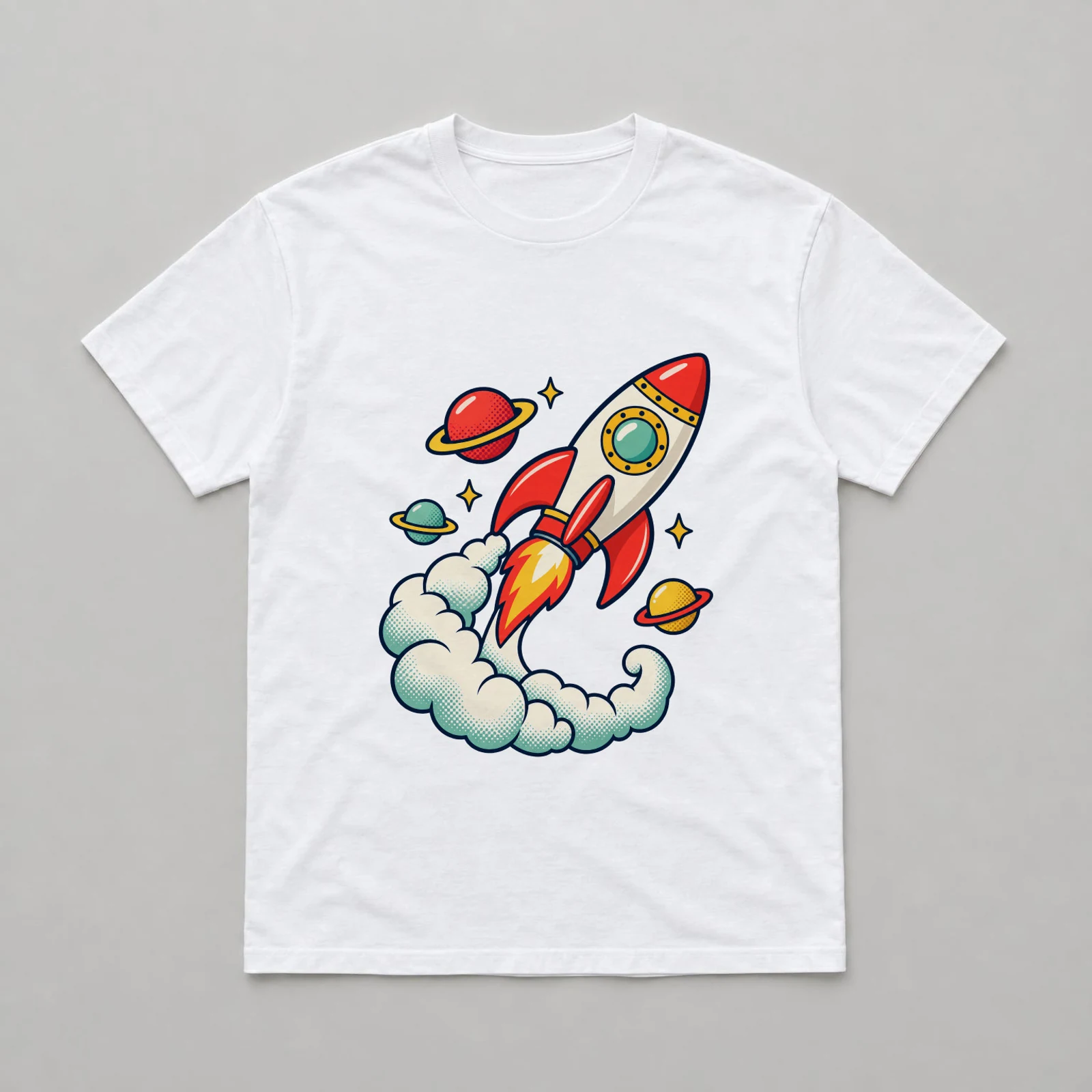 The tee: the rocket file fit in the Front print area below the collar.
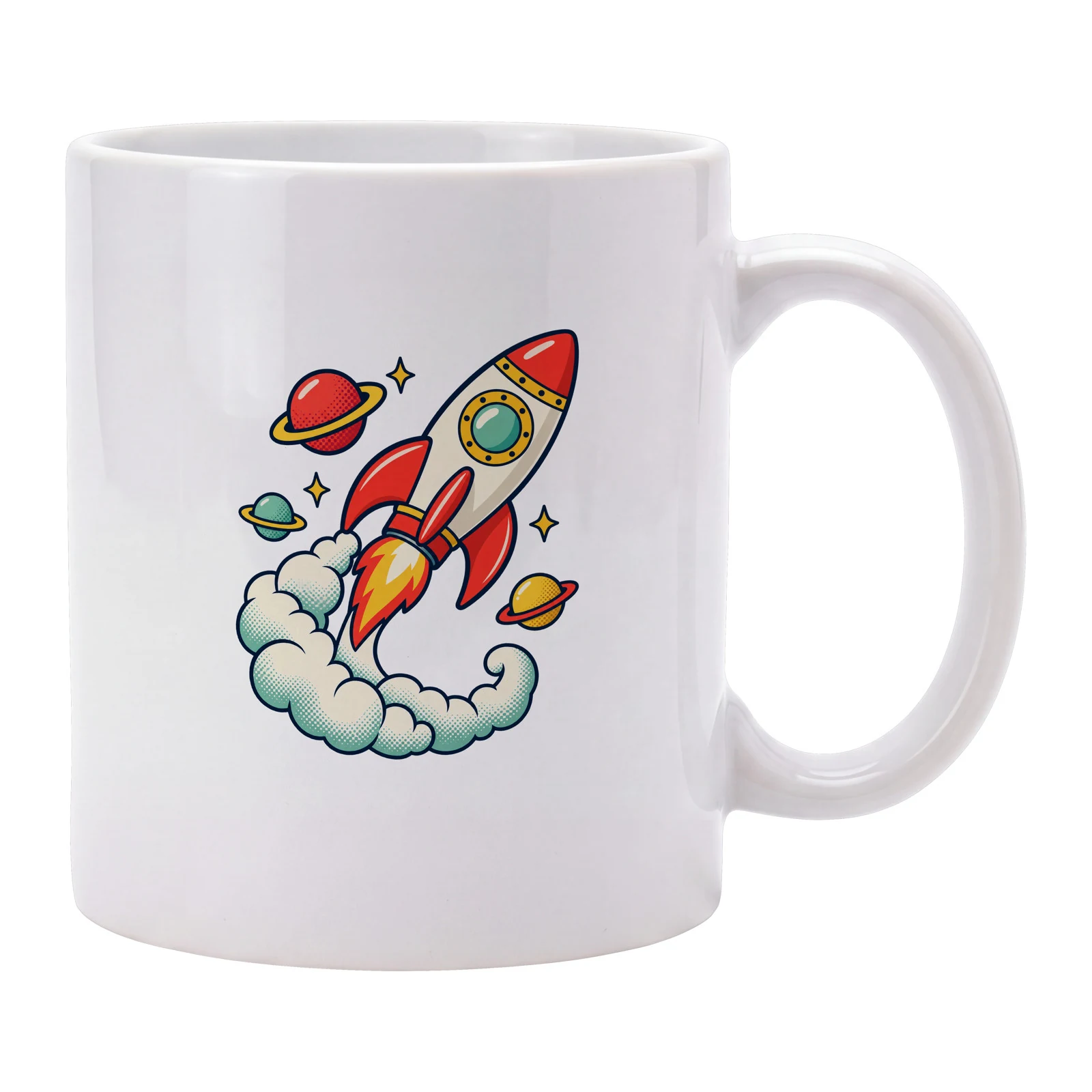 The mug: the same file in the area on the side facing the camera.
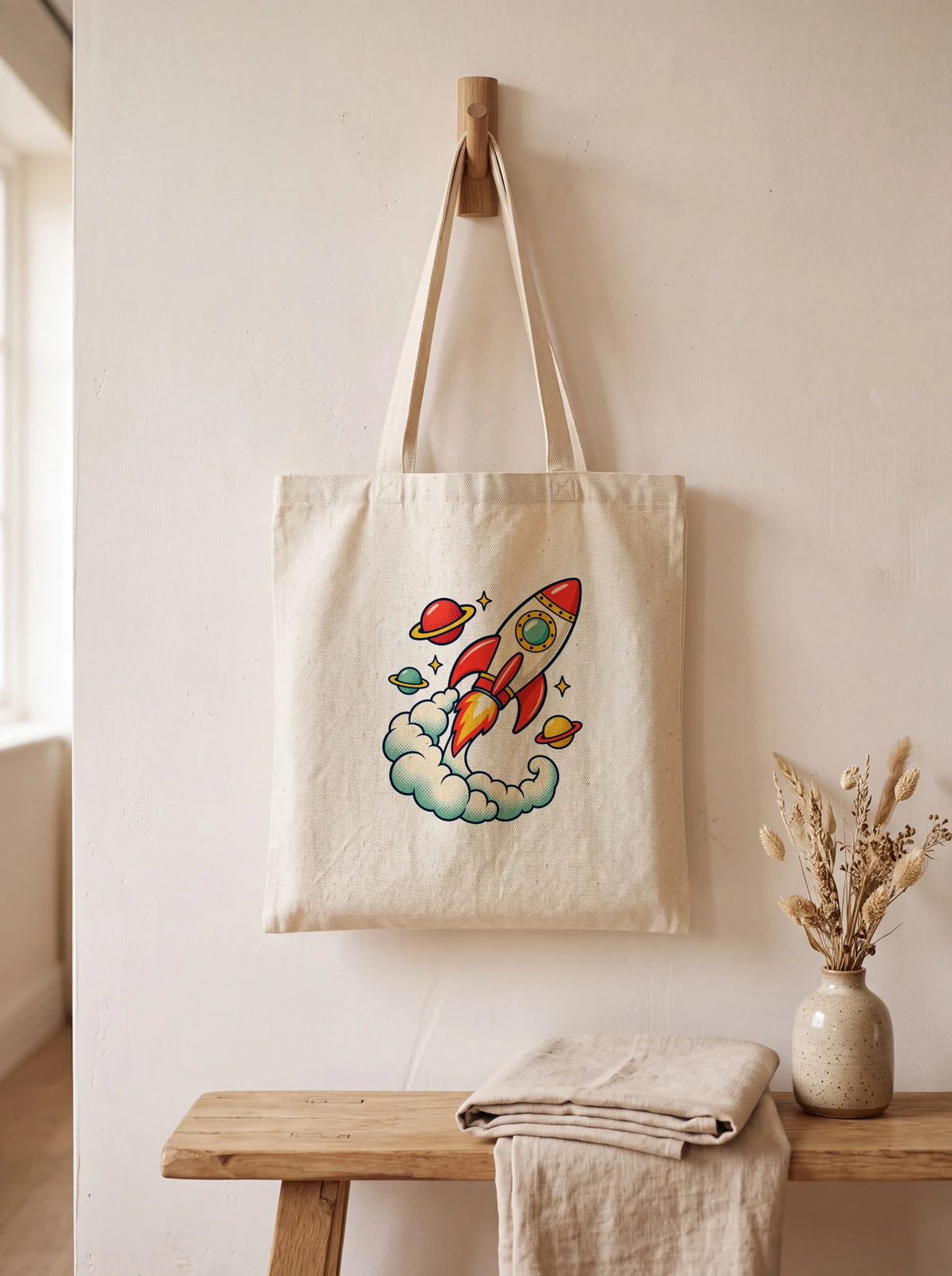 The tote: the same file on the front panel below the handles.
Same file, same place, every render
The design matches across the set because every render places the same file and nothing redraws it. Its size on each product follows that product's print area, and nothing else changes.
It matches over time as well. We sent the tee request above twice on 22 October 2026 and got the same file back both times, byte for byte (SHA-256 7234905657fdb195630ee57ec4bf2fa814dd575fa19ec5de50ecbffeeaa6326d), and the mug request did the same. A restock photo, a reprint or a product added to the set months later matches the launch images.
An image generator draws the product and the design again on every attempt. In SudoMock's comparison with an AI image editor on a tee, a mug and a tote, tested on 20 October 2026, Photo Mockups kept the exact design in 9 of 9 cells and the editor in 20 of 36 attempts.
Rules for an assistant that renders merch sets
Four rules let you send only a design link and get the whole set back, one line per product. Paste them into the ChatGPT or Claude project that holds your shop rules.
1. My merch set is the photo mockups whose names start with"Merch". Find them with list_photo_mockups and render oneach one's print area, the one named Front when a mockuphas several.2. For every design I send, render it on every mockup in theset with render_photo_mockup, fit, as jpg at image_size 1024.3. Use my design file as it is. Never crop, recolor or redrawit, and never make a product image with an image model.4. Reply with one line per product: product, design and imagelink. Name any product that did not render.
A set built on PSD templates follows the same rules with list_psd_mockups and render_psd_mockup.
Next step
Open a mug mockup template with Use This Mockup, check its print area with Edit areas and rename it Merch mug, do the same for a tee and a tote, then send the message above. Render artwork onto a photo mockup covers the placements beyond fit. To turn the set into Etsy listings with titles and tags, see Etsy listing generator with Claude and SudoMock, and for lifestyle scenes of each product, AI product photography for print on demand.
Frequently asked questions
What is a merch mockup?
A merch mockup is an image of a product such as a tee, a mug or a tote showing your design where it will be printed. Sellers make a matching set to launch one design across several products and list each one before anything is printed.
Can ChatGPT or Claude make merch mockups of my exact design?
Yes, once SudoMock is connected. The assistant renders your one design file on the saved mockup of each product, so the tee, the mug and the tote carry the same print, each in its own print area.
Do I need a separate design file for each product?
No. One transparent PNG at the size of the largest print area covers the set, and each render fits it inside that product's area. A full mug wrap or an all over print is the exception, because its file is shaped for one product.
Where does the design go on a mug mockup?
On the side that faces the camera. A mug is printed around its body, but a photo shows one side, so the print area covers that face, centered below the rim. A second photo of the other side becomes a second mockup.
What does it cost to render a merch set?
Plans start at $25/month. Subscriptions from $0.002 per render. Each product's photo mockup costs 25 credits once, and each render on it costs 5 credits from the same monthly pool.
Sources
Beck
CTO
Related articles
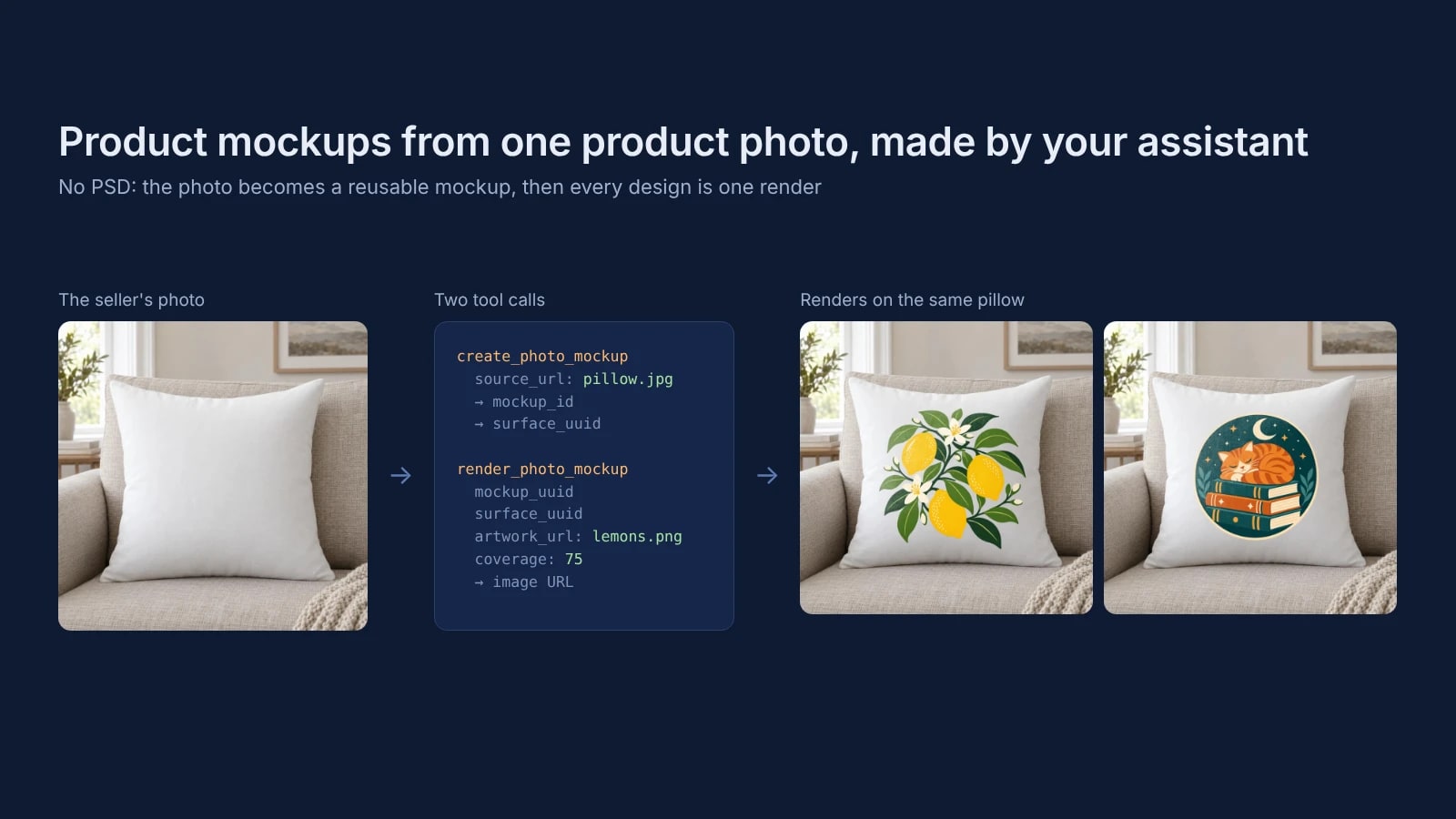
Product Mockups With ChatGPT or Claude From One Product Photo
Make product mockups in ChatGPT or Claude without a PSD: one product photo becomes a reusable mockup, and each design is one render on it.
7 min read
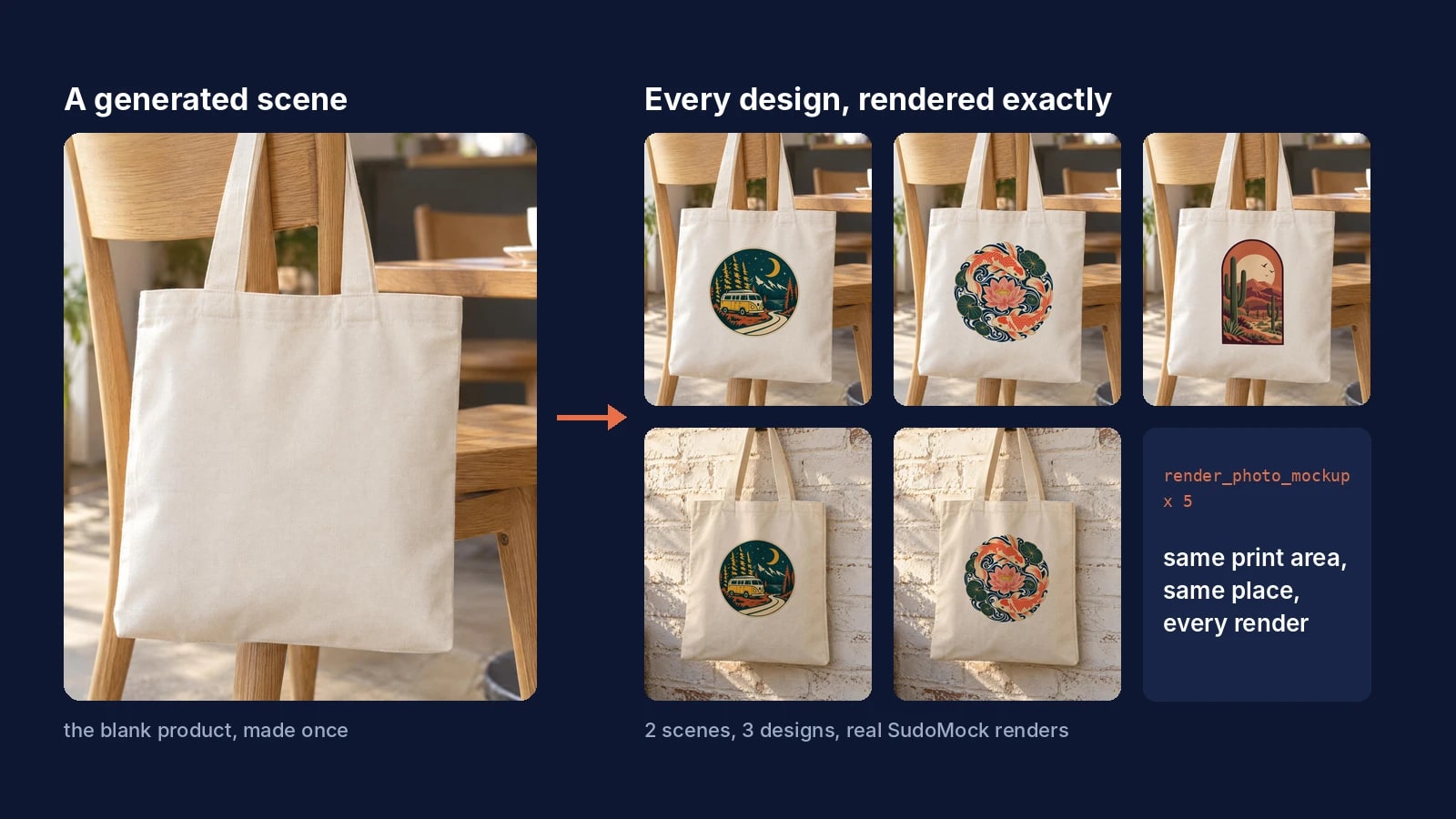
AI Product Photography for Print on Demand: Generate the Scene Once, Render Every Design Exactly
Generate the product scene once, make it a reusable mockup, and render every design on it exactly from ChatGPT, Claude or the API.
7 min read
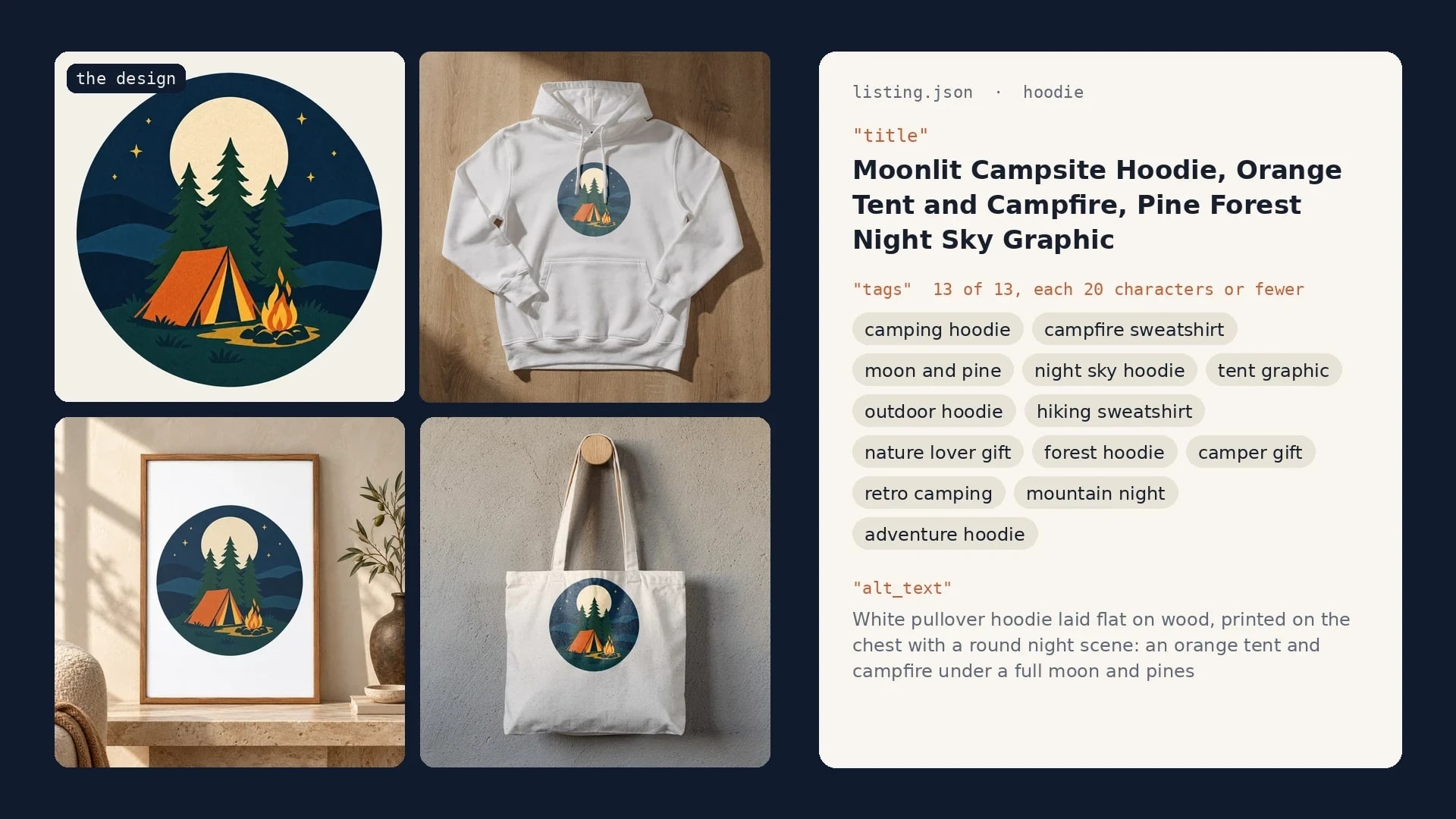
Etsy Listing Generator: Build Your Own With Claude and SudoMock
One design in, a full Etsy listing out: photos rendered on your own templates, then the title, tags and alt text Claude writes from them.
10 min read
Explore by use case
See SudoMock in action for your specific product category
Your own PSD, rendered via API
Render your own PSD through the API. Start with 500 one-time credits, no card.