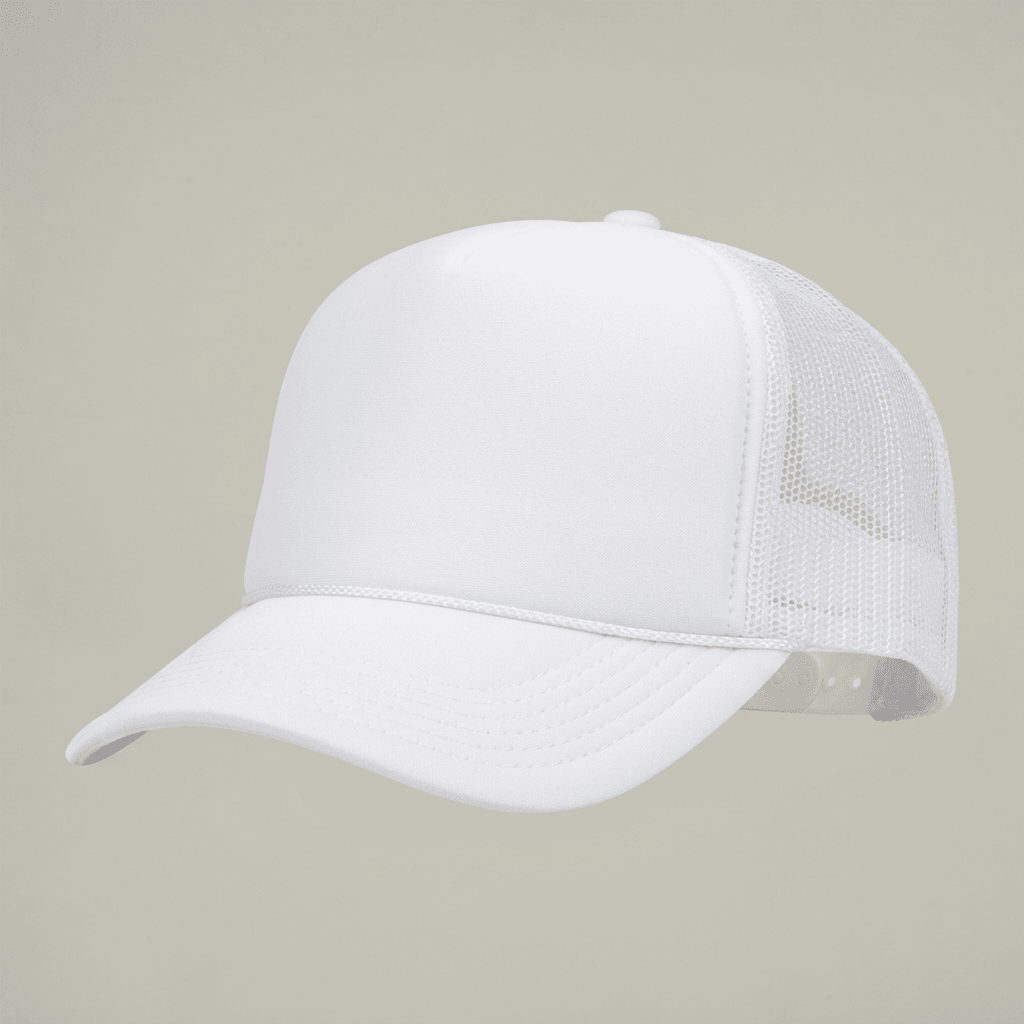
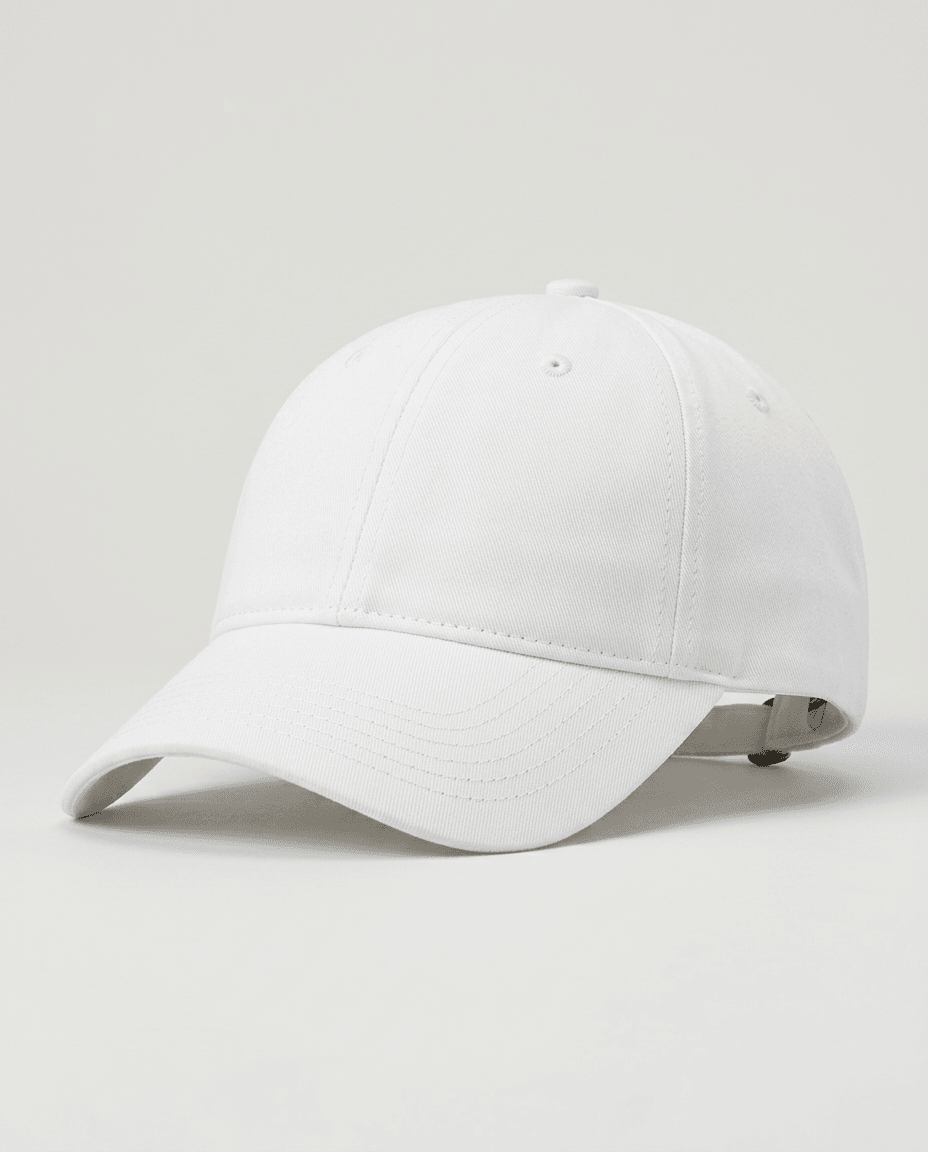
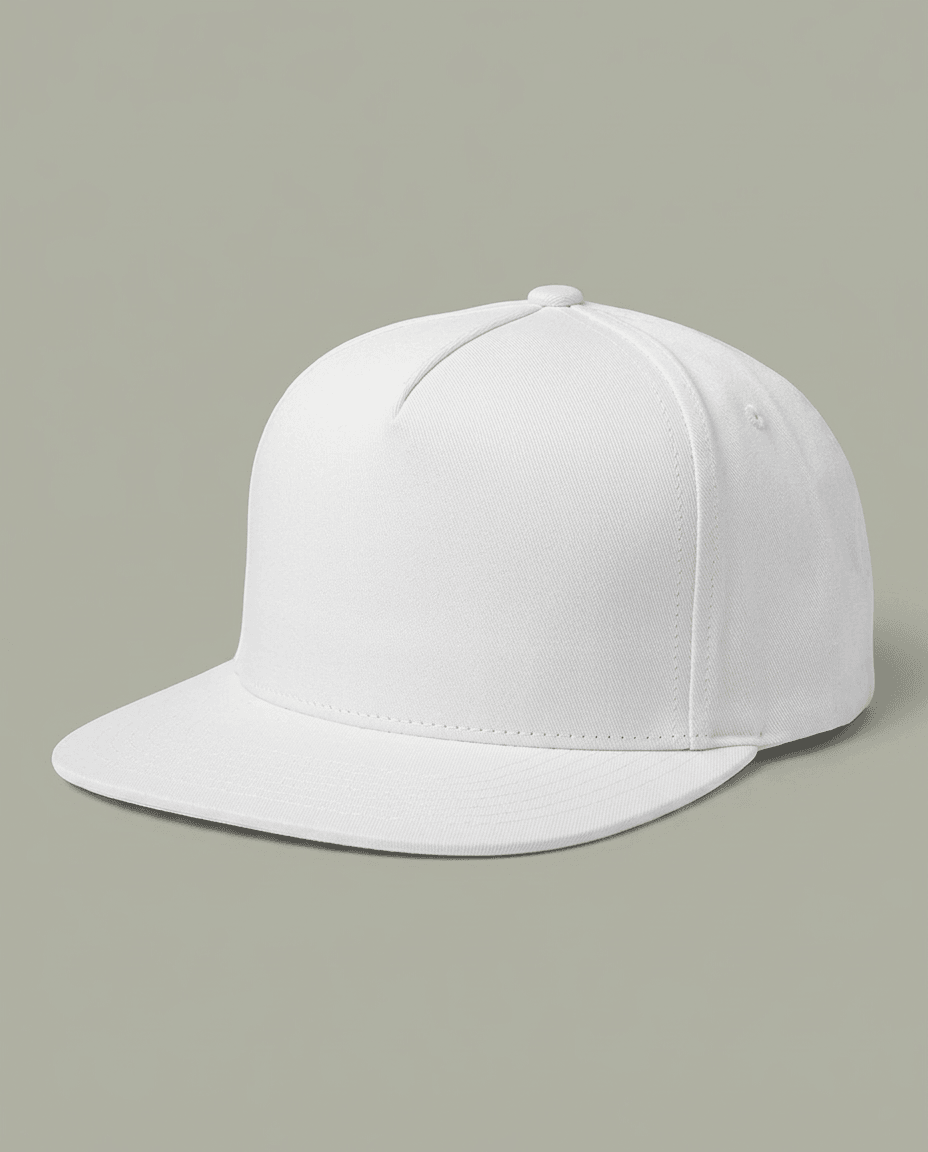
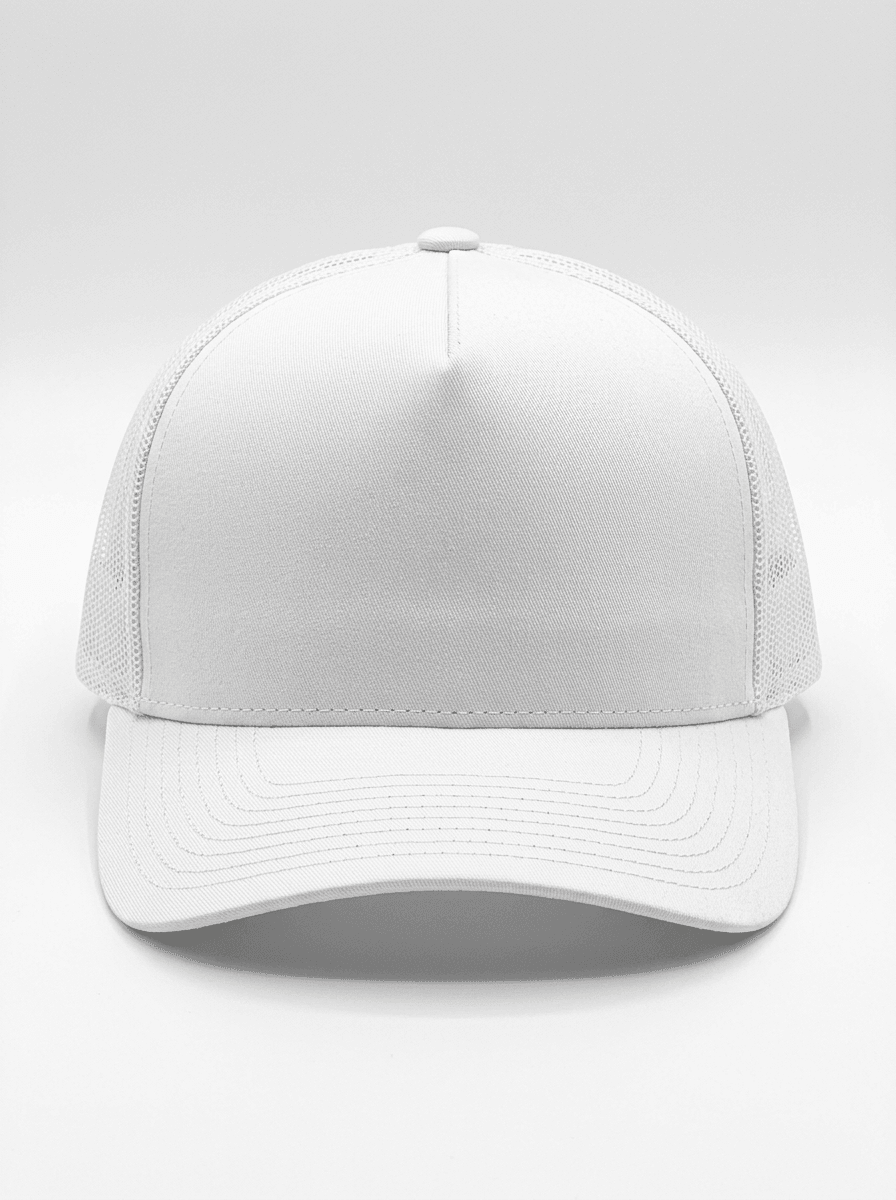
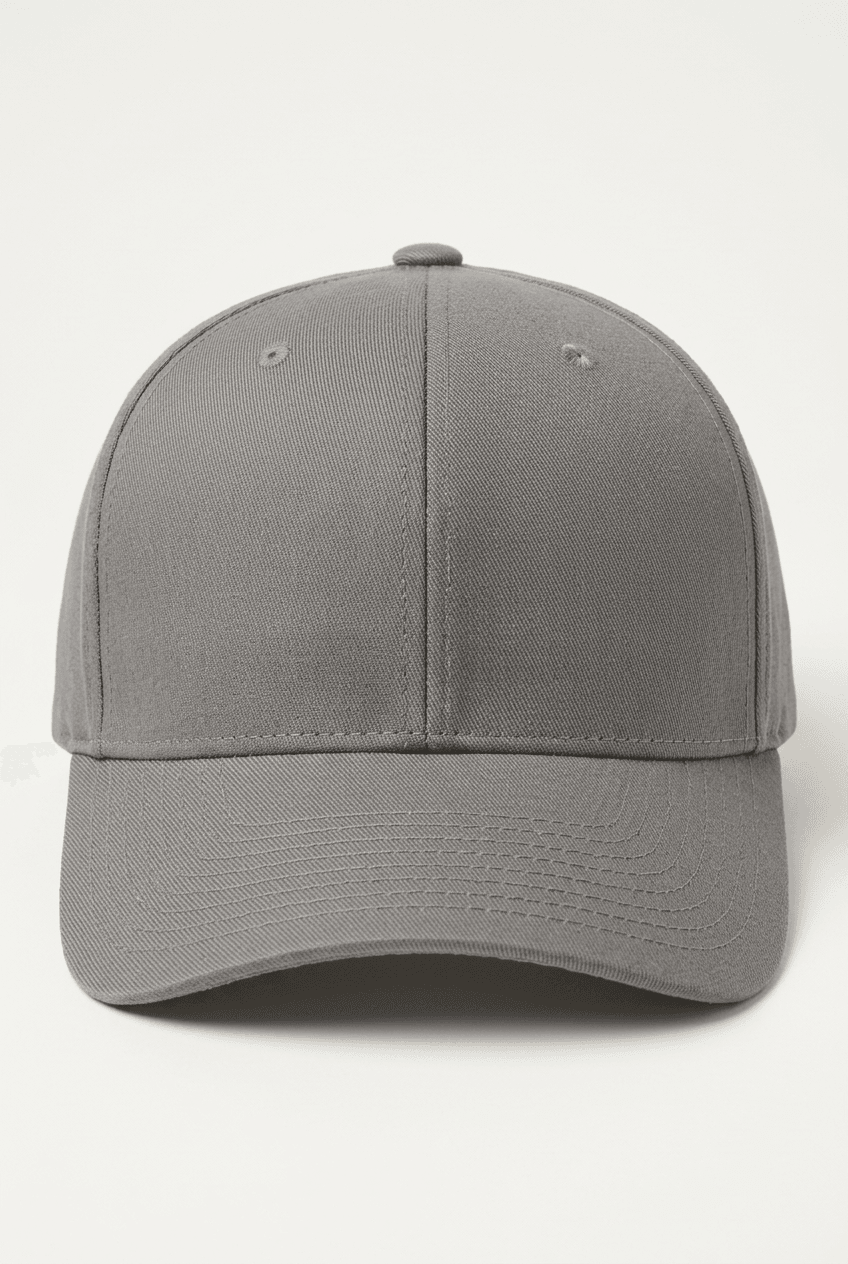
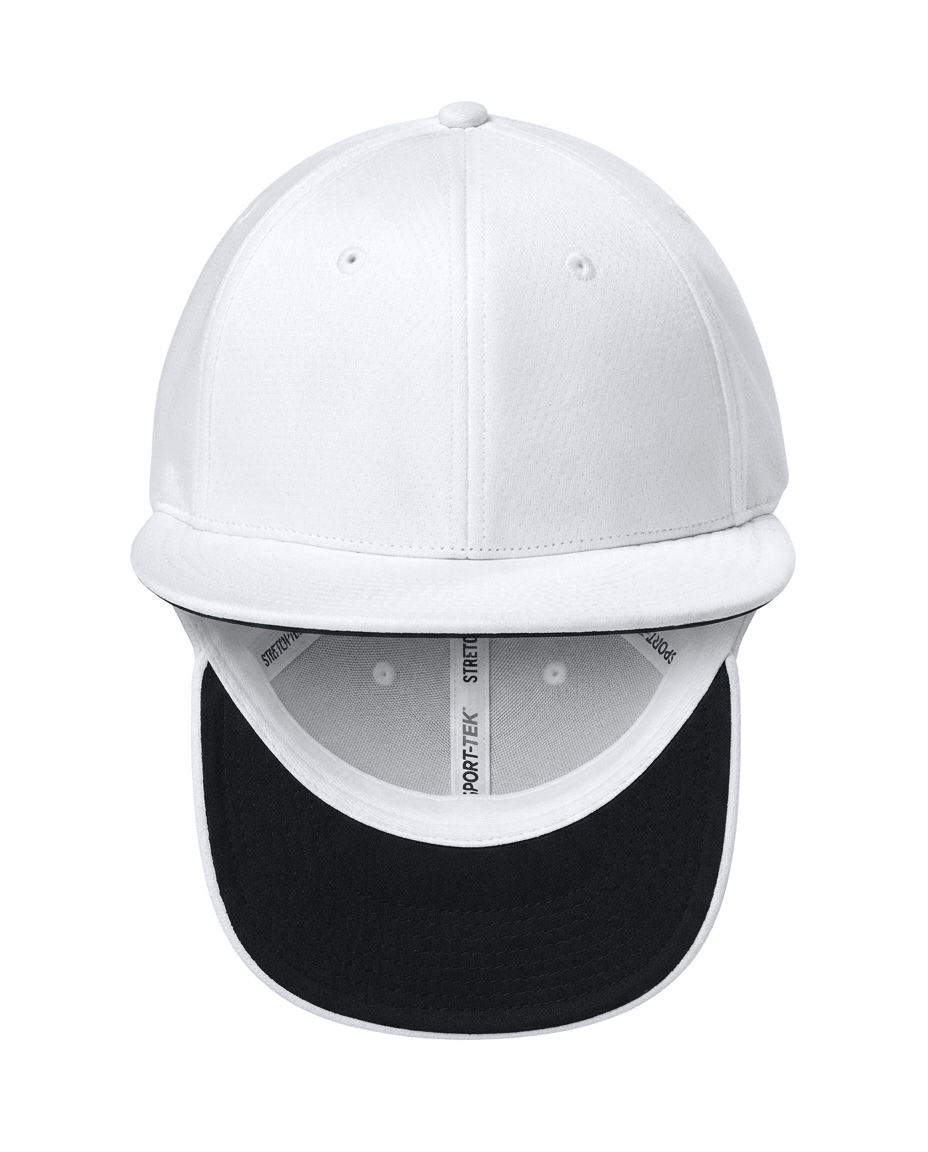
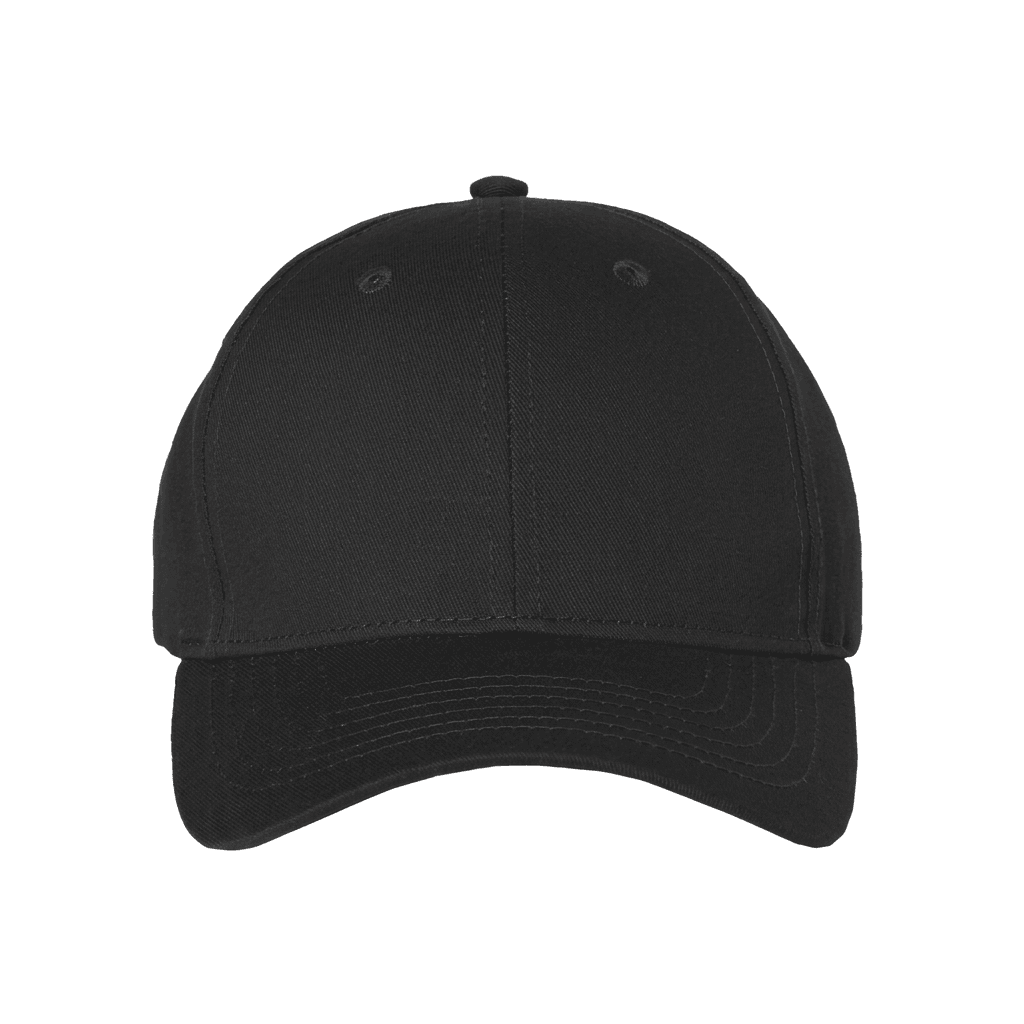
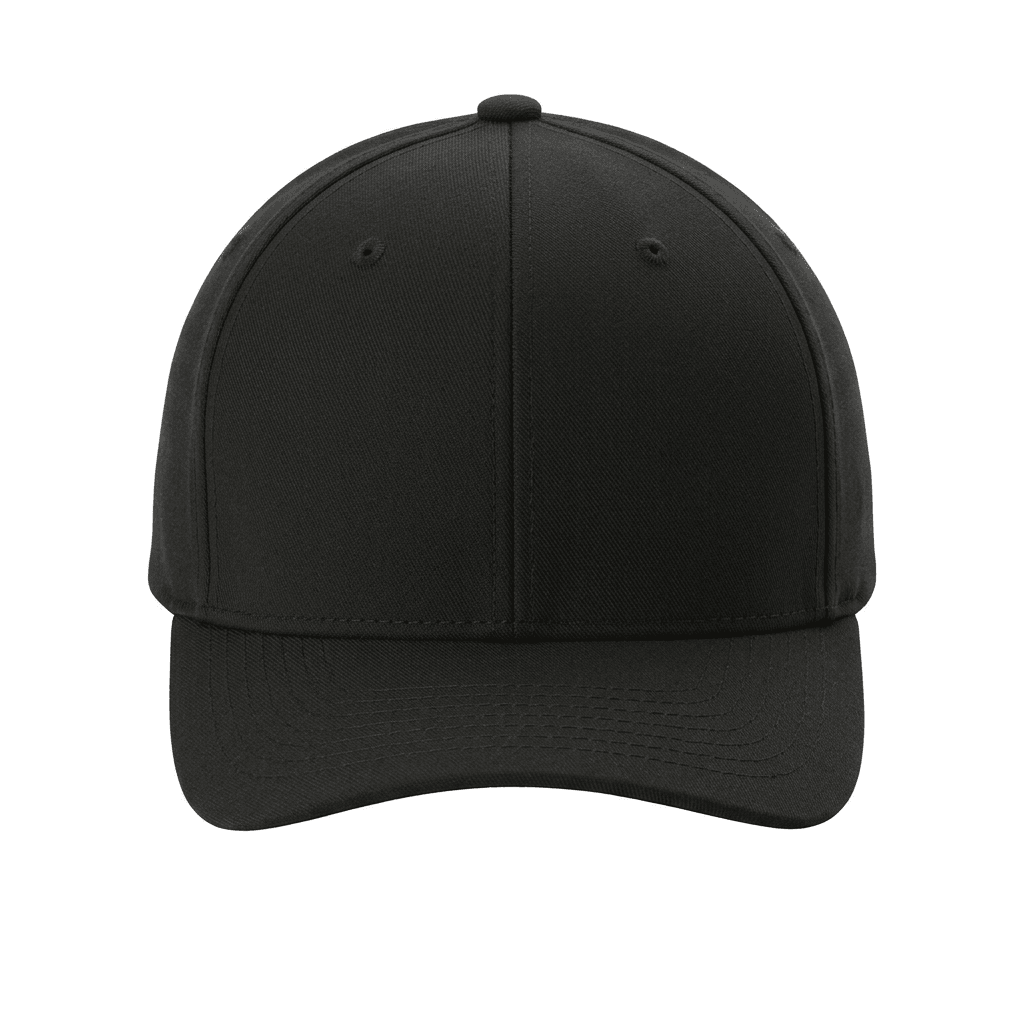
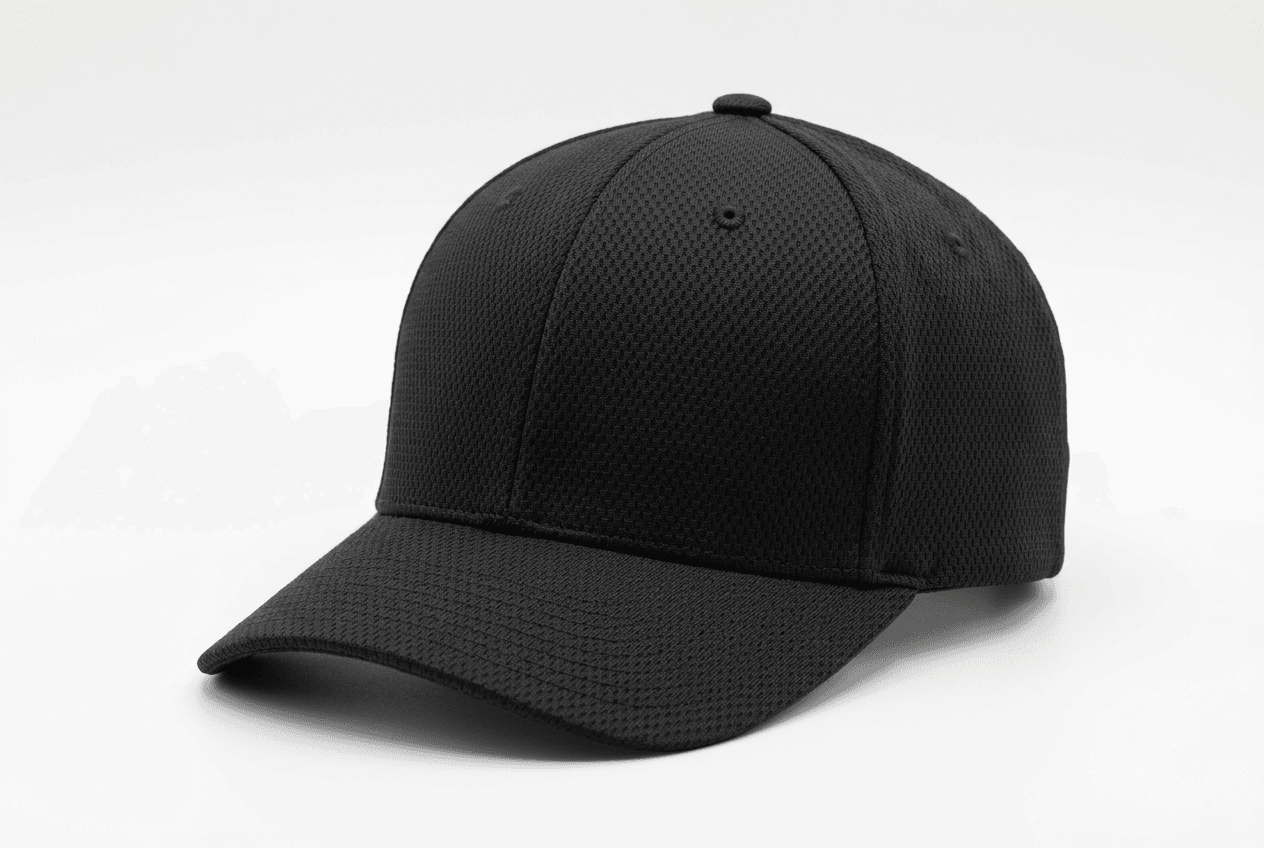
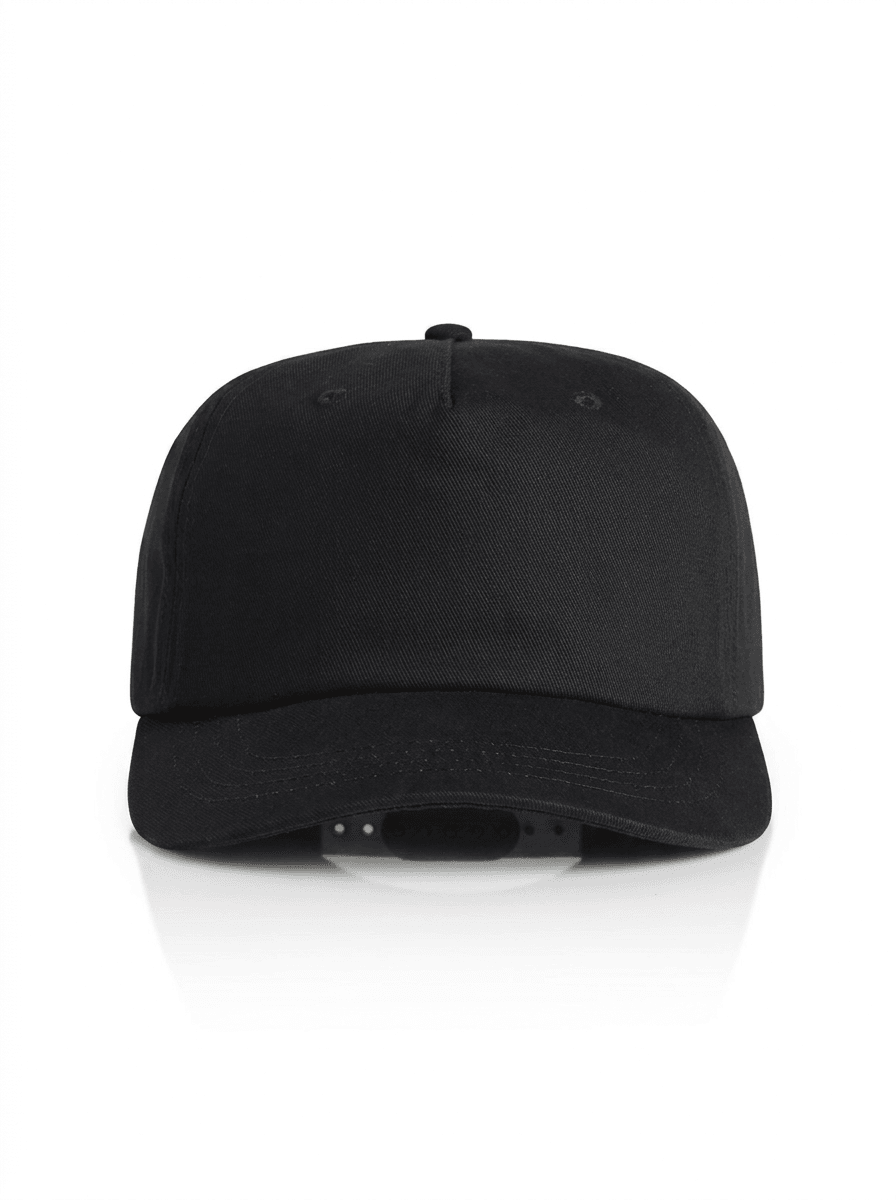
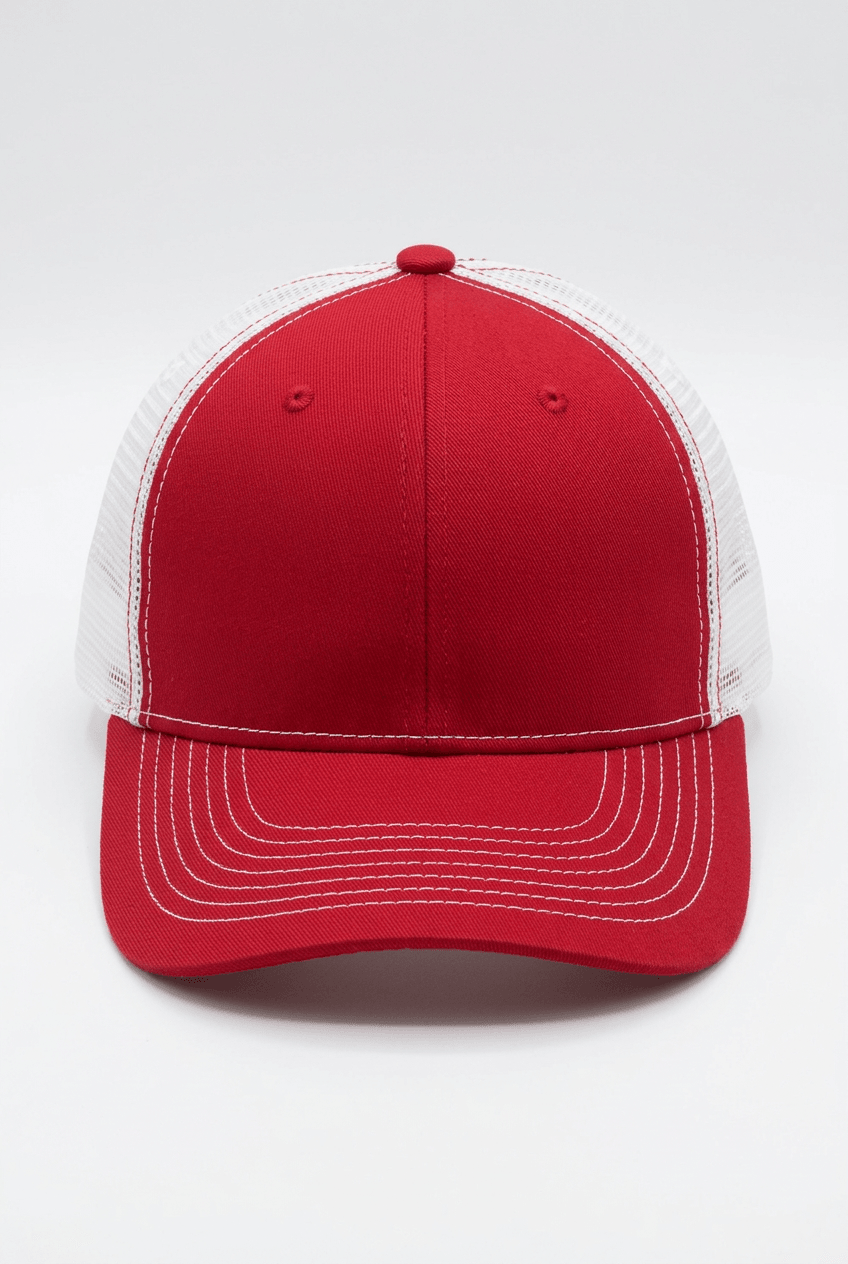
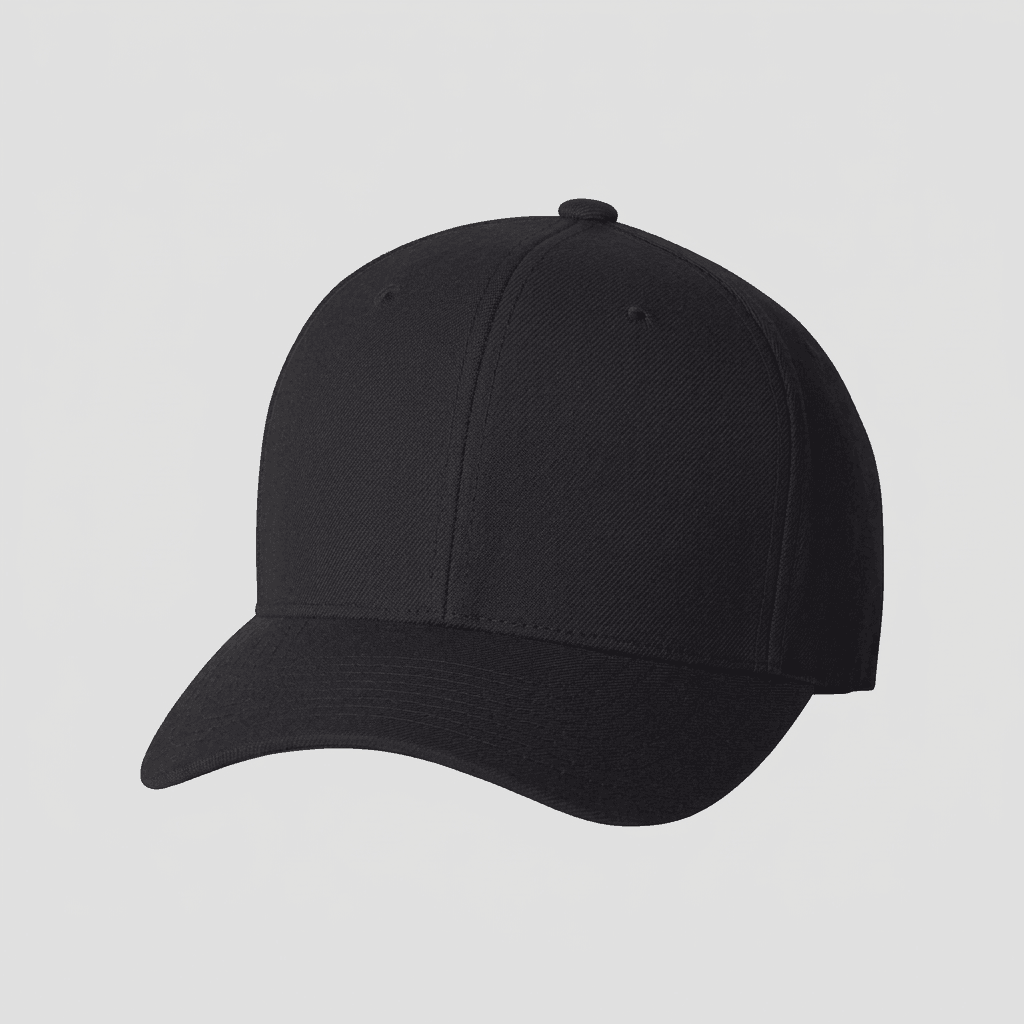
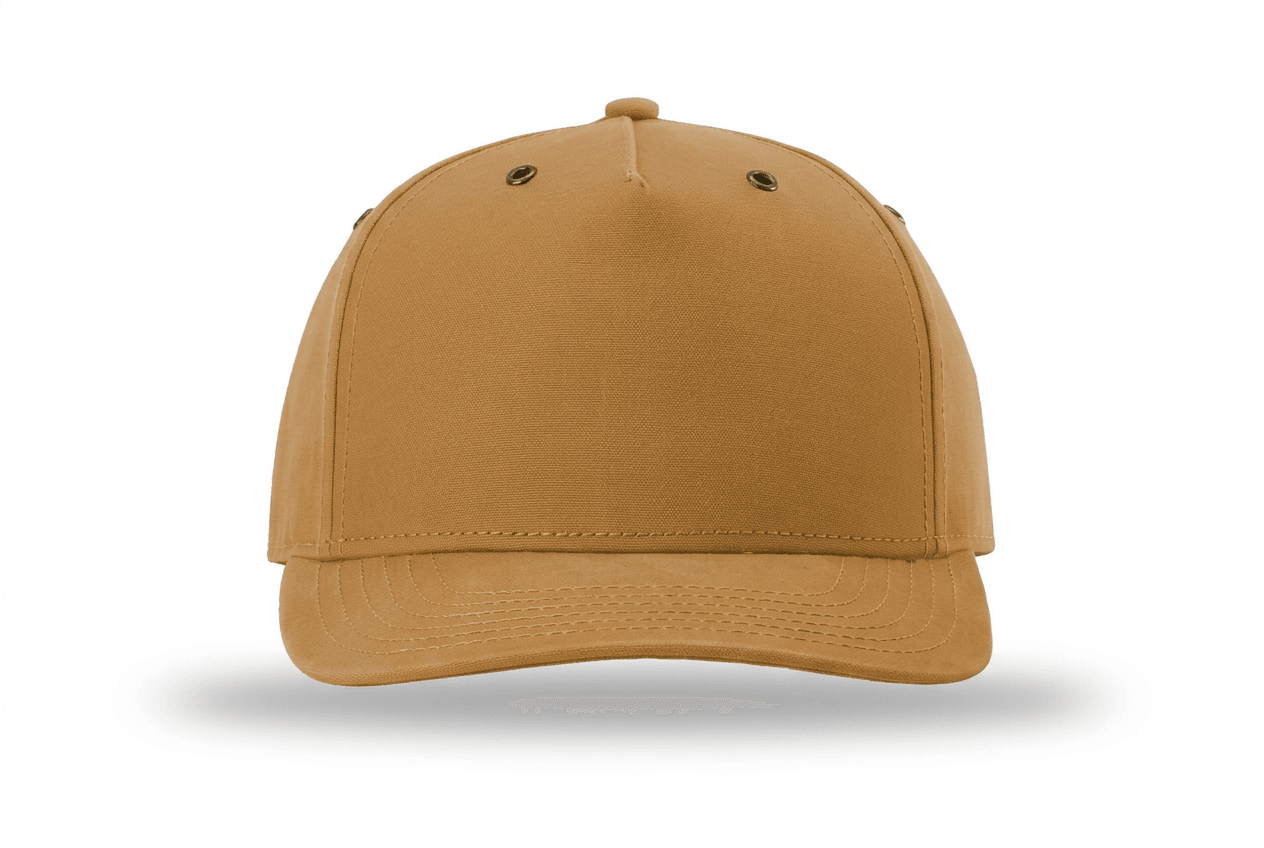
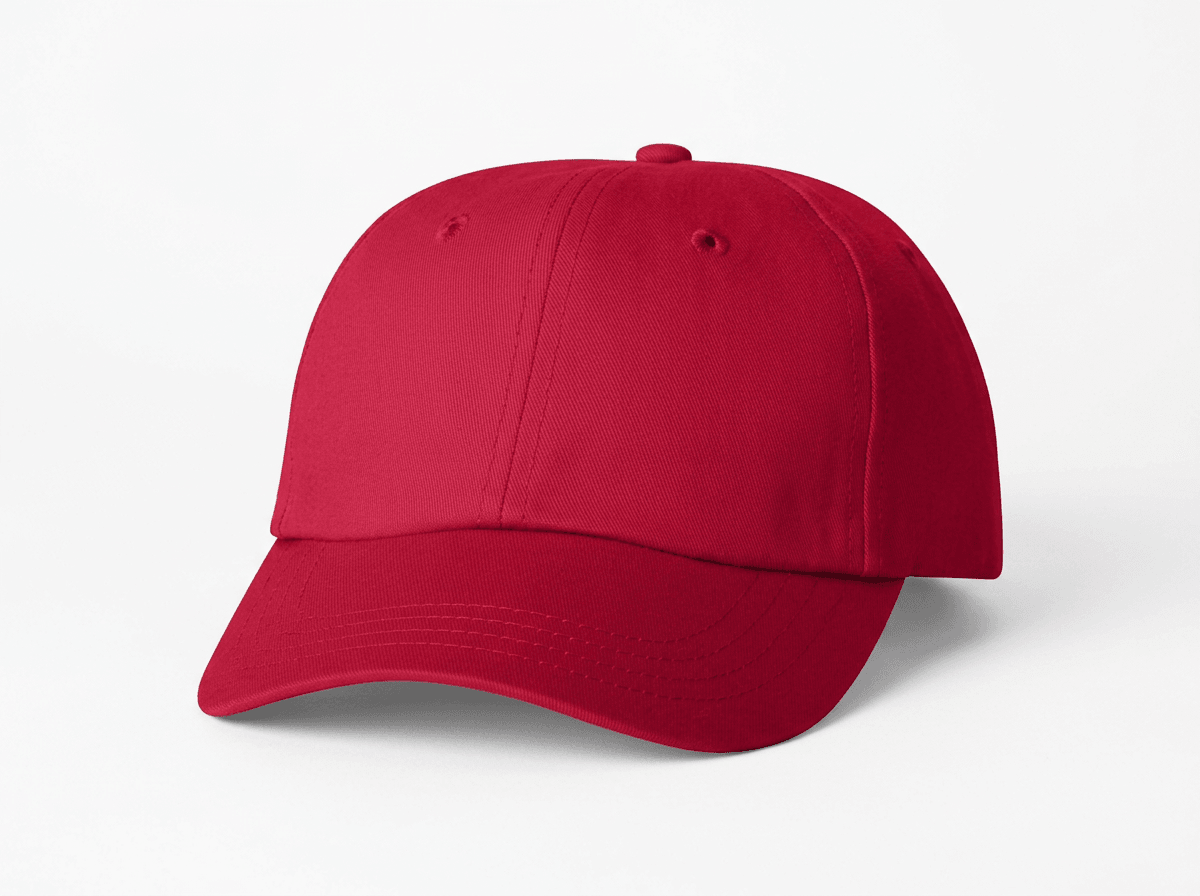
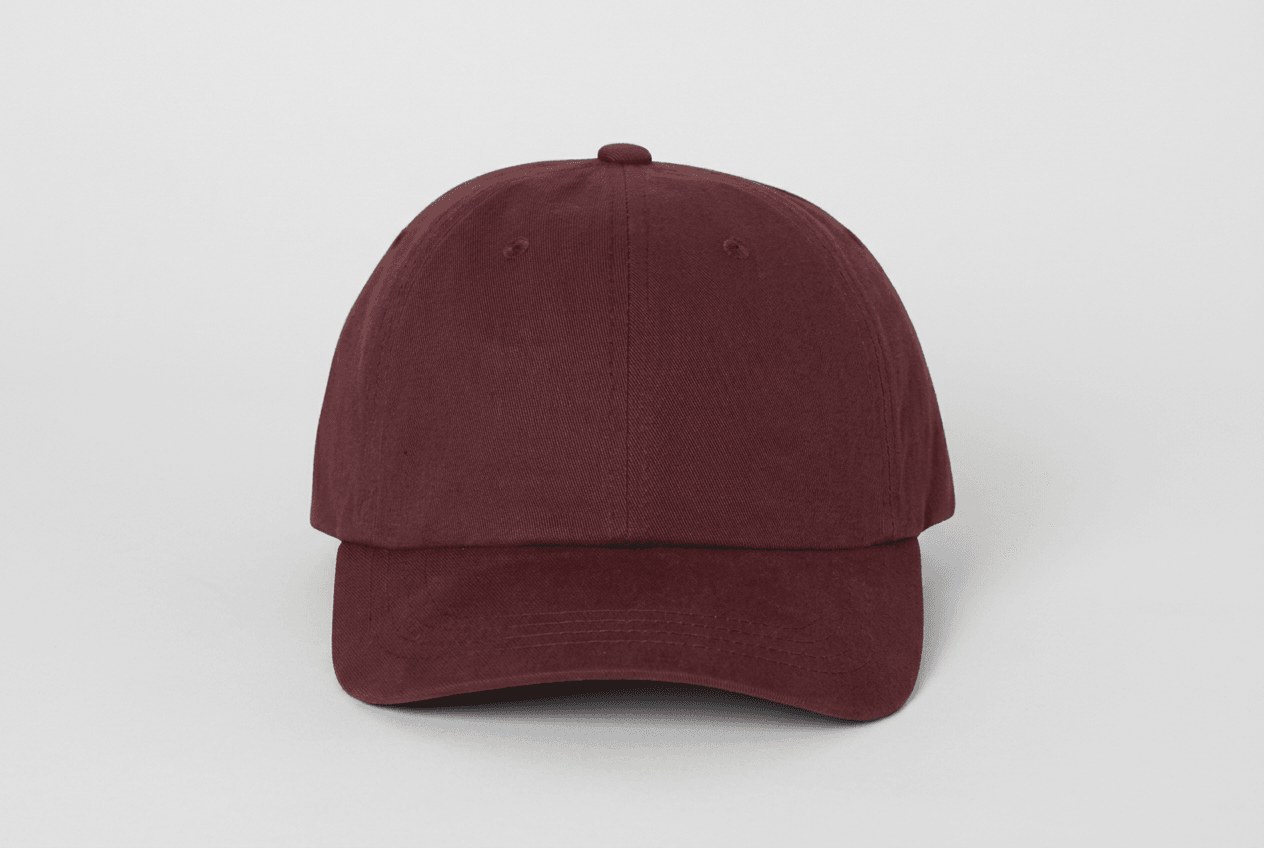
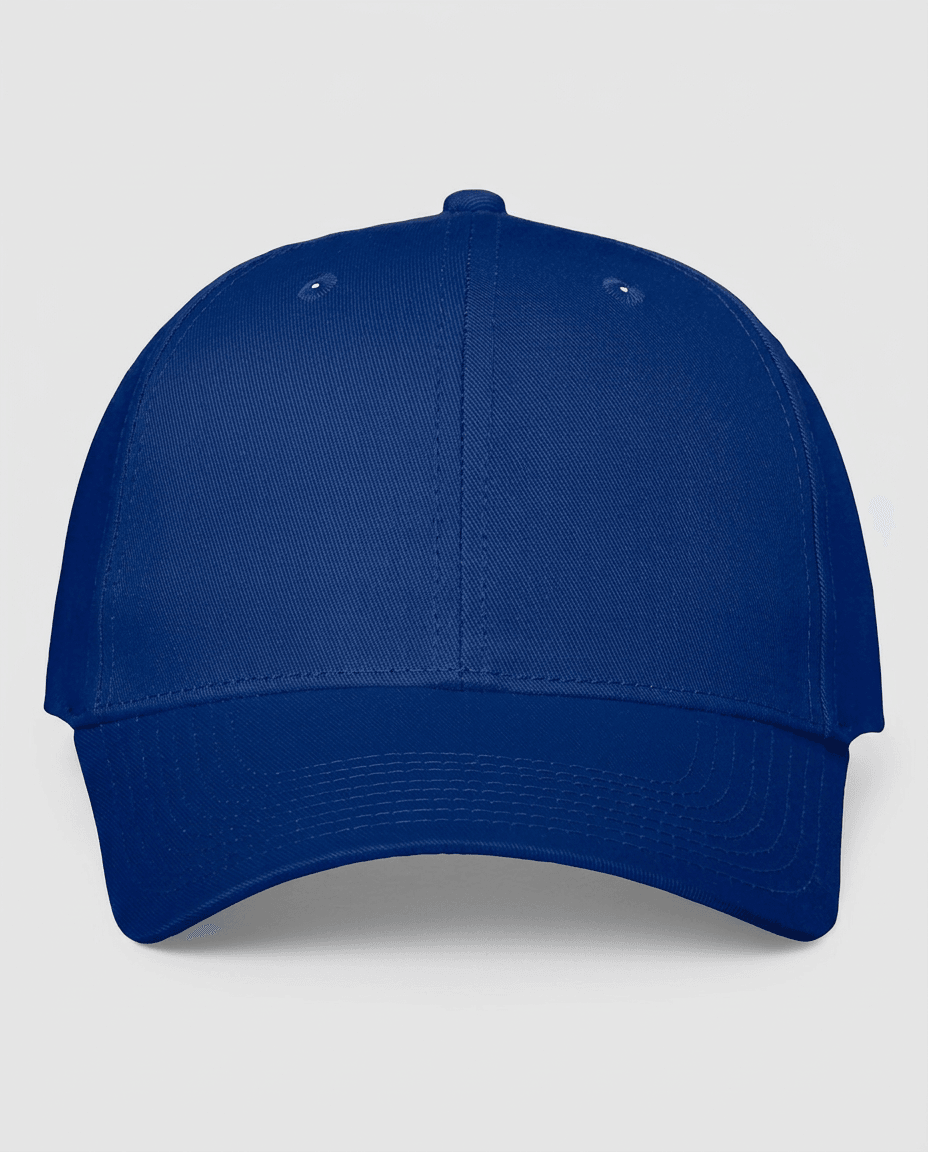
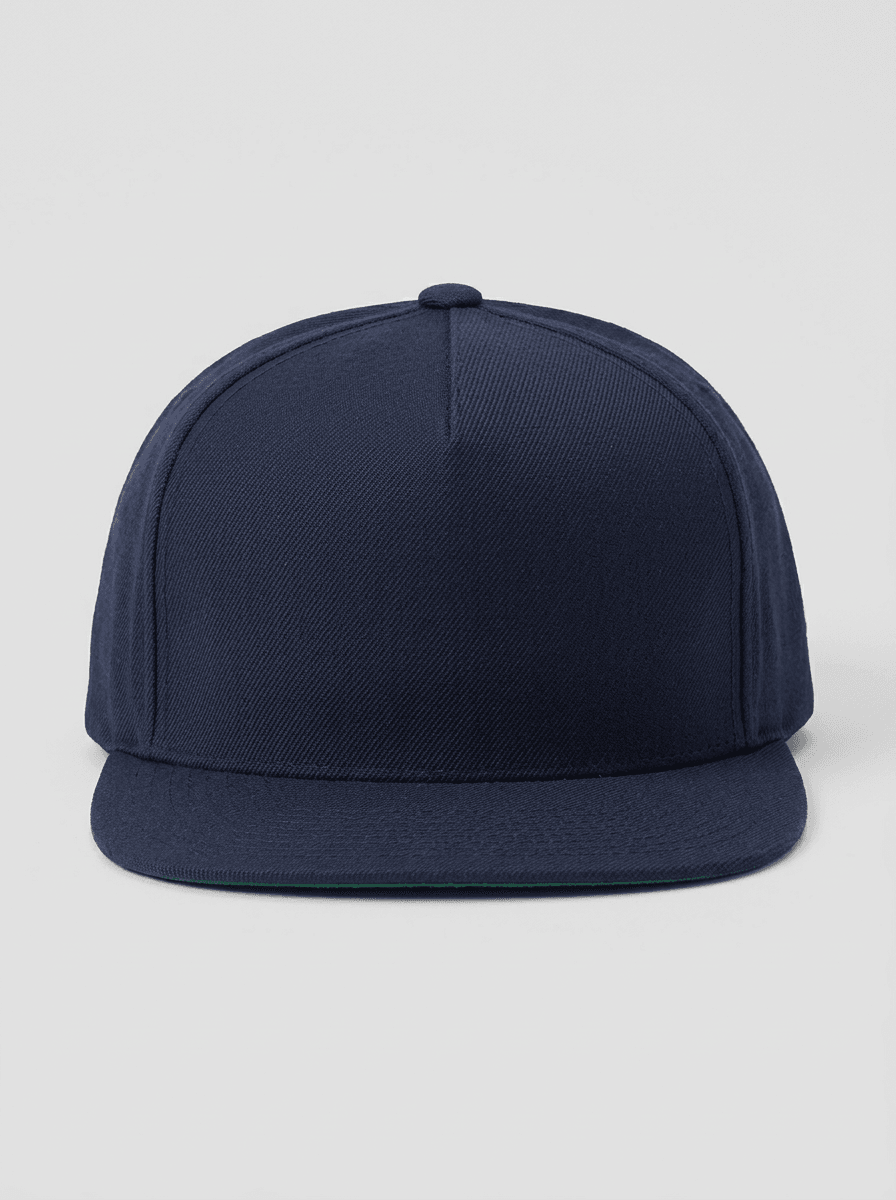
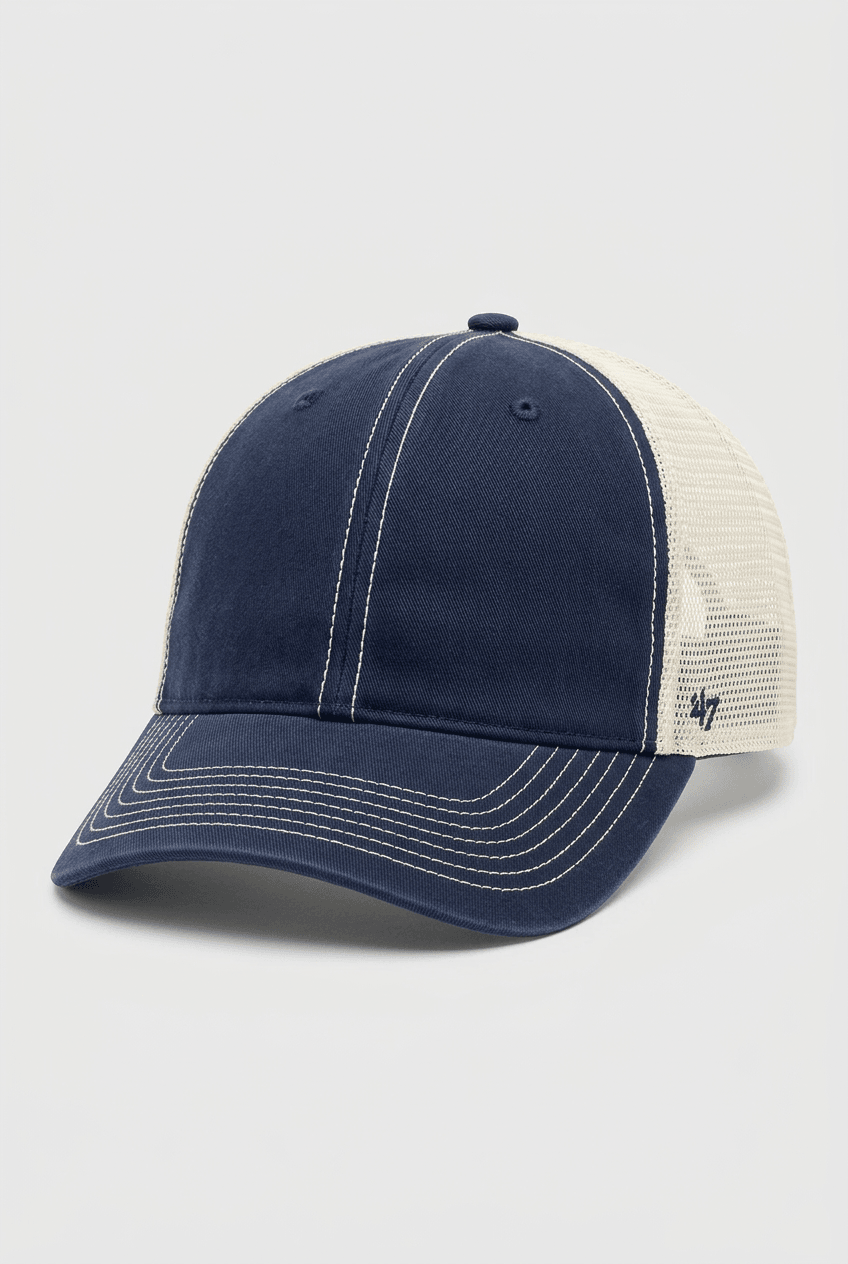
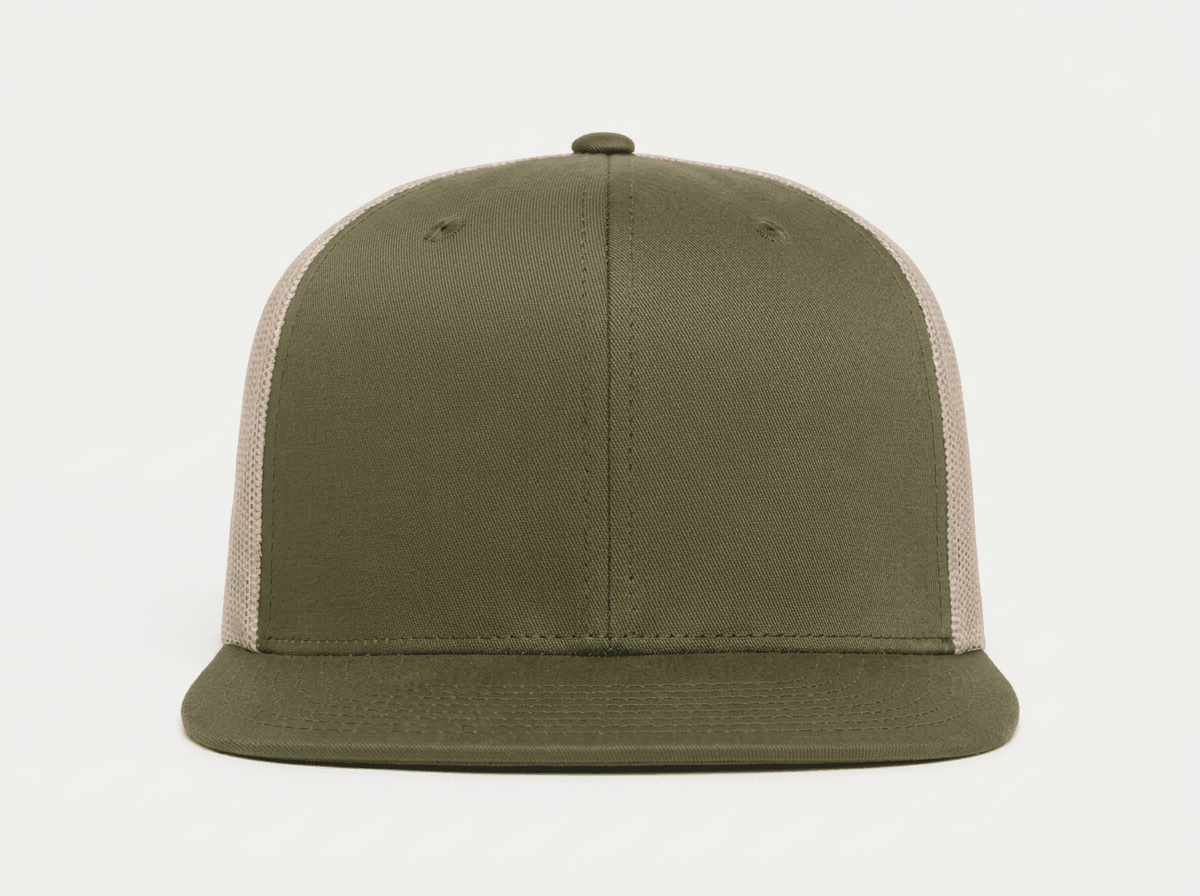
A dad hat mockup is a product template showing an unstructured or low-profile 6-panel cap with a pre-curved brim and adjustable back closure. Every angle opens as a ready photo mockup: place your artwork in the editor or through the API.
Loading selected angle
White Cotton Twill Dad Hat Mockup - Urban Setting
What's Included
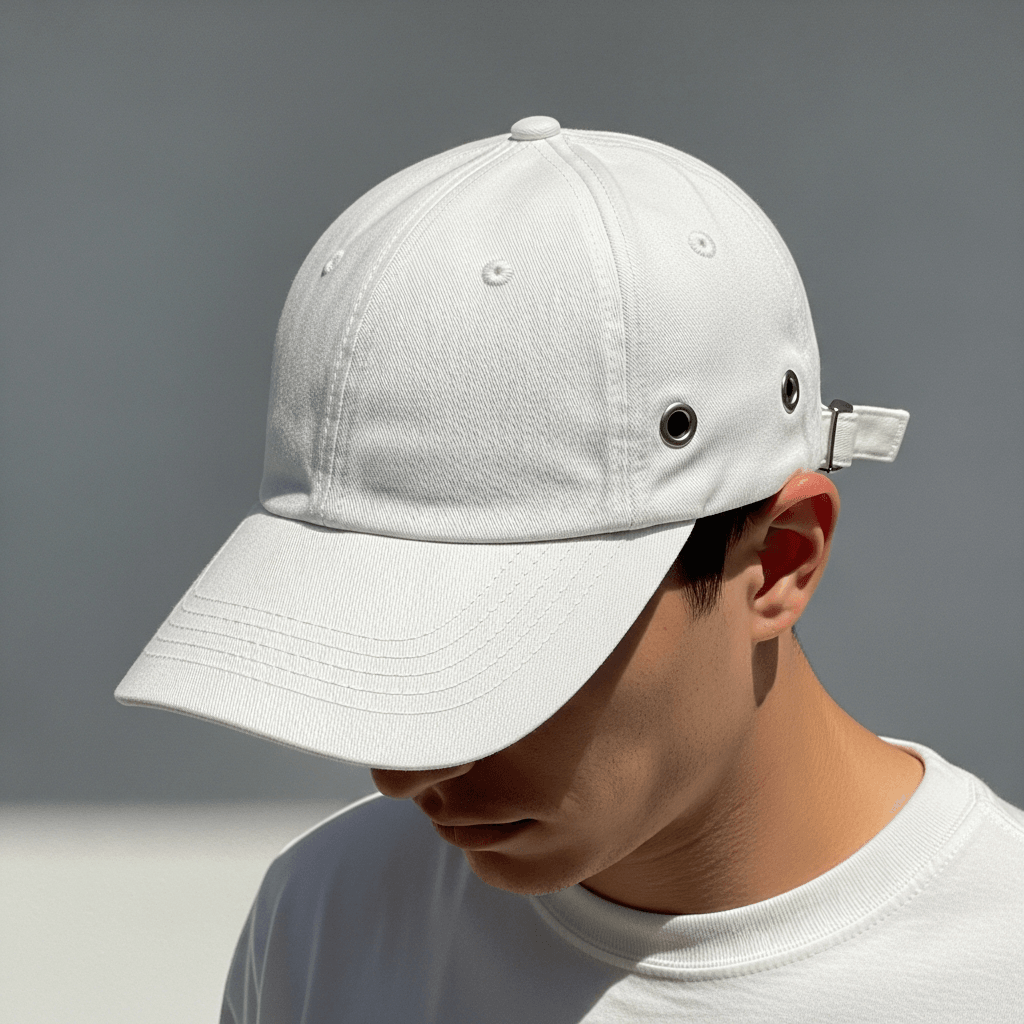
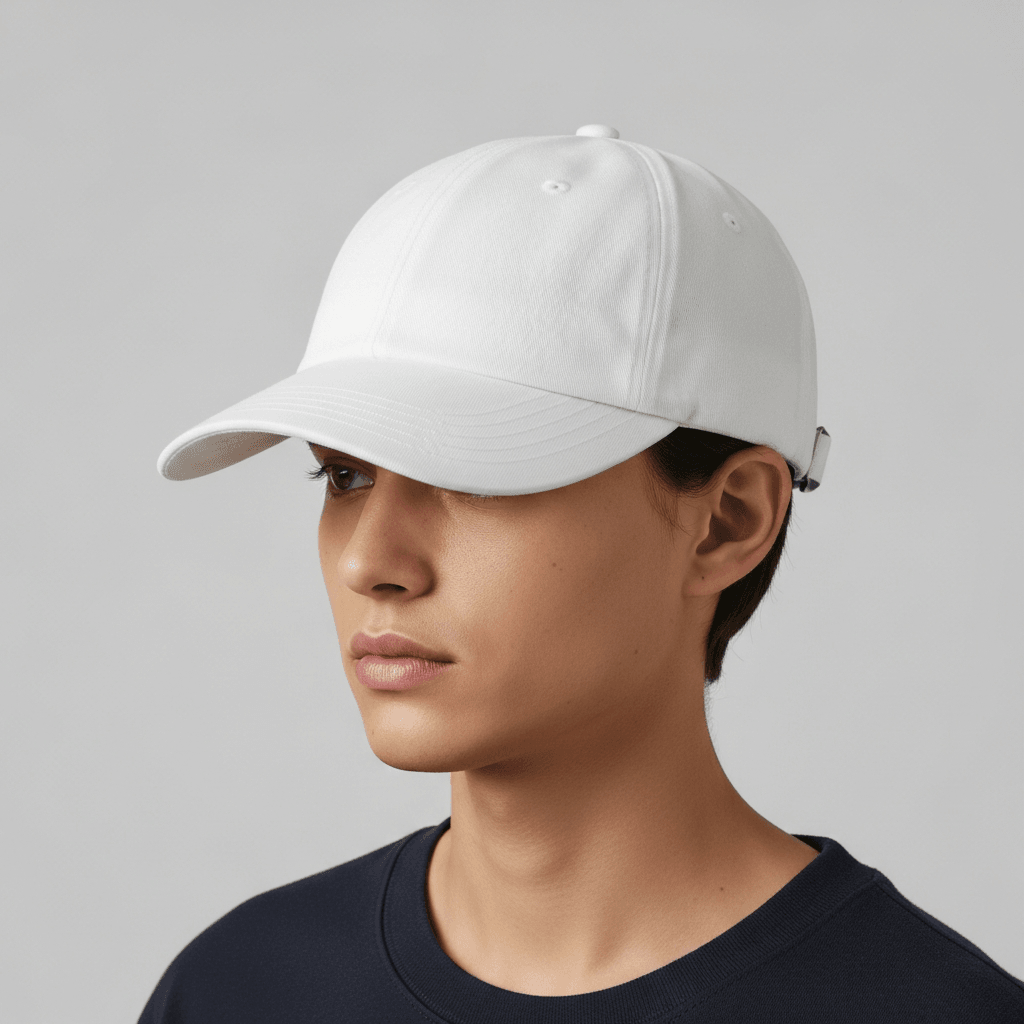
6-panel white cotton twill dad hat shown on male model in urban sidewalk setting with natural daylight
Six camera angles: three-quarter front worn, front flat, side profile worn, back closure detail, overhead flat lay, macro texture detail
Metal slide buckle closure with adjustable fabric strap and decorative brim grommets clearly documented
API rendering available through SudoMock platform; compatible with Printful, Printify, and Gelato workflows
Every angle opens as a ready photo mockup
Specifications
Format
PNG · RGB
Angles
6 views
About This Mockup
Overview
This mockup template shows a white structured cotton twill dad hat photographed on a male model in a casual urban sidewalk setting. The model, a young East Asian man with a close-cropped hairstyle, wears the hat in a relaxed forward-facing position. Natural daylight illuminates the hat's surface, revealing the diagonal twill weave pattern and clean white fabric. The background includes a blurred city street with crosswalk markings, road lane lines, and a utility pole, placing the product in a realistic outdoor context.
Six camera angles document the hat from every relevant perspective. The primary three-quarter front shot captures the front panel design area, the pre-curved brim profile, and the hat's natural shape as worn on the model's head. A metal grommet eyelet and the beginning of the adjustable strap buckle are visible near the model's ear on the right side of the crown.
Construction and Material Details
The hat follows a 6-panel construction with visible seam lines running from the top button to the base of the crown. Each panel is joined with consistent stitching. The crown features embroidered ventilation eyelets, one per panel, in matching white thread. The brim displays four rows of concentric stitching along its surface, providing structure and a slightly curved shape.
The back closure uses a fabric strap threaded through a square metal slide buckle in an antique brass or silver finish, with a secondary metal clip holding the excess strap. The back panel opening is a standard half-moon cutout. The back closure detail image shows this mechanism clearly against a sunlit sidewalk background.
Brim Detail
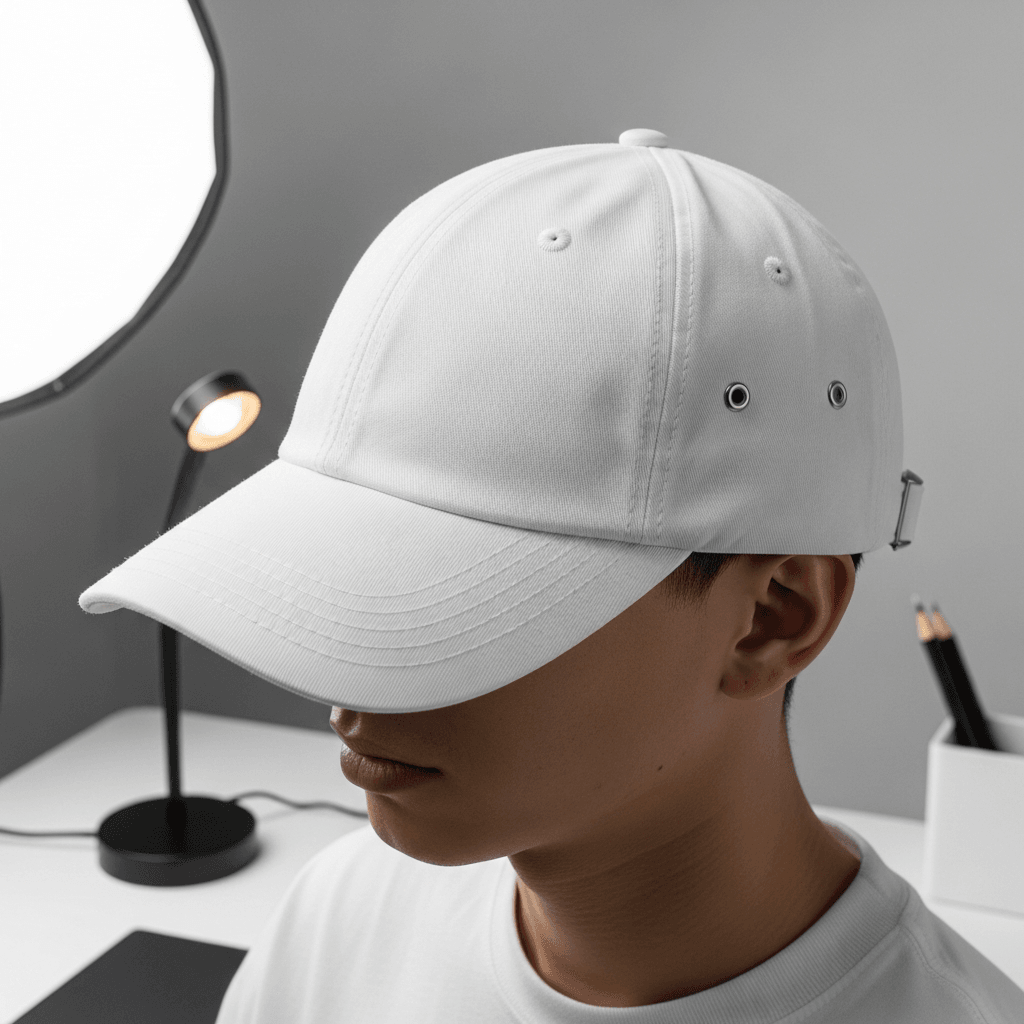
The side profile worn shot, taken from the right side, reveals three metal grommets installed along the brim edge near the base of the crown. These grommets appear to be decorative brass-toned eyelets. The brim's curved shape and the low-profile crown height are clearly visible in this angle. The adjustable metal buckle closure is also visible from this perspective.
Available Angles
The template includes the following views:
- Three-quarter front worn: hero shot on model, shows front panel and brim curve against urban street background
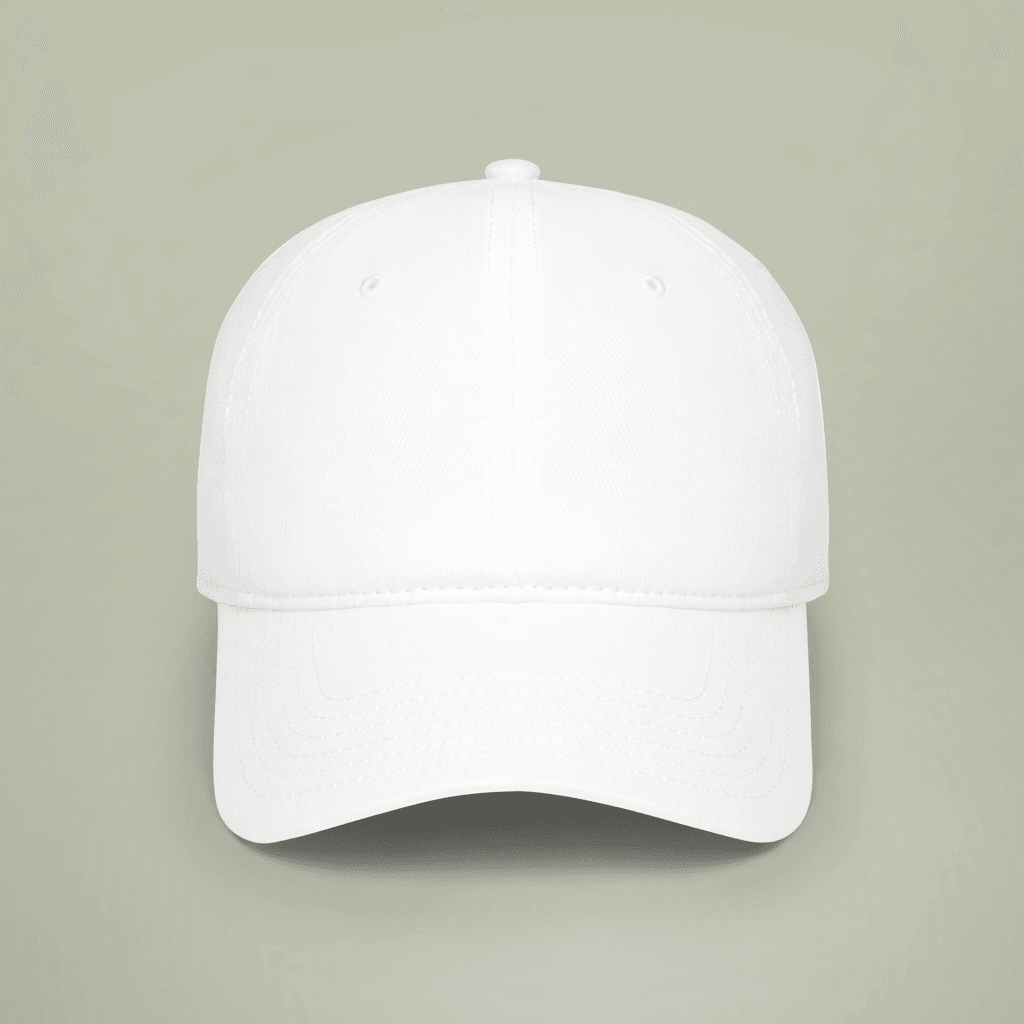
- Front flat product: hat resting on a light gray surface, front panel facing camera, clean product-only view with soft studio-style lighting
- Side profile worn: right-side view on model showing brim grommets, crown height, and buckle closure
- Back closure detail: tight crop of the metal slide buckle and strap mechanism, outdoor natural light
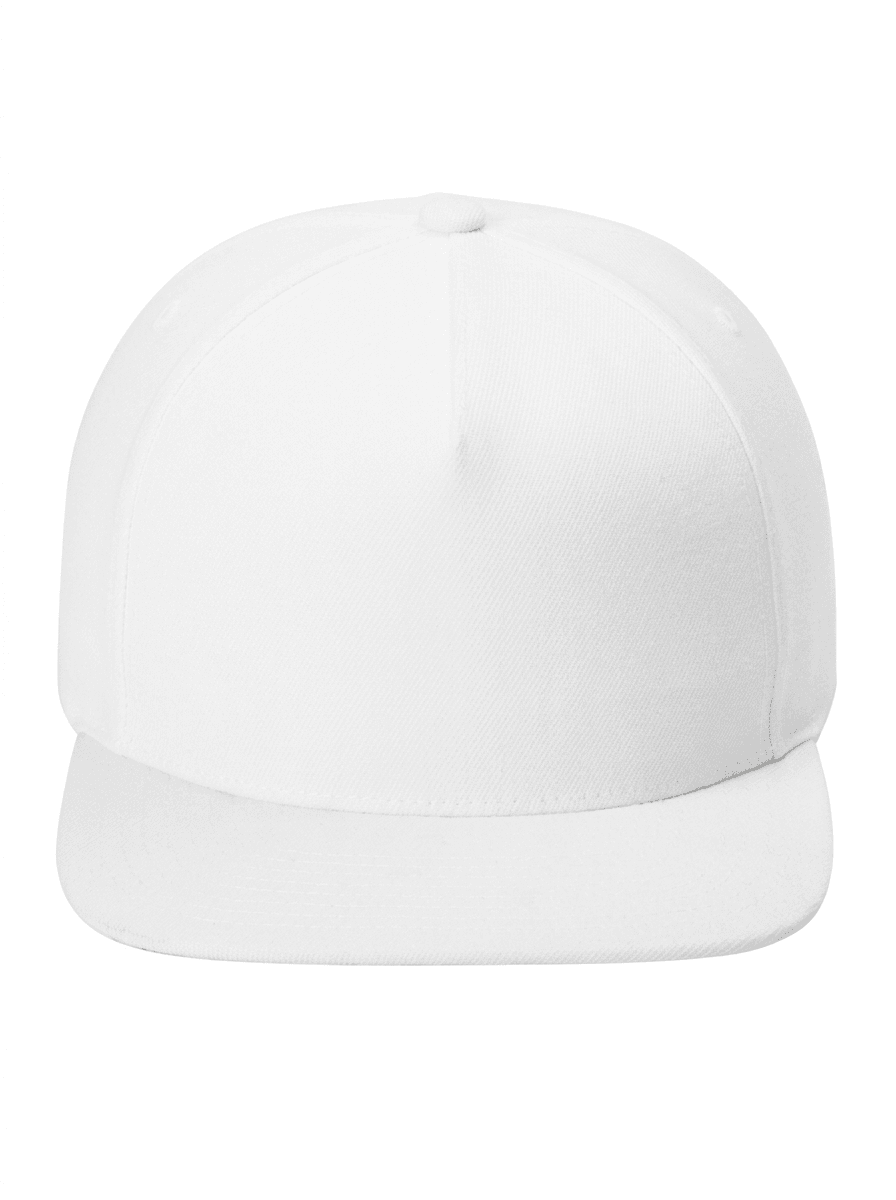
- Overhead flat lay: front-facing view of the hat on a neutral gray background, showing the full crown shape, button, eyelets, and brim
- Macro texture detail: close-up of the side panel and brim junction area, showing the cotton twill weave, stitching rows on the brim edge, and the metal buckle hardware
Technical Specifications
The white base surface covers the entire hat: crown panels, brim top and underside, and strap.
Suggested Applications
This template is suitable for embroidered dad hat product listings on Etsy, Shopify, and Amazon. Compatible with POD fulfillment providers including Printful (Yupoong 6245CM and similar), Printify, and Gelato. The multiple angles provide enough coverage for a complete product listing with front, side, back, and detail views. The urban outdoor context adds lifestyle dimension to product pages without requiring additional photography.
Every angle opens as a ready photo mockup: place your artwork in the editor or through the API.
How to Use This Mockup
Step 01
Pick an angle
Choose the angle you want from this template. Every angle opens as a ready photo mockup.
Photo Mockups GuideStep 02
Place your artwork
Add your design in the editor or through the API, as a single placement or a repeating pattern.
Print Areas GuideStep 03
Export your mockup
Generate high-resolution product images in PNG, JPG, or WebP format. Batch process multiple designs.
Render Artwork DocsDetails & Specifications
File Format
PNG
Color Mode
RGB
Angles
6
| Angle | Type | Primary |
|---|---|---|
| Three-Quarter Front (Worn) | three-quarter-front-worn | Yes |
| Front View (Flat Product) | front-flat | |
| Side Profile (Worn) | side-profile-worn | |
| Back View with Closure Detail | back-closure-detail | |
| Overhead Flat Lay | overhead-flat-lay | |
| Macro Texture Detail | macro-texture-detail |
Perfect For
Use Cases
Seasons
Tags
Dad Hat MockupBaseball Cap MockupHat Mockup GeneratorCap Mockup TemplateDad Hat Mockup Free DownloadEmbroidered Dad Hat MockupWhite Hat MockupCotton Twill Hat6 Panel Hat MockupAdjustable Cap MockupDad Hat Mockup Multiple AnglesDad Hat Mockup Etsy PODDad Hat Mockup PrintfulDad Hat Mockup PrintifyHeadwear MockupHat Product PhotographyPOD Hat MockupYupoong Dad Hat MockupUnstructured Cap MockupHat Mockup On ModelUrban Lifestyle Mockup
Visual Style
Industry Insights & Research
The global print-on-demand market was valued at $10.78 billion in 2025 and is projected to reach $57.49 billion by 2033, growing at a CAGR of 23.6%.
Dad hats are a core POD wearable product, and this growth trajectory signals increasing demand for hat mockup templates. Source: Grand View Research (https://www.grandviewresearch.com/industry-analysis/print-on-demand-market-report)
75% of online shoppers base their purchase decision on product photos alone.
Multiple-angle mockups of dad hats directly support purchase decisions for online hat buyers. Source: MyDesigns (https://mydesigns.io/blog/how-to-use-mockups-to-boost-conversion-rates-in-e-commerce/)
22% of products are returned because they appear different in person than in photos.
Realistic hat mockups showing accurate fabric texture and fit reduce the gap between customer expectations and the actual product. Source: GrabOn (https://grabon.com/blog/product-photography-statistics/)
Having two photos doubles conversions compared to having one photo on product listings.
This six-angle dad hat template provides enough visual coverage to significantly improve listing performance over single-image approaches. Source: WSDM Academic Research via Claid.ai (https://claid.ai/blog/article/photos-impact-conversions/)
“In short, great mockups communicate quality, usefulness, and experience at a glance.”
Frequently Asked Questions
Dad hats typically feature a lower-profile crown (around 3 to 3.5 inches), an unstructured or lightly structured front panel, and a pre-curved brim. Baseball caps generally have a taller, more structured crown with a stiffer front panel and a flatter brim. This mockup shows a structured cotton twill construction with a moderately curved brim and visible 6-panel seaming, which is consistent with the dad hat silhouette sold by suppliers like Yupoong (6245CM).
Yes. The template's white base surface accepts design overlays through SudoMock's rendering API, and the output images are suitable for product listings on Printful, Printify, Gelato, and other POD platforms. The six available angles provide front, side, back, and detail coverage that meets typical marketplace image requirements for hat listings on Etsy, Amazon, and Shopify.
The design placement area covers the front panels of the hat crown, which is the standard embroidery or print zone for dad hats. On typical dad hat products like the Yupoong 6245CM, the front embroidery area is approximately 4 inches wide by 2.25 inches tall. Every angle opens as a ready photo mockup: place your artwork in the editor or through the API.
Yes. The cotton twill diagonal weave pattern is visible in the mockup's white surface, particularly in the macro texture detail angle. Every angle opens as a ready photo mockup: place your artwork in the editor or through the API.
This template includes six angles: a three-quarter front view worn on a male model, a front flat product view on a gray surface, a side profile worn on model showing brim grommets and closure, a back view with metal buckle closure detail, an overhead flat lay, and a macro close-up showing the cotton twill weave and stitching construction. Each angle is a separate renderable template.
Pick an angle, open it in Photo Mockups and place your artwork in the editor or through the API. Then export your mockup as PNG, JPG or WebP.
Ready to Create Stunning Mockups?
Generate product mockups with Photo Mockups and the Render API. Upload artwork and export high-resolution images from one workflow.
No credit card required500 one-time creditsInstant API access