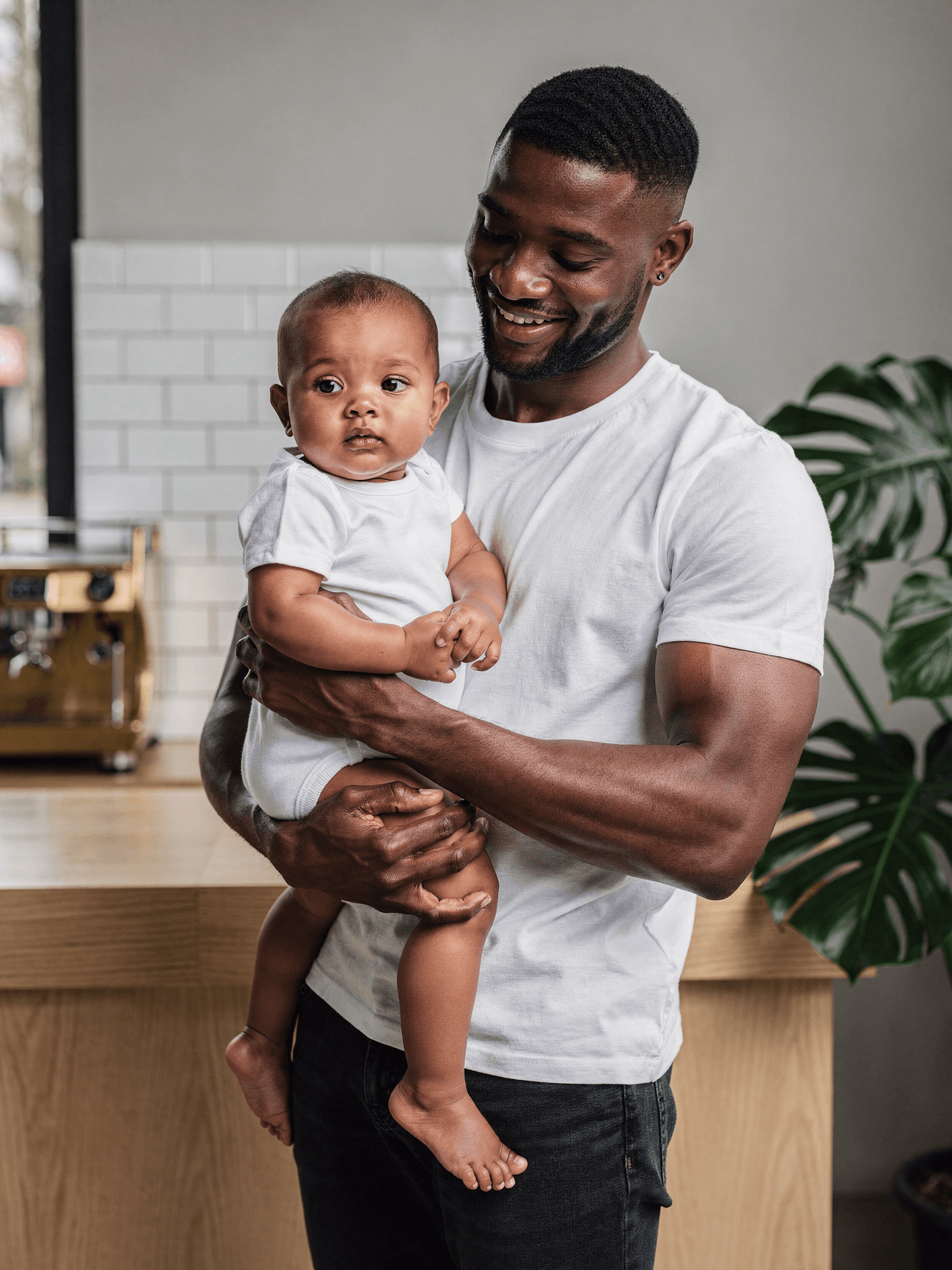
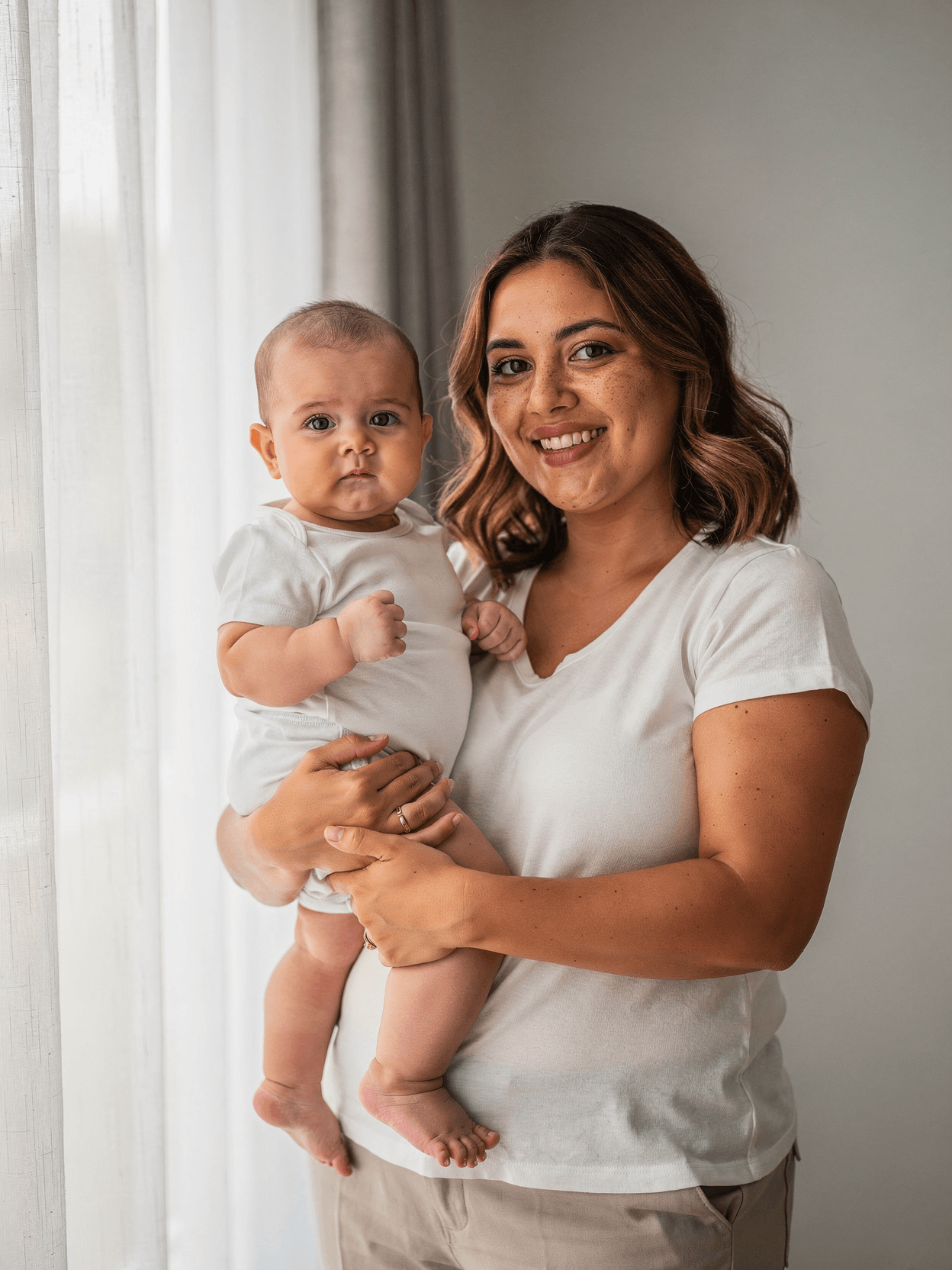
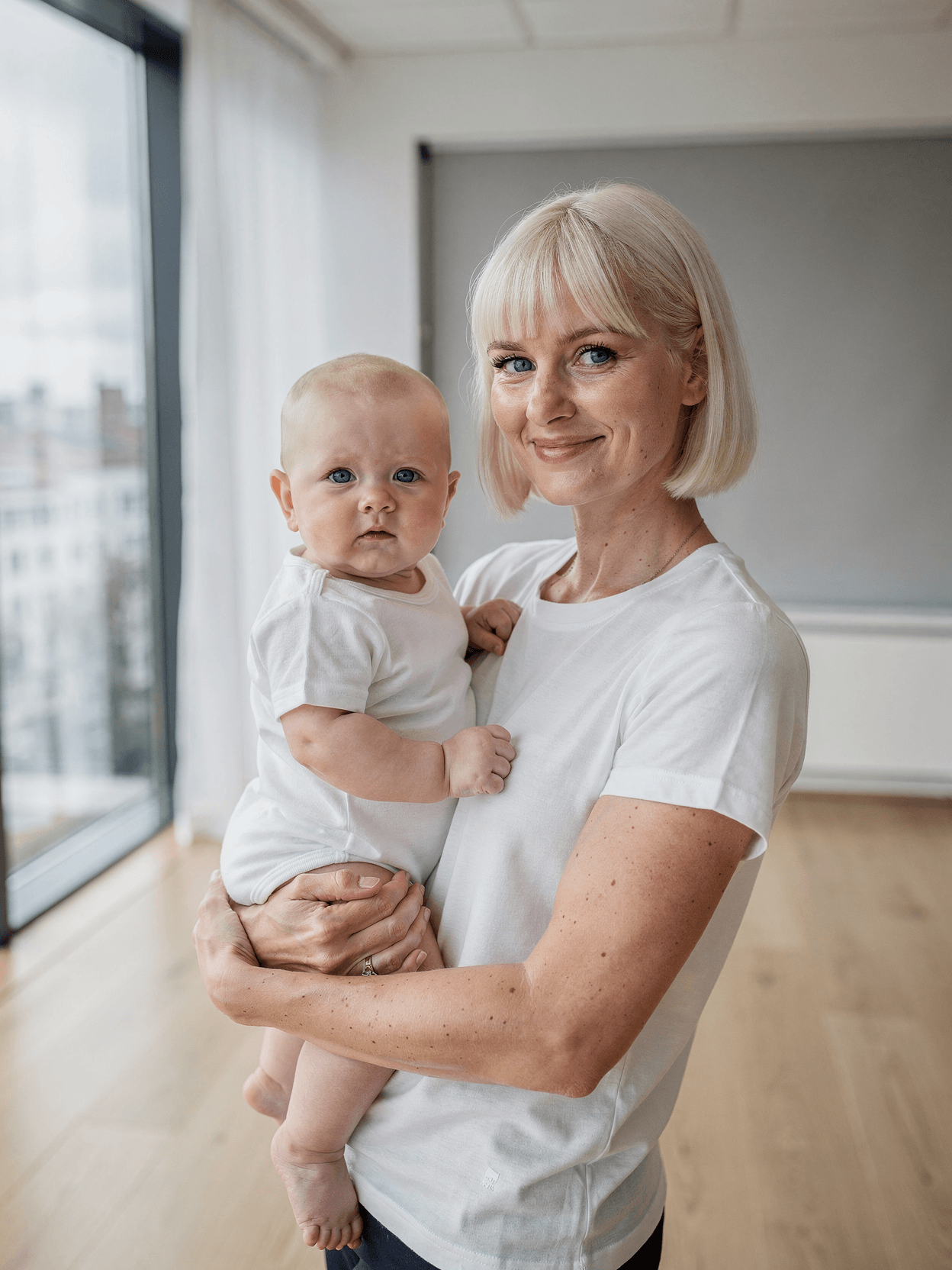
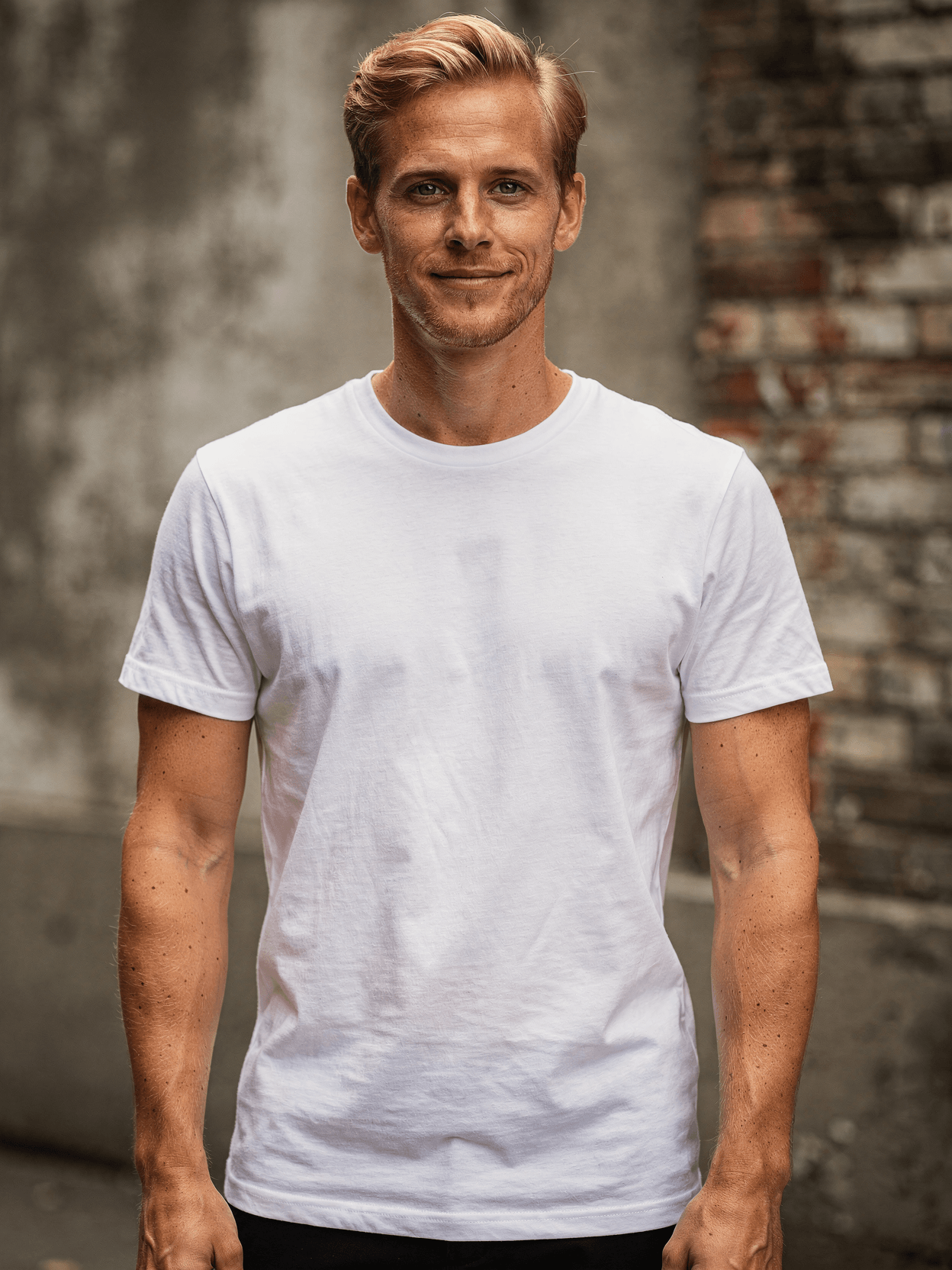
A baby onesie mockup is a product photography template featuring a blank white bodysuit. Every angle opens as a ready photo mockup: place your artwork in the editor or through the API. Subscriptions from $0.002 per render.
Loading selected angle
White Tri-Blend Baby Onesie Mockup on Model
What's Included
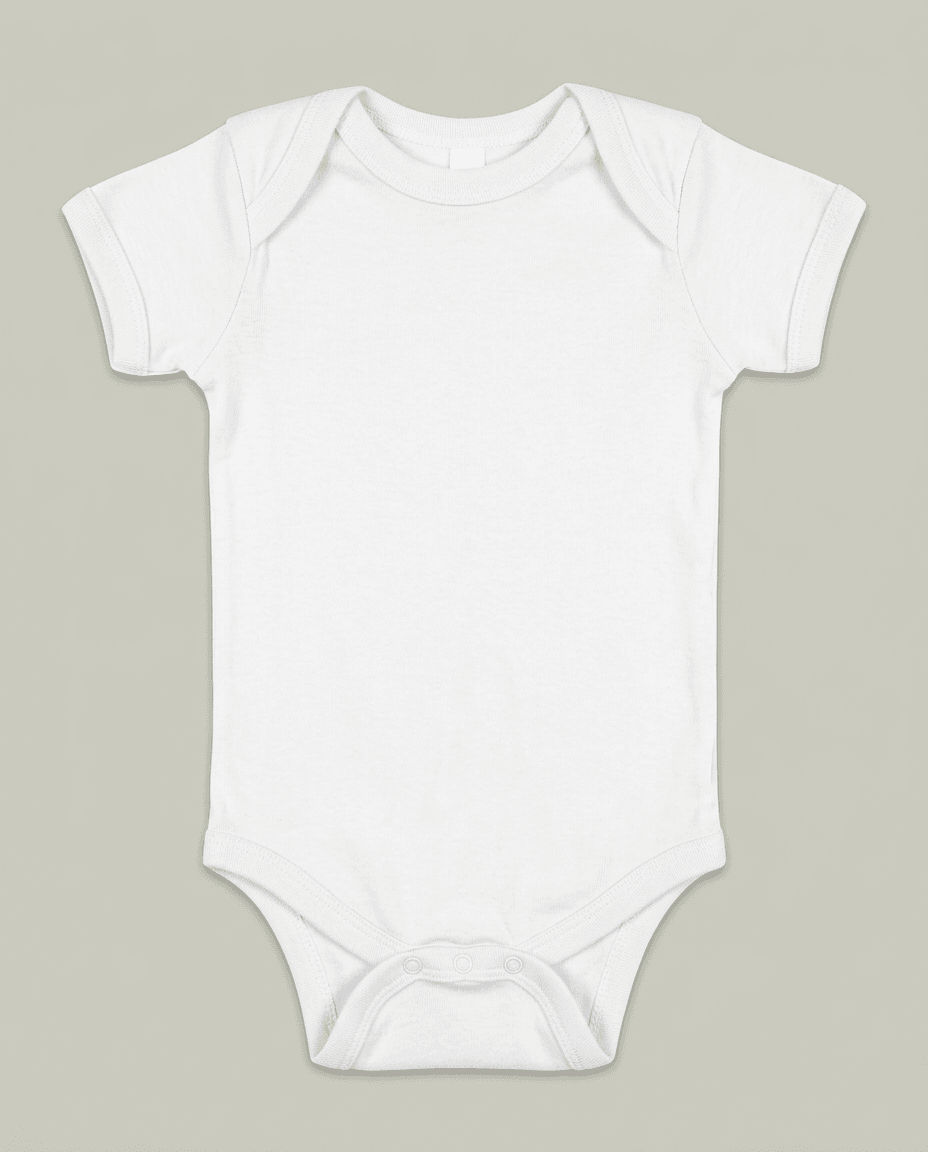
White tri-blend baby onesie with envelope neckline and three-snap crotch closure shown on infant model
Six camera angles: front, three-quarter, back, neckline detail, overhead lifestyle, and snap closure macro
Adult male model with wavy blond hair holds infant in industrial loft setting with exposed brick wall
Muted earth-tone styling with warm ambient lighting and aged concrete flooring
Snap closure detail shot shows silver press-stud hardware, stitching, and leg opening construction
Output in WebP, PNG, or JPEG up to 10,000px resolution for POD platforms including Printful, Printify, and Gelato
Every angle opens as a ready photo mockup
Subscriptions from $0.002 per render
Specifications
Format
PNG · RGB
Angles
6 views
About This Mockup
Mockup Overview
This baby onesie mockup template shows a white tri-blend bodysuit worn by an infant held by an adult male model. The man has medium-length wavy blond hair, freckled skin, and a lean build. He wears a beige crewneck t-shirt and dark gray jeans. The setting is an industrial loft space with an exposed red brick wall, aged concrete flooring, and a white paper backdrop partially visible in several frames. Lighting is warm and natural, with a single visible Edison-style bulb on a black floor stand adding ambient fill. The muted earth-tone palette across the images keeps the visual focus on the plain white onesie.
Product Shown
The onesie is a short-sleeve bodysuit in plain white with an envelope neckline, side-seam construction, and a three-snap crotch closure. Visible in the detail shots, the snaps are silver-tone metal press studs. The fabric appears soft with a slightly heathered texture consistent with a tri-blend (cotton, polyester, rayon) composition. The garment fits the infant with a relaxed drape around the torso and snug leg openings.
Camera Angles Included
Six angles are provided in this template set:
- Front on baby model: The man holds the infant facing upward at chest height, looking down with a gentle expression. The baby gazes up toward the man. The full front of the onesie is visible, including the neckline, chest area, and snap closure at the crotch. Brick wall and studio backdrop are in the background.
- Three-quarter view: The man faces the camera at roughly a 45-degree angle, smiling directly at the lens. The baby is held on his left side, turned away. This angle shows the onesie's side seam, shoulder construction, and how the garment fits around the infant's torso. Background is a neutral light gray.
- Back view: The man faces away from the camera, the infant resting on his left shoulder with one small hand gripping the collar of his t-shirt. The back of the onesie is fully visible, showing the plain white surface, the envelope neckline overlap from behind, and the short sleeves. Industrial loft setting with brick and studio backdrop.
- Neckline and collar detail: A tight crop showing the infant's upper chest and the adult's hand cradling the baby. The envelope shoulder opening, ribbed collar binding, and fabric weave are clearly visible at close range. The tri-blend texture is most apparent here, with a soft, slightly marled surface.
- Overhead lifestyle shot: The man lies on the concrete loft floor, holding the baby on his chest. The camera is positioned directly above. The full onesie is visible from neckline to snap closure. The baby wears a slightly different version here with subtle ribbed texture. The concrete floor provides a raw, earthy backdrop.
- Snap closure detail: A macro-level crop of the crotch area showing three silver press-stud snaps. The adult's freckled fingers are visible fastening one snap. Leg openings, stitching lines, and fabric edge binding are clearly shown.
Technical Use
The template is accessible via REST API or the SudoMock Dashboard Playground. Output formats include WebP, PNG, and JPEG at resolutions up to 10,000px.
Suitable Applications
E-commerce product listings on Etsy, Shopify, and Amazon. Print-on-demand catalog generation through Printful, Printify, or Gelato. Social media product imagery for Instagram and Pinterest. Baby shower invitation and announcement design previews. Bulk catalog rendering for sellers managing large SKU counts via API automation.
Every angle opens as a ready photo mockup: place your artwork in the editor or through the API.
How to Use This Mockup
Step 01
Pick an angle
Choose the angle you want from this template. Every angle opens as a ready photo mockup.
Photo Mockups GuideStep 02
Place your artwork
Add your design in the editor or through the API, as a single placement or a repeating pattern.
Print Areas GuideStep 03
Export your mockup
Generate high-resolution product images in PNG, JPG, or WebP format. Batch process multiple designs.
Render Artwork DocsDetails & Specifications
File Format
PNG
Color Mode
RGB
Angles
6
| Angle | Type | Primary |
|---|---|---|
| Front on Baby Model | front-on-baby | Yes |
| Three-Quarter View | three-quarter-angle | |
| Back View on Model | back-view | |
| Neckline & Collar Detail | detail-neckline | |
| Overhead Lifestyle Shot | overhead-lifestyle | |
| Snap Closure Detail | snap-closure-detail |
Perfect For
Use Cases
Seasons
Tags
Baby Onesie MockupBaby Bodysuit MockupInfant Onesie MockupBaby Onesie TemplateOnesie Mockup GeneratorWhite Baby OnesieTri-Blend OnesieBaby Apparel MockupNewborn MockupOn Model Baby MockupIndustrial Loft MockupLifestyle Baby MockupPOD Baby MockupEtsy Baby MockupSnap Closure DetailEnvelope NecklineBaby Clothing MockupInfant Bodysuit TemplateMockup APIPrint-on-Demand Mockup
Industry Insights & Research
The global baby apparel market was valued at USD 67.47 billion in 2024 and is projected to reach USD 107.95 billion by 2032 (Fortune Business Insights).
Baby onesies represent a significant segment of this market, and custom-printed infant apparel is growing alongside the broader POD trend.
The global print-on-demand market was valued at USD 10.78 billion in 2025 and is projected to reach USD 57.49 billion by 2033, growing at a CAGR of 23.6% (Grand View Research).
Baby apparel is a popular product category for POD sellers, and realistic mockup templates are a core requirement for listing creation.
22% of product returns occur because the received product looks different from the photos (GrabOn, Innovature).
Accurate mockup rendering that preserves fabric texture and color fidelity helps reduce the gap between customer expectations and delivered products.
“Mockups enable designers to visualize and assess the product's design, providing an opportunity to identify potential design flaws before production.”
“Digital mockups help designers, engineers, and stakeholders identify issues early, refine designs efficiently, and avoid costly revisions later.”
“For baby onesies, we render about 40 design variants per listing batch. Having a template with the snap closure and neckline detail shots saves us from doing separate photography for each angle.”
“The lifestyle overhead angle is what actually sells on Instagram. Parents want to see the onesie in context, not just a flat product shot. We use the API to batch-render all six angles overnight.”
Frequently Asked Questions
This template includes six angles: front view on baby model, three-quarter view, back view, neckline and collar detail, overhead lifestyle shot, and a macro snap closure detail. These cover the main design areas and construction details that buyers expect to see.
Yes. The rendered output images are suitable for Etsy, Shopify, Amazon, and other e-commerce platforms. SudoMock also integrates with Printful, Printify, and Gelato for direct POD workflow automation. Output formats include WebP, PNG, and JPEG.
Most POD platforms accept images at 2000px or larger on the longest side. SudoMock renders up to 10,000px resolution, which exceeds requirements for Etsy (minimum 2000px recommended), Shopify, and Amazon product image standards.
The baby is shown on an actual infant model held by an adult male. All six angles feature the onesie worn by the baby, not a flat-lay or ghost mannequin presentation. This on-model approach shows realistic fit, drape, and scale.
Upload your design through SudoMock's REST API or the Dashboard Playground. The process takes sub-second render times and returns a finished product image in your chosen format. Every angle opens as a ready photo mockup: place your artwork in the editor or through the API.
The primary design area is the front chest panel of the onesie, visible in the front-on and overhead angles. The back view also provides a blank white surface for back-print designs. Every angle opens as a ready photo mockup: place your artwork in the editor or through the API.
Pick an angle, open it in Photo Mockups and place your artwork in the editor or through the API. Then export your mockup as PNG, JPG or WebP.
Ready to Create Stunning Mockups?
Generate product mockups with Photo Mockups and the Render API. Upload artwork and export high-resolution images from one workflow.
No credit card required500 one-time creditsInstant API access