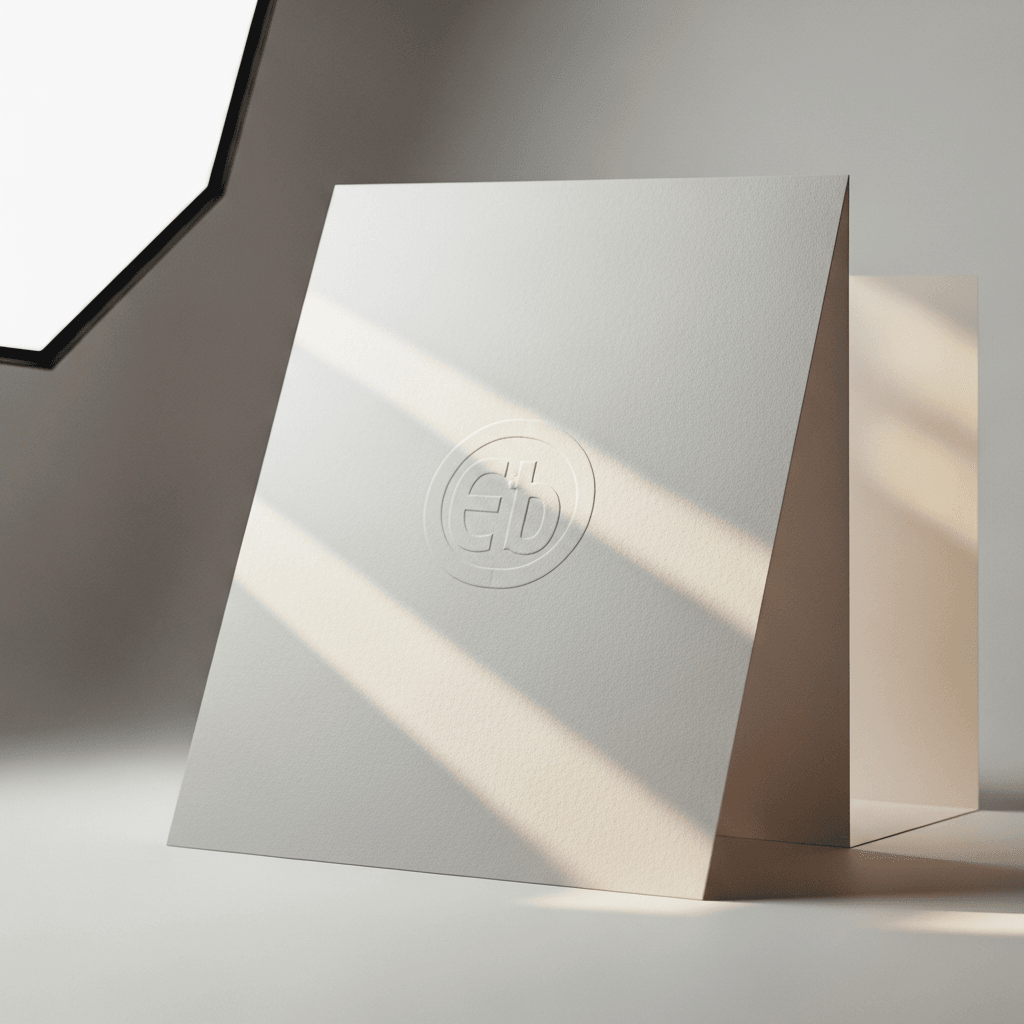
An A5 flyer measures 148 x 210 mm (5.83 x 8.27 inches). At 300 DPI for print-ready output, this translates to 1748 x 2480 pixels. At 72 DPI for screen display, it measures 420 x 595 pixels. The recommended paper weight for flyers typically ranges from 130 to 170 GSM for a substantial feel.
Loading selected angle
White A5 Flyer Mockup - Urban Street Setting
What's Included
Six camera angles: flat lay top view, angled perspective, stacked booklets, desk scene with laptop and coffee cup, corner detail close-up, and bi-fold box presentation
Urban street context: city crosswalks, buildings, and natural daylight visible in background and reverse-side prints
Compatible with Shopify, WooCommerce, Etsy, Printful, Printify, and Gelato for automated product catalog workflows
Every angle opens as a ready photo mockup
Subscriptions from $0.002 per render
Specifications
Format
PNG · RGB
Angles
6 views
About This Mockup
Overview
This mockup template presents a white A5 flyer photographed across six angles in an urban street context. The flyer surfaces are plain white with a subtle premium cotton paper texture visible throughout. Each angle is set against either a muted blue-gray studio background or incorporates urban street elements: crosswalks, city buildings, parked vehicles, and natural daylight filtering through a nearby window.
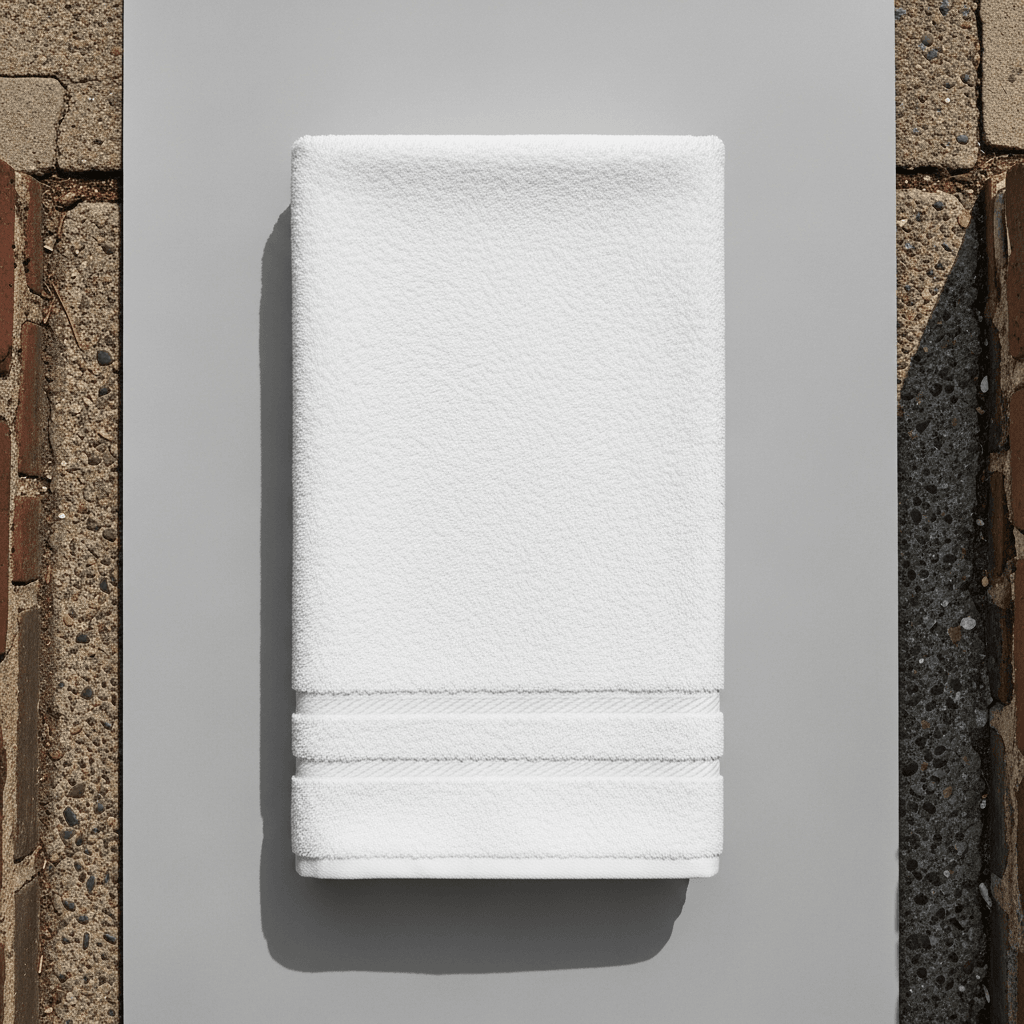
The flat lay top view (primary angle) shows the A5 flyer lying on a blue-gray surface with a blurred urban street scene behind it. The flyer is positioned at a slight angle, and small text elements are visible in the upper right and lower right corners, along with an "A5 FFF" label on the left edge. Paper thickness is apparent from the layered edge visible at the bottom of the stack.
Angles and Visual Details
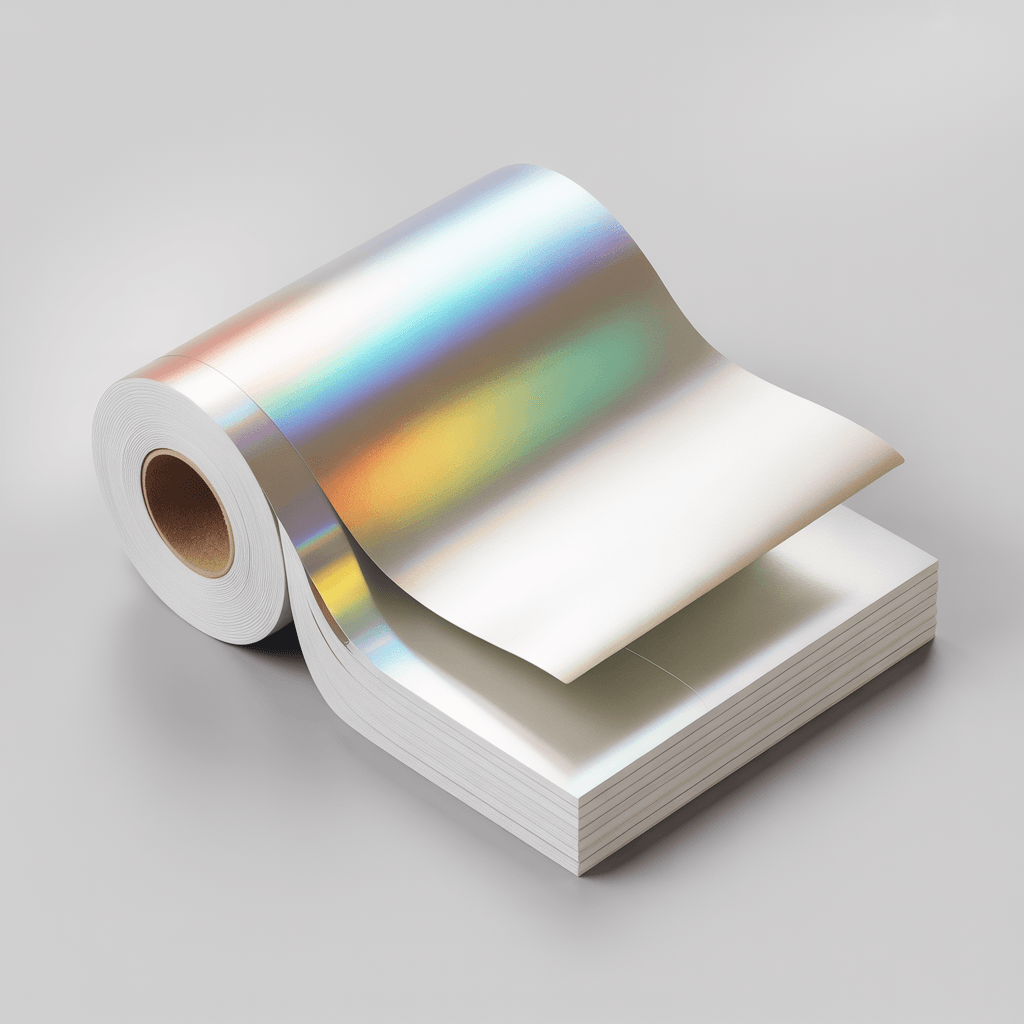
The angled perspective view captures a stack of white flyers with the top sheet lifting and curling upward, revealing an urban street photograph printed on the sheet beneath. Small text runs along the bottom edge. The paper's weight and flexibility are demonstrated by the natural curl of the lifted page.
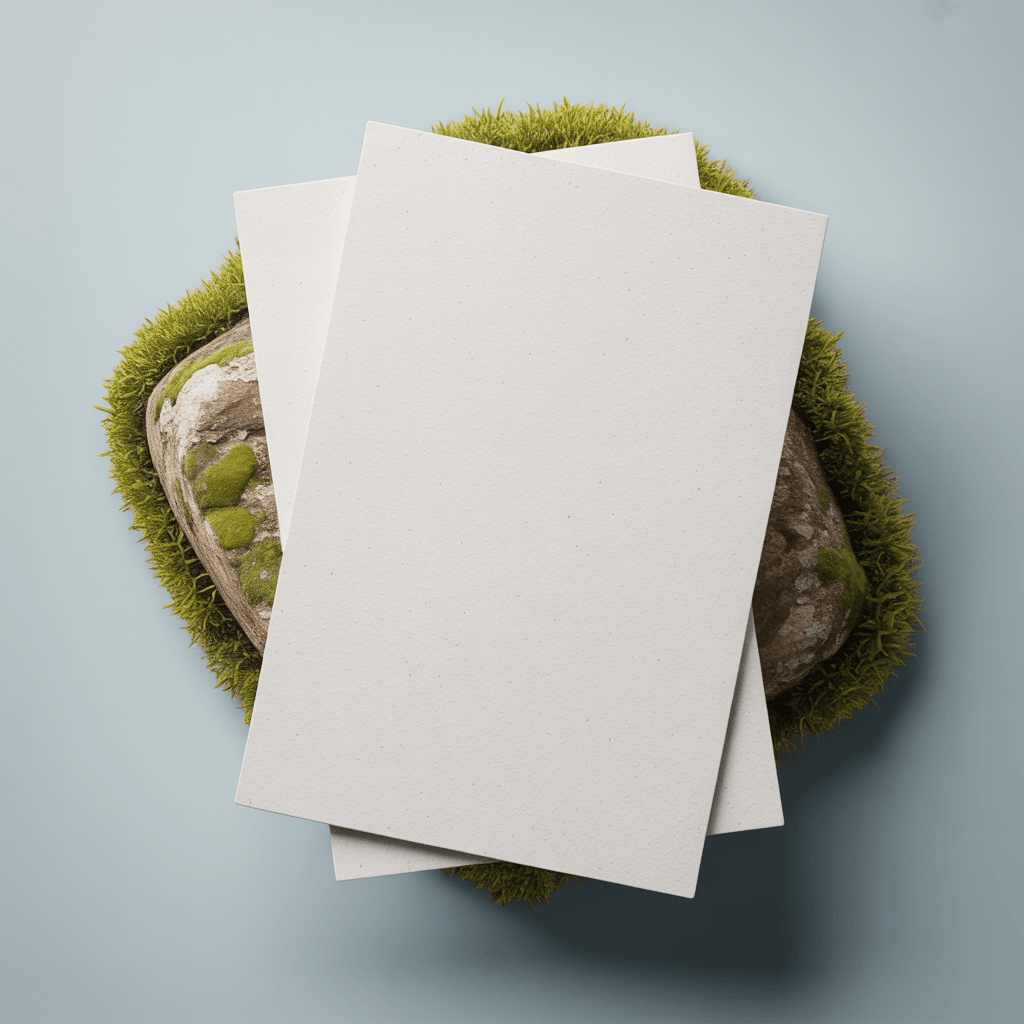
The stacked flyers view shows approximately 15-20 saddle-stitched booklets stacked in a neat pile, shot from an isometric angle against a neutral gray background. The top cover displays small text in the upper right reading what appears to be a title, a dimension notation ("10.15 20m"), and several small colored logos (blue, green, red) near the bottom left. Staple binding is visible along the left spine edges of each booklet.
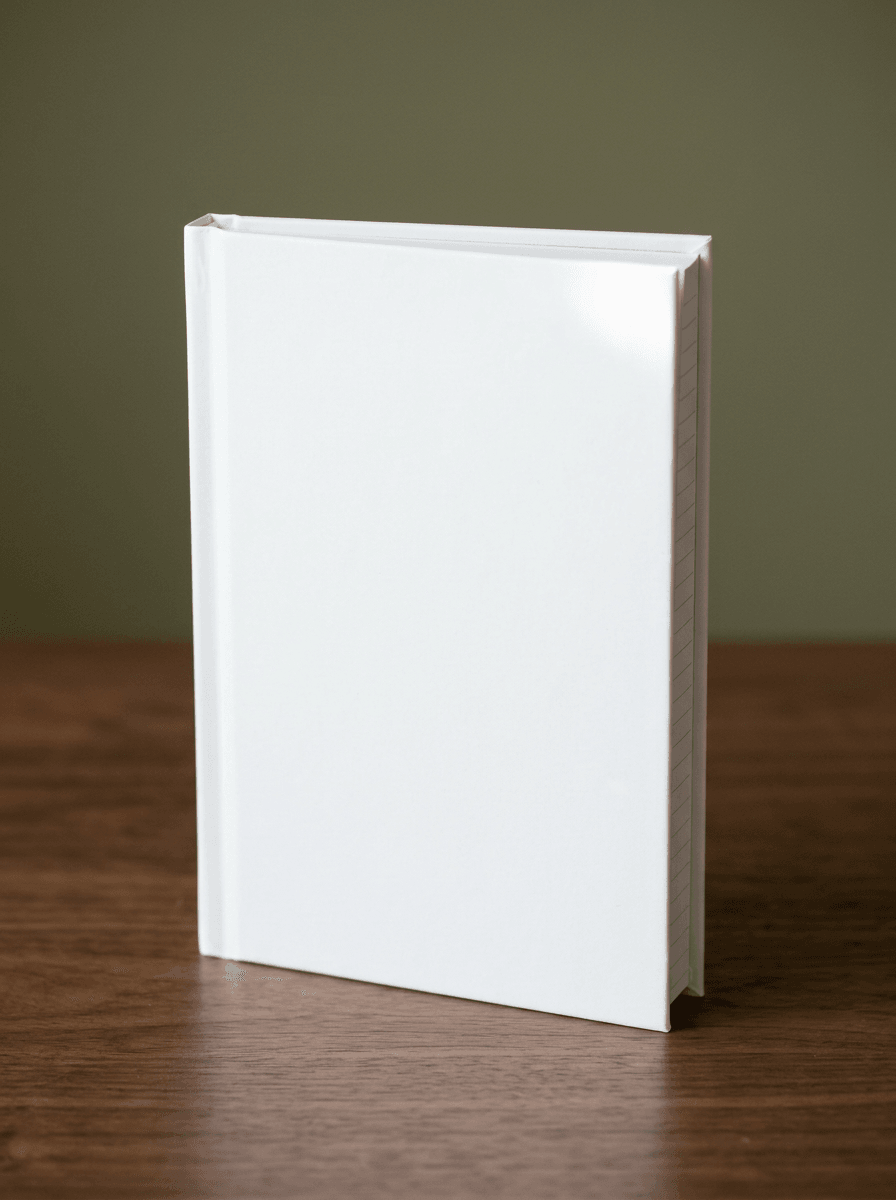
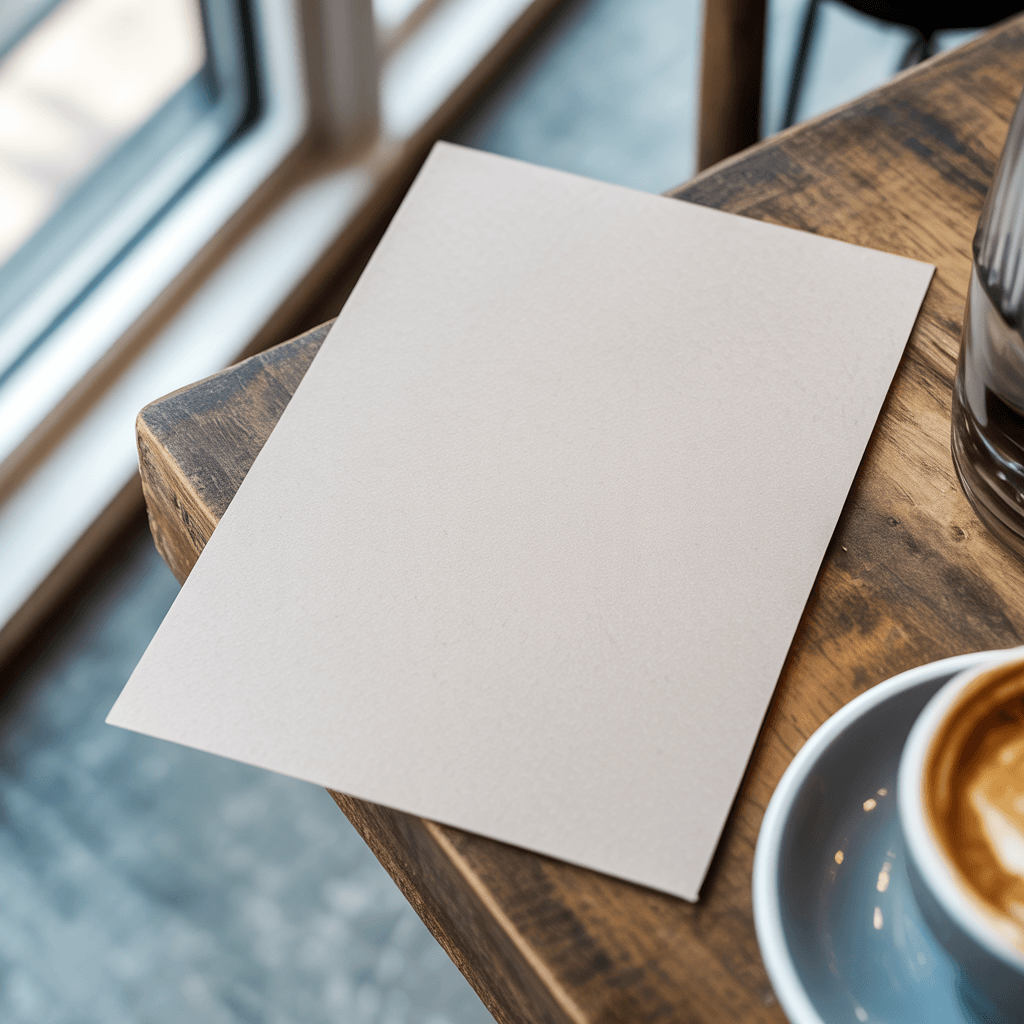
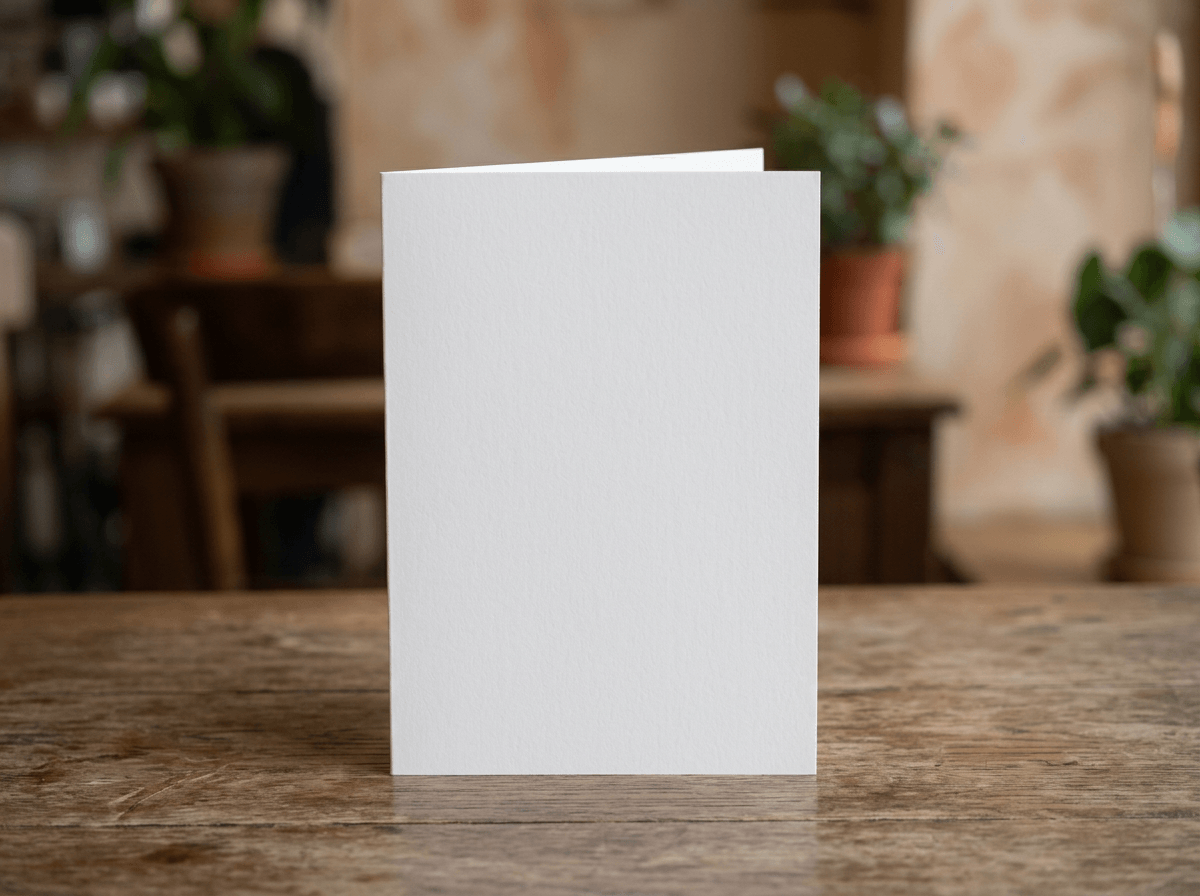
The desk scene context view places a single white A5 sheet standing upright with a slight backward curve on a wooden desk surface. A silver laptop sits to the left, a smartphone lies flat to the right, and a white coffee cup with saucer is visible in the background. A blue-gray wall and window with natural daylight complete the office setting. The paper is blank and the cotton-like texture is faintly visible under the natural light.
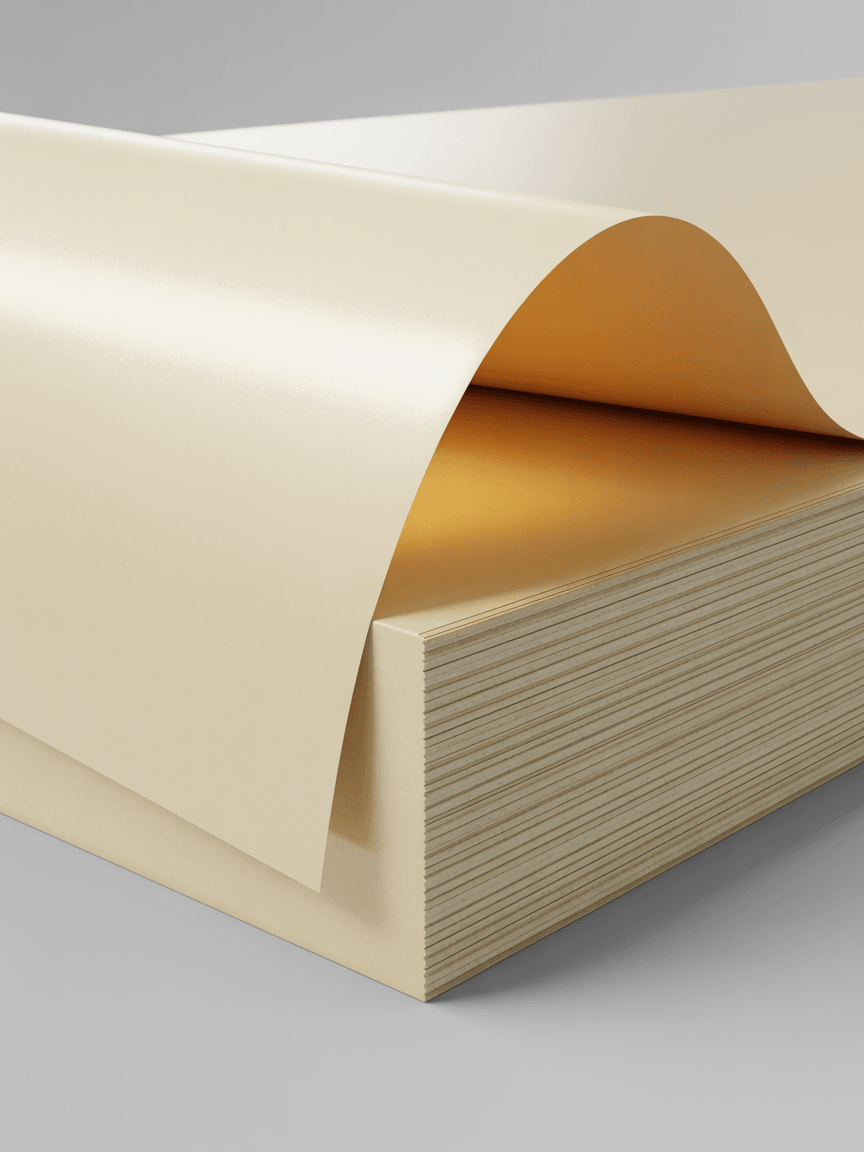
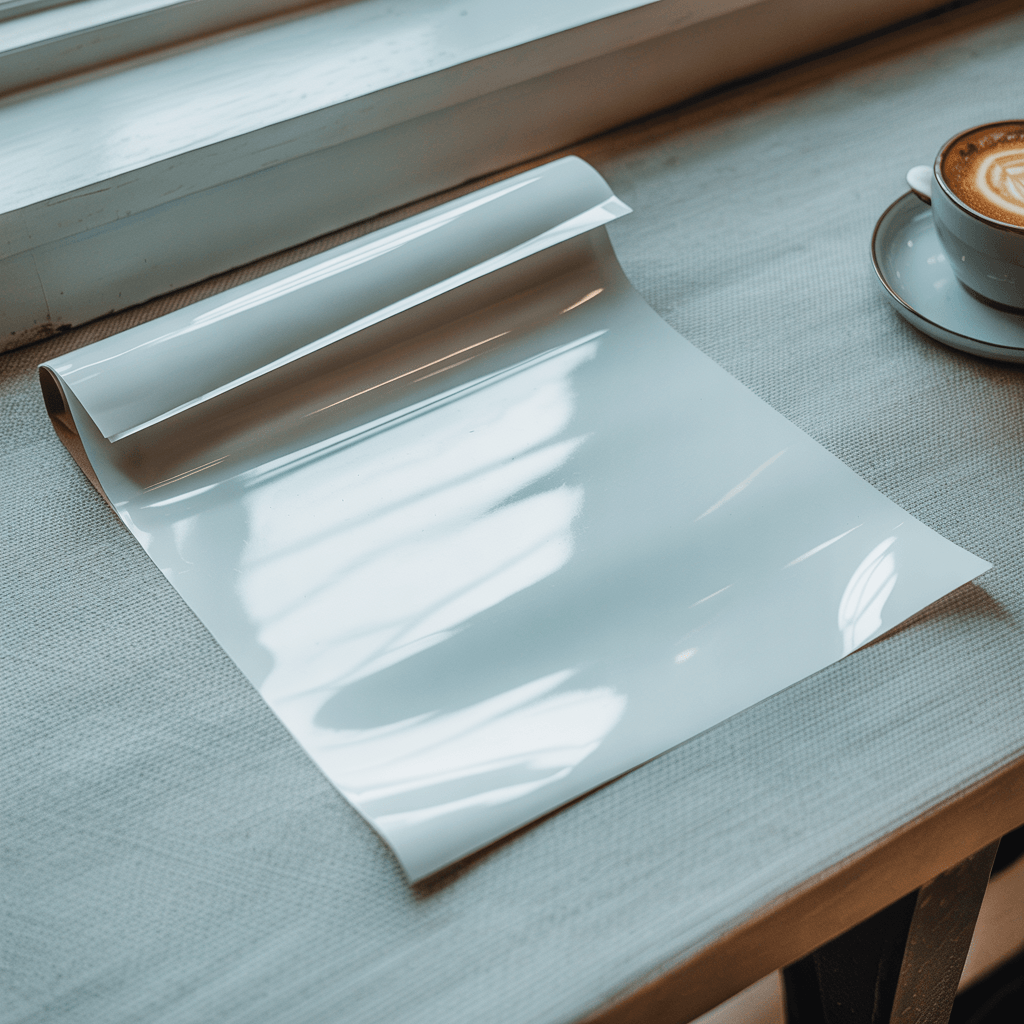
The corner detail shot is a close-up showing a white sheet curling back to reveal a full-color urban street photograph on its reverse side. The image depicts a city road at night with a yellow transit vehicle and building facades. The paper has a visible semi-glossy surface with a slight sheen, and the curl demonstrates the paper's weight and flexibility.
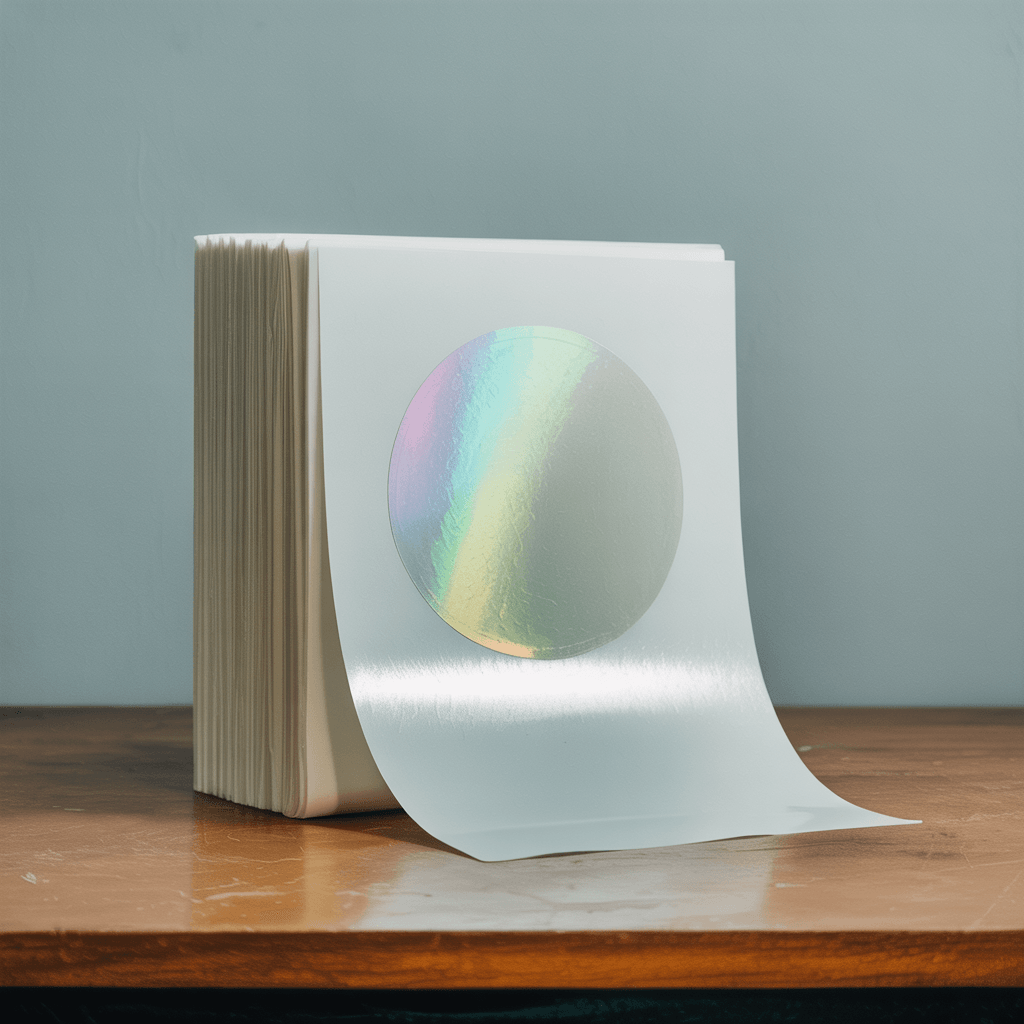
The bi-fold presentation displays a white paper wrap around a box-like form, set against a blue-gray background. The top of the structure reveals an overhead urban street photograph with road markings and pedestrians. The paper wraps around two visible faces of the box with a horizontal fold line creating a belly-band effect. The paper texture appears matte with a fine cotton grain.
Technical Specifications
A5 dimensions: 148 x 210 mm (5.83 x 8.27 inches). At 300 DPI, this translates to 1748 x 2480 pixels for print-ready output.
The platform supports integration with n8n, Zapier, Make, Airtable, Shopify, and WooCommerce for automated catalog generation.
Use Cases
Suitable for e-commerce product listings on Etsy, Shopify, and Amazon. Applicable for print-on-demand sellers offering custom flyer and leaflet printing services through Printful, Printify, or Gelato. Also suitable for graphic design portfolios, marketing agency client presentations, and corporate stationery catalogs.
Every angle opens as a ready photo mockup: place your artwork in the editor or through the API. Subscriptions from $0.002 per render.
How to Use This Mockup
Step 01
Pick an angle
Choose the angle you want from this template. Every angle opens as a ready photo mockup.
Photo Mockups GuideStep 02
Place your artwork
Add your design in the editor or through the API, as a single placement or a repeating pattern.
Print Areas GuideStep 03
Export your mockup
Generate high-resolution product images in PNG, JPG, or WebP format. Batch process multiple designs.
Render Artwork DocsDetails & Specifications
File Format
PNG
Color Mode
RGB
Angles
6
| Angle | Type | Primary |
|---|---|---|
| Flat Lay Top View | flat-lay-top | Yes |
| Angled Perspective View | angled-perspective | |
| Stacked Flyers | stacked-multiple | |
| Desk Scene Context | contextual-desk | |
| Corner Detail Shot | close-up-detail | |
| Bi-Fold Display | bi-fold-presentation |
Perfect For
Use Cases
Seasons
Tags
A5 Flyer MockupA5 Flyer TemplateA5 Leaflet MockupFlyer Mockup GeneratorA5 Flyer Mockup FreeRealistic Flyer MockupPaper MockupPrint MockupFlyer Mockup APIA5 Brochure MockupUrban Street MockupCorporate Flyer MockupStacked Flyer MockupBi Fold Flyer MockupDesk Scene MockupWhite Flyer MockupCotton Paper MockupPrint-on-Demand Flyer
Visual Style
Industry Insights & Research
The global print-on-demand market was valued at USD 10.78 billion in 2025 and is projected to reach USD 57.49 billion by 2033, growing at a CAGR of 23.6%.
Print products including flyers and leaflets represent a growing segment within the broader POD market. Source: Grand View Research (https://www.grandviewresearch.com/industry-analysis/print-on-demand-market-report)
90% of consumers consider high-quality product photos one of the most important purchasing factors, rating it higher than cost or reviews.
For flyer and leaflet mockups, realistic product photography directly influences buyer confidence in print quality. Source: E-commerce consumer research (https://grabon.com/blog/product-photography-statistics/)
Listings with one image had twice the conversion rates of listings with zero images, and conversion rates doubled again for listings with two images versus only one.
Multiple mockup angles per product listing compound buyer engagement. This A5 flyer template provides six distinct views. Source: eBay Research Labs study (https://www.pixelz.com/blog/more-product-images-lead-to-more-sales/)
22% of products are returned because they appear different in person than in photos.
Realistic mockups with visible paper texture and accurate proportions reduce the gap between expectation and delivered product. Source: E-commerce returns analysis (https://grabon.com/blog/product-photography-statistics/)
“Product mockups are great for building a product catalog - use product-focused images with a clean background to emphasize the design.”
“We render A5 flyer mockups in batches of 200 to 500 at a time for our print catalog. Having multiple angles per template means we can populate full product pages from a single API call sequence without manual editing.”
Frequently Asked Questions
An A5 flyer mockup is a photorealistic template that displays a blank A5-sized flyer (148 x 210 mm) in a realistic setting. The result is a product preview that shows how a printed flyer will appear in real-world conditions. Every angle opens as a ready photo mockup: place your artwork in the editor or through the API.
Yes. A5 flyer mockups are commonly used for Etsy print-on-demand listings. Sellers render their custom designs onto mockup templates to create product listing images without printing physical samples. Multiple angles help satisfy Etsy's recommendation of providing several product photos per listing.
Standard A5 flyers typically use 130 to 170 GSM paper. Lightweight flyers (130 GSM) suit high-volume handouts. Mid-weight stock (150 GSM) works for general marketing materials. Heavier stock (170+ GSM) provides a more rigid, card-like feel for menus or invitations. This mockup's visible paper texture and thickness are representative of mid-weight premium cotton stock.
Research shows that conversion rates increase with additional product images, with listings showing two images performing roughly twice as well as those with one. This template provides six angles: flat lay, angled perspective, stacked view, desk scene, corner detail, and bi-fold presentation. Using three to six angles per listing is a common approach for thorough product coverage.
Yes. The API supports output in WebP, PNG, and JPEG formats up to 10,000px resolution, with integrations for Shopify, WooCommerce, Zapier, and Make. Every angle opens as a ready photo mockup: place your artwork in the editor or through the API. Subscriptions from $0.002 per render.
Pick an angle, open it in Photo Mockups and place your artwork in the editor or through the API. Then export your mockup as PNG, JPG or WebP.
Ready to Create Stunning Mockups?
Generate product mockups with Photo Mockups and the Render API. Upload artwork and export high-resolution images from one workflow.
No credit card required500 one-time creditsInstant API access