An A5 flyer measures 148 x 210 mm (5.83 x 8.27 inches). At 300 DPI, which is standard for print-ready output, this translates to 1748 x 2480 pixels. SudoMock supports output resolutions up to 10,000px for high-quality rendering.
Loading selected angle
White A5 Flyer Mockup - Office Desk Setting
What's Included
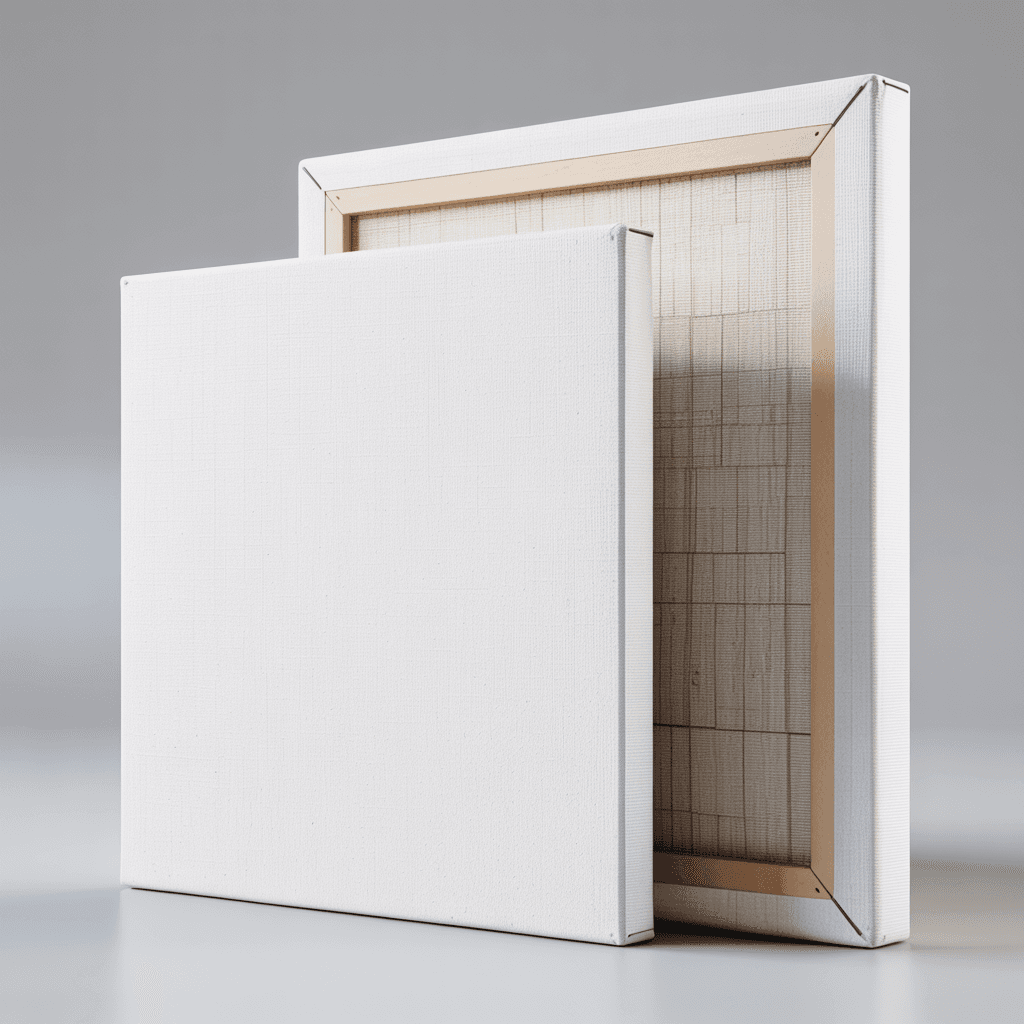
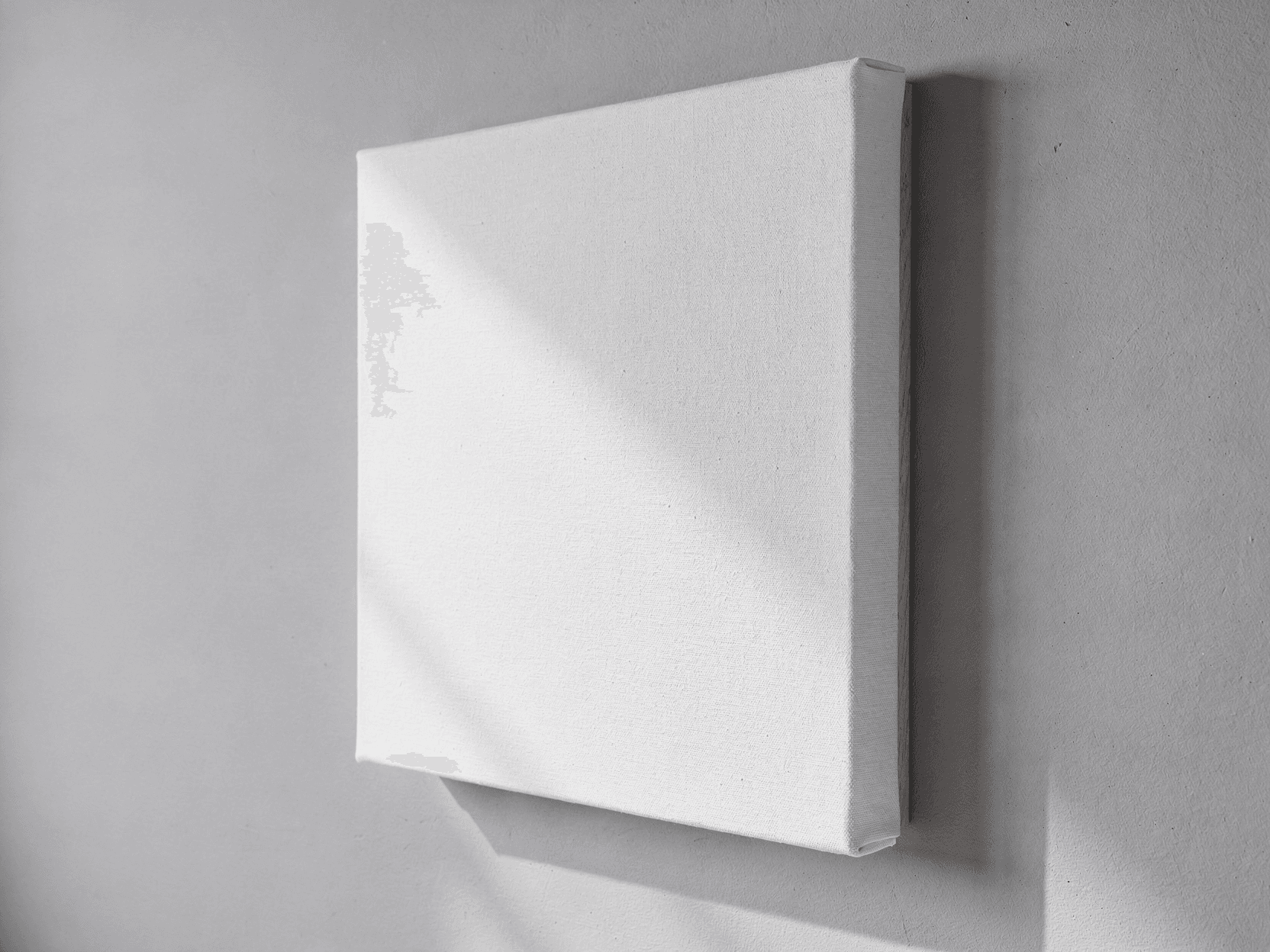
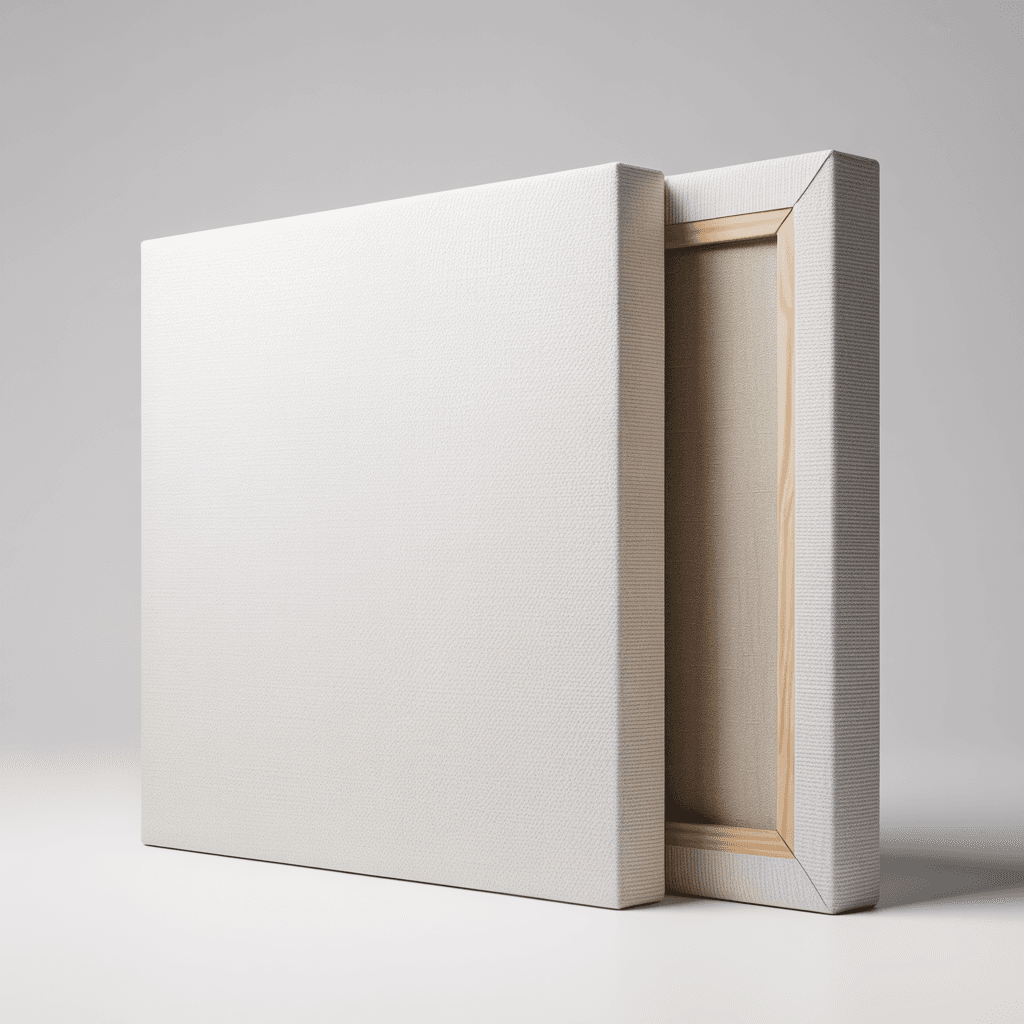
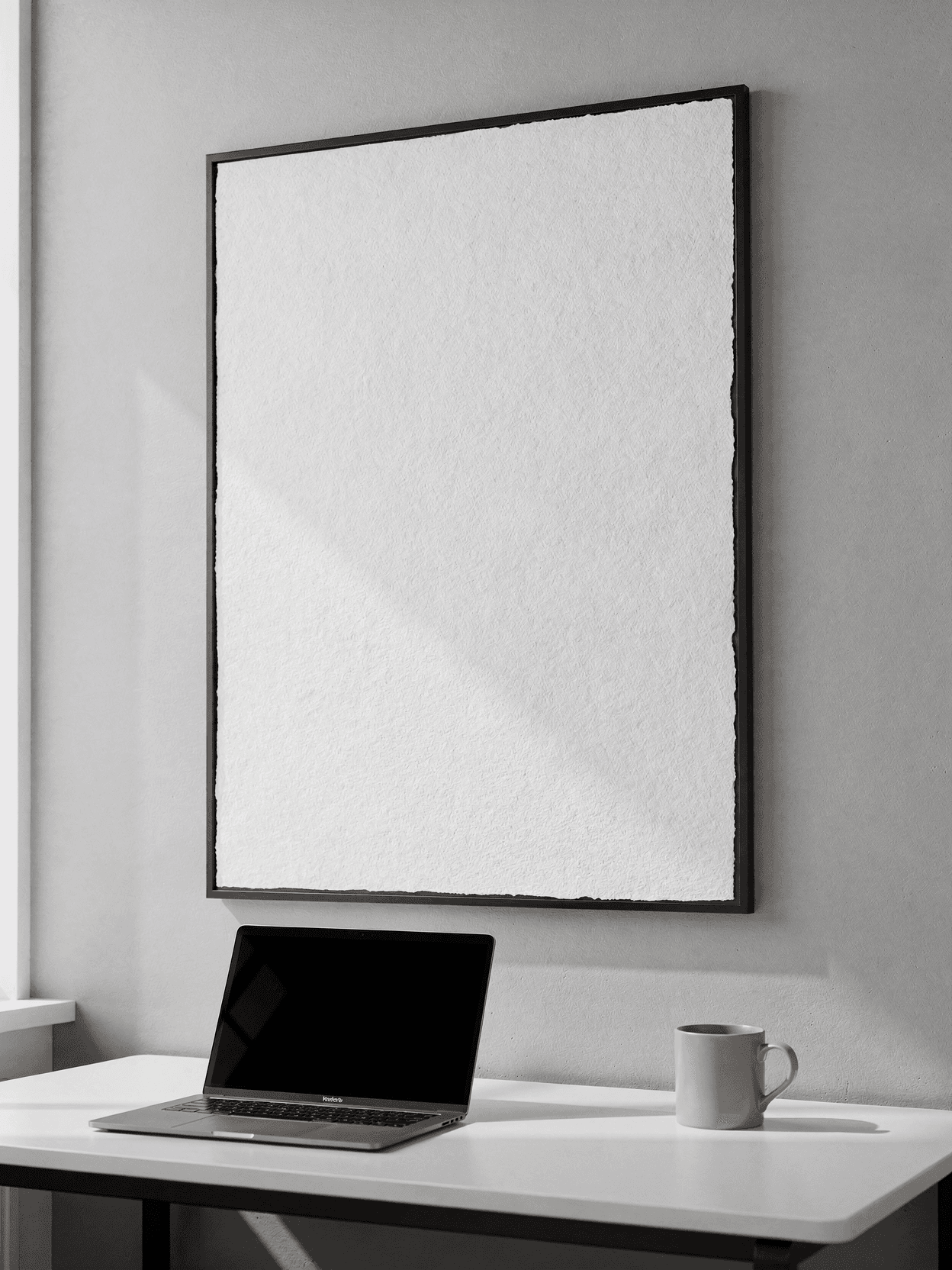
Six camera angles: flat lay top view, angled perspective, stacked flyers, desk scene context, corner detail macro, and bi-fold presentation
White A5 paper surface (148 x 210 mm) serves as Smart Object design placement zone for Normal blend mode compositing
Office desk photography with natural window lighting, blue-gray surfaces, and marble desk context views
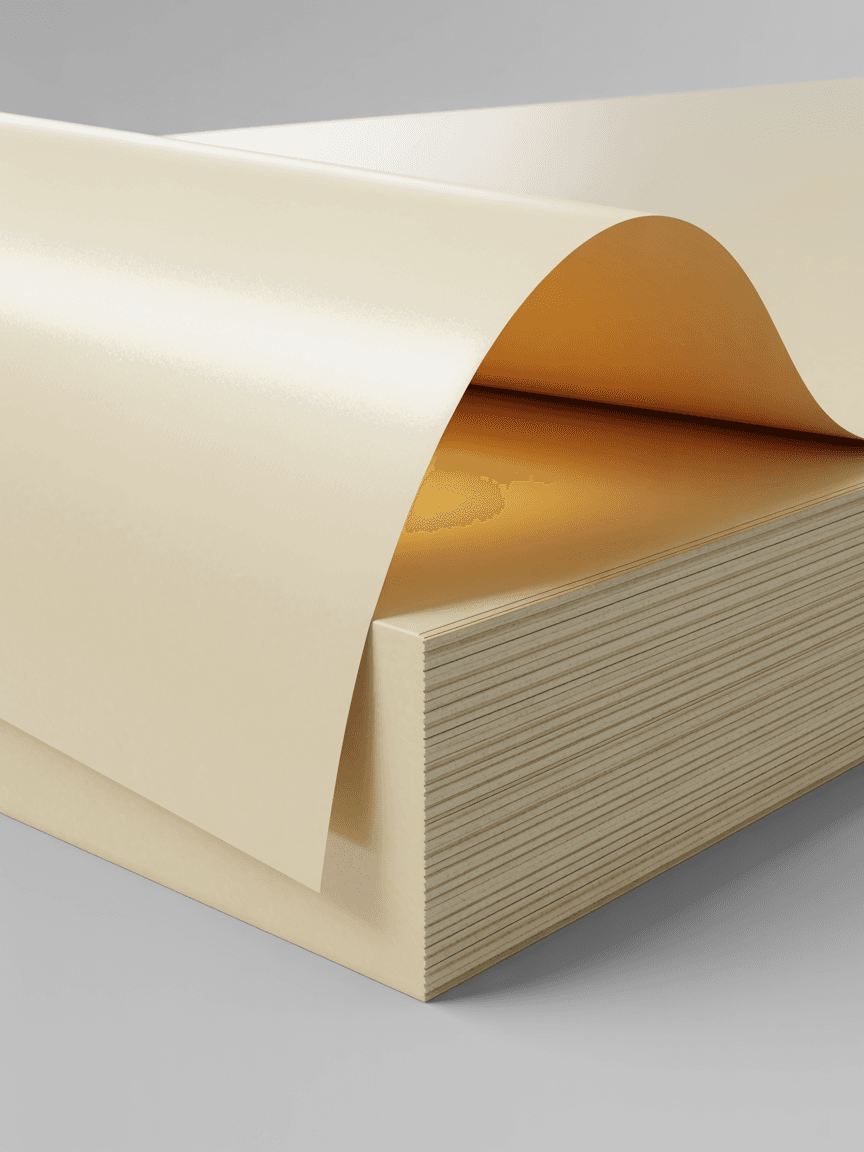
Visible paper grain texture and clean-cut stack edges shown in corner detail macro shot
Bi-fold configuration view demonstrates folded flyer and brochure layout compatibility
API rendering at $0.002 per render via SudoMock REST API with JSON payloads and X-API-KEY authentication
Output formats: WebP, PNG, JPEG up to 10,000px resolution; sub-second render times
Compatible with Shopify, WooCommerce, Etsy, Printful, Printify, and Gelato workflows via native integrations with n8n, Zapier, Make, and Airtable
Specifications
Format
PSD · RGB
Angles
6 views
About This Mockup
Mockup Overview
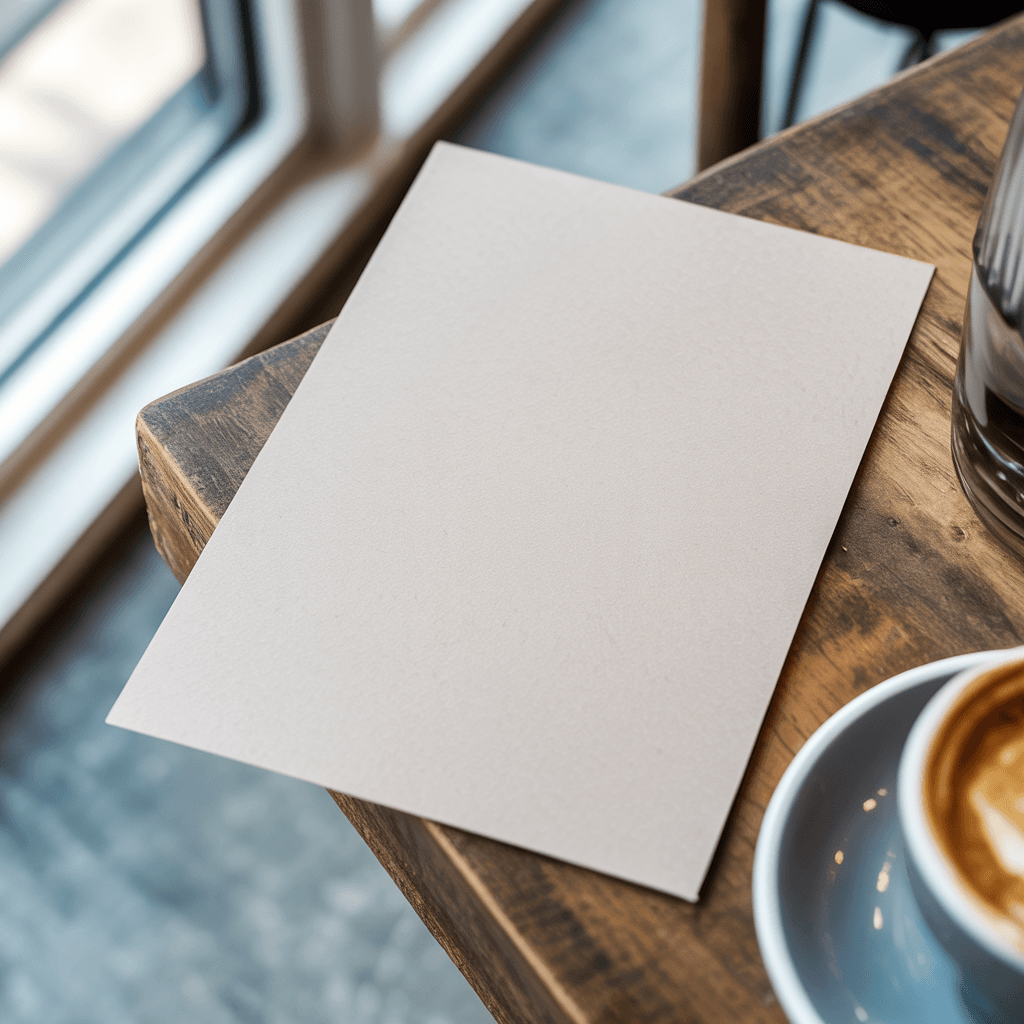
This template set presents a plain white A5 flyer photographed across six angles in a modern office environment. The primary flat-lay view shows a single A5 sheet lying flat on a blue-gray desk surface near a window with natural daylight streaming in. The paper appears as a thick stack of sheets with a warm off-white tone, and a subtle shadow falls along the bottom-right edge, creating depth against the cool gray surface. A small embossed mark is faintly visible near the bottom center of the sheet.
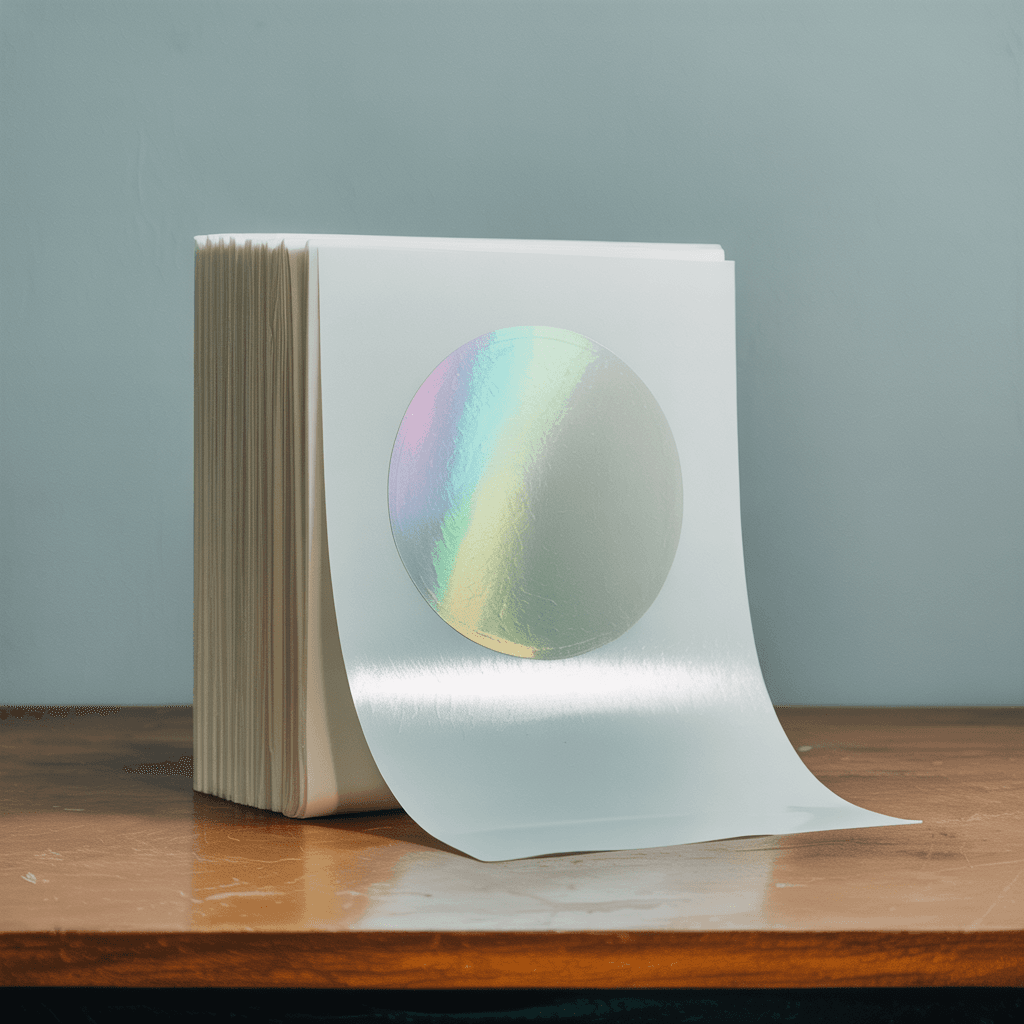
The angled perspective view captures a single sheet lifting off a stacked pad of paper, curving upward at roughly 70 degrees. The sheet shows a slight natural curl, and the visible edges of the pad beneath reveal the paper weight and thickness of the stock. This is shot against a clean light gray studio background with soft directional lighting from the left.
The stacked flyers view displays several booklets or pamphlets piled with a slight offset, the top copy face-down showing faintly reversed text bleeding through the sheet. The edges of the stack reveal varied thicknesses, suggesting mixed paper weights or folded inserts. Numbers and text fragments are visible on the spines of lower copies.
Desk Scene Context
The contextual desk angle shows the A5 flyer standing upright on a marble-look office desk. A laptop is partially visible on the left, a coffee cup sits in the blurred background to the right, and natural light enters through large windows behind. The flyer surface is blank white with a barely perceptible paper texture under soft, diffused office lighting. This view provides a realistic workspace context for marketing material presentation.
Detail and Bi-Fold Views
The corner detail shot is a close-up macro view of the paper stack edge, showing approximately 15 to 20 individual sheets. The paper grain is visible across the surface, and the clean-cut edges demonstrate the uniform trimming of the stock. The background is a muted blue-gray tone with the sheet surface filling most of the frame.
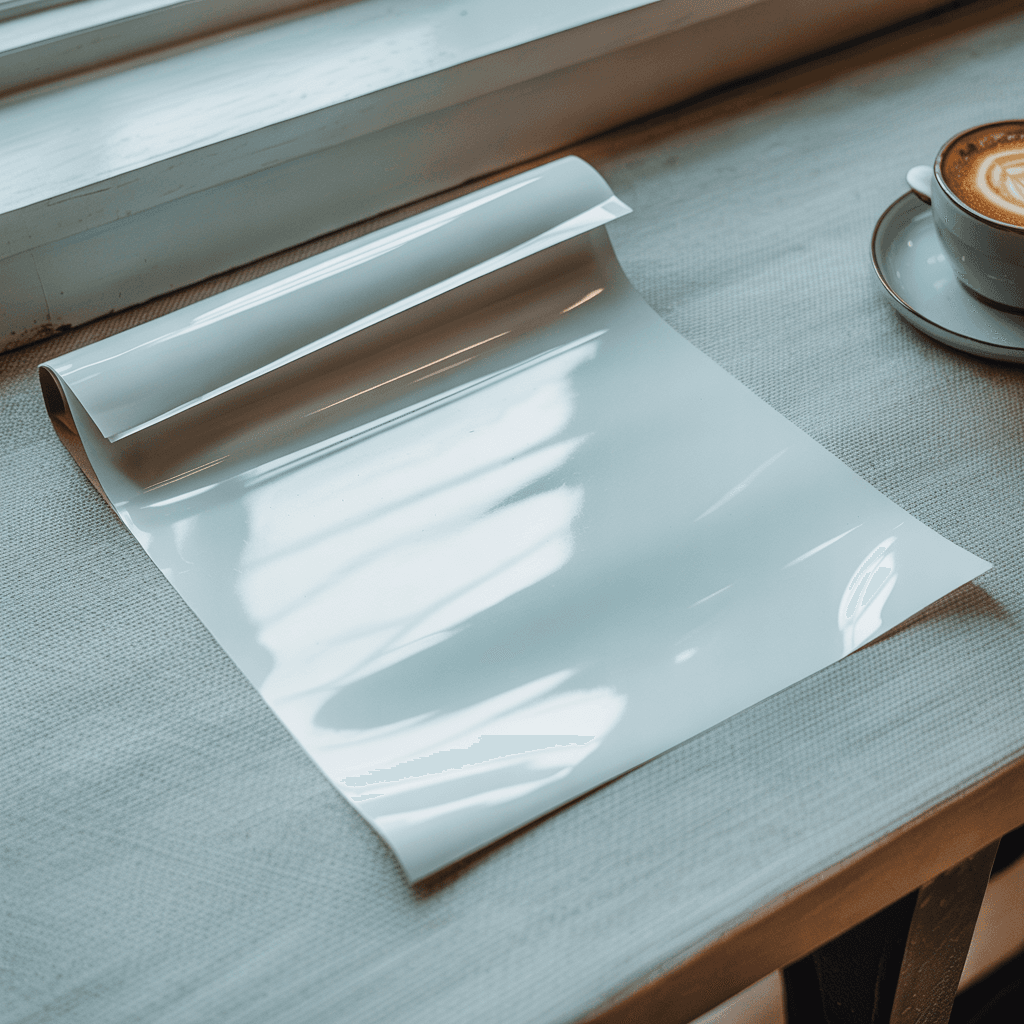
The bi-fold presentation shows a single sheet folded in half, standing partially open on a blue-gray surface. The left panel faces the viewer with a bright white surface, while the right panel angles away, catching shadow and appearing slightly darker. A faint stitch or perforation line is visible along the center fold. This view demonstrates folded flyer and brochure configurations.
Technical Specifications
All six angles use a plain white paper surface as the design placement zone. SudoMock's rendering engine composites user artwork onto these blank areas via Smart Object layers. For paper products, Normal blend mode provides clean, solid design application. The A5 format measures 148 x 210 mm (5.83 x 8.27 inches), which at 300 DPI translates to 1748 x 2480 pixels.
Rendering and Integration
Renders are processed through SudoMock's REST API at $0.002 per render. The API accepts JSON payloads with X-API-KEY authentication and returns output in WebP, PNG, or JPEG formats up to 10,000px resolution. Native integrations are available for n8n, Zapier, Make, Airtable, Shopify, and WooCommerce. This template is suitable for e-commerce product listings, Etsy shop imagery, print service catalogs, and marketing material previews.
How to Use This Mockup
Step 01
Upload PSD
Upload your PSD file with smart object layers to SudoMock, or use a template from the library directly via the API.
API Render DocsStep 02
Customize Smart Objects
Replace smart object content with your design. Works with images, text, and patterns.
Smart Objects GuideStep 03
Export Mockup
Generate high-resolution product images in PNG, JPG, or WebP format. Batch process multiple designs.
PSD PreparationDetails & Specifications
File Format
PSD
Color Mode
RGB
Smart Objects
0
Angles
6
| Angle | Type | Size | Smart Objects | Primary |
|---|---|---|---|---|
| Flat Lay Top View | flat-lay-top | — | 0 | Yes |
| Angled Perspective View | angled-perspective | — | 0 | — |
| Stacked Flyers | stacked-multiple | — | 0 | — |
| Desk Scene Context | contextual-desk | — | 0 | — |
| Corner Detail Shot | close-up-detail | — | 0 | — |
| Bi-Fold Display | bi-fold-presentation | — | 0 | — |
Perfect For
Use Cases
Seasons
Tags
A5 Flyer MockupA5 Leaflet MockupA5 Flyer TemplateFlyer Mockup GeneratorA5 Brochure MockupBi Fold Flyer MockupPaper MockupPrint MockupA5 Paper MockupFlyer Mockup PSDA5 Flyer PresentationOffice Desk MockupStacked Flyer MockupLeaflet MockupAPI Mockup RenderingPrint-on-Demand MockupSmart Object FlyerA5 Poster MockupWhite Flyer MockupMarketing Material MockupFlat Lay Flyer MockupRealistic Flyer Mockup
Industry Insights & Research
The global print-on-demand market was valued at USD 10.78 billion in 2025 and is projected to reach USD 57.49 billion by 2033, growing at a CAGR of 23.6%.
Indicates sustained growth in demand for automated product visualization tools, including flyer and print mockup templates. Source: Grand View Research (https://www.grandviewresearch.com/industry-analysis/print-on-demand-market-report)
90% of consumers consider high-quality product photos one of the most important purchasing factors, rating it higher than cost or reviews.
Applies to printed marketing materials where flyer mockups help sellers preview design quality before committing to print runs. Source: E-commerce consumer research (https://grabon.com/blog/product-photography-statistics/)
78% of customers want more product photos when they shop online, with offerings from multiple angles leading to 58% increase in sales.
Supports the value of this six-angle A5 flyer template set for comprehensive product presentation. Source: Square and BigCommerce consumer survey (https://claid.ai/blog/article/photos-impact-conversions/)
22% of products are returned because they appear different in person than in photos.
Realistic mockups of print materials help set accurate expectations for paper texture, color, and finish. Source: E-commerce returns analysis (https://grabon.com/blog/product-photography-statistics/)
Software platforms generated 69.65-70.24% of POD market revenue in 2024-2025, enabling automated mockup generation at scale.
Reflects the central role API-driven rendering tools play in modern print-on-demand operations. Source: Mordor Intelligence (https://www.mordorintelligence.com/industry-reports/print-on-demand-market)
“Product mockups are great for building a product catalog - use product-focused images with a clean background to emphasize the design.”
“Mockups embed products into environments in which they would plausibly exist, helping communicate practical utility and product appeal better.”
“We render about 400 flyer mockups per day for our Etsy listings. Having six angles per template means each design gets a full catalog page without any manual Photoshop work.”
“The bi-fold and stacked views are useful for showing clients how their brochure design translates to a physical piece. We use the API to batch-render proofs before print runs.”
Sources
Grand View Research
“The global print-on-demand market continues to expand rapidly, with demand for automated product visualization tools growing alongside the broader e-commerce sector.”
BigCommerce
“Product mockups allow sellers to present realistic representations of their designs on physical products before production, reducing returns and improving buyer confidence.”
Figma Resource Library
“A5 is one of the most common flyer sizes internationally, measuring 148 x 210 mm, and is widely used for event promotions, menus, and marketing handouts.”
GrabOn Product Photography Research
“The majority of online consumers rank high-quality product imagery as one of the most important factors in purchase decisions, often above price and reviews.”
Wbcom Designs
“Mockups help place products into contexts where they would realistically exist, improving communication of practical utility and design appeal to potential buyers.”
Frequently Asked Questions
This template includes six angles: a flat-lay top view on a desk surface, an angled perspective with a lifted sheet, a stacked multi-flyer arrangement, a contextual desk scene with laptop and coffee cup, a corner detail macro showing paper texture and edges, and a bi-fold presentation view for folded flyer designs.
Yes. The template is designed for programmatic rendering via SudoMock's API, which integrates with e-commerce platforms including Etsy through Zapier, Make, and n8n. Each render costs $0.002, making bulk catalog generation practical for sellers with many SKUs.
For paper and print products, SudoMock applies Normal blend mode by default. This produces clean, solid design application on the white paper surface. Multiply blend mode, which shows texture through the design, is typically used for fabric products instead. SudoMock supports all 27 Photoshop blend modes.
The mockup visually represents a medium-to-heavy weight paper stock, roughly equivalent to 170-250 GSM based on the visible paper thickness in the stacked and corner detail views. For actual print production, common A5 flyer weights range from 130 GSM (lightweight) to 350 GSM (thick card stock).
Upload the PSD template using the POST /api/v1/psd/upload endpoint, then call the render endpoint with your design image URL and the Smart Object UUID. The API returns a rendered mockup in WebP, PNG, or JPEG format. Authentication requires an X-API-KEY header. Full documentation is available at sudomock.com/docs.
The bi-fold angle shows a single sheet folded along the center with both panels visible. This is suitable for previewing bi-fold brochure designs where the A5 sheet folds to A6 size. The left and right panels receive different lighting, which helps distinguish front and back panel designs.
For print-ready A5 output, 300 DPI is the standard minimum, yielding 1748 x 2480 pixels. SudoMock renders at resolutions up to 10,000px, so the output resolution depends on the source PSD template dimensions. For digital-only use such as web listings, 150 DPI (874 x 1240 pixels) is typically sufficient.
Ready to Create Stunning Mockups?
Generate product mockups with PSD Mockups, the Render API, and Photo Mockups. Upload artwork and export high-resolution images from one workflow.
No credit card required500 one-time creditsInstant API access