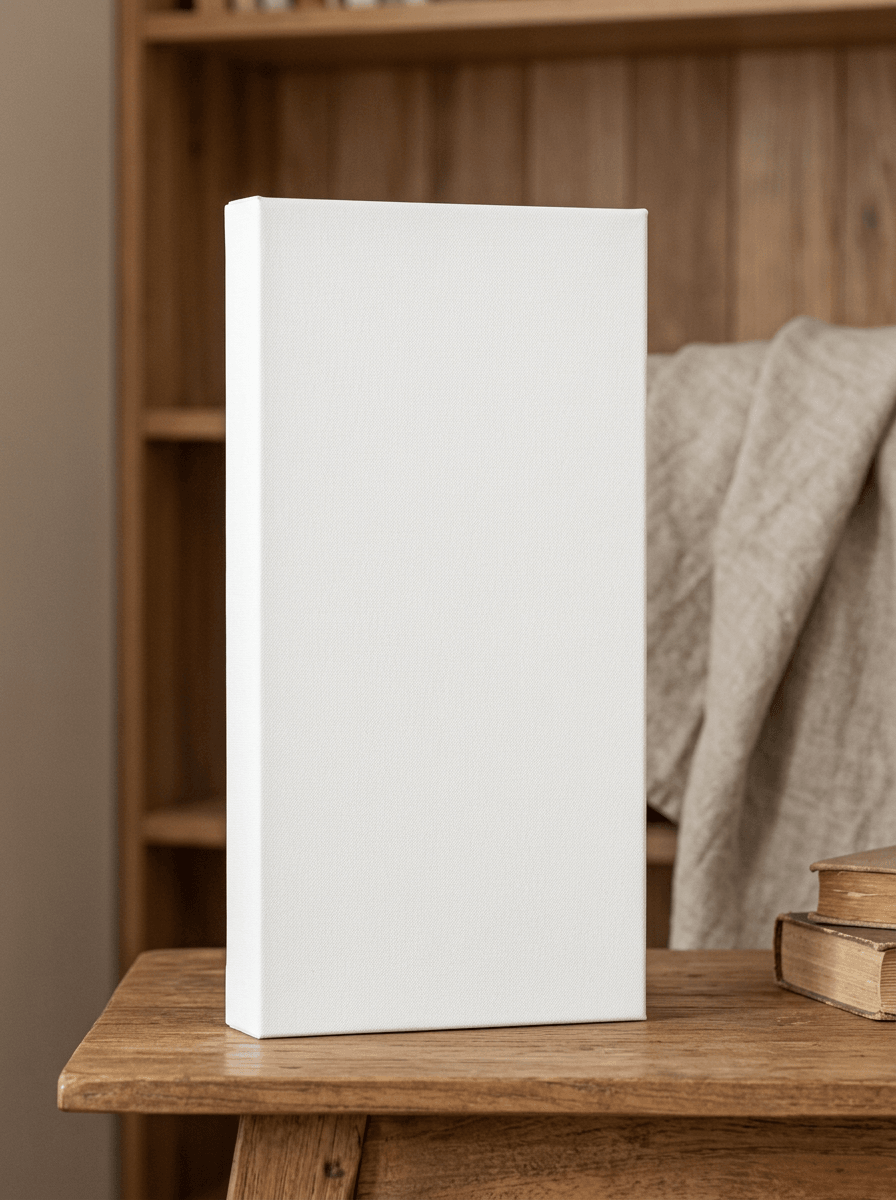
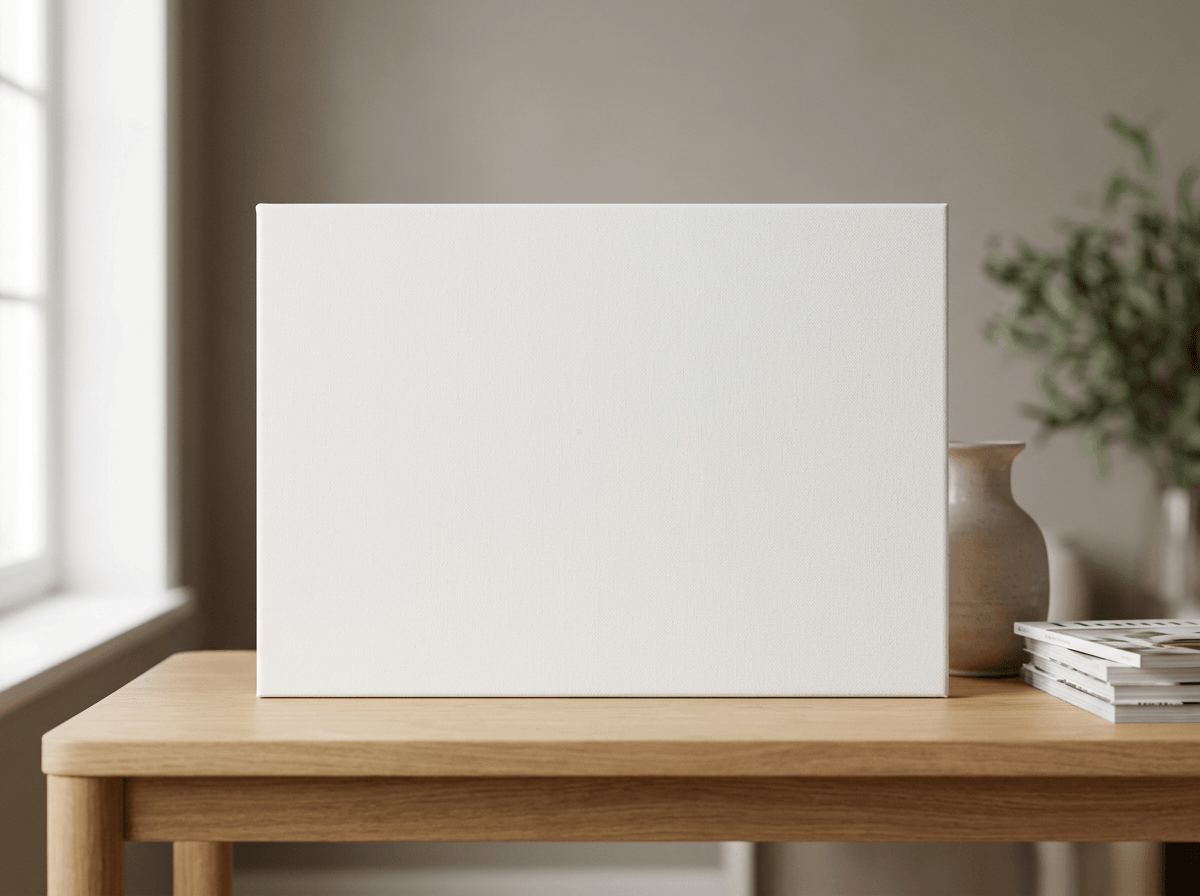
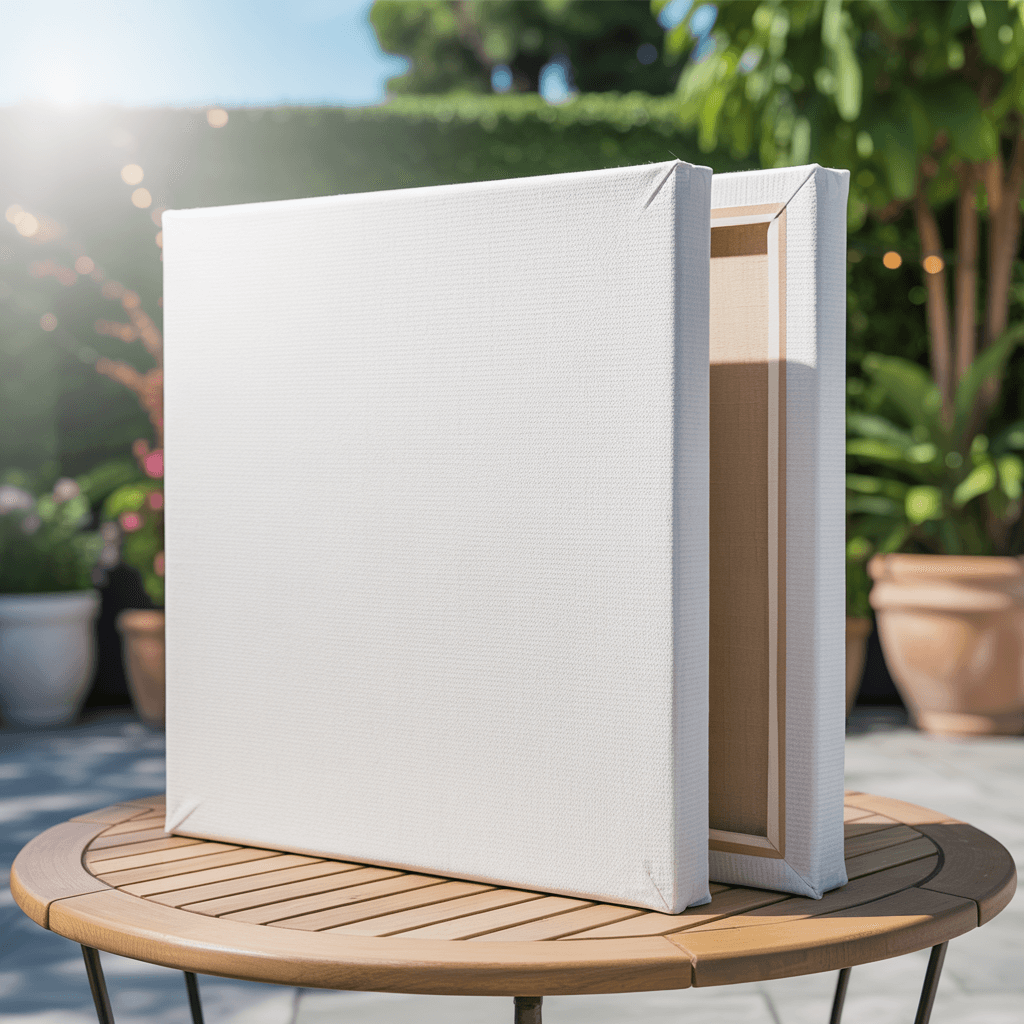
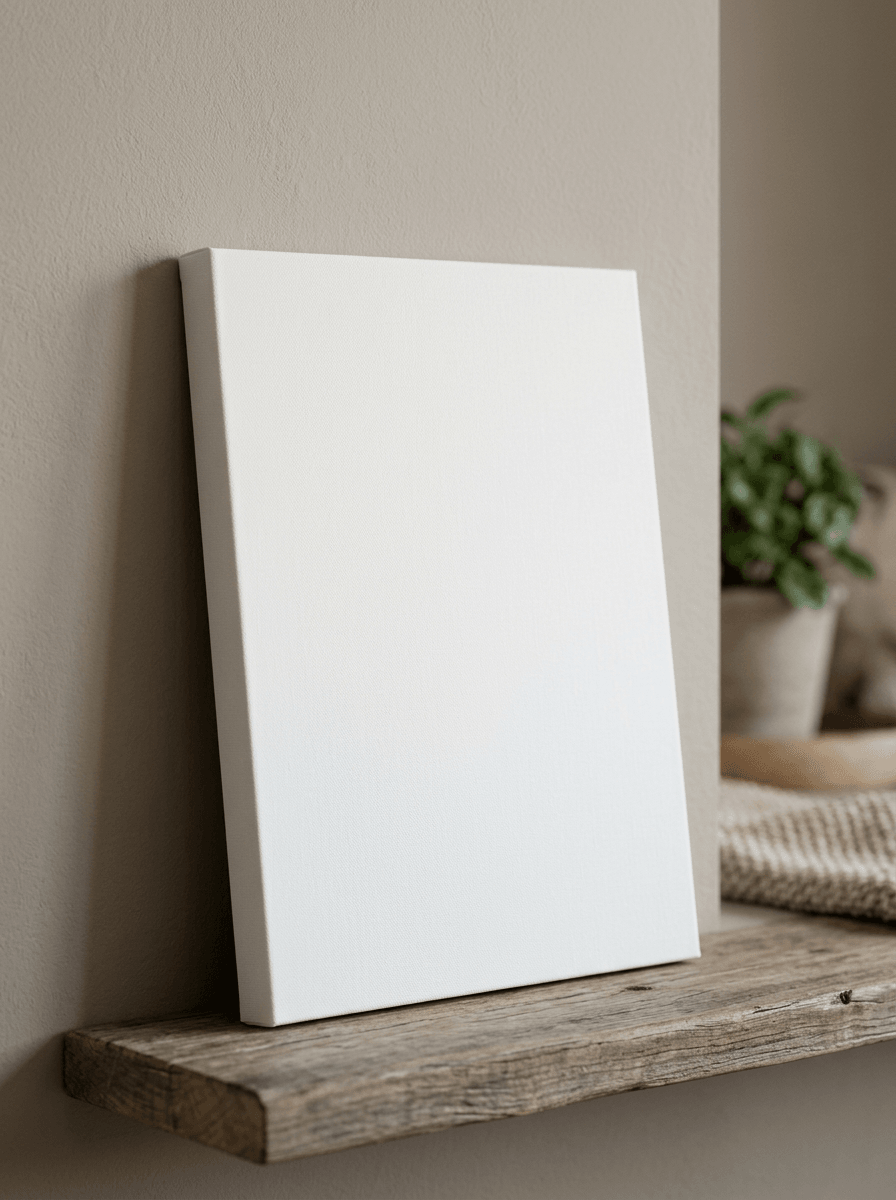
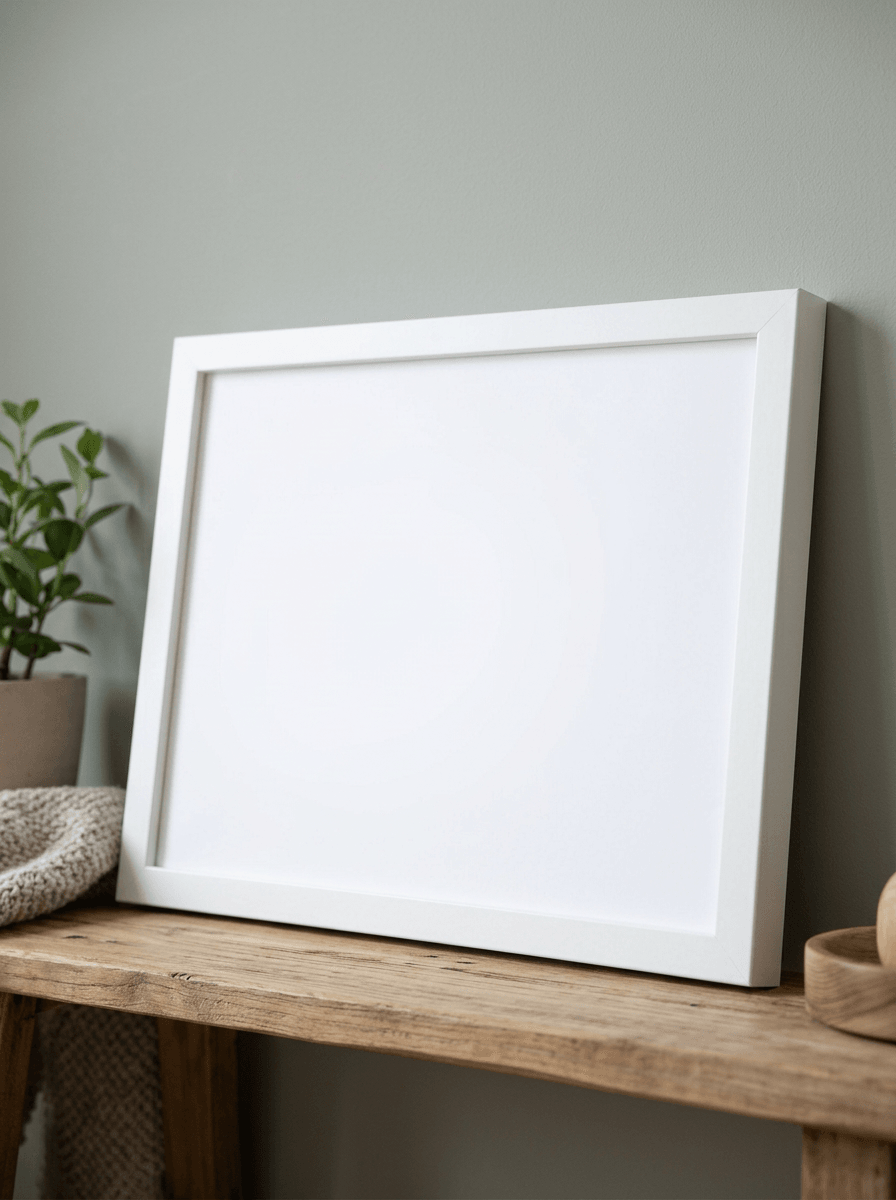
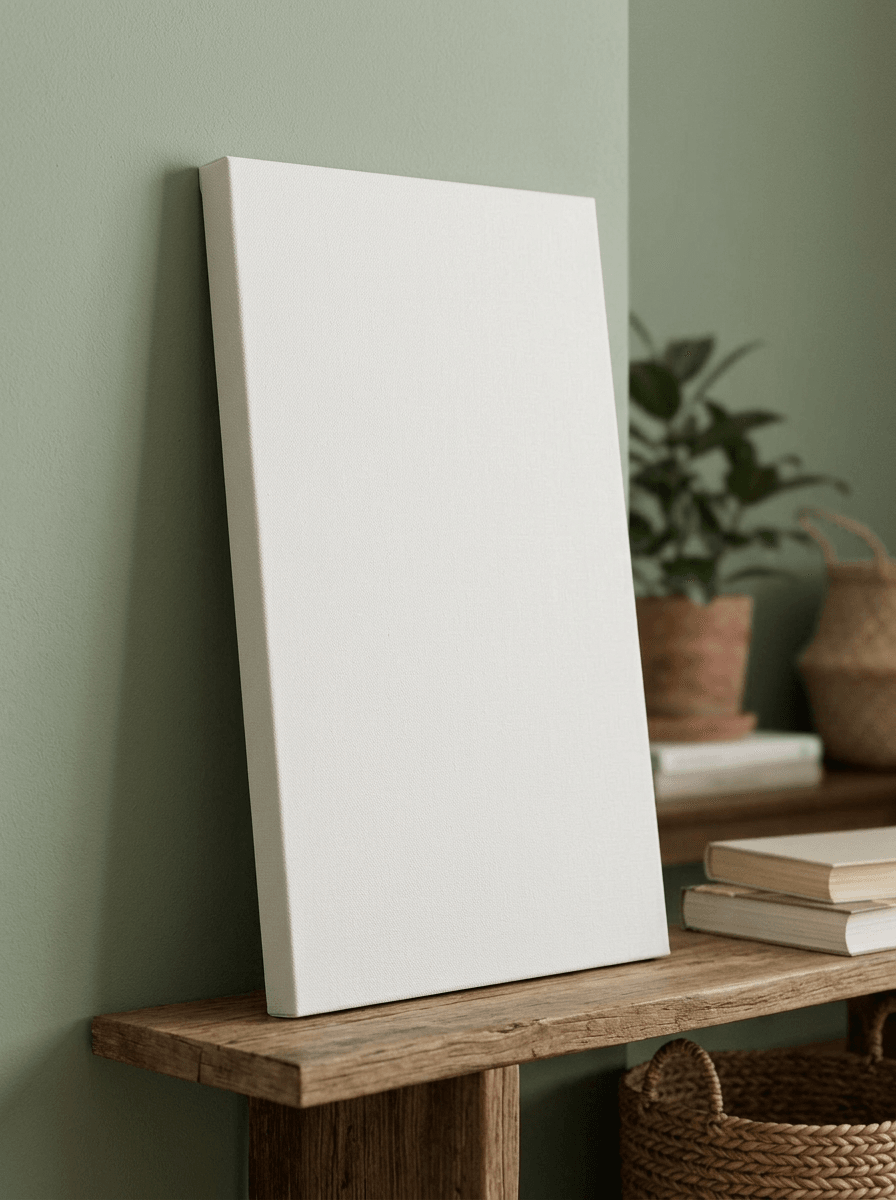
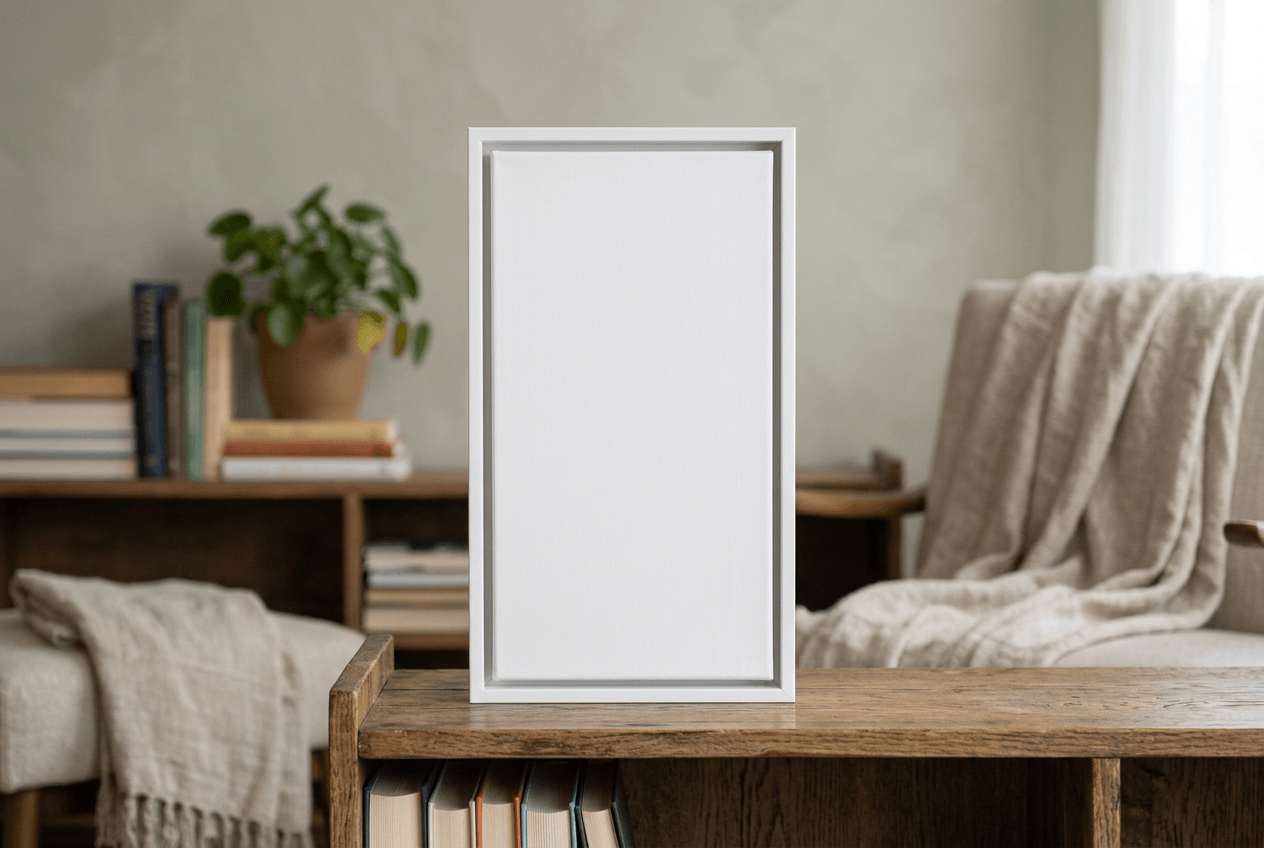
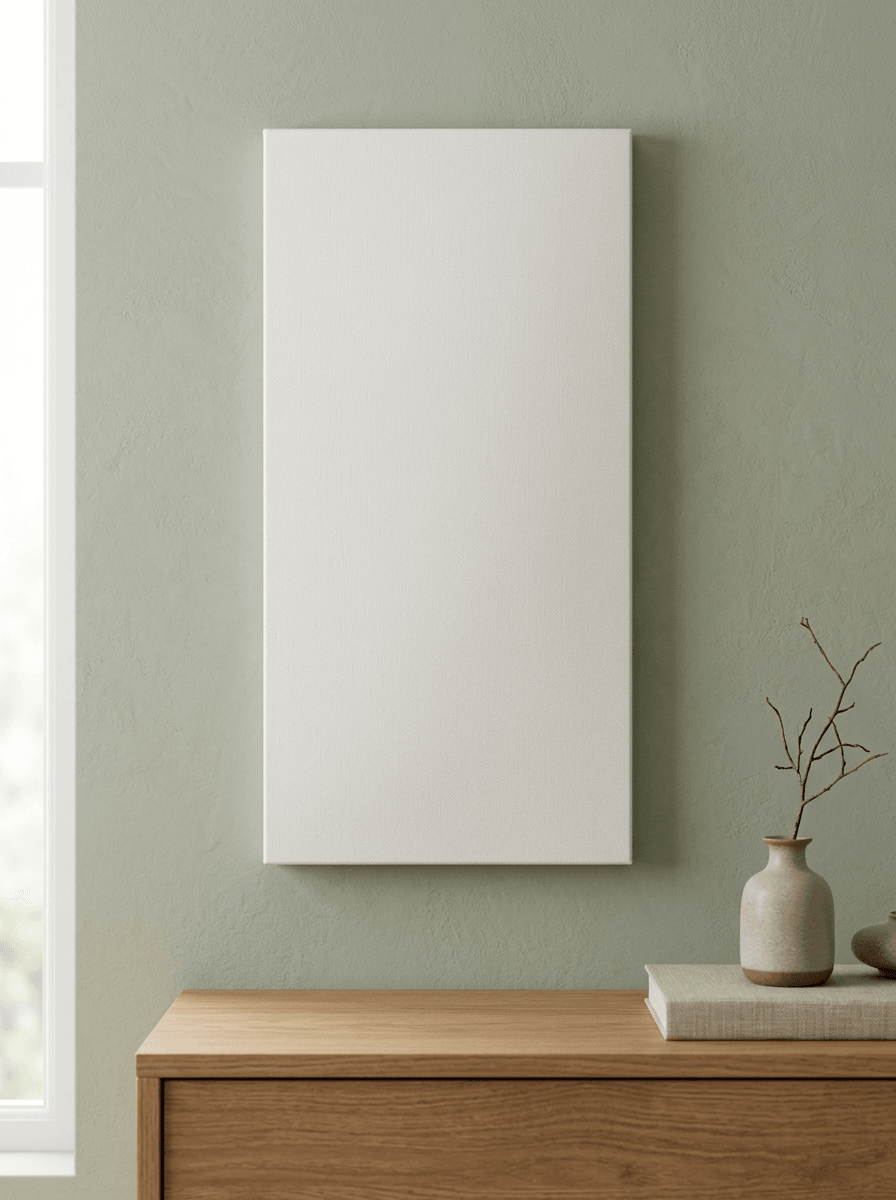
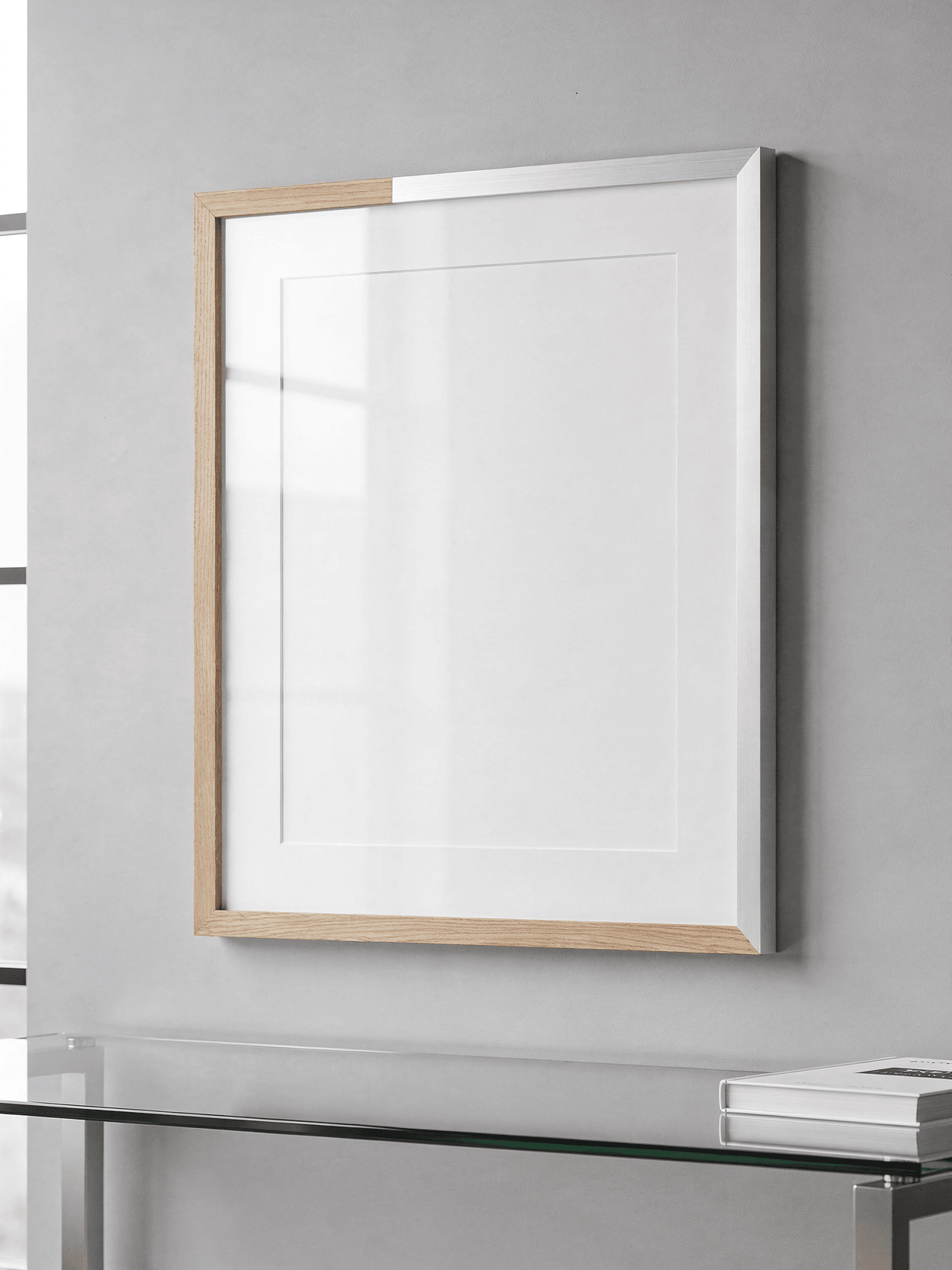
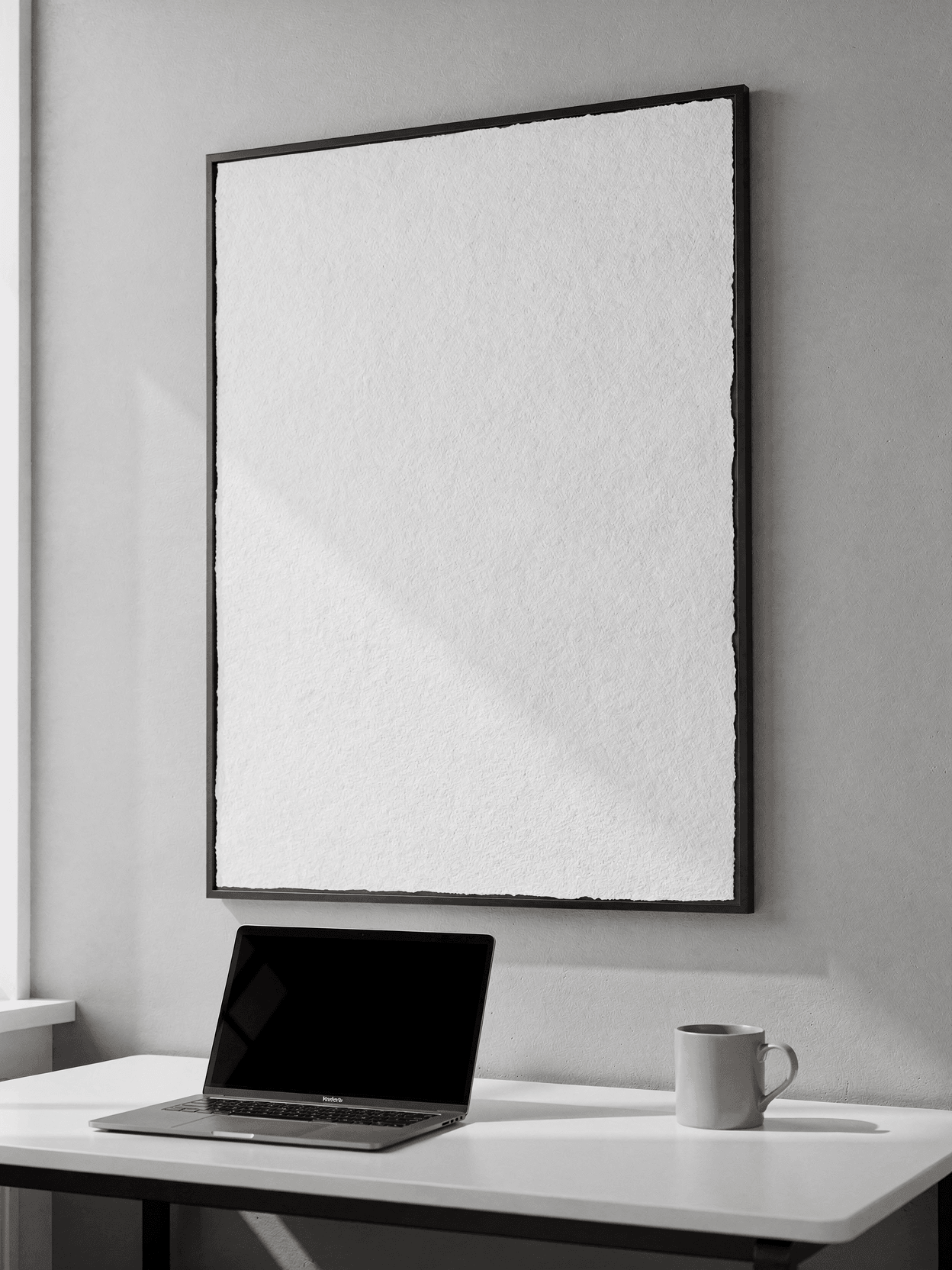
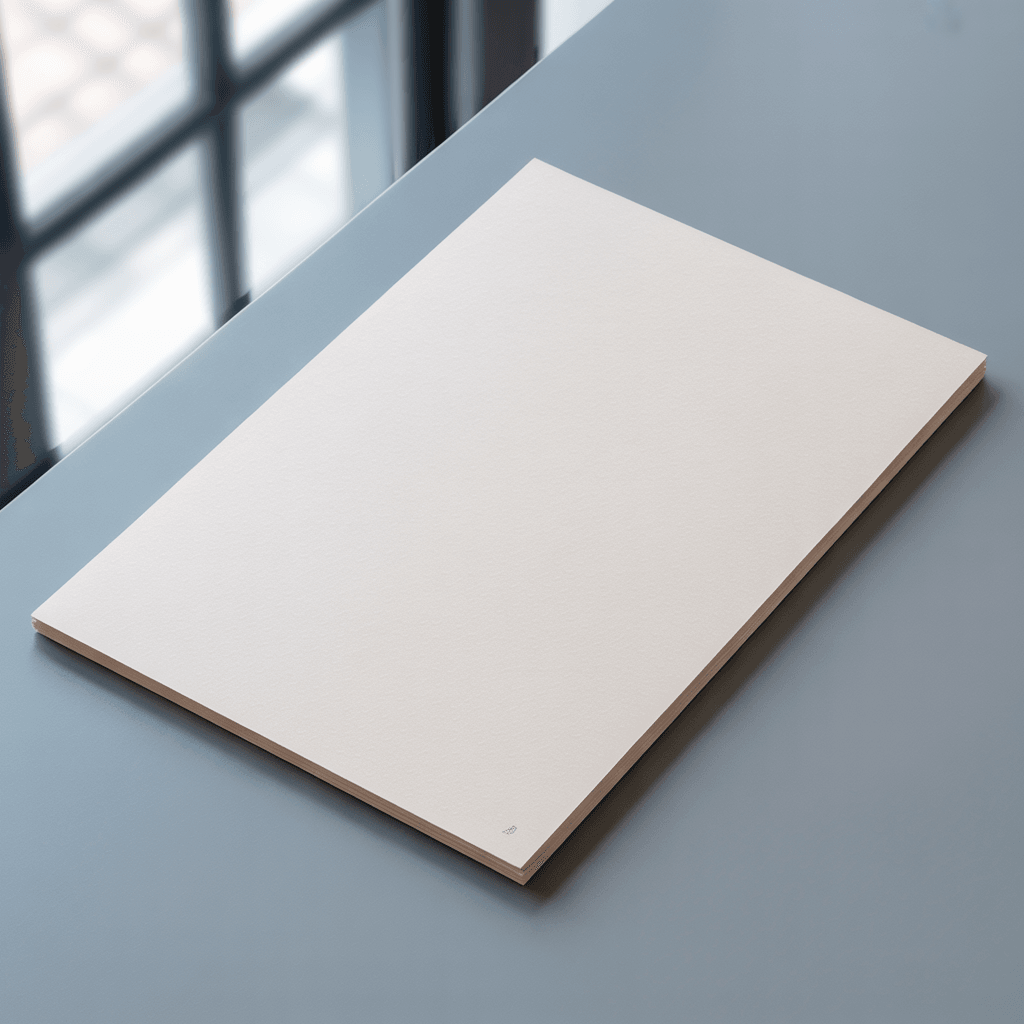
A canvas mockup shows artwork printed on stretched fabric wrapped around wooden stretcher bars, with no external frame. A frame mockup shows a print enclosed within a decorative picture frame. This template displays gallery wrap canvas construction where the image surface continues over the 1.5-inch side edges.
Loading selected angle
White Canvas Print Mockup - Coastal Setting
What's Included
Five camera angles: 3/4 studio view, coastal lifestyle, straight-on front, side profile, and corner detail
Gallery wrap construction shown with 1.5-inch depth on pine stretcher bars
Coastal living room lifestyle shot with ocean view, white sofa, and natural daylight
Studio angles photographed against neutral gray background with controlled lighting
Corner detail captures stretcher bar joinery, canvas fold quality, and wood grain
Compatible with Printful, Printify, Gelato, and other POD fulfillment providers for canvas wall art listings
Every angle opens as a ready photo mockup
Subscriptions from $0.002 per render
Specifications
Format
PNG · RGB
Angles
5 views
About This Mockup
Overview
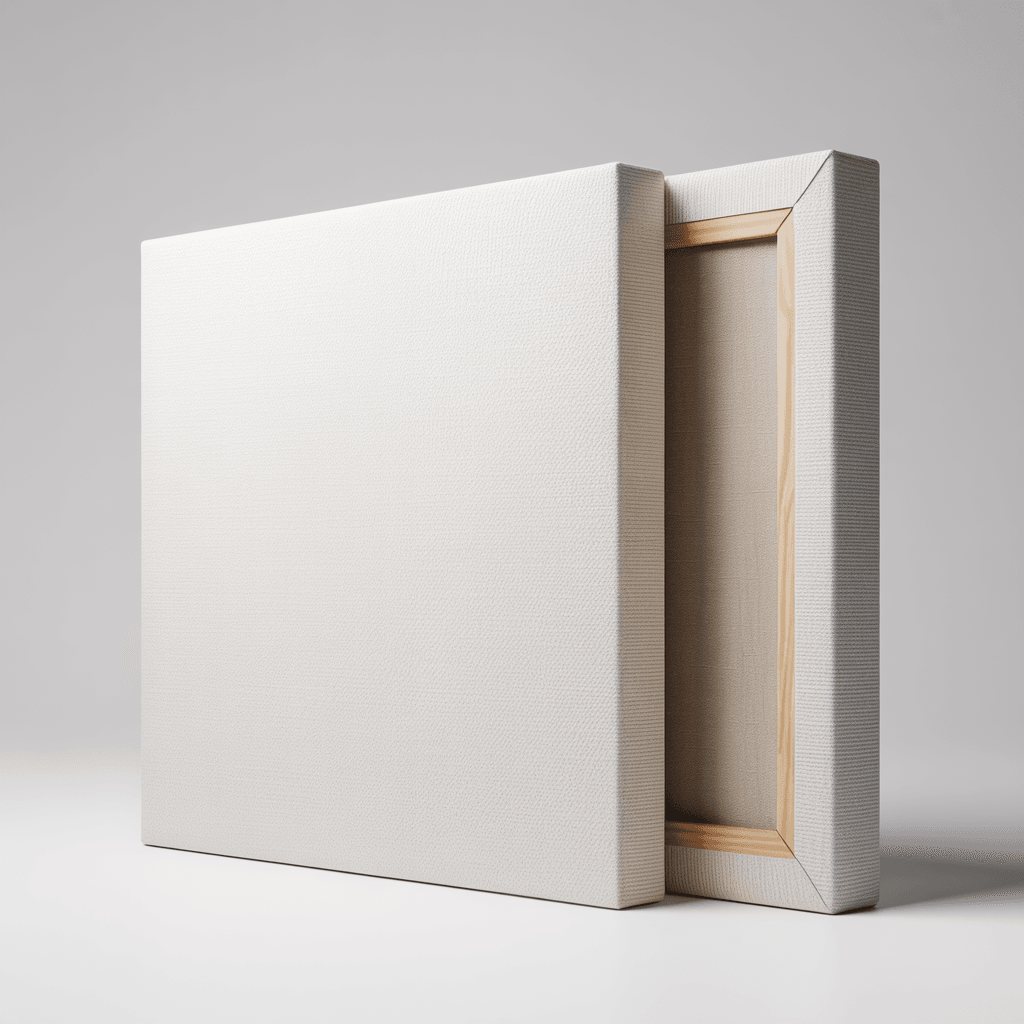
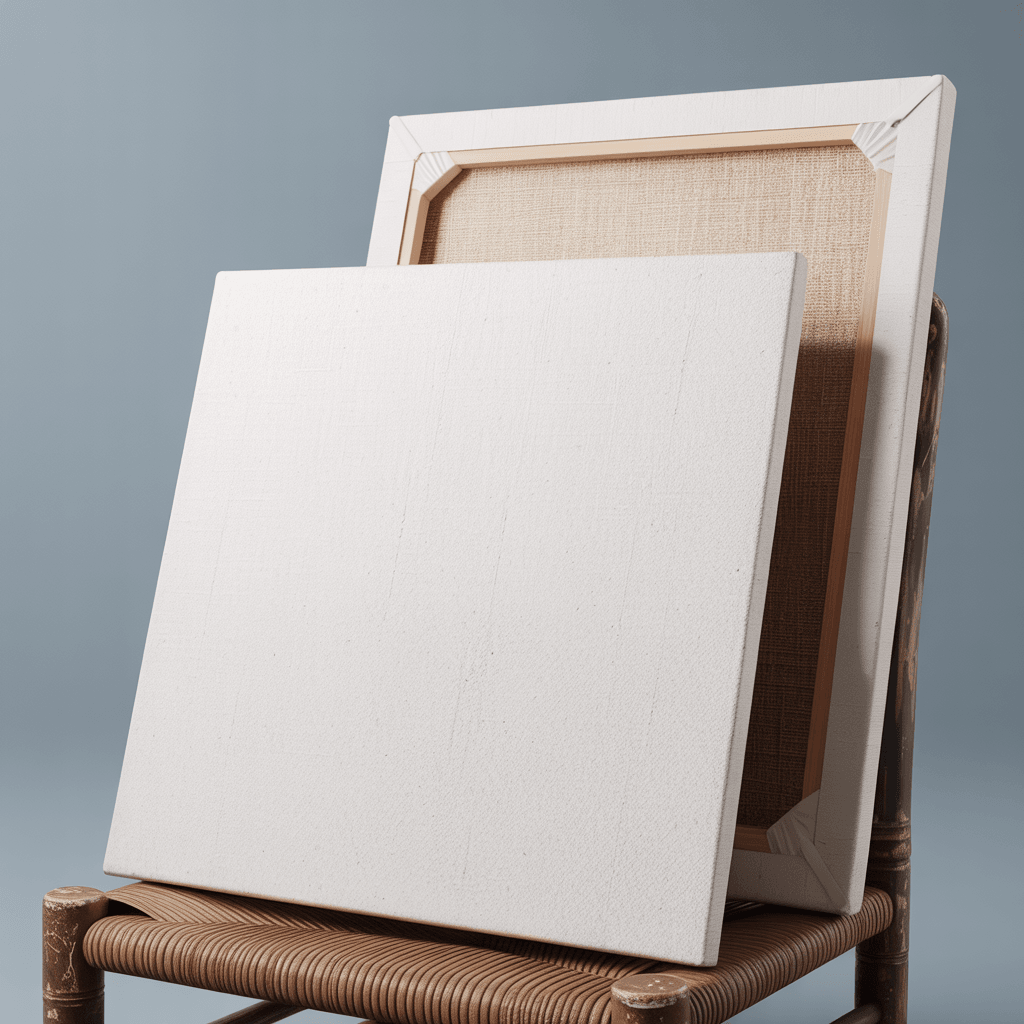
This mockup template displays a white polyester canvas print stretched over wooden bars, photographed across five angles. The first image shows two canvases in a studio environment with neutral gray background: one canvas faces forward displaying the plain white print surface, while the second is turned to reveal the back with exposed pine stretcher bars and raw canvas visible through the frame. Both canvases appear square in format with approximately 1.5-inch depth on the gallery wrap edge.
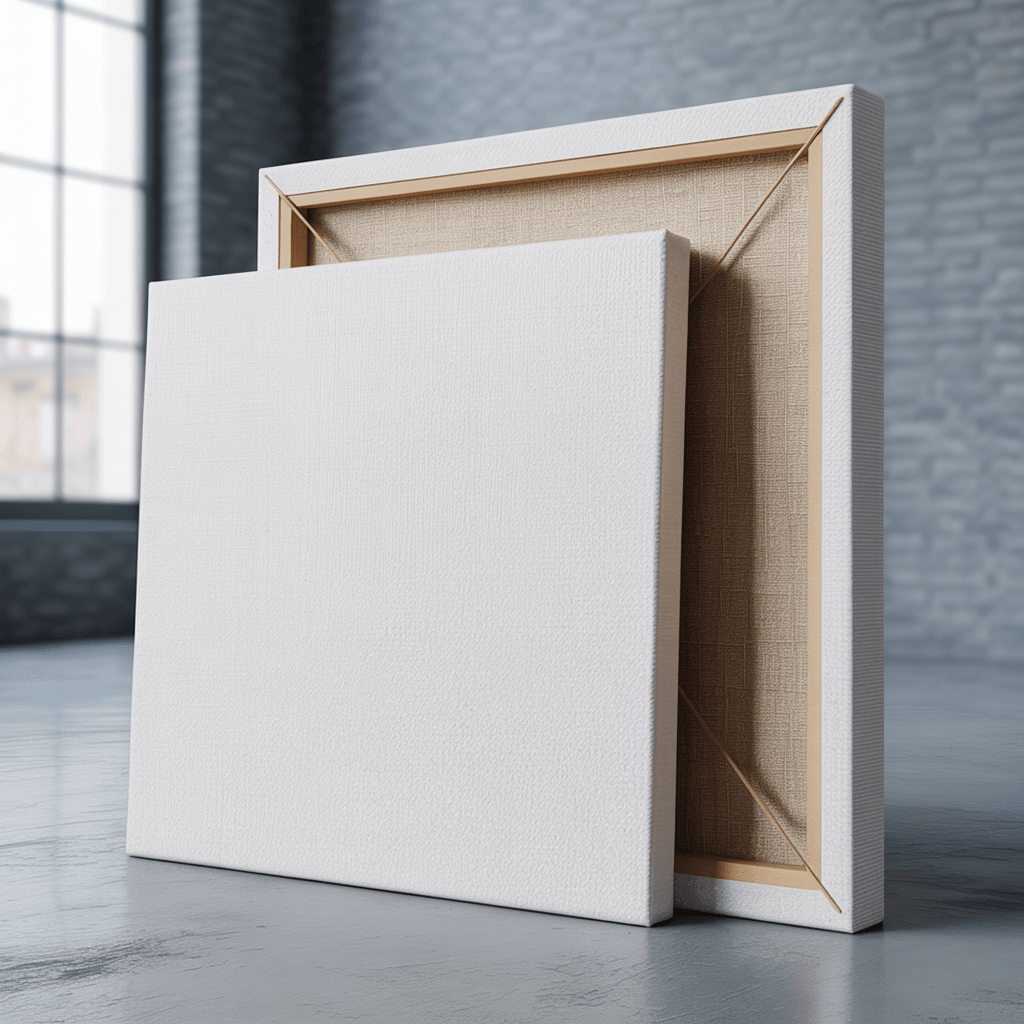
The second image places a single white canvas in a coastal living room setting. The canvas rests on a driftwood coffee table in front of a white upholstered sofa. Floor-to-ceiling windows behind the scene reveal an ocean view with light blue sky. Natural daylight fills the room, casting soft illumination across the blank white surface.
Front and Detail Views
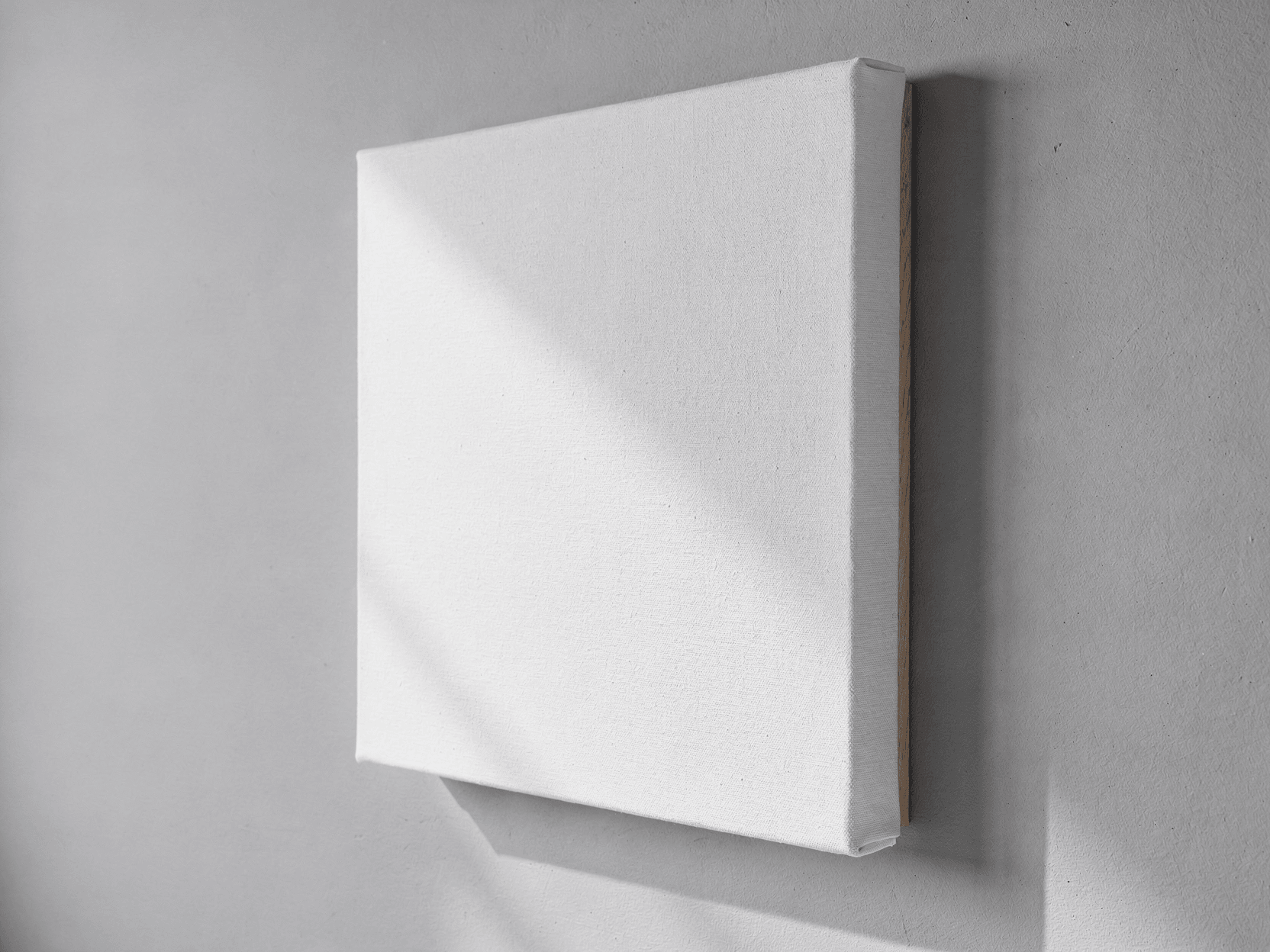
The third image presents a straight-on front view of a rectangular canvas (slightly taller than wide) against a medium gray studio backdrop. The canvas surface shows a natural linen-like texture with small dark fiber flecks scattered across the weave. Folded edges are visible at all four corners where the fabric wraps around the stretcher bars.
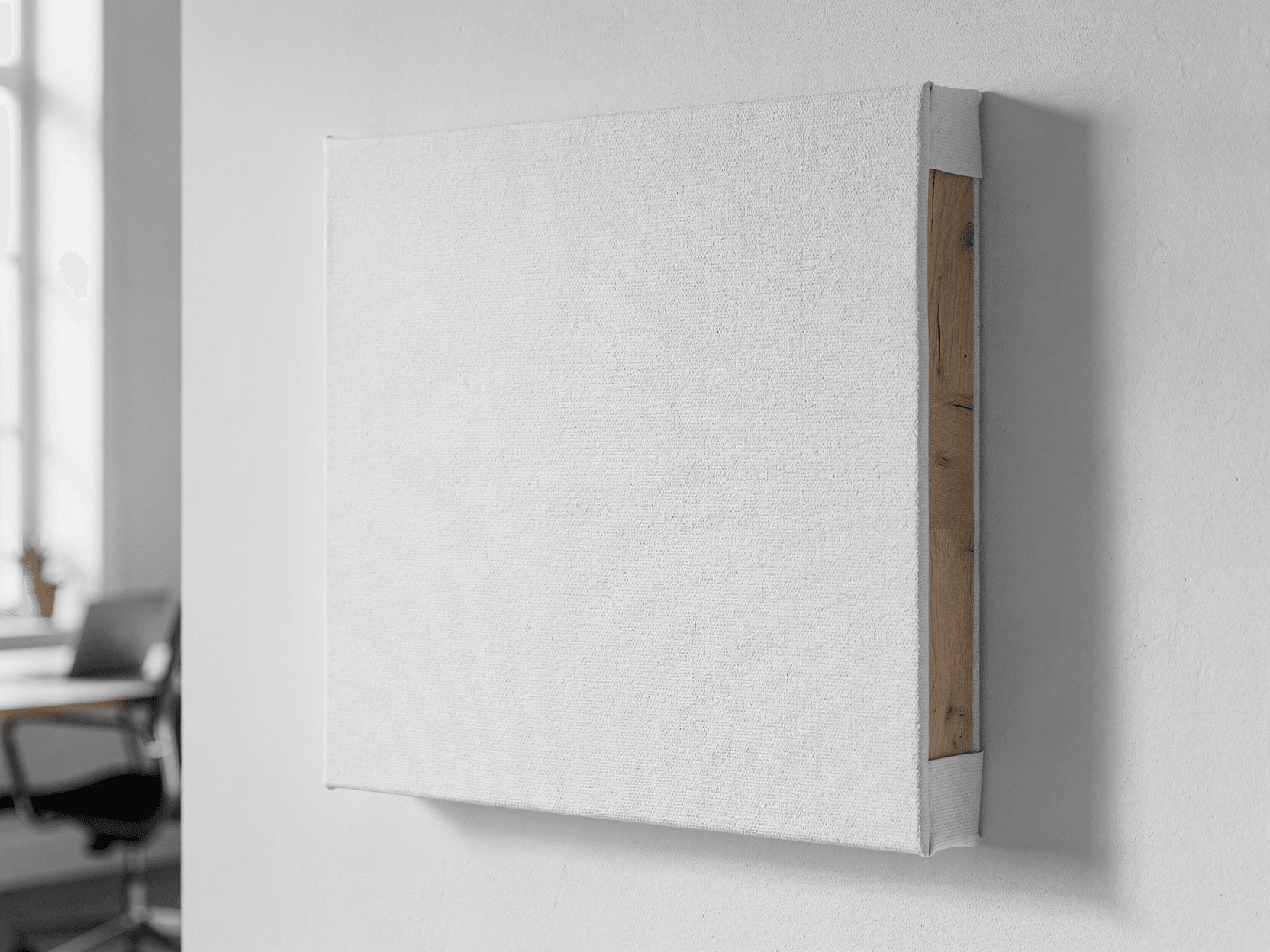
The fourth image is a close-up side profile showing the canvas edge in detail. The polyester weave is clearly visible as a tight, uniform grid pattern wrapping smoothly over a rounded edge. A wooden stretcher bar is partially visible beneath where the canvas wraps underneath. This shot is photographed with a blurred ocean backdrop, consistent with the coastal context.
The fifth image captures the corner construction from an overhead angle. The wooden stretcher bar joint is visible where two bars meet at a mitered corner. The canvas fabric wraps tightly around the corner with a clean fold, and the weave texture is distinct at this magnification. The wood grain of the pine stretcher bars shows natural coloring.
Angles Included
- 3/4 angle view: two canvases (front and back) in studio lighting
- Coastal lifestyle: canvas displayed in beachfront living room with natural light
- Straight-on front: full print area visible with no perspective distortion
- Side profile detail: close-up of gallery wrap edge depth and weave texture
- Corner construction detail: overhead view of stretcher bar joint and canvas fold
Applications
This template is suitable for print-on-demand sellers listing canvas wall art on Etsy, Amazon, or Shopify. The coastal lifestyle angle provides room-scale context for buyers. The studio angles work for clean product catalog listings. The detail shots address buyer questions about canvas construction quality.
Sellers with large catalogs can automate mockup generation for hundreds of canvas designs in a single batch through integrations with n8n, Zapier, or Make.
Canvas Material
The canvas shown uses a polyester substrate with a fine, uniform weave pattern. Gallery wrap construction stretches the fabric around kiln-dried pine stretcher bars. Corner folds are tight and clean. The depth profile visible in the side and corner shots is consistent with standard 1.5-inch gallery wrap canvas prints offered by most POD fulfillment providers including Printful, Printify, and Gelato.
Every angle opens as a ready photo mockup: place your artwork in the editor or through the API. Subscriptions from $0.002 per render.
How to Use This Mockup
Step 01
Pick an angle
Choose the angle you want from this template. Every angle opens as a ready photo mockup.
Photo Mockups GuideStep 02
Place your artwork
Add your design in the editor or through the API, as a single placement or a repeating pattern.
Print Areas GuideStep 03
Export your mockup
Generate high-resolution product images in PNG, JPG, or WebP format. Batch process multiple designs.
Render Artwork DocsDetails & Specifications
File Format
PNG
Color Mode
RGB
Angles
5
| Angle | Type | Primary |
|---|---|---|
| 3/4 Angle View | three-quarter-angle | Yes |
| Wall Mounted in Living Space | wall-mounted-lifestyle | |
| Straight-On Front View | straight-front | |
| Side Profile Detail | side-profile | |
| Corner Construction Detail | corner-detail |
Perfect For
Use Cases
Seasons
Tags
Canvas Print MockupCanvas MockupWall Art MockupCanvas Wall Art MockupGallery WrapCanvas Mockup GeneratorCanvas Print Mockup FreePOD Canvas MockupCoastal MockupLiving Room MockupCanvas Wrap MockupStretcher Bar CanvasHome Decor MockupCanvas Mockup APIWhite Canvas MockupSquare Canvas PrintPolyester CanvasInterior Canvas MockupCanvas Mockup EtsyWall Art TemplateCanvas Detail Mockup
Industry Insights & Research
Subscriptions from $0.002 per render.
Pricing from the SudoMock pricing page, October 2026.
“We render about 400 canvas mockups per week across our Etsy and Amazon stores. The coastal lifestyle angle sells better than plain studio shots for our beach photography prints, so having both options in one template set saves us time.”
“The corner and side detail shots answer the questions buyers ask most often: how thick is it, and does it look finished on the edges? Including those angles in our listings reduced our return rate noticeably.”
“I automated our entire canvas catalog using the SudoMock API and a Zapier workflow. Each time we upload a new design to Airtable, it triggers renders across all five angles and pushes the images directly to our Shopify product draft.”
Frequently Asked Questions
Most POD fulfillment providers offer 0.75-inch (standard) and 1.5-inch (gallery) depth profiles. This mockup template shows the 1.5-inch gallery wrap depth, visible in the side profile and corner detail angles. The thicker profile provides a more visible edge for gallery wrap designs.
Canvas print sizes commonly range from 8x10 inches to 36x48 inches for POD listings. SudoMock renders at up to 10,000 pixels in resolution, which is sufficient for high-detail product listing images. The square format in this template accommodates common sizes like 12x12, 16x16, and 20x20 inches.
Yes. Canvas print mockups are used by sellers on Etsy, Amazon, and Shopify to display artwork on realistic product templates. The studio angles with neutral backgrounds meet Amazon's white background image requirements, while the coastal lifestyle angle provides the room-context imagery commonly used on Etsy listings.
Several free canvas mockup tools exist, including Canva's mockup generator and Mockey AI. The distinction is that browser-based generators work manually one at a time, while SudoMock's API enables batch rendering of hundreds of canvas designs programmatically. Subscriptions from $0.002 per render.
For gallery wrap canvas prints, the design extends beyond the front surface and wraps over the stretcher bar edges. Most POD providers require a bleed area of 1 to 2 inches on all sides. This mockup's side profile angle shows the wrapped edge clearly, demonstrating how the design continues over the rounded edge onto the side of the canvas.
This template includes five angles: a 3/4 studio view showing both front and back of the canvas, a coastal lifestyle shot in a beachfront living room, a straight-on front view, a side profile close-up of the gallery wrap edge, and a corner construction detail shot. All five are available for rendering through the SudoMock API or Dashboard.
Pick an angle, open it in Photo Mockups and place your artwork in the editor or through the API. Then export your mockup as PNG, JPG or WebP.
Ready to Create Stunning Mockups?
Generate product mockups with Photo Mockups and the Render API. Upload artwork and export high-resolution images from one workflow.
No credit card required500 one-time creditsInstant API access