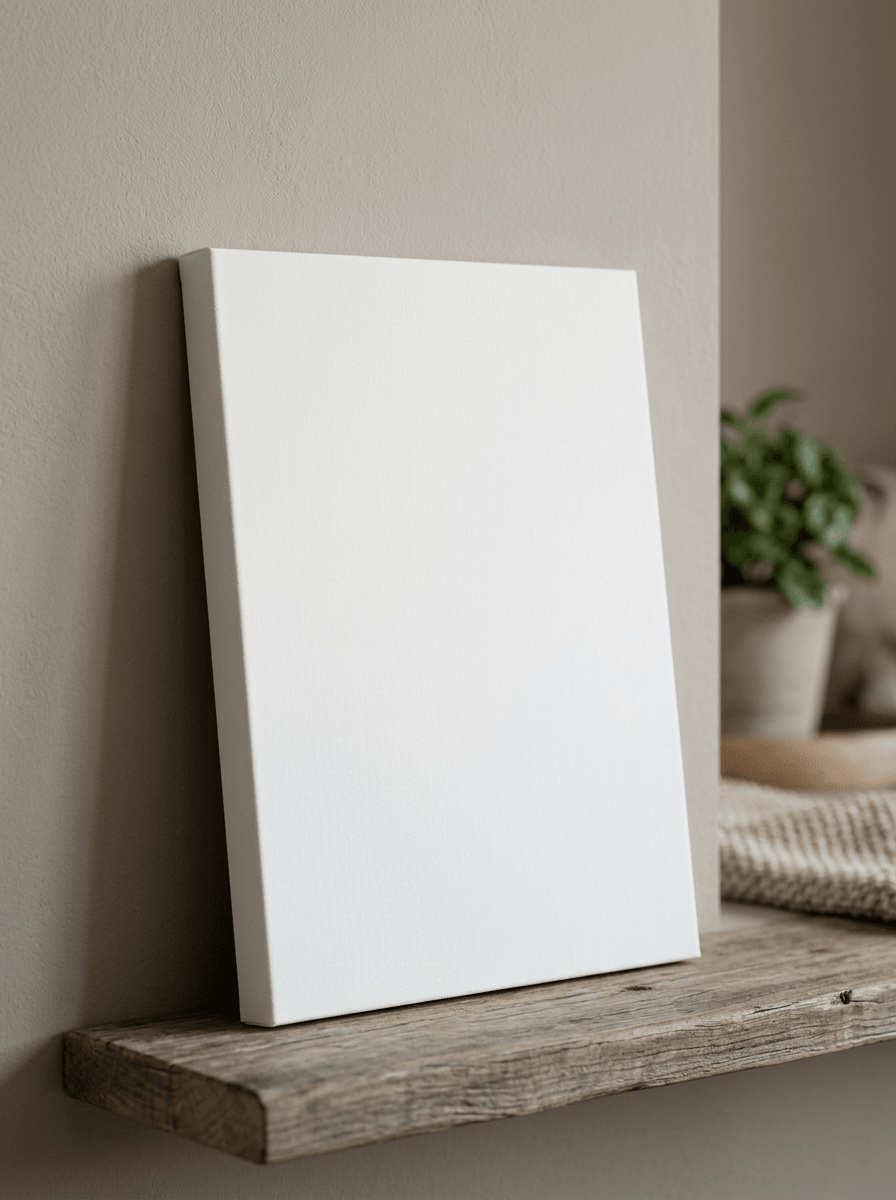
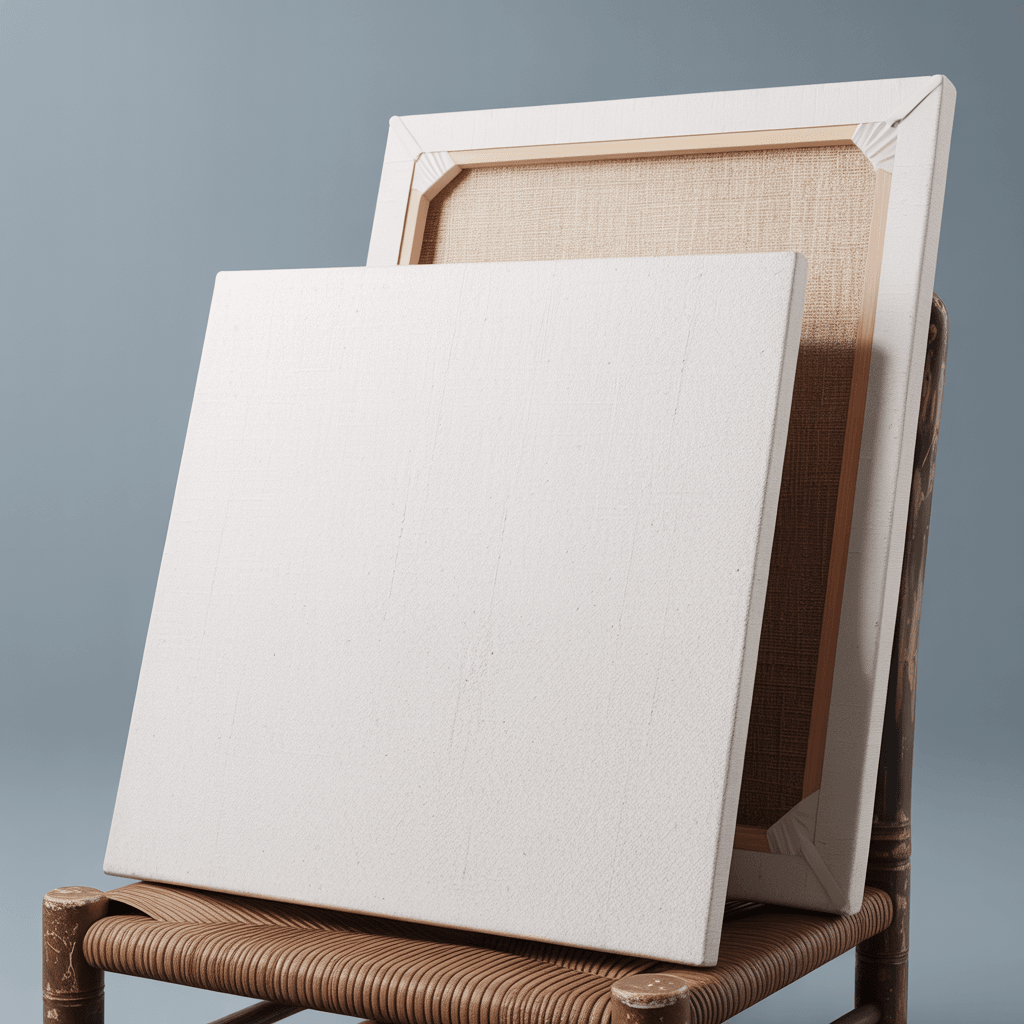
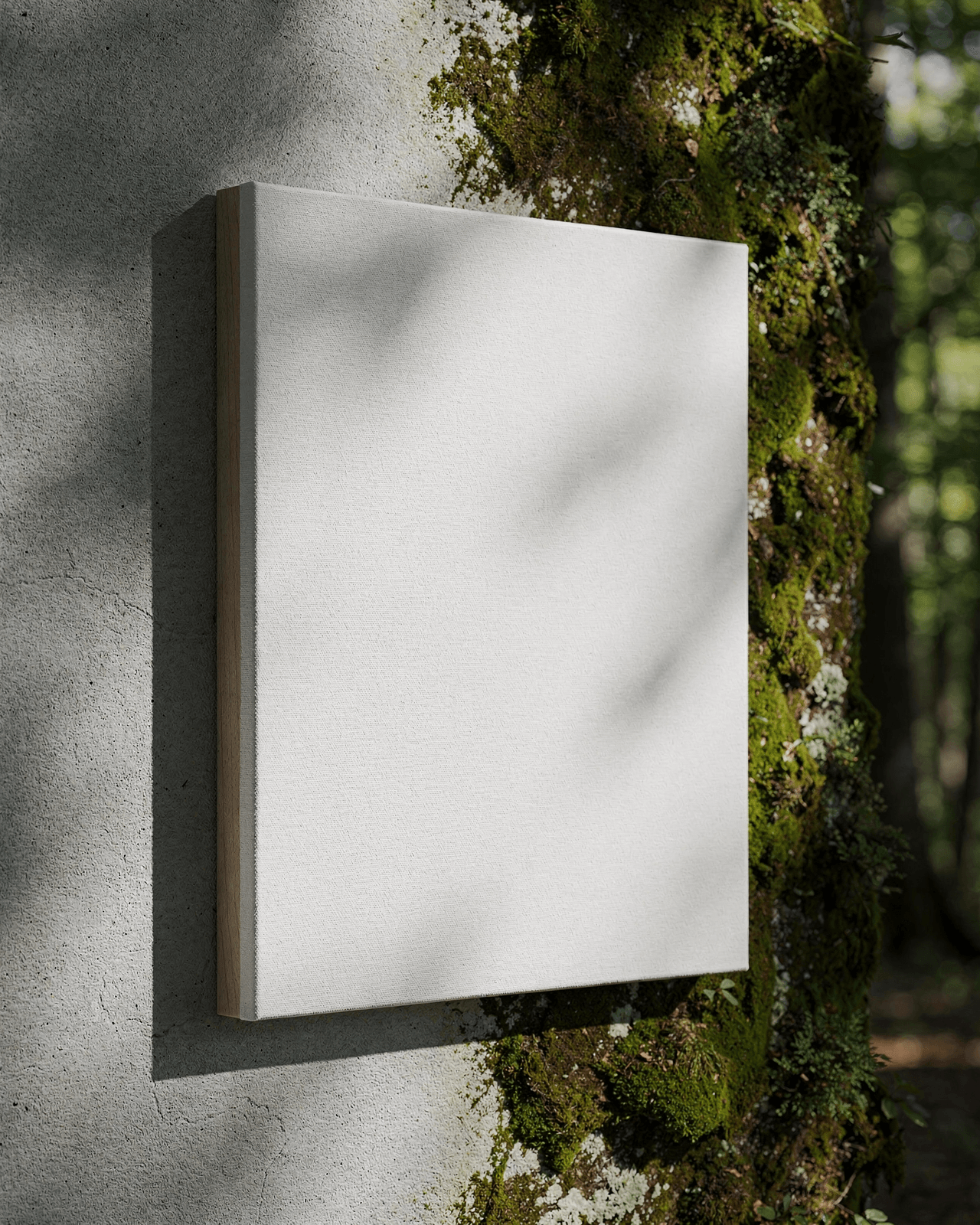
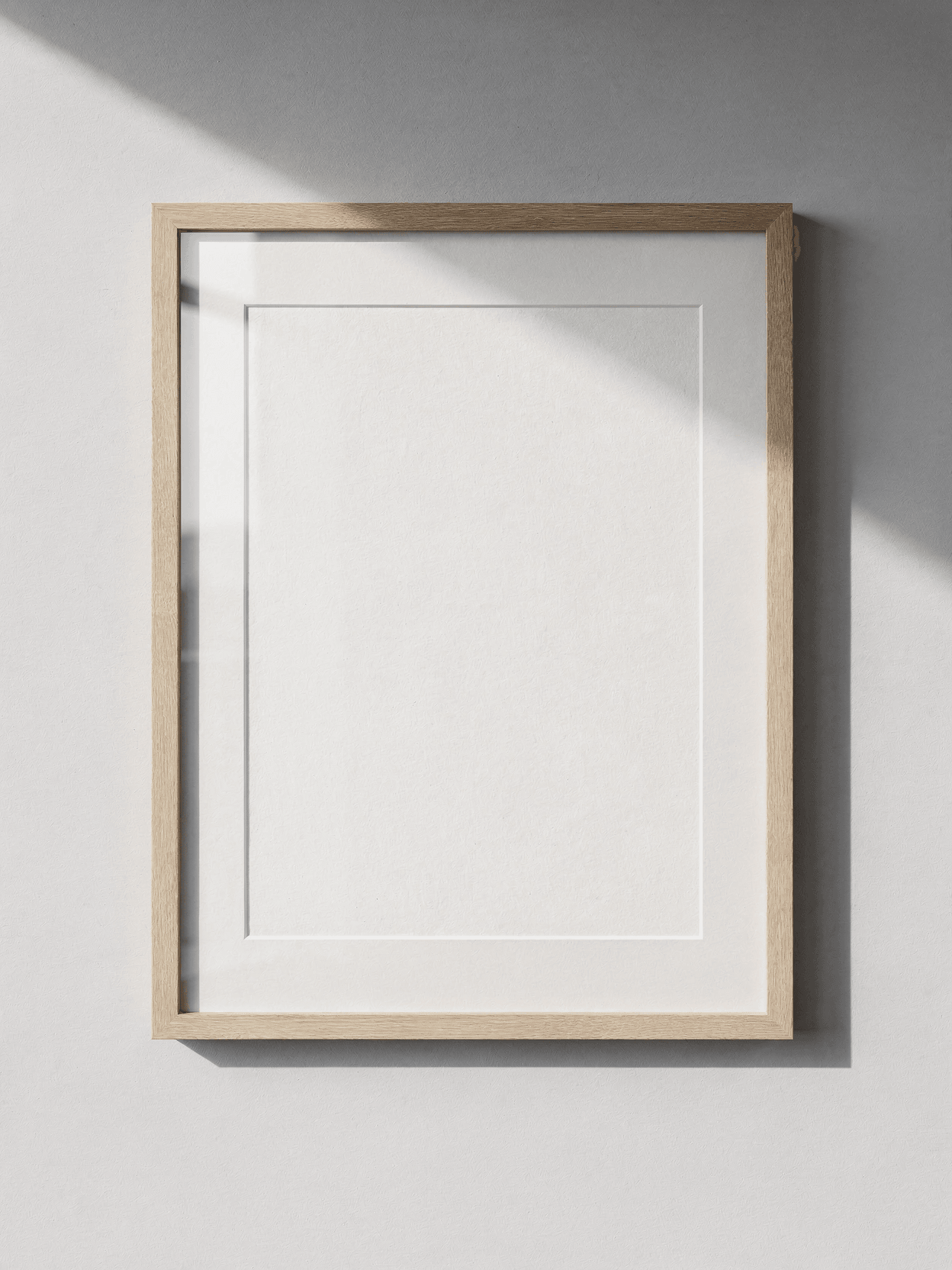
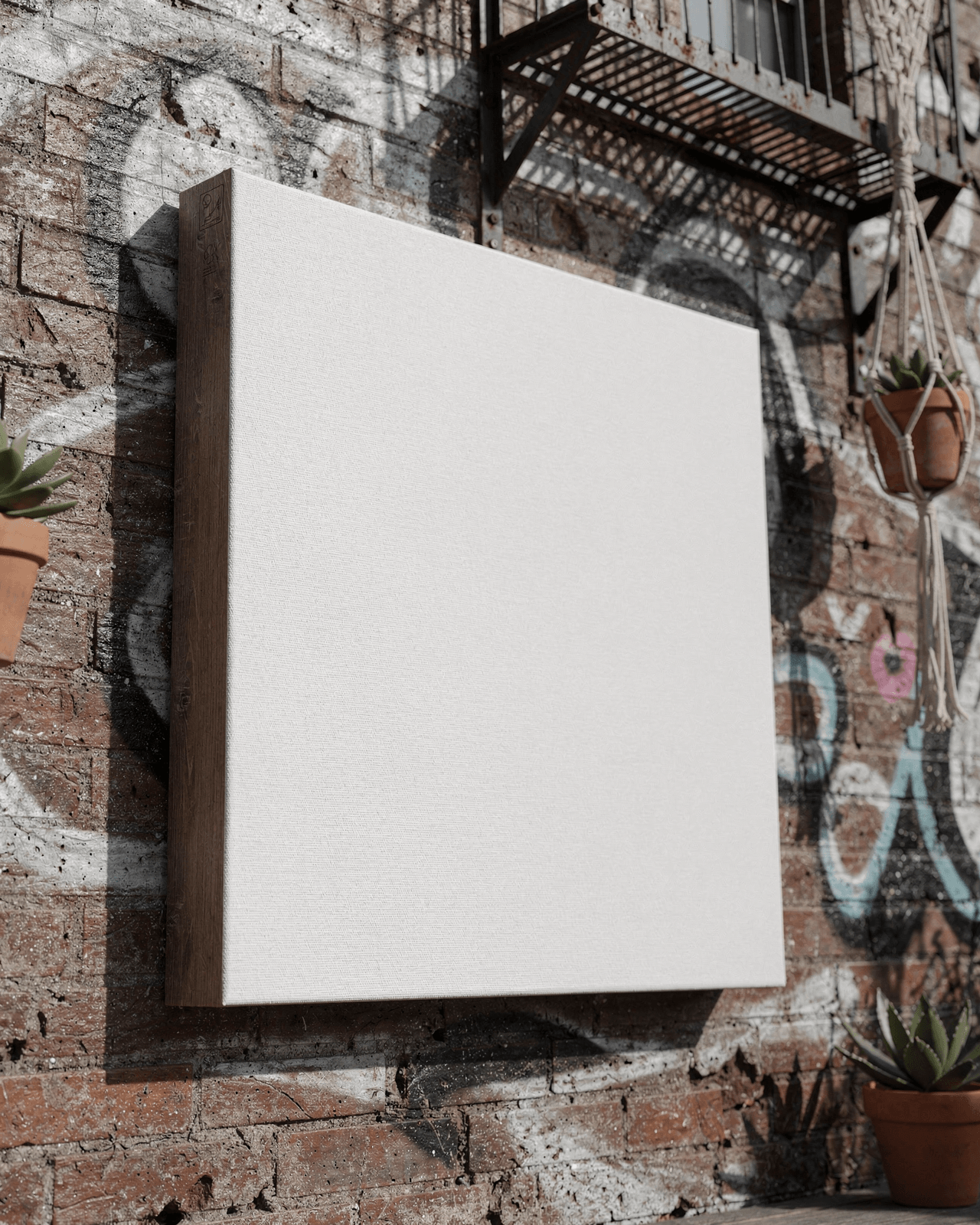
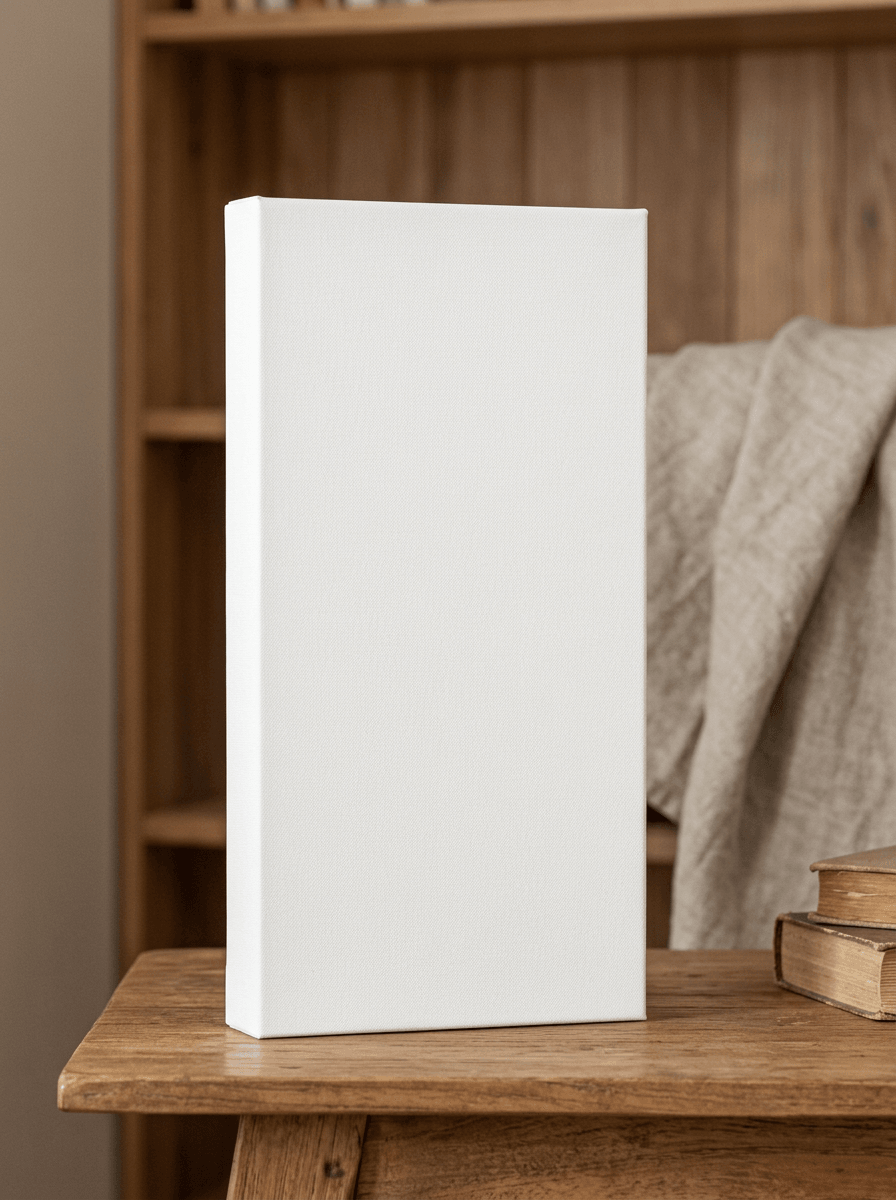
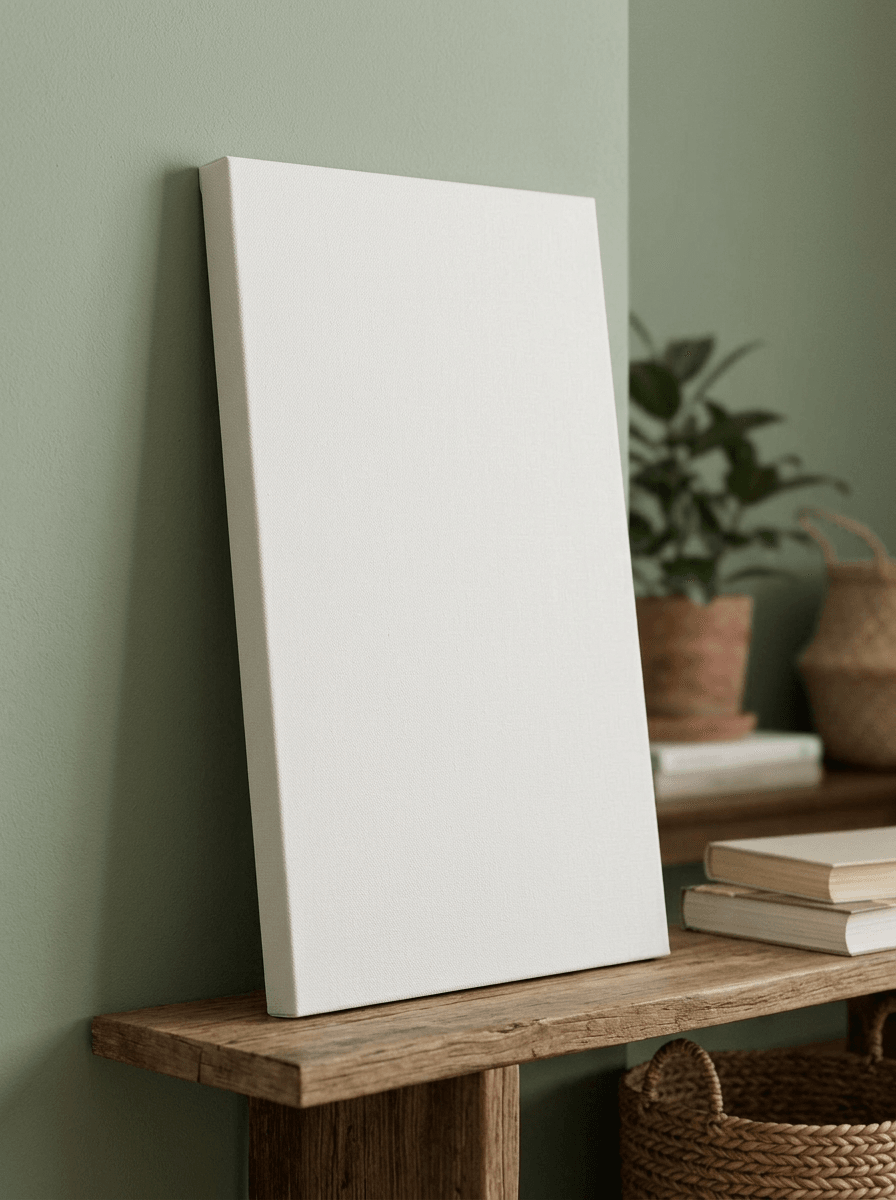
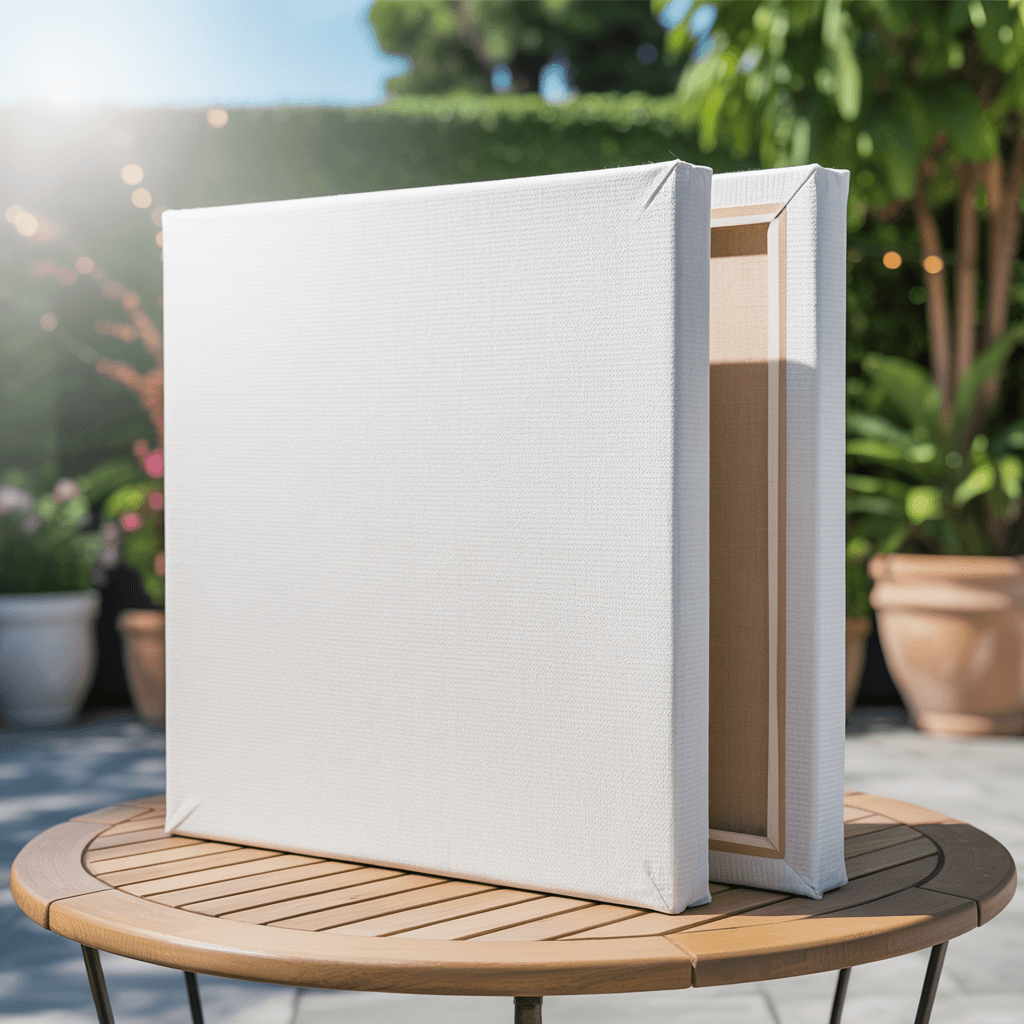
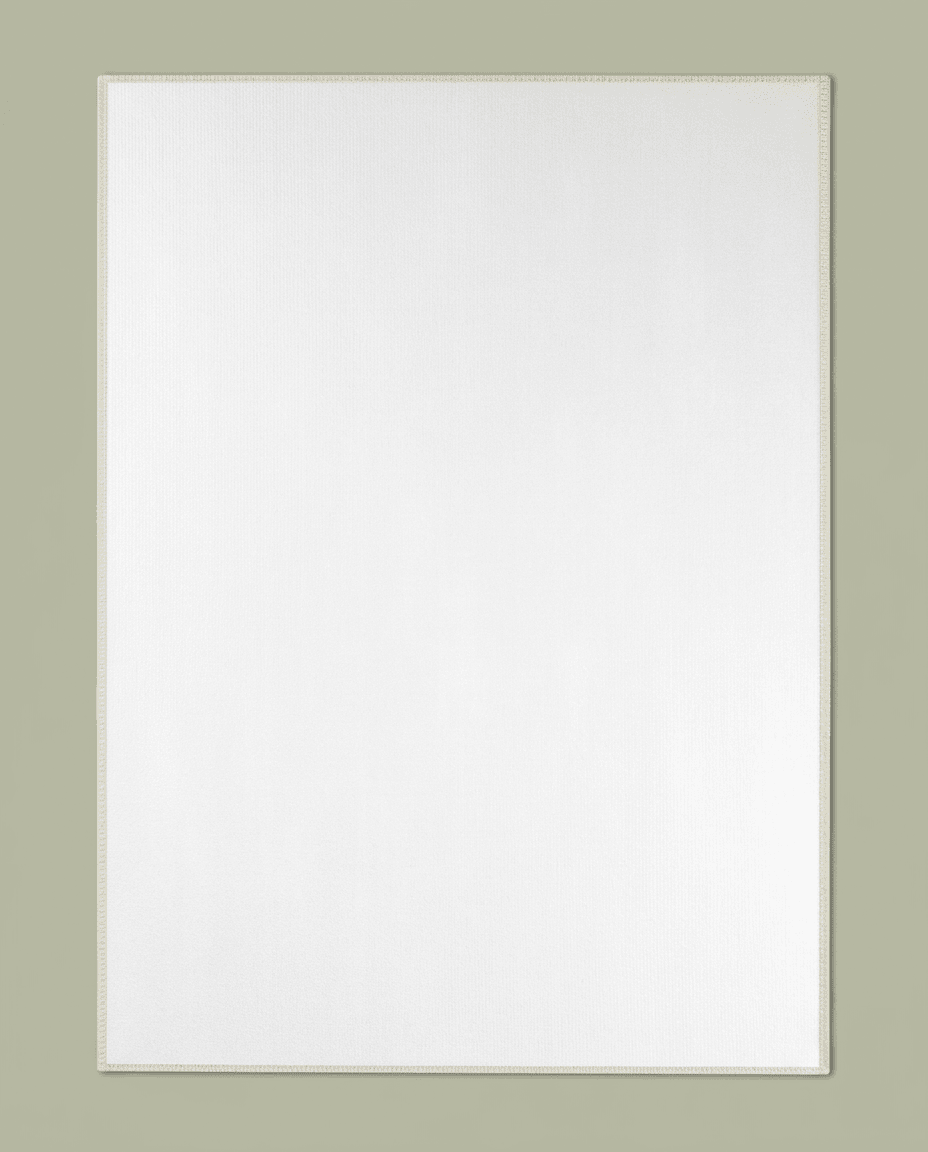
The side profile and corner detail images show a canvas with approximately 1.5-inch depth stretcher bars, matching the gallery depth option offered by most print-on-demand providers. This depth is visible in the close-up angles where the wooden frame and wrapped canvas edge are clearly shown.
Loading selected angle
White Canvas Print Mockup - Gallery Wrap
What's Included
Five camera angles: 3/4 view, wall-mounted lifestyle, straight-on front, side profile, and corner construction detail
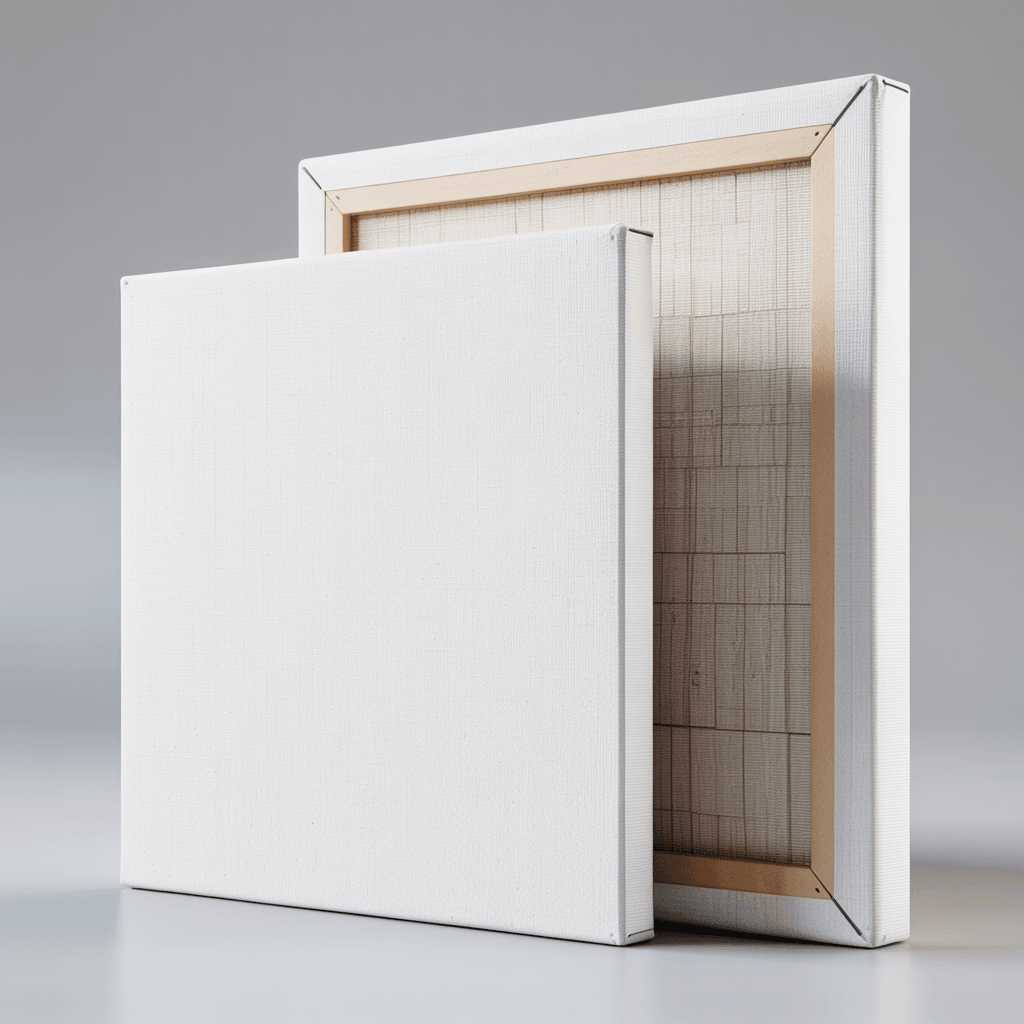
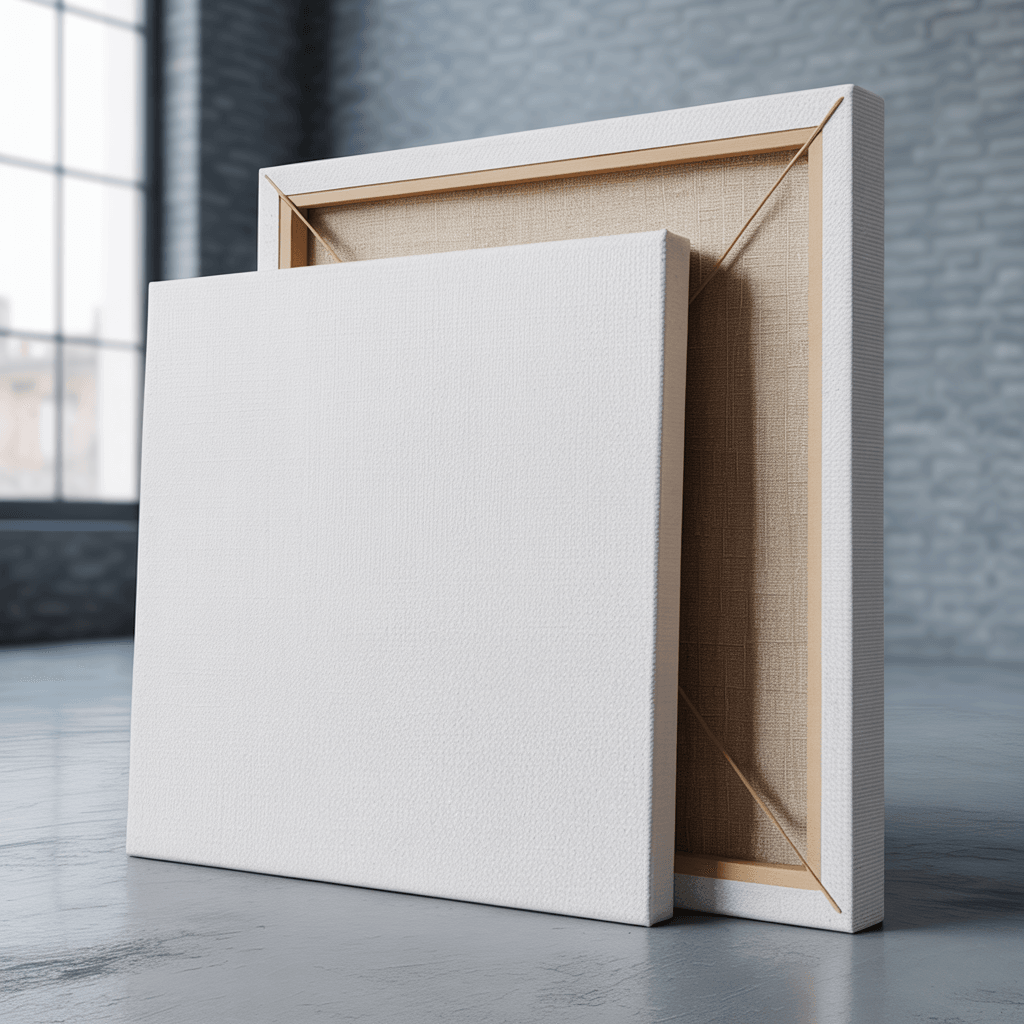
Gallery wrap construction with pine stretcher bars shown in back view and corner detail images
Lifestyle angle shows canvas mounted on white wall in modern living room with sofa and window
Approximately 1.5-inch depth stretcher bar visible in side profile close-up with mitered corner fold
Compatible with Printful, Printify, Gelato, Shopify, WooCommerce, Etsy, and Amazon product workflows
Every angle opens as a ready photo mockup
Subscriptions from $0.002 per render
Specifications
Format
PNG · RGB
Angles
5 views
About This Mockup
Overview
This mockup template displays a white cotton blend canvas print with gallery wrap construction, photographed across five angles in studio and lifestyle settings. The canvas surface is plain white with a visible woven fabric texture throughout.
What the Images Show
The primary image is a three-quarter angle studio shot of two canvases leaning upright against a light gray background. The front canvas faces forward, showing the full white print surface and the wrapped gallery edge along the right side. Behind it, a second canvas is turned to reveal the back, exposing the wooden stretcher bar frame constructed from light-toned pine. Studio lighting is soft and even, casting a subtle shadow beneath each canvas on the gray surface.
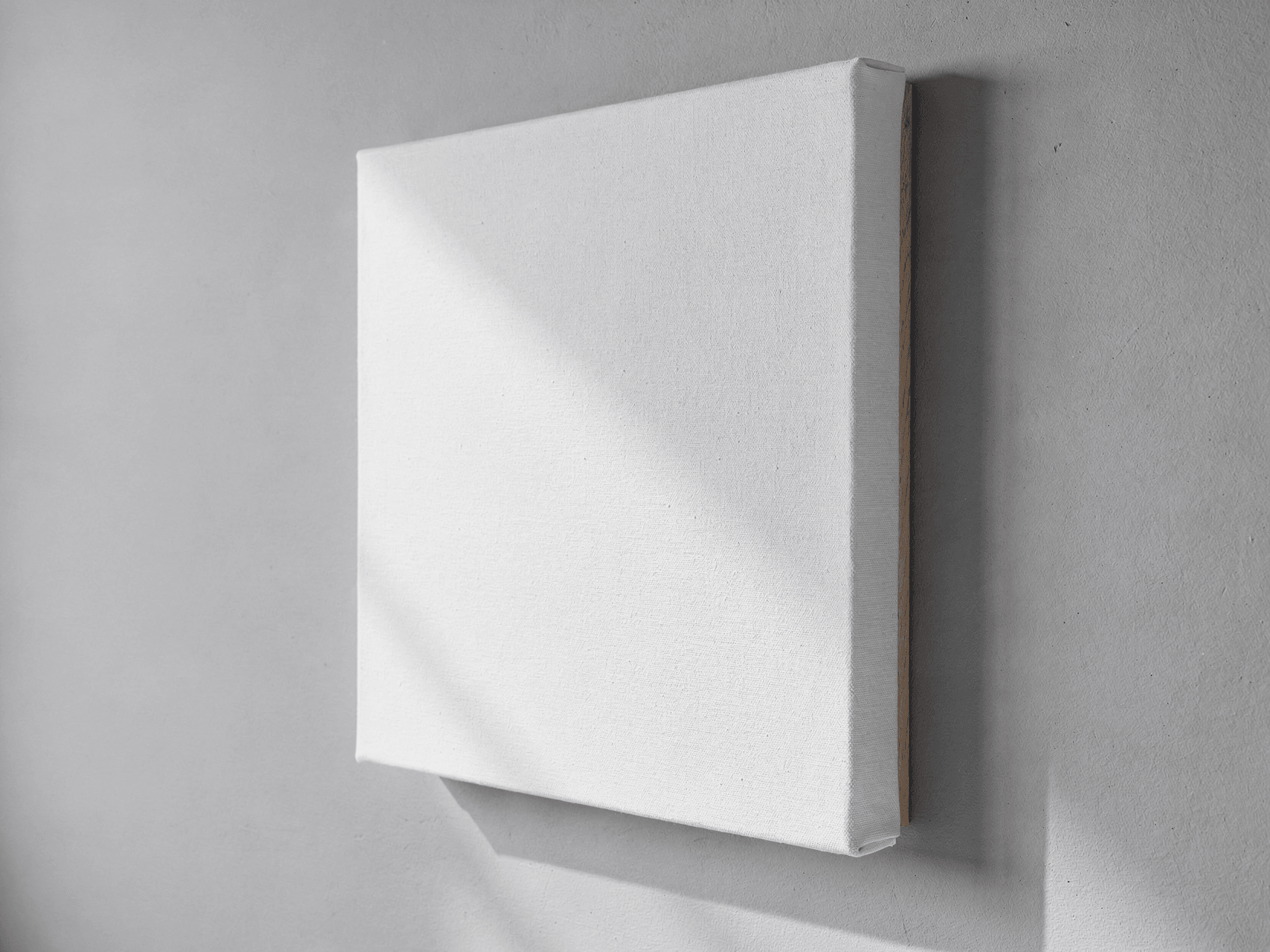
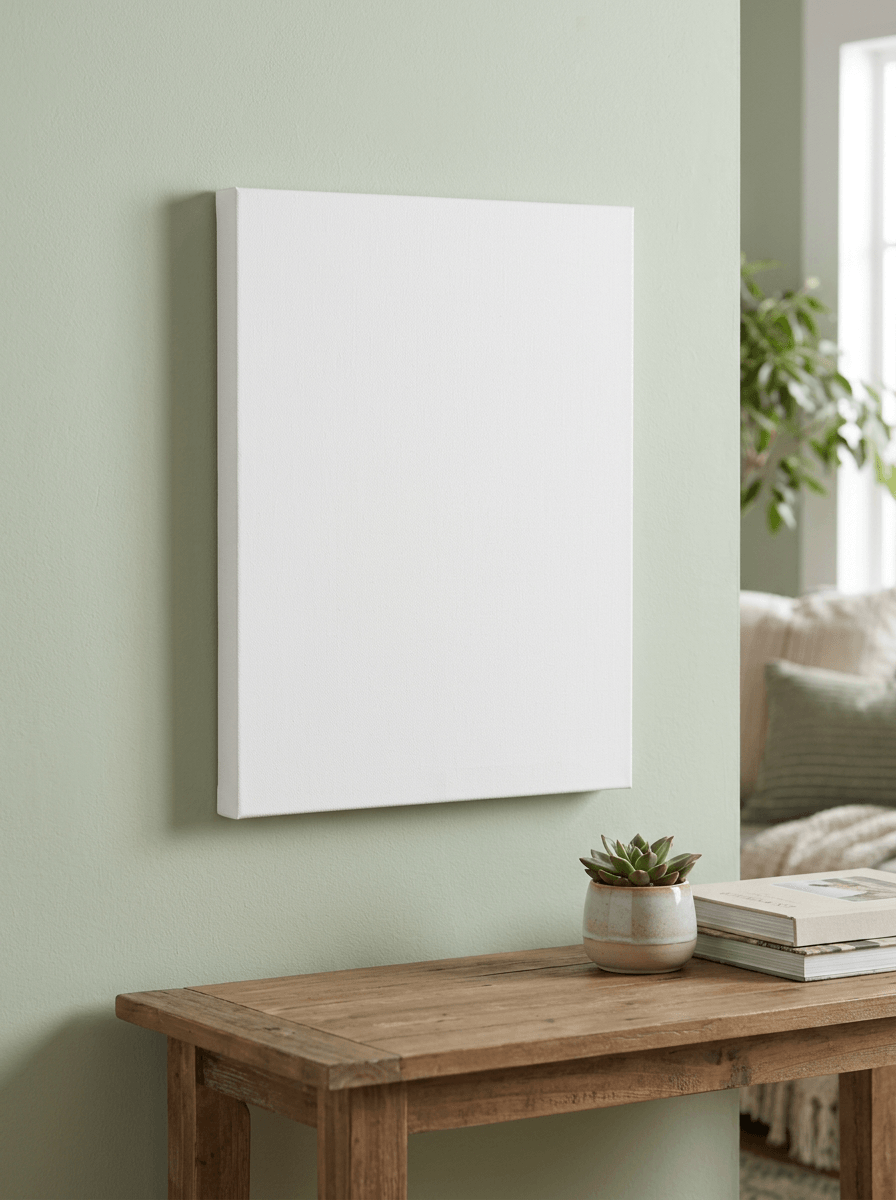
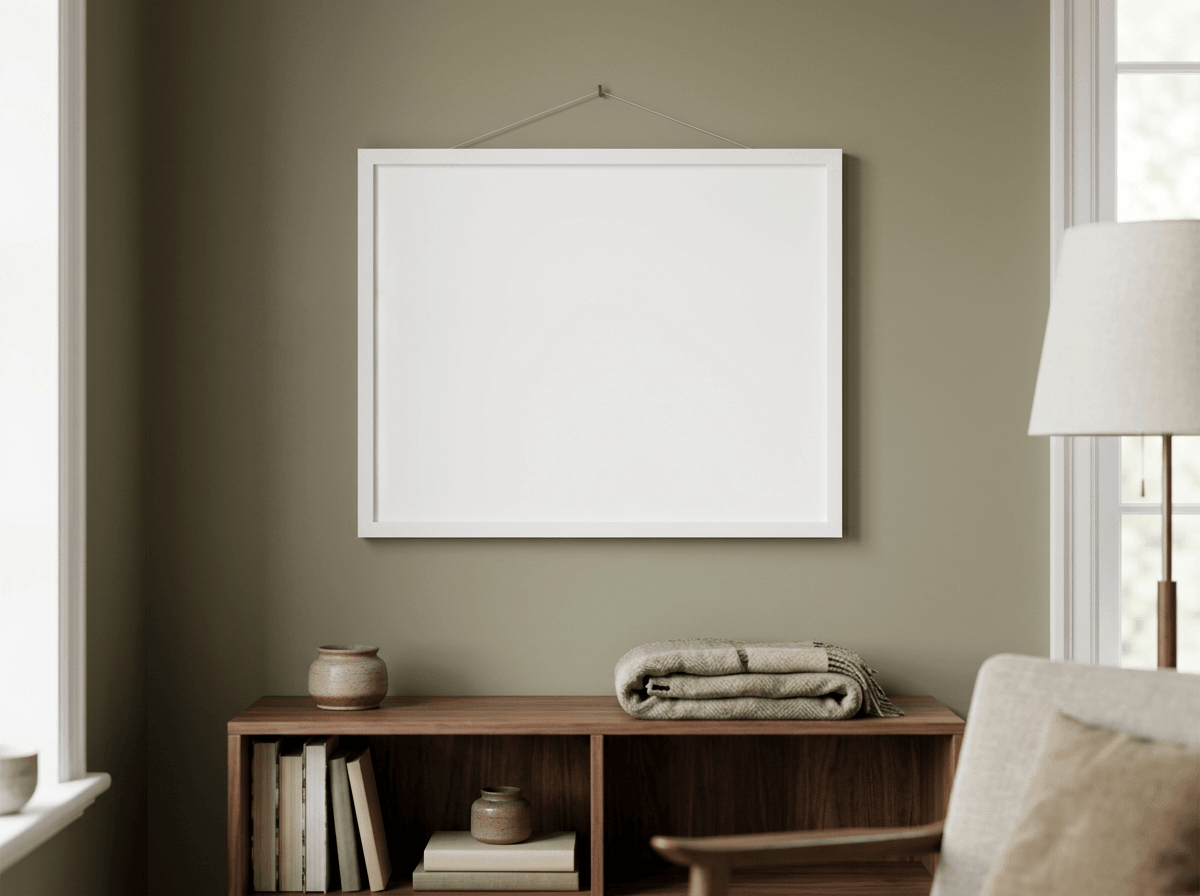
The wall-mounted lifestyle image places a single canvas on a white wall inside a modern living space. A gray upholstered sofa with neutral cushions is visible in the blurred background, along with a large window with dark frames and sheer curtains. The canvas is photographed from a slight left angle, showing the wrapped left edge and the taut front surface. Natural and ambient light illuminate the scene, giving scale reference for the canvas relative to the furniture.
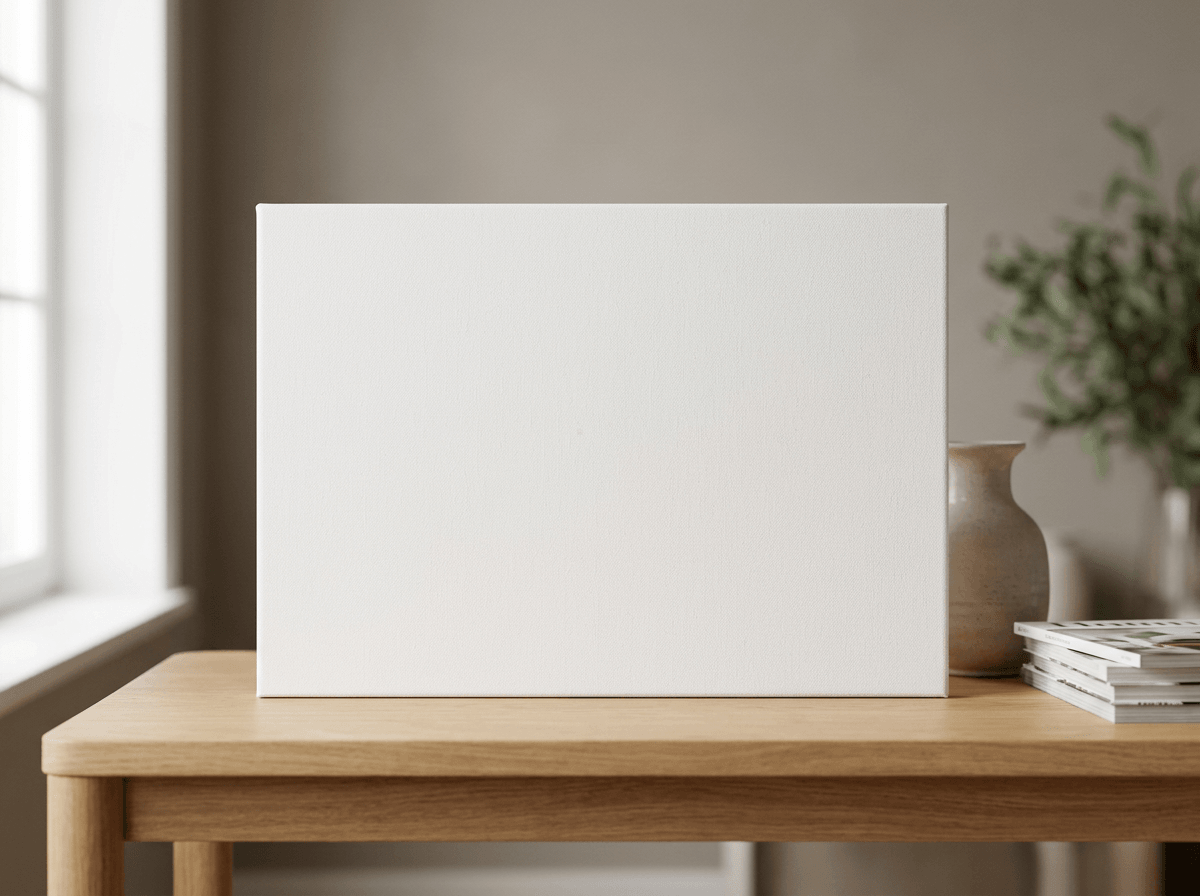
The straight-on front view presents two canvases in studio conditions against a neutral gray backdrop. One faces directly forward with square proportions, displaying the full blank white surface. The second is angled to reveal the back with its wooden stretcher bars and canvas folds. The white of the canvas is brighter than the gray background, creating clear visual separation.
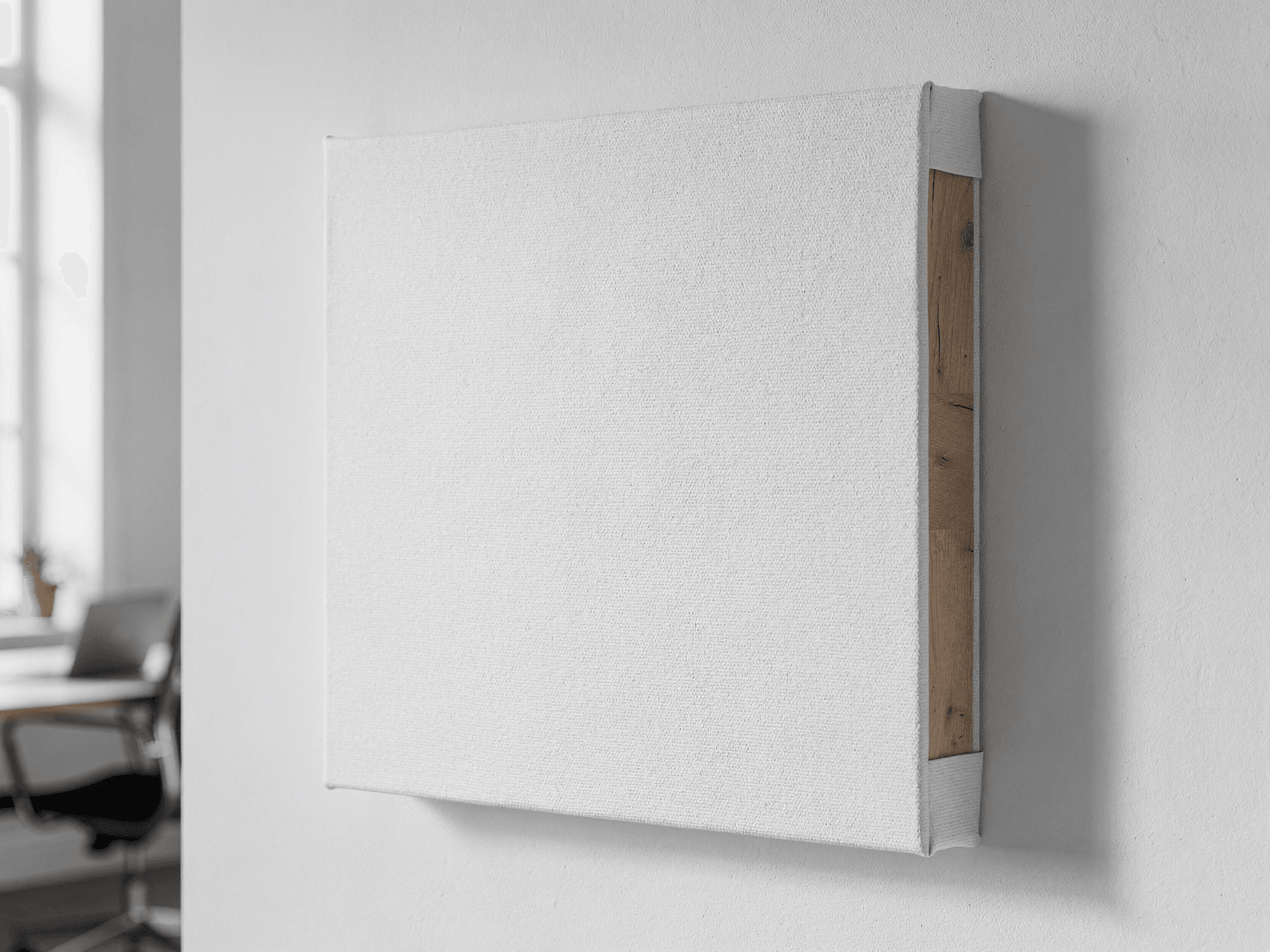
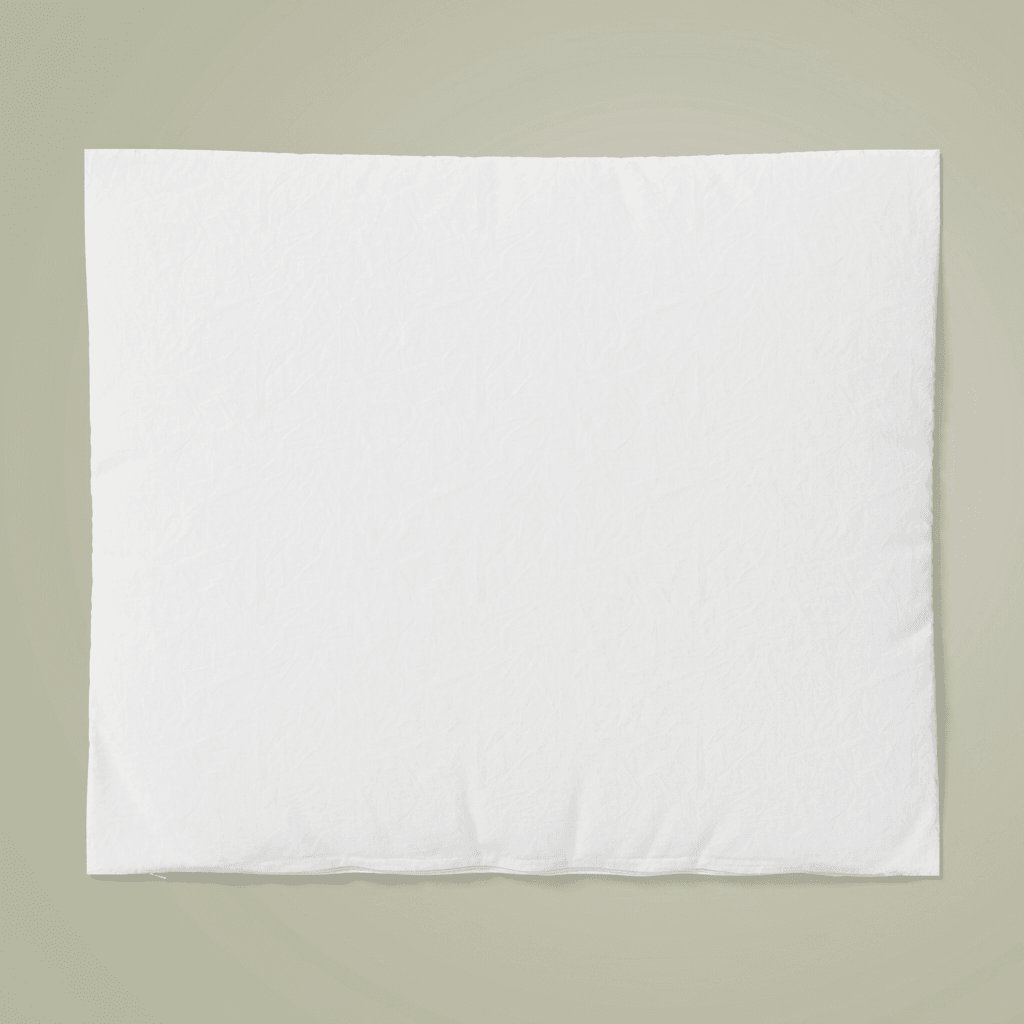
The side profile detail is a close-up shot of a canvas lying flat, photographed at a low angle. This view highlights the depth of the stretcher bar (approximately 1.5 inches based on proportions), the neatly folded corner of the canvas wrap, and the wooden frame visible from the back. The cotton blend fabric texture is clearly discernible on the wrapped edge, with a clean fold at the corner joint.
The corner construction detail provides an extreme close-up of a single canvas corner. The image shows the tightly stretched white fabric wrapping over the wooden stretcher bar edge, with a precise mitered fold at the corner. The wood grain of the stretcher bar is visible where the canvas is pulled back slightly. The weave pattern of the cotton blend material is clearly defined at this magnification.
Technical Details
Because the cotton blend weave texture is visible through the white base, any design overlaid via the API will inherit this fabric texture, producing a realistic printed-on-canvas appearance. The wooden stretcher bars shown in the back views and corner detail are pine, with visible grain pattern.
Included Angles
- Three-quarter angle: front surface and gallery wrap edge visible, studio background
- Wall-mounted lifestyle: hung on white wall in modern living room with sofa and window
- Straight-on front: direct perpendicular view, full print area without distortion
- Side profile: close-up of canvas depth, stretcher bar, and corner fold construction
- Corner detail: extreme close-up of mitered corner fold and wood frame
Rendering Specifications
Output formats include WebP, PNG, and JPEG at resolutions up to 10,000 pixels. The platform supports batch rendering for catalog-scale production through REST API, with native integrations for n8n, Zapier, Make, and direct e-commerce connections to Shopify and WooCommerce.
Suitable Applications
Product listings on Etsy, Amazon, and Shopify storefronts. Print-on-demand catalog generation through Printful, Printify, or Gelato. Portfolio presentation for wall art sellers. Social media product imagery for canvas print businesses.
Every angle opens as a ready photo mockup: place your artwork in the editor or through the API.
How to Use This Mockup
Step 01
Pick an angle
Choose the angle you want from this template. Every angle opens as a ready photo mockup.
Photo Mockups GuideStep 02
Place your artwork
Add your design in the editor or through the API, as a single placement or a repeating pattern.
Print Areas GuideStep 03
Export your mockup
Generate high-resolution product images in PNG, JPG, or WebP format. Batch process multiple designs.
Render Artwork DocsDetails & Specifications
File Format
PNG
Color Mode
RGB
Angles
5
| Angle | Type | Primary |
|---|---|---|
| 3/4 Angle View | three-quarter-angle | Yes |
| Wall Mounted in Living Space | wall-mounted-lifestyle | |
| Straight-On Front View | straight-front | |
| Side Profile Detail | side-profile | |
| Corner Construction Detail | corner-detail |
Perfect For
Use Cases
Seasons
Tags
Canvas Print MockupCanvas MockupCanvas Wall Art MockupWall Art MockupGallery Wrap CanvasCanvas Print TemplatePOD Canvas MockupCanvas Mockup GeneratorInterior Canvas MockupCanvas Wrap MockupWhite Canvas MockupLiving Room Canvas MockupCanvas Mockup APIHome Decor MockupStretched Canvas MockupEtsy Canvas MockupWall Art TemplateCotton Canvas MockupCanvas Corner DetailGallery Depth Canvas
Visual Style
Industry Insights & Research
“We render about 400 canvas mockups per day across 12 different sizes. The gallery wrap angles matter because customers ask about edge finishing more than anything else. Having the corner detail shot reduced our support tickets noticeably.”
Sources
Wikipedia
“Gallery wrap is a method of stretching an artist's canvas so that the canvas wraps around the sides of the stretcher bar frame, creating a finished edge that eliminates the need for an external frame.”
Frequently Asked Questions
The cotton blend weave texture is visible through the white canvas surface. Every angle opens as a ready photo mockup: place your artwork in the editor or through the API.
A canvas mockup shows artwork printed directly on stretched fabric over wooden stretcher bars with gallery wrap edges, meant for frameless wall hanging. A frame mockup shows a print or photo enclosed in a separate picture frame with glass or acrylic. This template specifically depicts gallery wrapped canvas construction with visible stretcher bars and corner folds.
Yes. The template includes a straight-on front view against a neutral background suitable for Amazon product listing requirements, and a lifestyle wall-mounted shot showing the canvas in a living room setting suitable for Etsy listings. Renders are output in PNG, JPEG, or WebP format at up to 10,000px resolution.
Common canvas print sizes include 8x10, 11x14, 16x20, 18x24, 24x36, and square formats like 12x12 or 20x20 inches. Every angle opens as a ready photo mockup: place your artwork in the editor or through the API.
Five angles are available: a three-quarter studio view showing the front and gallery wrap edge, a wall-mounted lifestyle shot in a modern living room, a direct front-facing view for undistorted design display, a side profile close-up of the stretcher bar depth and corner fold, and an extreme corner detail showing the mitered fold and wood grain.
The wrapped edges of this template are part of the renderable surface. Every angle opens as a ready photo mockup: place your artwork in the editor or through the API.
Ready to Create Stunning Mockups?
Generate product mockups with Photo Mockups and the Render API. Upload artwork and export high-resolution images from one workflow.
No credit card required500 one-time creditsInstant API access