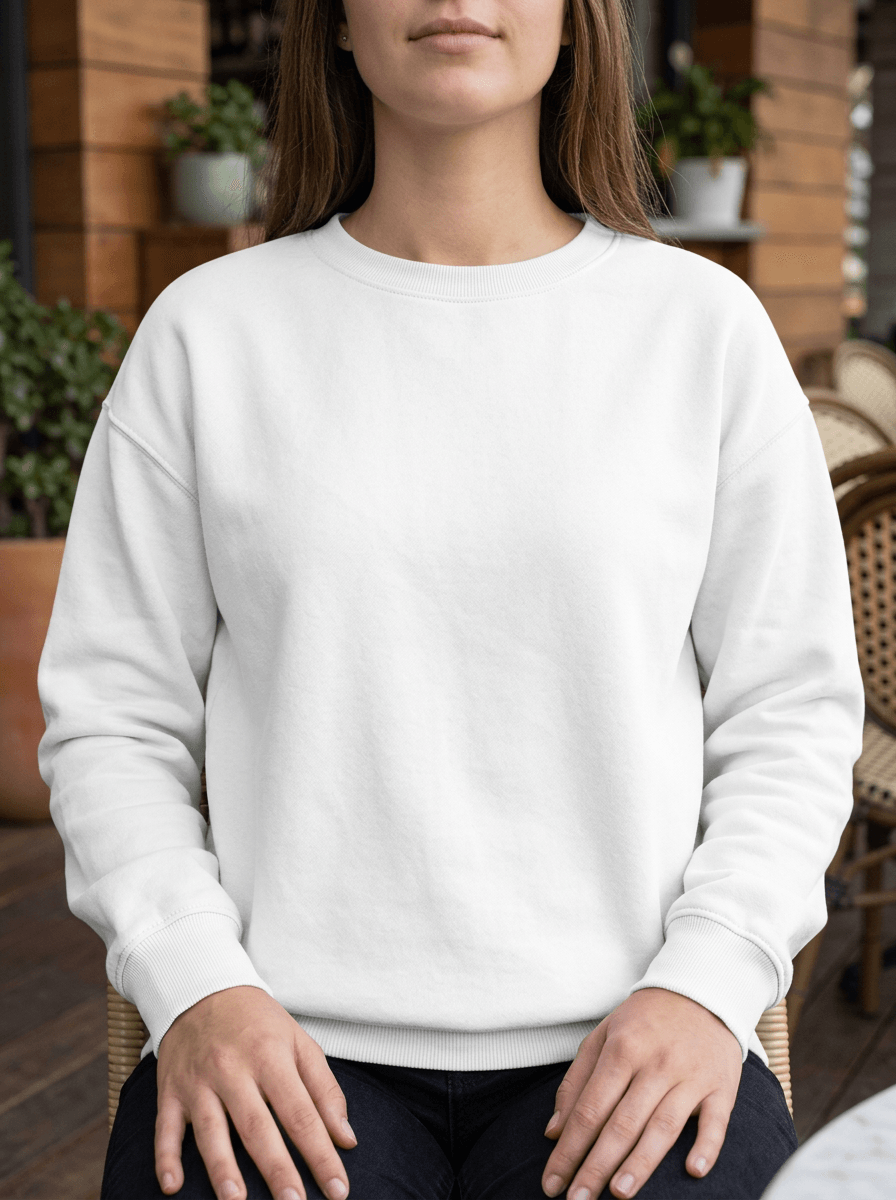
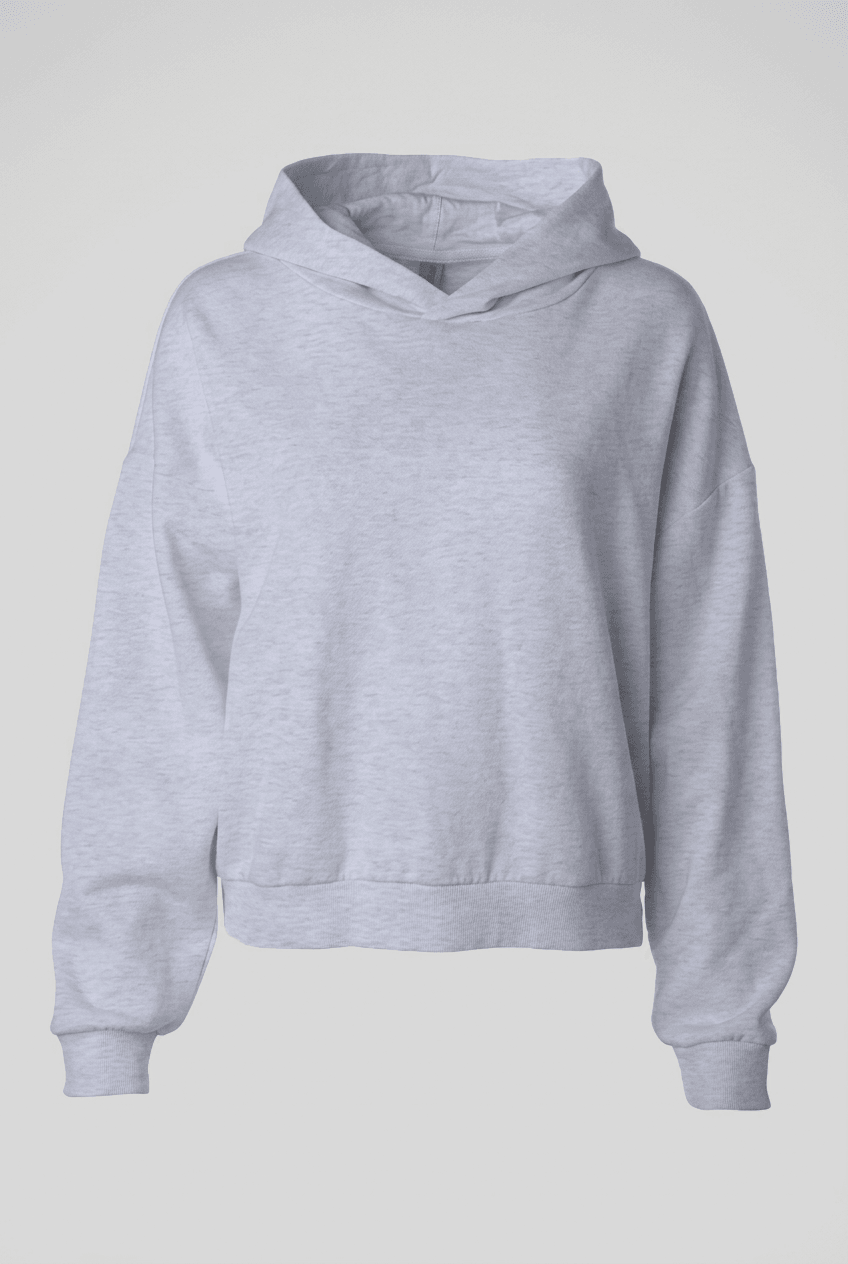
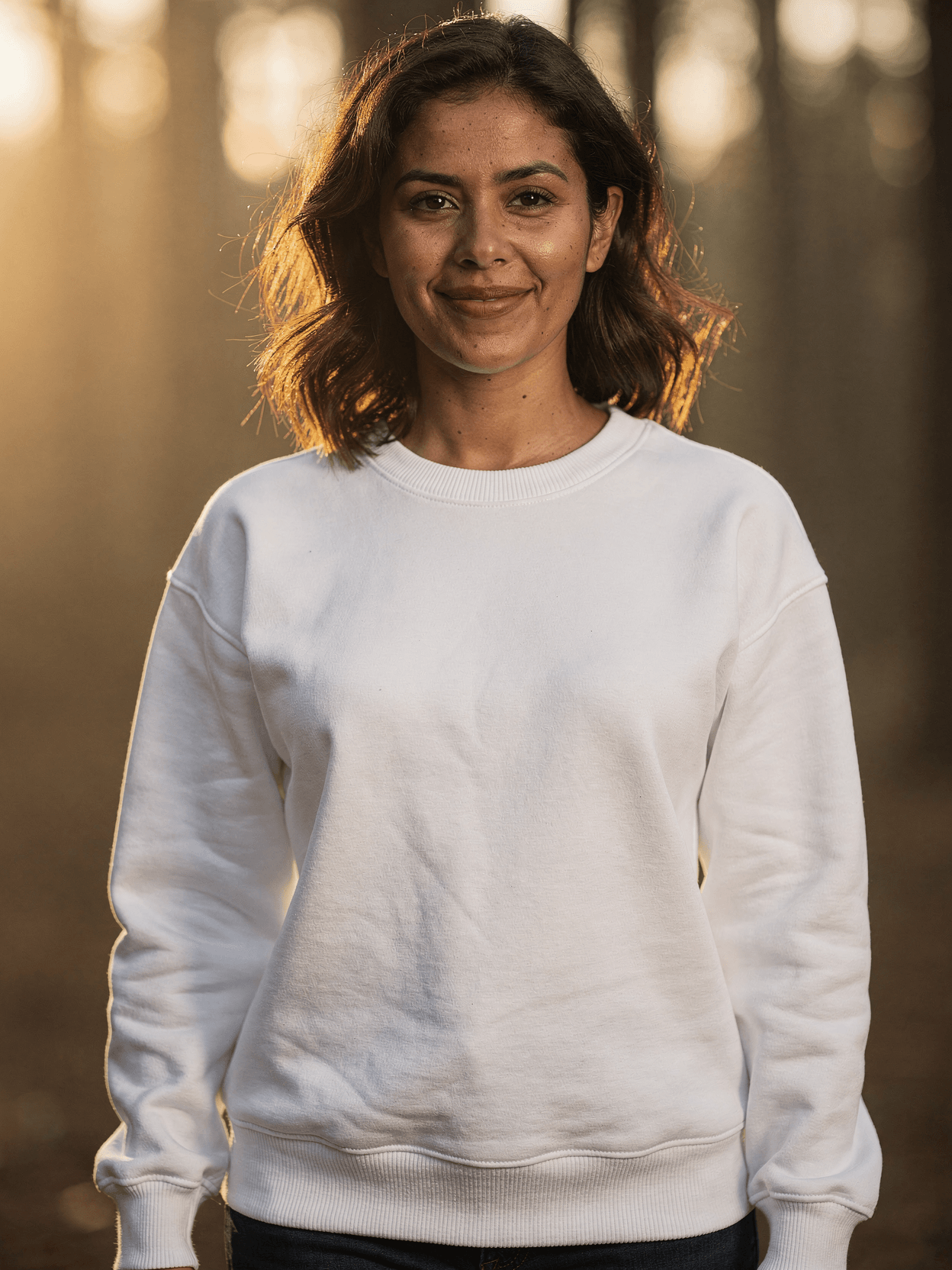
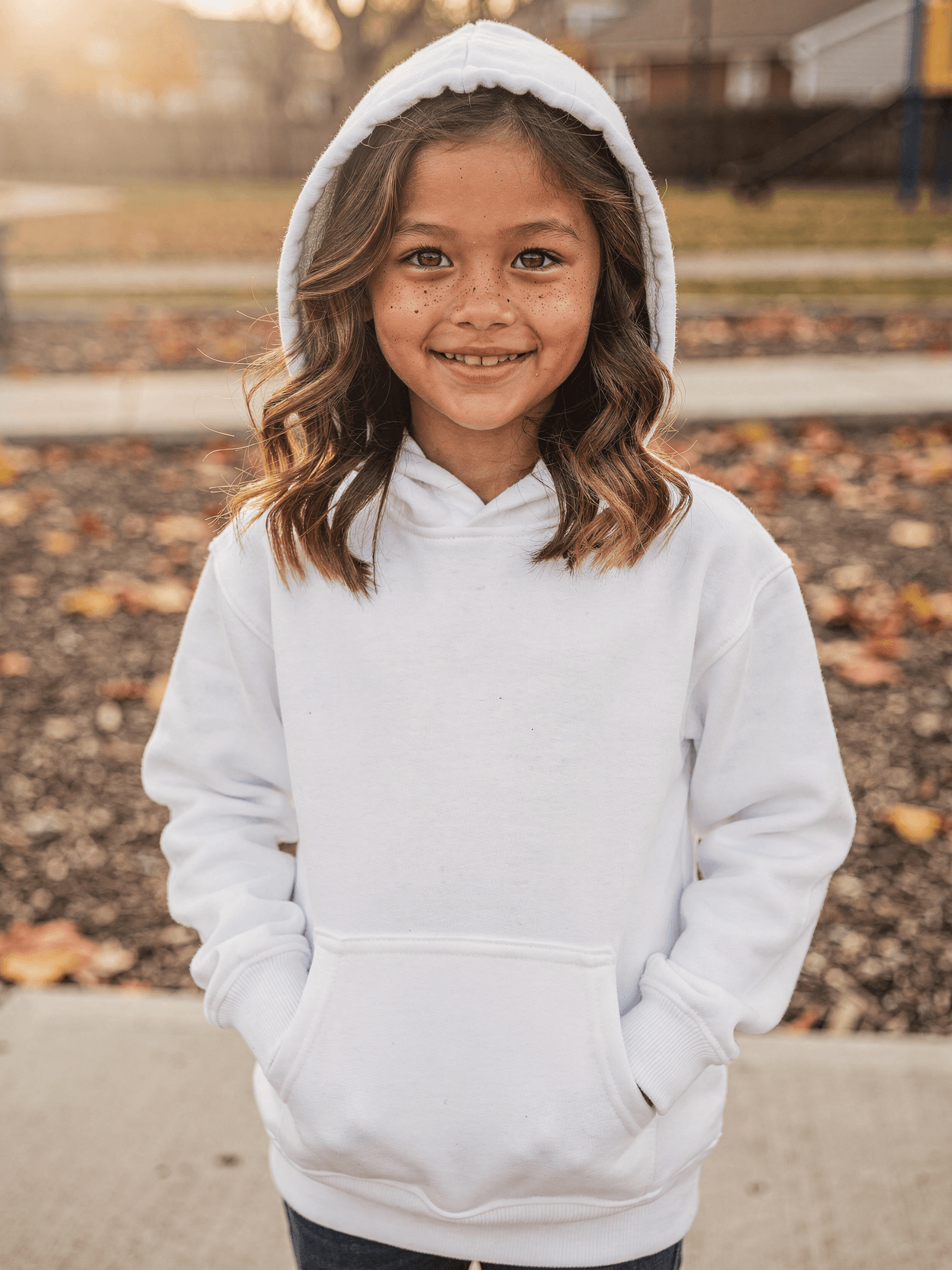
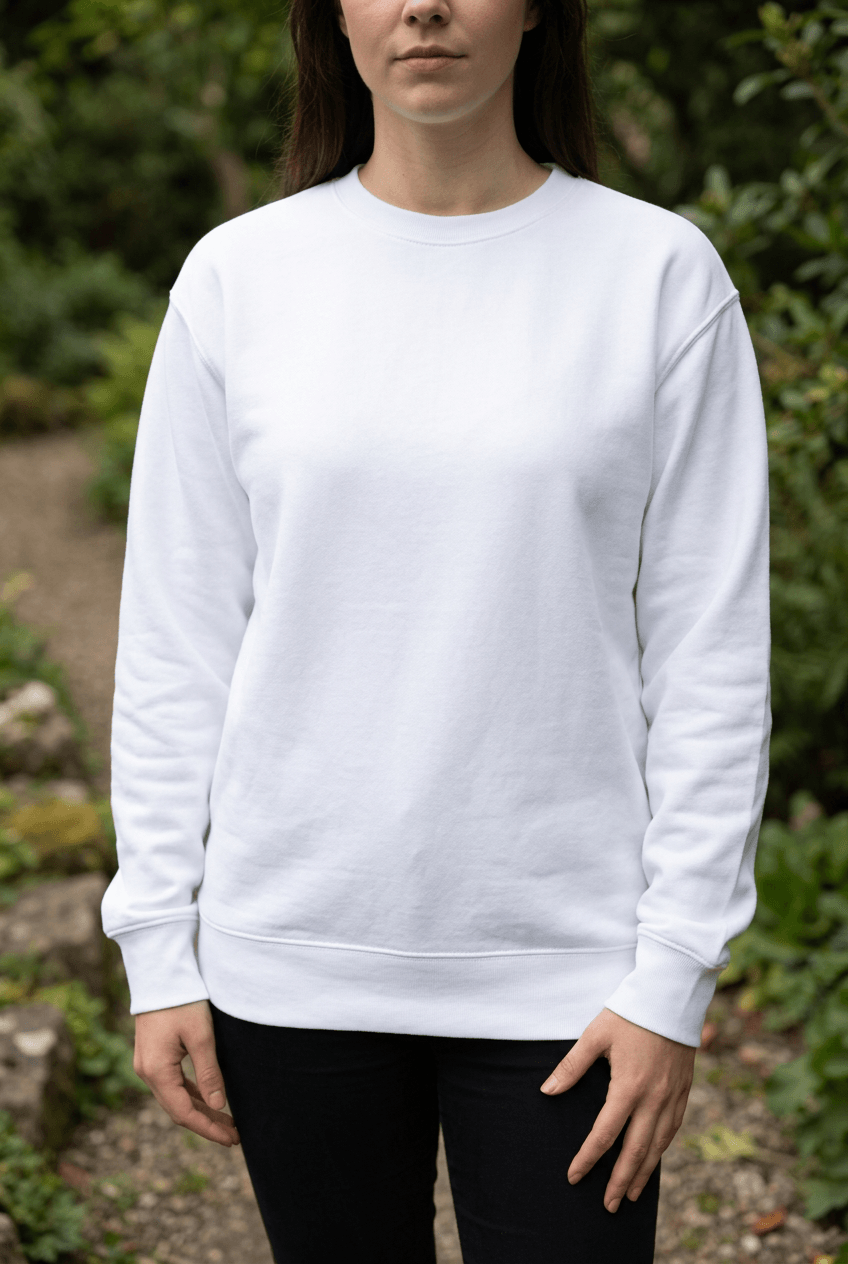
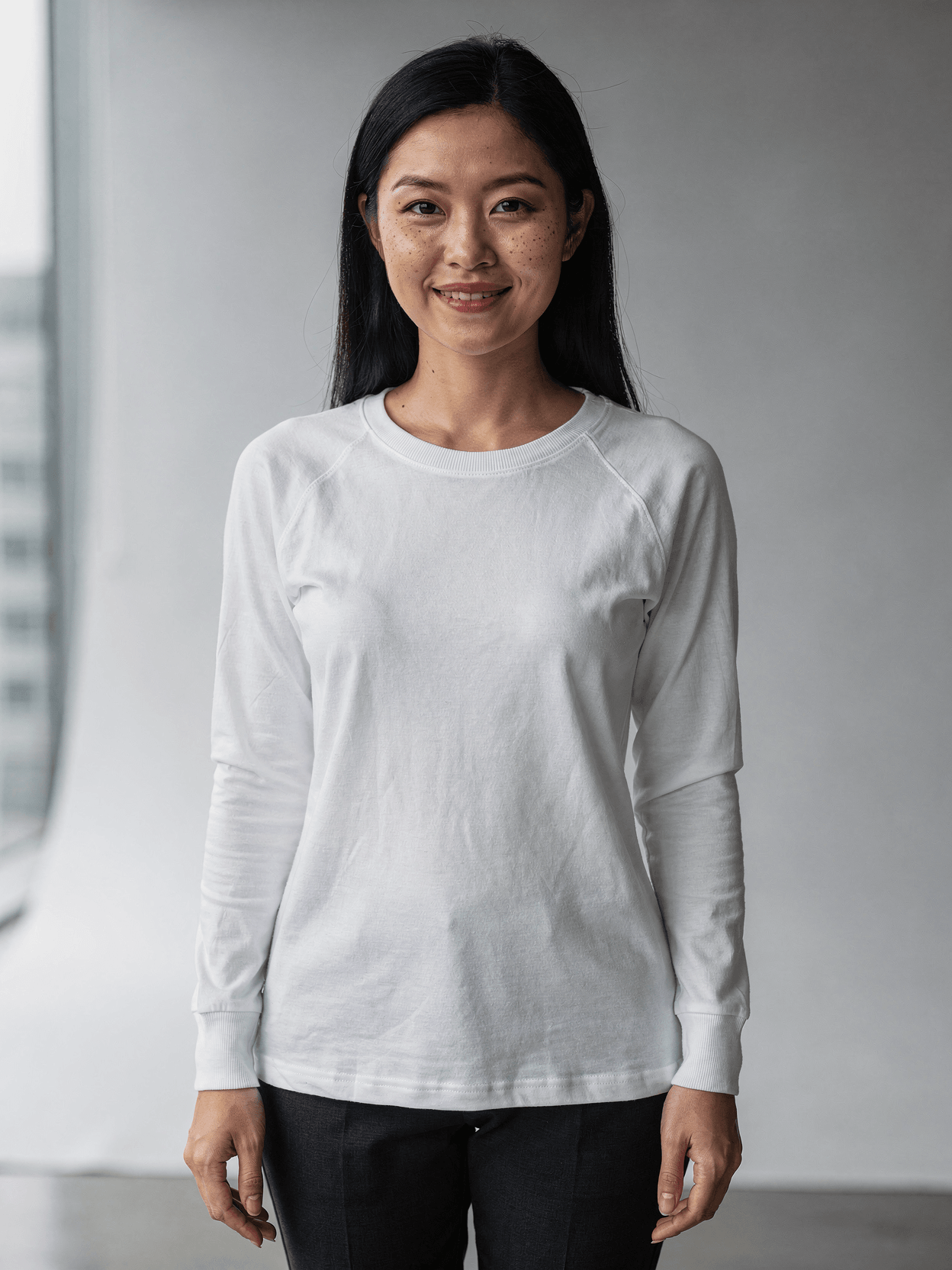
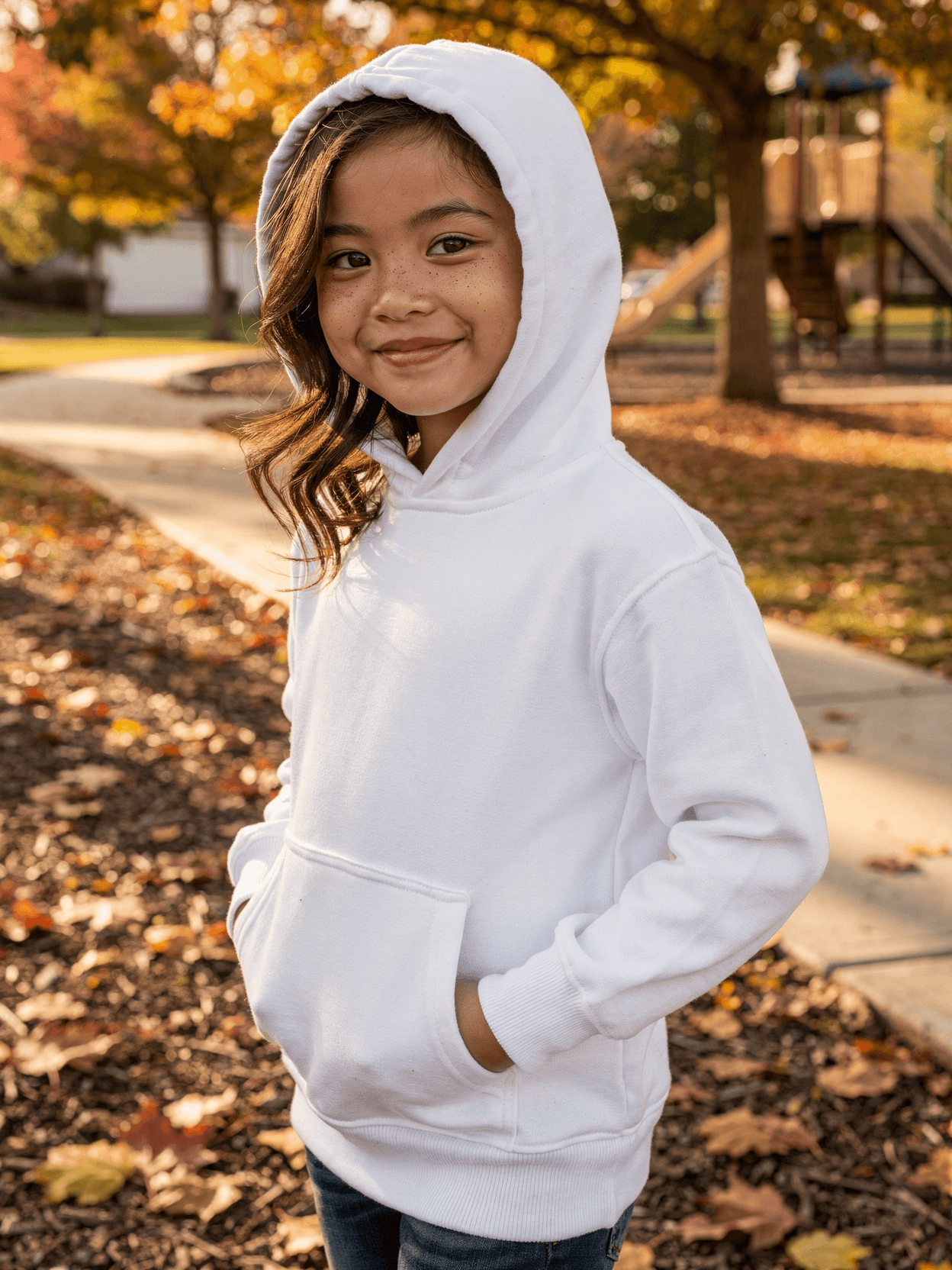
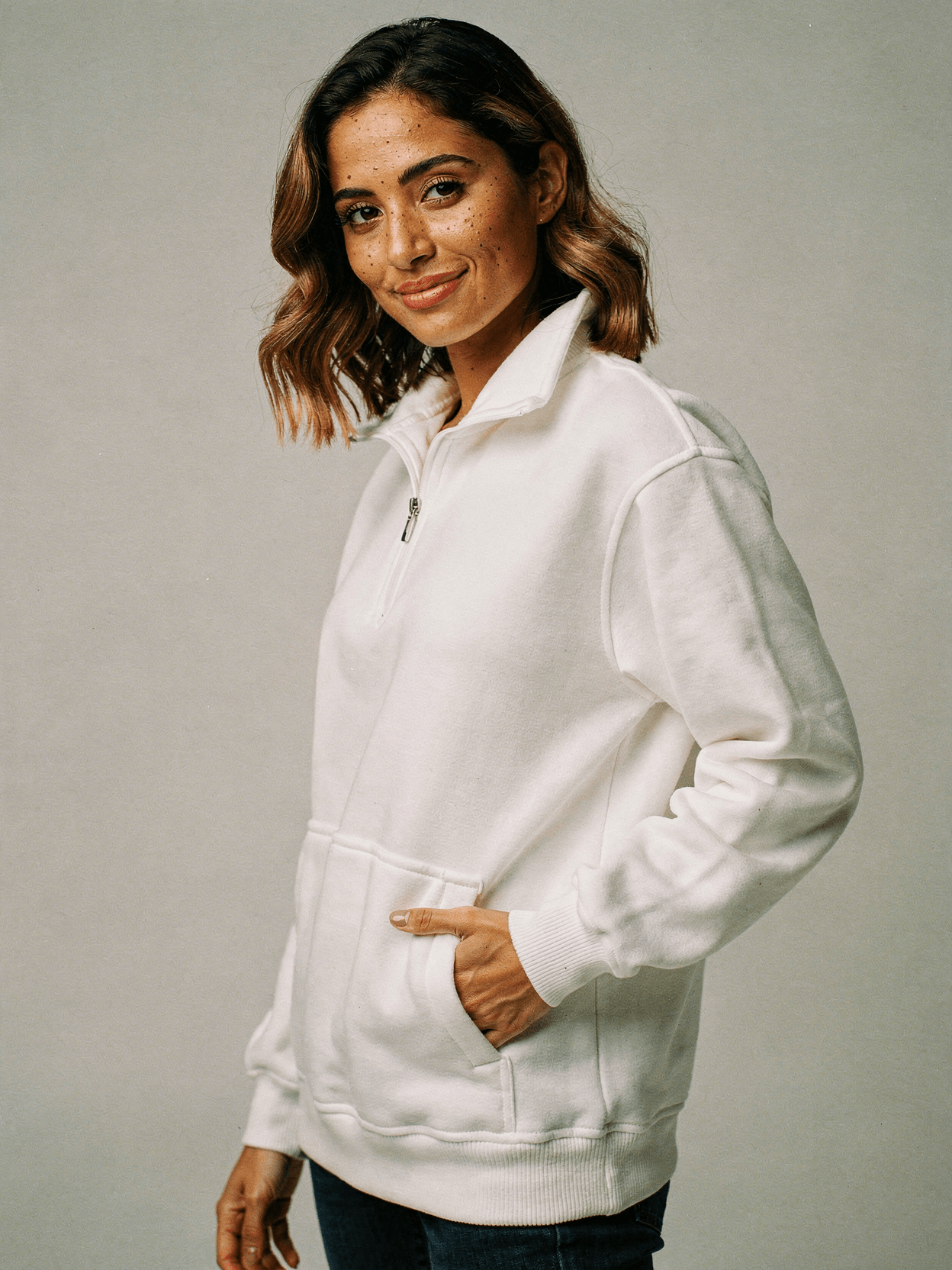
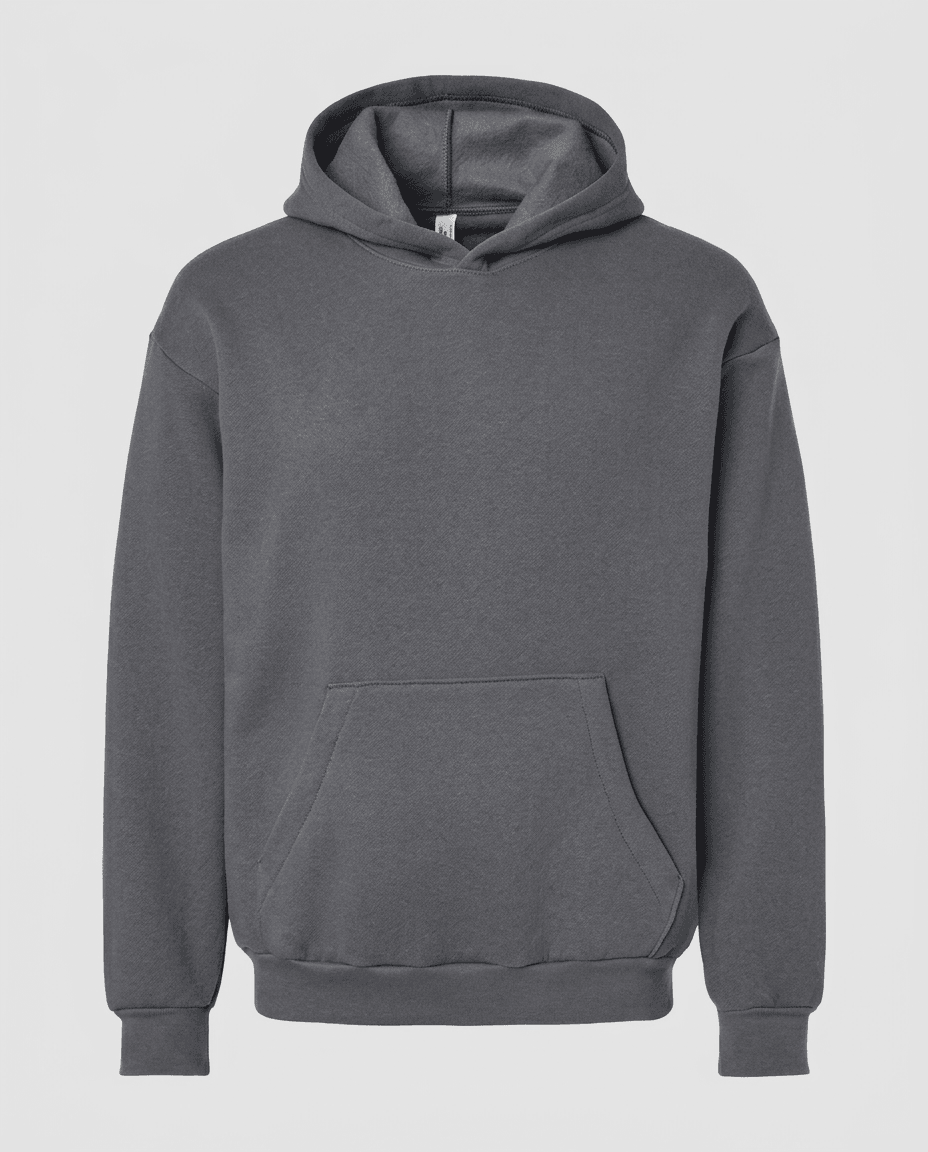
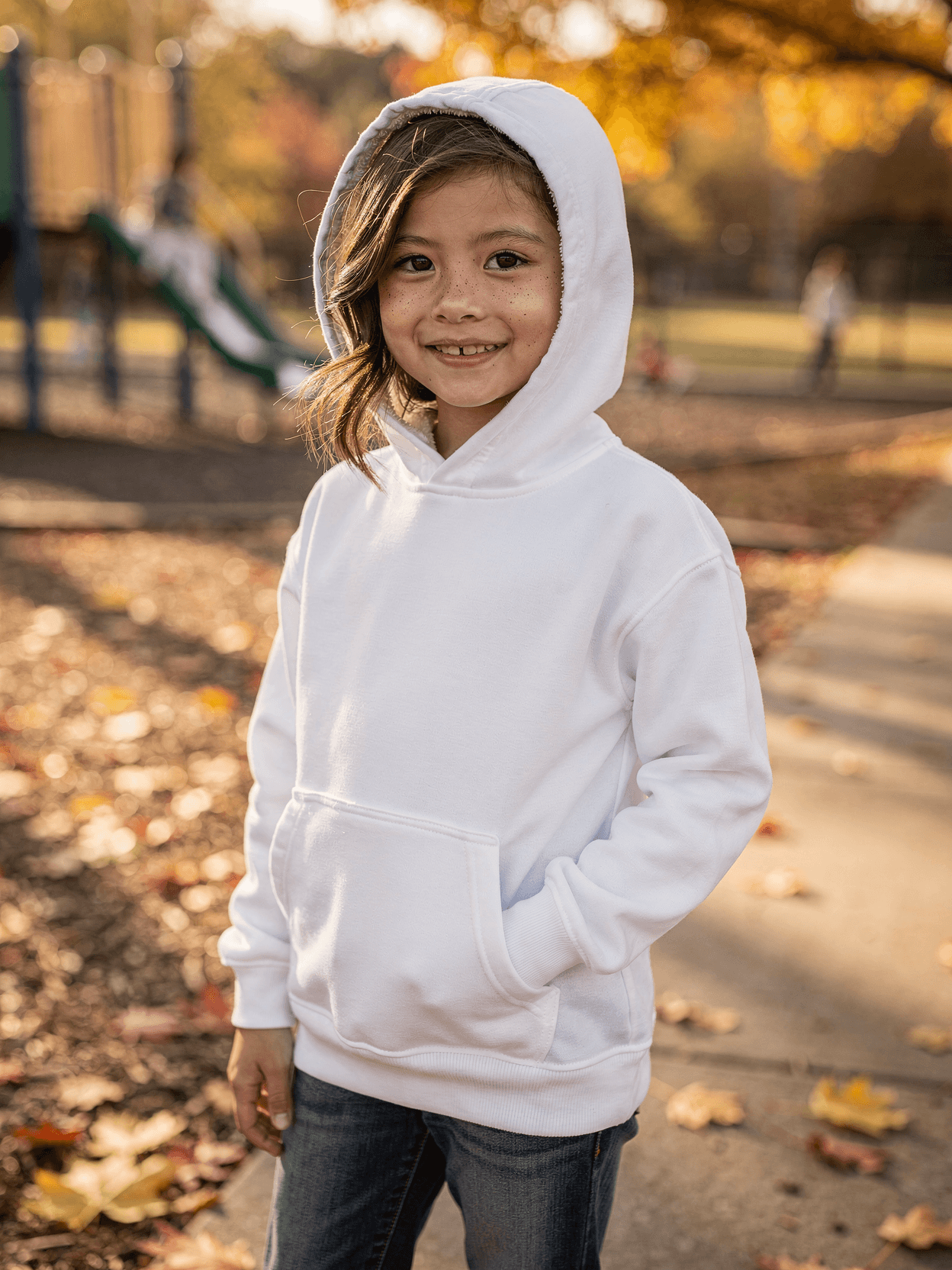
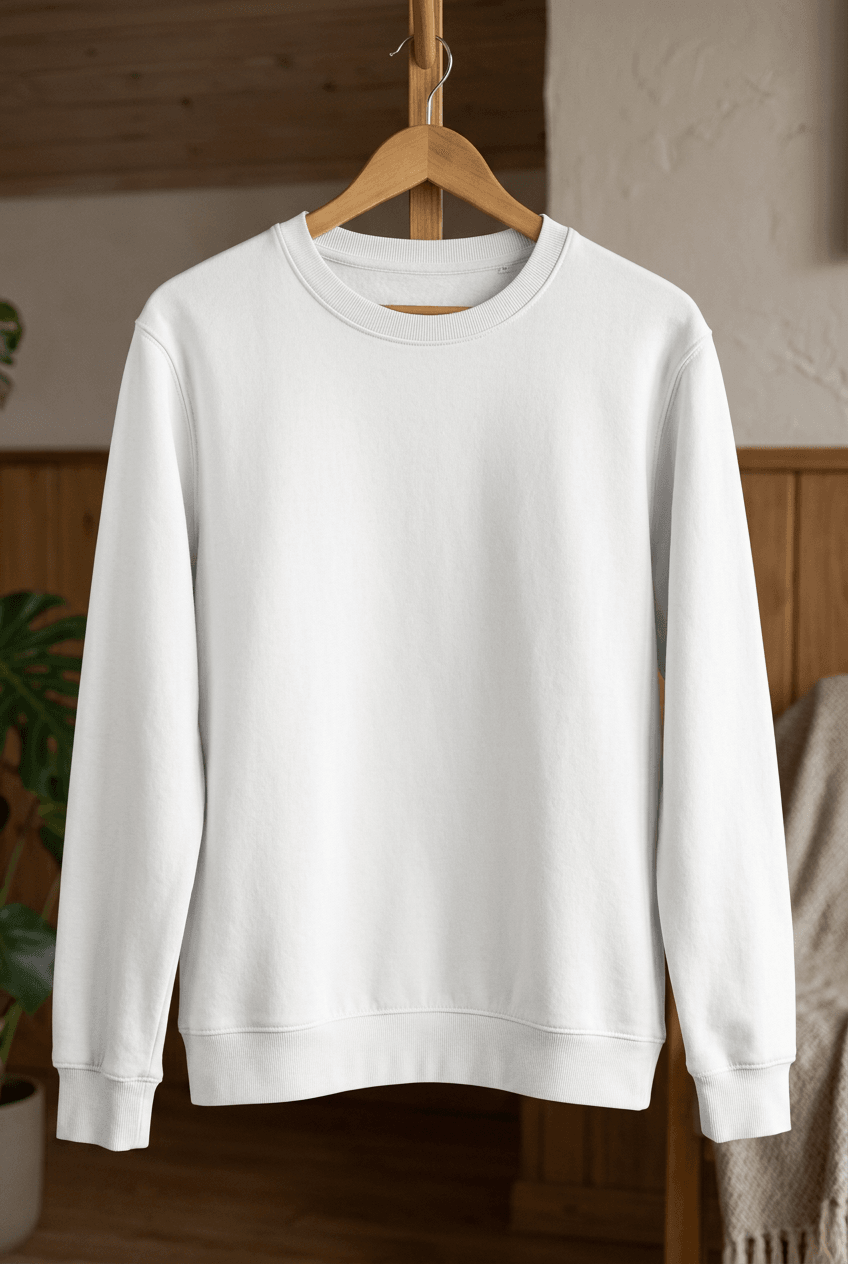
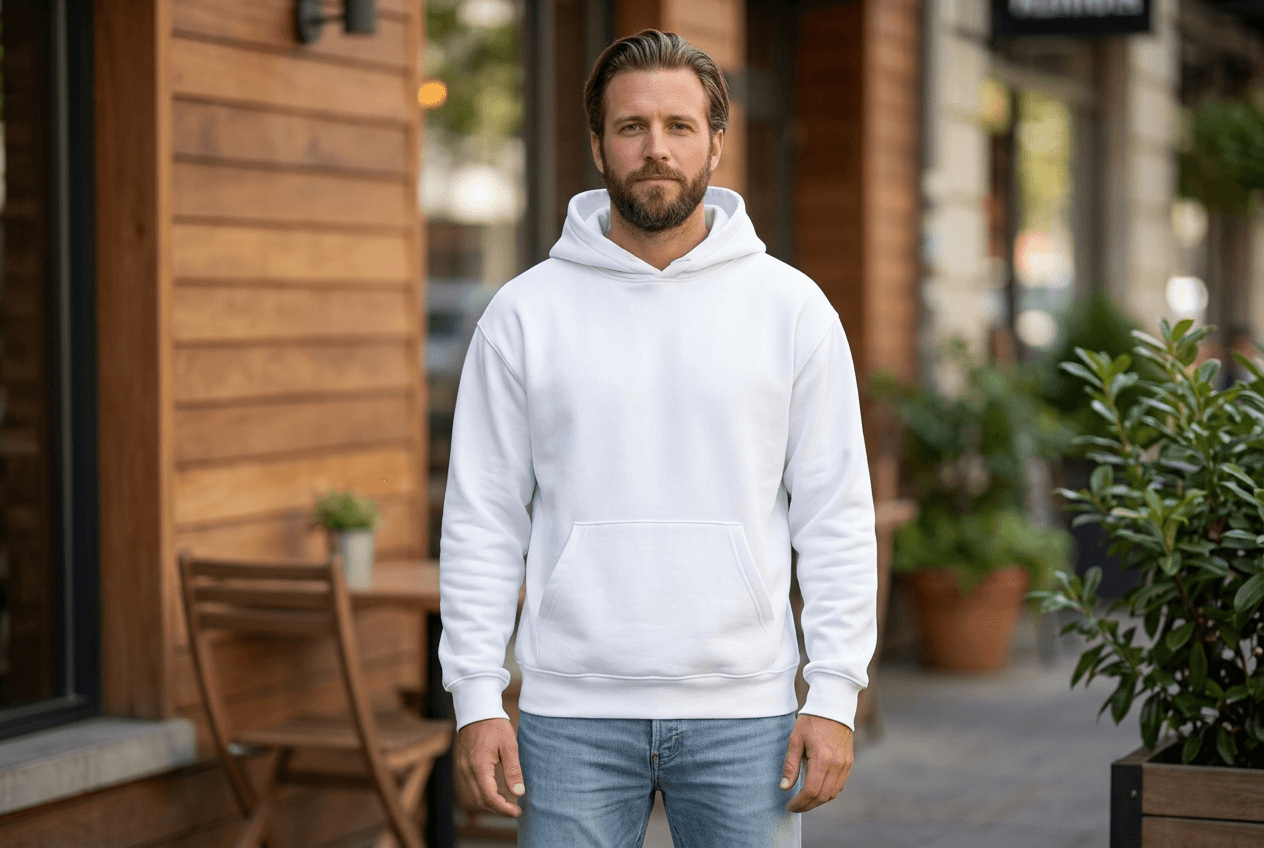
Upload your design image through the SudoMock API or Dashboard Playground. Every angle opens as a ready photo mockup: place your artwork in the editor or through the API.
Loading selected angle
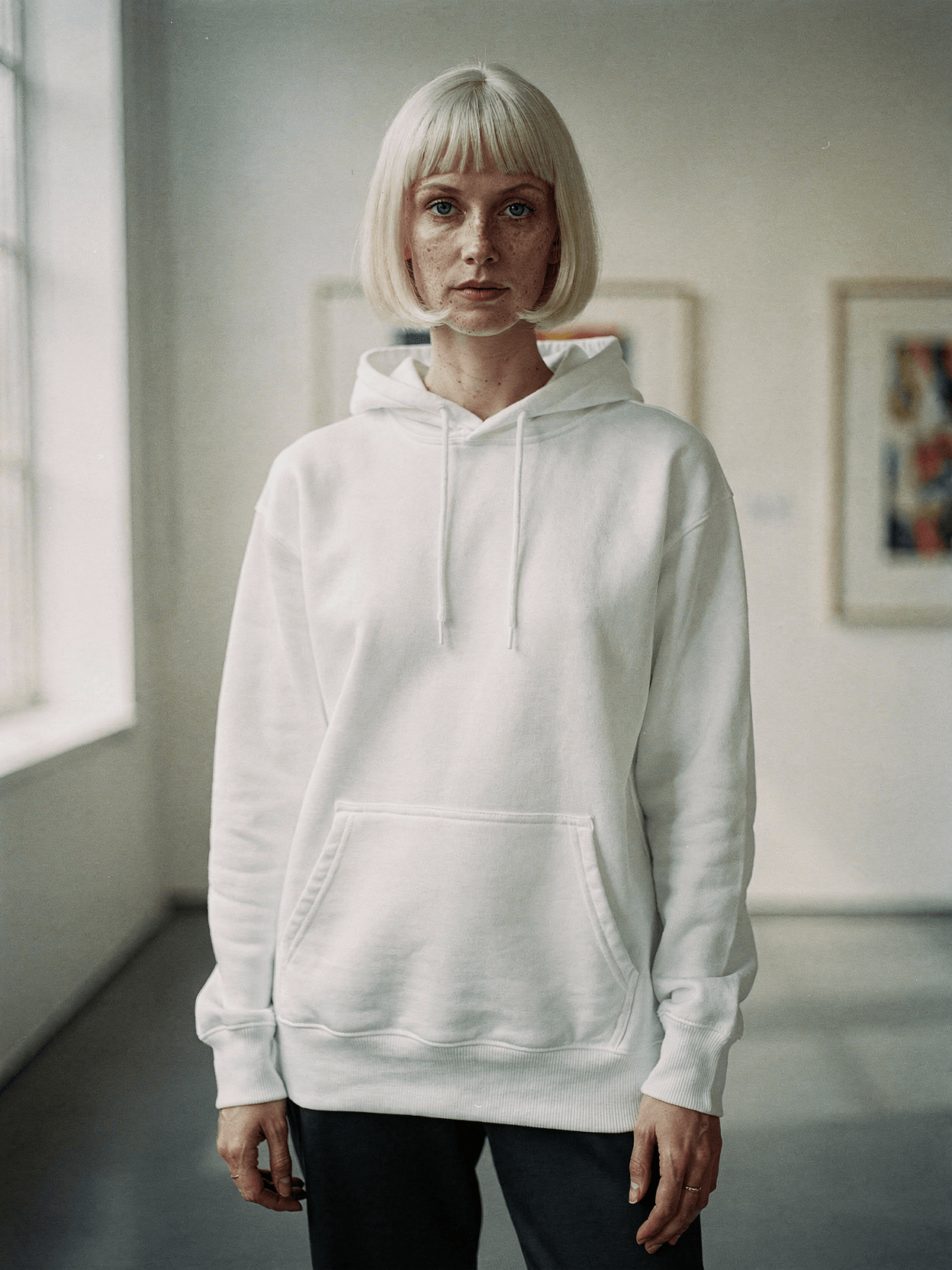
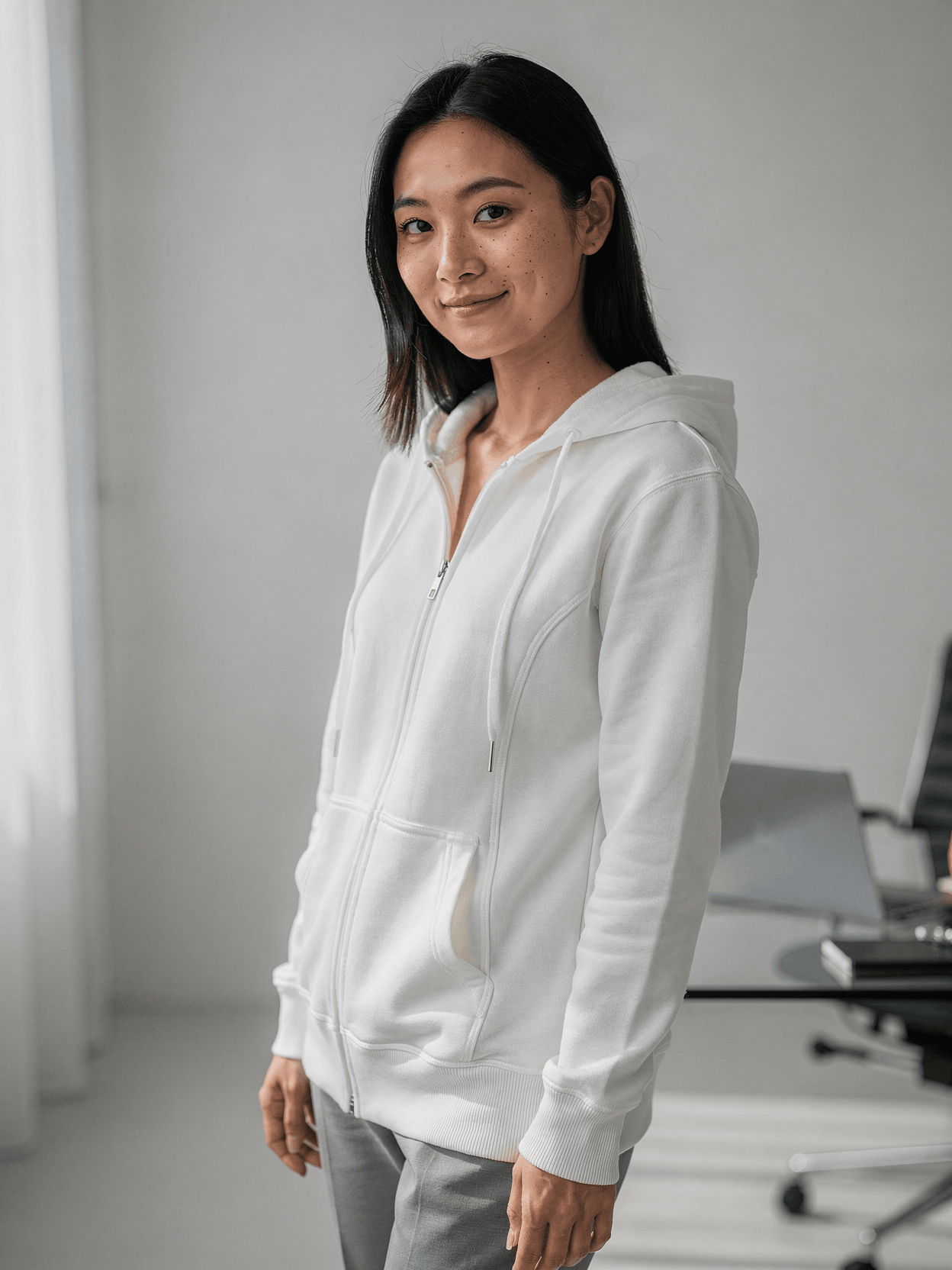
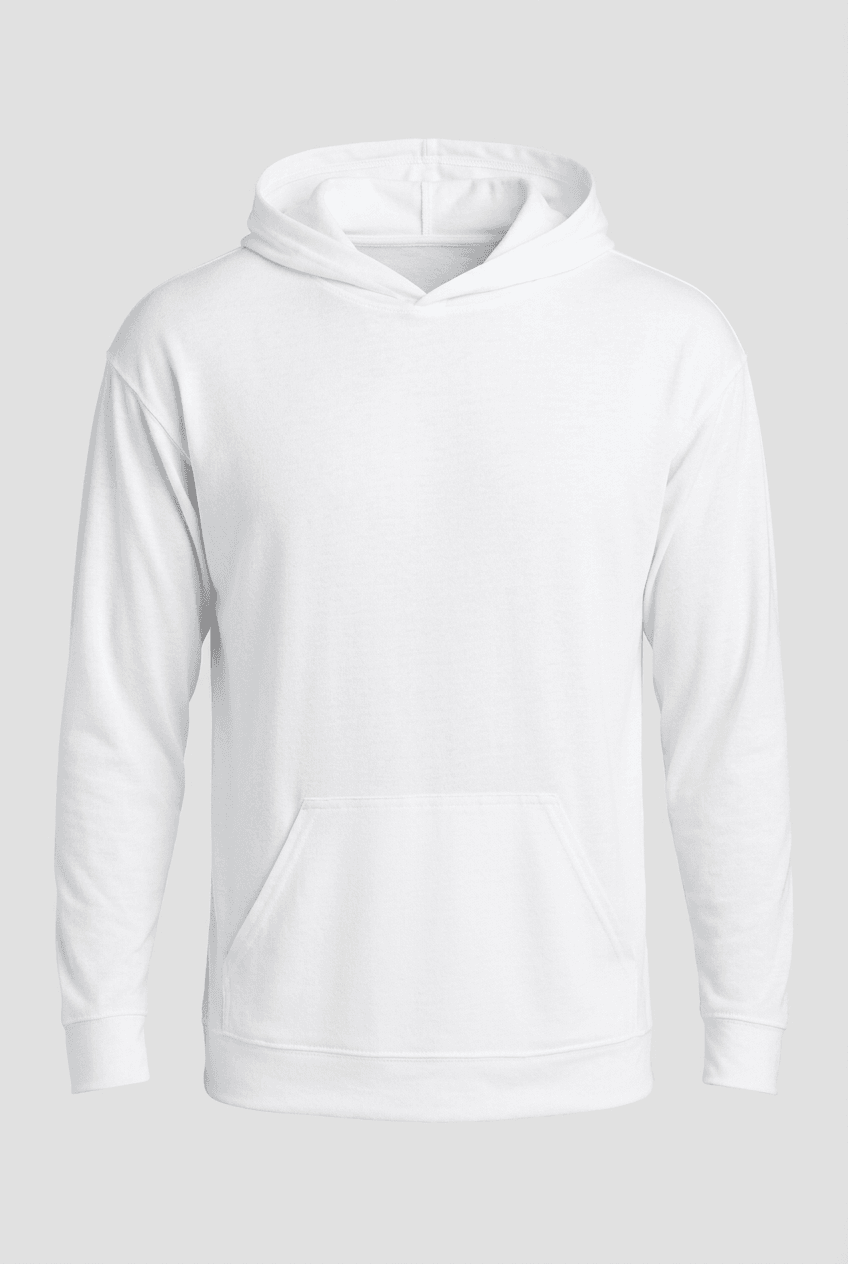
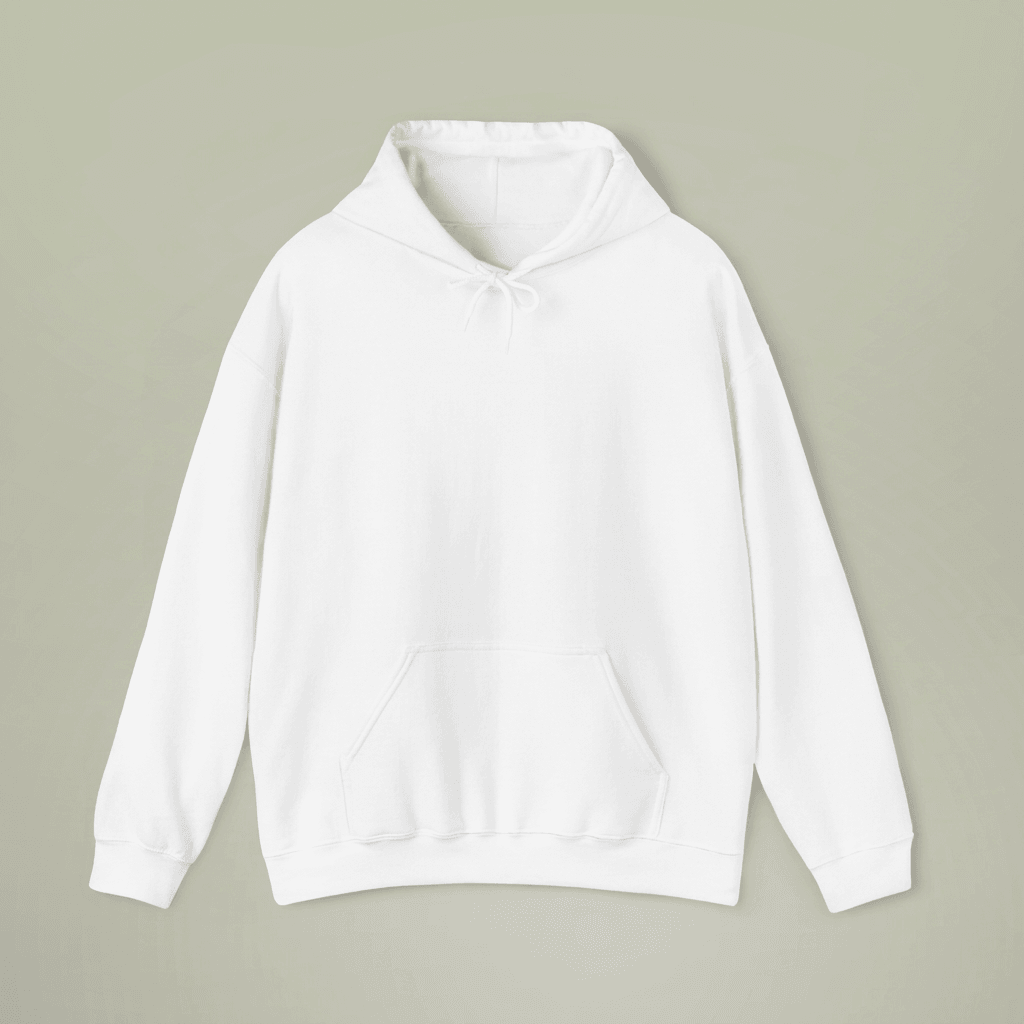
White Polyester Pullover Hoodie on Female Model
What's Included
Six camera angles: front hero, front 3/4, back view, hood up, kangaroo pocket detail, and seated lifestyle shot
Female model with wavy brown hair and freckles shown in cozy reading nook with leather chair and brass lamp
White polyester fleece pullover with smooth front exterior and plush fleece texture visible on back and hood interior
Construction details shown: reinforced shoulder seams, kangaroo pocket, drawstring with aglet tips, ribbed cuffs and hem
Compatible with Printful, Printify, Gelato, and other POD platforms for pullover hoodie product listings
Every angle opens as a ready photo mockup
Subscriptions from $0.002 per render
Specifications
Format
PNG · RGB
Angles
6 views
About This Mockup
Mockup Overview
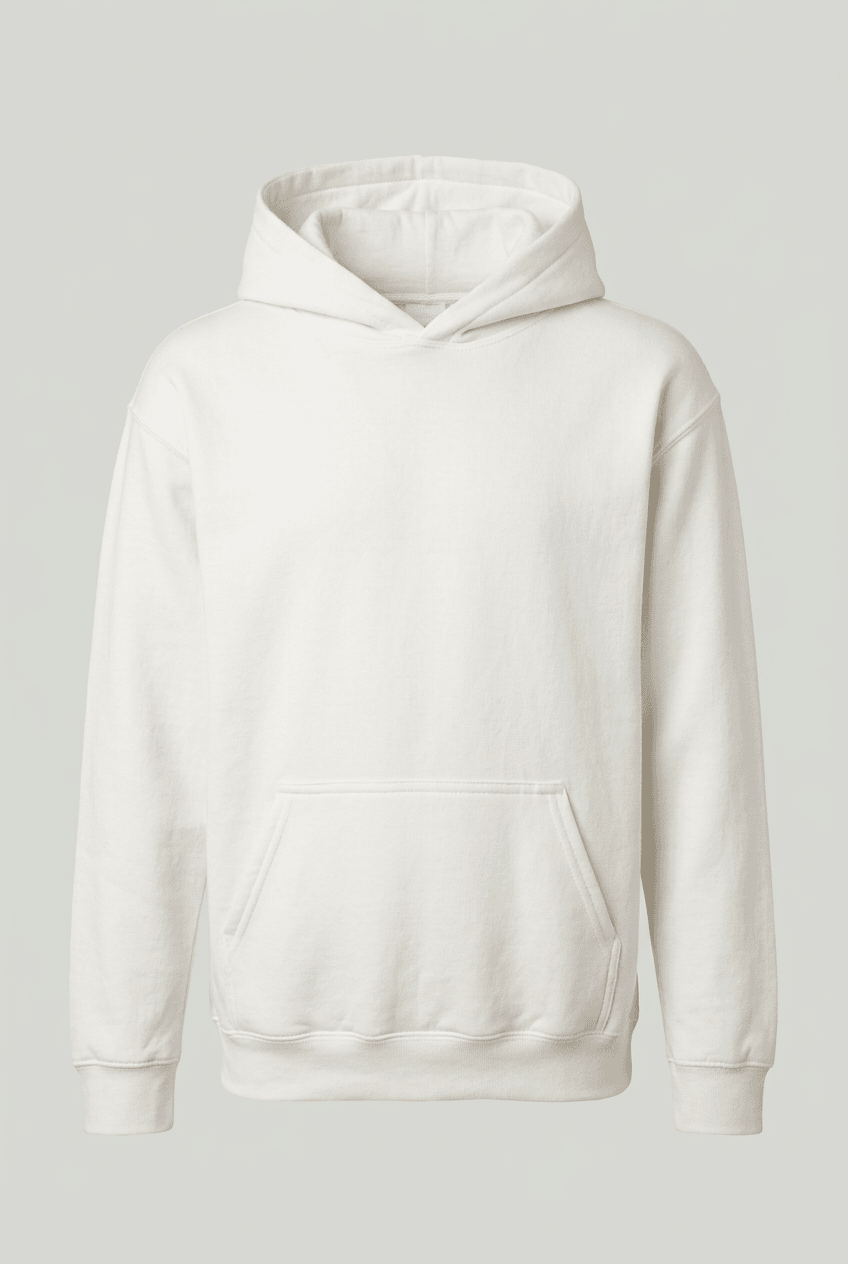
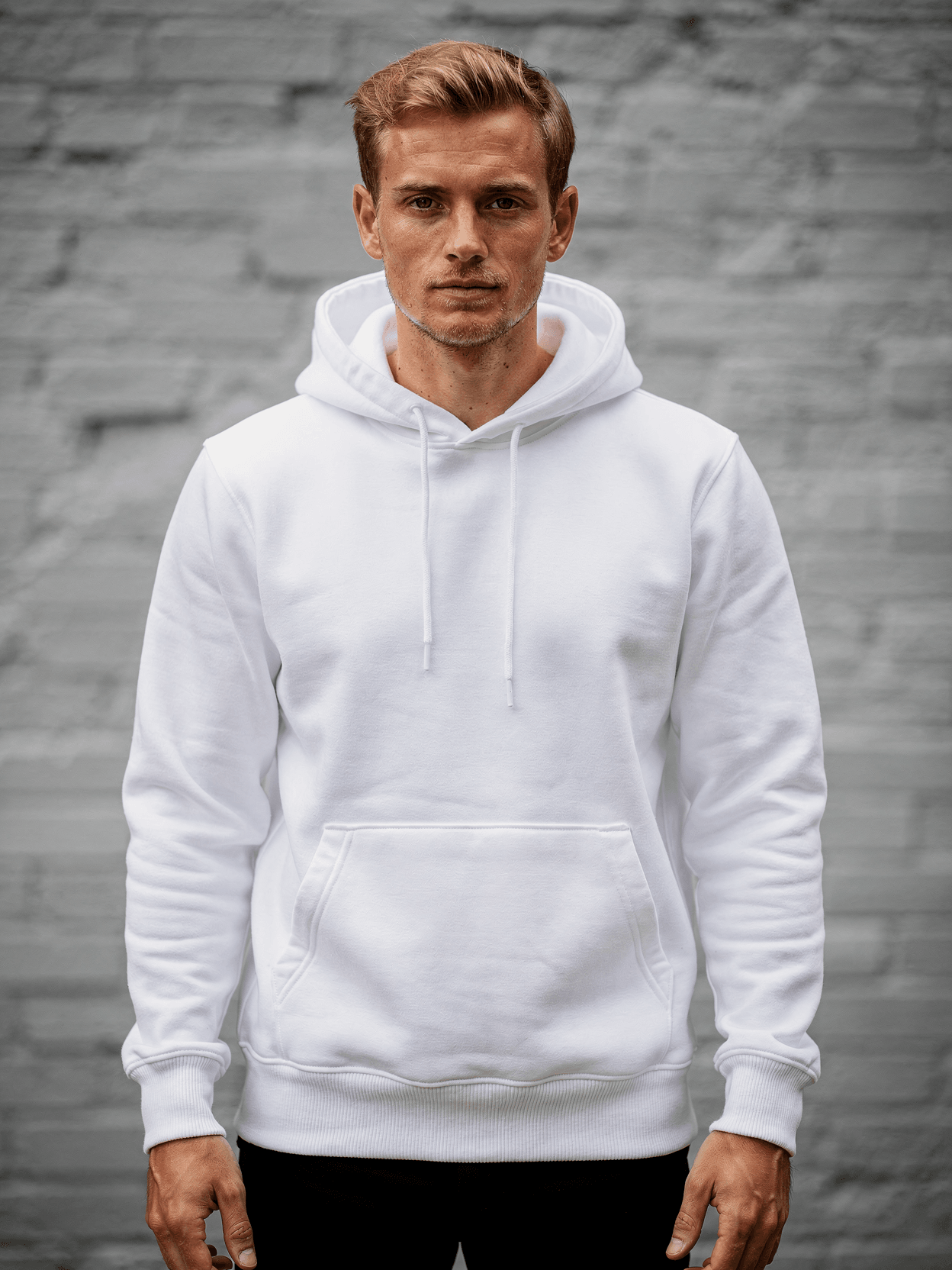
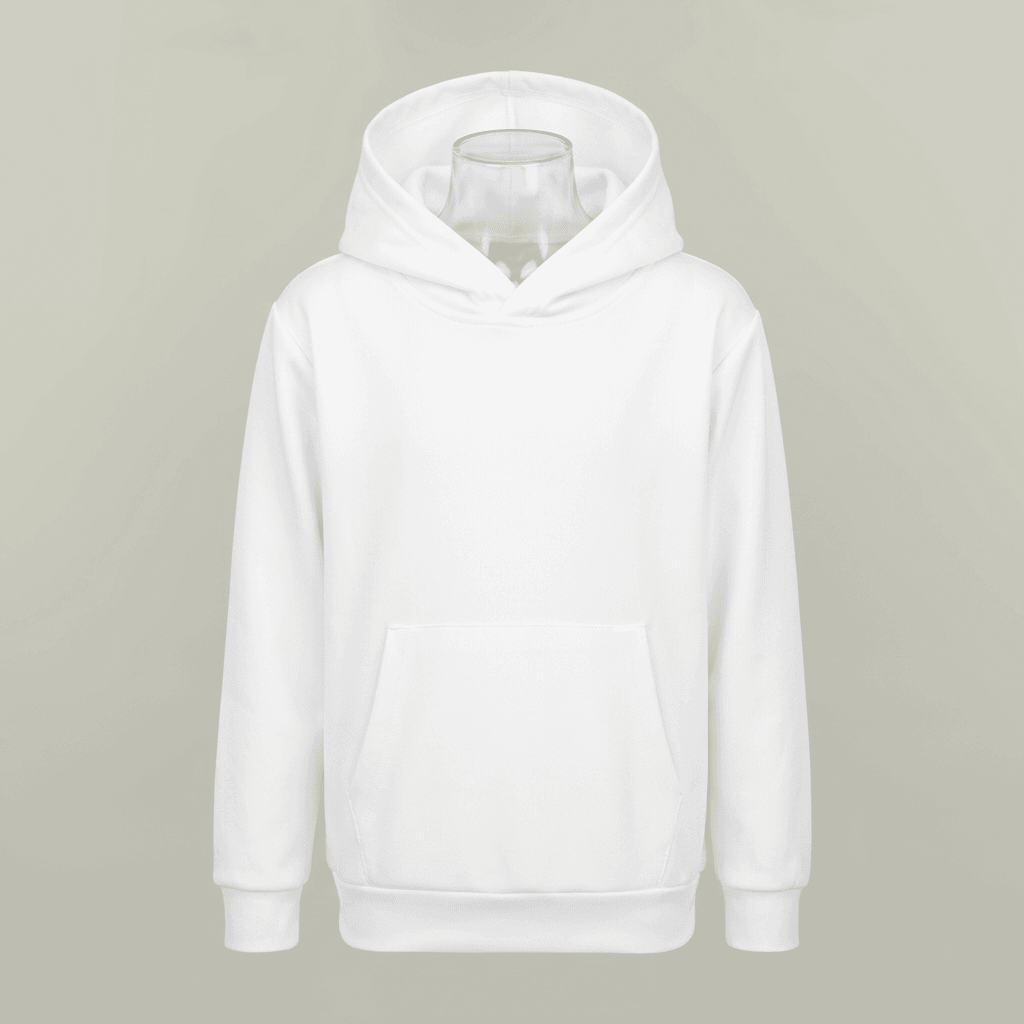
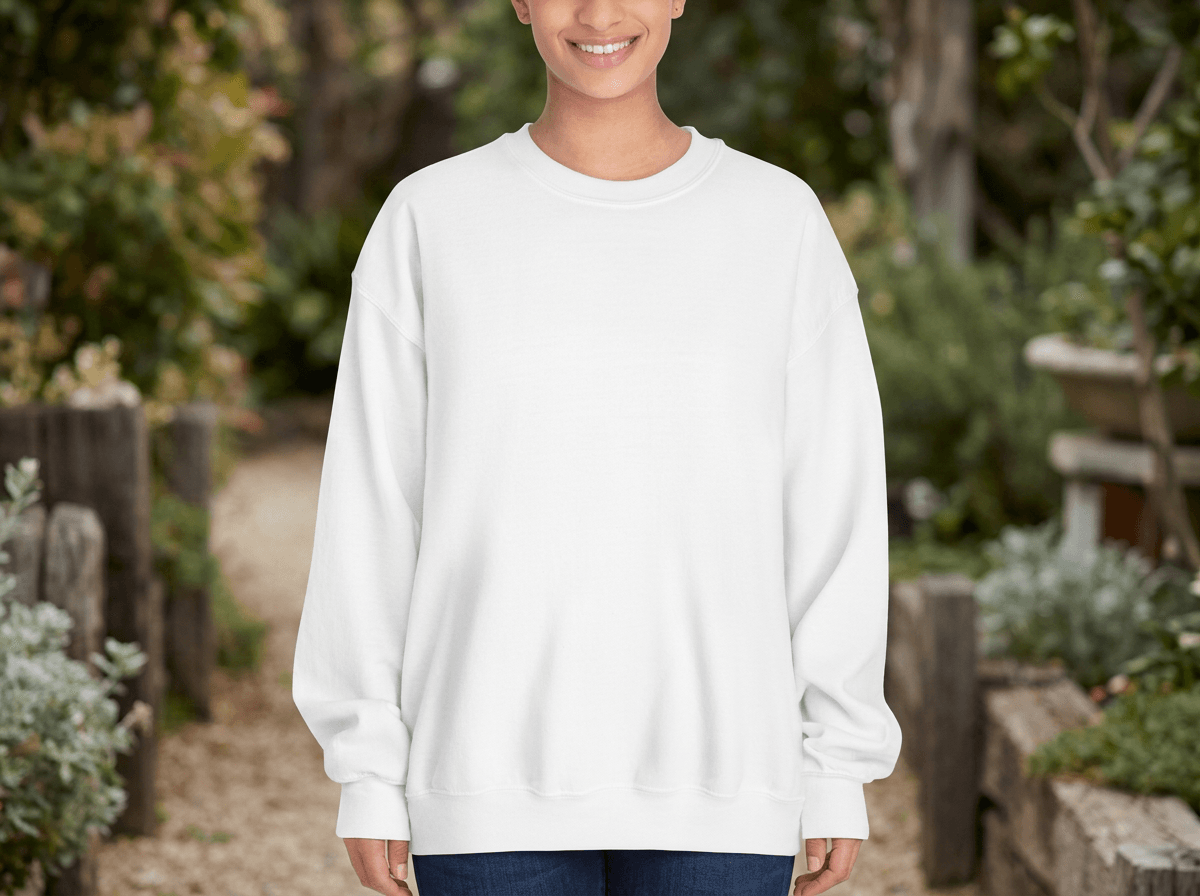
This mockup template shows a white polyester pullover hoodie worn by a female model in a cozy reading nook setting. The model is a young woman with medium-length wavy brown hair with lighter highlights, light brown skin with visible freckles across her cheeks, and small stud earrings. She is photographed smiling in a warm interior environment featuring a brown leather wingback chair, a brass desk lamp, wooden bookshelves filled with vintage hardcover books, and a potted plant. The hoodie is plain white with no logos or graphics, featuring a drawstring hood, kangaroo pocket, ribbed cuffs, and ribbed waistband.
Camera Angles
Six angles are included in this template set. The front hero shot shows the model facing the camera directly with both hands tucked into the kangaroo pocket, hood down, against a gray wall with the leather chair partially visible on the left. The front 3/4 angle captures the model turned at roughly 45 degrees, one hand in the pocket, with the brass desk lamp and stacked books visible behind her. The back view shows the model facing away, displaying the full back surface of the hoodie; the exterior back fabric has a soft, slightly fuzzy fleece-like texture. The hood-up view shows the model facing the camera with the hood pulled over her head, revealing a plush fleece interior lining inside the hood. The setting for this angle is a lighter room with a window and an upholstered chair with a fringed throw blanket. The detail closeup focuses on the kangaroo pocket area and drawstring tips, with the model's hands partially inserted into the pocket openings. The lifestyle shot places the model seated in the leather wingback chair, legs crossed, holding an open book, with the brass floor lamp, stacked books, and a potted plant arranged beside her.
Product Details
The hoodie appears to be an oversized or relaxed fit pullover constructed from polyester fleece. The front exterior surface is smooth with a slight nap. The back exterior and hood interior show a denser, plush fleece texture. Construction details visible across the angles include reinforced shoulder seams, a single-panel kangaroo pocket with side openings, matching white drawstrings with plastic aglet tips, ribbed knit cuffs, and a ribbed knit hem band. The model pairs the hoodie with dark navy or black jeans in most angles, and light blue denim jeans in the hood-up shot.
Technical Specifications
The white surface area across the front chest, back panel, hood, sleeves, and kangaroo pocket serves as the design placement zone. The template is suitable for e-commerce product listings, Shopify and Etsy store catalogs, print-on-demand product visualization, and social media marketing assets.
Compatibility
This mockup is compatible with POD fulfillment providers that offer polyester or poly-blend pullover hoodies, including Printful, Printify, and Gelato. The relaxed oversized fit shown corresponds to unisex or women's pullover hoodie blanks from suppliers such as Gildan and Bella+Canvas.
Every angle opens as a ready photo mockup: place your artwork in the editor or through the API. Subscriptions from $0.002 per render.
How to Use This Mockup
Step 01
Pick an angle
Choose the angle you want from this template. Every angle opens as a ready photo mockup.
Photo Mockups GuideStep 02
Place your artwork
Add your design in the editor or through the API, as a single placement or a repeating pattern.
Print Areas GuideStep 03
Export your mockup
Generate high-resolution product images in PNG, JPG, or WebP format. Batch process multiple designs.
Render Artwork DocsDetails & Specifications
File Format
PNG
Color Mode
RGB
Angles
6
| Angle | Type | Primary |
|---|---|---|
| Front Hero Shot | front-centered | Yes |
| Front 3/4 Angle | front-three-quarter | |
| Back View | back-centered | |
| Hood Up View | hood-up-front | |
| Detail Shot | detail-closeup | |
| Lifestyle Context | lifestyle-casual |
Perfect For
Use Cases
Seasons
Tags
Pullover Hoodie MockupHoodie MockupHoodie Mockup FreePullover Hoodie TemplateHoodie Mockup GeneratorWhite Hoodie MockupOversized Pullover Hoodie Mockup FreeRealistic Pullover Hoodie Mockup With ModelPullover Hoodie Mockup Front And Back ViewKangaroo Pocket Pullover Hoodie MockupPullover Hoodie Mockup For POD SellersPullover Hoodie Mockup For Print-on-DemandPolyester Hoodie MockupFleece Hoodie MockupFemale Model Hoodie MockupHoodie Mockup With ModelApparel Mockup GeneratorSweatshirt Mockup GeneratorCustomizable Pullover Hoodie Mockup TemplateHoodie Mockup Front And Back
Visual Style
Industry Insights & Research
Offering multiple photos from different angles leads to a 58% increase in sales regardless of category (Claid.ai Research / ACM WSDM 2014).
This six-angle mockup set provides front, back, side, detail, hood-up, and lifestyle views to maximize listing performance.
67% of consumers find high-quality visual content more important than product descriptions or customer ratings (247 Commerce Visual Commerce Report).
Photorealistic hoodie mockups with visible fabric texture and natural model poses serve as high-quality visual content for product pages.
22% of products are returned because they appear different in person than in product images (GrabOn & Multiple CRO Sources).
Realistic mockups showing actual fabric texture, fit, and drape on a human model help reduce the gap between buyer expectation and delivered product.
High-quality images can increase conversions by up to 60% (Odette Photo Art / Spyne Research).
Rendering designs onto photorealistic hoodie templates produces product images comparable to professional photography output.
“The mockup world offers something profoundly important: it creates the crucial context that allows others to see your design as you intended it to be experienced.”
“Mockups are indispensable tools for maintaining brand consistency and ensuring that design projects align with clients' visions.”
“For hoodies specifically, having the hood-up and hood-down angles in the same template set saves us from buying two separate mockup packs. The lifestyle angle with the reading nook setting also works well for our cozy-themed apparel line.”
Frequently Asked Questions
The platform supports programmatic rendering via REST API and a visual Dashboard Playground. Other options include Canva, Mockey, and Placeit, though SudoMock is specifically built for API-driven bulk generation used by POD sellers. Subscriptions from $0.002 per render.
This template includes six angles: front hero shot facing camera, front 3/4 angle showing side drape, back view displaying the full back print area and fleece texture, hood-up front view showing the plush hood interior lining, detail closeup of the kangaroo pocket and drawstring tips, and a lifestyle shot with the model seated reading in a leather chair.
Yes. Mockups rendered through SudoMock are intended for commercial use in product listings on Etsy, Shopify, Amazon, and other marketplaces. The rendered output images are yours to use in your store listings, social media, and marketing materials.
Standard front chest print areas on pullover hoodies are typically 11 to 12 inches wide and 12 to 14 inches tall, centered on the chest above the kangaroo pocket. Every angle opens as a ready photo mockup: place your artwork in the editor or through the API.
This white polyester pullover hoodie mockup is suitable for visualizing designs intended for pullover hoodie blanks from POD providers including Printful, Printify, and Gelato. The relaxed fit shown corresponds to common unisex hoodie blanks from Gildan and Bella+Canvas available through those platforms.
SudoMock renders output in WebP, PNG, or JPEG formats at resolutions up to 10,000 pixels. You select the output format and quality in your API request or Dashboard settings. Every angle opens as a ready photo mockup: place your artwork in the editor or through the API.
Pick an angle, open it in Photo Mockups and place your artwork in the editor or through the API. Then export your mockup as PNG, JPG or WebP.
Ready to Create Stunning Mockups?
Generate product mockups with Photo Mockups and the Render API. Upload artwork and export high-resolution images from one workflow.
No credit card required500 one-time creditsInstant API access