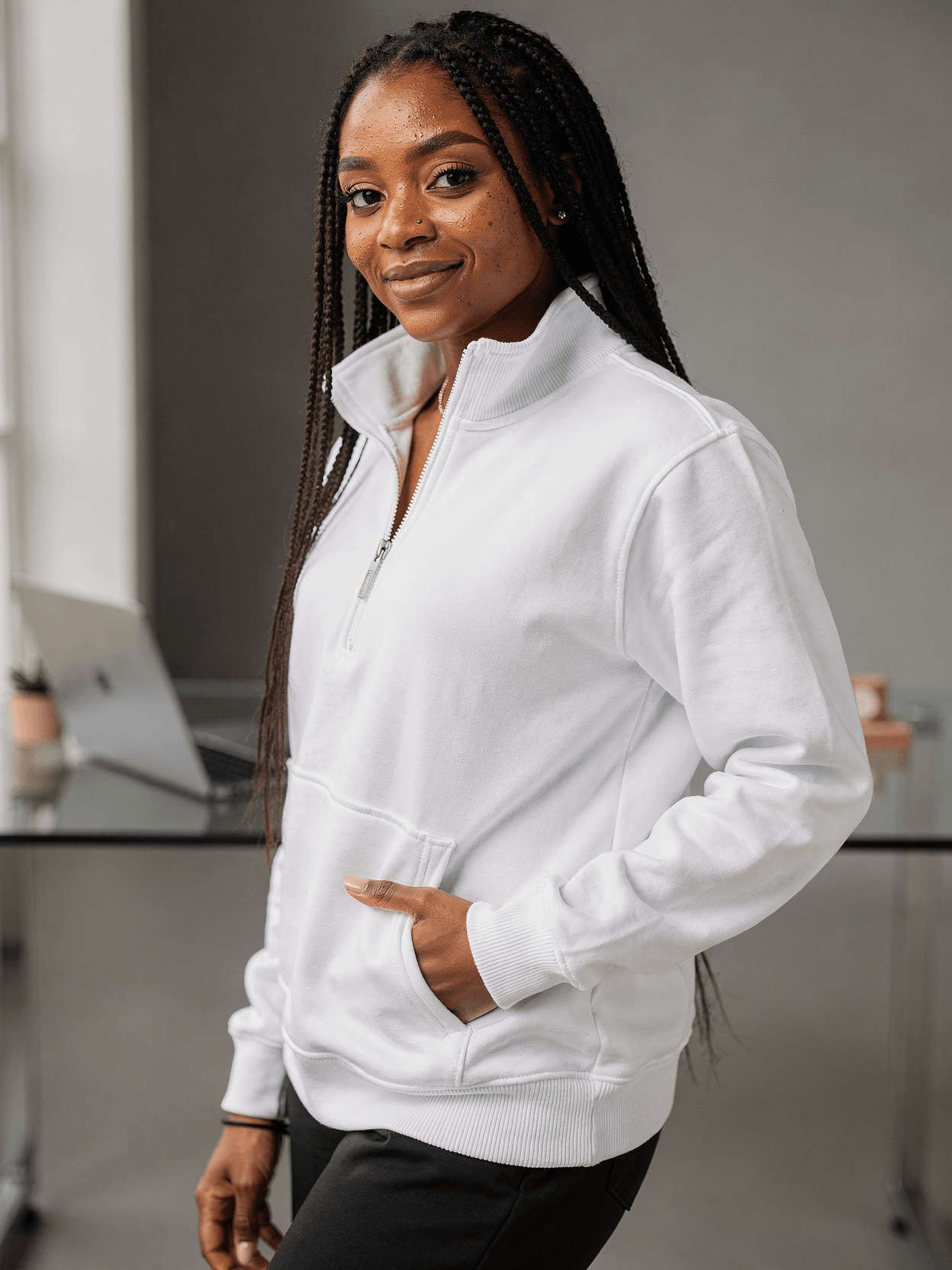
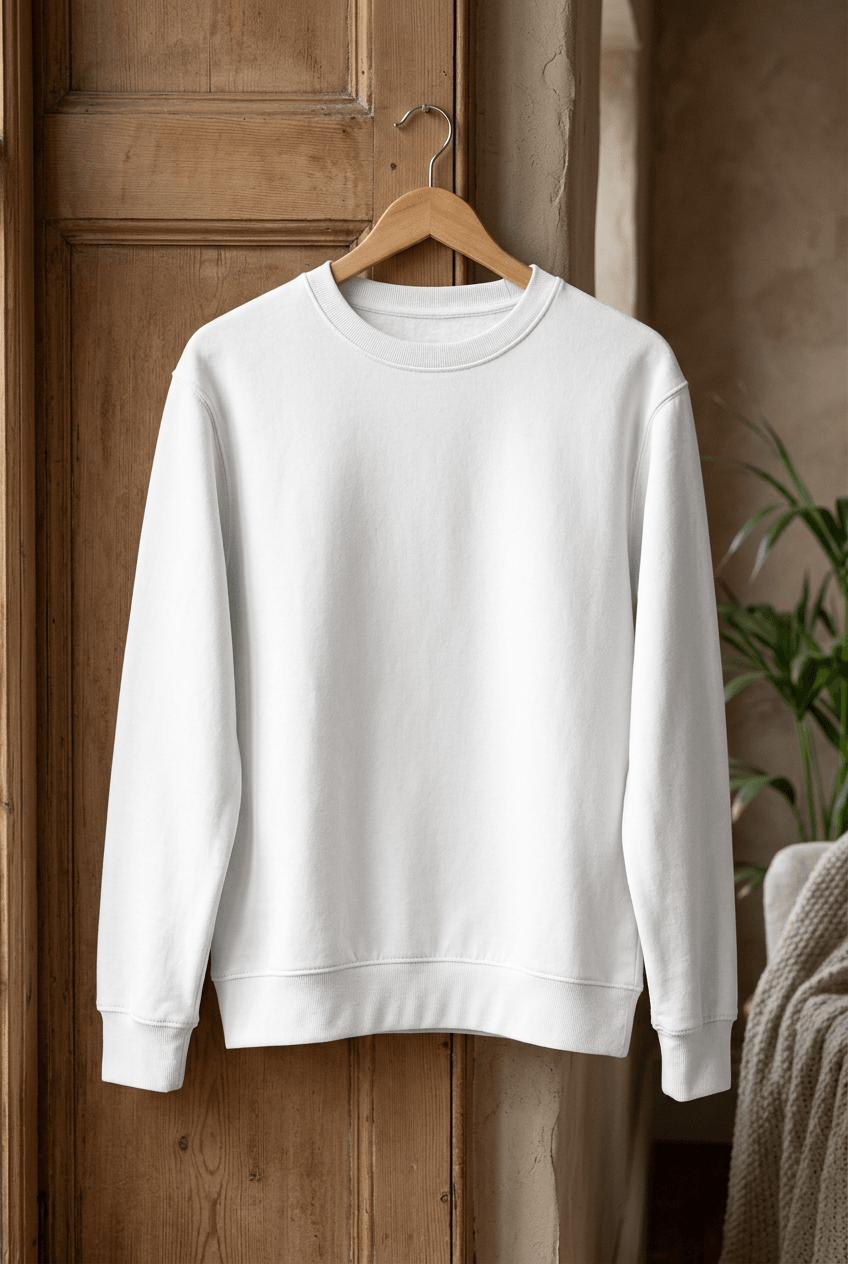
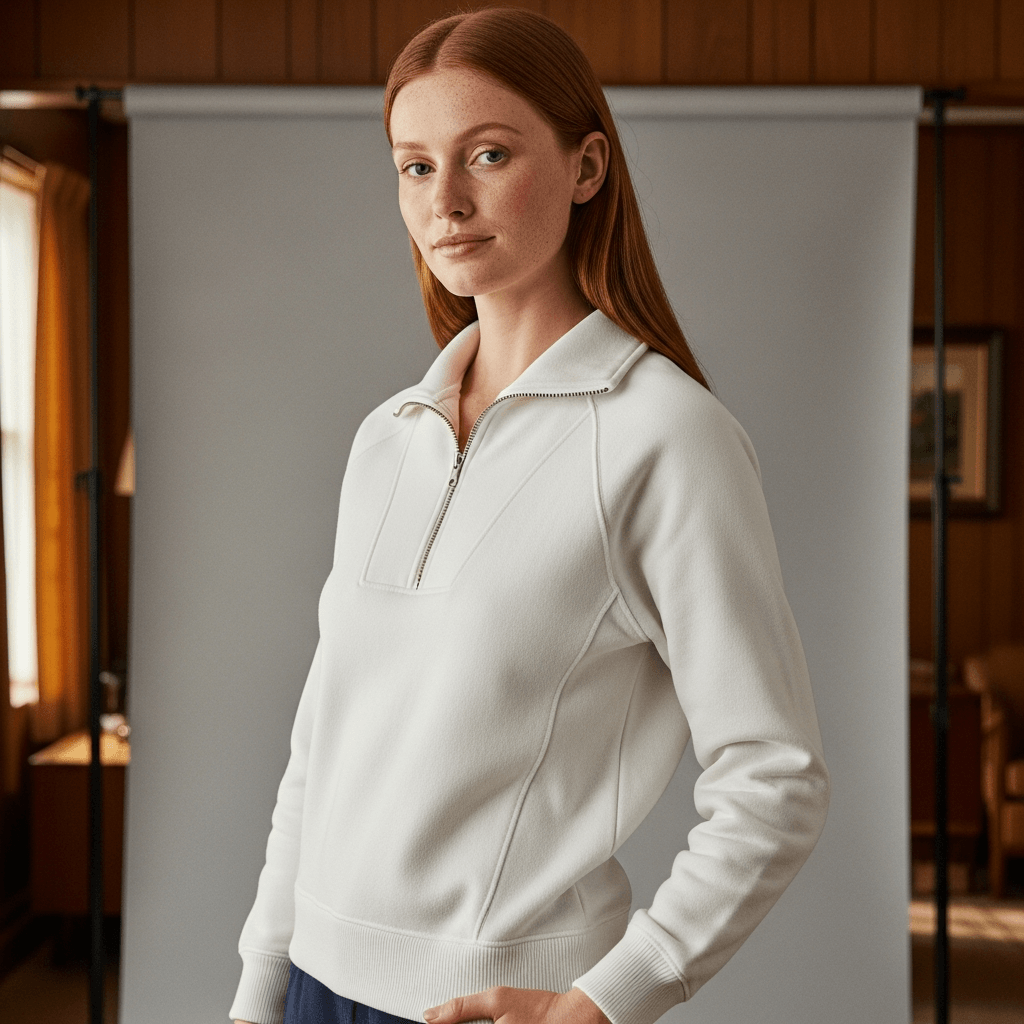
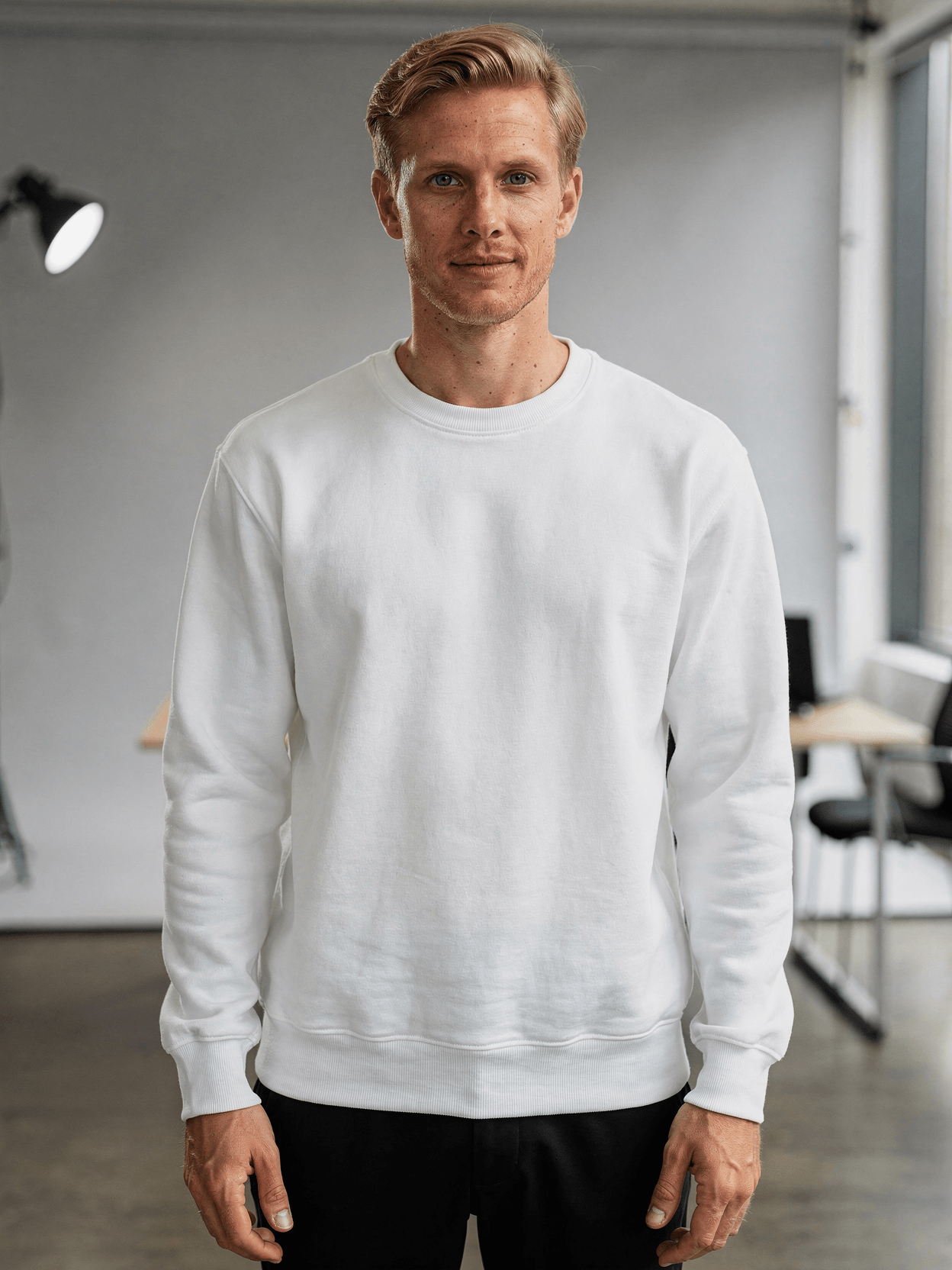
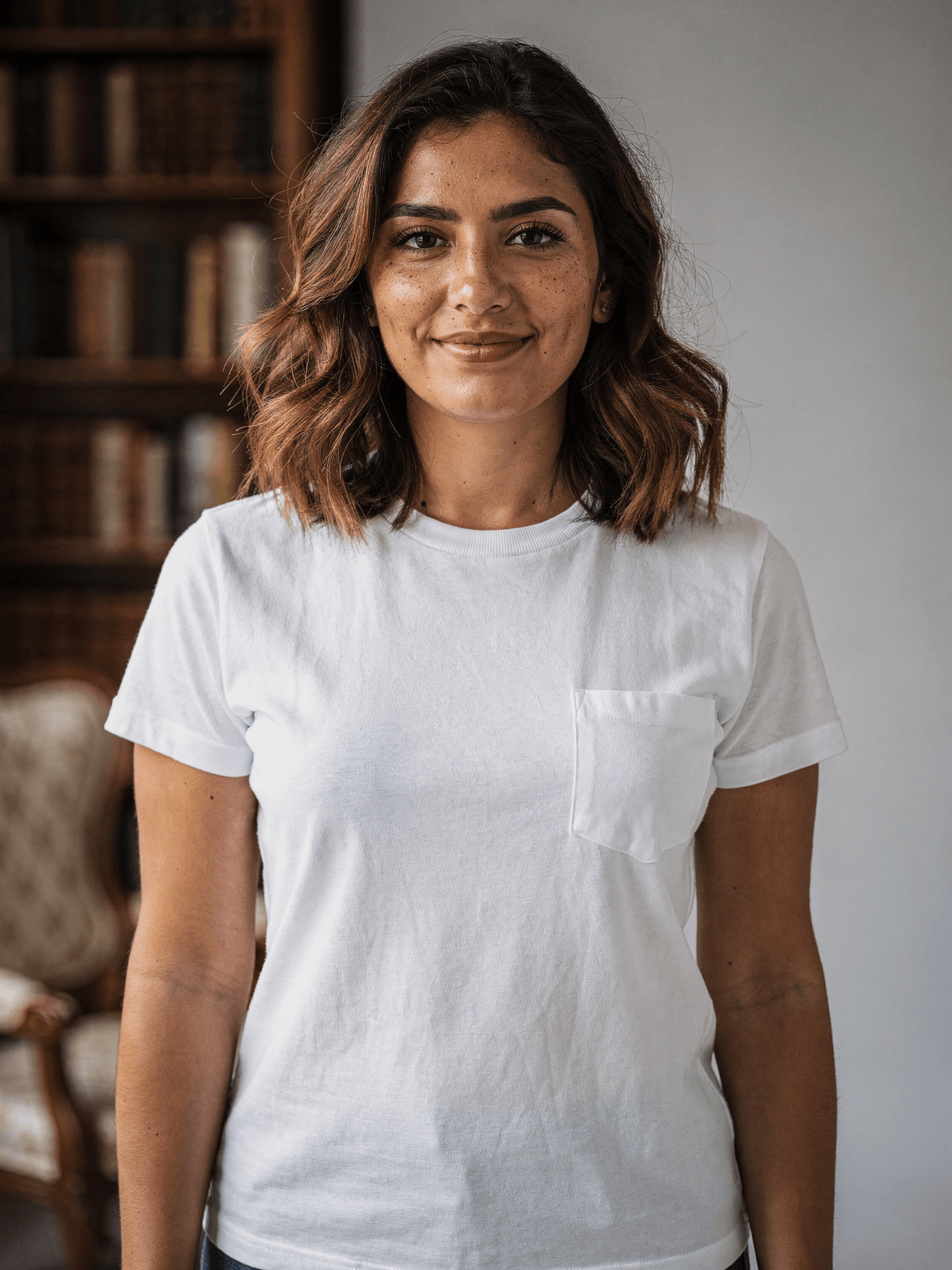
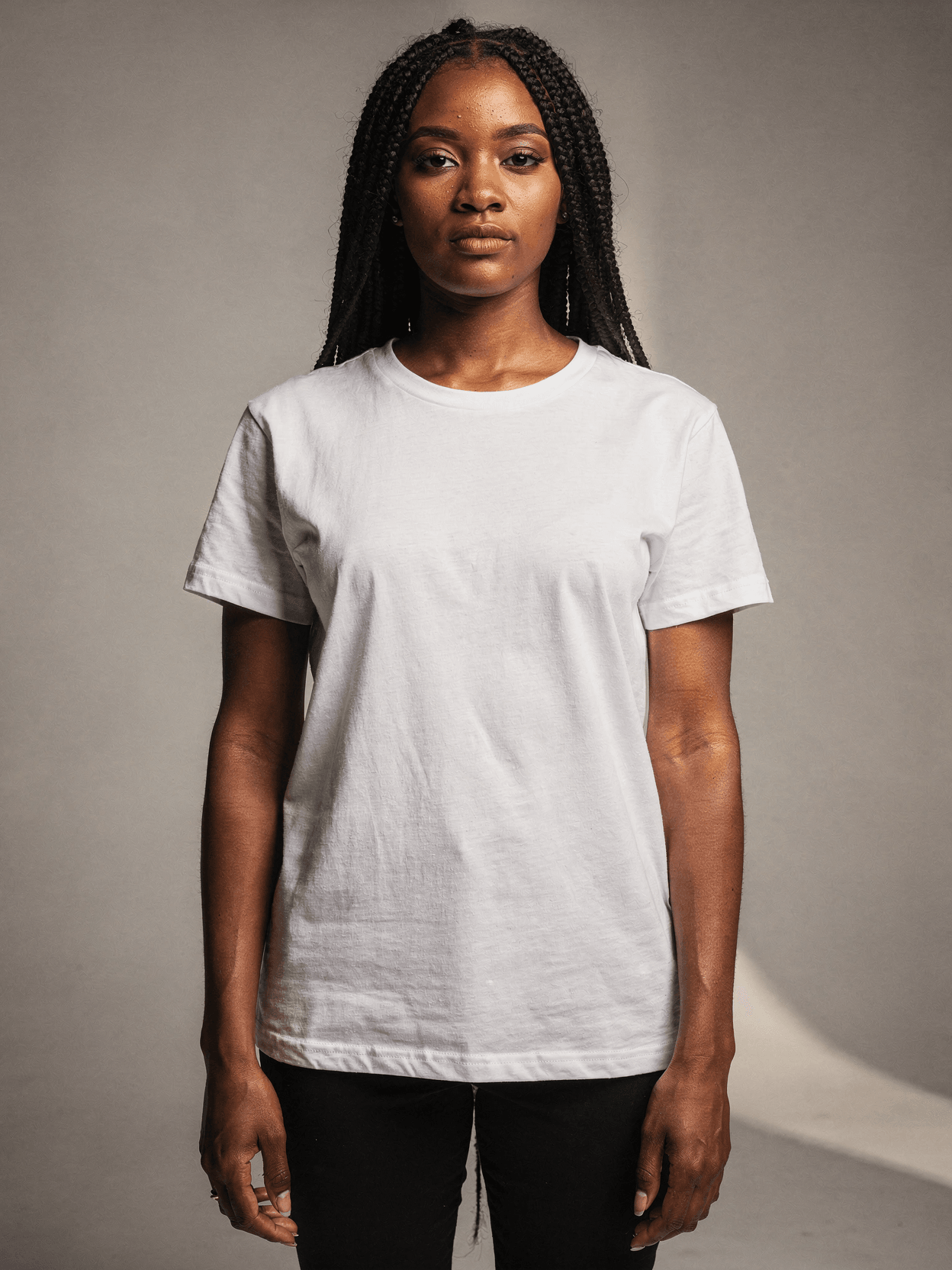
Upload your design file through SudoMock's API or Dashboard Playground. Every angle opens as a ready photo mockup: place your artwork in the editor or through the API.
Loading selected angle
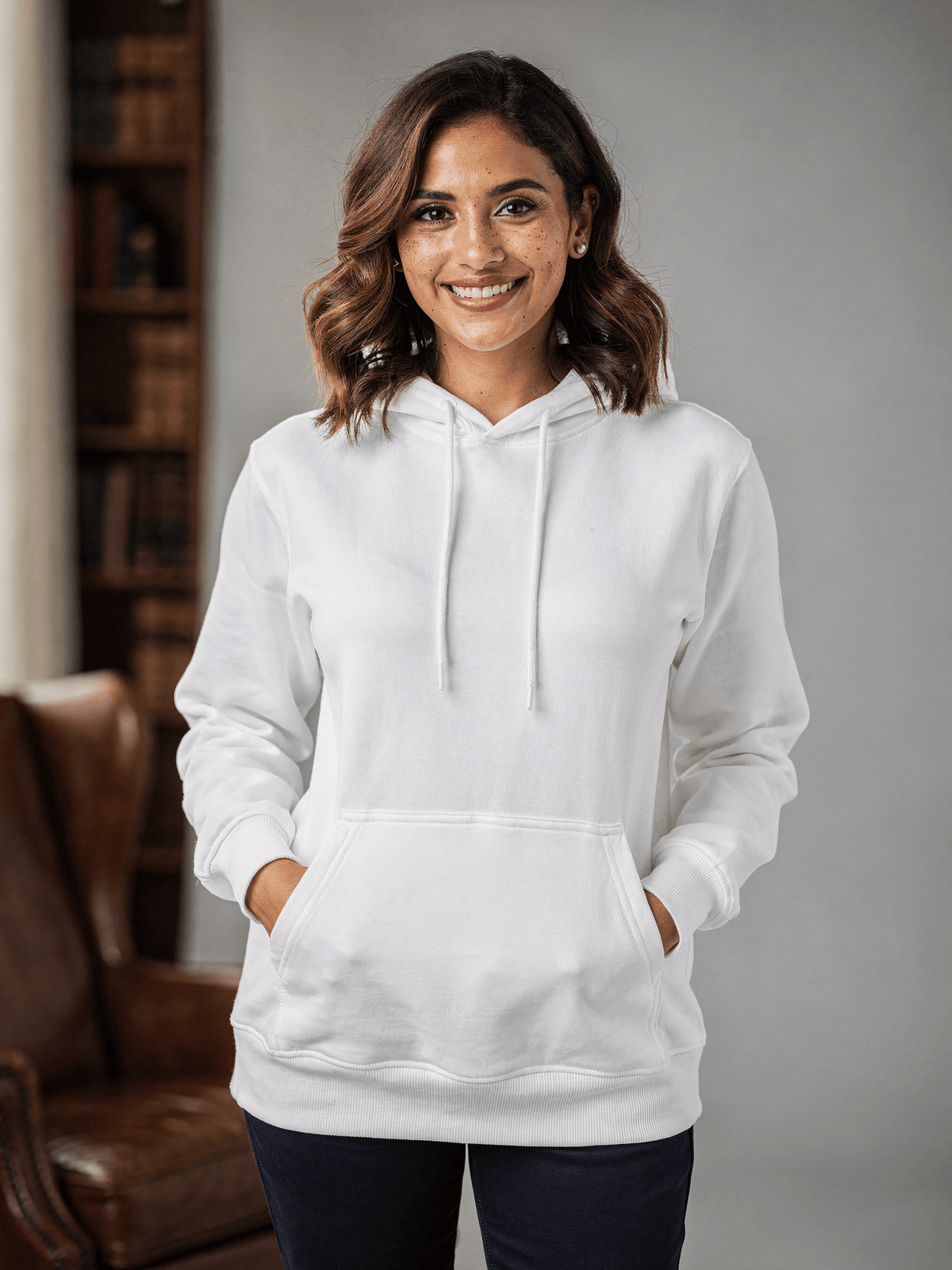
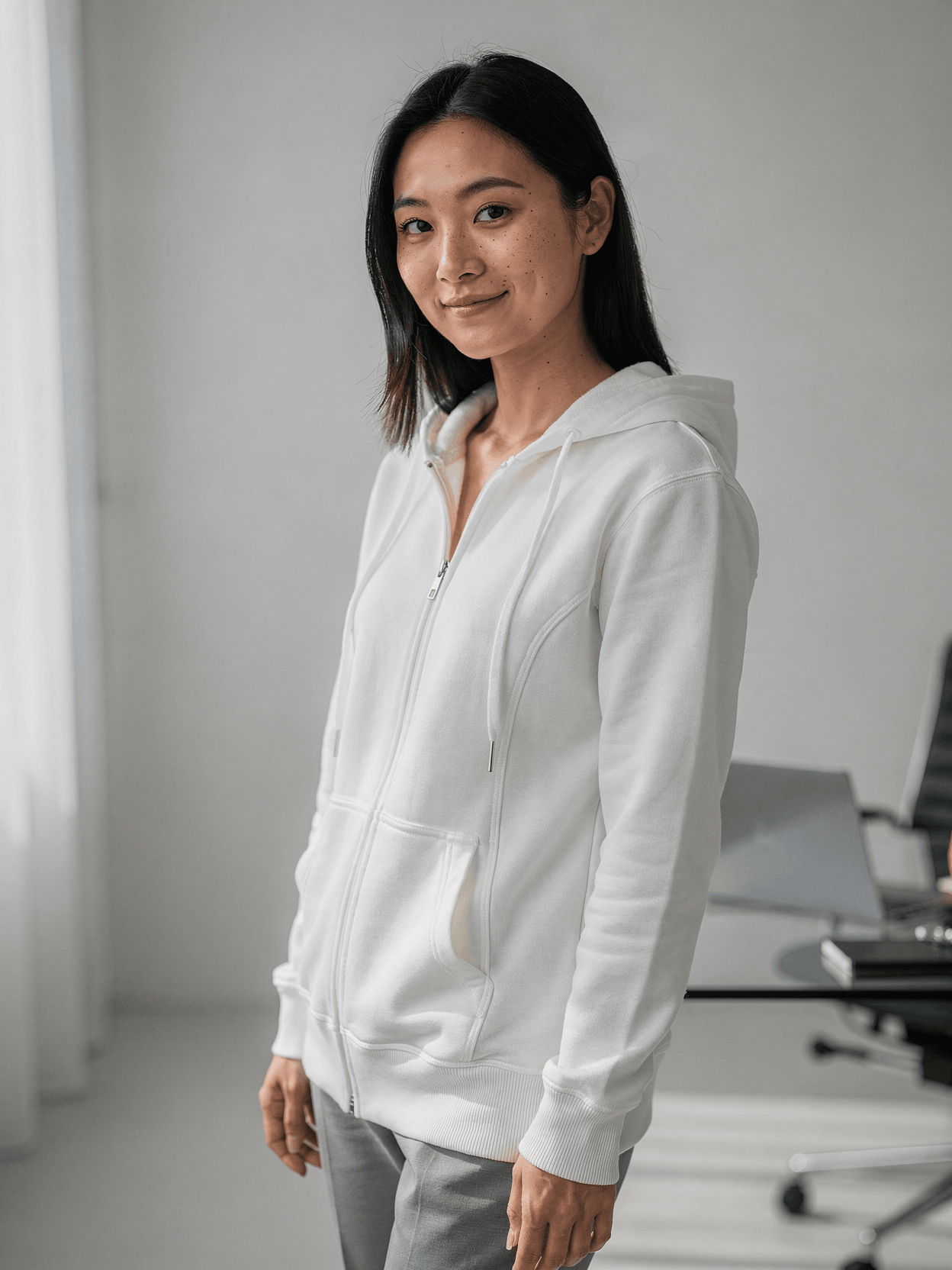
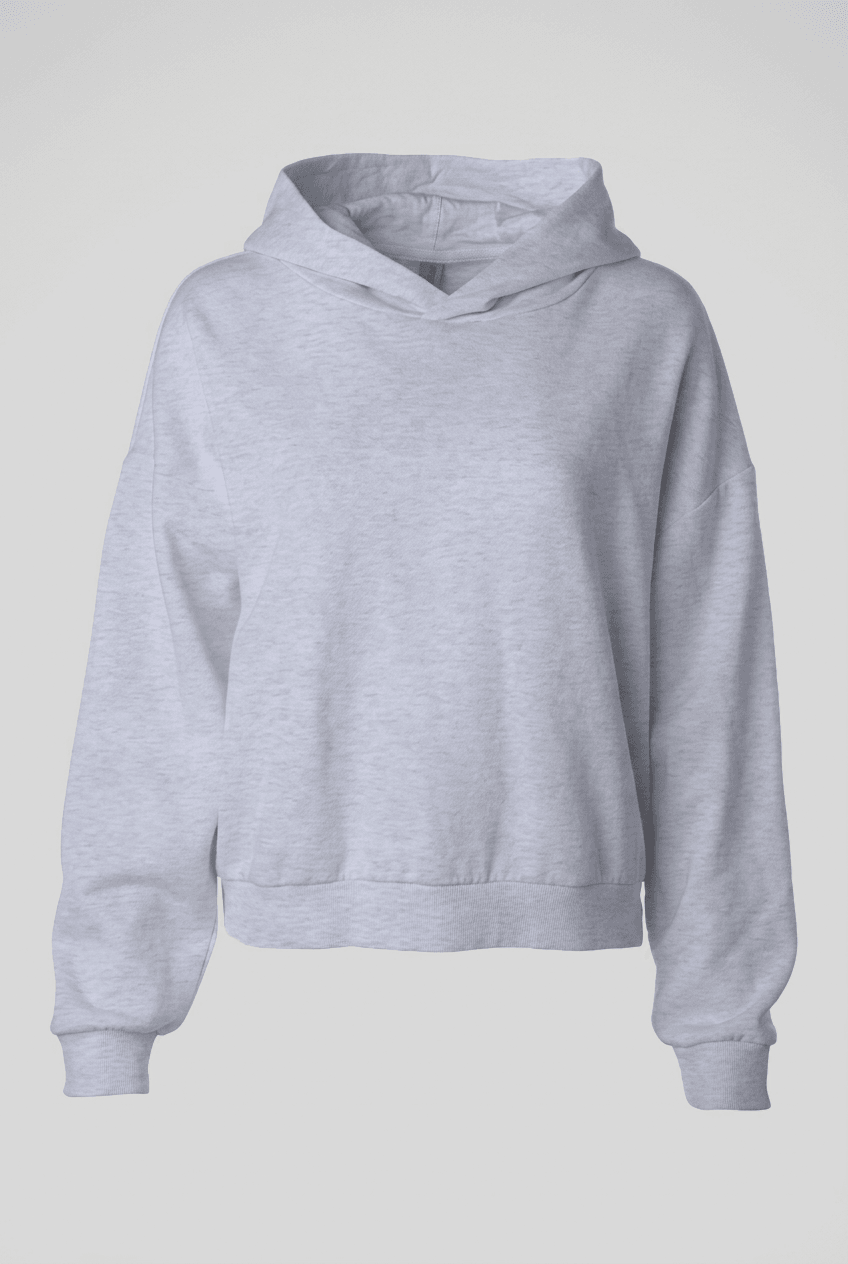
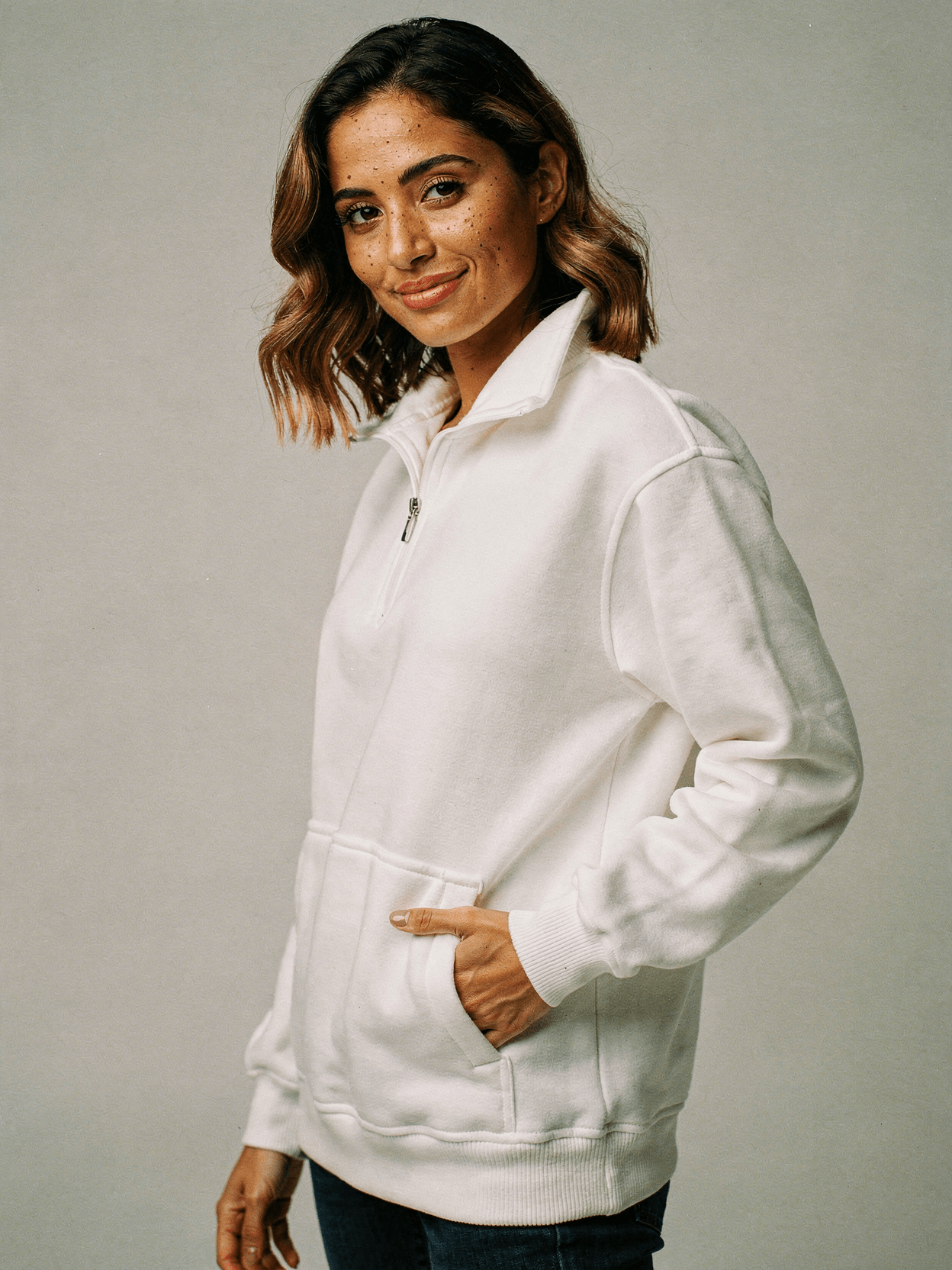
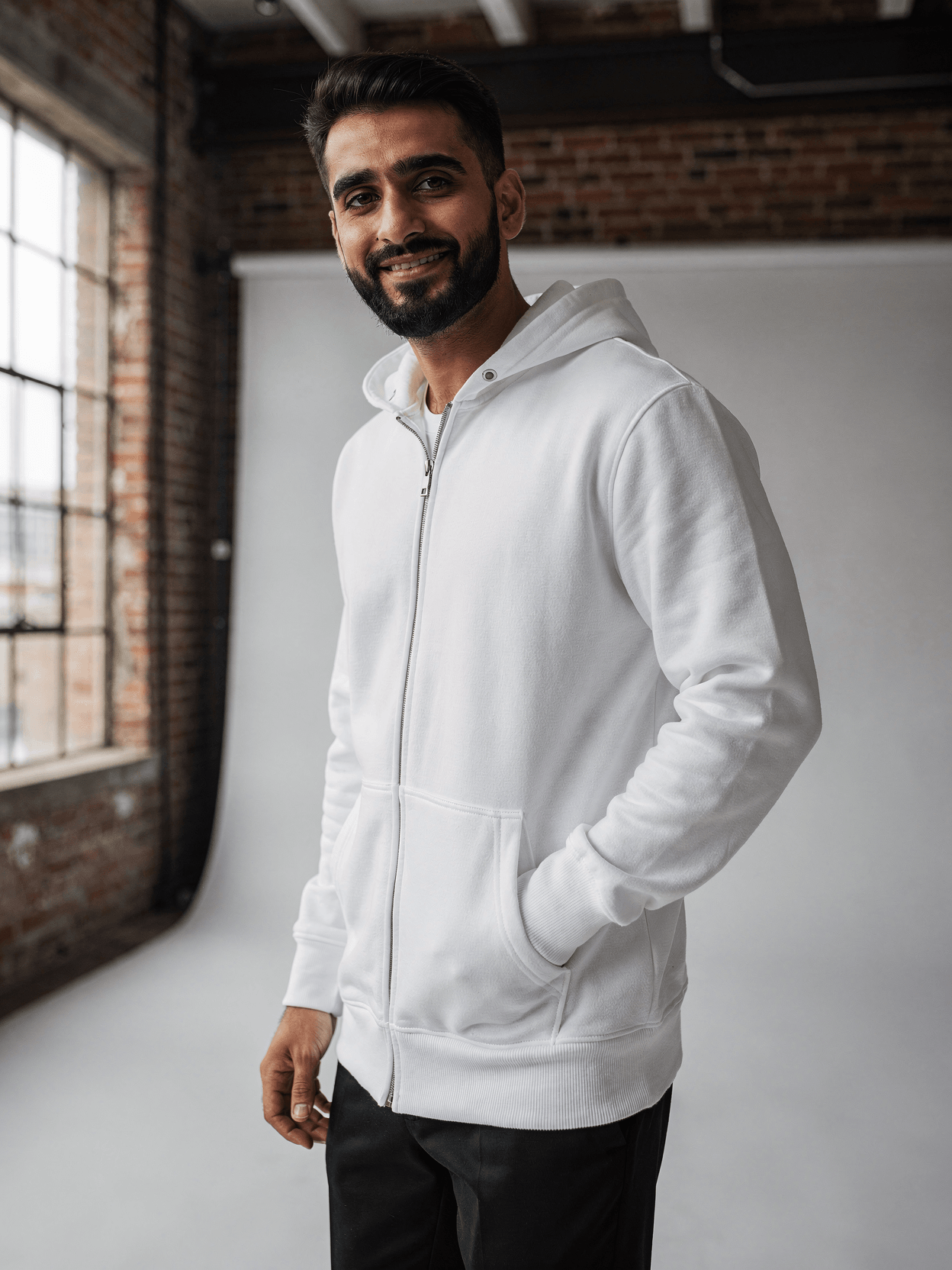
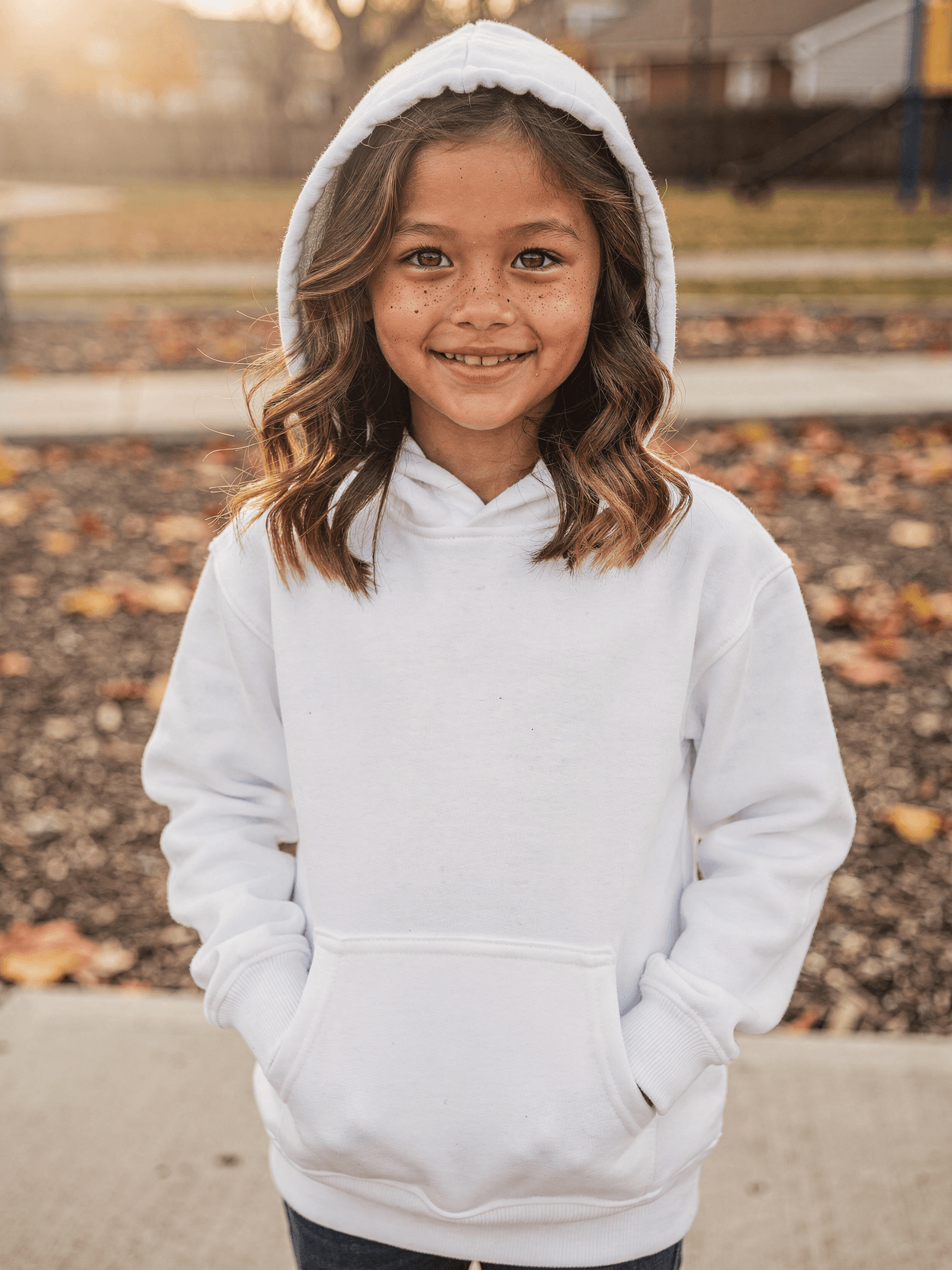
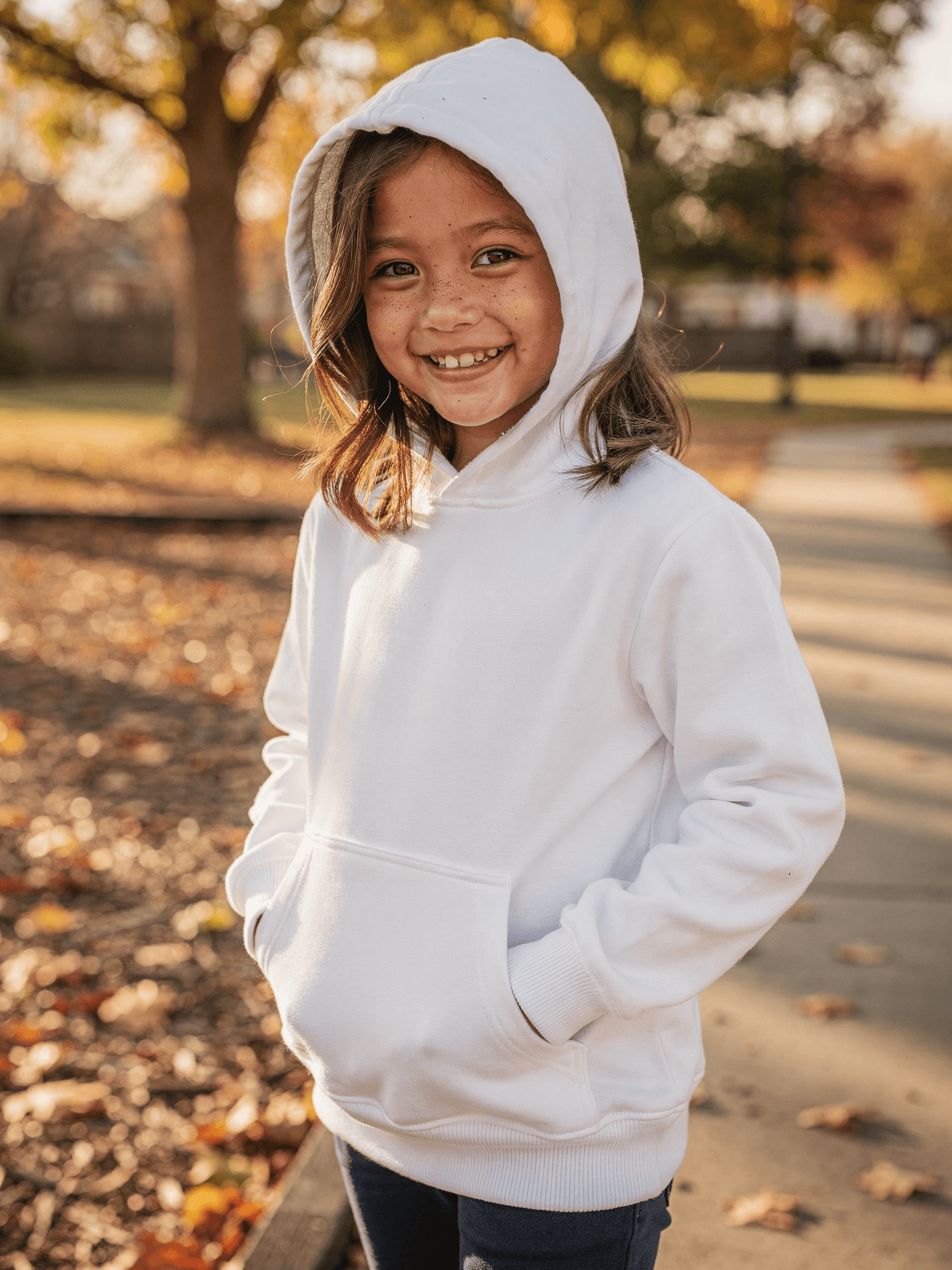
White Pullover Hoodie Mockup on Female Model
What's Included
Six camera angles: front hero, front three-quarter, back view, hood up, detail close-up, and lifestyle pose
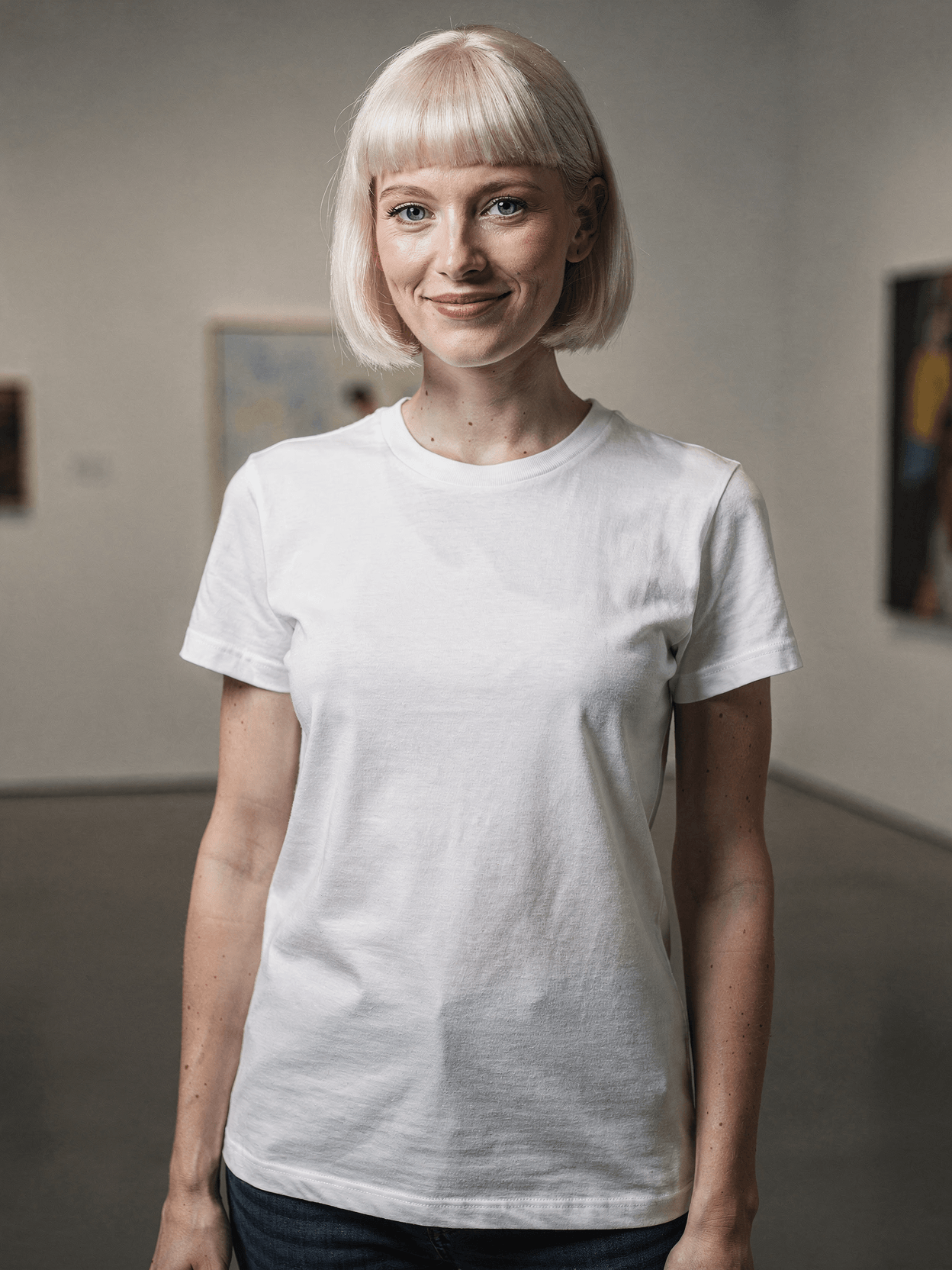
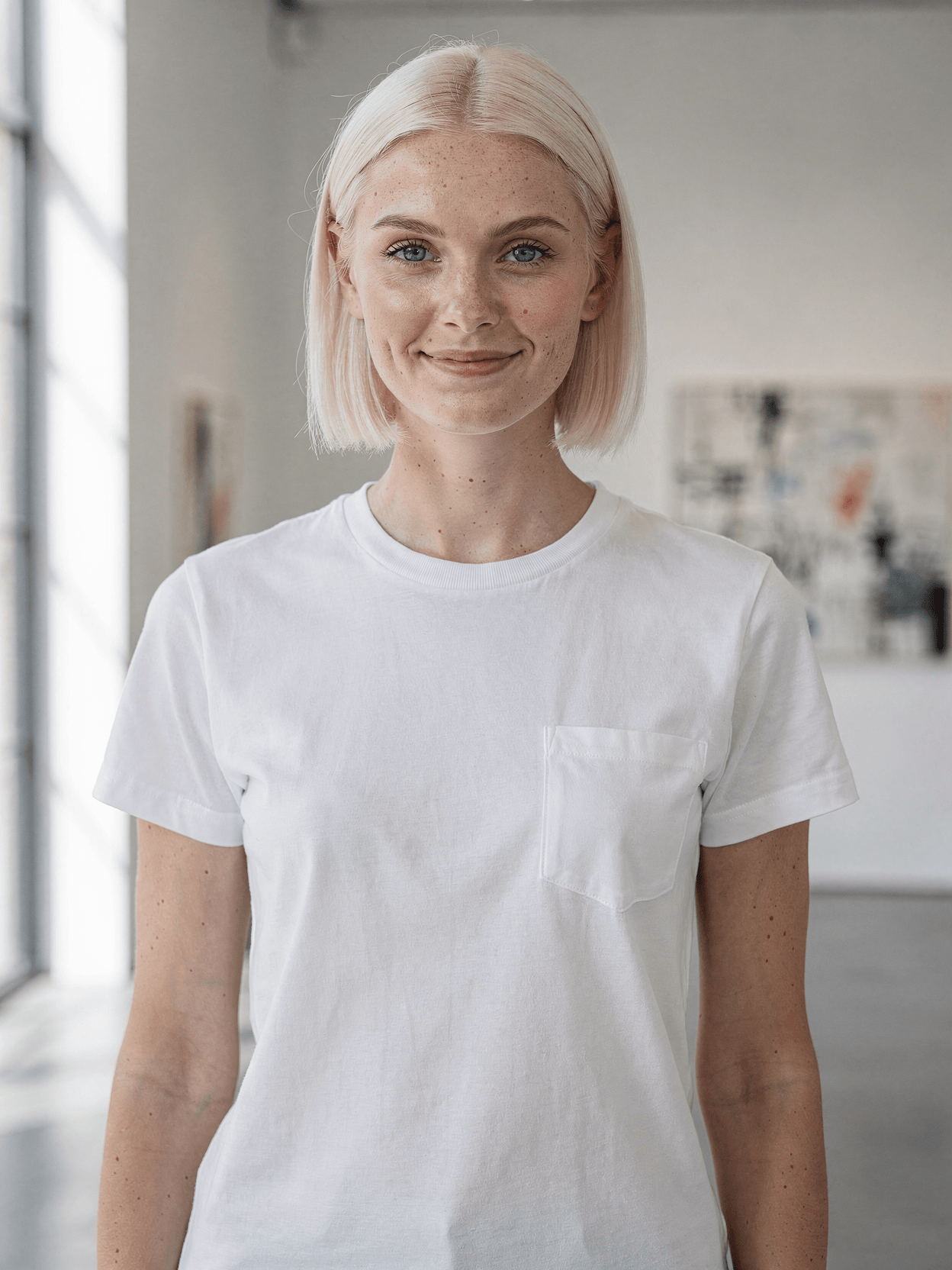
Female model with platinum blonde bob and freckles shown in art gallery setting with natural window light
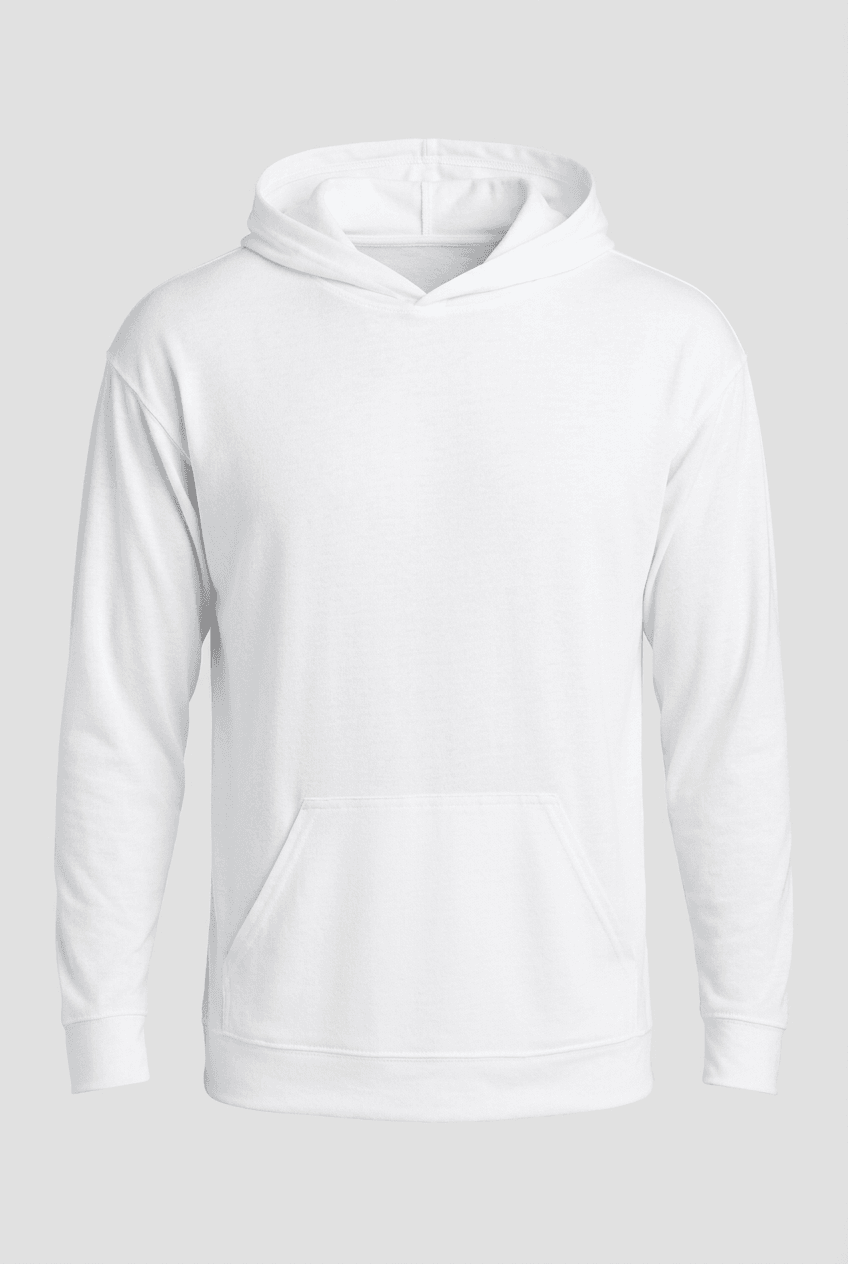
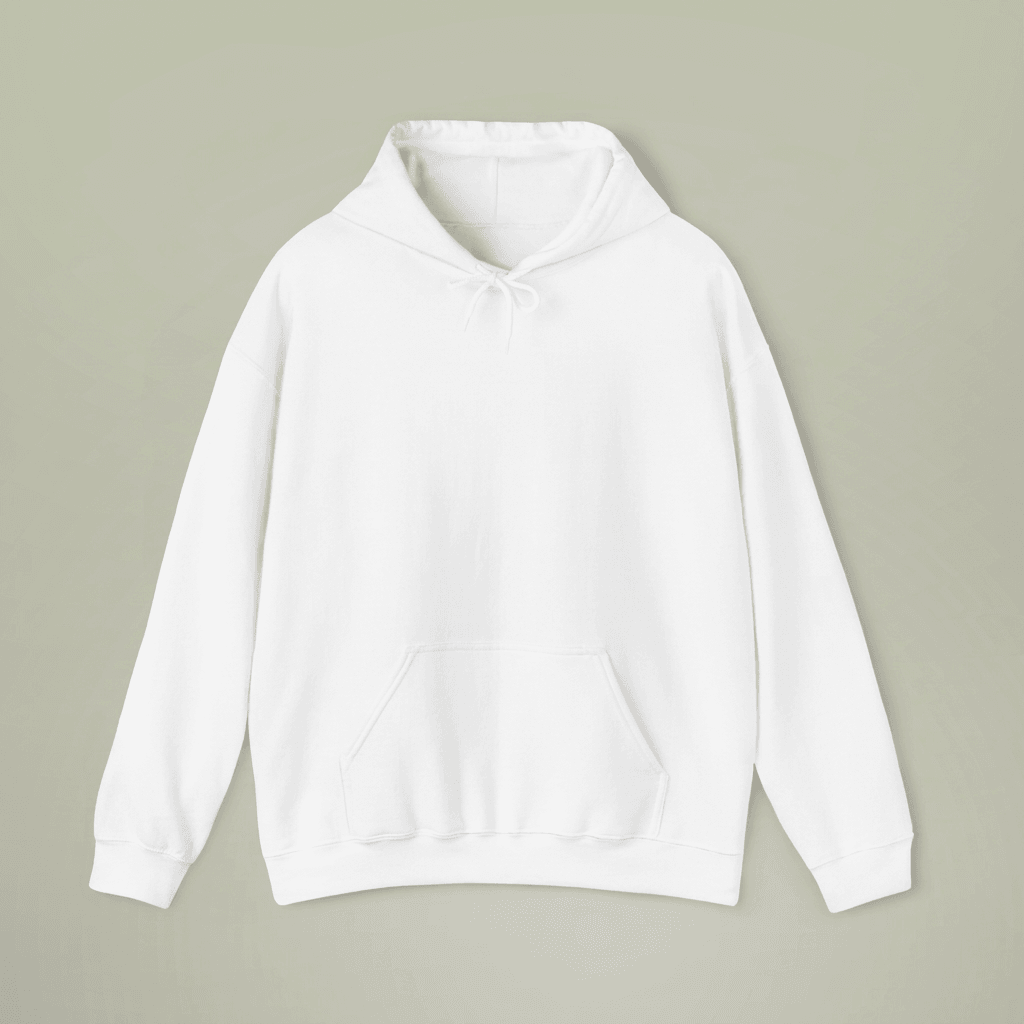
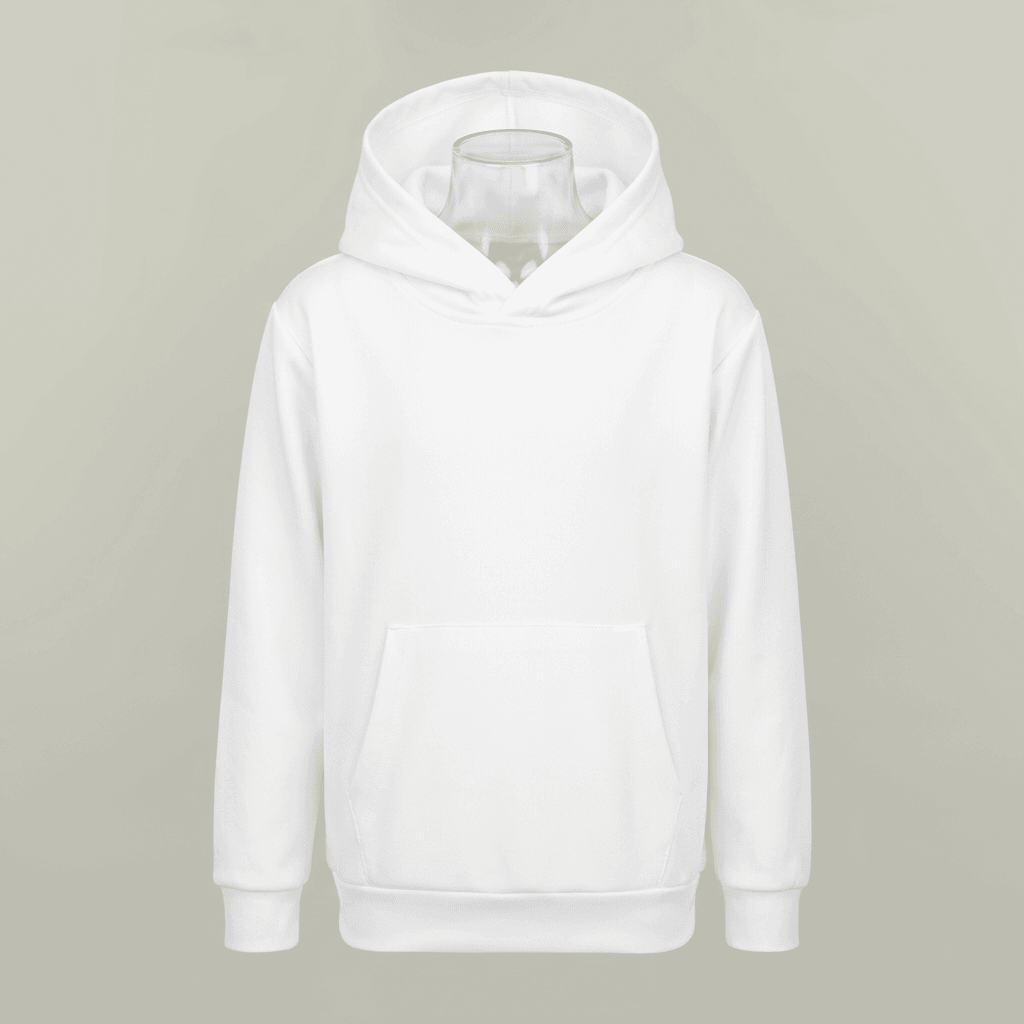
White cotton blend heavyweight hoodie with oversized relaxed fit, kangaroo pocket, and drawstring hood
Art gallery environment with framed paintings, classical sculptures, and directional natural lighting
Compatible with Printful, Printify, Gelato, Shopify, and WooCommerce through native integrations
Every angle opens as a ready photo mockup
Subscriptions from $0.002 per render
Specifications
Format
PNG · RGB
Angles
6 views
About This Mockup
Mockup Overview
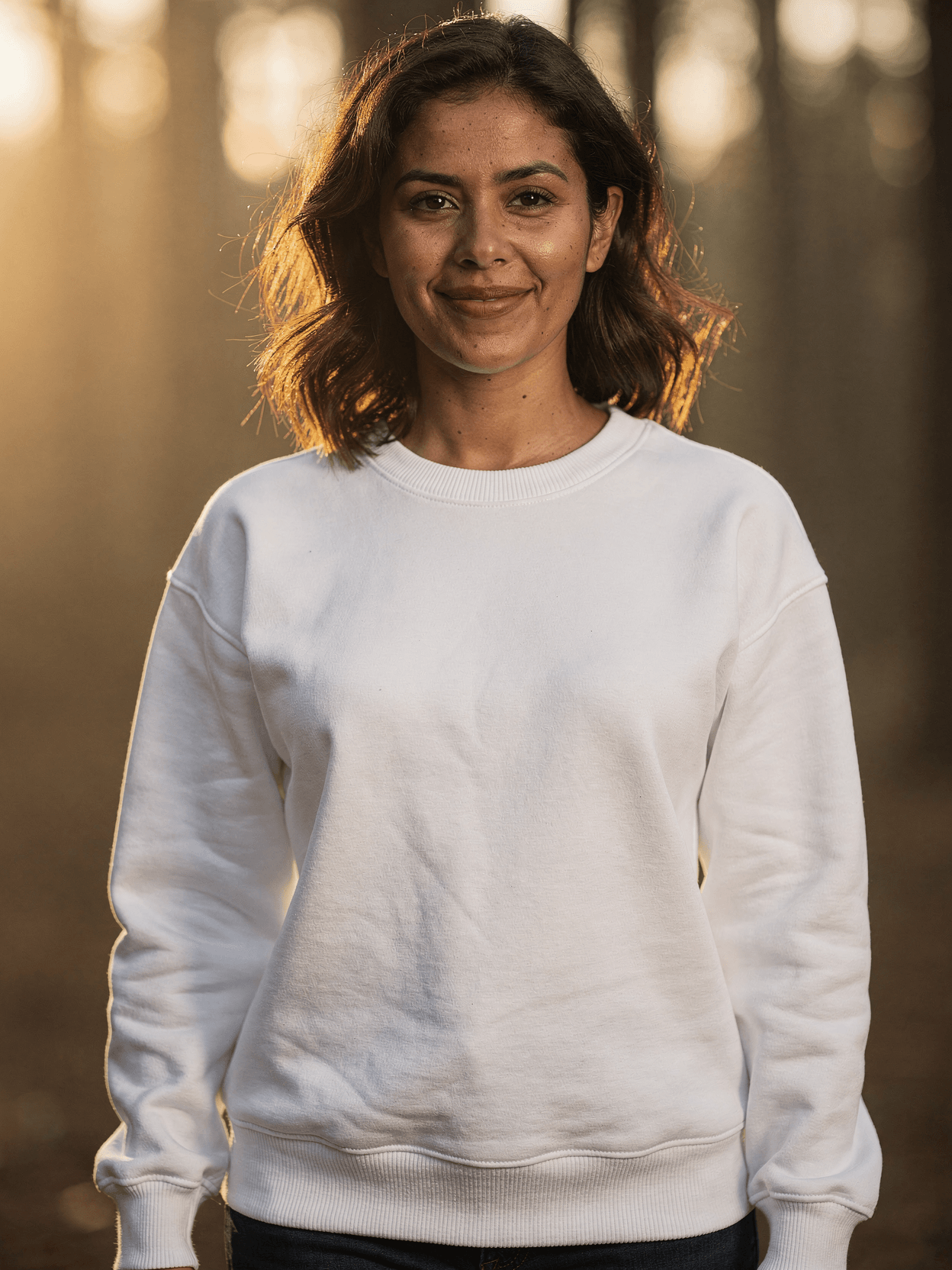
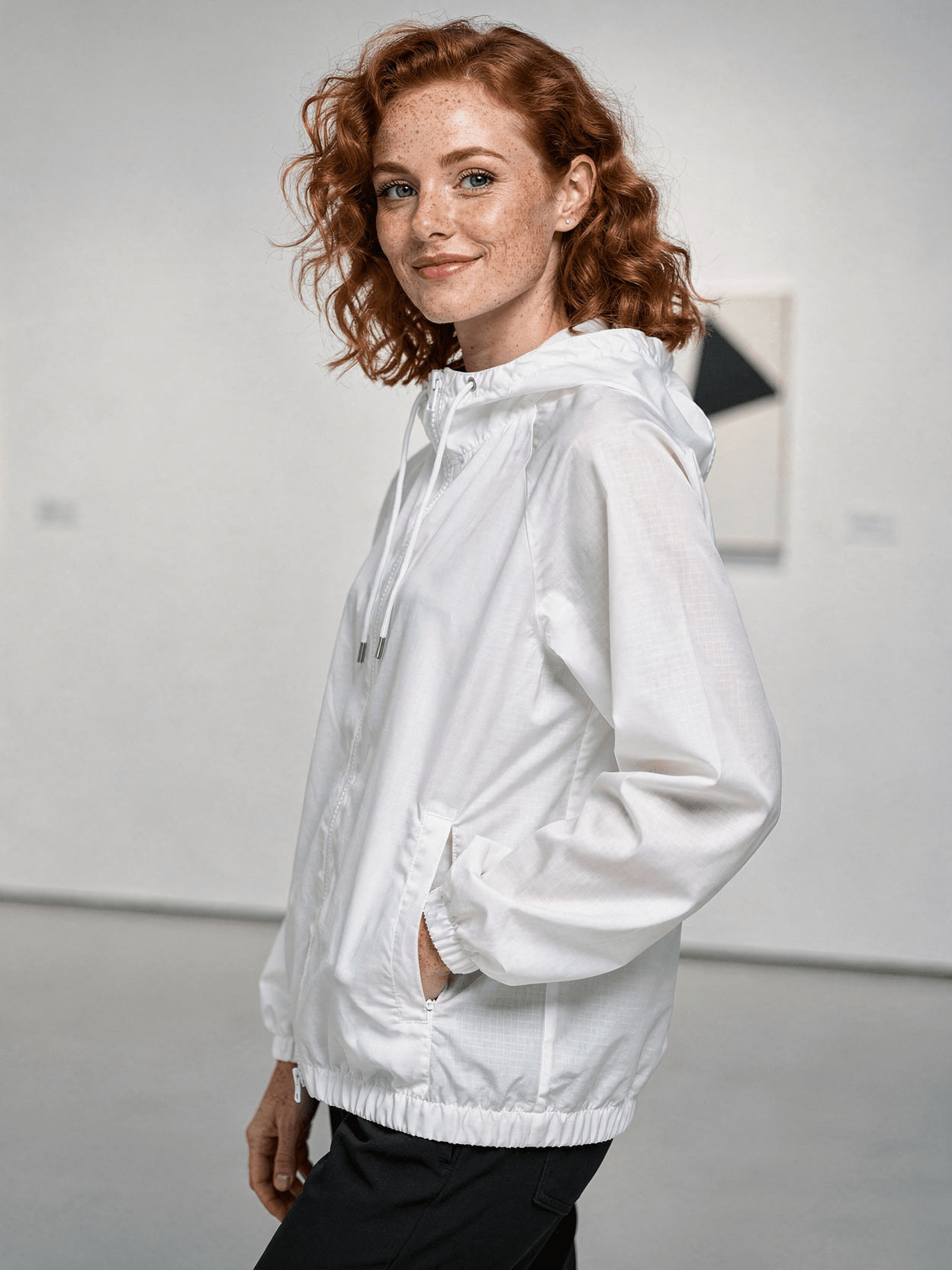
This mockup template shows a white pullover hoodie worn by a female model photographed in an art gallery setting. The model is a young woman with a platinum blonde bob haircut and visible freckles across her face. She appears to be in her late twenties or early thirties with a slim build. The hoodie is an oversized fit in plain white cotton blend fabric with a kangaroo pocket, drawstring hood, and ribbed cuffs and hem. Dark trousers are paired with the hoodie across all angles. The gallery environment includes framed artwork on the walls, classical sculptures, and natural window light that creates soft, directional illumination across the garment surface.
Camera Angles and Visual Details
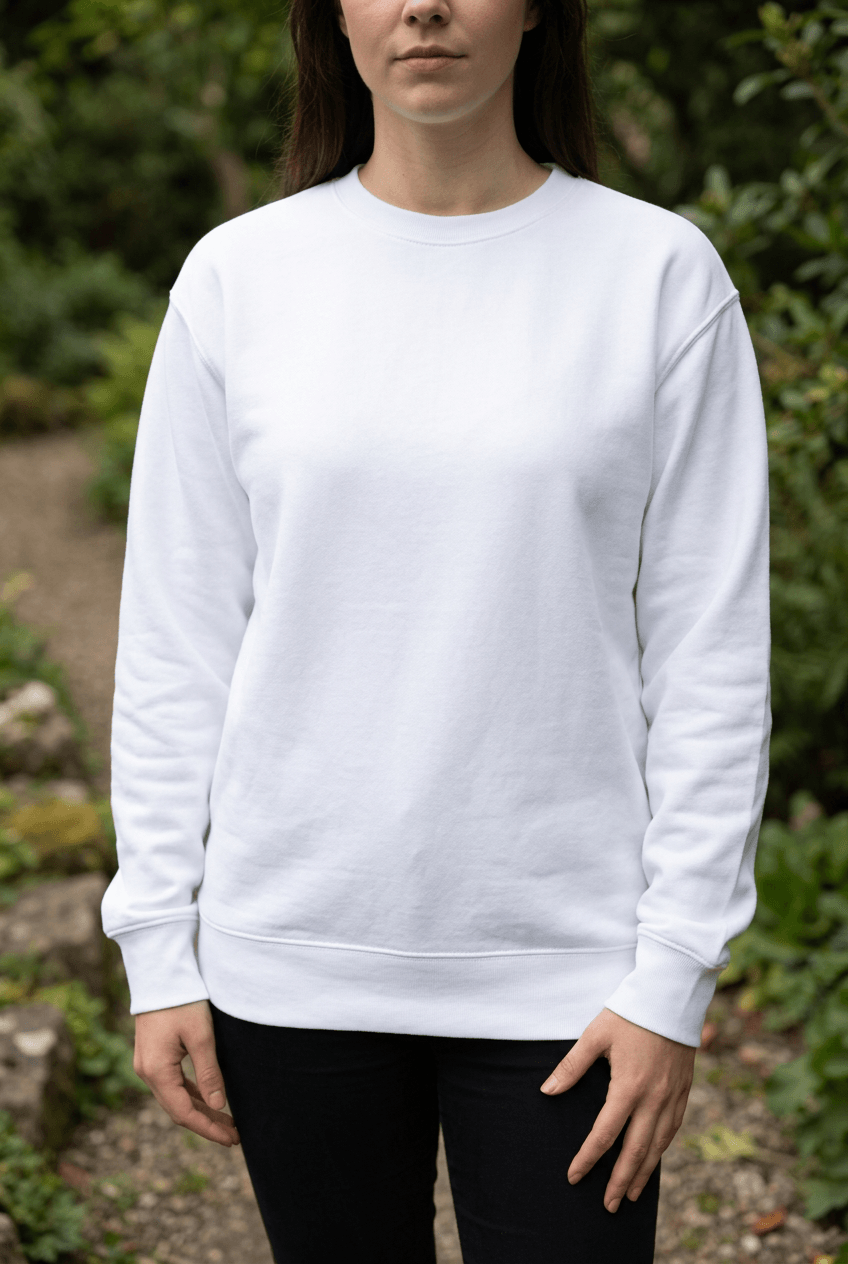
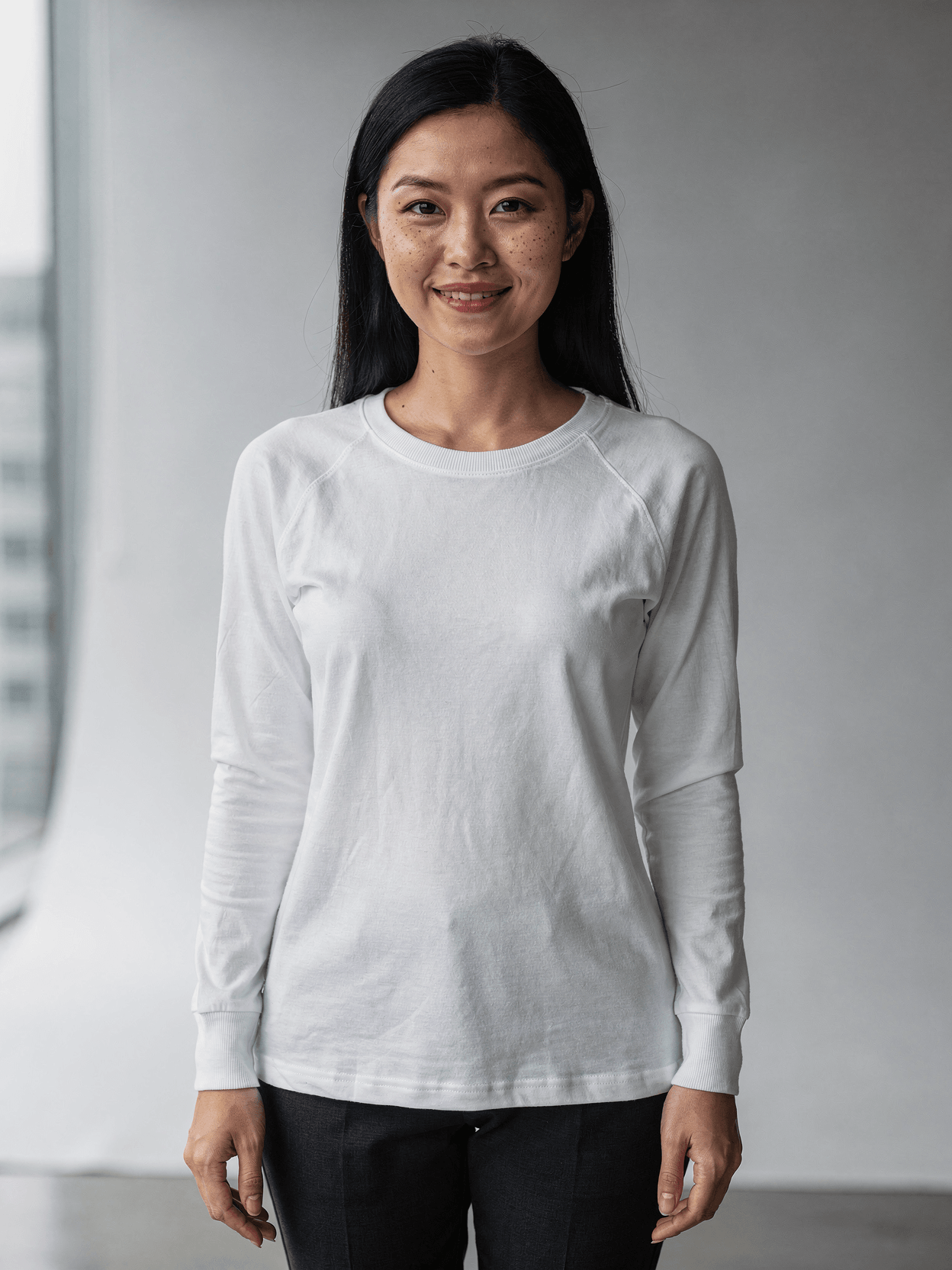
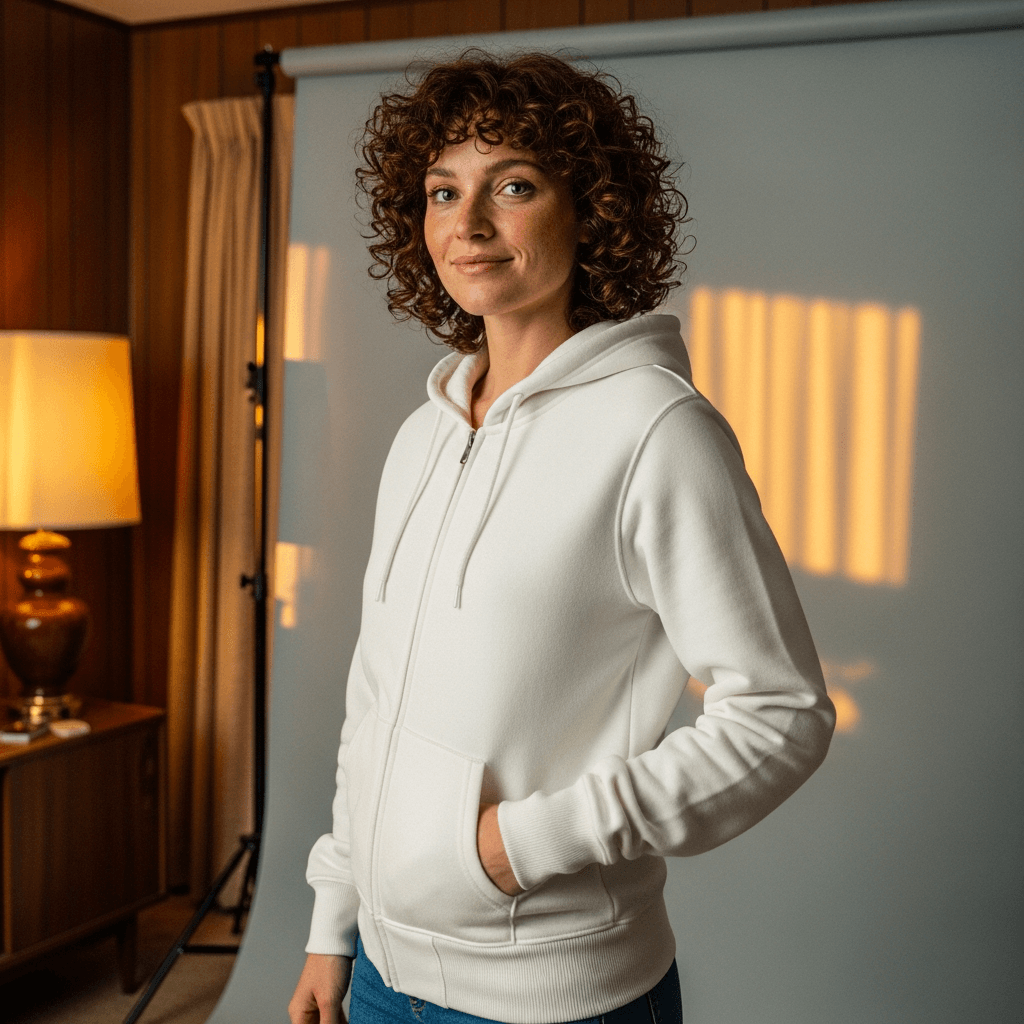
Six photographs are included in this template set. The front hero shot captures the model facing the camera directly with arms relaxed at her sides, hood down, standing in a gallery corridor with a window to the left casting even light across the white fabric. The front three-quarter angle shows the model turned roughly 45 degrees with one hand in the kangaroo pocket, warm golden light entering from a window behind her left shoulder, and a framed colorful print visible on the wall behind her. The back view shows the model facing away from the camera with two classical marble sculptures flanking her on wooden pedestals, displaying the full back panel, hood drape, and ribbed waistband. The hood-up front view presents the model facing the camera with the hood worn up, both hands in the kangaroo pocket, against a plain light gray wall. The detail close-up crops to the torso area, showing the model's right hand pulling a drawstring while her left hand enters the kangaroo pocket opening, with a painting partially visible in the gallery background. The lifestyle shot shows the model leaning against a textured white wall, smiling, with both hands tucked in the pocket and hair partially covering one eye.
Product Specifications
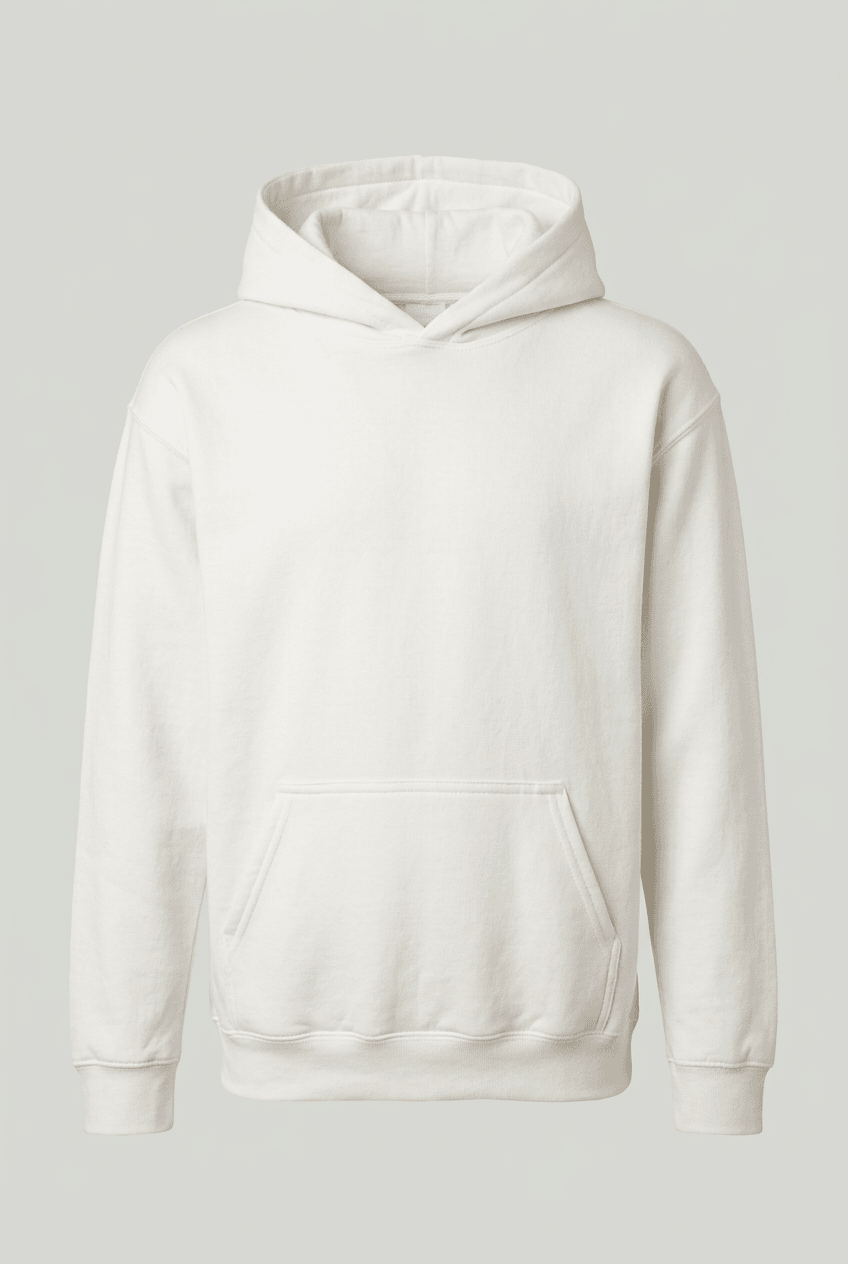
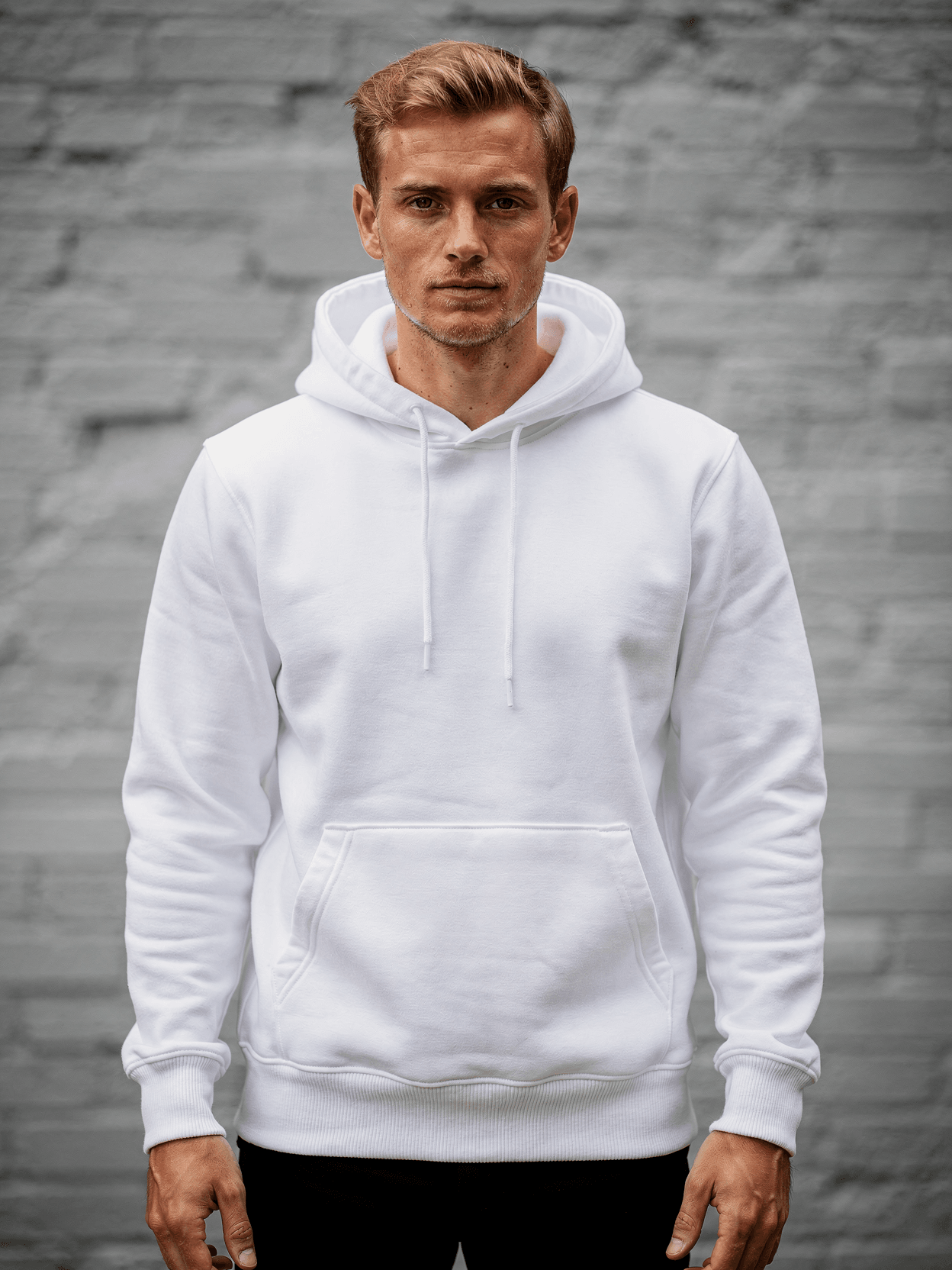
The hoodie shown is a heavyweight pullover style with an oversized, relaxed fit that falls below the waist. Construction details visible in the photographs include: flat-felled shoulder seams, a two-panel hood with matching white flat drawstrings, a single kangaroo pocket with open sides, and wide ribbed cuffs and hem band. The cotton blend fabric has a soft, slightly brushed exterior surface with visible fleece texture, particularly noticeable in the detail and back view photographs where the gallery lighting catches the nap of the fabric.
Template Usage
The six-angle set covers front design area, back print area, hood styling, pocket and drawstring details, and a lifestyle context image suitable for social media or lookbook use.
Rendering and Integration
Each angle renders independently, allowing selective generation of specific views as needed. The template is compatible with automated workflows through native integrations with Shopify, WooCommerce, Printful, Printify, and Gelato. Output formats include WebP, PNG, and JPEG at resolutions up to 10,000 pixels. Batch rendering is supported for catalog-scale generation across multiple design variants.
Every angle opens as a ready photo mockup: place your artwork in the editor or through the API. Subscriptions from $0.002 per render.
How to Use This Mockup
Step 01
Pick an angle
Choose the angle you want from this template. Every angle opens as a ready photo mockup.
Photo Mockups GuideStep 02
Place your artwork
Add your design in the editor or through the API, as a single placement or a repeating pattern.
Print Areas GuideStep 03
Export your mockup
Generate high-resolution product images in PNG, JPG, or WebP format. Batch process multiple designs.
Render Artwork DocsDetails & Specifications
File Format
PNG
Color Mode
RGB
Angles
6
| Angle | Type | Primary |
|---|---|---|
| Front Hero Shot | front-centered | Yes |
| Front 3/4 Angle | front-three-quarter | |
| Back View | back-centered | |
| Hood Up View | hood-up-front | |
| Detail Shot | detail-closeup | |
| Lifestyle Context | lifestyle-casual |
Perfect For
Use Cases
Seasons
Tags
Pullover Hoodie MockupHoodie MockupHoodie Mockup FreePullover Hoodie TemplateHoodie Mockup GeneratorWhite Hoodie MockupHoodie Mockup With ModelFemale Model Hoodie MockupHoodie Front And Back MockupKangaroo Pocket Hoodie MockupOversized Hoodie MockupCotton Blend HoodieArt Gallery MockupVintage Retro HoodieHoodie Mockup For PODPrint-on-Demand HoodieApparel Mockup TemplateRealistic Hoodie MockupLifestyle Hoodie MockupHood Up MockupSweatshirt Mockup
Industry Insights & Research
Offering multiple photos from different angles leads to a 58% increase in sales regardless of category.
This six-angle hoodie template set provides front, back, detail, hood-up, three-quarter, and lifestyle views to support multi-image product listings. Source: Claid.ai Market Research (https://claid.ai/blog/article/photos-impact-conversions/)
The global print-on-demand market was valued at USD 10.78 billion in 2025 and is expected to reach USD 57.49 billion by 2033 at 23.6% CAGR.
Apparel, particularly hoodies and sweatshirts, represents the largest product segment in the POD market. Source: Grand View Research (https://www.grandviewresearch.com/industry-analysis/print-on-demand-market-report)
9 out of 10 online shoppers consider high-quality product photos one of the most important purchasing factors.
Mockup templates that produce realistic product photography directly support listing quality for e-commerce sellers. Source: GrabOn Product Photography Statistics (https://grabon.com/blog/product-photography-statistics/)
“The mockup world offers something profoundly important: it creates the crucial context that allows others to see your design as you intended it to be experienced.”
“We photograph our hoodies in six angles minimum for every colorway. Having the gallery setting adds context that plain studio shots don't provide, and the API handles the rendering so we can update designs across 400 SKUs in under an hour.”
Frequently Asked Questions
SudoMock differs in that it provides API access for automated batch rendering, which is suited for sellers managing large catalogs programmatically. Subscriptions from $0.002 per render.
Yes. SudoMock has native integrations with Printful, Printify, Gelato, Shopify, and WooCommerce. You can render mockup images through the API and push them directly to your product listings. The rendered output is a standard image file (WebP, PNG, or JPEG) that works with any e-commerce platform.
This template shows a heavyweight oversized pullover hoodie with a cotton blend fleece construction, kangaroo pocket, flat drawstring hood, and ribbed cuffs and hem. It is visually comparable to blanks such as the Gildan 18500 or similar heavyweight pullover styles offered by POD fulfillment providers. The actual blank used in fulfillment depends on your print provider.
Standard front chest placement on a pullover hoodie is typically 3-4 inches below the neckline, centered horizontally. Common front design dimensions range from 10 to 12 inches wide. For back prints, the design area spans the full back panel below the hood. This mockup template includes both front and back view angles to preview placement in both zones.
Quality varies. Free static mockup files from sites like Freepik or Behance may lack consistent lighting or multi-angle coverage. SudoMock's free tier provides 500 renders using the same template library as paid plans, with no watermarks or quality reduction. The six-angle coverage in this template set provides sufficient imagery for marketplace listings that typically require 5-7 product photos.
Pick an angle, open it in Photo Mockups and place your artwork in the editor or through the API. Then export your mockup as PNG, JPG or WebP.
Ready to Create Stunning Mockups?
Generate product mockups with Photo Mockups and the Render API. Upload artwork and export high-resolution images from one workflow.
No credit card required500 one-time creditsInstant API access