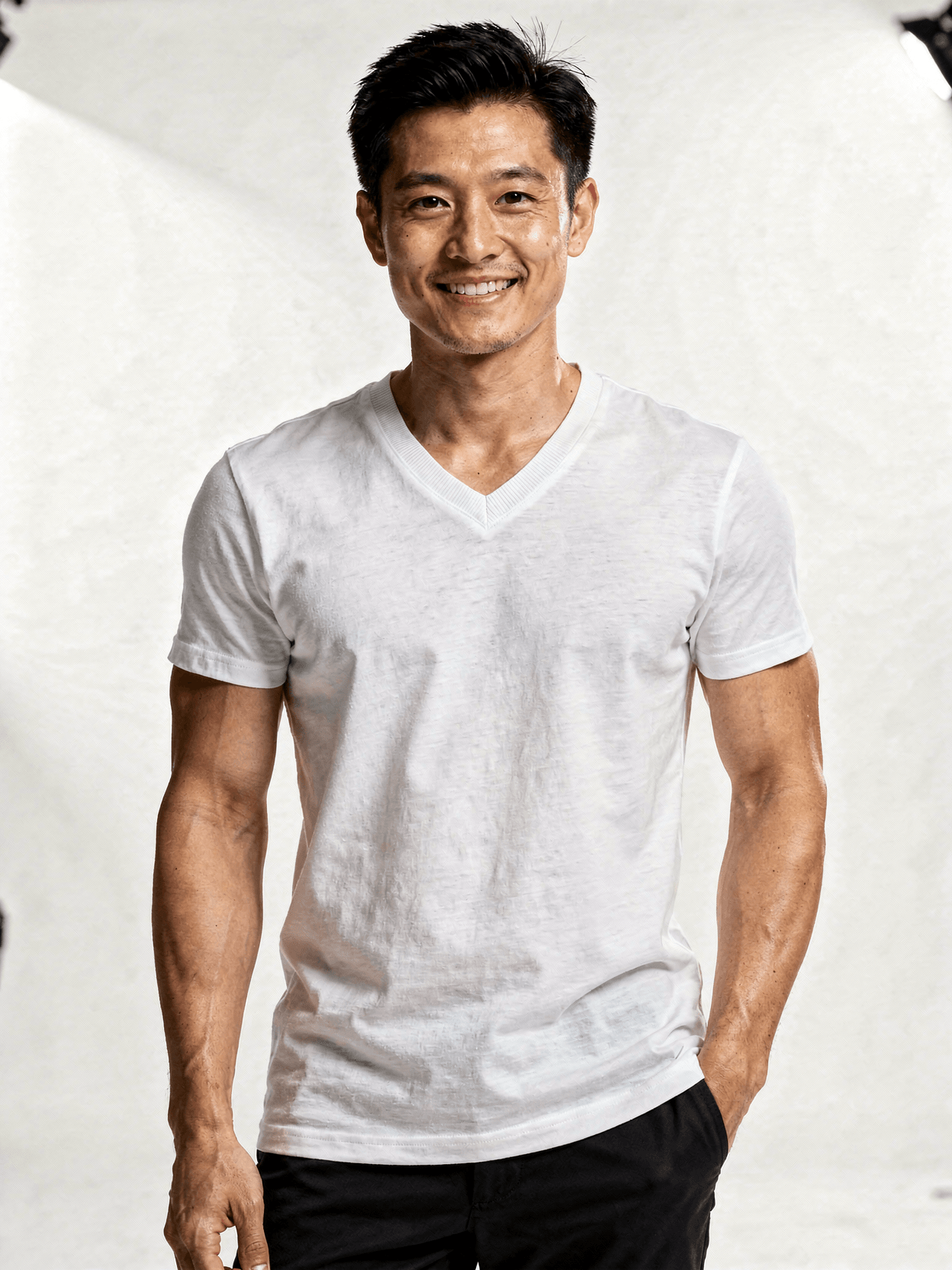
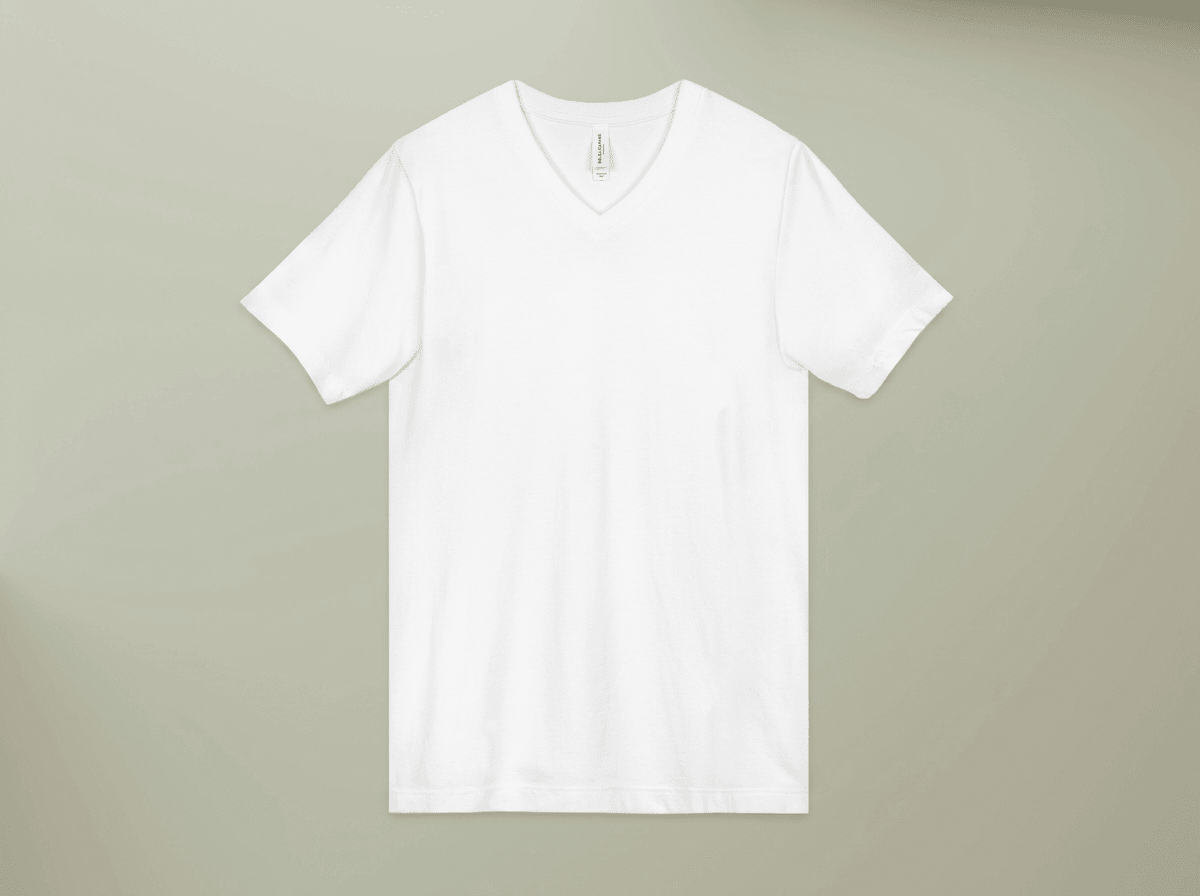
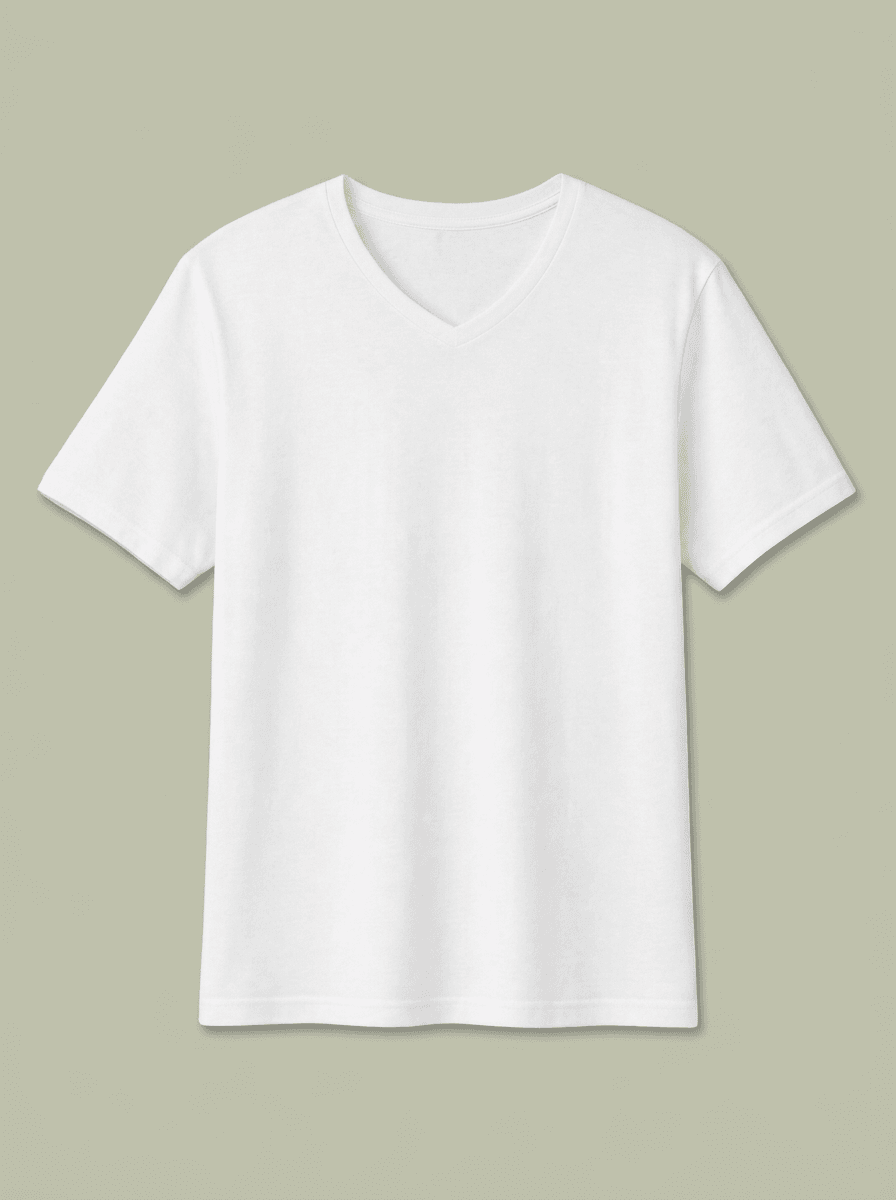
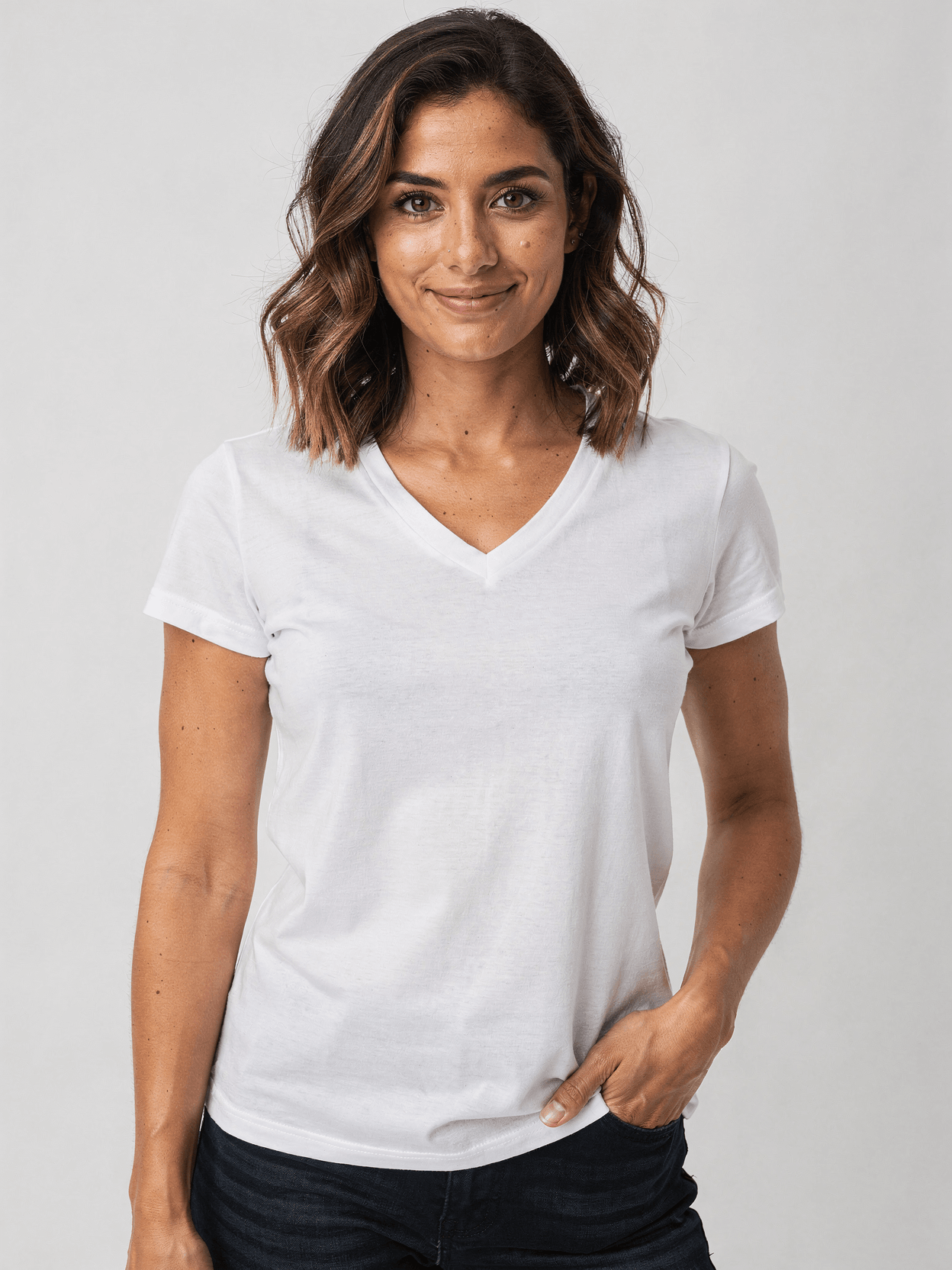
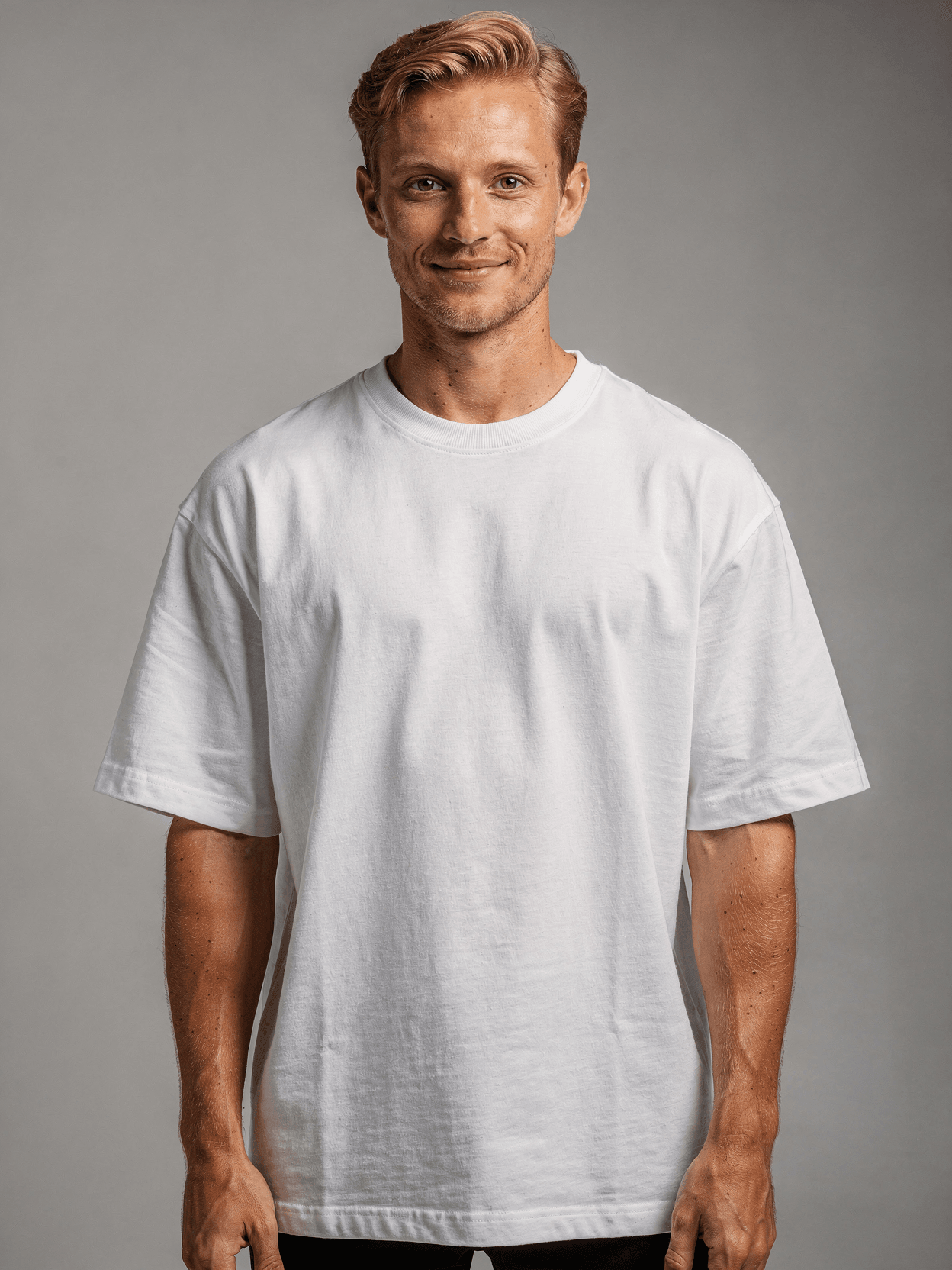
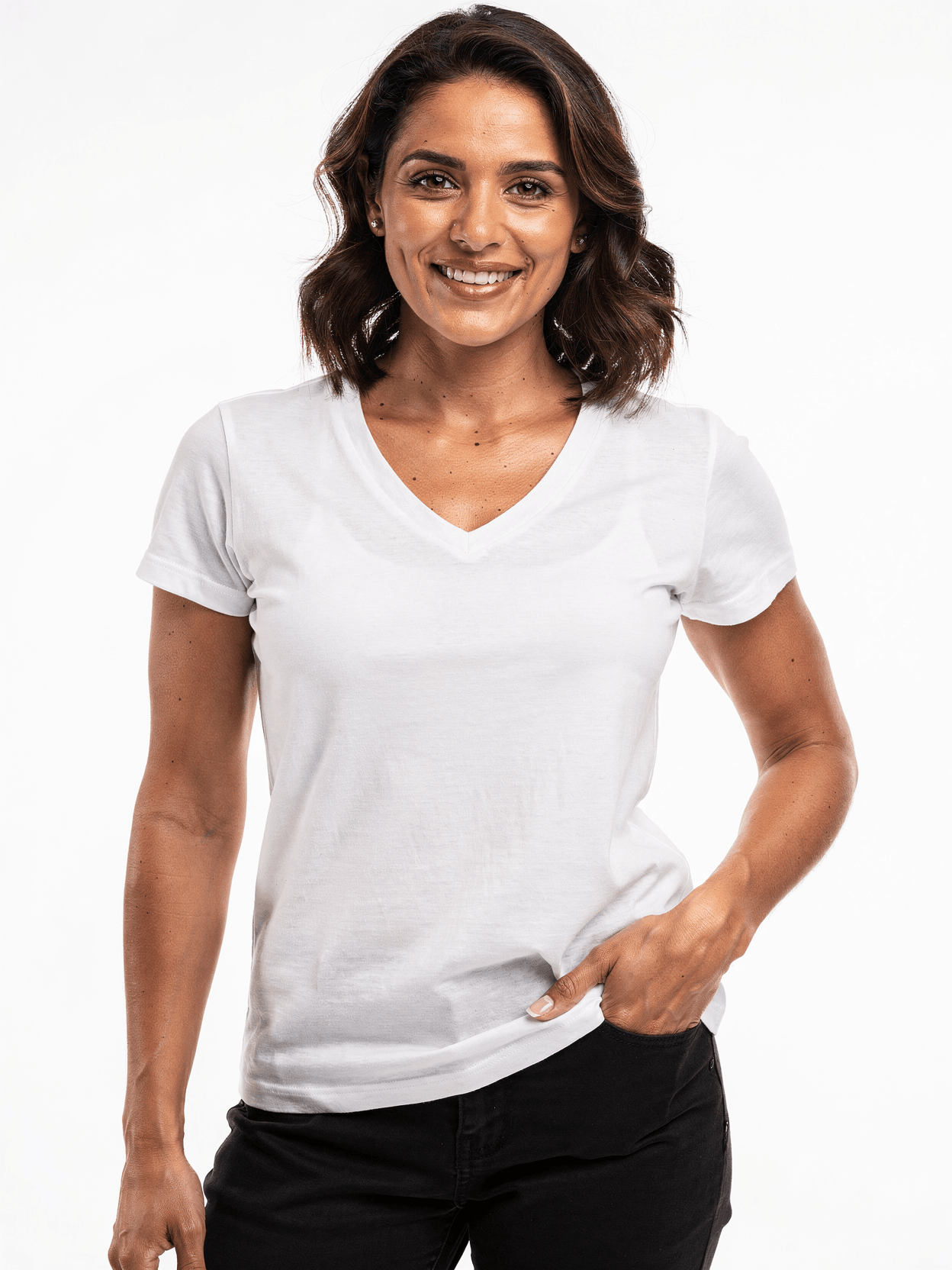
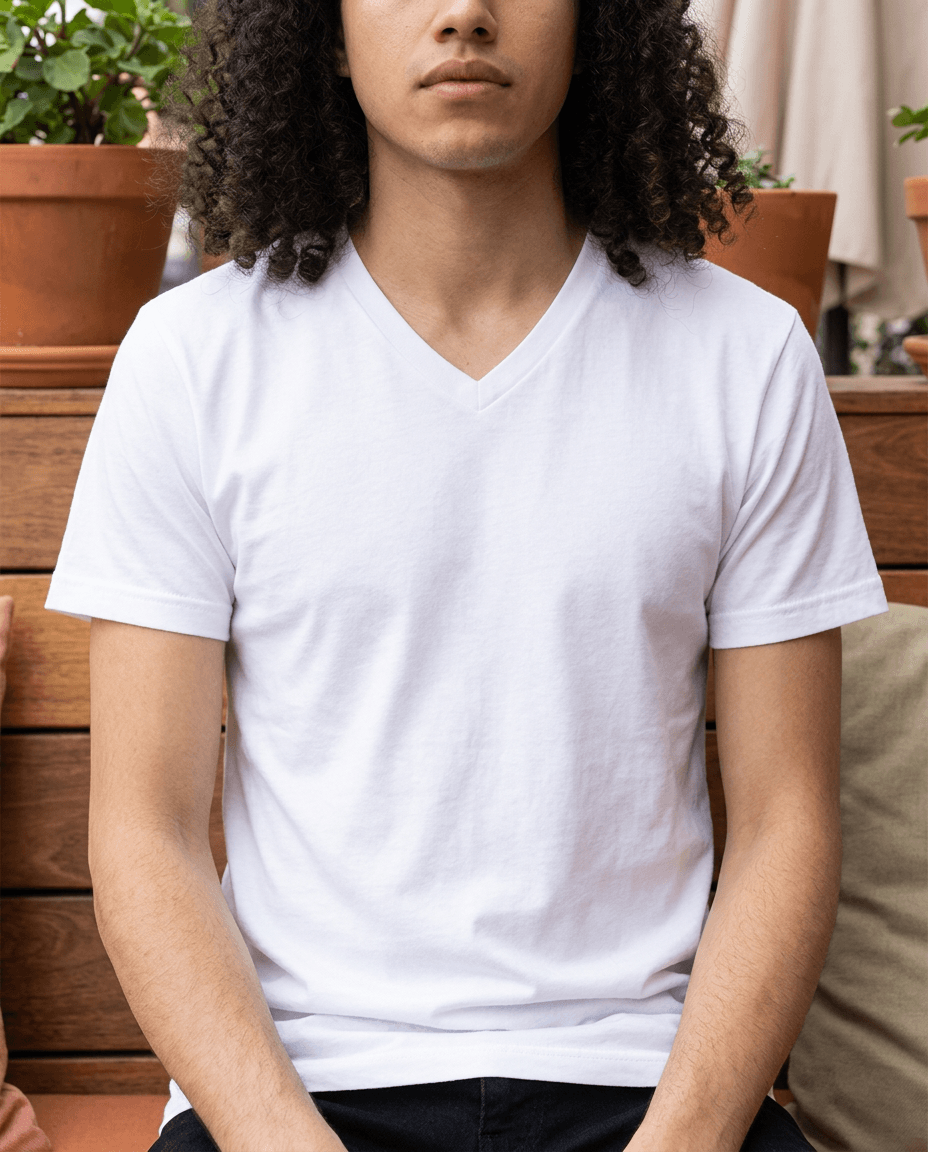
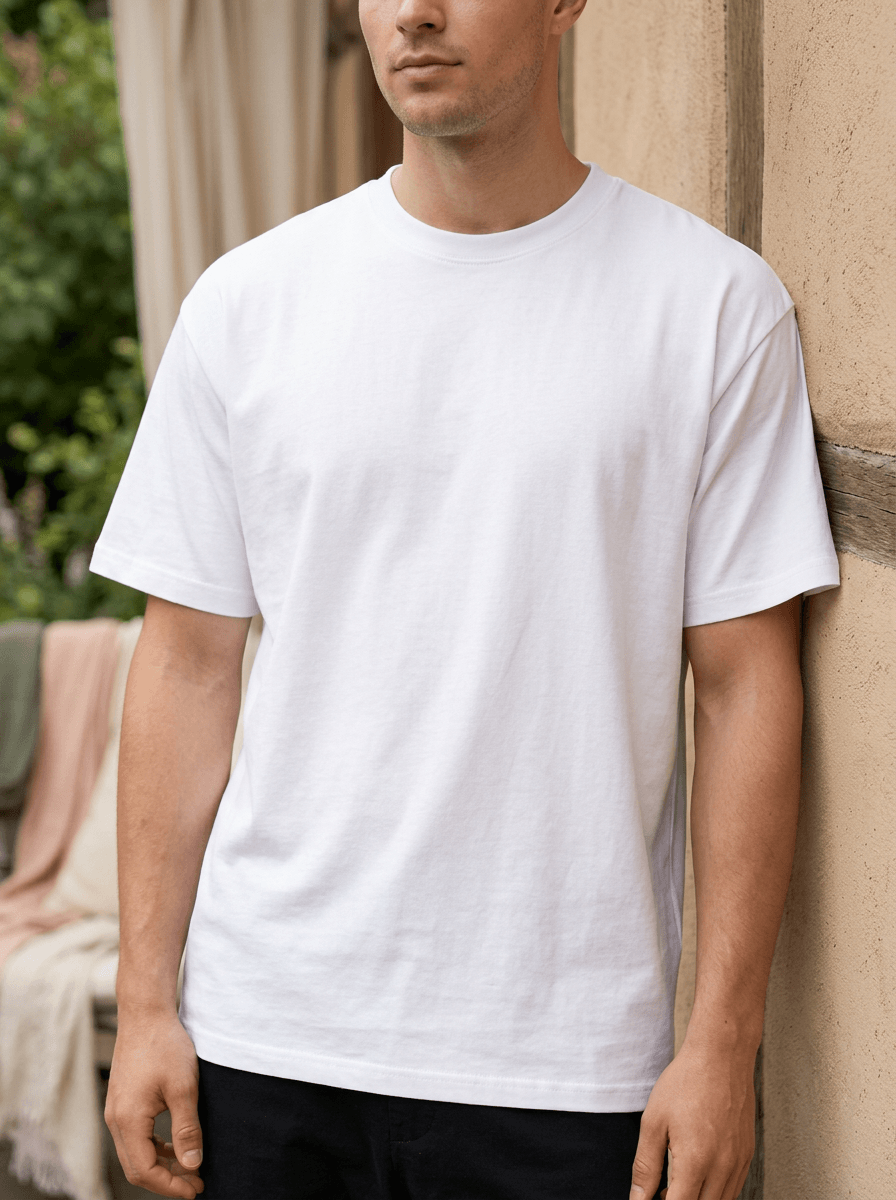
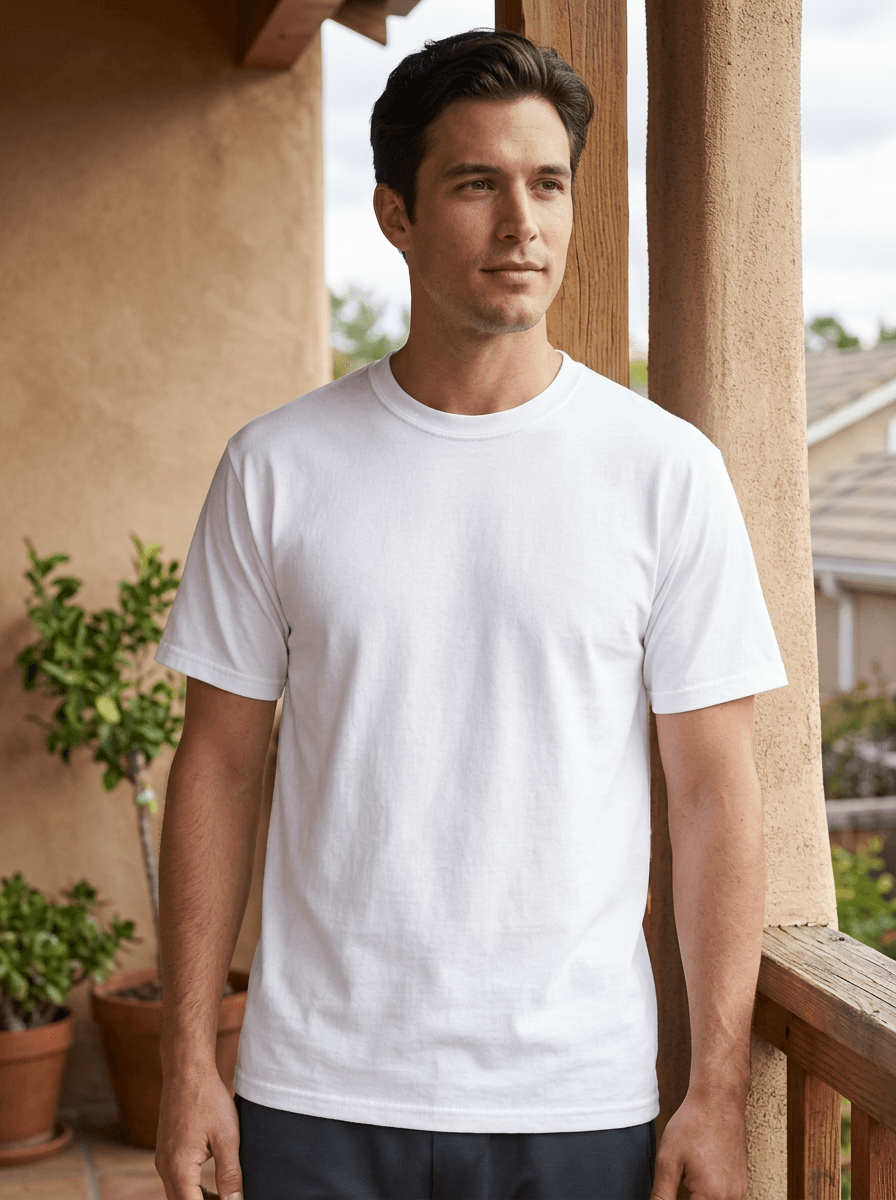
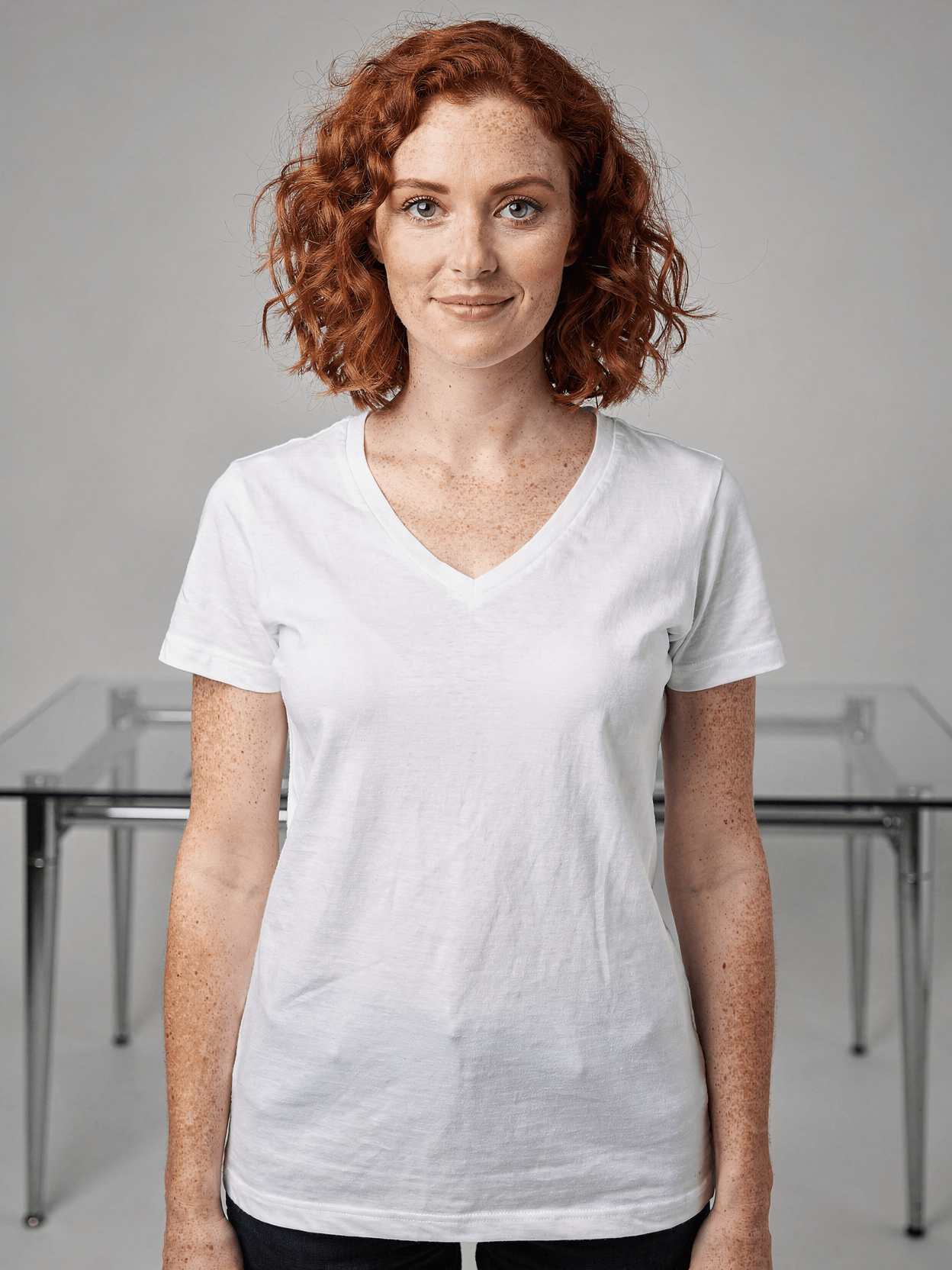
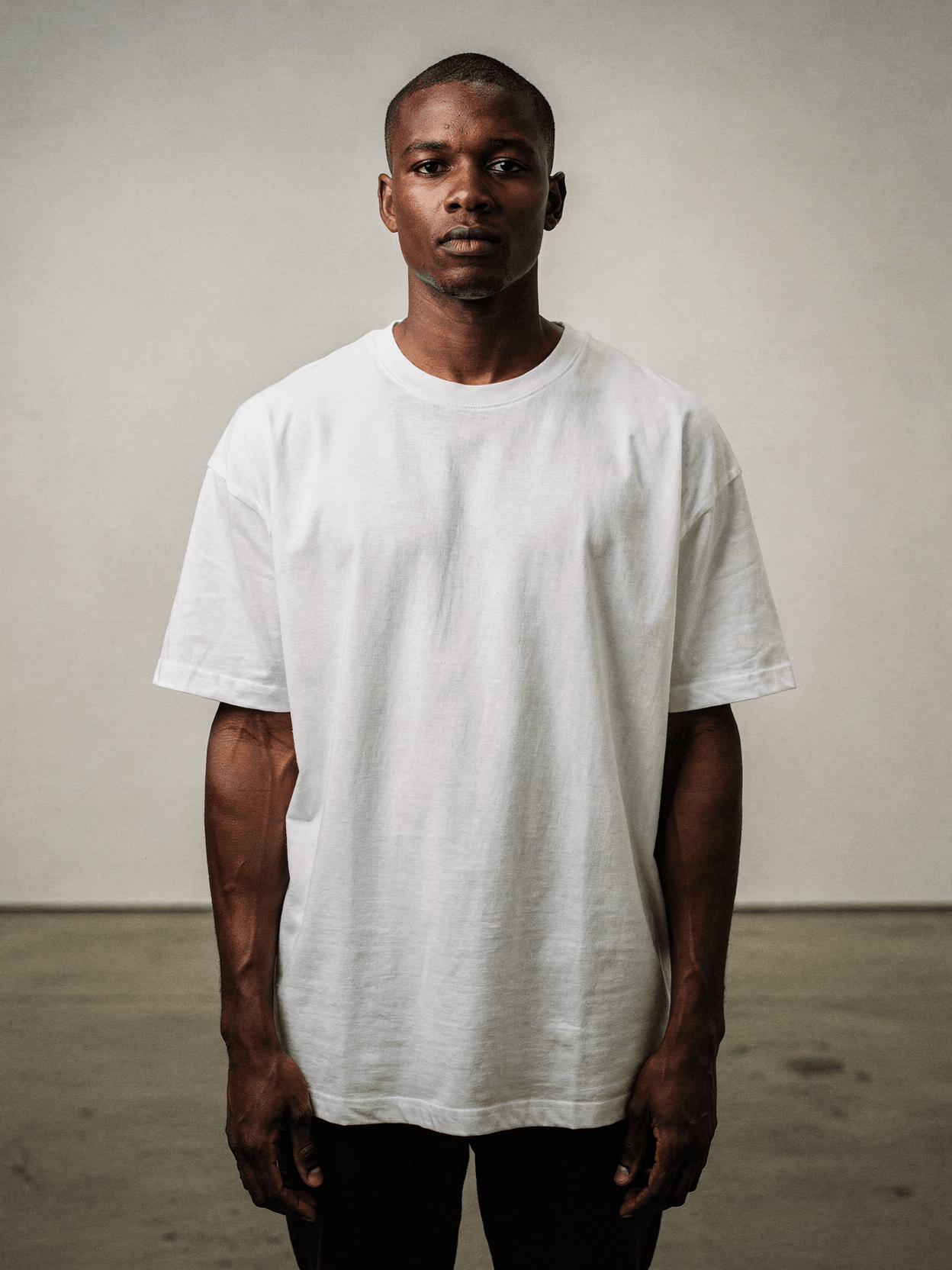
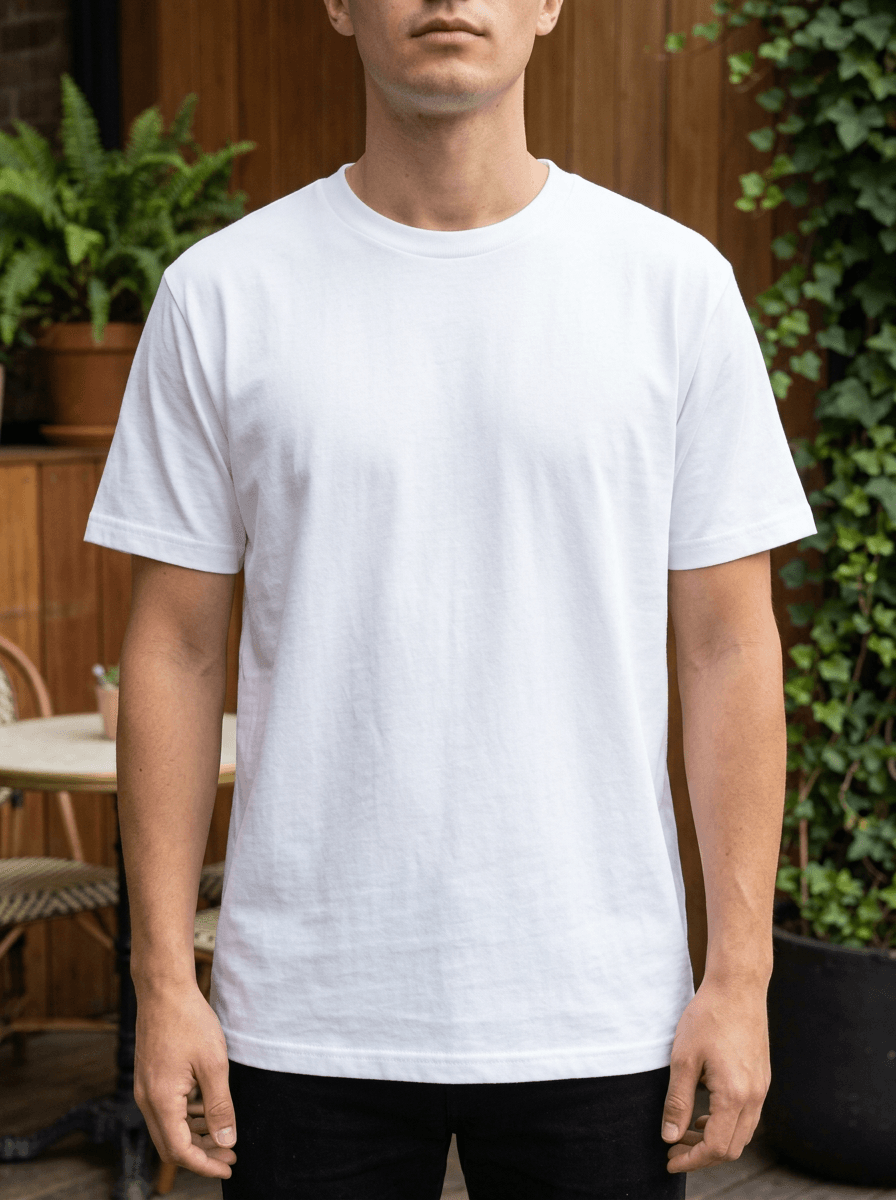
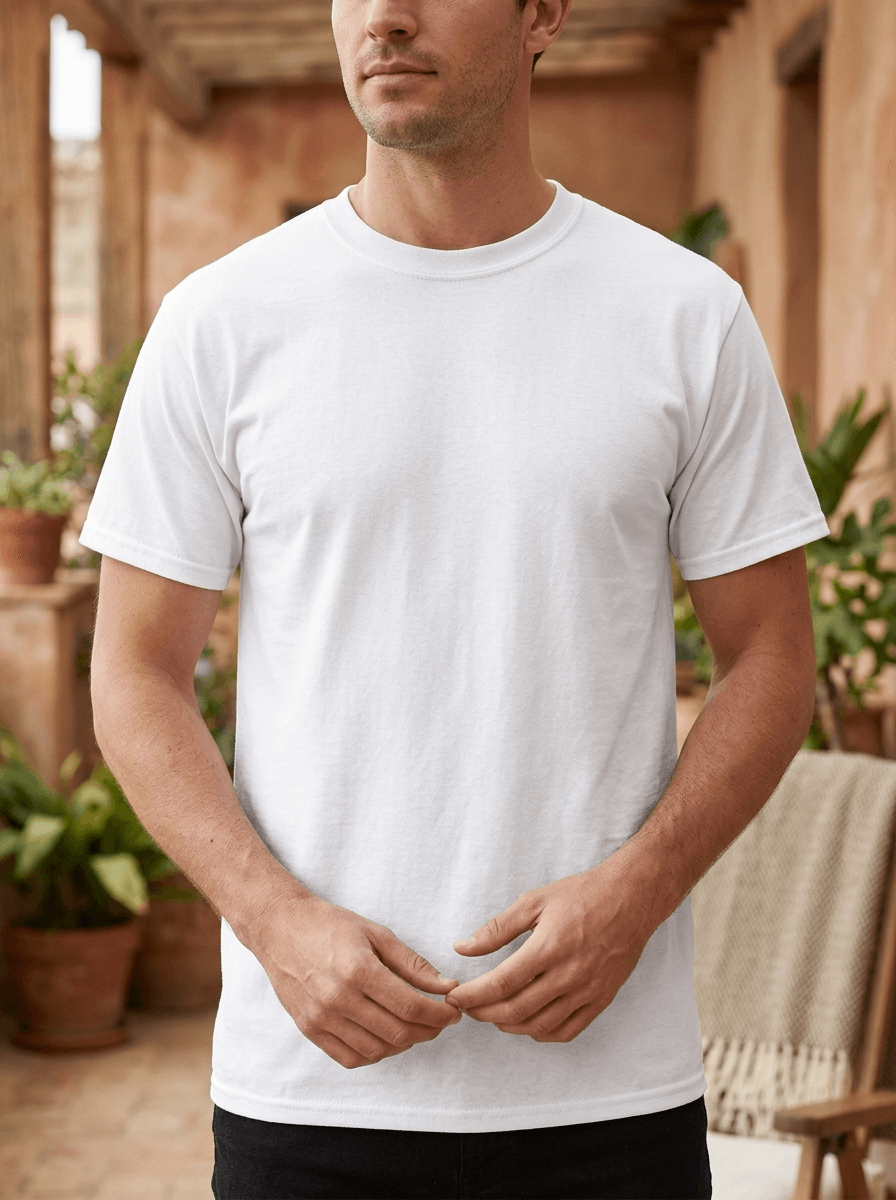
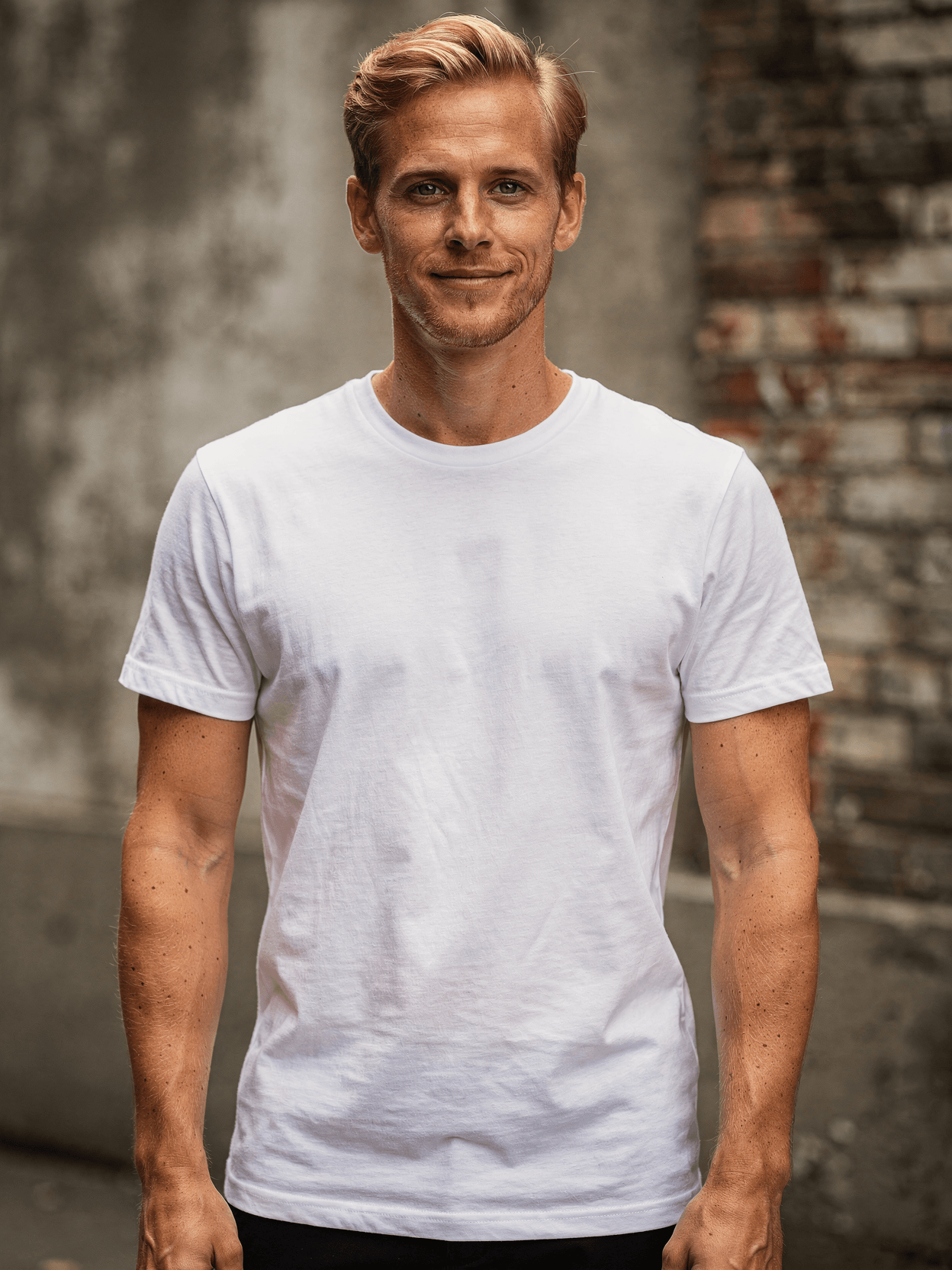
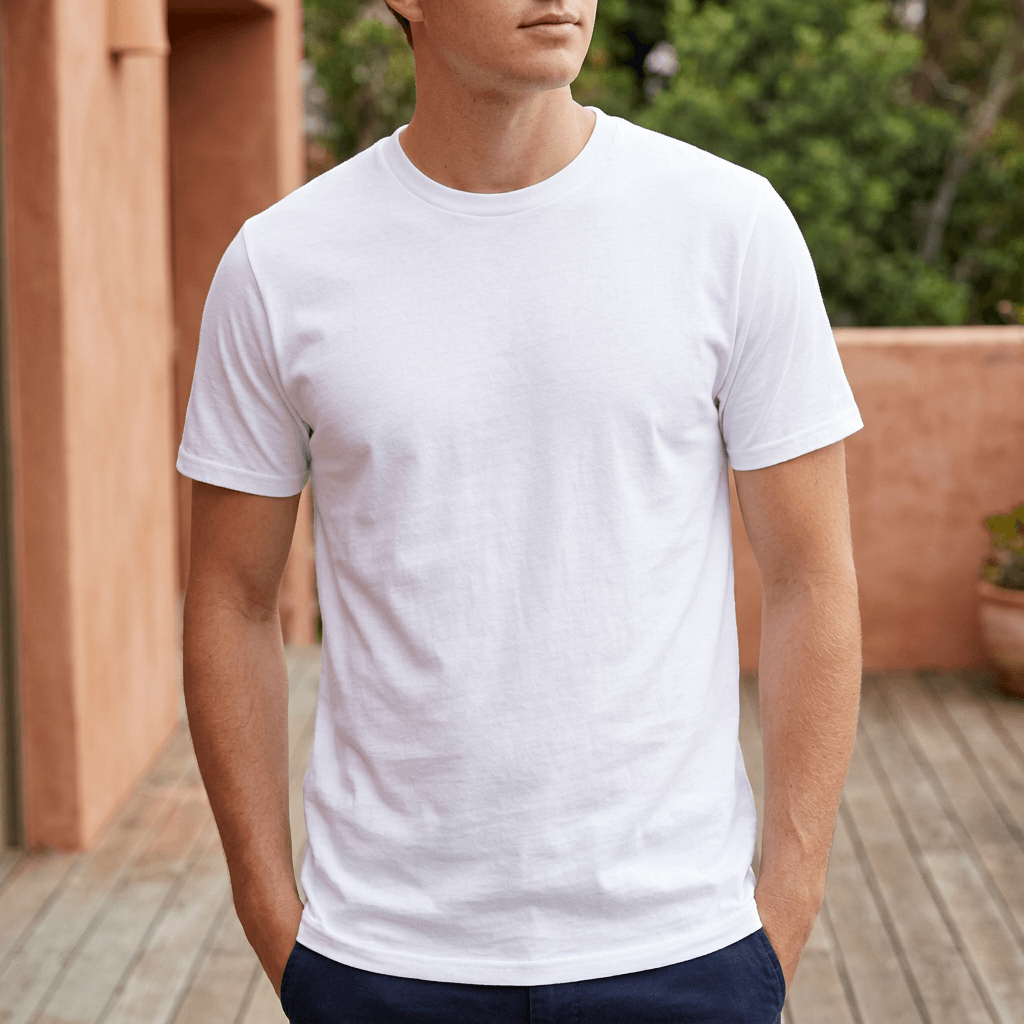
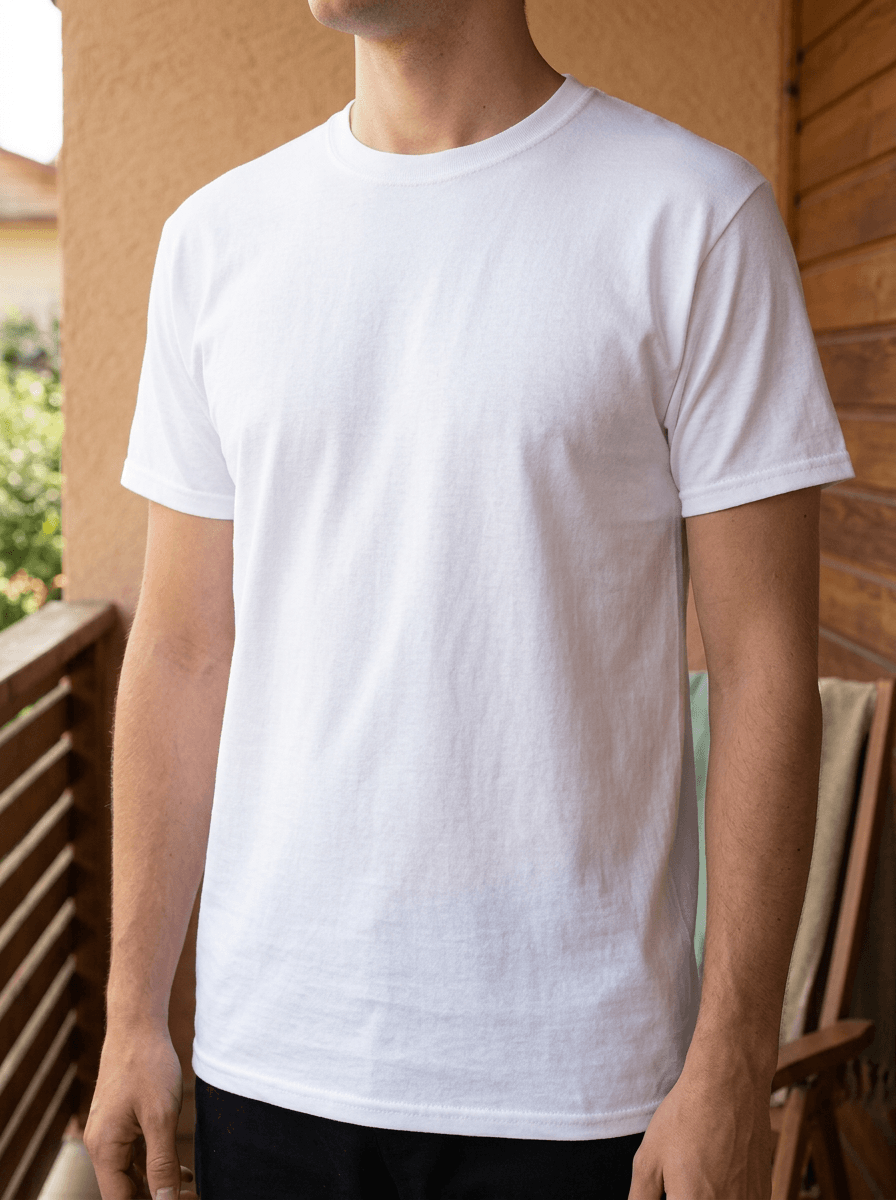
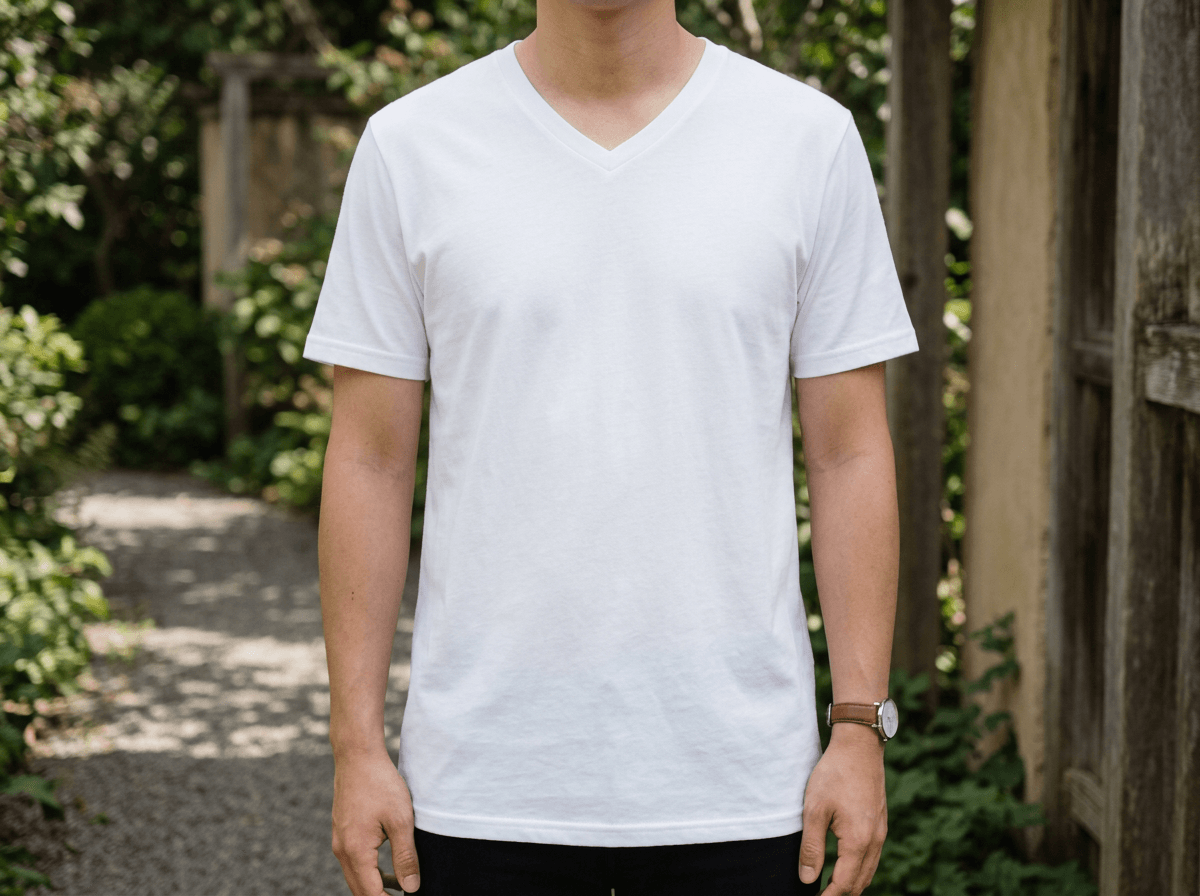
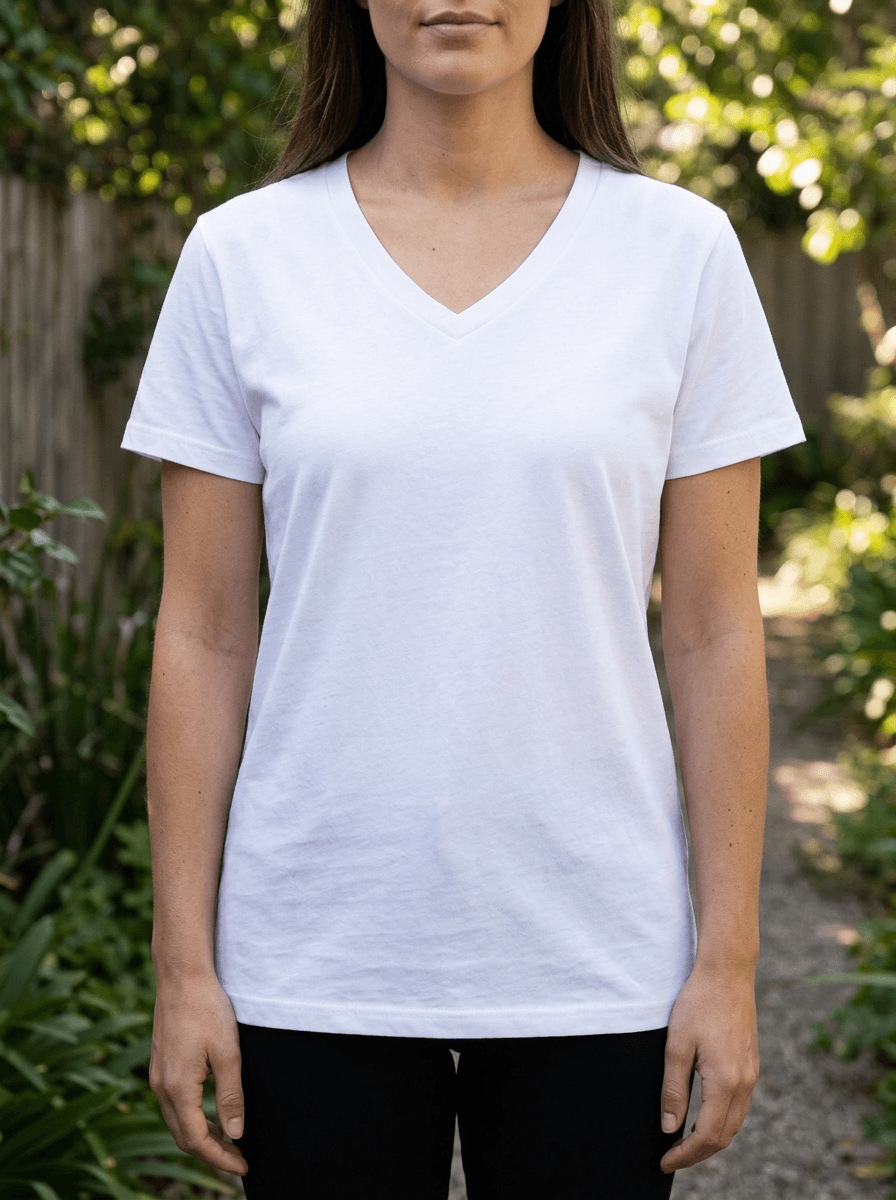
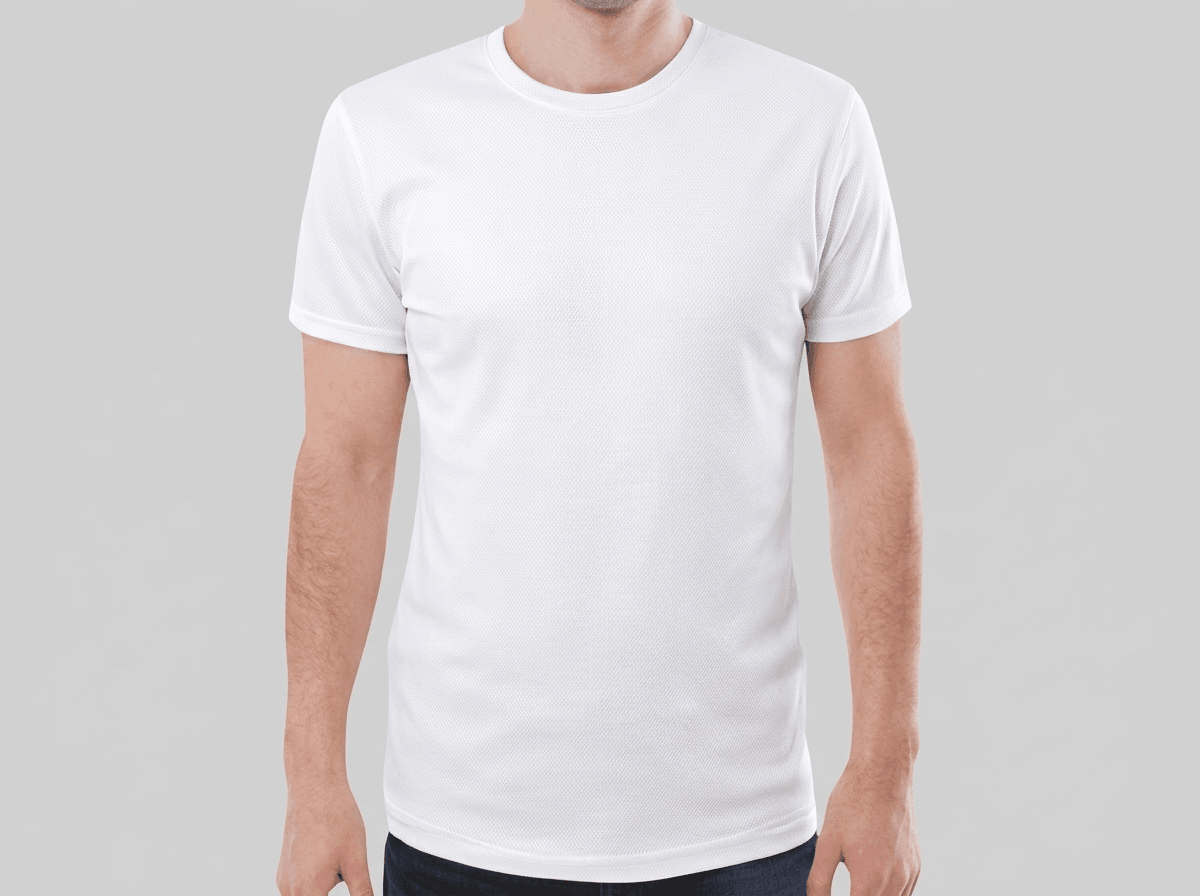
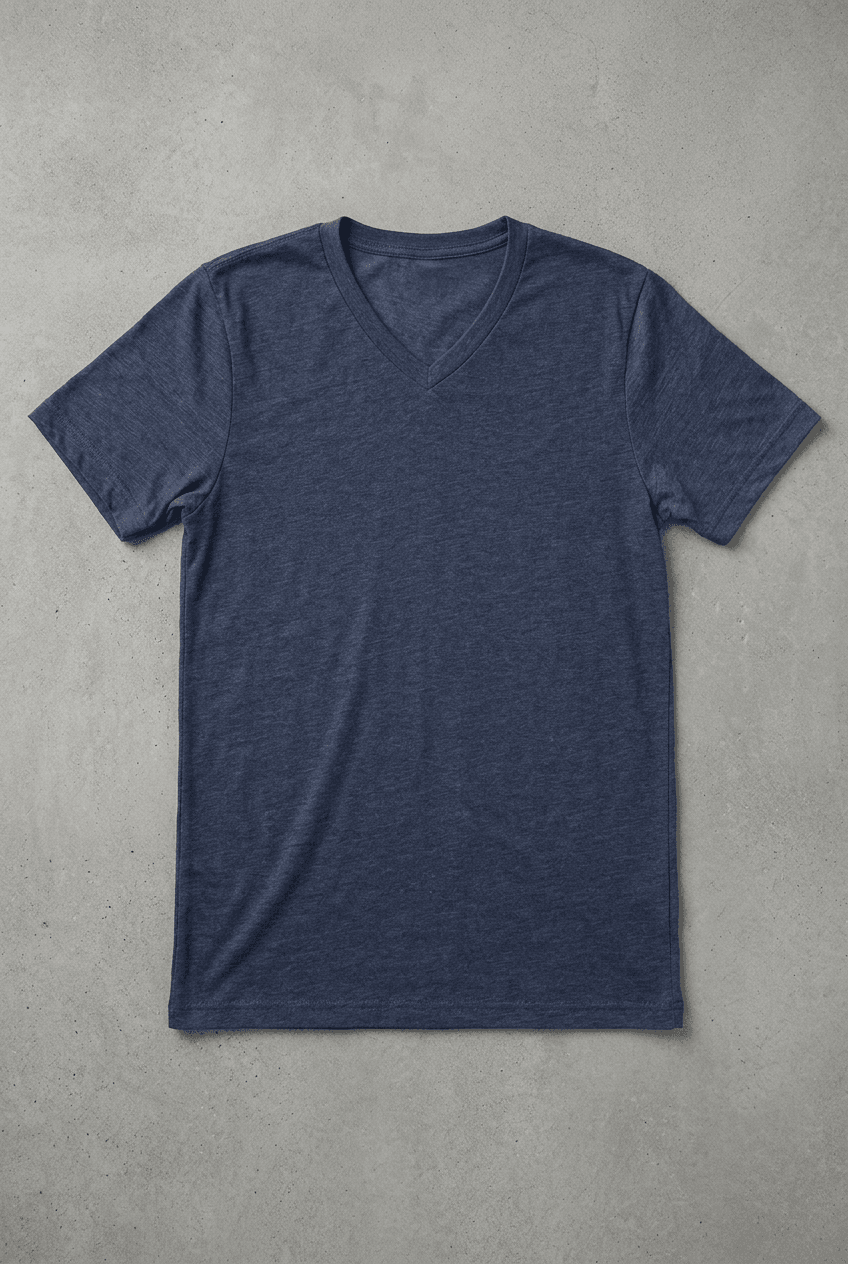
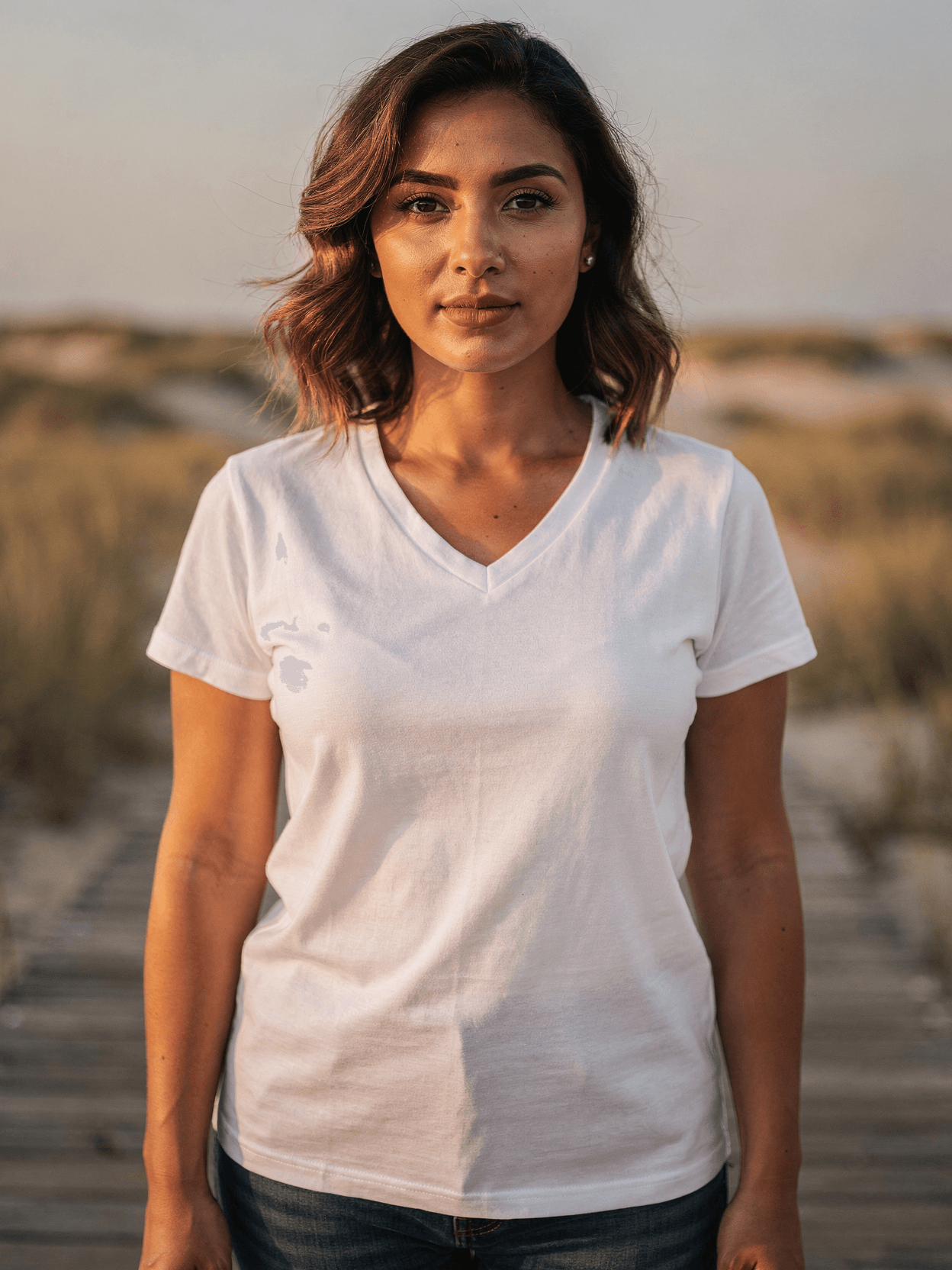
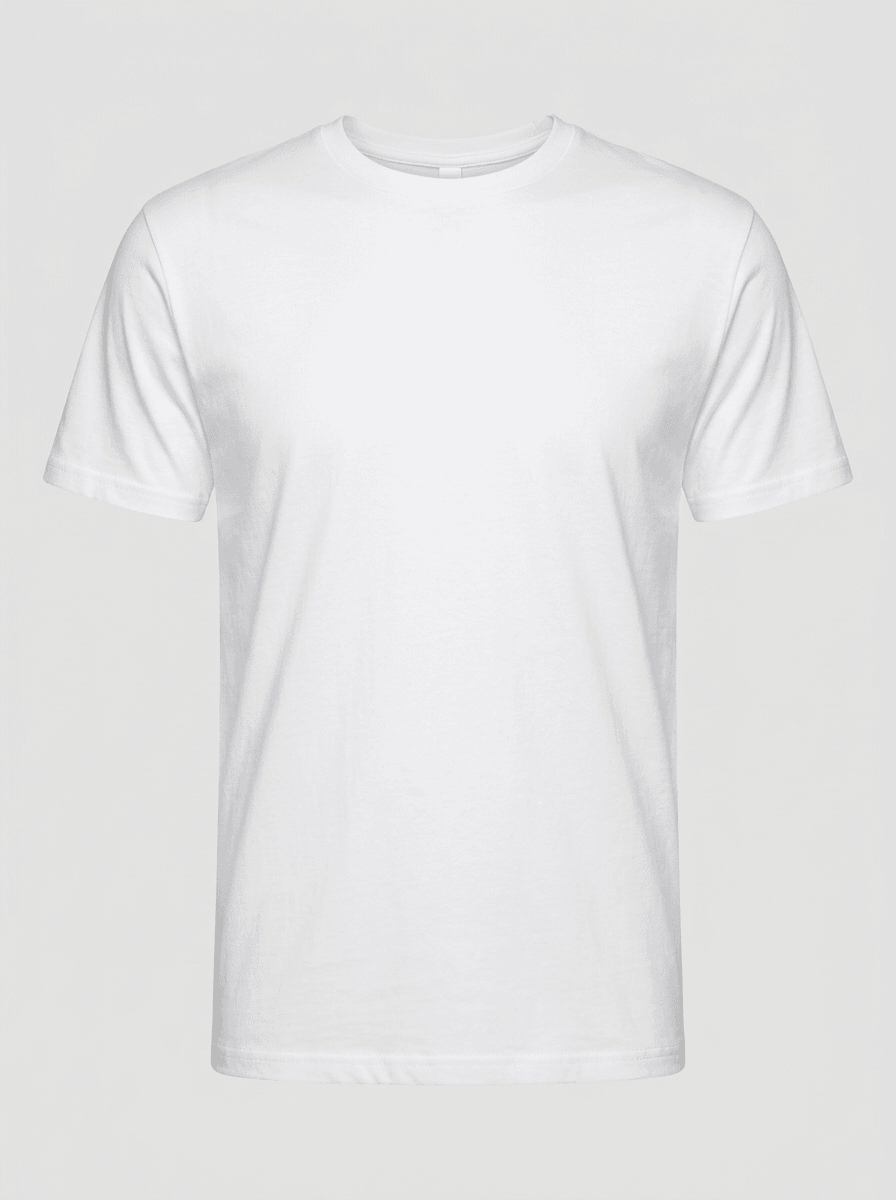
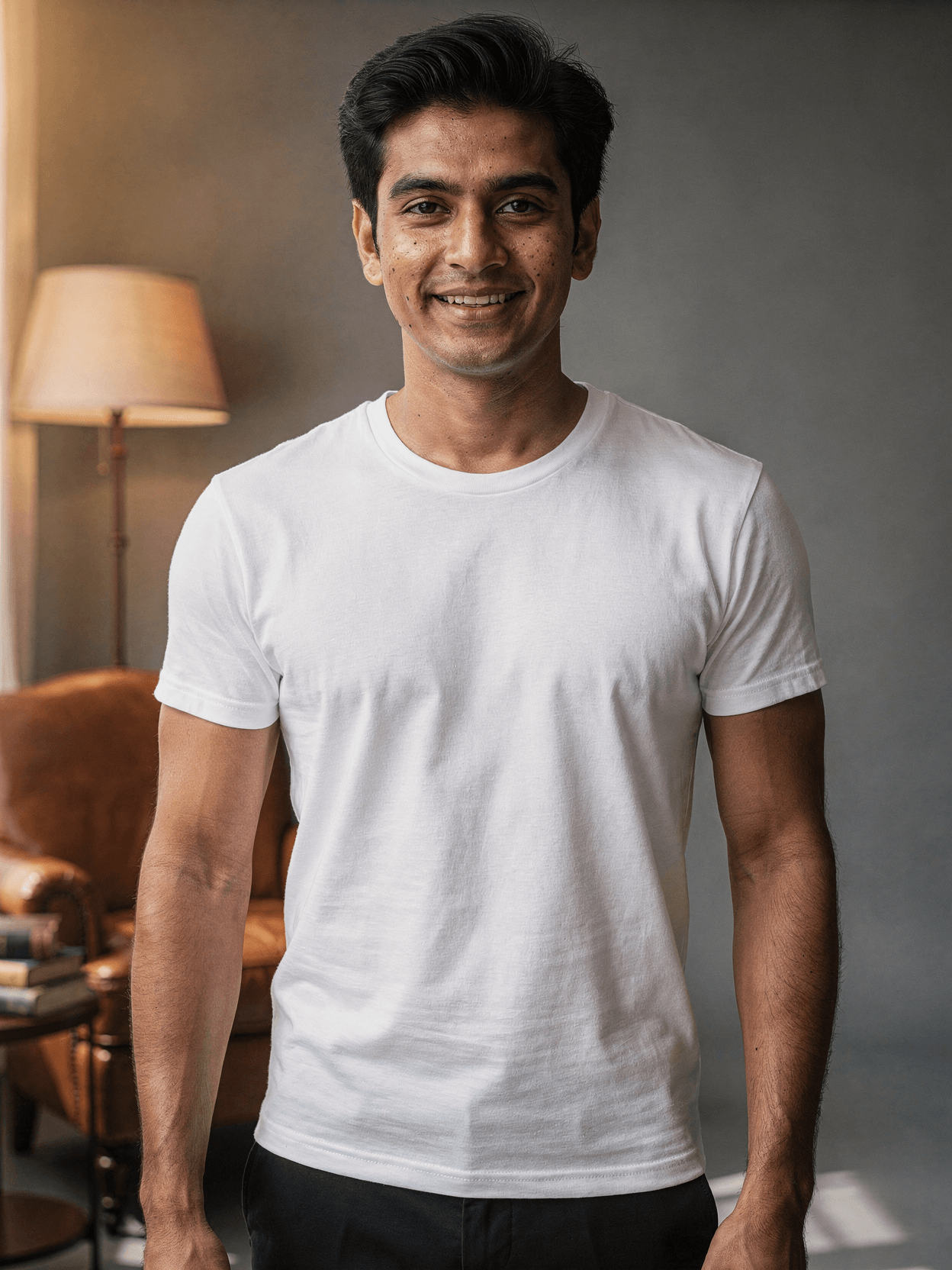
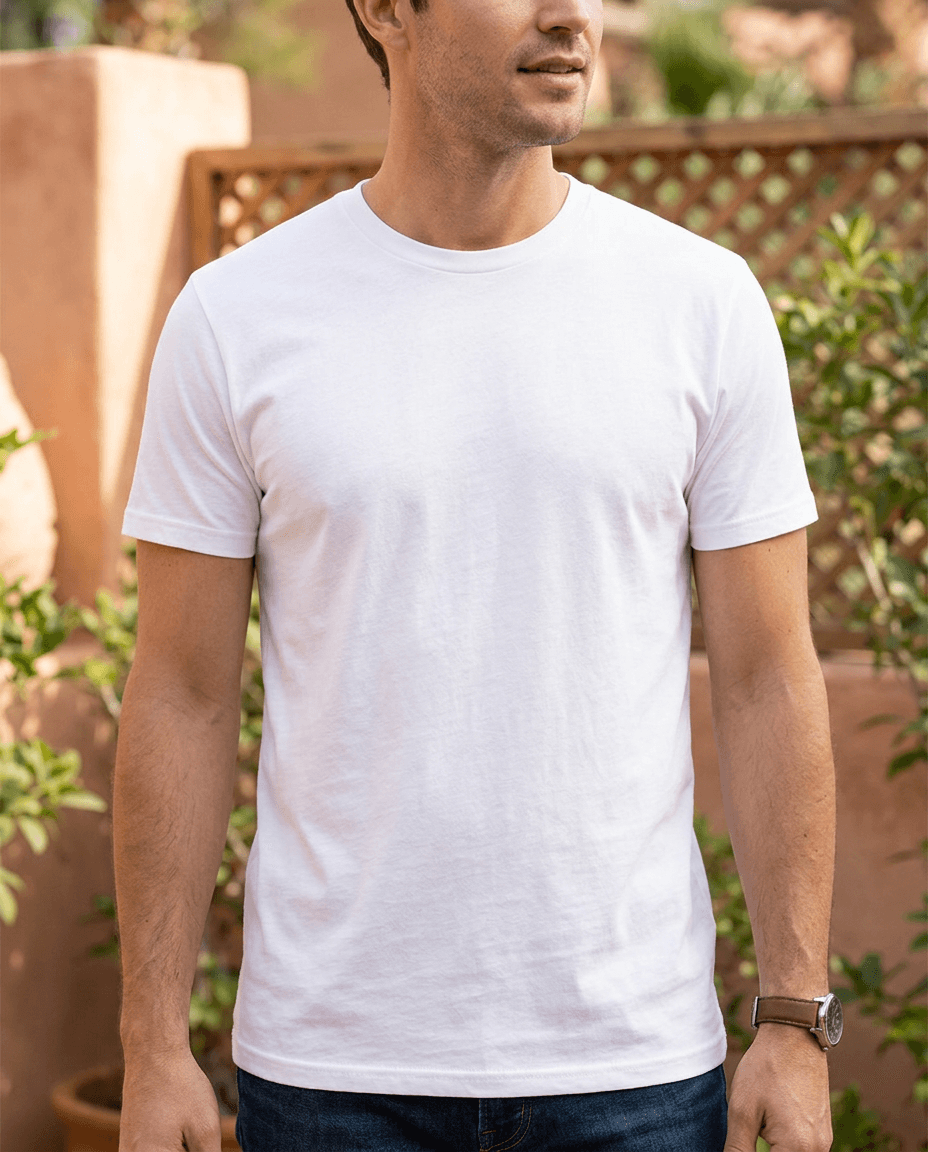
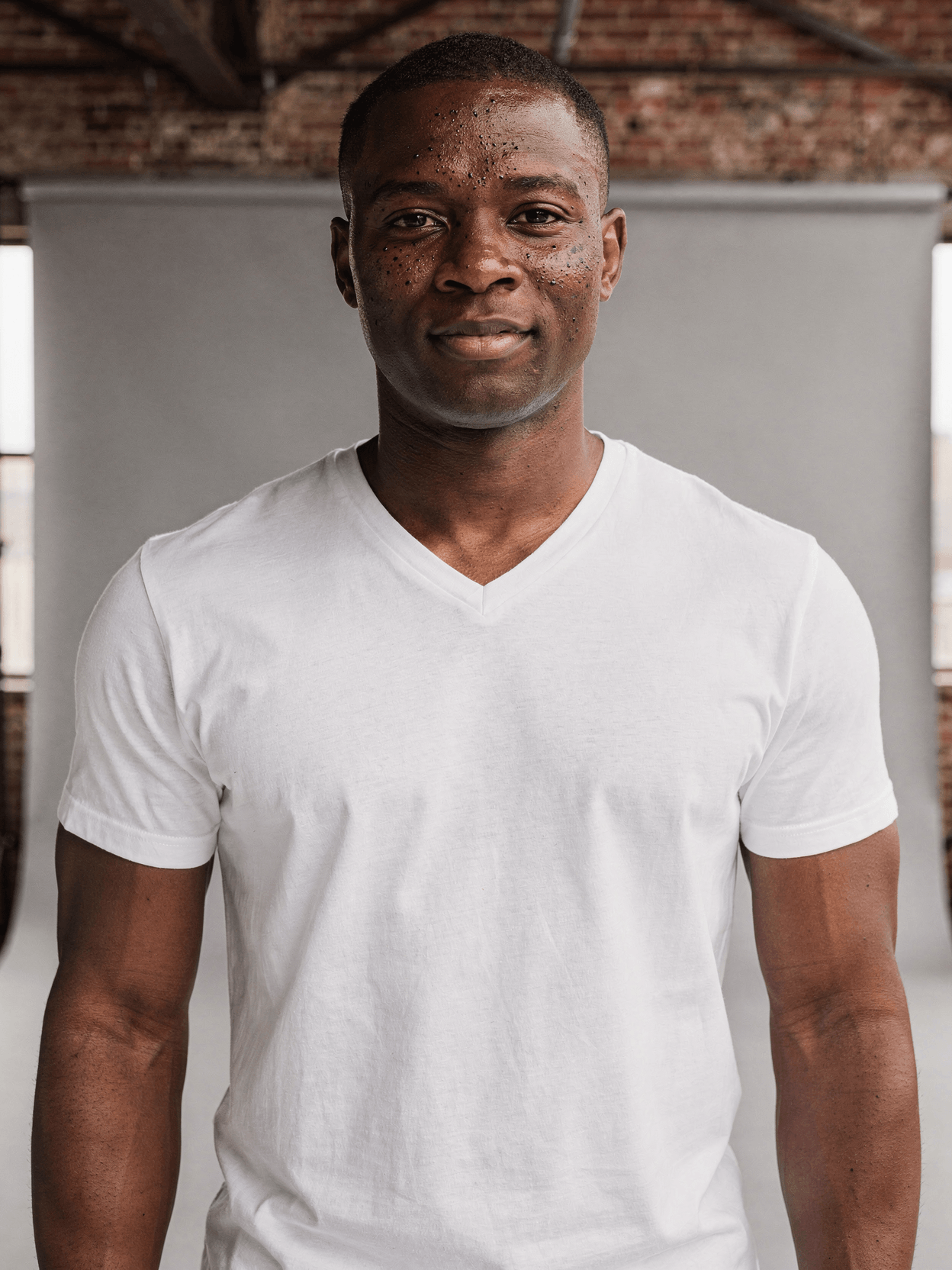
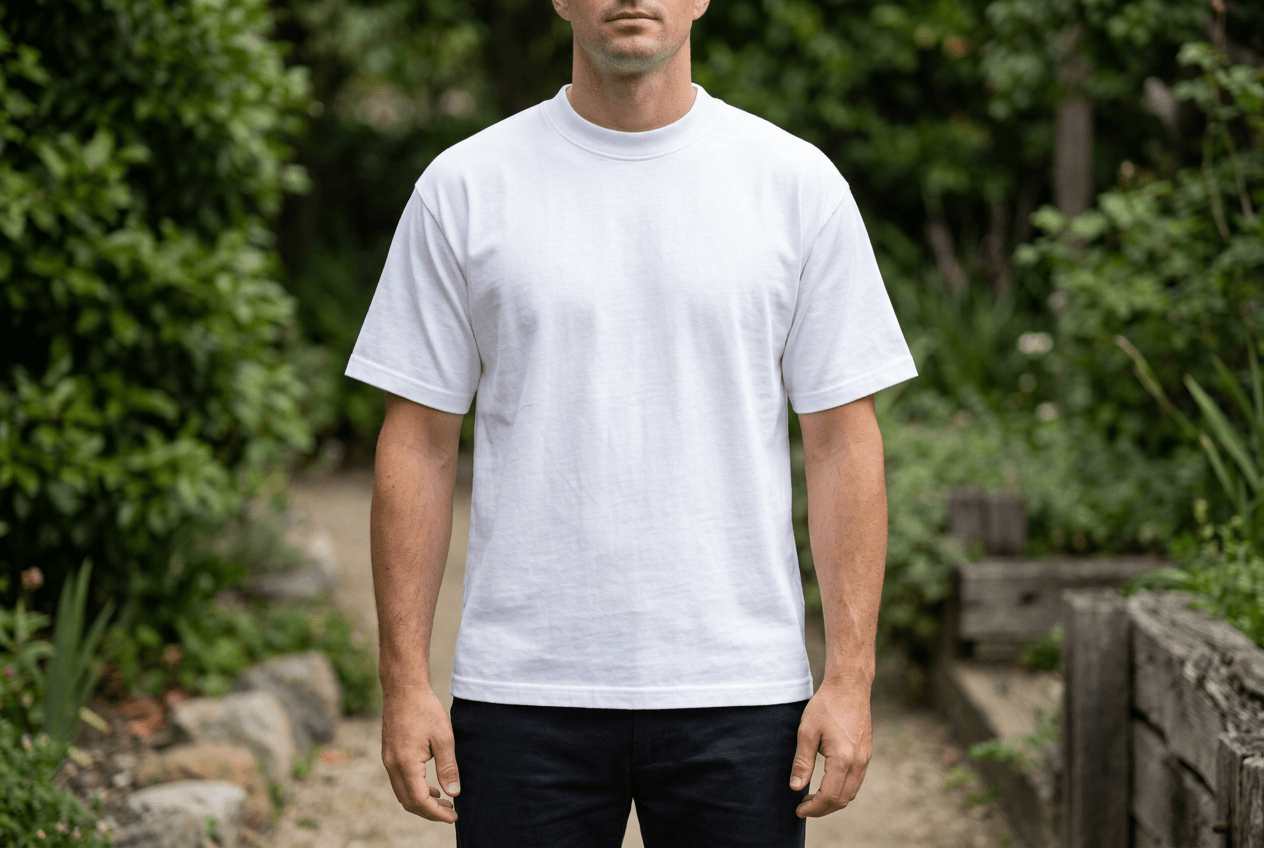
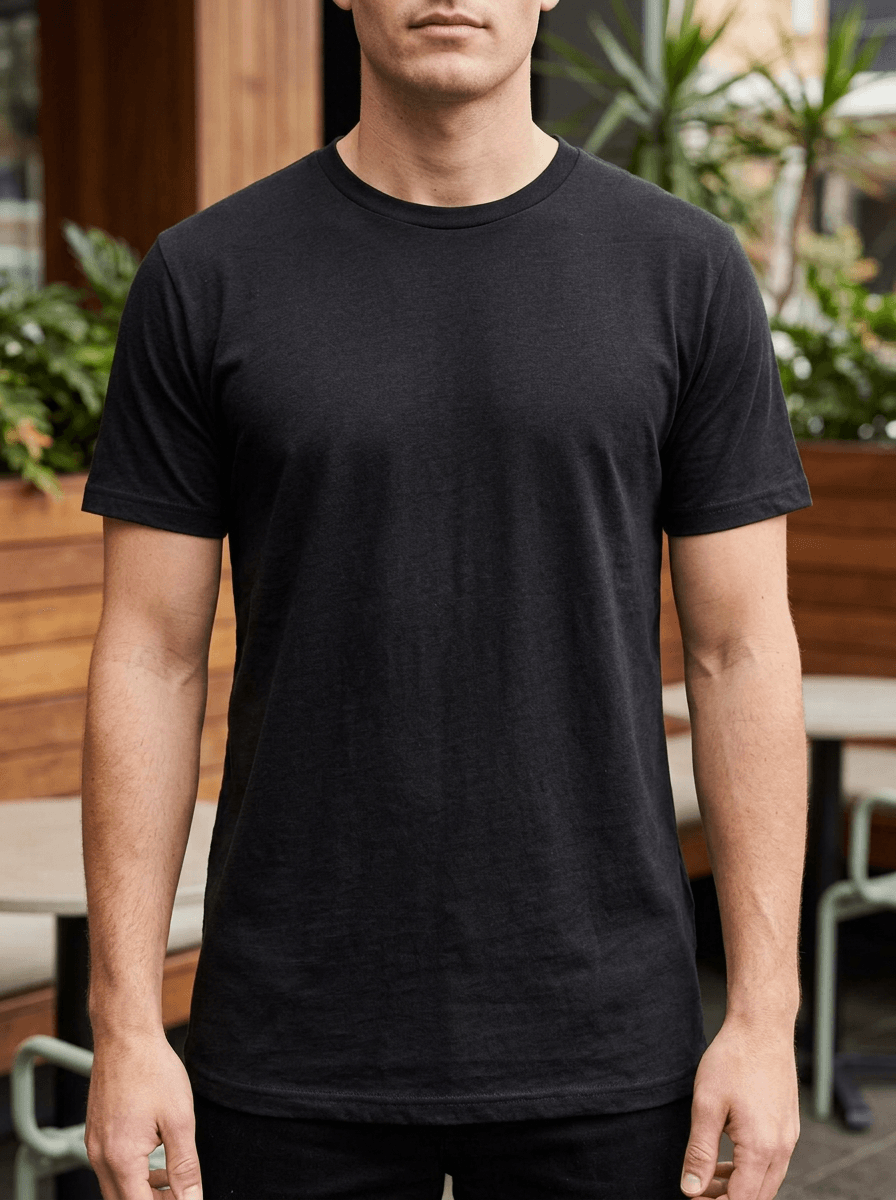
A v-neck mockup is a product photography template showing a blank v-neck t-shirt, typically on a human model. Every angle opens as a ready photo mockup: place your artwork in the editor or through the API.
Loading selected angle
White Polyester V-Neck T-Shirt Mockup on Male Model
What's Included
Six camera angles: front hero, back view, three-quarter left, v-neck detail close-up, lifestyle casual, and full-body front
Fit male model of East Asian descent with athletic build, short black hair, shown in casual studio poses
Gildan 64V00 reference: 4.5 oz/yd² preshrunk jersey knit, mitered v-neck collar with 5/8" rib, side-seamed construction
Light gray studio background with soft diffused lighting and minimal shadows across all angles
Extreme close-up angle captures ribbed knit collar stitching and v-point construction detail
Compatible with Printful, Printify, Gelato, Shopify, WooCommerce, Etsy, and Amazon workflows
Every angle opens as a ready photo mockup
Subscriptions from $0.002 per render
Specifications
Format
PNG · RGB
Angles
6 views
About This Mockup
Mockup Overview
This mockup template shows a white v-neck t-shirt on a fit male model of East Asian descent, approximately late 20s to early 30s, with short black hair and light freckles across his cheeks. He stands in a relaxed pose against a light gray studio background. Studio lighting from a large softbox creates soft, even illumination with minimal shadows. The garment is plain white with no prints or graphics, and the lightweight fabric drapes naturally on the model's athletic build.
What This Mockup Shows
Six camera angles document the v-neck t-shirt from multiple perspectives:
- Front Hero Shot: Waist-up front view centered on the v-neck collar and chest area. The model faces the camera with a slight smile, arms relaxed at his sides, one hand near his pocket. The v-shaped neckline, shoulder seams, and overall torso fit are clearly visible.
- Back View: Waist-up rear angle with the model's head turned slightly to his right. Back panel construction, shoulder taping, side seams, and the bottom hem are all shown. The fabric texture is visible across the back.
- Three-Quarter Left Angle: The model turns roughly 45 degrees to his left, smiling at the camera. This angle shows the side seam running down the torso, the sleeve fit around the bicep, and how the v-neck collar falls from this perspective.
- V-Neck Detail Close-Up: Extreme close-up of the collar area while worn on the model's neck. The ribbed knit v-collar is visible with distinct horizontal rib lines. Stitching at the v-point and along the collar edge is sharp enough to show construction quality.
- Lifestyle Casual: Chest-up shot of the model in a natural, relaxed pose. He reaches one hand to his hair while looking to his right and laughing. This angle captures the v-neck in a candid, everyday context. A studio light umbrella is partially visible in the upper-left corner.
- Full Body Front: Full-length front view from head to shoes. The model wears the white v-neck paired with black pants and white low-top sneakers. His left hand rests in his pocket. This angle shows the full garment length, sleeve proportions, and how the shirt sits at the waist.
Product Specifications
The base garment reference is the Gildan 64V00 Softstyle V-Neck T-Shirt. Specifications: 4.5 oz/yd² fabric weight, mitered v-neck collar with 5/8" narrow-width rib, taped neck and shoulders, double-needle stitched sleeves and bottom hem. Construction is side-seamed with a modern classic fit, rolled-forward shoulders, and quarter-turned body to eliminate center crease. Tear-away label. Available in sizes XS through 3XL. The preshrunk jersey knit provides a smooth surface suited for screen printing and DTG.
Suitable Applications
E-commerce product listings on Etsy, Amazon, and Shopify. Print-on-demand catalog generation through Printful, Printify, and Gelato integrations. Social media product posts. Automated mockup workflows via n8n, Zapier, or Make.
Every angle opens as a ready photo mockup: place your artwork in the editor or through the API. Subscriptions from $0.002 per render.
How to Use This Mockup
Step 01
Pick an angle
Choose the angle you want from this template. Every angle opens as a ready photo mockup.
Photo Mockups GuideStep 02
Place your artwork
Add your design in the editor or through the API, as a single placement or a repeating pattern.
Print Areas GuideStep 03
Export your mockup
Generate high-resolution product images in PNG, JPG, or WebP format. Batch process multiple designs.
Render Artwork DocsDetails & Specifications
File Format
PNG
Color Mode
RGB
Angles
6
| Angle | Type | Primary |
|---|---|---|
| Front Hero Shot | front-hero | Yes |
| Back View | back-view | |
| Three-Quarter Left Angle | three-quarter-left | |
| V-Neck Detail Close-Up | vneck-detail-closeup | |
| Lifestyle Casual | lifestyle-casual | |
| Full Body Front | full-body-front |
Industries
Seasons
Tags
V-Neck MockupV-Neck T-Shirt MockupV-Neck TemplateBella Canvas V-Neck MockupMen's V-Neck MockupWhite V-Neck MockupV-Neck Mockup Front And BackV-Neck Mockup For EtsyV-Neck Mockup For PODRealistic V-Neck MockupGildan 64v00 MockupT-Shirt MockupApparel MockupMale Model MockupStudio Photography MockupPOD Mockup TemplatePrint-on-Demand V-NeckAPI Mockup Rendering
Industry Insights & Research
22% of products are returned because they appear different in person than in product photos.
Source: Conversion Rate Optimization Analysis via grabon.com. Accurate mockup templates showing true fabric texture and fit reduce return rates for apparel sellers.
Apparel led with 40.20% revenue share in the print-on-demand market in 2025.
Source: Mordor Intelligence. V-neck t-shirts are a staple POD product, and having multi-angle mockups supports catalog-scale listing generation.
Top POD sellers publish ten new listings every week on average.
Source: Printify Platform Data.
Subscriptions from $0.002 per render.
Pricing from the SudoMock pricing page, October 2026.
“The mockup world offers something profoundly important: it creates the crucial context that allows others to see your design as you intended it to be experienced.”
“Mockups allow designers to visualize their creations without the need for physical prototypes. This not only speeds up the design process but also reduces costs.”
“We render about 400 v-neck mockups per week for our Etsy shop. Having front, back, and detail angles in a single template set cuts our listing time roughly in half compared to single-angle templates.”
“For v-neck tees specifically, the collar close-up matters. Buyers want to see the neckline depth and rib construction before they order. A template that includes that angle saves us from doing separate product photography.”
Frequently Asked Questions
V-neck mockups feature a V-shaped neckline that dips below the collarbone, while crew neck mockups show a round neckline that sits at the base of the neck. The neckline shape affects design placement: v-neck designs typically start 1 to 2 inches below the v-point. This template includes a collar detail close-up showing the ribbed v-neck construction.
Yes. This template is designed for POD catalog generation and e-commerce product listings. It is compatible with Printful, Printify, Gelato, Shopify, and WooCommerce workflows. Subscriptions from $0.002 per render.
The reference garment is the Gildan 64V00 Softstyle V-Neck T-Shirt: 4.5 oz/yd² preshrunk jersey knit with a mitered v-neck collar, 5/8" narrow-width rib, taped neck and shoulders, double-needle stitched sleeves and hem, side-seamed construction, and tear-away label. Sizes range from XS to 3XL.
Standard front chest placement on a v-neck starts approximately 1 to 2 inches below the v-point of the collar. Common design dimensions range from 9 to 12 inches wide depending on the shirt size. The full-body front angle in this template shows the complete garment length for placement reference.
Six angles are included: front hero shot (waist-up), back view (waist-up), three-quarter left angle, extreme close-up of the v-neck collar ribbing, lifestyle casual shot, and full-body front view showing the complete garment with pants and shoes. All are photographed on the same male model in studio lighting.
Every angle opens as a ready photo mockup: place your artwork in the editor or through the API.
Pick an angle, open it in Photo Mockups and place your artwork in the editor or through the API. Then export your mockup as PNG, JPG or WebP.
Ready to Create Stunning Mockups?
Generate product mockups with Photo Mockups and the Render API. Upload artwork and export high-resolution images from one workflow.
No credit card required500 one-time creditsInstant API access