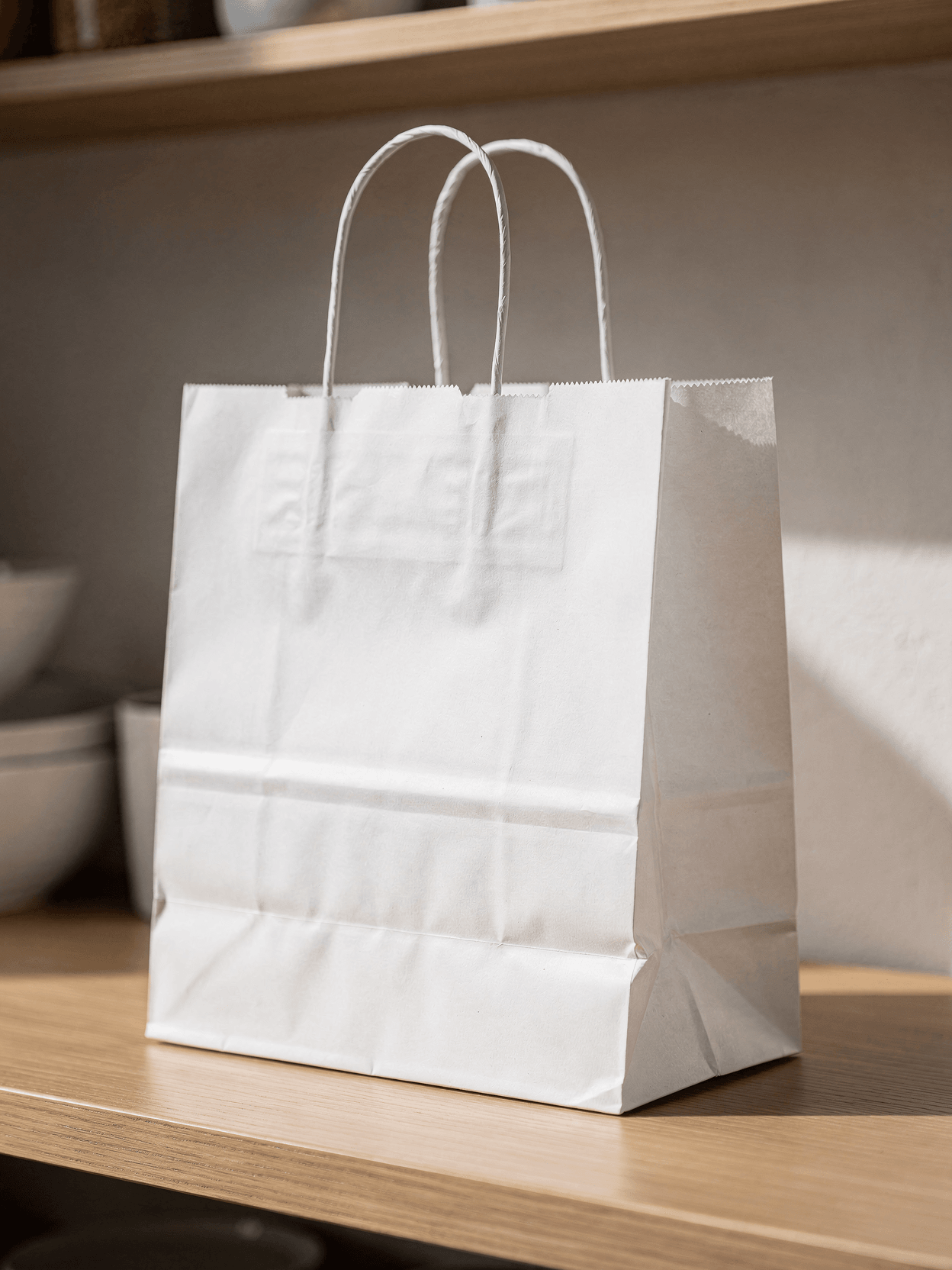
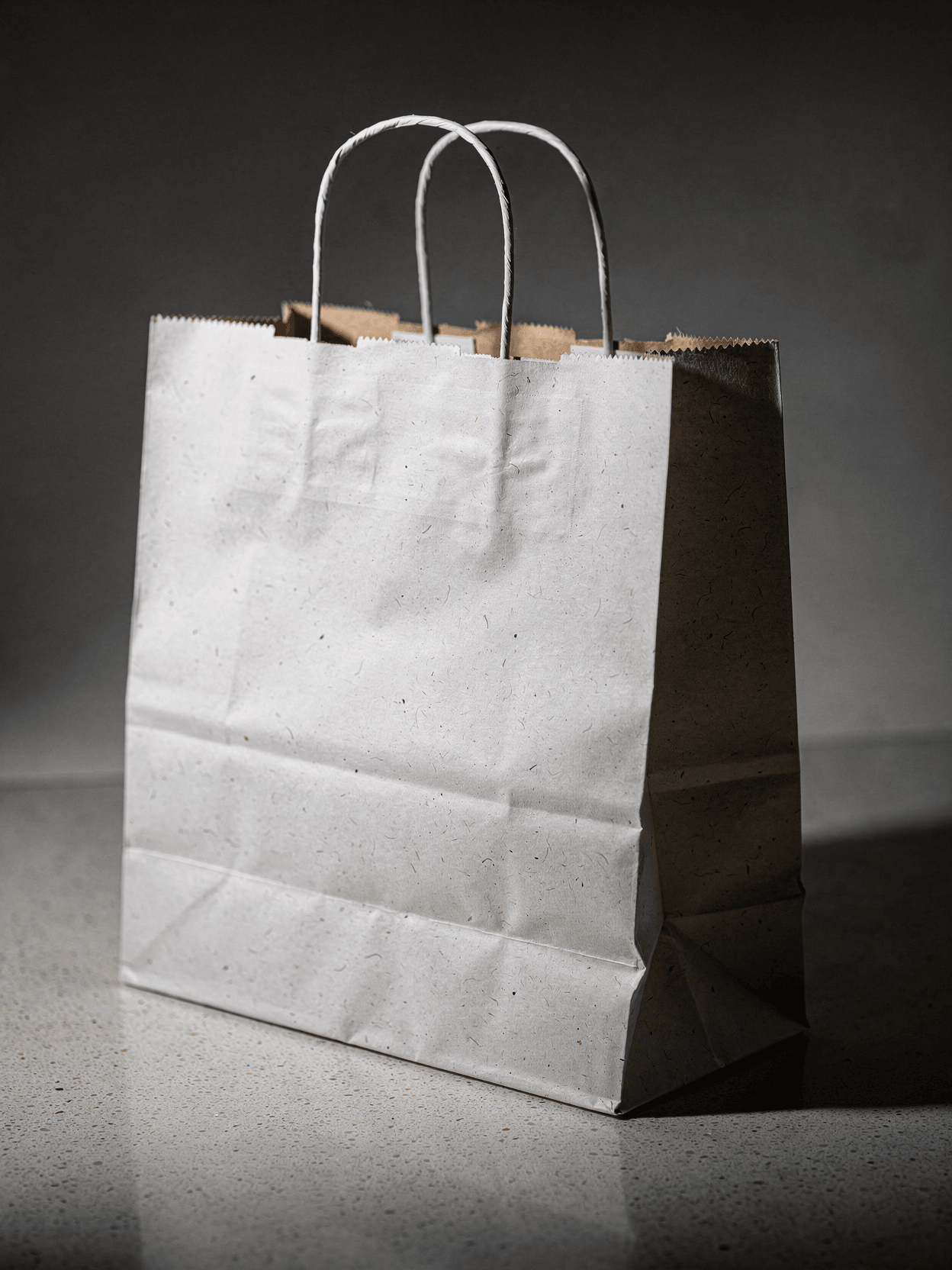
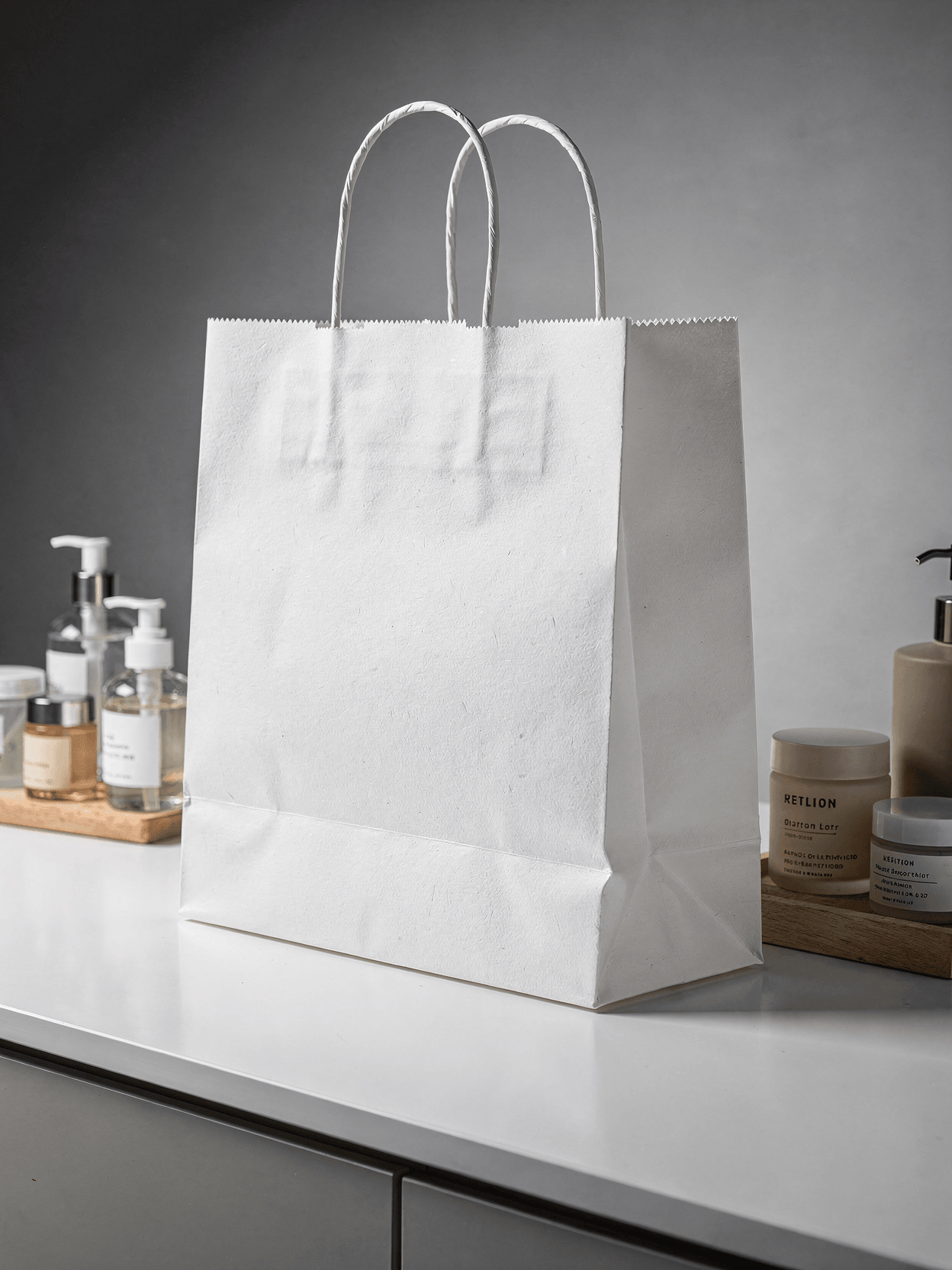
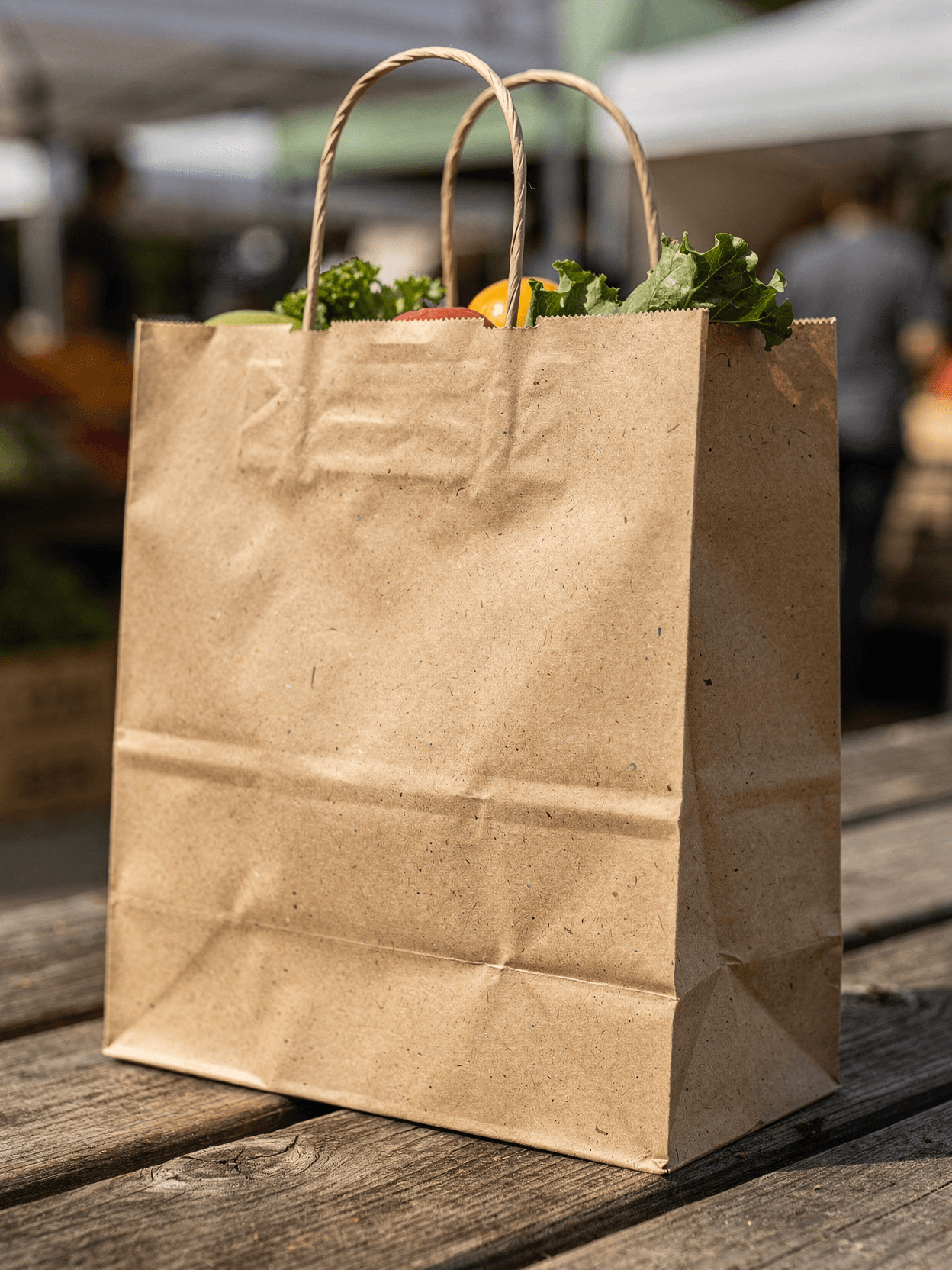
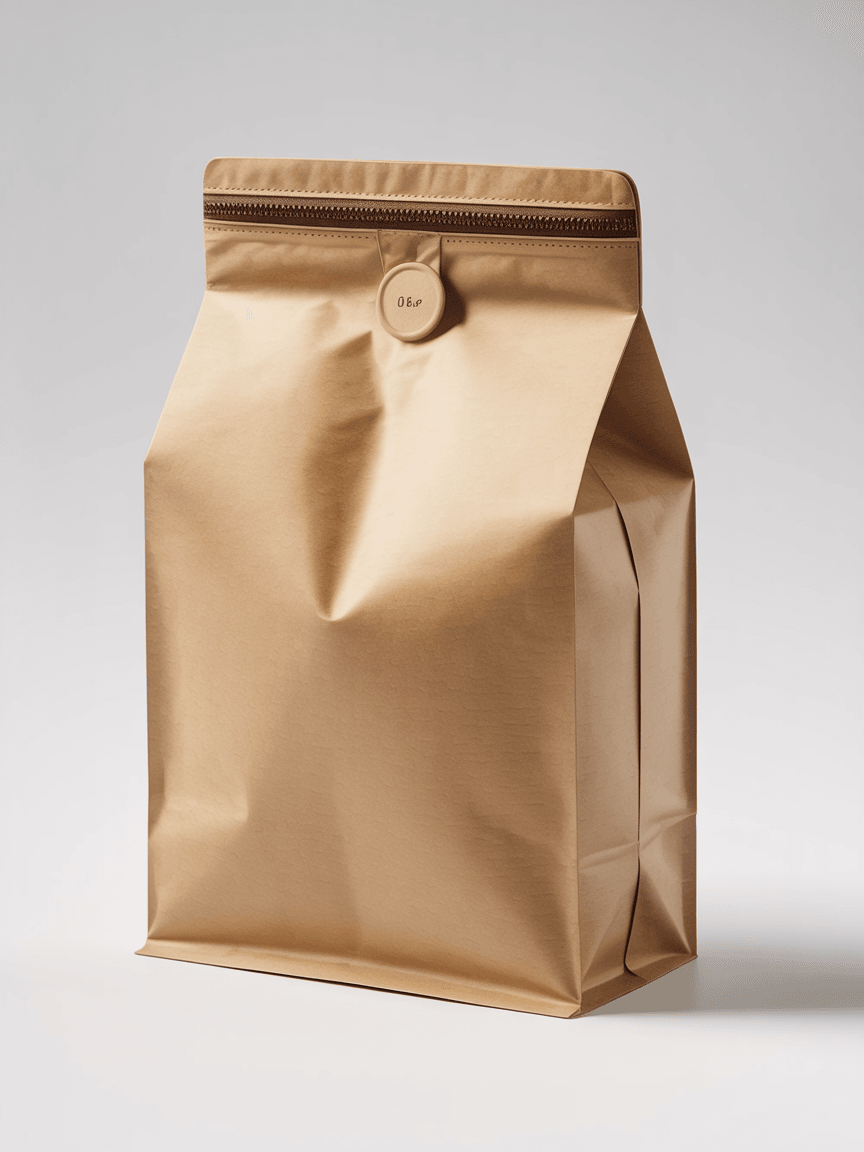
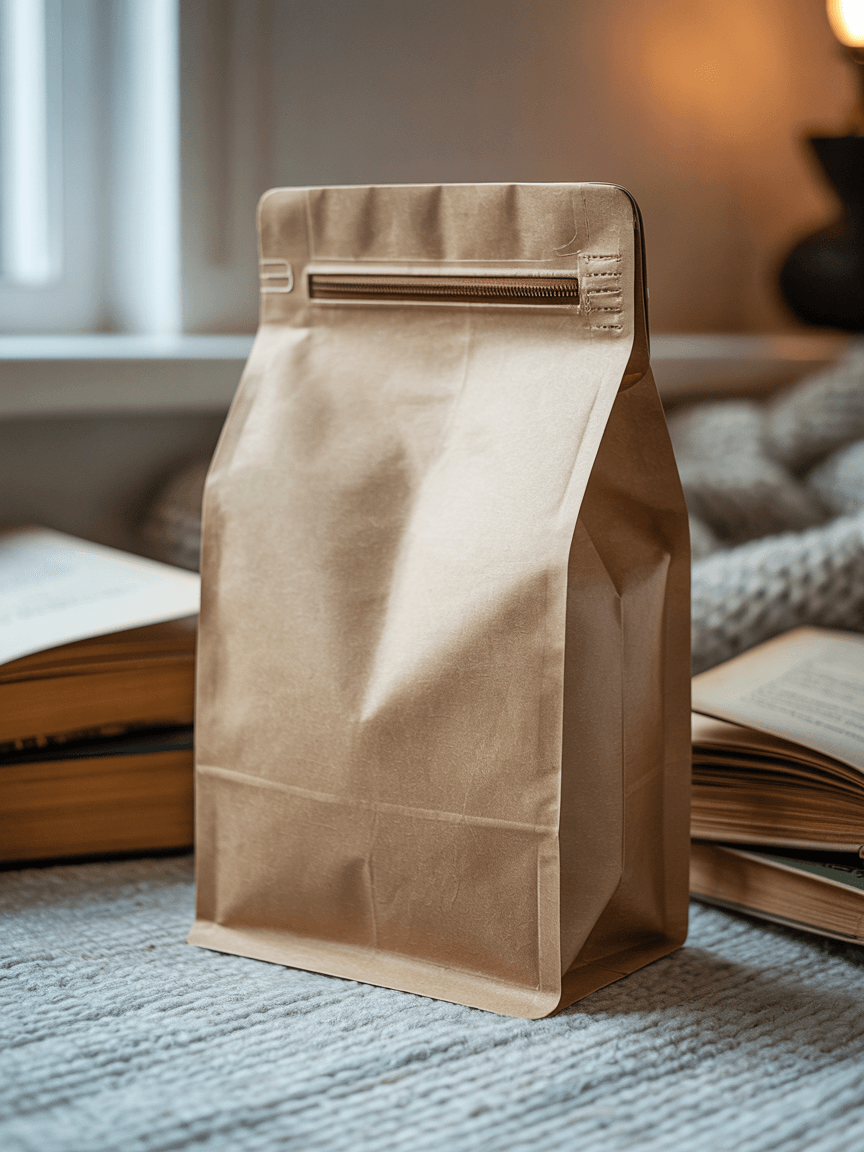
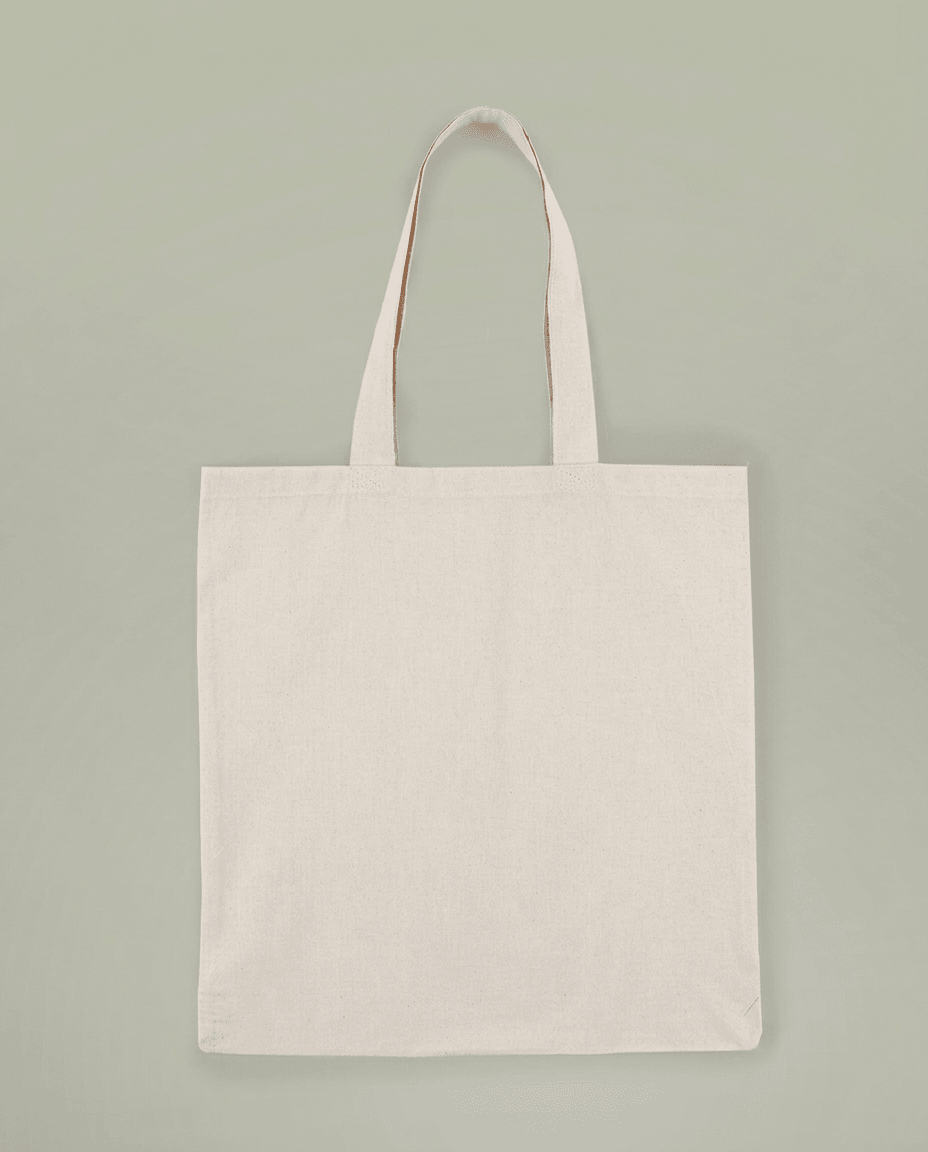
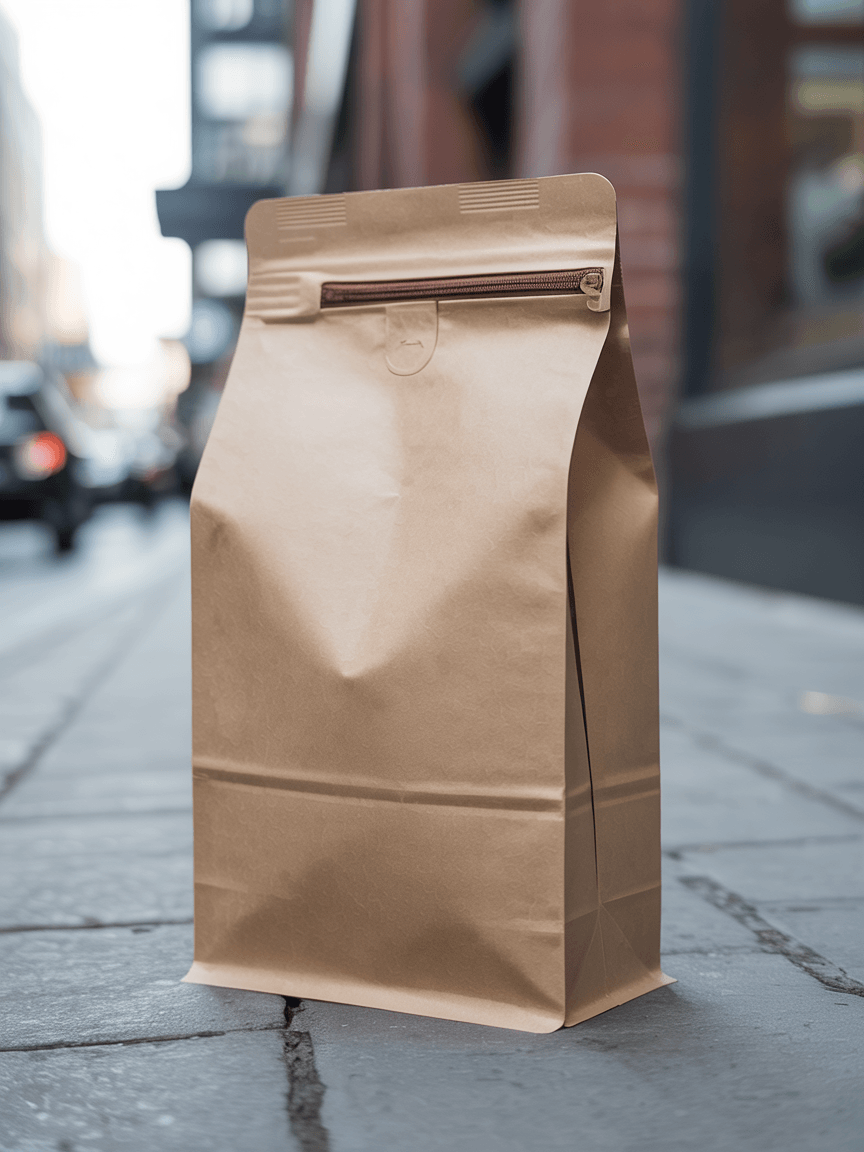
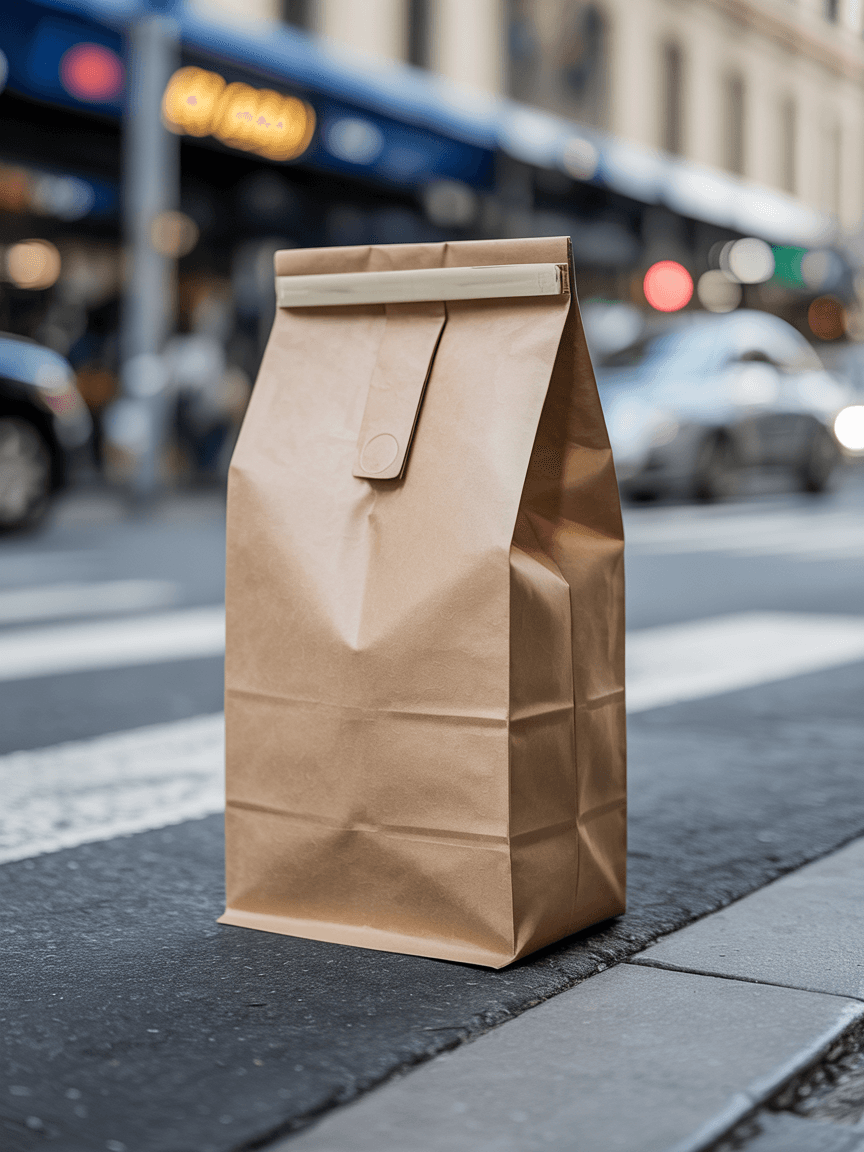
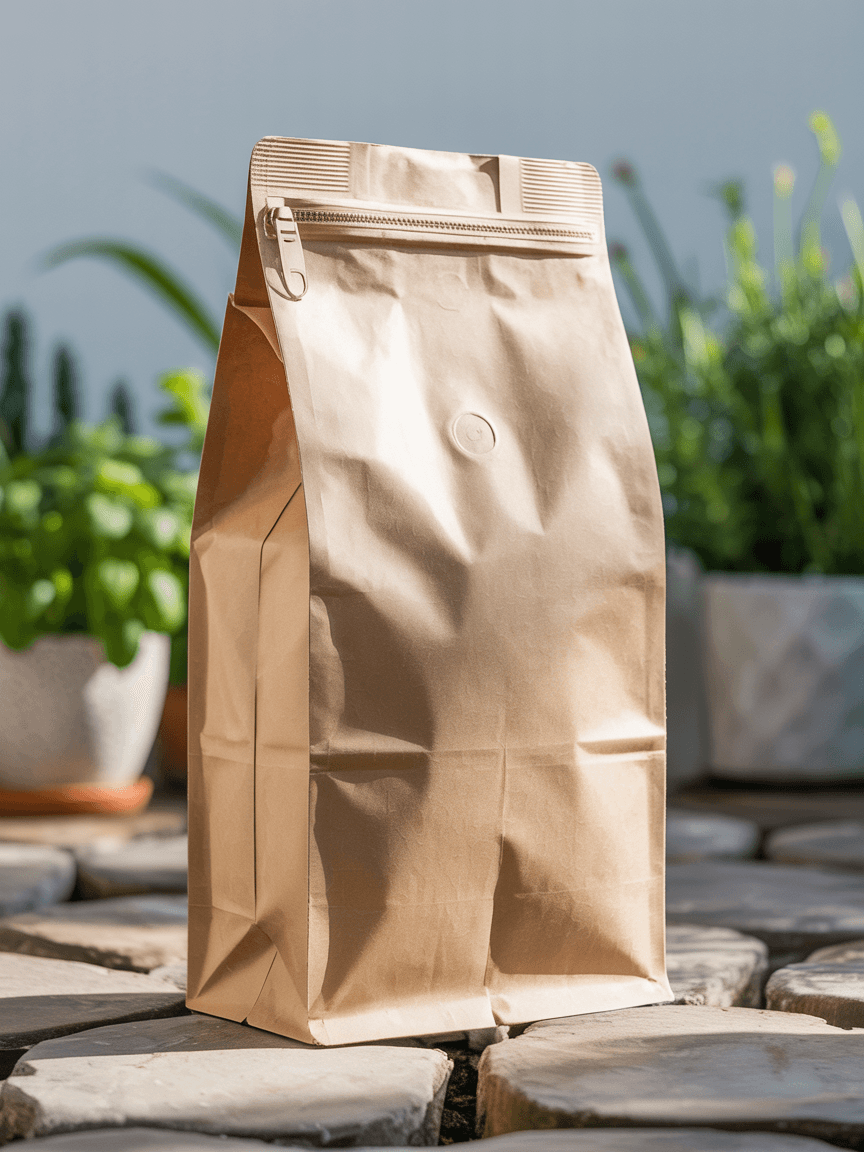
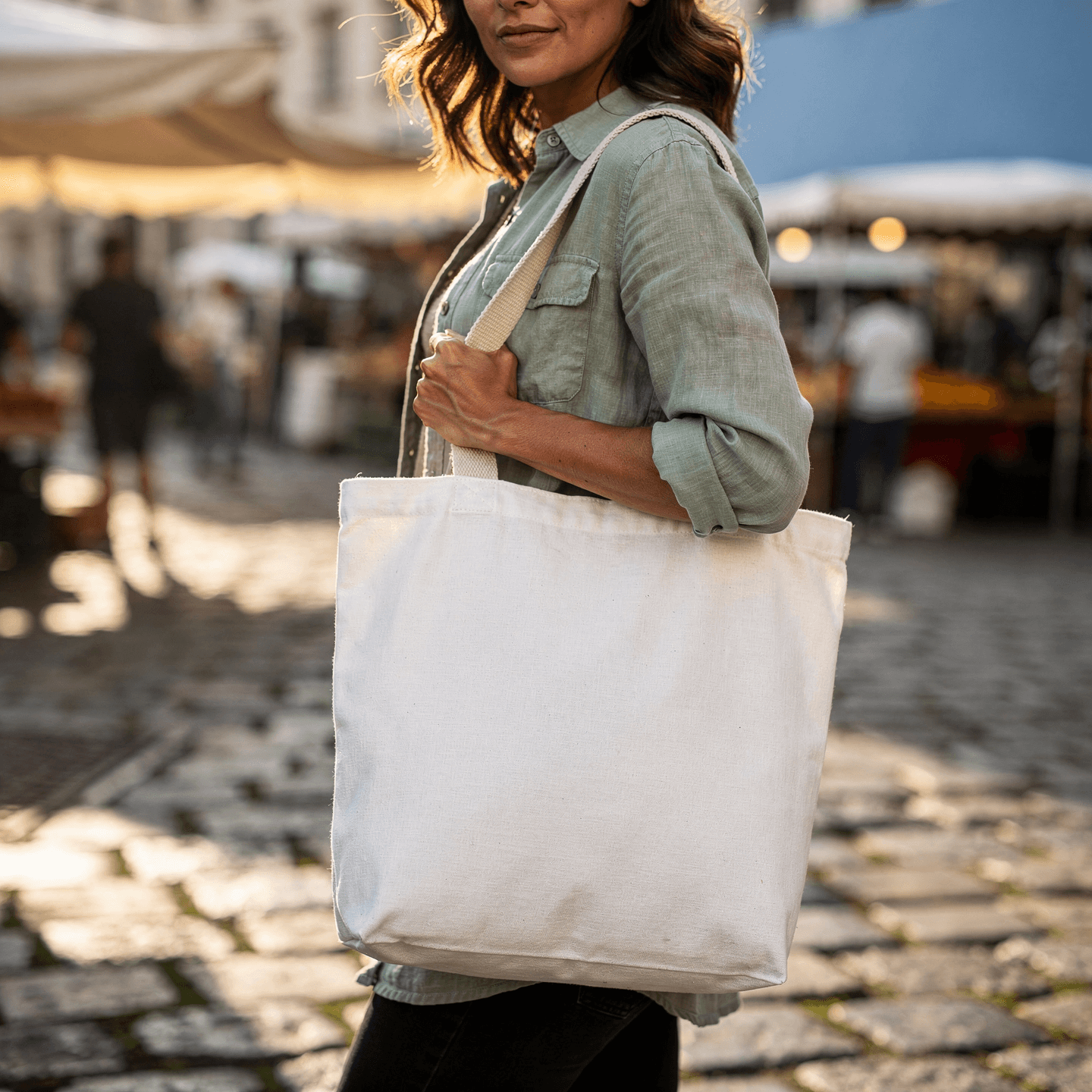
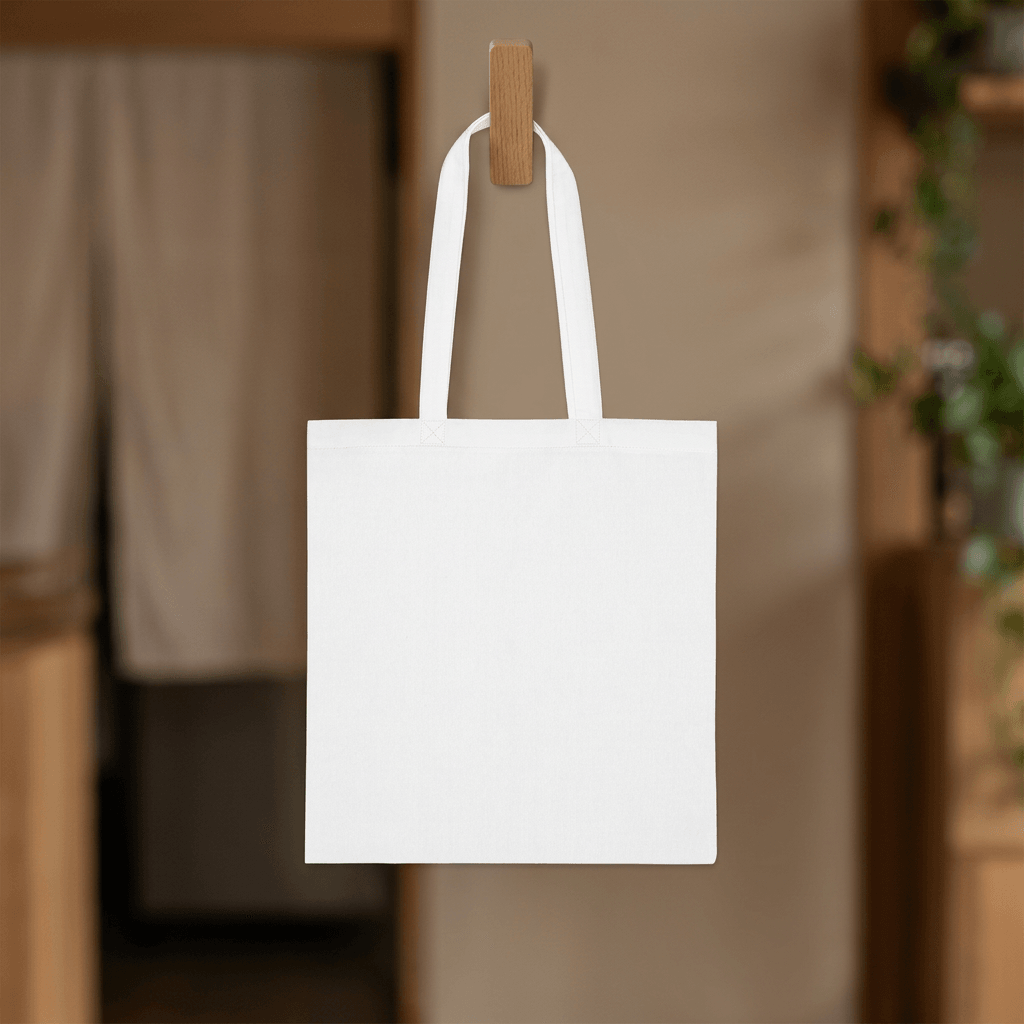
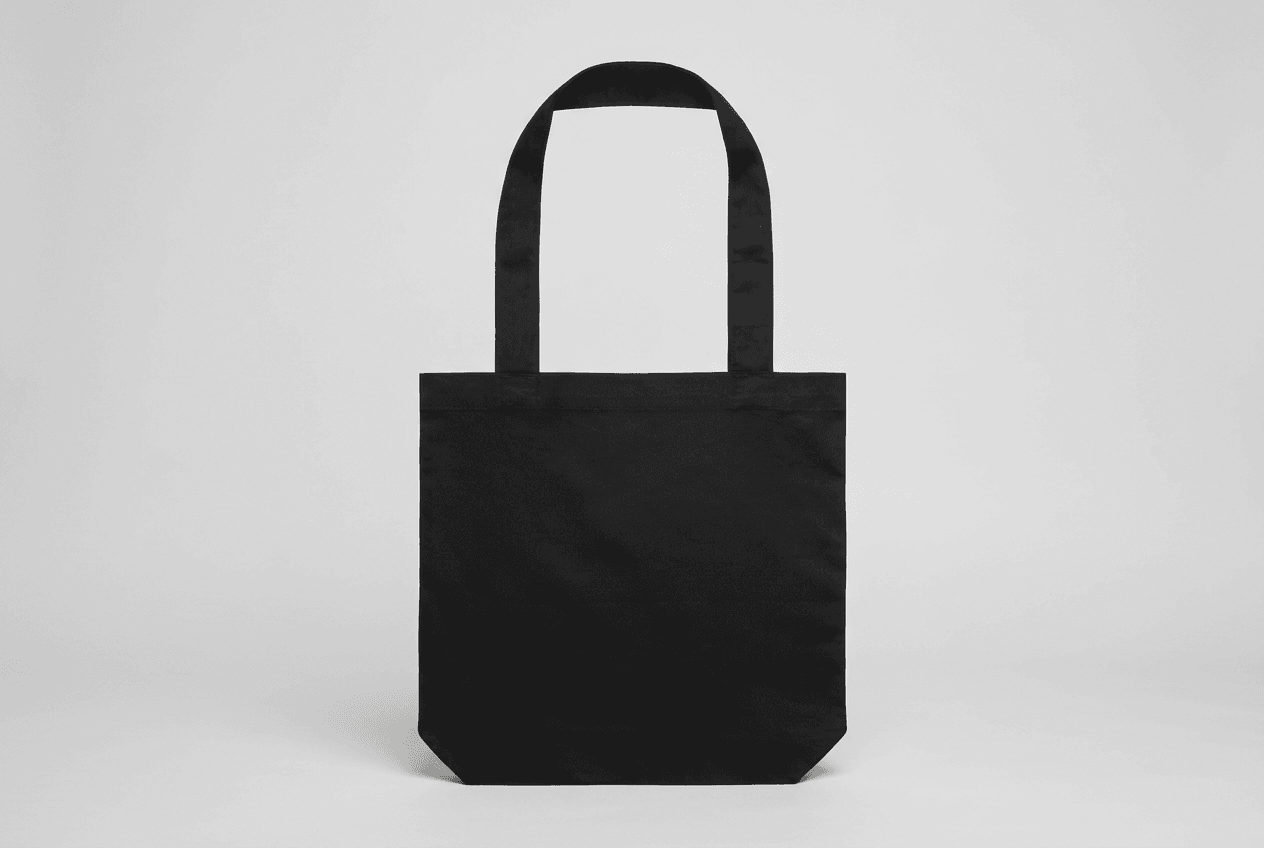
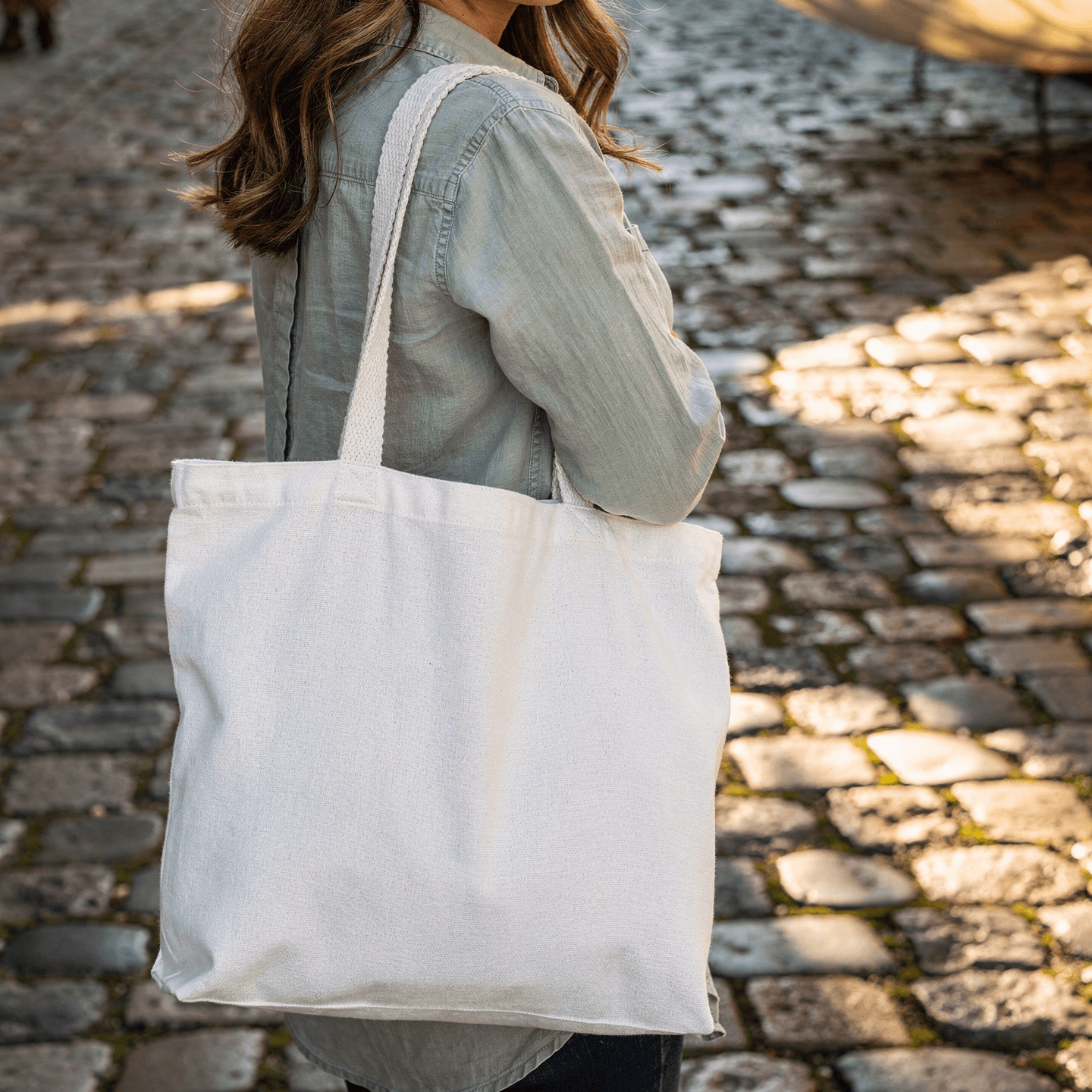
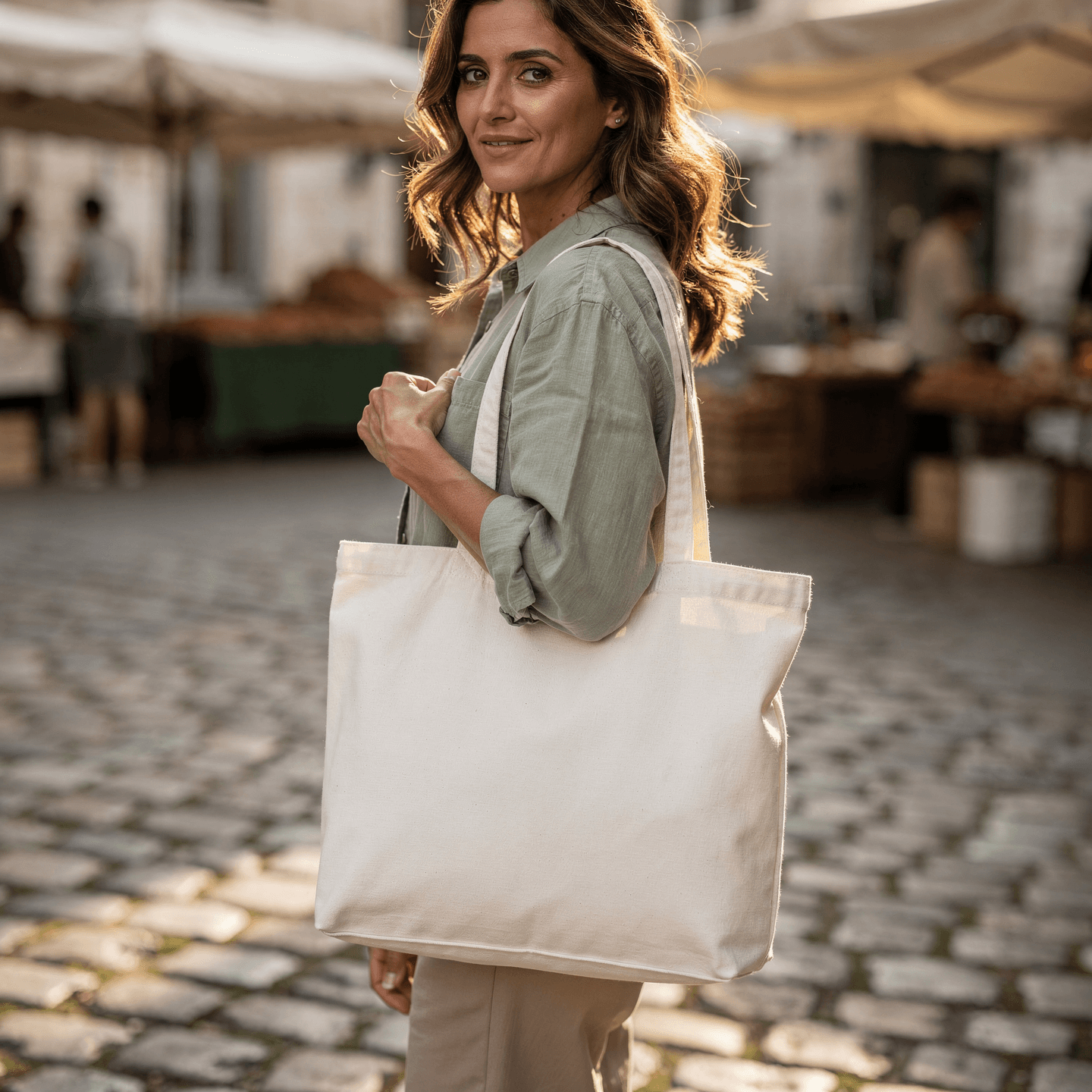
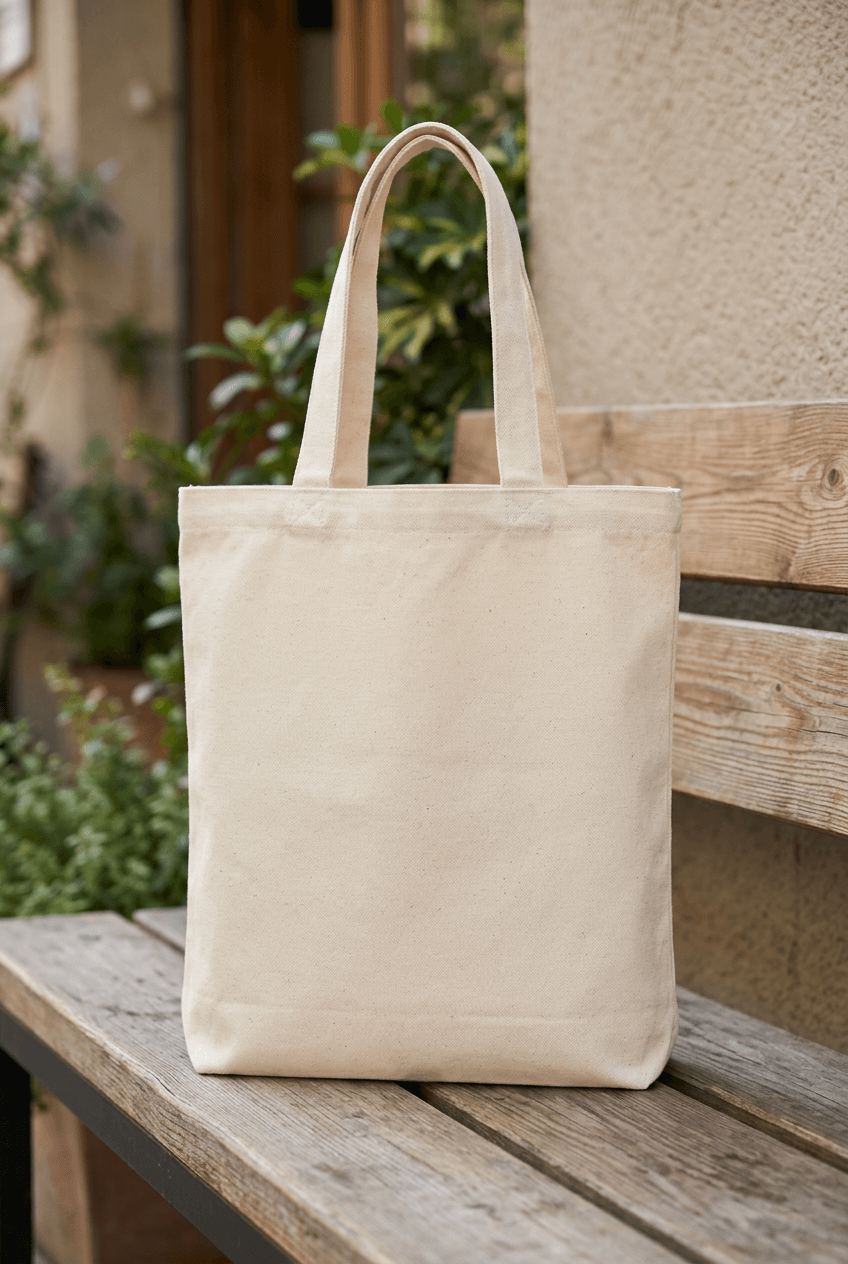
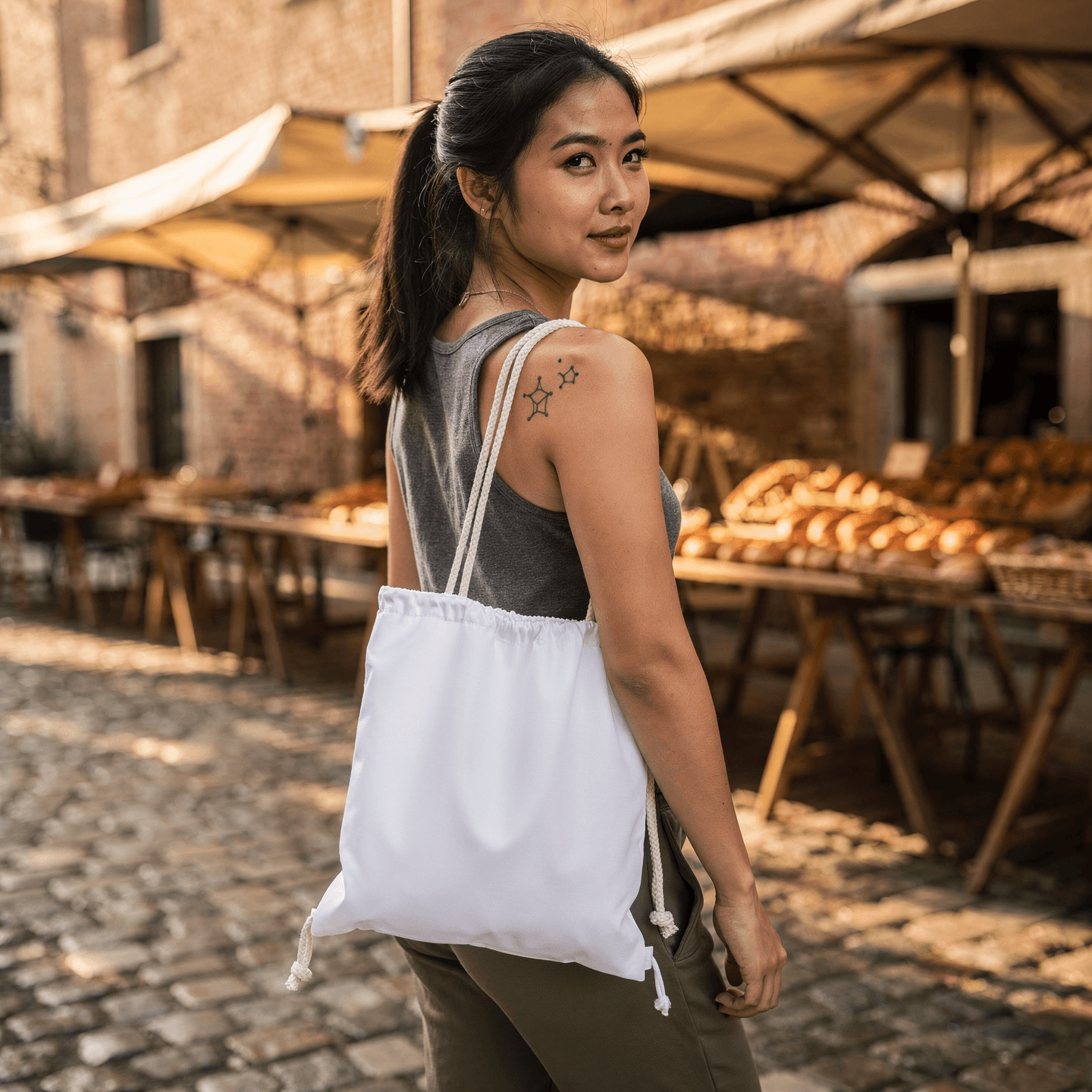
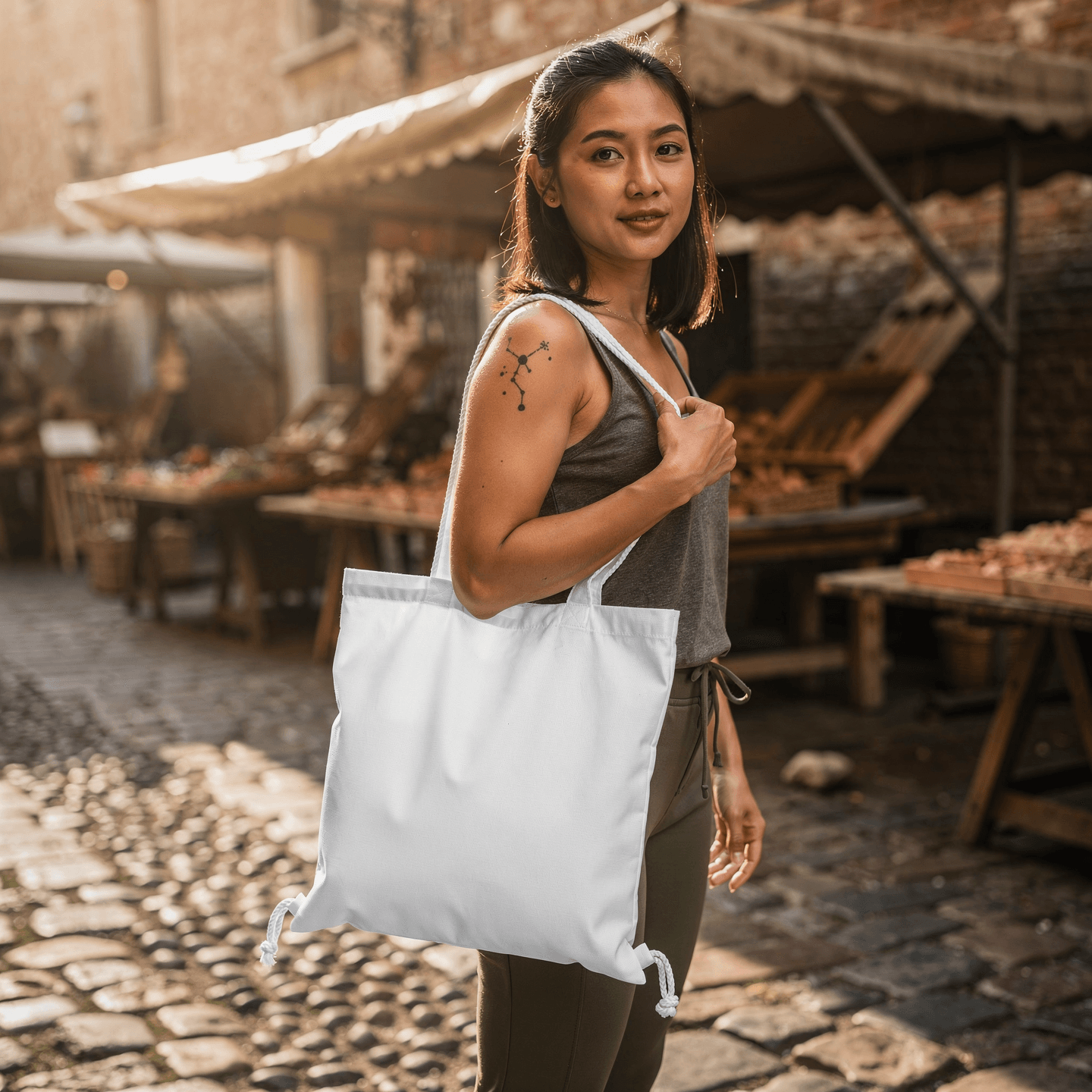
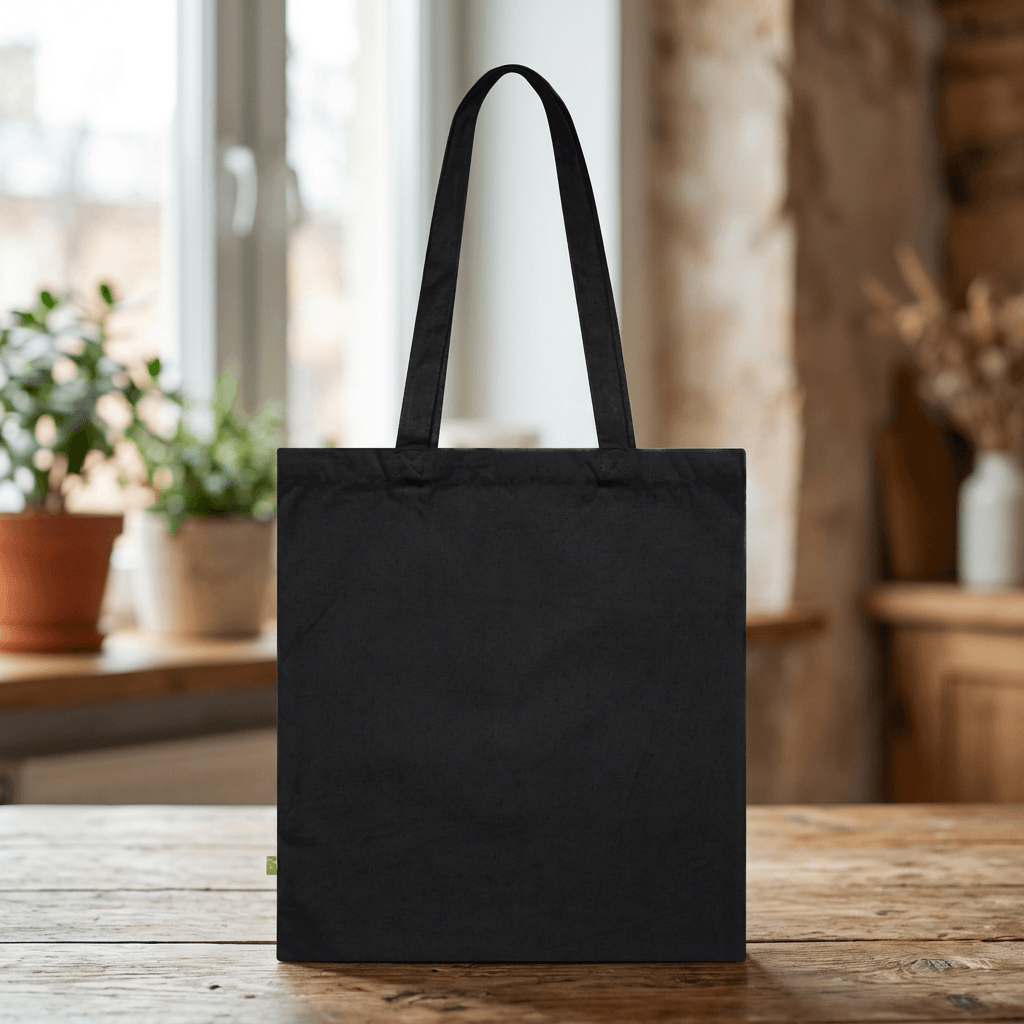
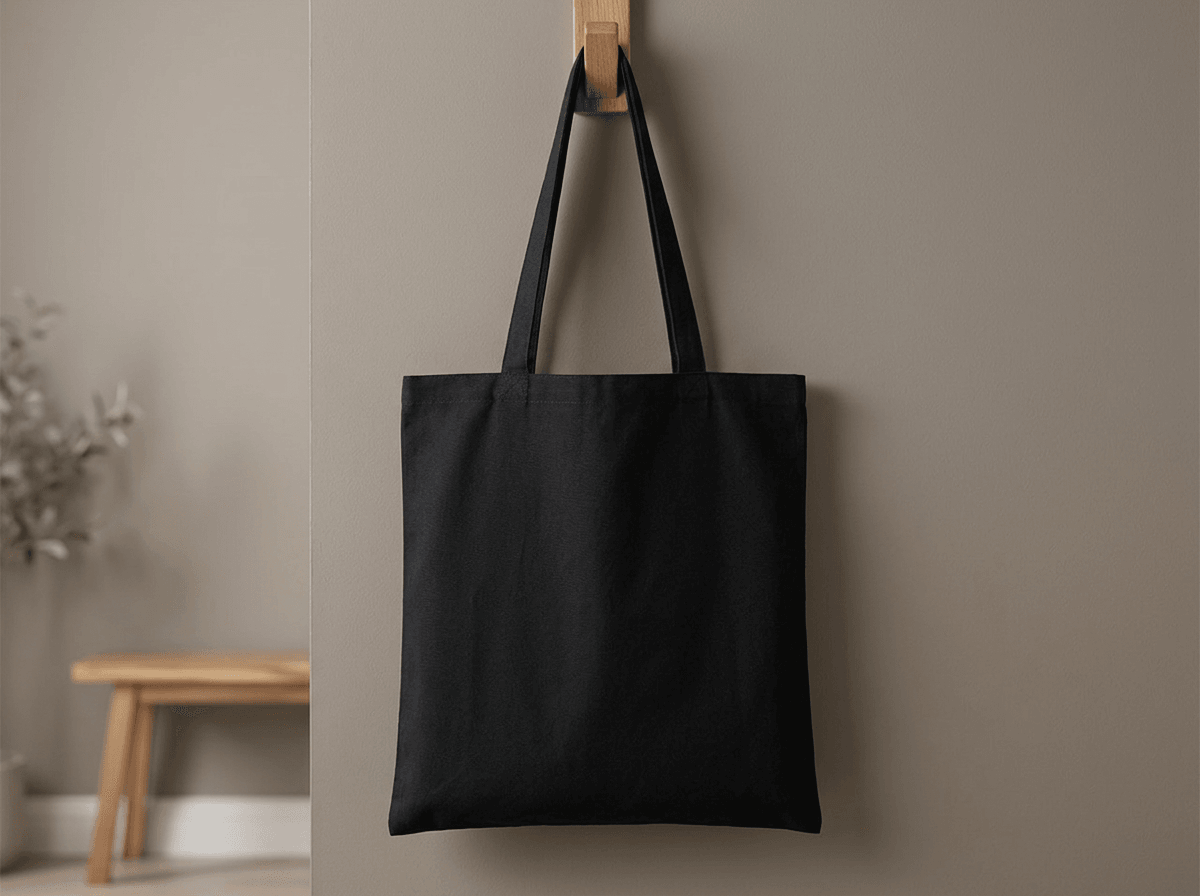
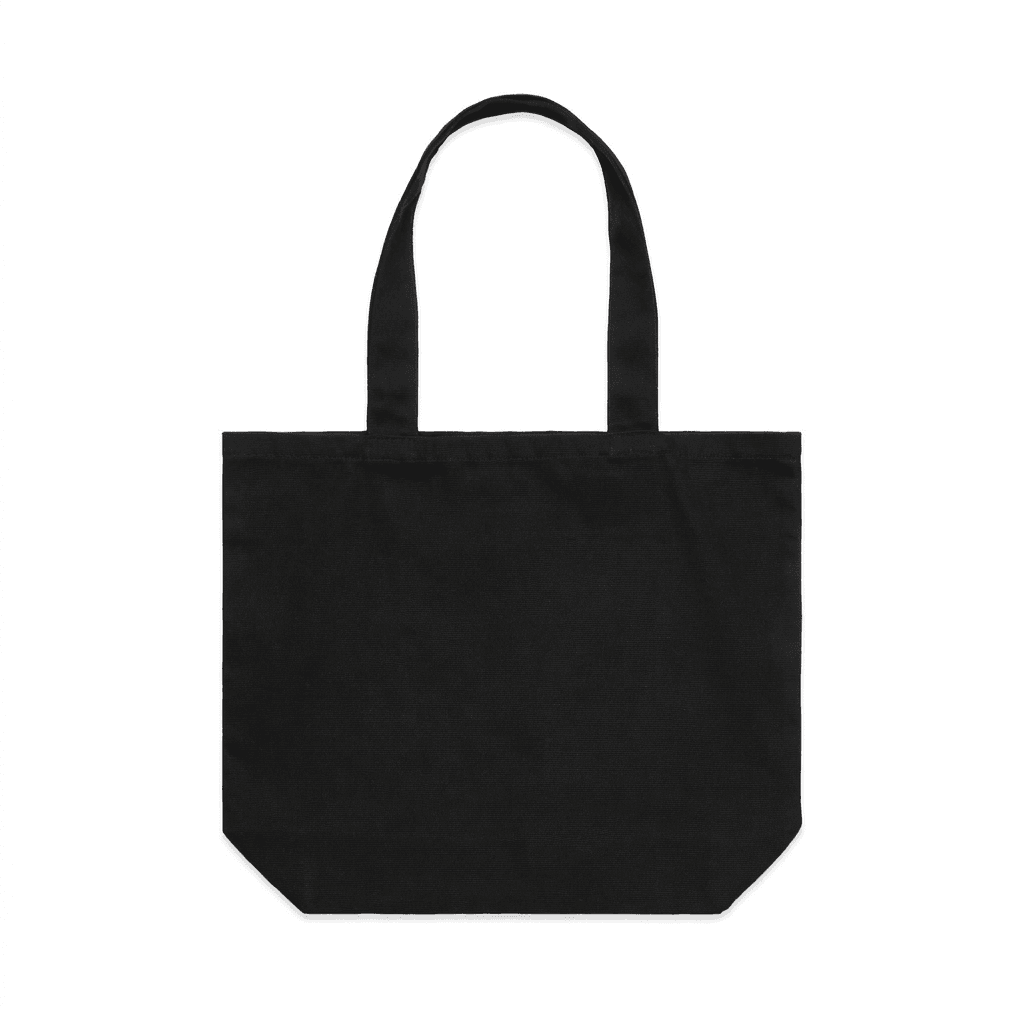
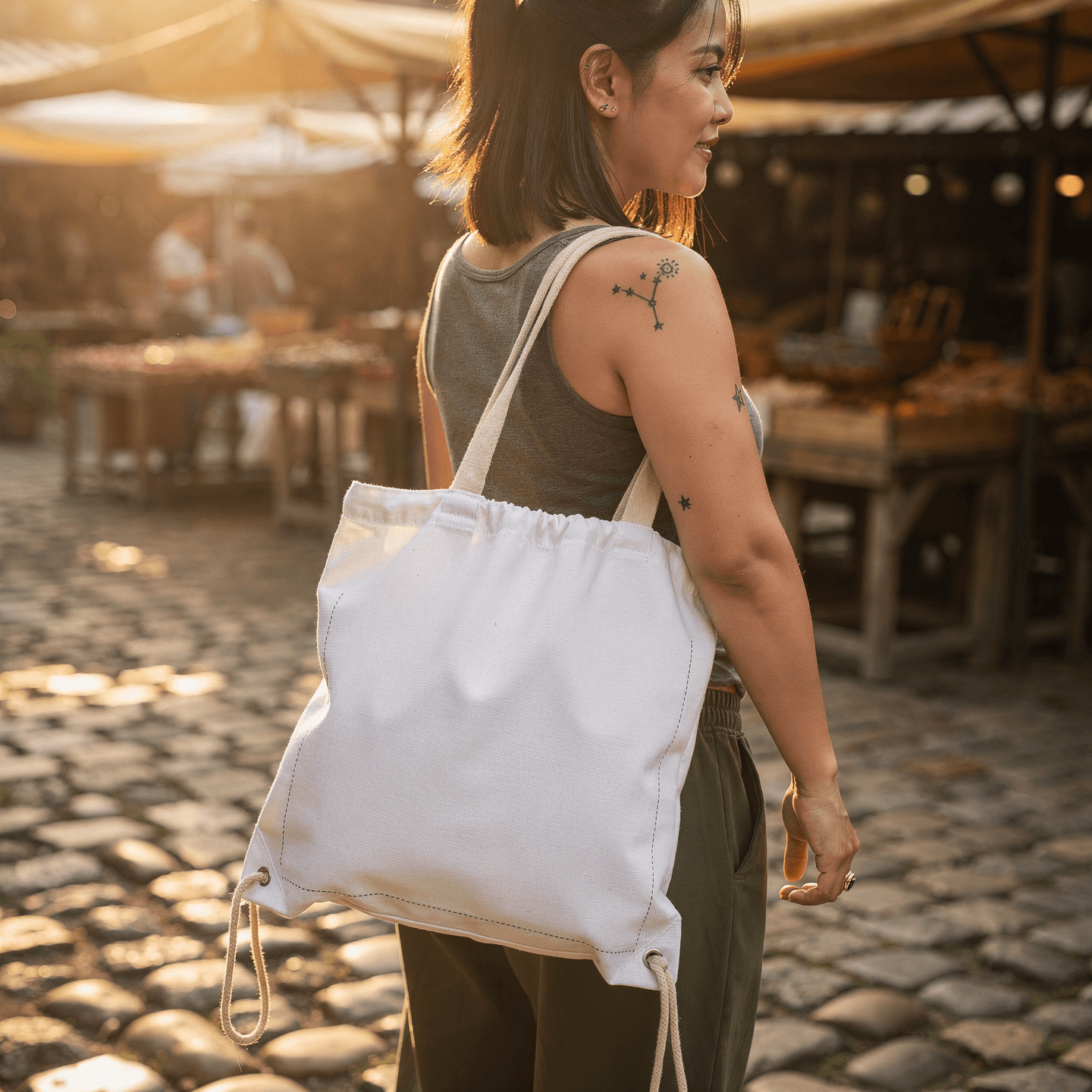
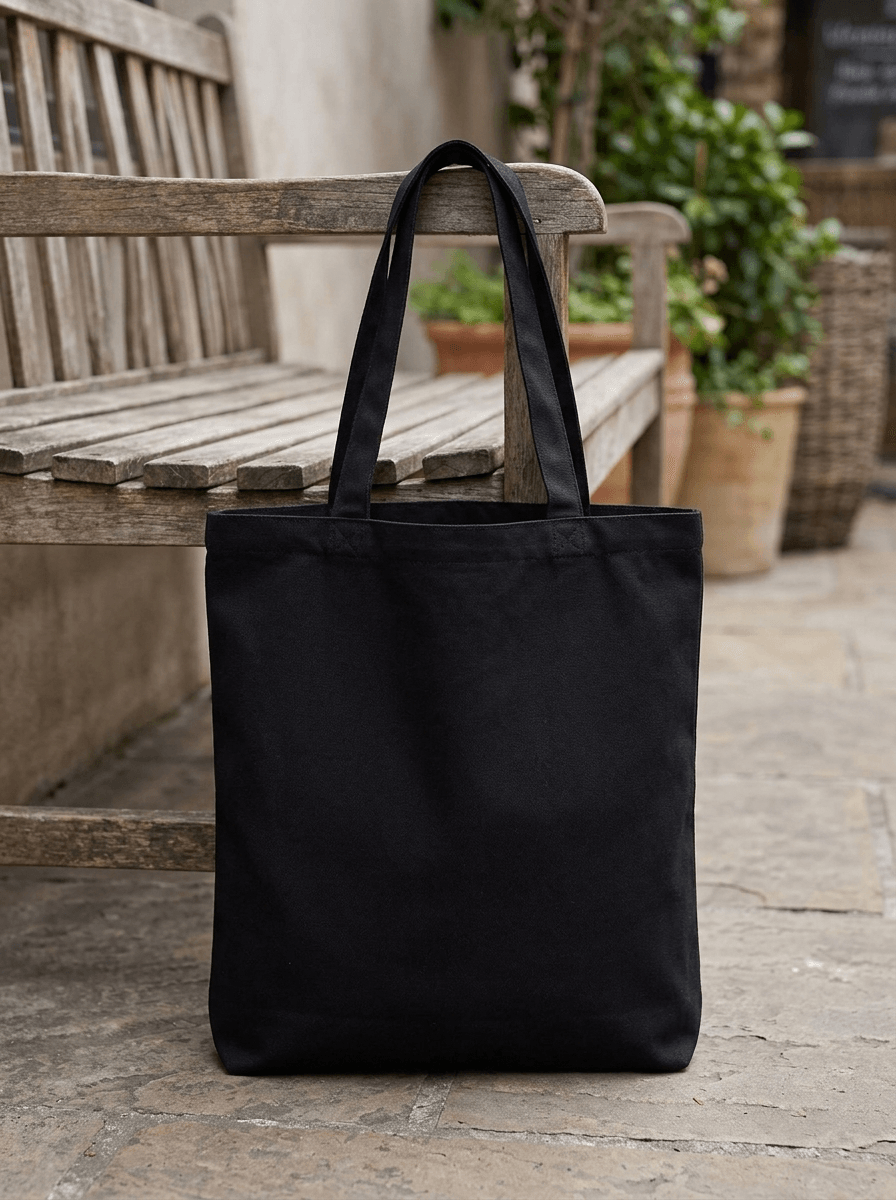
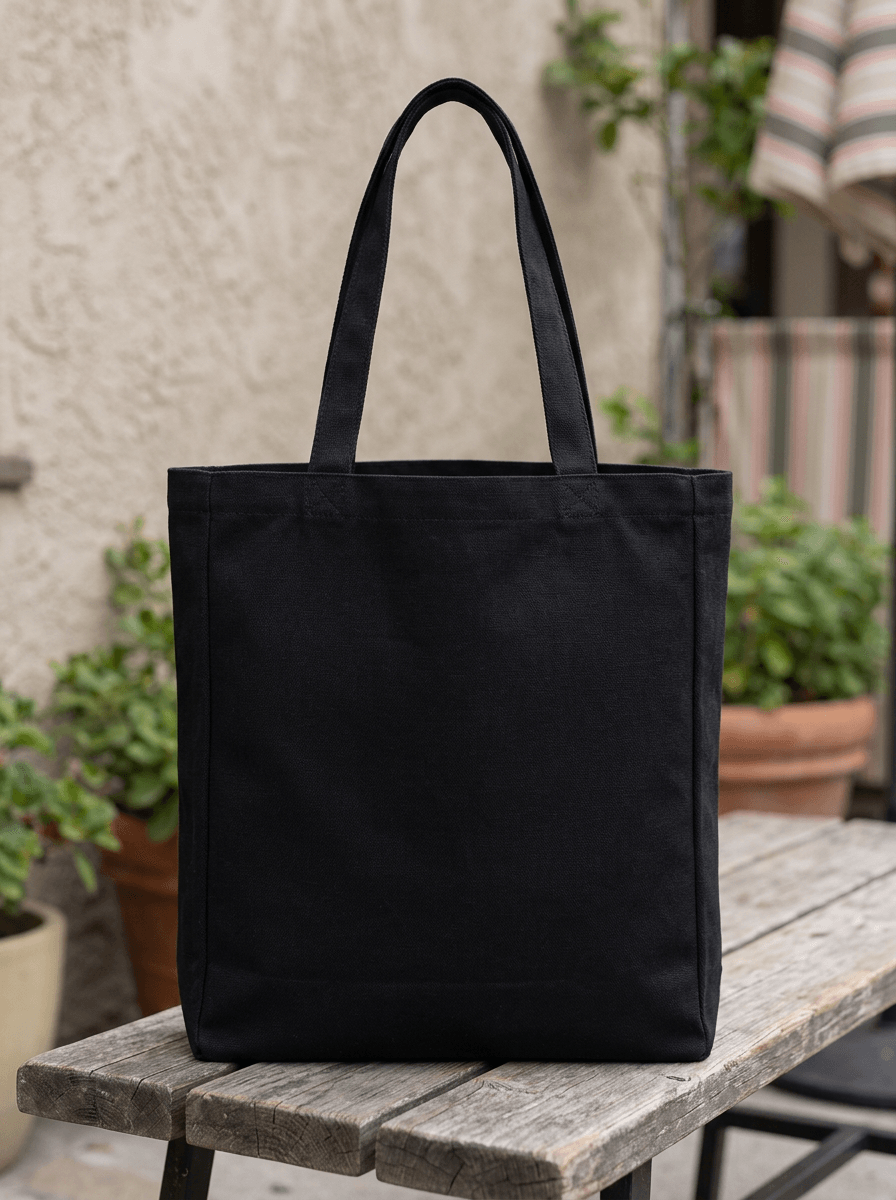
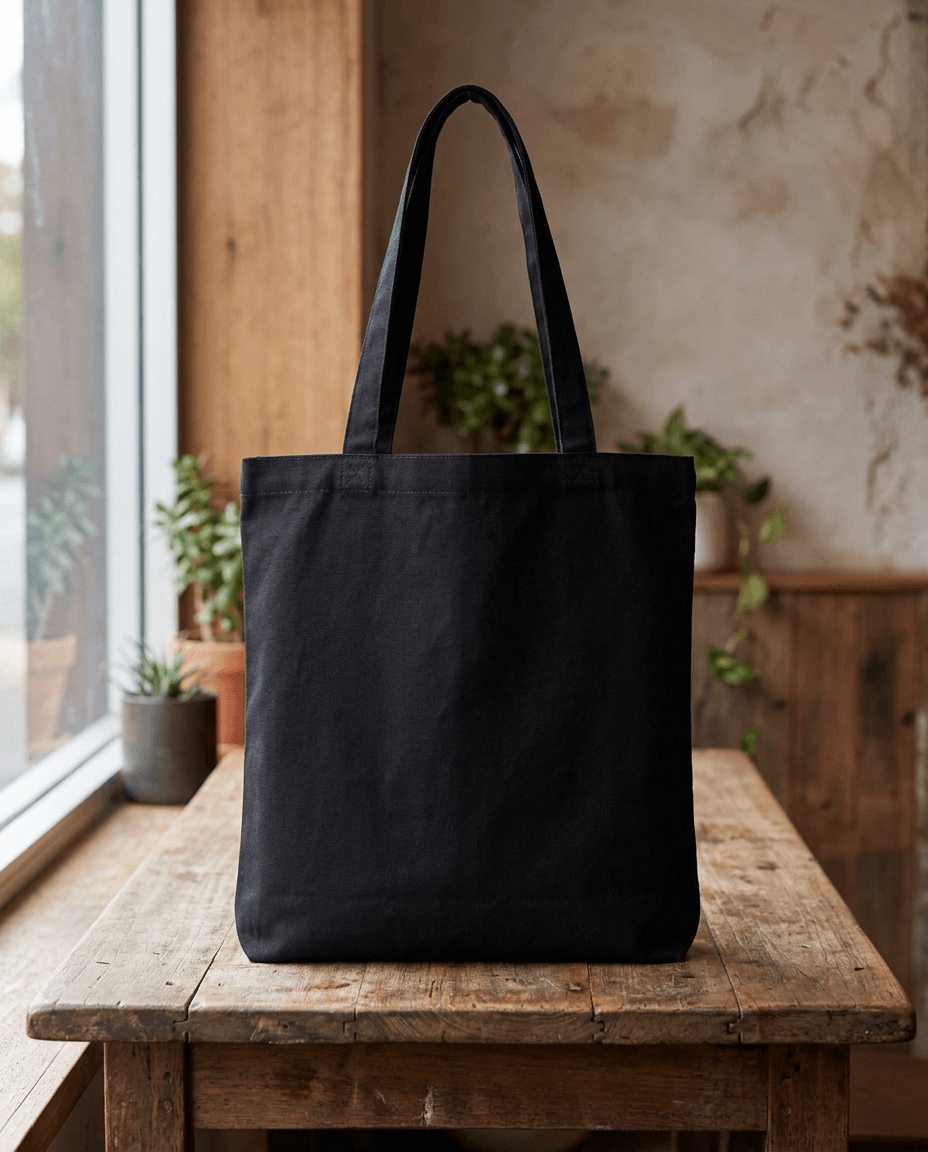
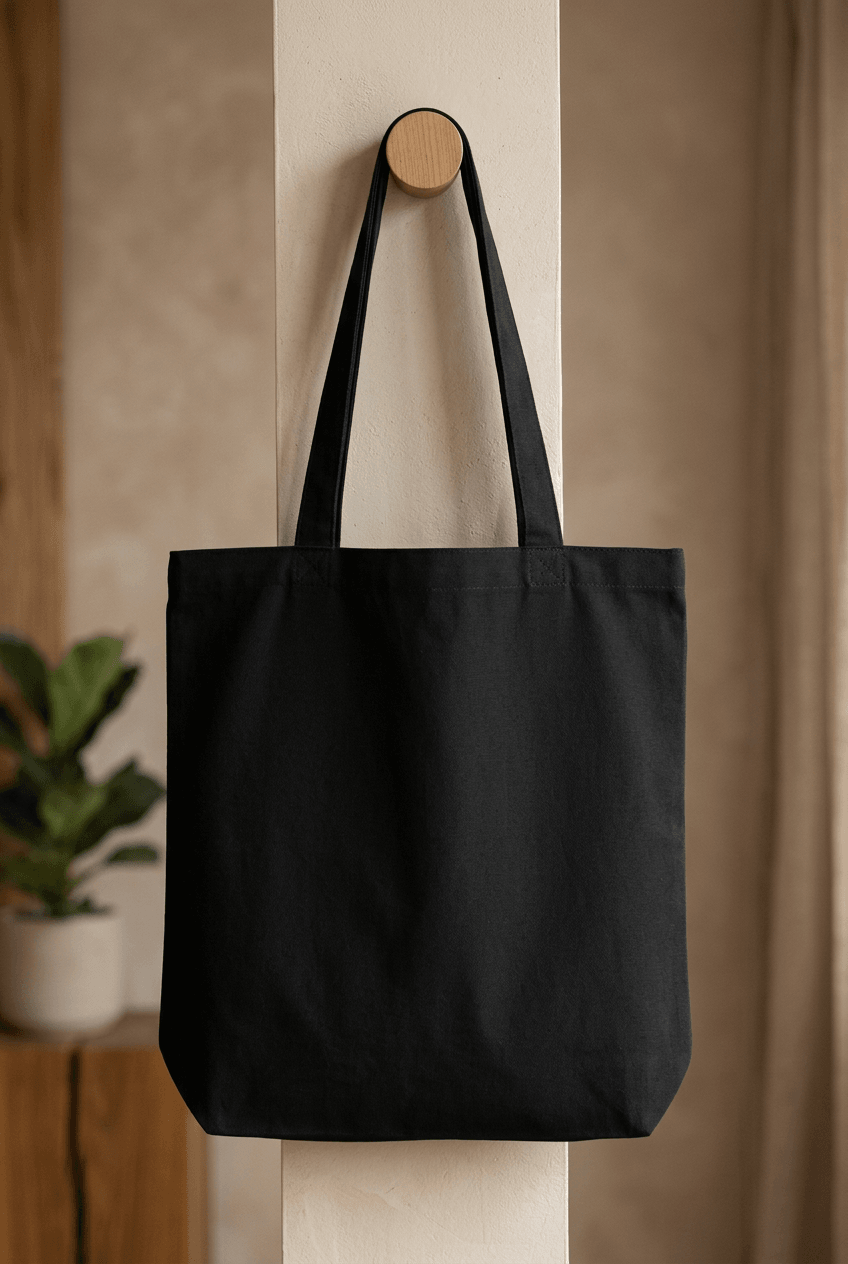
A white paper bag mockup is a template image of a blank white shopping bag used to preview logo and branding designs before printing. Designers and business owners upload their artwork onto the white surface to see how the finished printed bag would look. This is common for retail packaging presentations, client approvals, and e-commerce product listings.
Loading selected angle
White Paper Shopping Bag Mockup - Retail Shelf
What's Included
White paper shopping bag template with plain surface for design rendering via API
Six camera angles: three-quarter perspective, front centered, top-down, handle detail, lifestyle retail, and side profile
Twisted paper handles shown in both kraft and white color variants across angles
Retail shelf environment with glass bottle, folded napkins, and kraft card props
Flat block bottom construction with side gussets visible in profile and detail views
White tissue paper stuffing creates natural unboxing presentation in all angles
Output available in WebP, PNG, or JPEG at up to 10,000px resolution
Every angle opens as a ready photo mockup
Specifications
Format
PNG · RGB
Angles
6 views
About This Mockup
Overview
This mockup template displays a white paper shopping bag photographed on a retail shelf surface. The bag is upright and stuffed with white tissue paper that extends above the opening. Twisted paper handles arch above the bag in a natural curve. A clear glass bottle sits to the right of the bag, and folded fabric napkins with stacked kraft cards rest to the left. The setting uses soft, even lighting from an overhead shelf fixture against light gray walls, creating an unboxing or retail packaging scene.
The bag itself is a standard medium-format paper shopping bag with a flat block bottom, side gussets, and a reinforced top edge with a visible serrated or zig-zag cut line. The front face is plain white with no printing or branding, serving as the design placement surface for rendering.
Camera Angles and What They Show
Six photographs capture the bag from different perspectives:
Three-quarter perspective (image 1): The hero shot shows a kraft-colored version of the bag from the front-right angle. Both the front face and the right side gusset are visible, along with the twisted kraft handles. The block bottom and tissue paper stuffing are clearly shown. The glass bottle and shelf props establish the retail context.
Front centered view (image 2): A straight-on front shot of the white bag with white twisted handles. The full front design area is visible and symmetrically framed. The reinforced top fold and handle attachment points are visible near the top. The bag surface appears smooth with minimal creasing.
Top-down flat lay (image 3): This angle shows the white bag from a slightly elevated front position. The paper surface displays visible creasing and wrinkling across the front face, showing a more lived-in texture. The white twisted handles and tissue paper are visible at the top.
Handle and texture detail (image 4): A closer three-quarter view of the white bag with kraft-colored twisted handles. The reinforcement patch where the handles attach to the bag interior is visible through the paper. The bag surface is clean and smooth in this angle, and the tissue paper inside creates a natural unboxing appearance.
Lifestyle retail context (image 5): The kraft version of the bag is shown on a wooden shelf surface against a dark wood backdrop. Brown paper materials sit to the left; white stacked items sit to the right. The warmer wood tones contrast with the kraft paper. The bag appears slightly smaller and more compact in this framing.
Side profile view (image 6): The white bag is shown from a slight three-quarter left angle, displaying the side gusset fold and the bag's depth. The surface shows subtle vertical creasing typical of paper bag construction. The bottom fold and gusset triangles are visible at the base.
Design Surface
The front face of the bag provides the primary design placement area.
Technical Details
Users submit their logo, brand artwork, or packaging design via REST API call or through the Dashboard Playground.
The six-angle set covers the views typically needed for packaging presentations: a hero shot for primary use, a front view for logo placement review, texture detail for material realism, and a lifestyle context image for marketing materials.
Typical Applications
Suitable for retail brand identity presentations, packaging design client approvals, restaurant and food service branding, boutique shopping bag previews, and e-commerce product packaging mockups. The unboxing context with tissue paper and shelf props makes these images applicable to brand experience documentation and social media content showing packaging details.
According to Shopify, the global print-on-demand market reached approximately $10 billion in 2024, with packaging and branded materials forming a growing segment of custom product offerings (Shopify, 2024).
Every angle opens as a ready photo mockup: place your artwork in the editor or through the API. Subscriptions from $0.002 per render.
How to Use This Mockup
Step 01
Pick an angle
Choose the angle you want from this template. Every angle opens as a ready photo mockup.
Photo Mockups GuideStep 02
Place your artwork
Add your design in the editor or through the API, as a single placement or a repeating pattern.
Print Areas GuideStep 03
Export your mockup
Generate high-resolution product images in PNG, JPG, or WebP format. Batch process multiple designs.
Render Artwork DocsDetails & Specifications
File Format
PNG
Color Mode
RGB
Angles
6
| Angle | Type | Primary |
|---|---|---|
| Three-Quarter Perspective | three-quarter-perspective | Yes |
| Front Centered View | front-centered | |
| Top-Down Flat Lay | top-down-flatlay | |
| Handle & Texture Detail | handle-detail | |
| Lifestyle Retail Context | lifestyle-retail | |
| Side Profile View | side-profile |
Perfect For
Use Cases
Seasons
Tags
White Paper Bag MockupPaper Bag MockupShopping Bag MockupKraft Paper Bag MockupPaper Bag TemplateRetail Paper Bag MockupPaper Bag Packaging MockupPaper Bag Branding MockupCustom Paper Bag MockupPaper Bag Mockup GeneratorEco Paper Bag MockupPaper Bag Mockup With LogoFood Paper Bag MockupRestaurant Paper Bag MockupRetail PackagingPackaging MockupBag MockupTwisted Handle BagUnboxing MockupBrand PackagingShopping Bag Template
Visual Style
Industry Insights & Research
High-volume POD sellers have over 500 listings on average, publishing approximately 67 new listings before reaching $1K in gross merchandise value (Printify, 2026).
Automated mockup generation via API enables sellers to maintain large catalogs with consistent packaging imagery across all product listings.
E-commerce marketplaces secured 59.72% of the print-on-demand market share in 2025 (Mordor Intelligence, 2025).
Sellers on platforms like Etsy, Amazon, and Shopify require consistent mockup images for packaging and product presentation across multiple marketplace listings.
“Converting traffic to sales has a lot to do with the photos. First, the catalog photo must make someone click. Then the detail shots on each product page must convince them to add to cart.”
“We render packaging mockups for about 200 SKUs each week. Having a consistent bag template with multiple angles means our product pages all look uniform without scheduling individual photo shoots.”
Frequently Asked Questions
Kraft paper bag mockups use a natural brown paper surface with visible wood pulp fibers, giving a more organic or eco-friendly appearance. White paper bag mockups use bleached or coated white paper, which provides a cleaner backdrop for colorful logos and detailed branding. The choice depends on the brand aesthetic: kraft suits natural and artisan brands, while white suits luxury retail and clean design styles.
The rendered image is returned in your chosen format (WebP, PNG, or JPEG). Every angle opens as a ready photo mockup: place your artwork in the editor or through the API. Subscriptions from $0.002 per render.
Yes. Paper bag mockups are widely used by restaurants, bakeries, cafes, and food delivery services to preview branded takeaway packaging. The mockup allows businesses to see how their logo, menu graphics, or brand colors would appear on a physical paper bag before placing a bulk print order. Multi-angle mockups are particularly useful for showing both front branding and side panel information.
Pick an angle, open it in Photo Mockups and place your artwork in the editor or through the API. Then export your mockup as PNG, JPG or WebP.
Ready to Create Stunning Mockups?
Generate product mockups with Photo Mockups and the Render API. Upload artwork and export high-resolution images from one workflow.
No credit card required500 one-time creditsInstant API access