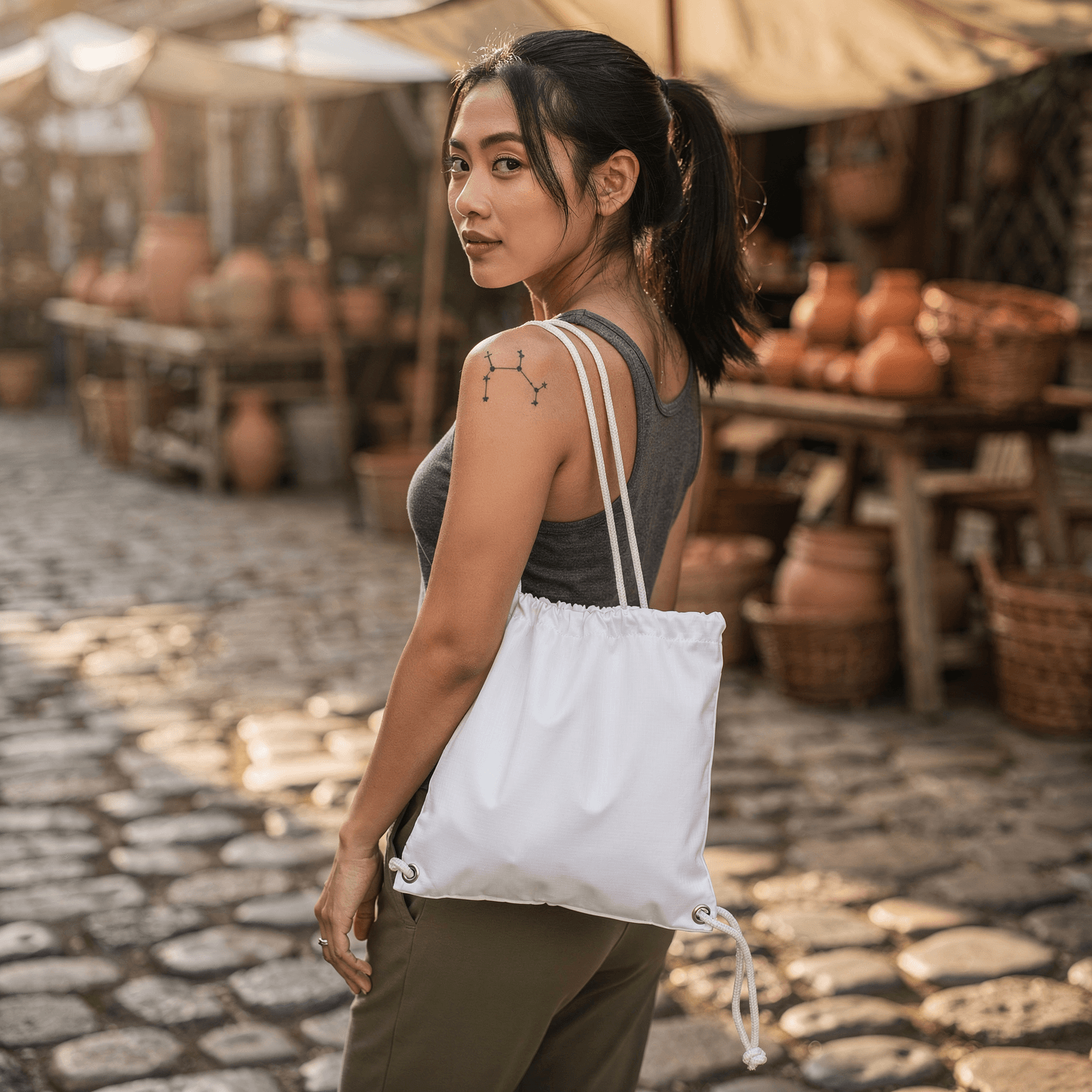
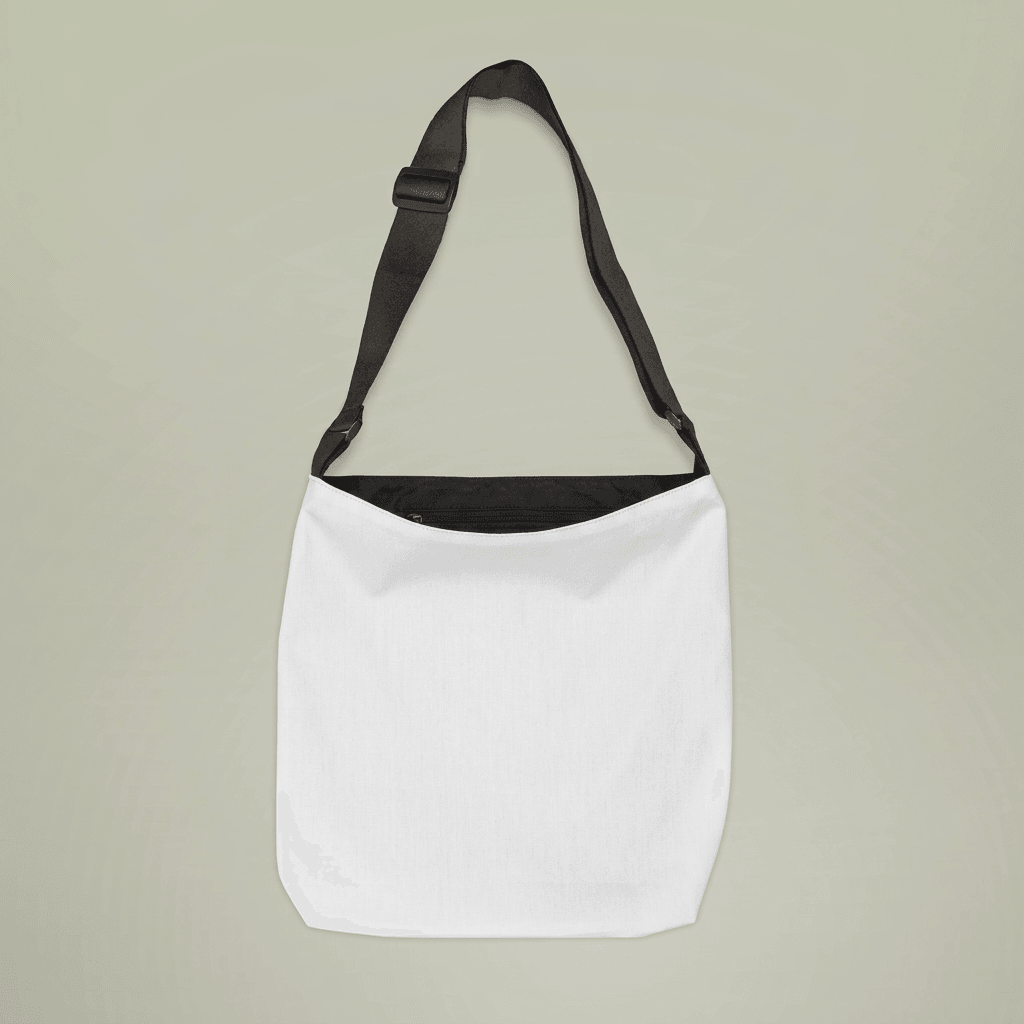
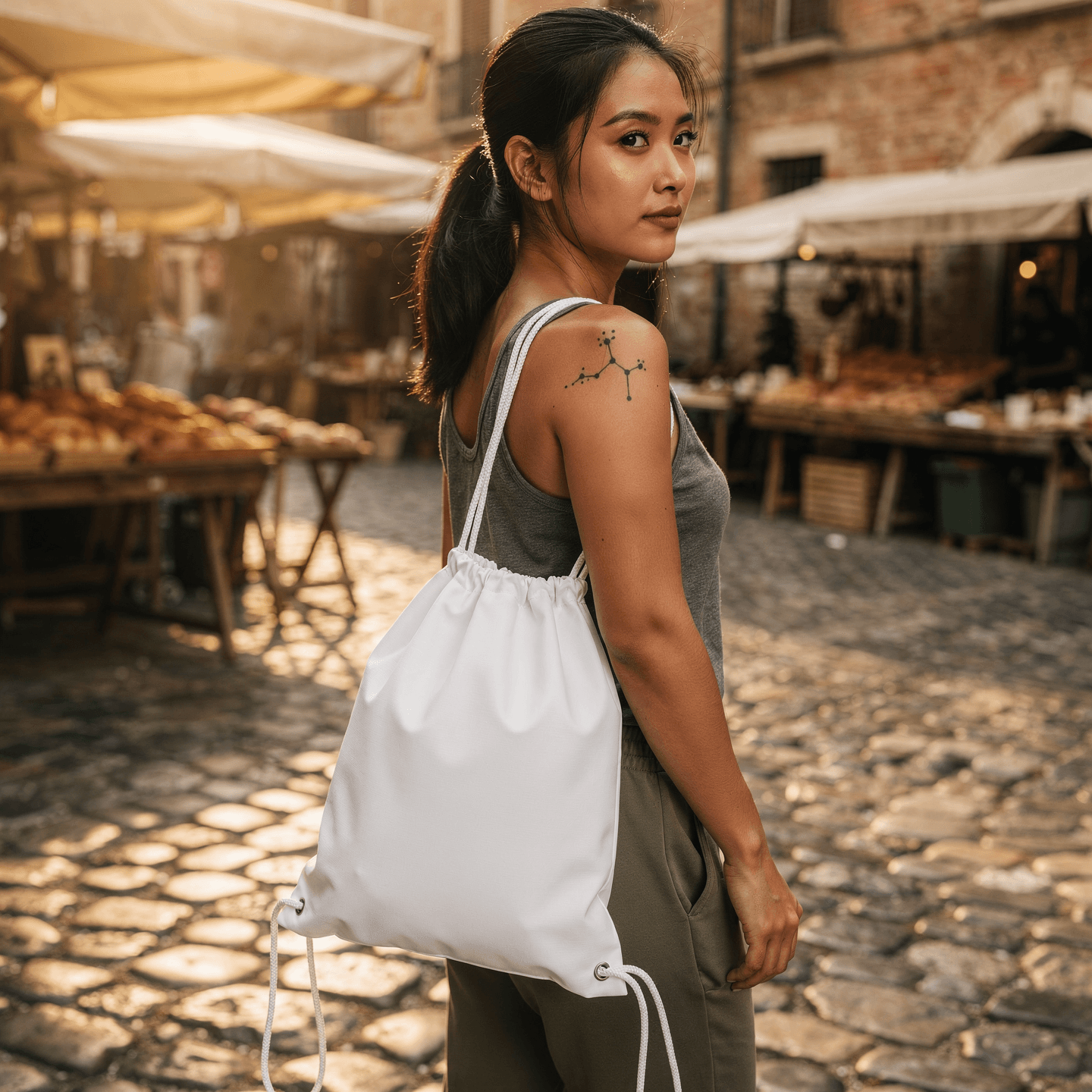
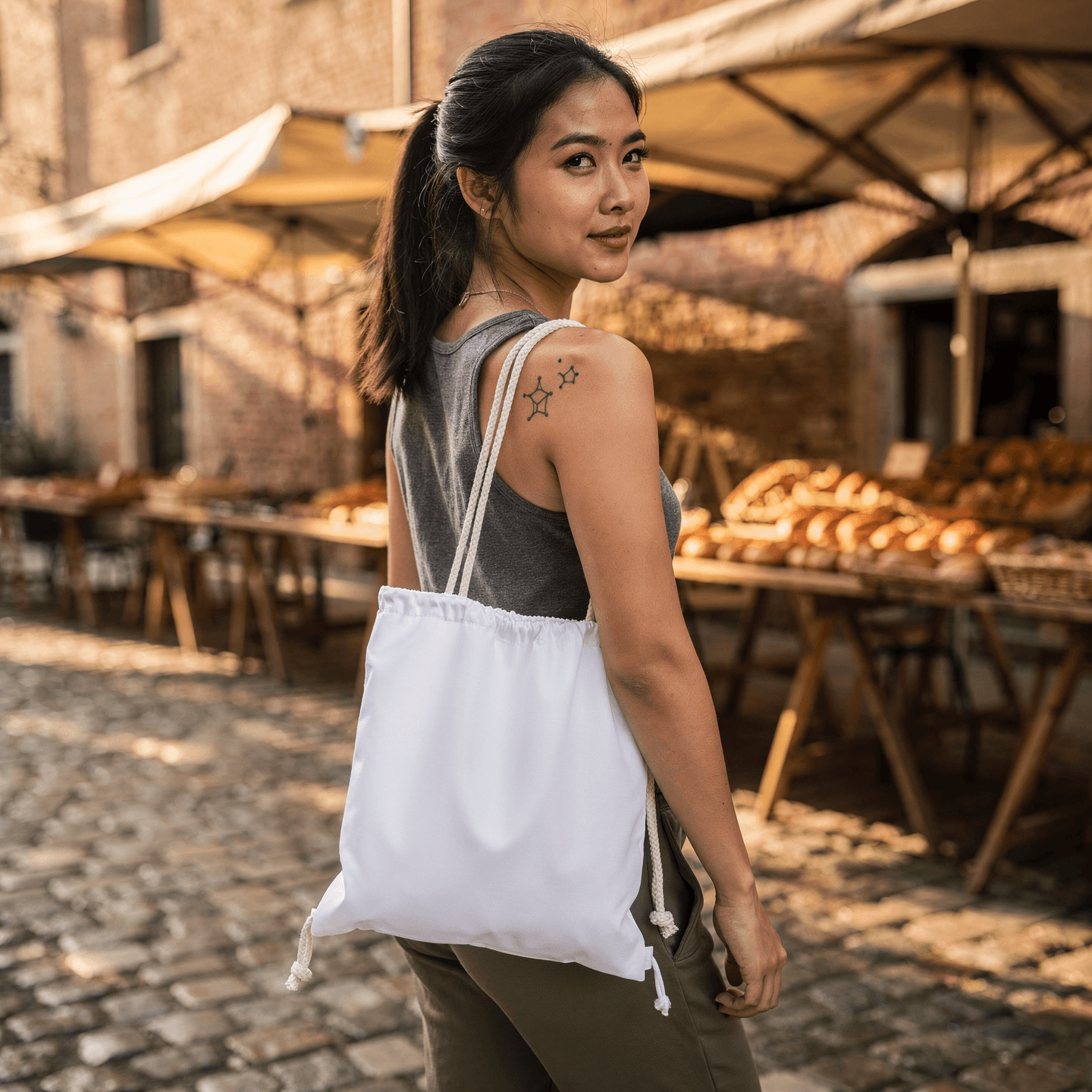
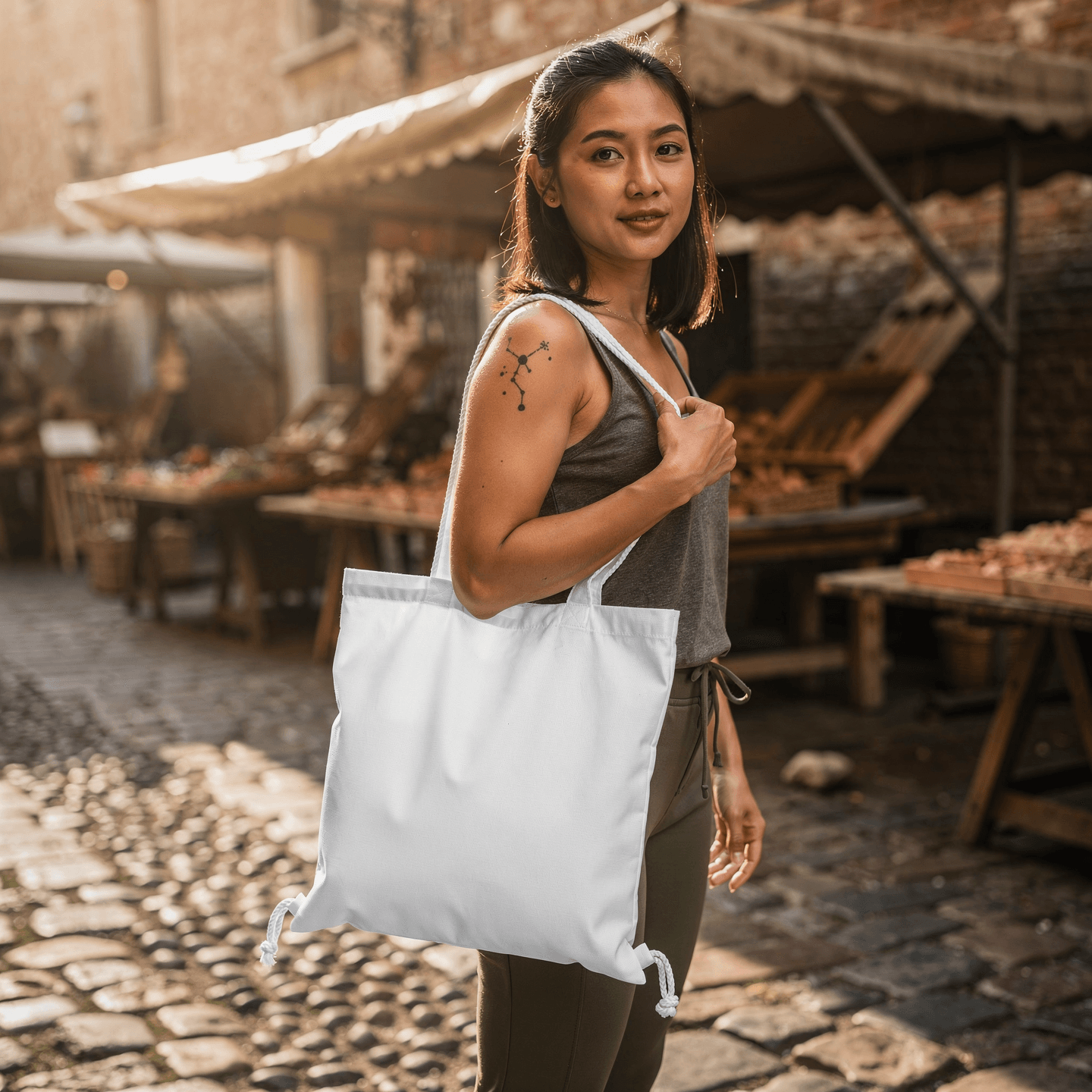
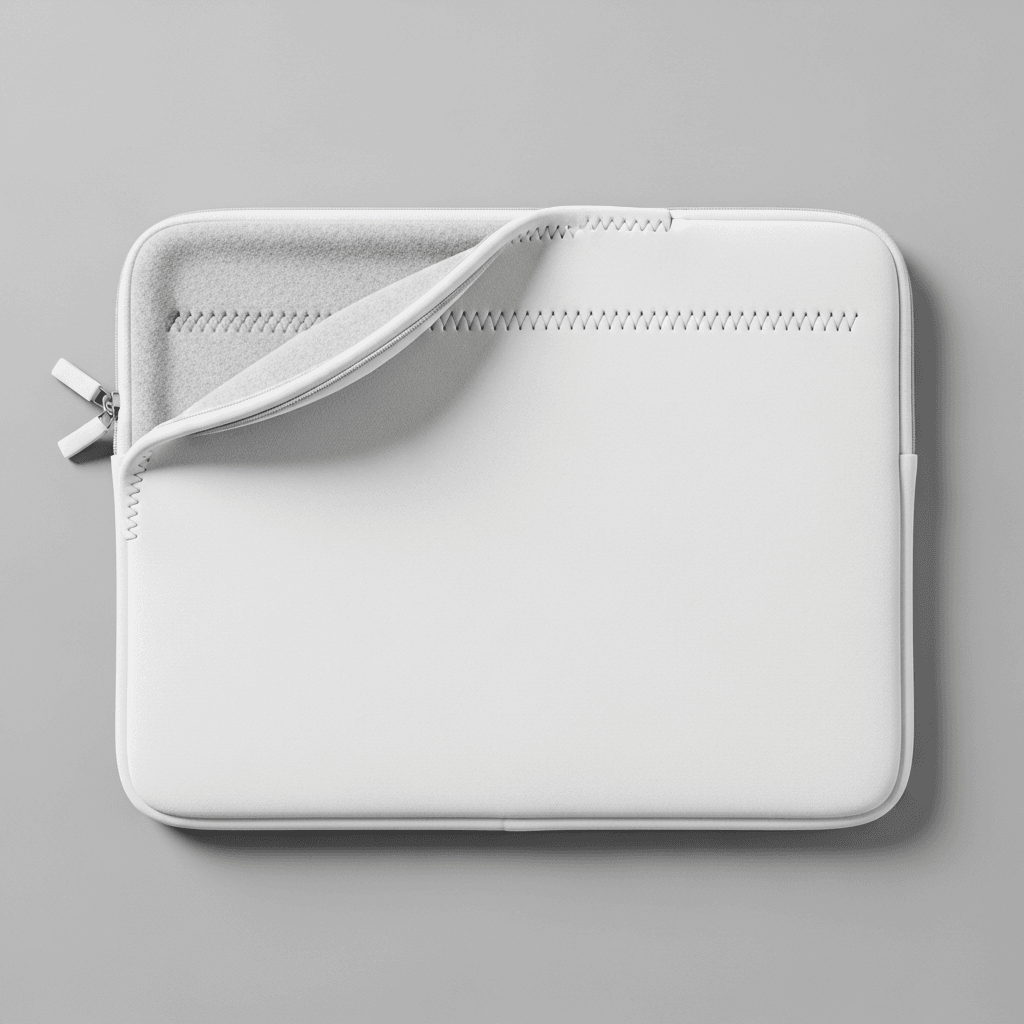
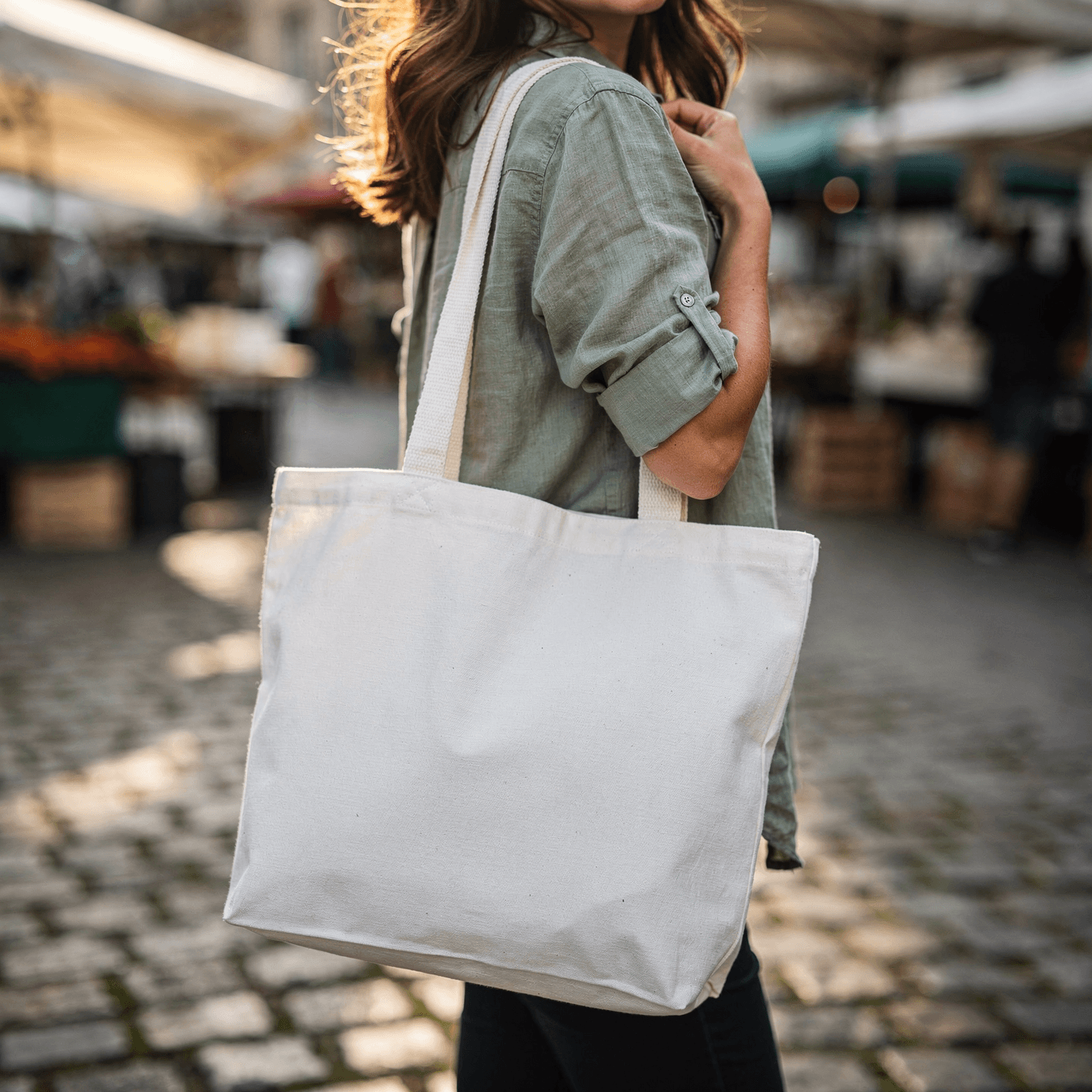
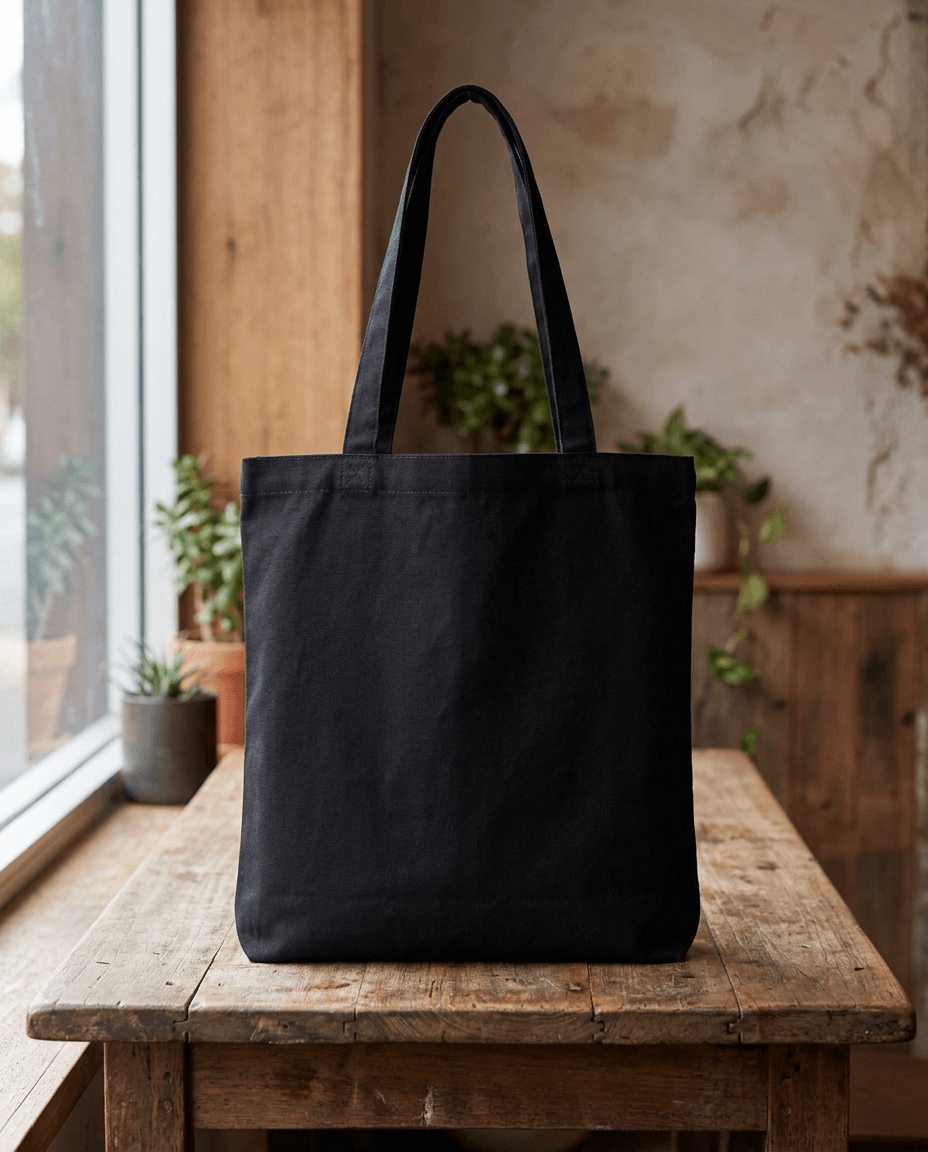
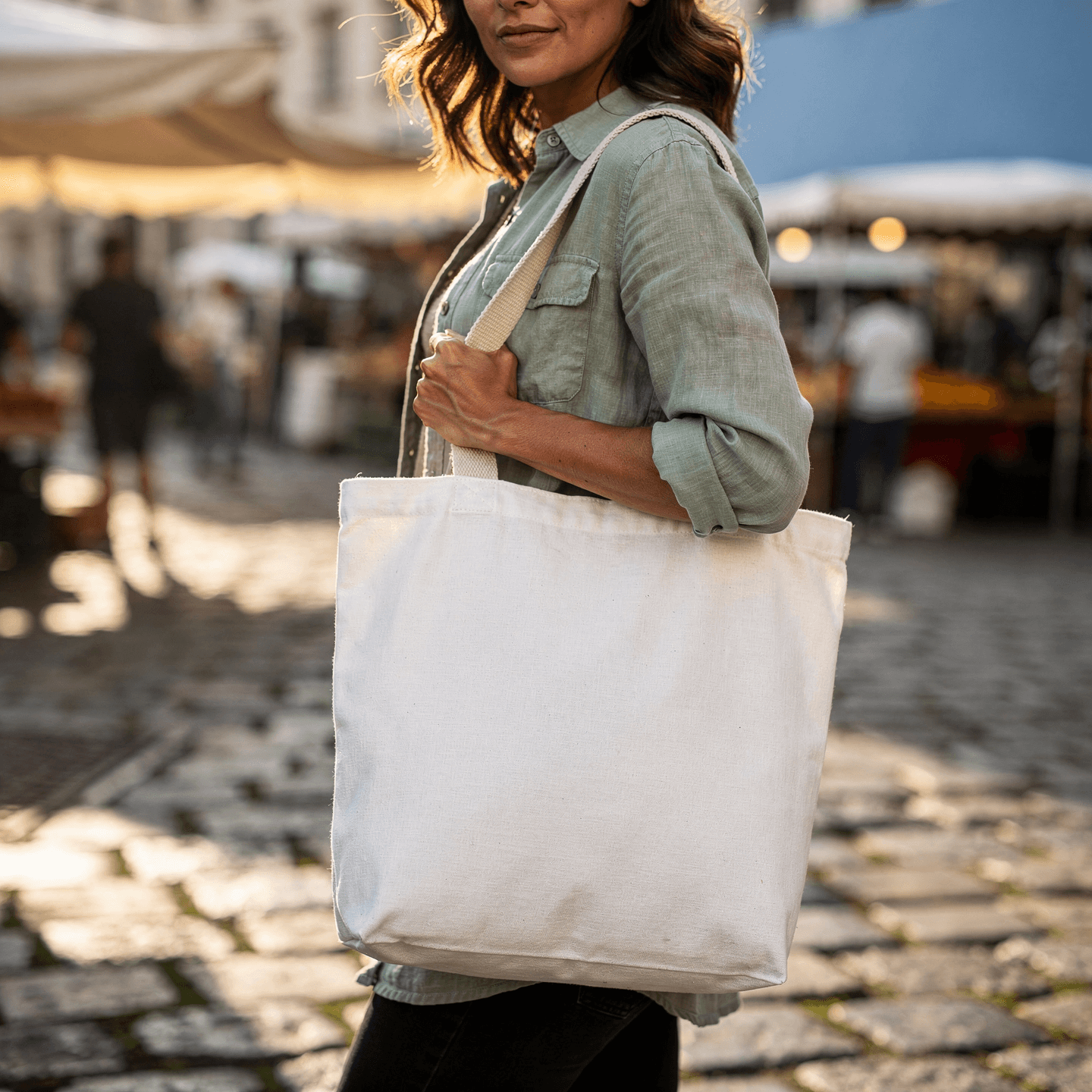
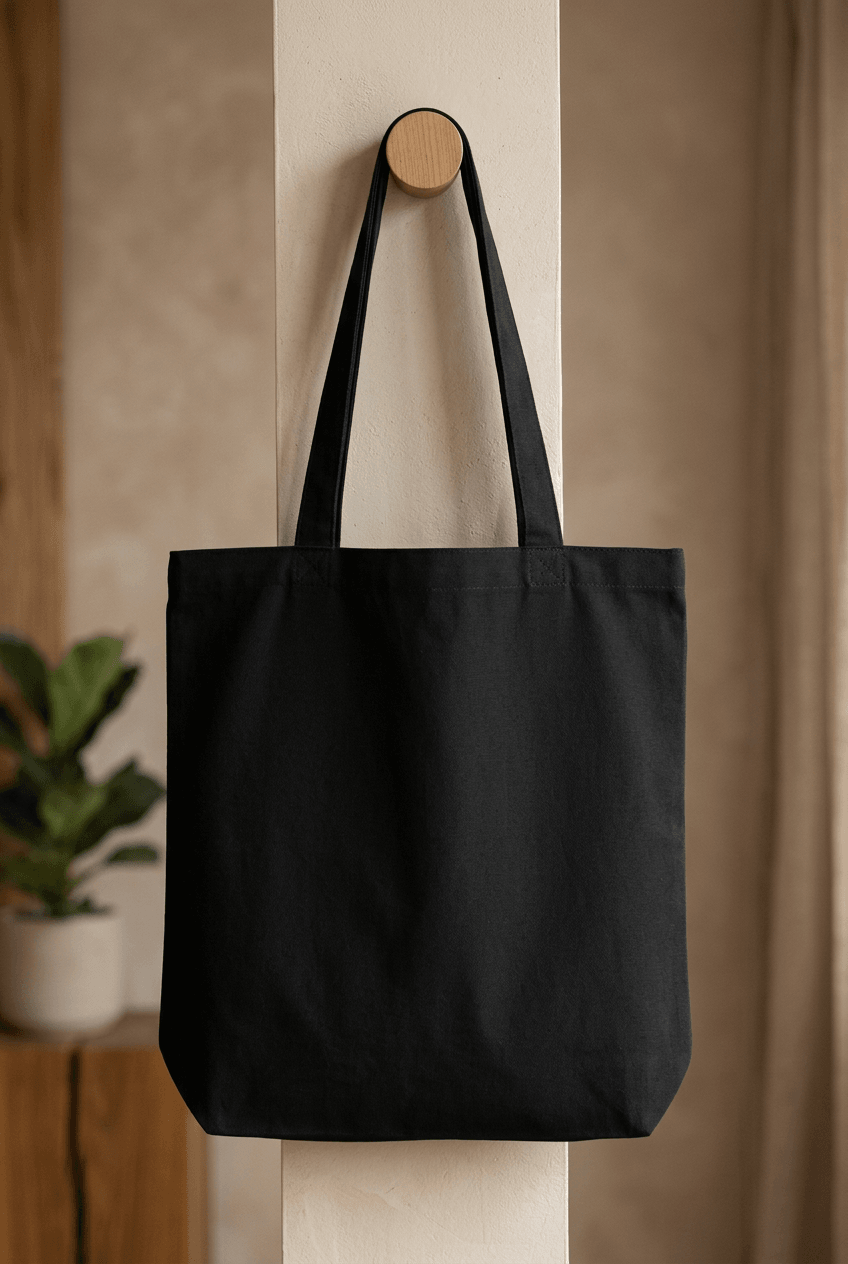
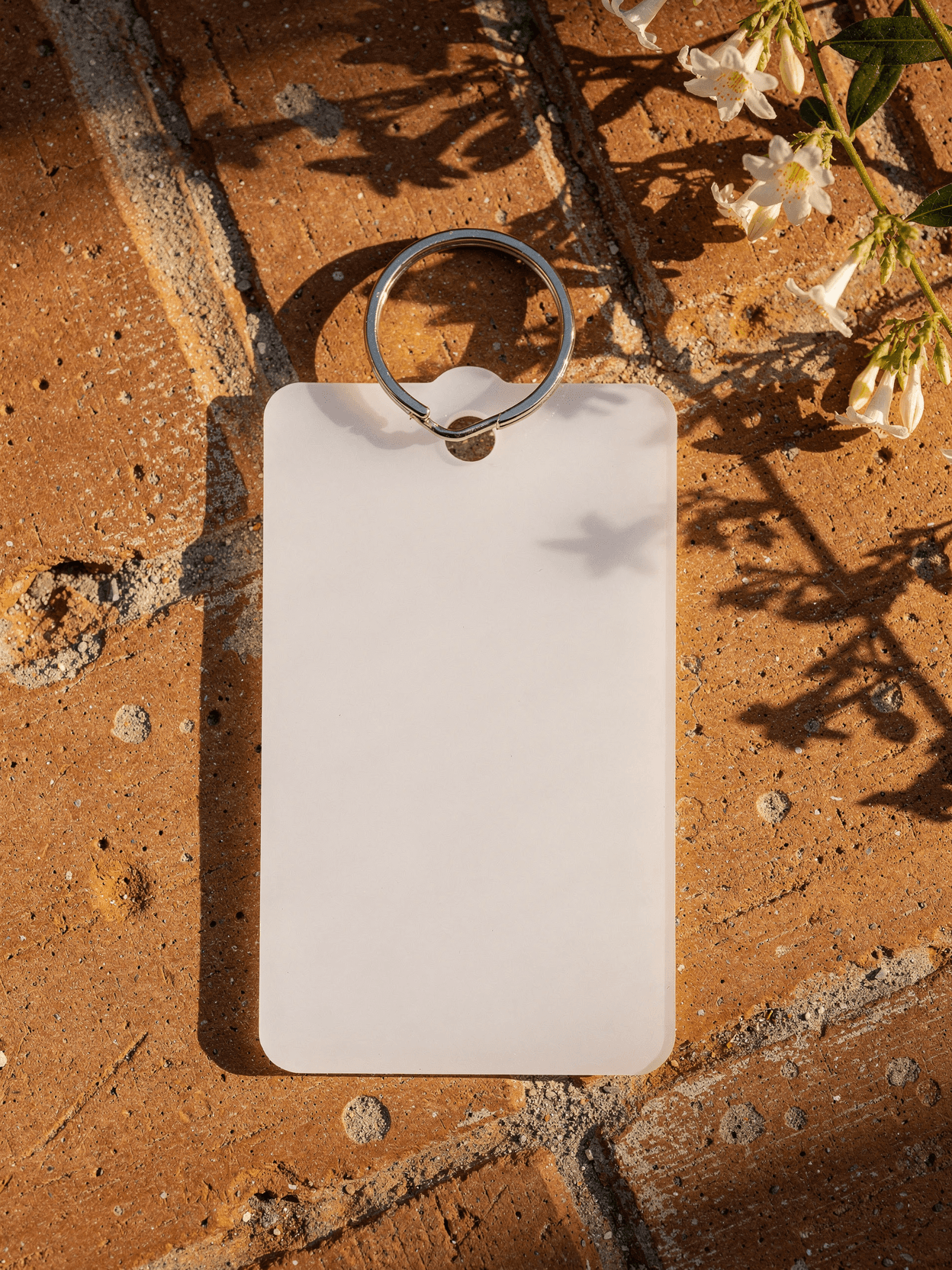
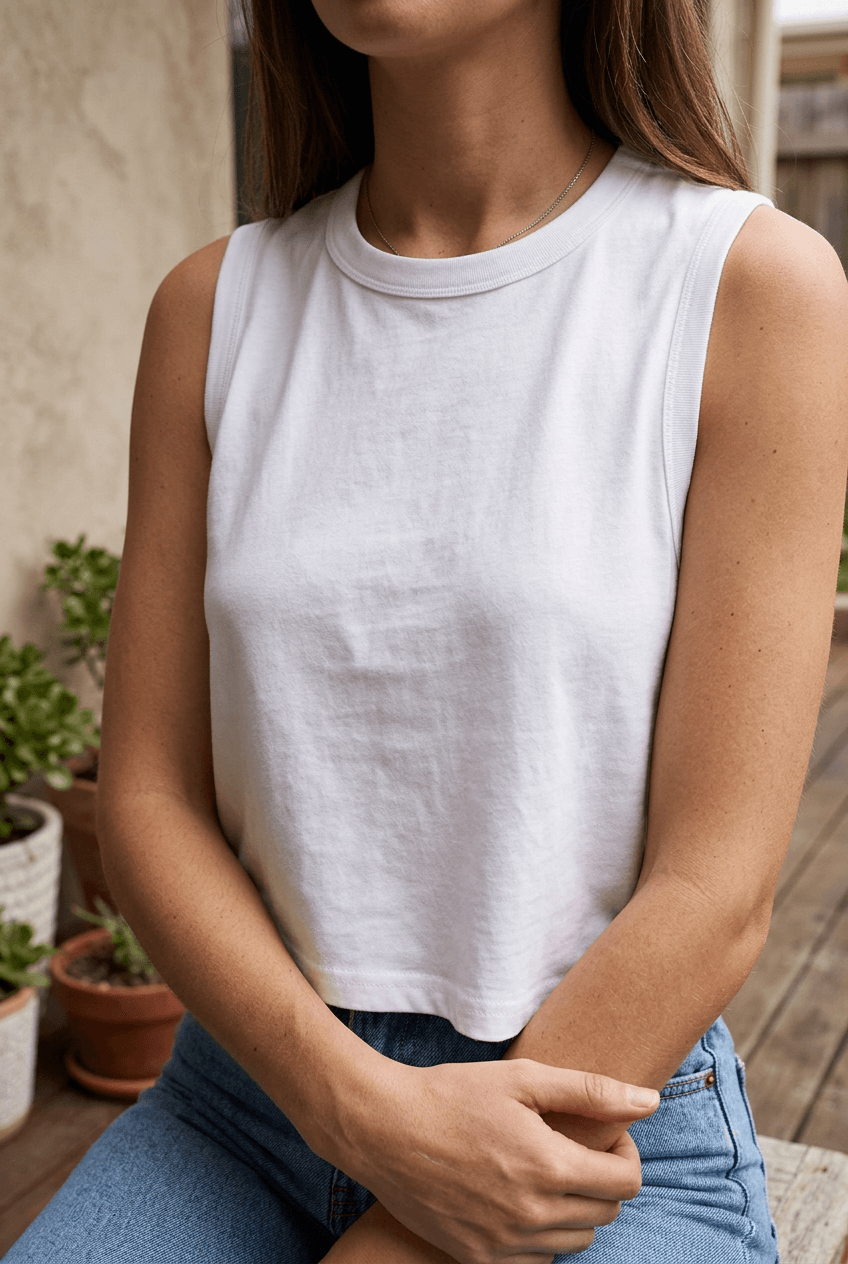
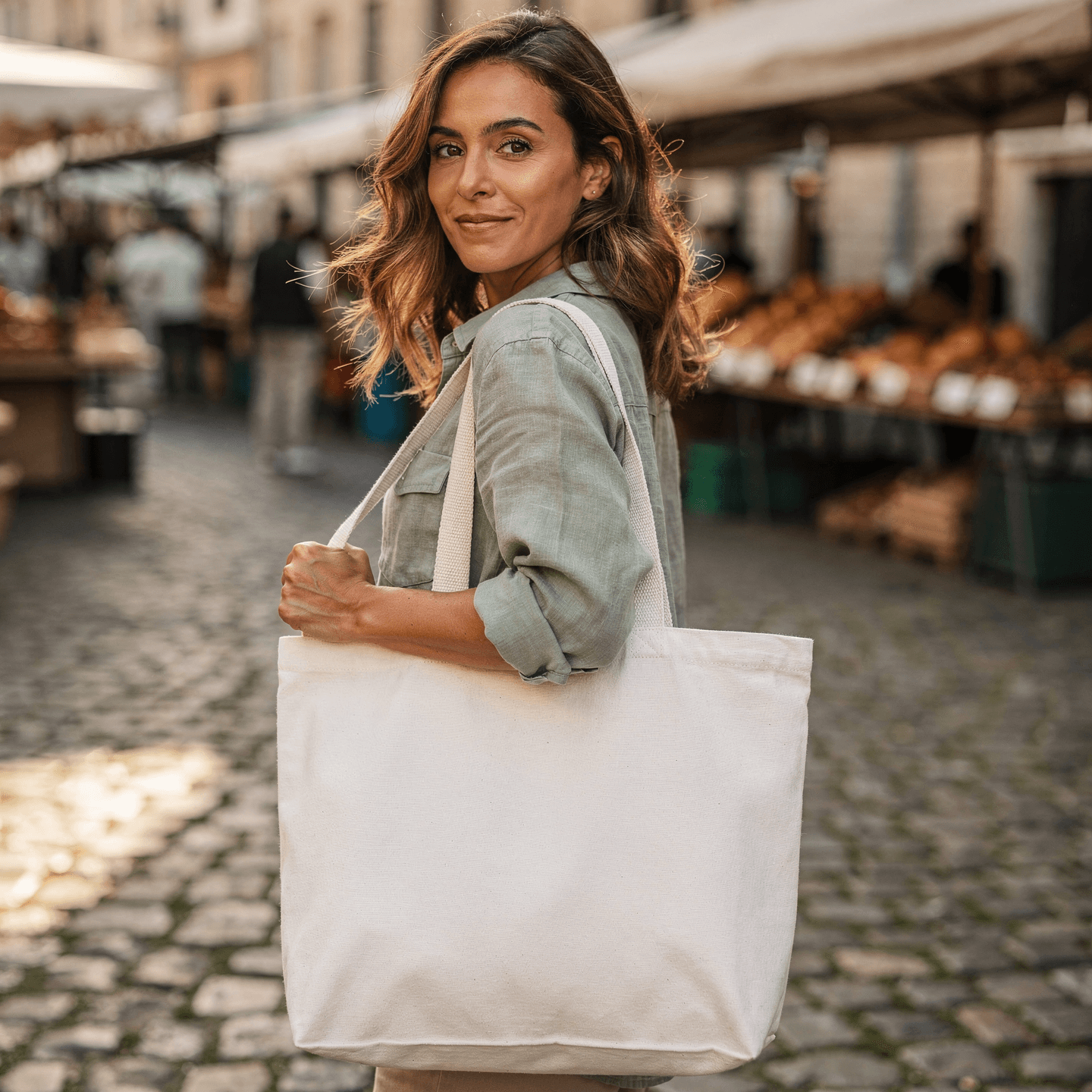
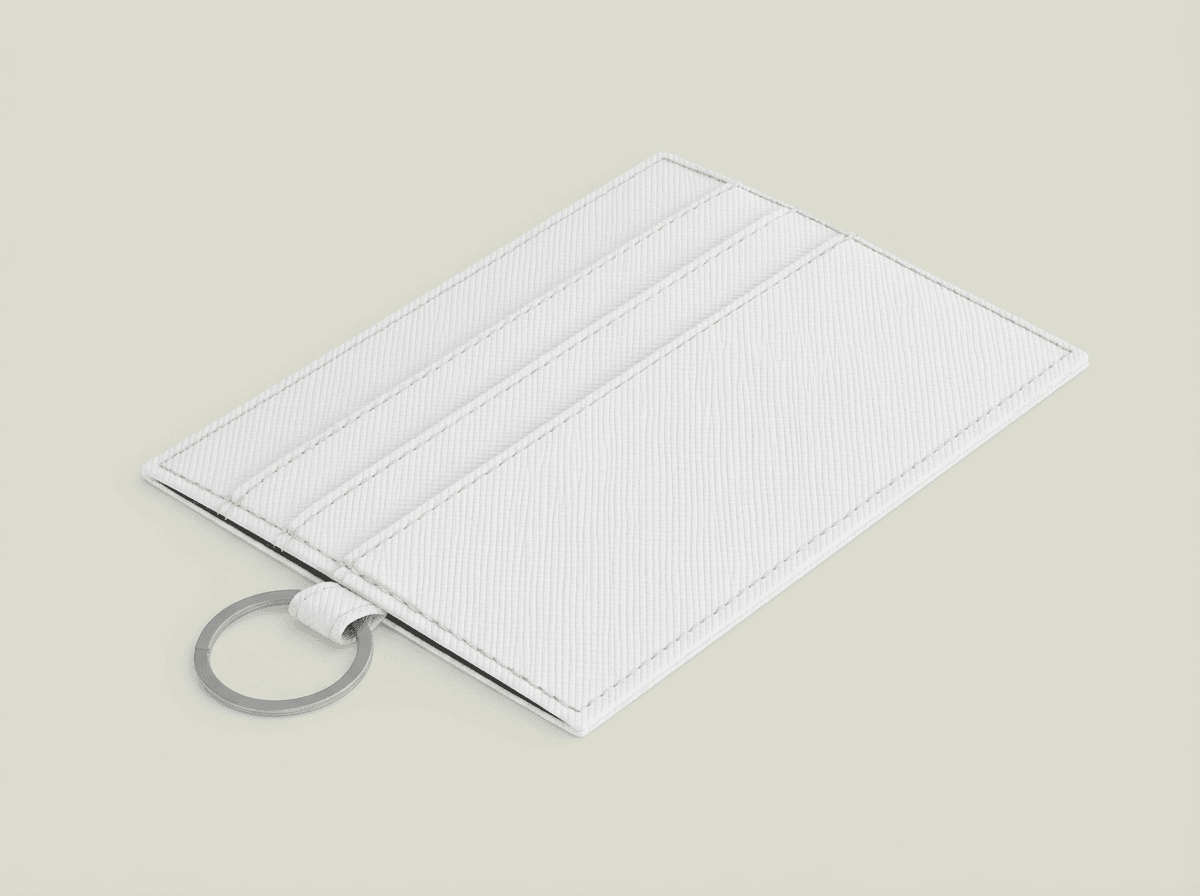
Every angle opens as a ready photo mockup: place your artwork in the editor or through the API.
Loading selected angle
White Fanny Pack Mockup – Bohemian Rooftop Style
What's Included
Ultra-realistic fanny pack photography template with bohemian artistic styling and rooftop cityscape lifestyle context
Six professional camera angles: front three-quarter, straight front, overhead flat lay, lifestyle on-body, detail macro, and back/side view
Professional photography quality indistinguishable from real camera shots, with natural lighting and realistic shadows
Light gray (#F0F0F0) background separates the white product from the studio backdrop for depth and visual clarity
Output in WebP, PNG, or JPEG at up to 10,000px resolution — production-ready for e-commerce listings, social media, and print catalogs
Every angle opens as a ready photo mockup
Subscriptions from $0.002 per render
Specifications
Format
PNG · RGB
Angles
6 views
About This Mockup
White Fanny Pack Mockup with Bohemian Artistic Styling
This ultra-realistic fanny pack mockup captures the free-spirited energy of a rooftop cityscape setting, blending bohemian artistry with clean, modern product photography. The plain white tri-blend waist bag sits against a soft gray studio background in product shots, while the lifestyle angle places a model wearing the pack against a golden-hour rooftop panorama — giving your POD listings the aspirational context that drives click-throughs and conversions.
The result is a rendered mockup where your design looks printed into the material, not pasted on top.
What You Get: Six Professional Angles
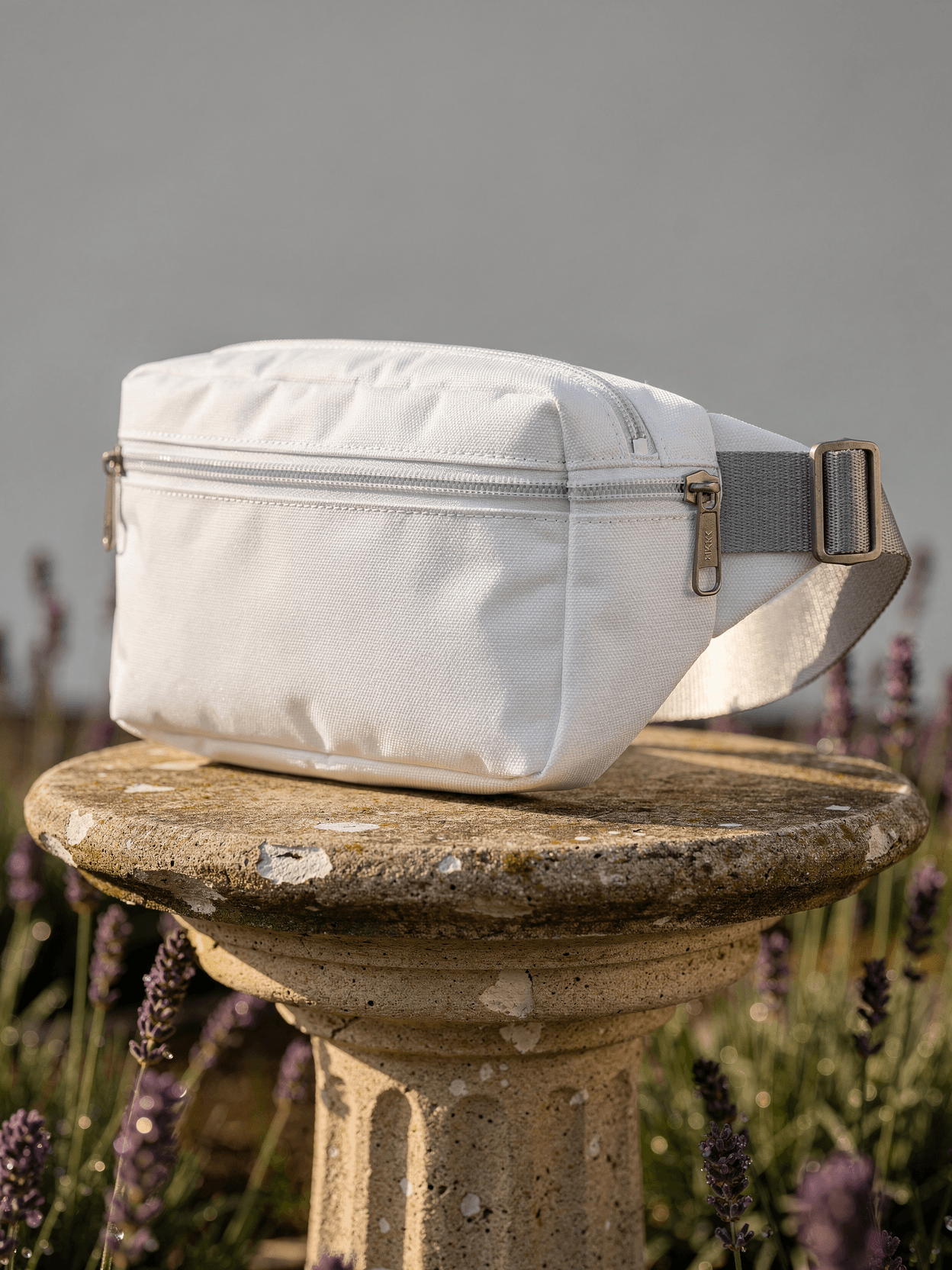
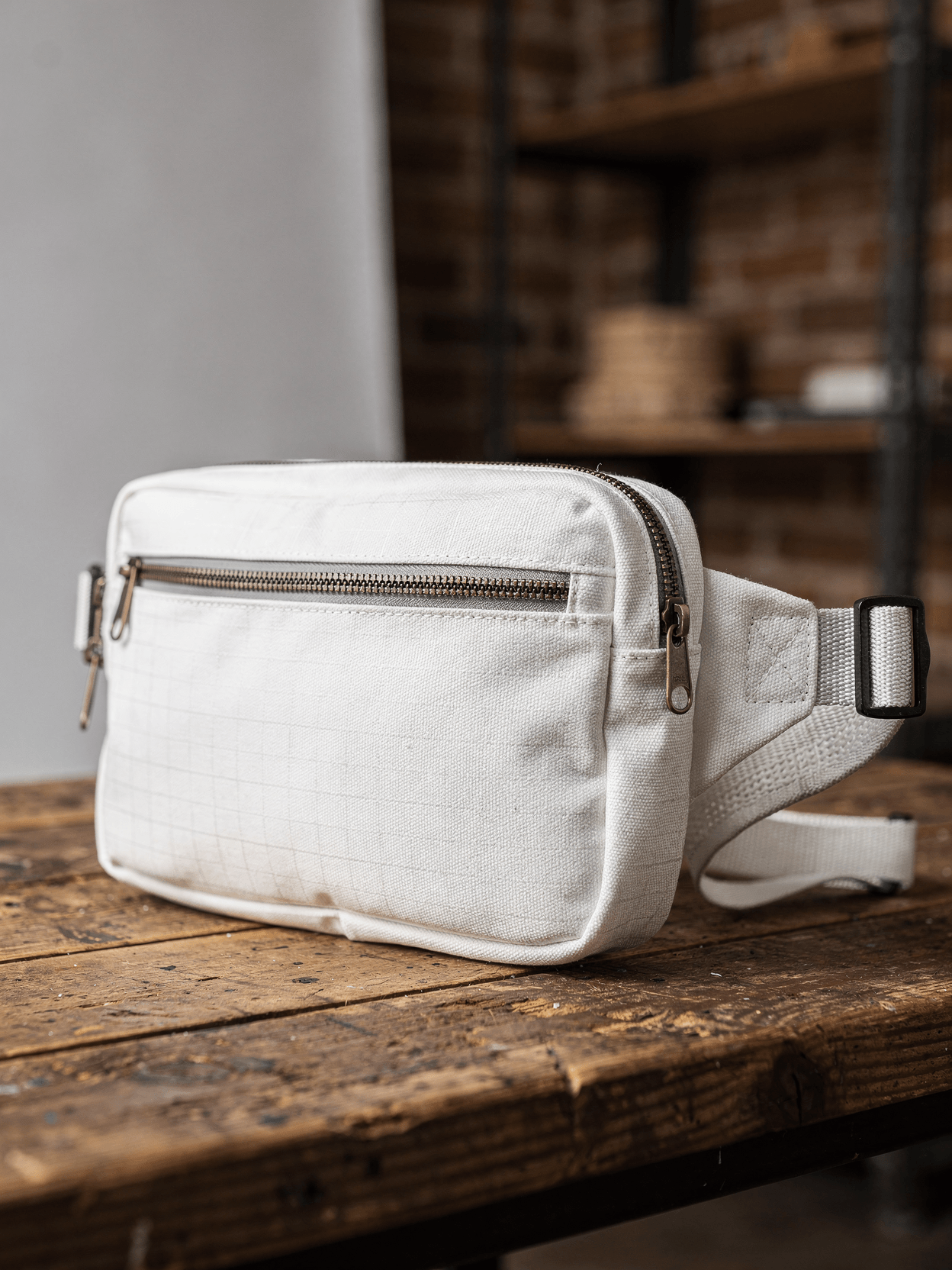
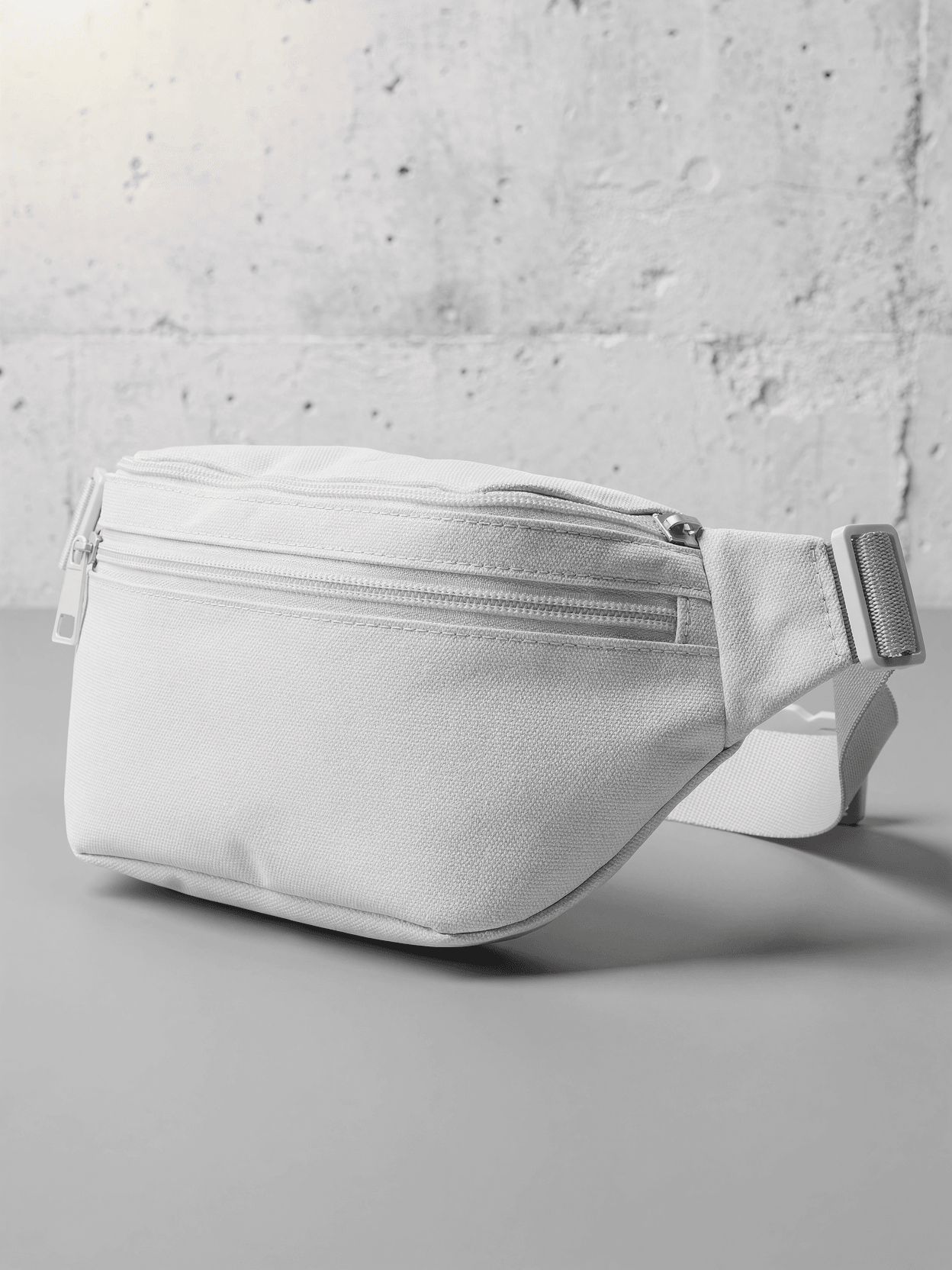
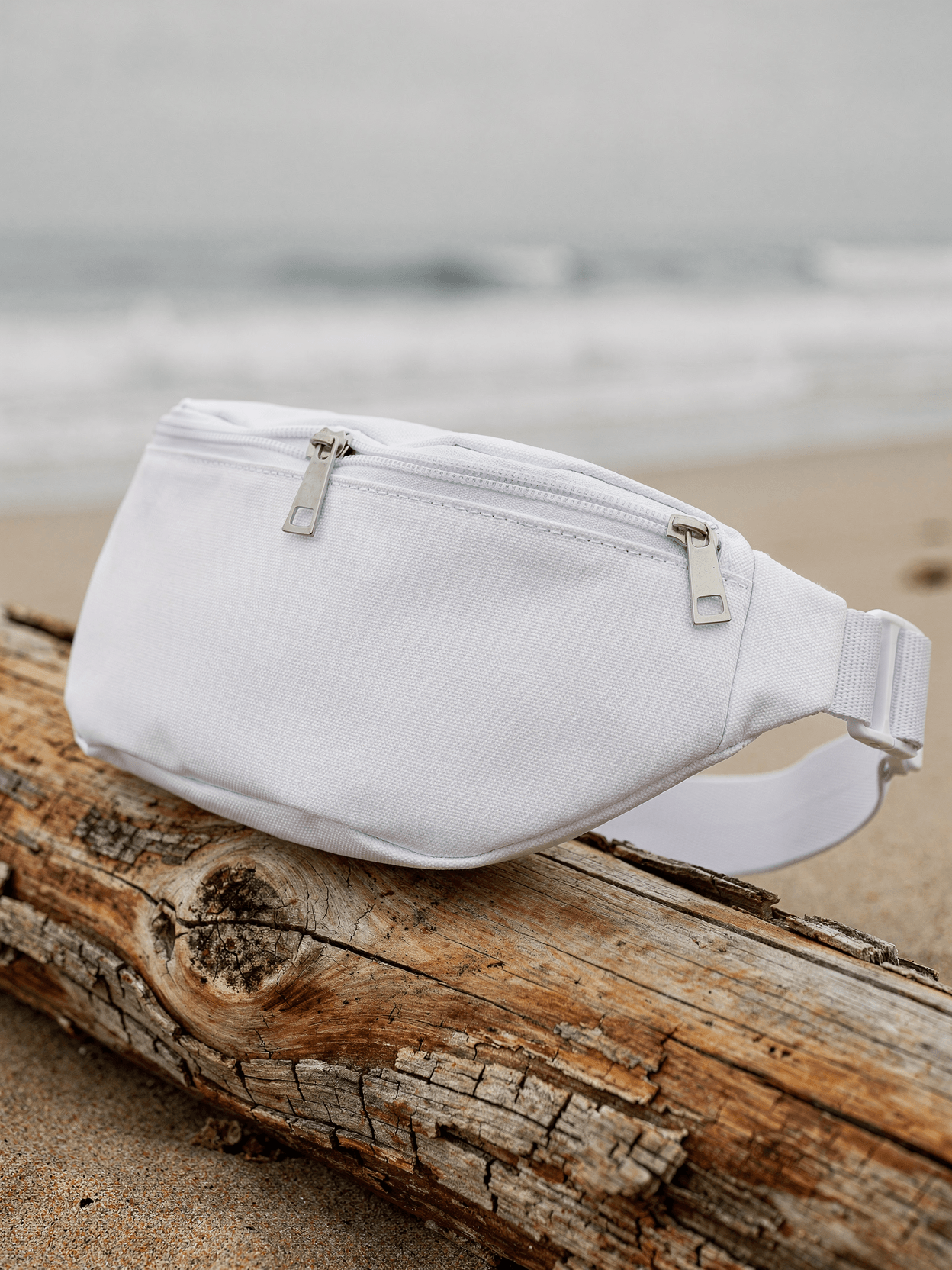
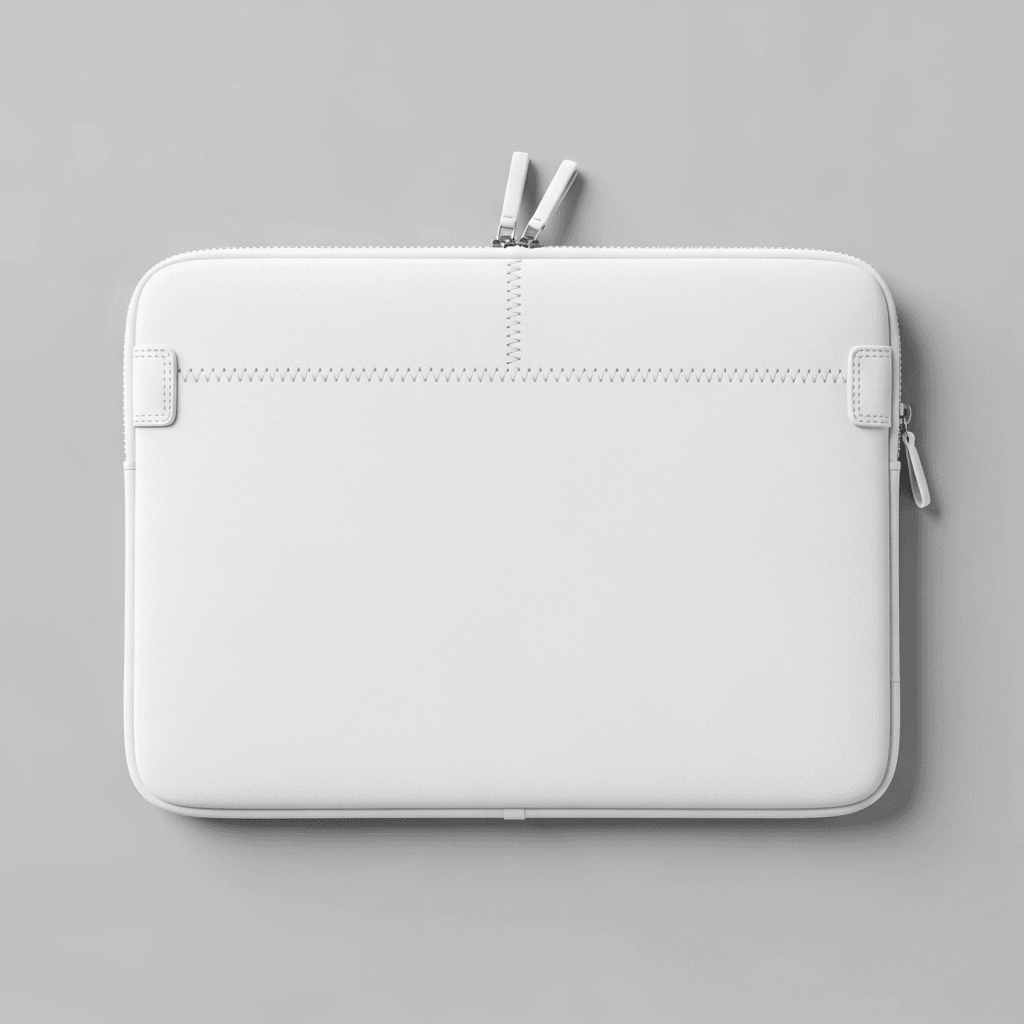
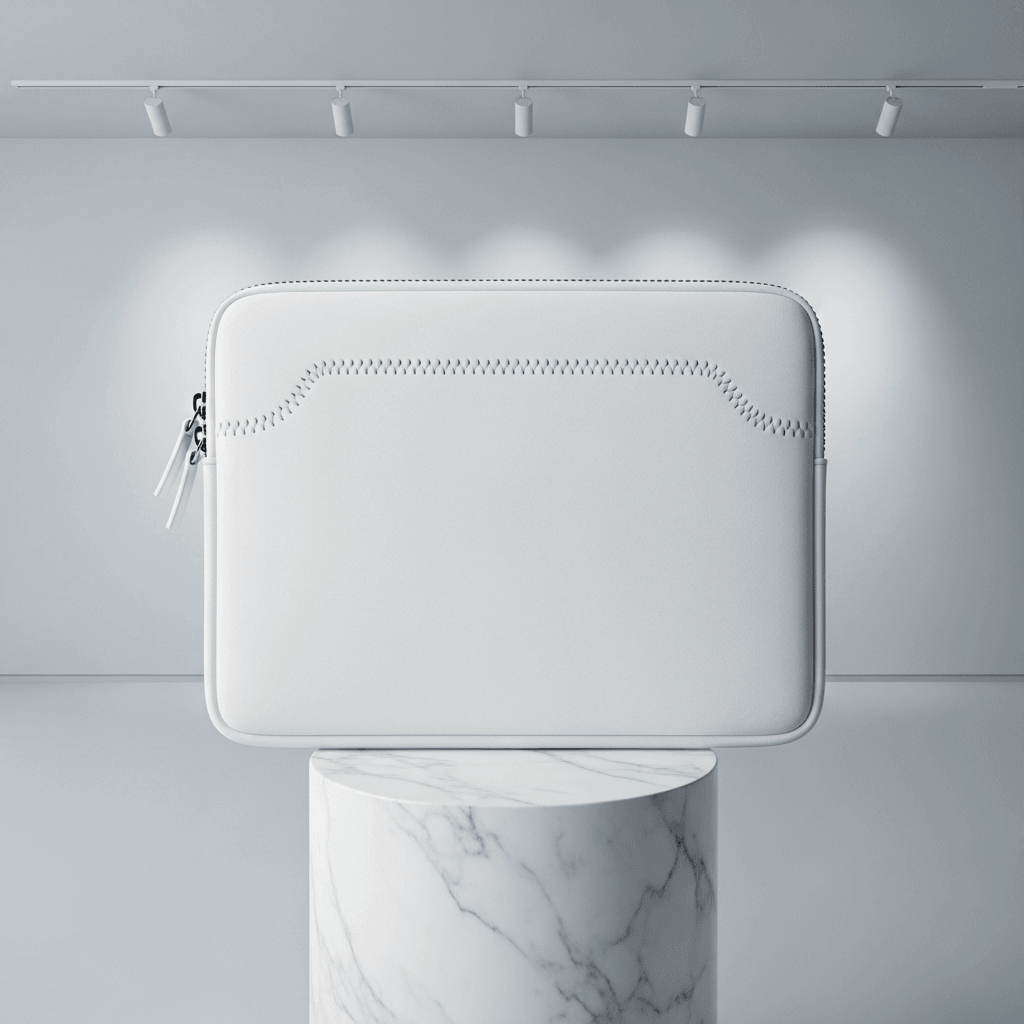
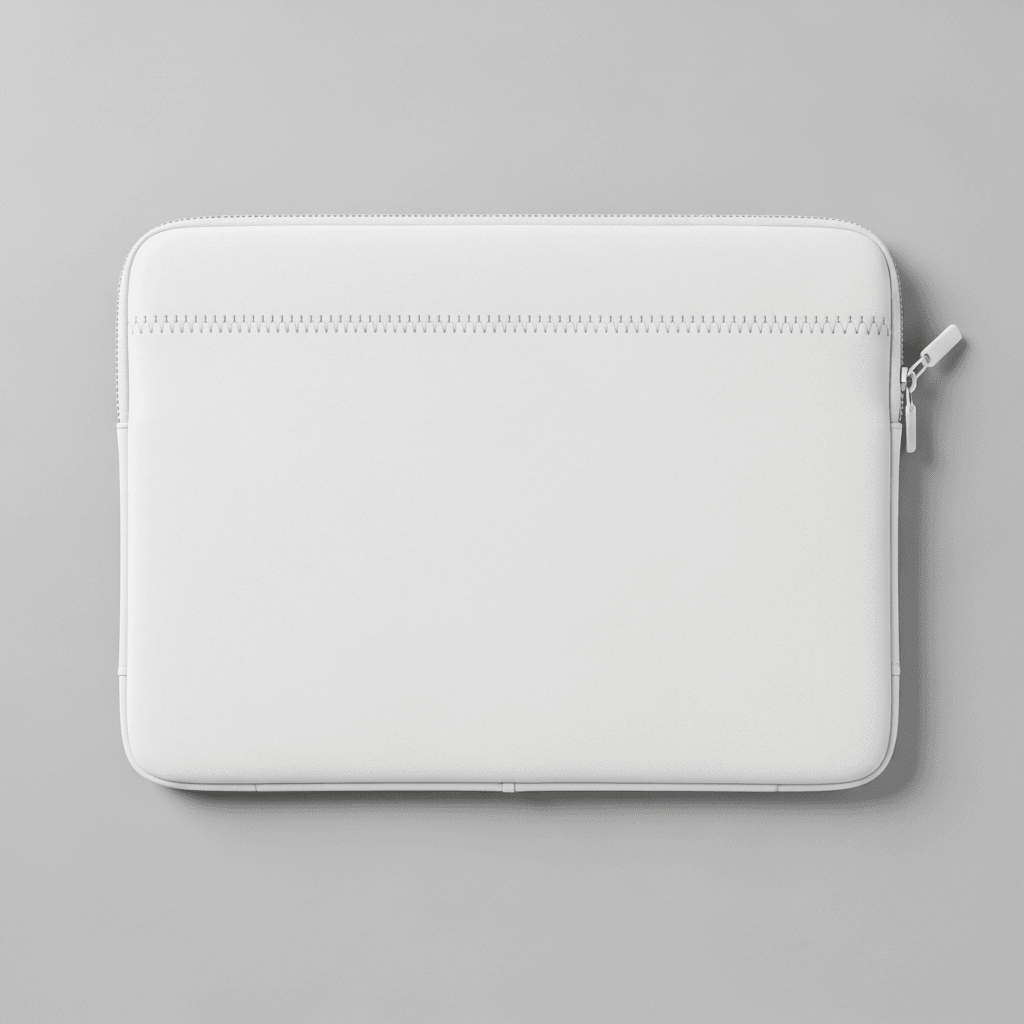
This waist bag mockup template includes six carefully composed shots that cover every e-commerce and marketing need. The primary front three-quarter view reveals the main print area, zipper compartments, and buckle closure with natural depth and dimension. A straight front view delivers the clean, head-on composition that marketplaces like Etsy and Amazon prefer for primary listing images. The overhead flat lay displays the full strap layout and print coverage from above — ideal for showing all-over print fanny pack designs.
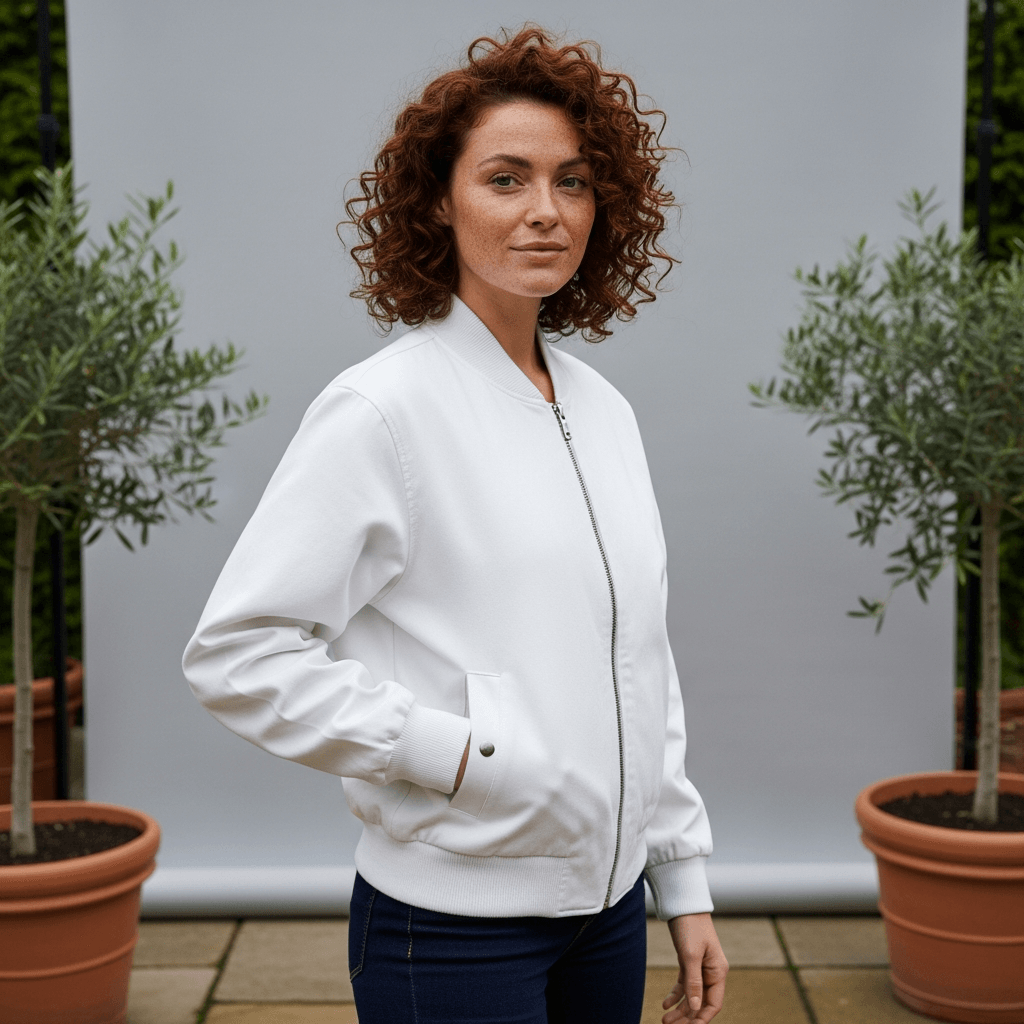
The lifestyle on-body view places the fanny pack on a model against a bohemian-styled rooftop cityscape backdrop, providing the real-world scale and wearability context that customers need before purchasing. A detail macro close-up highlights the tri-blend fabric texture, zipper hardware, and stitching quality. Finally, the back and side view completes your product catalog with rear panel construction and side gusset depth.
Built for Print-on-Demand Sellers
Whether you're selling custom fanny packs through Printify, Printful, or your own Shopify store, this belt bag mockup template lets you generate photorealistic product images at catalog scale. Upload your design to SudoMock's Dashboard Playground to render a single mockup visually, or integrate with the REST API to automate hundreds of renders programmatically.
Why Bohemian Rooftop Styling Works
Bohemian aesthetics resonate strongly with the festival, travel, and streetwear audiences who are the primary buyers of custom waist bags. The rooftop cityscape context positions your product within an aspirational lifestyle — urban exploration, golden-hour gatherings, weekend markets — without overpowering the design itself. Research consistently shows that lifestyle product imagery significantly outperforms plain white-background-only listings in both engagement and conversion.
Perfect for Sublimation and All-Over Print
The tri-blend material texture visible through the white surface makes this template particularly effective for sublimated fanny pack mockups.
Get started free with 500 render credits — no credit card required. Explore SudoMock's pricing to find the plan that fits your catalog size.
Every angle opens as a ready photo mockup: place your artwork in the editor or through the API. Subscriptions from $0.002 per render.
How to Use This Mockup
Step 01
Pick an angle
Choose the angle you want from this template. Every angle opens as a ready photo mockup.
Photo Mockups GuideStep 02
Place your artwork
Add your design in the editor or through the API, as a single placement or a repeating pattern.
Print Areas GuideStep 03
Export your mockup
Generate high-resolution product images in PNG, JPG, or WebP format. Batch process multiple designs.
Render Artwork DocsDetails & Specifications
File Format
PNG
Color Mode
RGB
Angles
6
| Angle | Type | Primary |
|---|---|---|
| Front Three-Quarter View | front-quarter | Yes |
| Straight Front View | front-flat | |
| Overhead Flat Lay | overhead-flat | |
| Lifestyle On-Body View | lifestyle-waist | |
| Detail Close-Up | detail-macro | |
| Back and Side View | back-side |
Perfect For
Use Cases
Industries
Tags
Fanny Pack MockupWaist Bag MockupBelt Bag MockupBum Bag MockupFanny Pack TemplateFanny Pack Mockup FreeHip Pack MockupPrint-on-Demand Fanny PackSublimation Fanny Pack MockupAll-Over Print Fanny PackCustom Fanny Pack MockupFanny Pack Mockup GeneratorBohemian Style MockupRooftop Lifestyle MockupWhite Fanny PackTri-Blend Fanny PackAccessories MockupFashion Bag MockupAPI Mockup RenderingPOD Fanny Pack TemplateFanny Pack Design TemplateFanny Pack Front View
Industry Insights & Research
The global print-on-demand market was valued at $10.78 billion in 2025 and is expected to reach $13.06 billion in 2026, growing at a CAGR of 23.6% from 2026 to 2033 (Grand View Research).
Fanny packs and waist bags represent a growing accessories niche within this rapidly expanding POD market, giving sellers strong revenue potential.
High-resolution product photos have a 94% higher conversion rate than low-resolution photos in e-commerce (GrabOn).
SudoMock renders fanny pack mockups at up to 10,000px resolution, ensuring every listing image meets the highest quality threshold for conversion optimization.
Offering multiple photos depicting a product from different angles leads to a 58% increase in sales regardless of category (Claid.ai).
This fanny pack template includes six distinct angles — front, overhead, lifestyle, detail, and back — specifically to maximize multi-angle listing performance.
22% of product returns occur because the received product looks different from the photos shown online (Innovatur BPO).
9 out of 10 online shoppers consider high-quality product photos one of the most important purchasing factors (GrabOn).
For POD fanny pack sellers who cannot photograph physical inventory, ultra-realistic mockup templates are the primary means of meeting this buyer expectation.
“Enhanced visual appeal – Mockups lend a premium, high-quality visual style to product presentation. The realistic contexts make products more captivating and tangible than conventional photos.”
“Mockups are no longer a luxury—they're a necessity in the personalized print industry.”
“I started adding fanny packs to my Etsy shop using API-generated mockups and hit 200 listings in a weekend. The bohemian lifestyle angles drove significantly more favorites than my flat-lay photos ever did.”
“For sublimated fanny packs, the mockup quality makes or breaks the listing. Customers need to see how their design wraps around the bag, how the texture interacts with the print — you can't fake that with a flat overlay.”
Frequently Asked Questions
Most fanny pack print areas span approximately 10" × 5" at 300 DPI. Every angle opens as a ready photo mockup: place your artwork in the editor or through the API.
Yes. Mockups rendered through SudoMock are production-ready for commercial use on any marketplace including Etsy, Amazon, Shopify, and WooCommerce. The rendered output is yours to use for product listings, social media ads, and marketing materials.
These are regional names for the same product category. 'Fanny pack' is most common in North America, 'bum bag' in the UK and Australia, and 'waist bag' or 'belt bag' are used internationally and in fashion contexts. This mockup template works for all variations — the underlying product construction is identical.
Absolutely. SudoMock's REST API supports programmatic batch rendering. You can loop through hundreds of designs and render each one against this fanny pack template automatically. Integrations with n8n, Zapier, and Make enable fully automated workflows. Subscriptions from $0.002 per render.
Ensure your design extends to all edges without critical elements near borders, as real sublimation printing may have slight alignment variation. Every angle opens as a ready photo mockup: place your artwork in the editor or through the API.
The white product on a light gray background creates visual separation and depth. Every angle opens as a ready photo mockup: place your artwork in the editor or through the API.
Pick an angle, open it in Photo Mockups and place your artwork in the editor or through the API. Then export your mockup as PNG, JPG or WebP.
Ready to Create Stunning Mockups?
Generate product mockups with Photo Mockups and the Render API. Upload artwork and export high-resolution images from one workflow.
No credit card required500 one-time creditsInstant API access