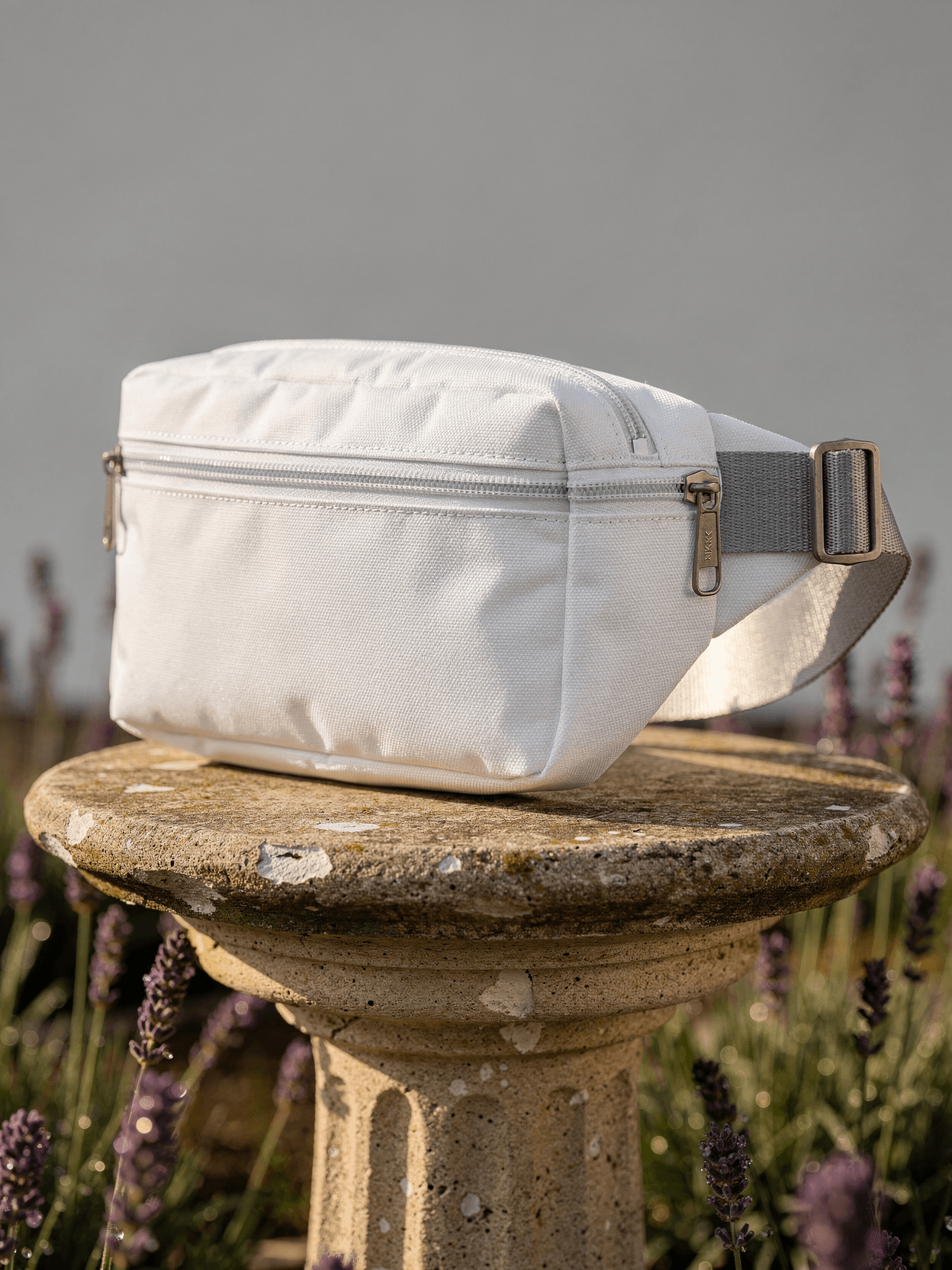
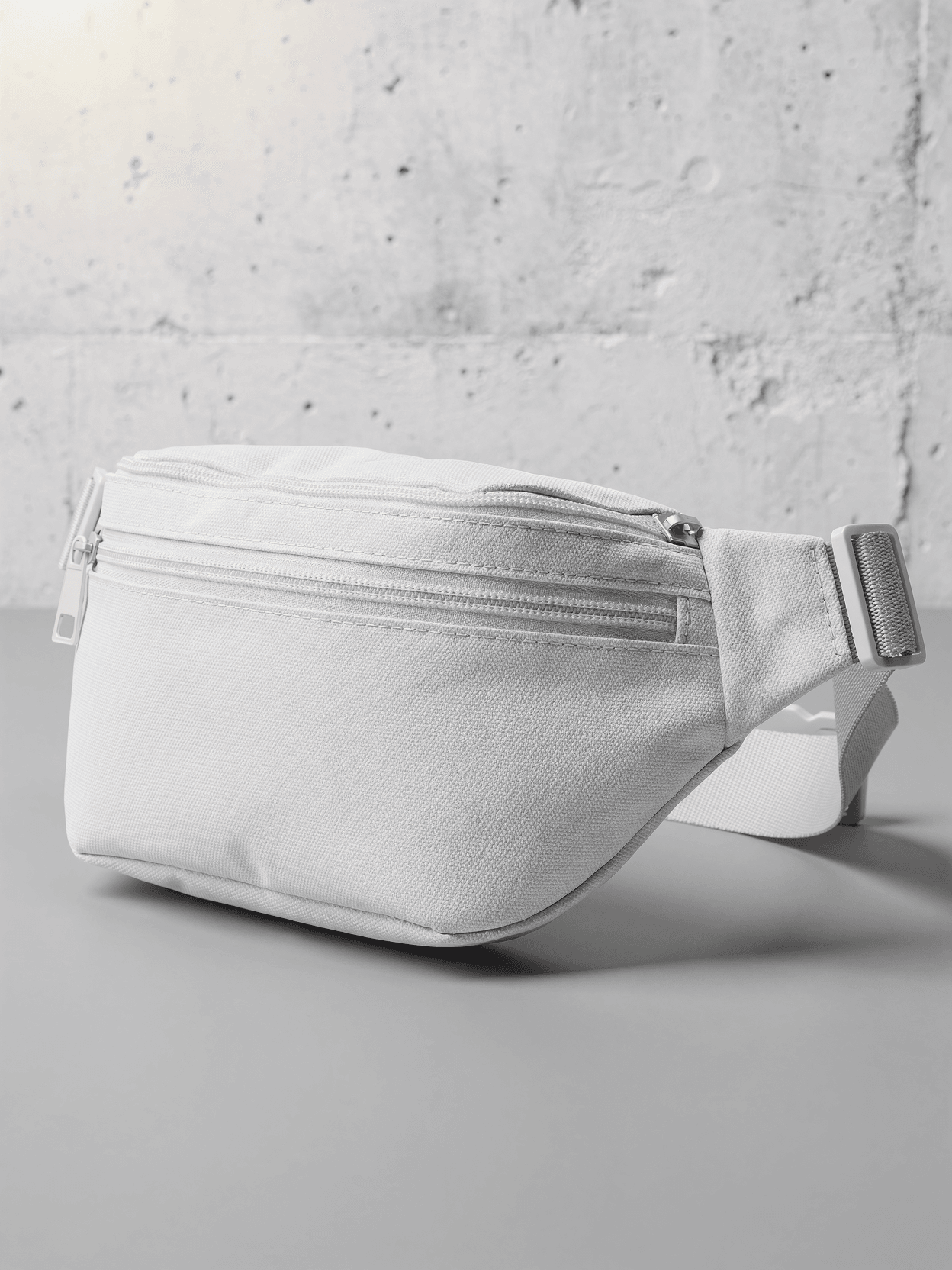
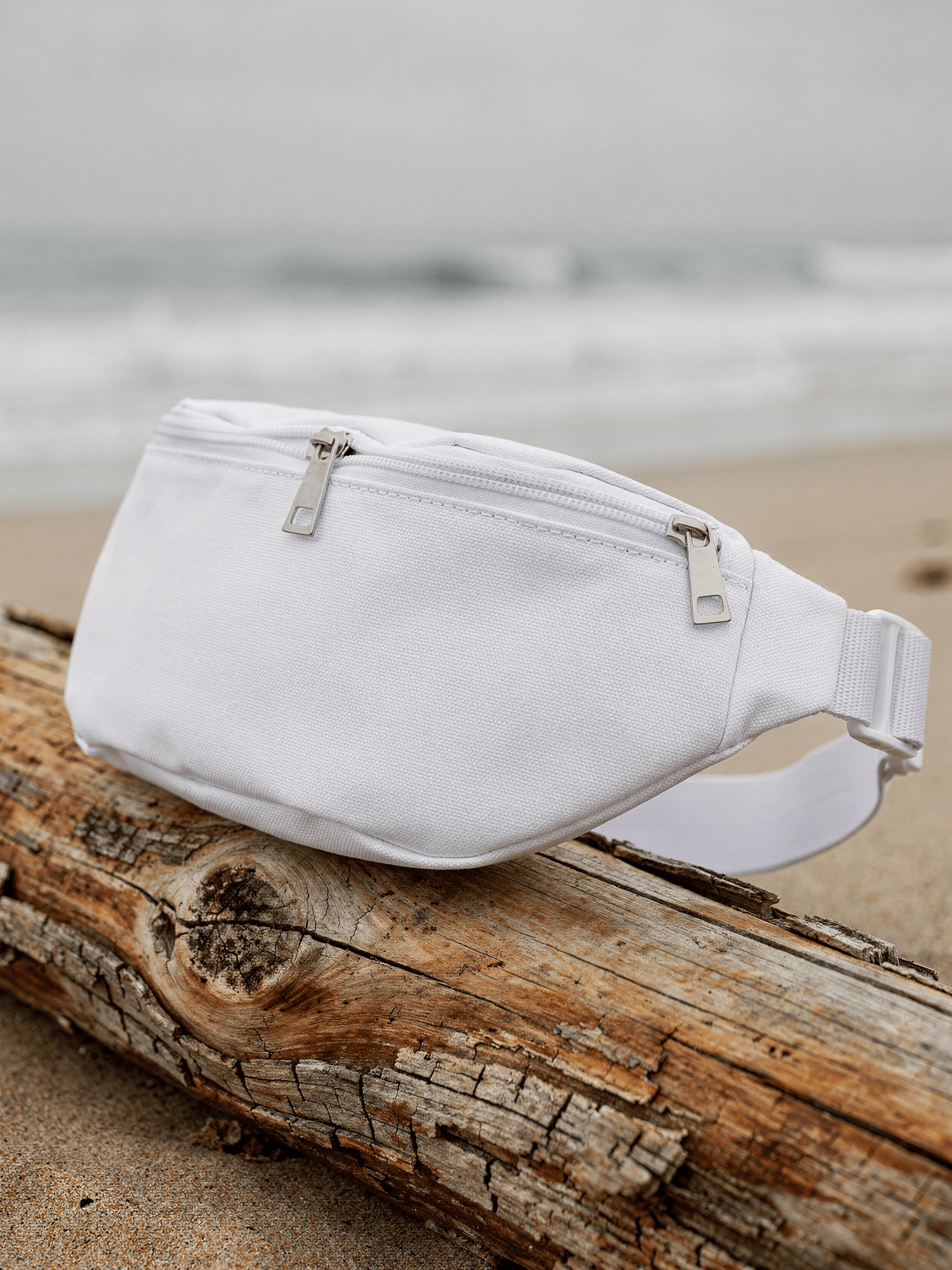
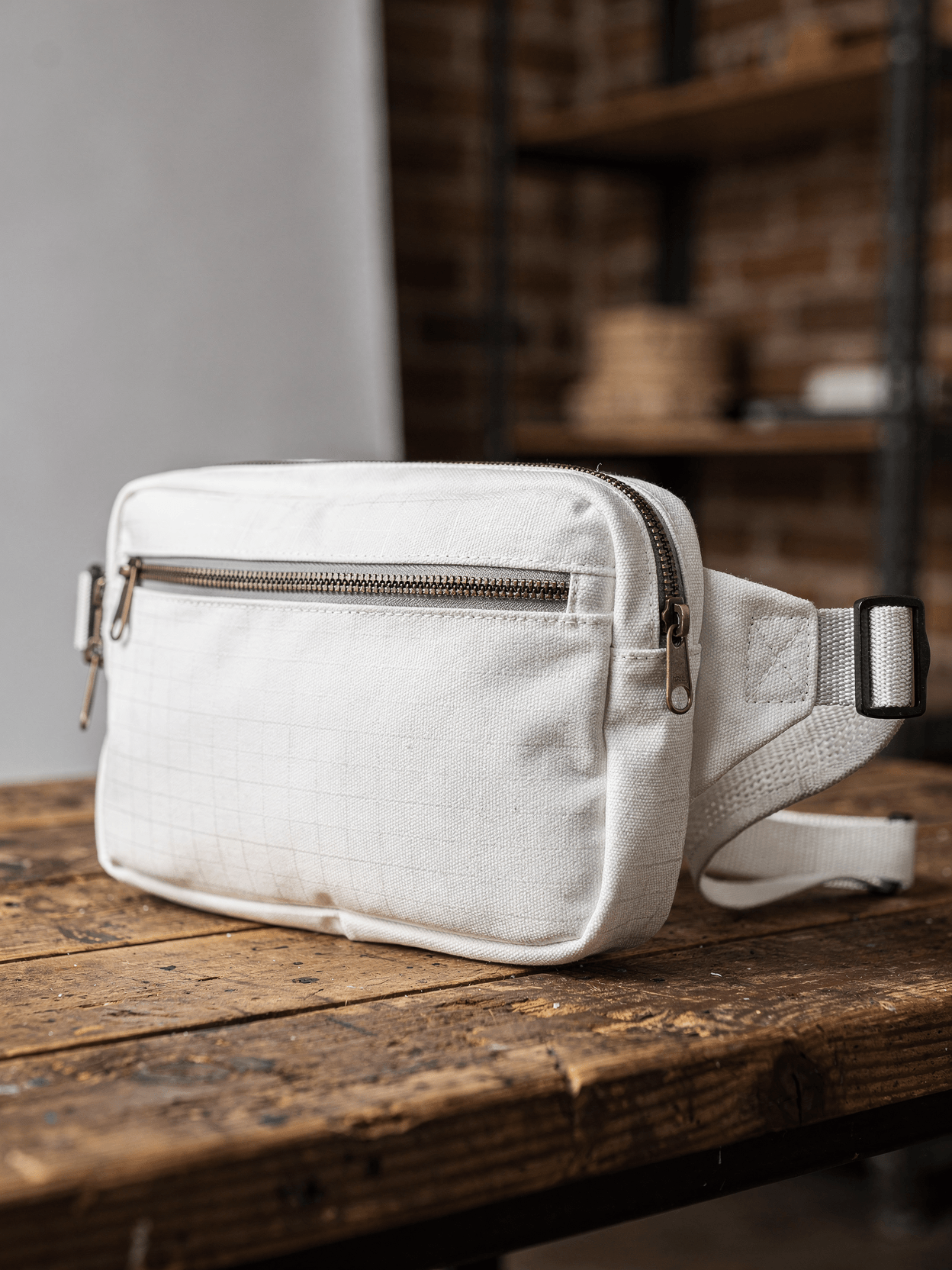
The sleeve surface is plain white so that rendering software can overlay artwork while preserving the visible fabric texture. This template includes five angles: flat lay front, three-quarter, desk lifestyle, zipper detail, and flat lay back. Every angle opens as a ready photo mockup: place your artwork in the editor or through the API.
Loading selected angle
White Cotton Laptop Sleeve Mockup - Gallery Setting
What's Included
Five camera angles included: flat lay front on marble pedestal, three-quarter angled against block, desk context with laptop inserted, zipper and texture close-up, and flat lay back view
Gallery-style track lighting and minimalist studio backgrounds across primary angles; oak desk lifestyle shot with natural window light for context imagery
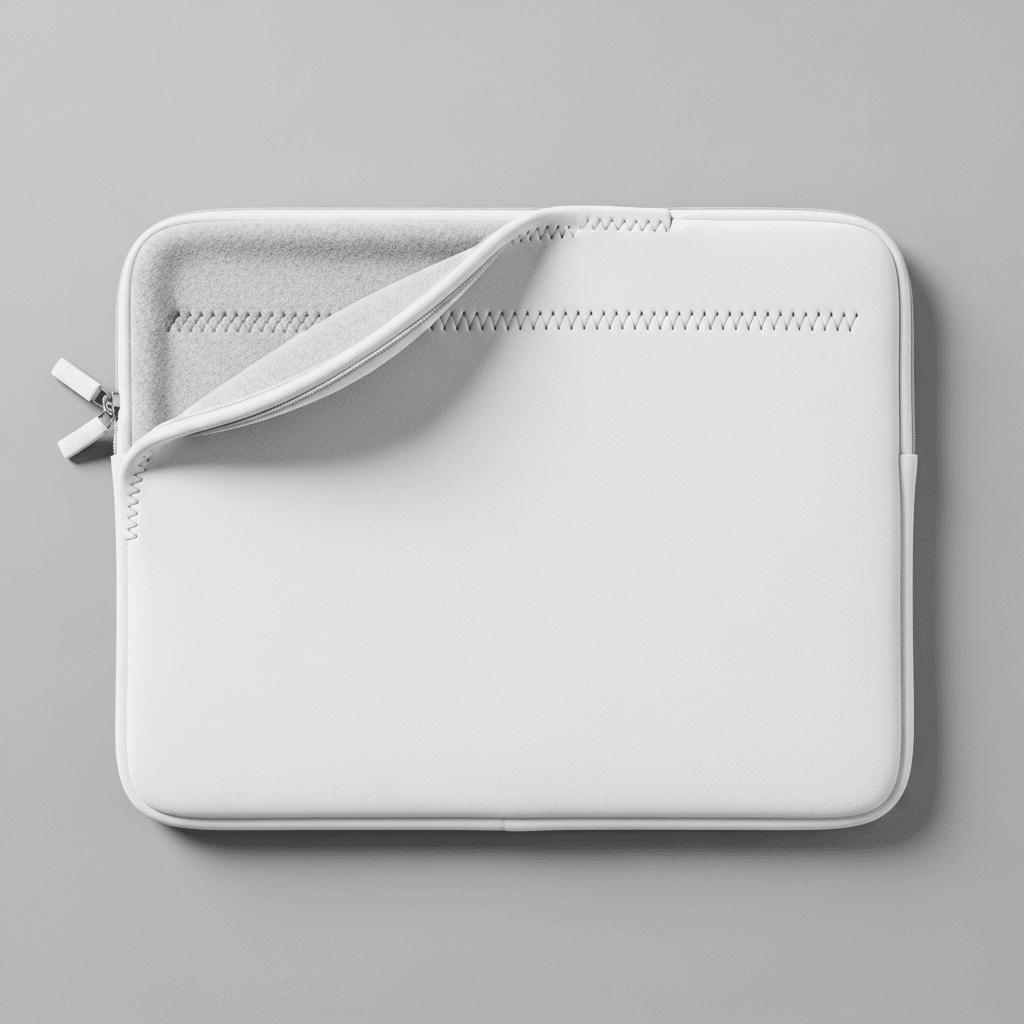
Zip-around closure with chrome metal pulls, decorative zigzag stitching, corner reinforcement patches, and horizontal front pocket shown across multiple views
Suitable for POD catalog generation on Printful, Printify, Gelato, Etsy, Amazon, and Shopify storefronts
Every angle opens as a ready photo mockup
Subscriptions from $0.002 per render
Specifications
Format
PNG · RGB
Angles
5 views
About This Mockup
Overview
This mockup template displays a white cotton laptop sleeve photographed across five angles in a gallery-inspired setting. The sleeve is a rectangular, zip-around design with rounded corners, a padded body, and a clean white surface throughout. All five shots use controlled lighting that creates soft, directional highlights and gentle shadows, keeping the white product surface distinct from the surrounding environment.
What the Mockup Shows
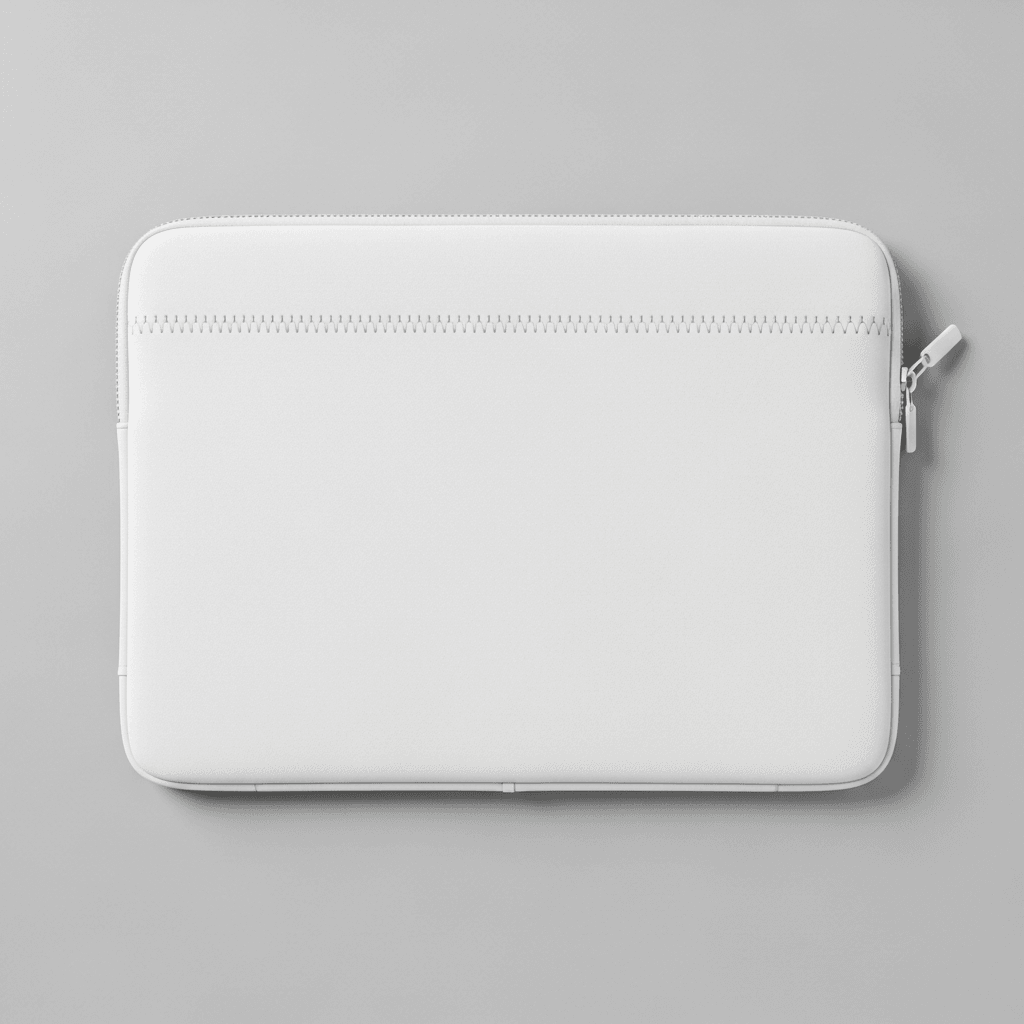
The primary image is a flat lay front view showing the sleeve centered on a cylindrical marble pedestal against a light gray gallery wall. Track lighting mounted overhead casts pools of light onto the wall behind the product, creating an art gallery atmosphere. The front face of the sleeve shows a decorative zigzag stitch detail that curves across the upper portion and a zip closure running along the top and right edges, with two white zipper pulls visible on the left side.
The three-quarter angled view presents the sleeve leaning against a white rectangular block in a minimalist studio environment. Geometric shadow patterns fall across the background wall and surface. This angle reveals the sleeve's thickness and padding, along with a vertical stitch line running down the back panel and a small stitched label tab near the top. A single zipper pull is visible on the right edge.
The desk context shot places the sleeve upright on a light oak wooden desk surface. A laptop is partially inserted into the open top of the sleeve, with the white computer edge visible above the zipper line. The background includes a gray wall, a framed black-and-white art print, and a window with natural light. A horizontal zippered pocket runs across the front panel of the sleeve in this view, with two zipper pulls at the top.
The close-up detail shot is a macro-style capture of one corner of the sleeve. This reveals the fabric texture at close range: a fine woven cotton surface with visible thread grain. Double-row stitching runs along the edges, and the white coil zipper with two chrome-finish metal pulls is shown in sharp focus. A rounded reinforcement patch is stitched into the corner where the zipper curves. The sleeve rests on a gray reflective surface.
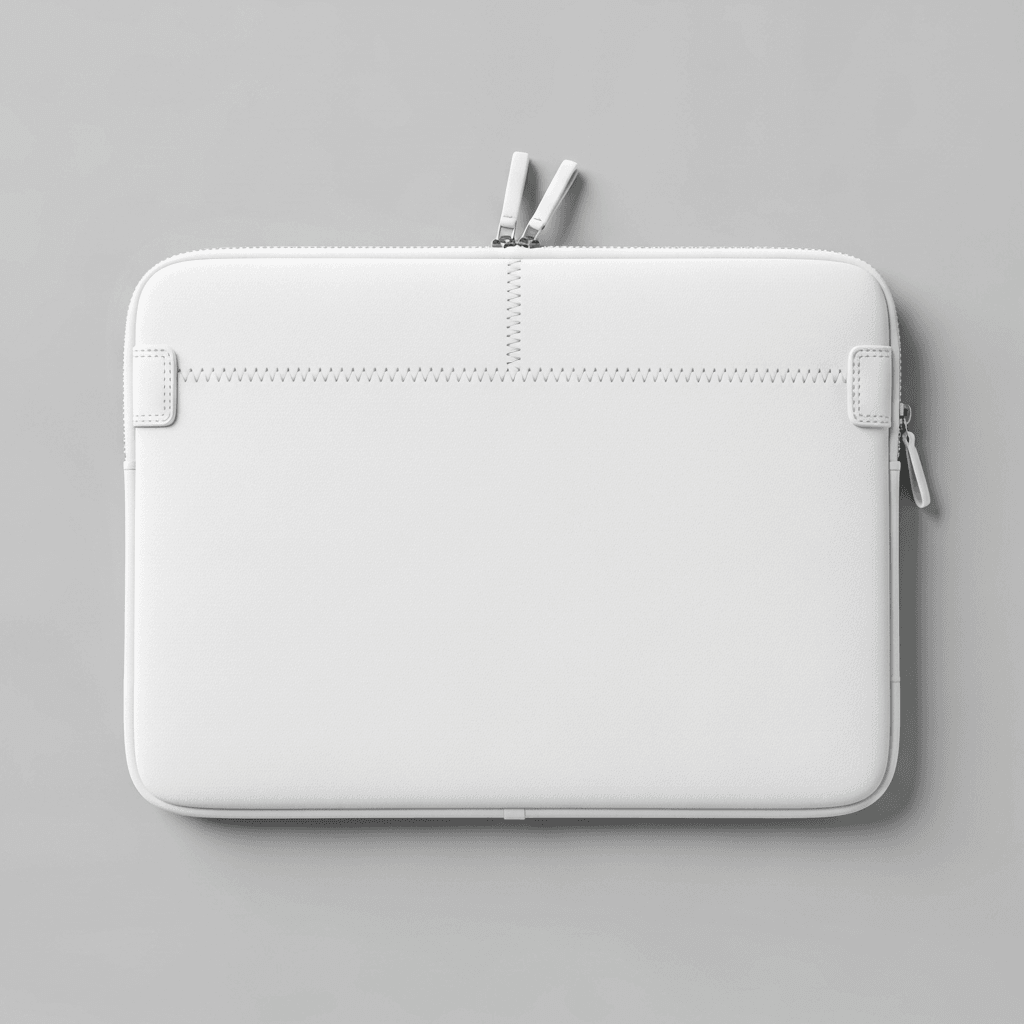
The flat lay back view shows the reverse side from directly overhead. The sleeve sits on a white rectangular surface against a gray background with a subtle shadow on the right edge. A horizontal stitch line divides the upper quarter from the main body panel. The zipper track is visible along the top and right edges, with a single pull on the left side. The surface is plain white with fine cotton texture.
Technical Details
This template is suitable for e-commerce product listings on platforms such as Etsy, Amazon, and Shopify. POD sellers using services like Printful, Printify, or Gelato can generate catalog imagery across all five angles from a single design upload. The gallery and desk settings provide both clean product shots and lifestyle context imagery without requiring separate photo sessions.
Sizing Reference
The sleeve dimensions shown accommodate standard laptop sizes. The proportions visible in the desk context shot, with a laptop partially inserted, suggest compatibility with 13-inch to 15-inch devices. According to Flowfold's laptop sleeve size guide, most standard sleeves range from approximately 13.5 x 9.5 inches for 13-inch laptops to 15.5 x 11 inches for 15-inch models.
Rendering Compatibility
The API accepts design files via URL and returns rendered mockups in WebP, PNG, or JPEG formats at resolutions up to 10,000 pixels. Batch rendering across all five angles can be automated through n8n, Zapier, Make, or direct API integration.
Every angle opens as a ready photo mockup: place your artwork in the editor or through the API.
How to Use This Mockup
Step 01
Pick an angle
Choose the angle you want from this template. Every angle opens as a ready photo mockup.
Photo Mockups GuideStep 02
Place your artwork
Add your design in the editor or through the API, as a single placement or a repeating pattern.
Print Areas GuideStep 03
Export your mockup
Generate high-resolution product images in PNG, JPG, or WebP format. Batch process multiple designs.
Render Artwork DocsDetails & Specifications
File Format
PNG
Color Mode
RGB
Angles
5
| Angle | Type | Primary |
|---|---|---|
| Flat Lay Front View | flat-lay-front | Yes |
| Three-Quarter Angled View | three-quarter-angled | |
| Desk Context Shot | lifestyle-desk | |
| Close-Up Detail Shot | detail-zipper-texture | |
| Flat Lay Back View | flat-lay-back |
Perfect For
Use Cases
Seasons
Tags
Laptop Sleeve MockupLaptop Sleeve TemplateLaptop Case MockupMacbook Sleeve MockupLaptop Pouch MockupCanvas Laptop SleeveCotton Laptop SleeveLaptop Sleeve Mockup GeneratorLaptop Sleeve BrandingCustom Laptop Sleeve13 Inch Laptop Sleeve15 Inch Laptop SleeveWhite Laptop SleeveLaptop Accessories MockupZip Around SleevePOD Mockup TemplateAPI Mockup RenderingE-Commerce Product MockupPrint-on-Demand MockupGallery Setting MockupFashion Bags Mockup
Industry Insights & Research
75% of online shoppers rely on product photos when deciding on a potential purchase.
Multiple product angles for laptop sleeves directly address buyer expectations for visual information before ordering. Source: Innovature Inc / Odette Photo Art (https://www.odettephotoart.com/blog/statistics-professional-brand-photography-for-business-success/)
22% of products are returned because they appear different in person than in images.
Accurate mockup rendering with visible fabric texture reduces the gap between expected and received product appearance. Source: GrabOn (https://grabon.com/blog/product-photography-statistics/)
High-resolution product photos have 94% higher conversion rates than low-resolution photos.
Detail shots showing zipper hardware and cotton weave at close range provide the image quality that correlates with higher sales conversion. Source: GrabOn / BusinessDasher (https://grabon.com/blog/product-photography-statistics/)
Top POD sellers publish 10 new listings every week.
Source: Printify (https://printify.com/blog/print-on-demand-statistics/)
Print-on-demand market valued at $12.15 billion in 2025 and estimated to reach $46.43 billion by 2031, at a CAGR of 25.05%.
Accessories like laptop sleeves represent a growing segment within this expanding POD market. Source: Mordor Intelligence (https://www.mordorintelligence.com/industry-reports/print-on-demand-market)
Subscriptions from $0.002 per render.
Pricing from the SudoMock pricing page, October 2026.
“The mockup world offers something profoundly important: it creates the crucial context that allows others to see your design as you intended it to be experienced.”
“We run about 400 laptop sleeve SKUs across three Etsy shops. Having five angles per design already rendered and ready to drop into listings cuts our time-to-publish from 20 minutes to under 2 minutes per product.”
Sources
Frequently Asked Questions
Design dimensions depend on the target sleeve size. Standard 13-inch sleeves measure approximately 13.5 x 9.5 inches, while 15-inch models run about 15.5 x 11 inches. For print-ready files, artwork should be prepared at 300 DPI at the physical print dimensions. Every angle opens as a ready photo mockup: place your artwork in the editor or through the API.
A laptop sleeve is a padded, form-fitting cover typically with a zipper closure, as shown in this template. A laptop case is a rigid or semi-rigid shell that snaps onto the device. A pouch is an open-top envelope without a zipper. This mockup depicts a zip-around sleeve with cotton fabric construction and corner reinforcement stitching.
Yes. The flat lay views use a white studio background suitable for Amazon's main image requirements. The desk context shot provides a lifestyle image for secondary listing slots. Rendered images are output in WebP, PNG, or JPEG at resolutions up to 10,000 pixels, which exceeds the minimum requirements for both Amazon and Etsy product photography.
The close-up detail shot in this template clearly shows the fine woven grain that will interact with your design artwork. Every angle opens as a ready photo mockup: place your artwork in the editor or through the API.
Industry guidance for bags and accessories recommends a minimum of five product images per listing. This template set provides exactly five angles: front flat lay, three-quarter view showing depth, lifestyle desk shot with a laptop inserted, macro detail of zipper and fabric, and back flat lay. This covers the standard image slots available on most e-commerce platforms.
Services including Printful, Printify, Gelato, and Redbubble offer custom laptop sleeve fulfillment. This mockup template is compatible with SudoMock's API, which integrates with Shopify, WooCommerce, and automation platforms like Zapier and Make. Sellers can generate rendered mockup images and push them directly to their storefronts through these integrations.
Ready to Create Stunning Mockups?
Generate product mockups with Photo Mockups and the Render API. Upload artwork and export high-resolution images from one workflow.
No credit card required500 one-time creditsInstant API access