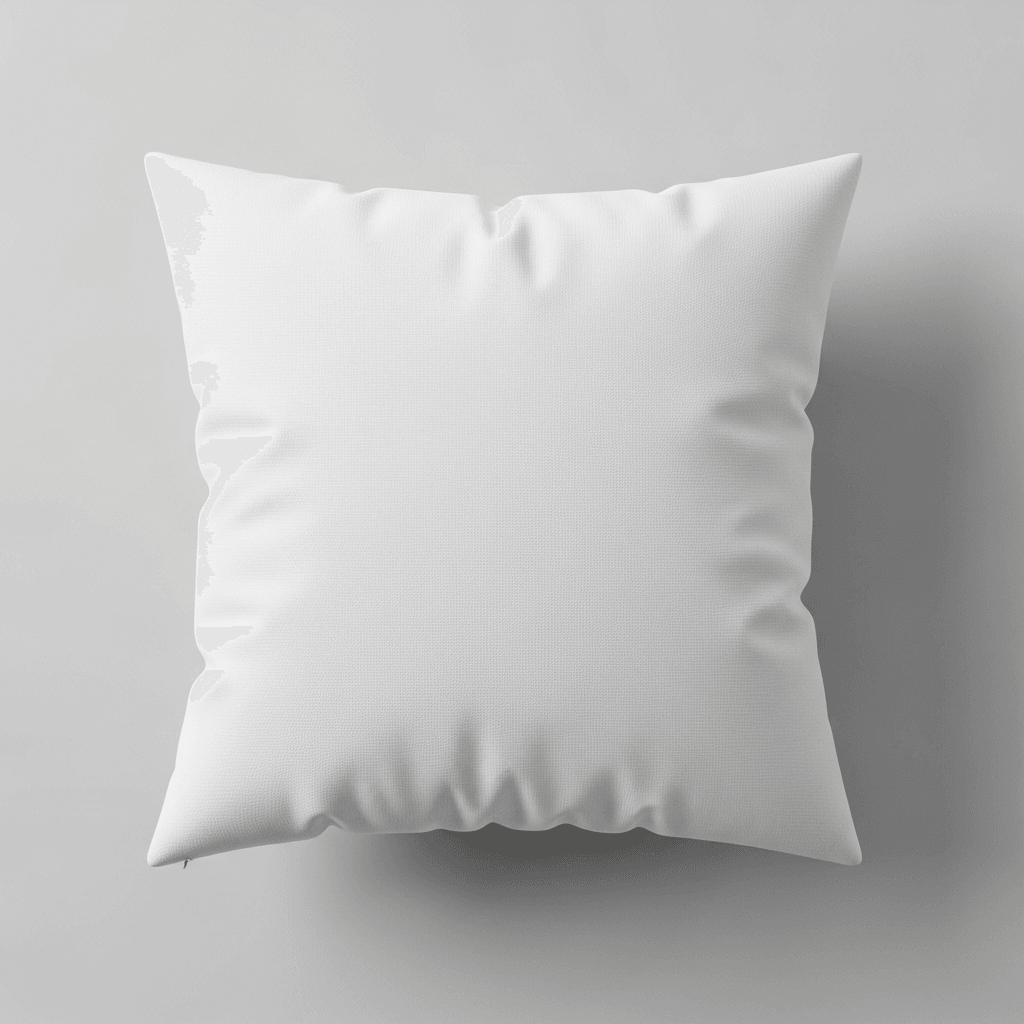
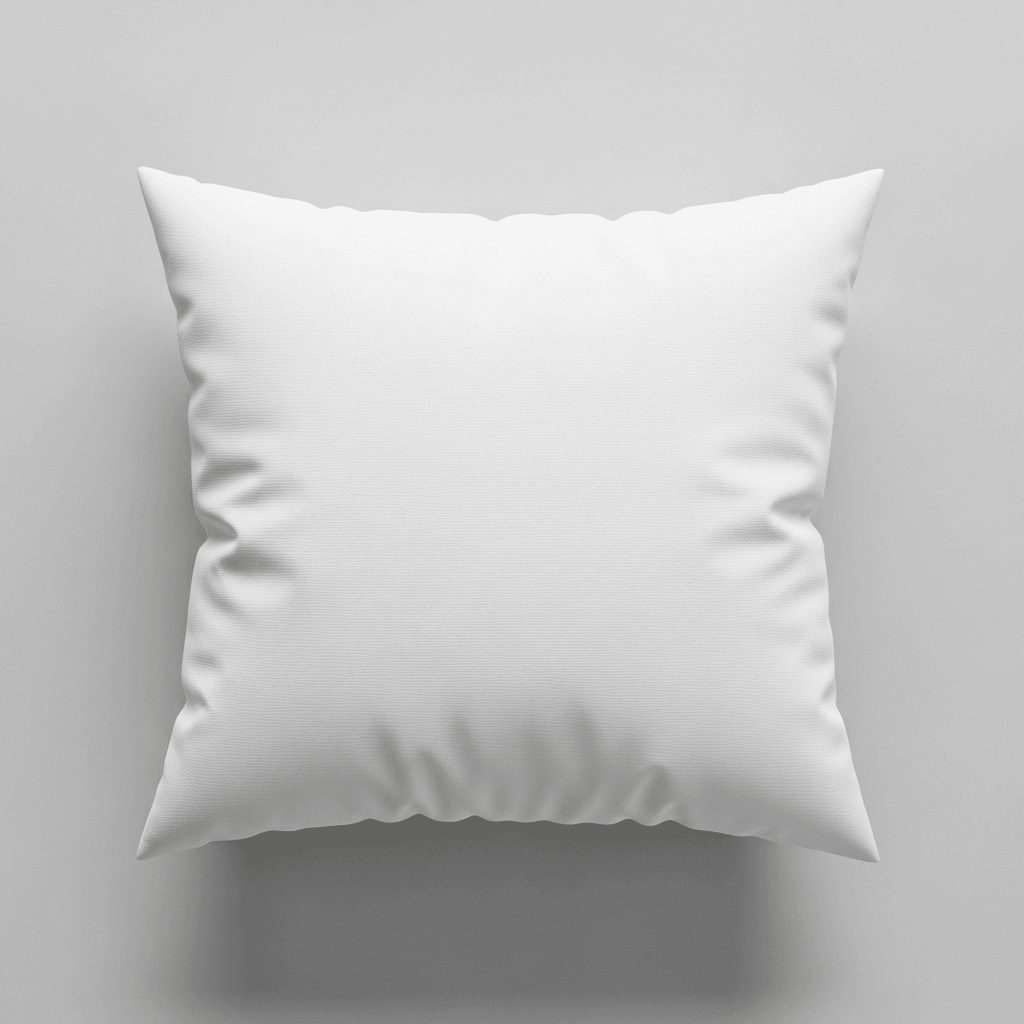
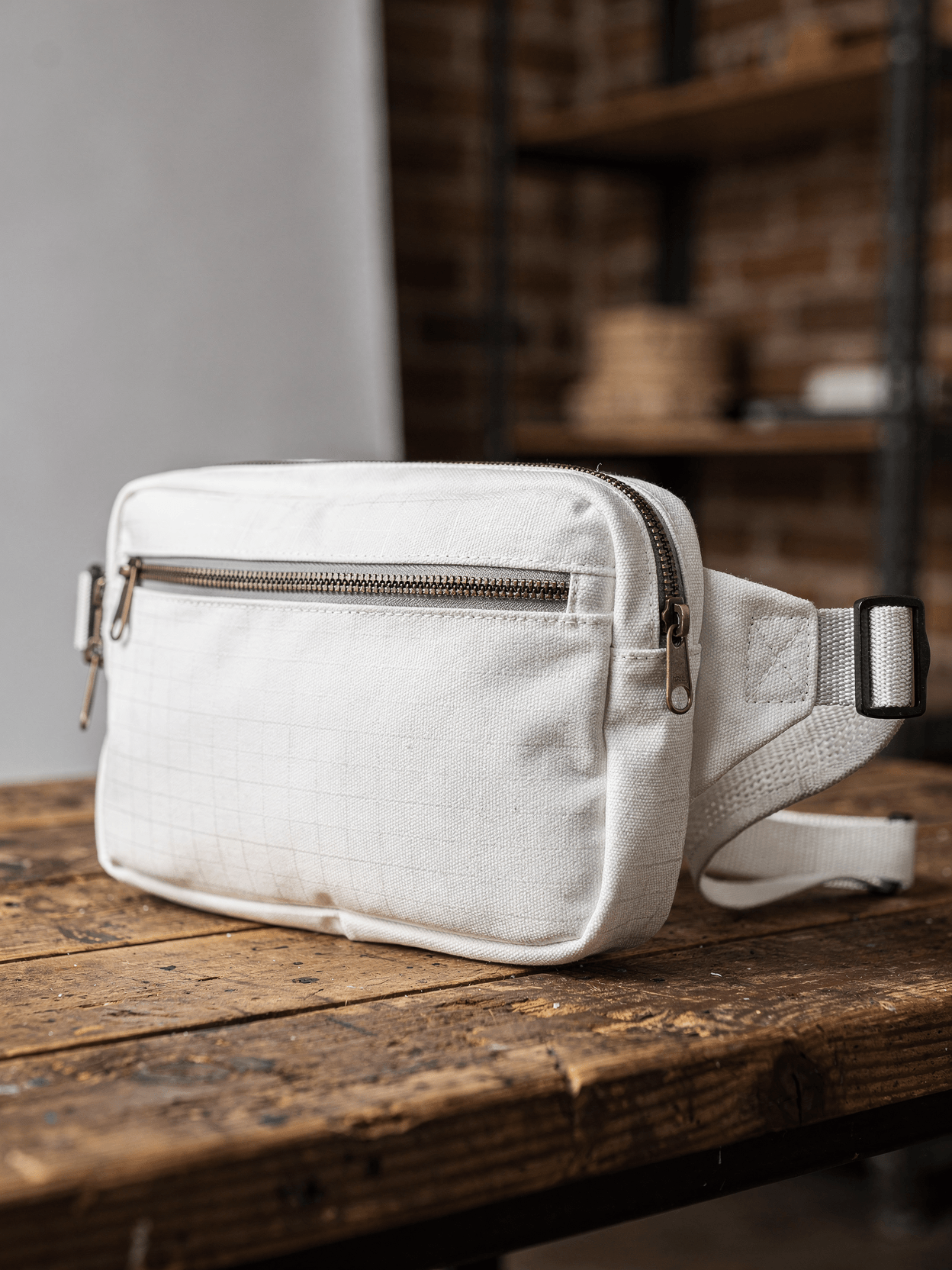
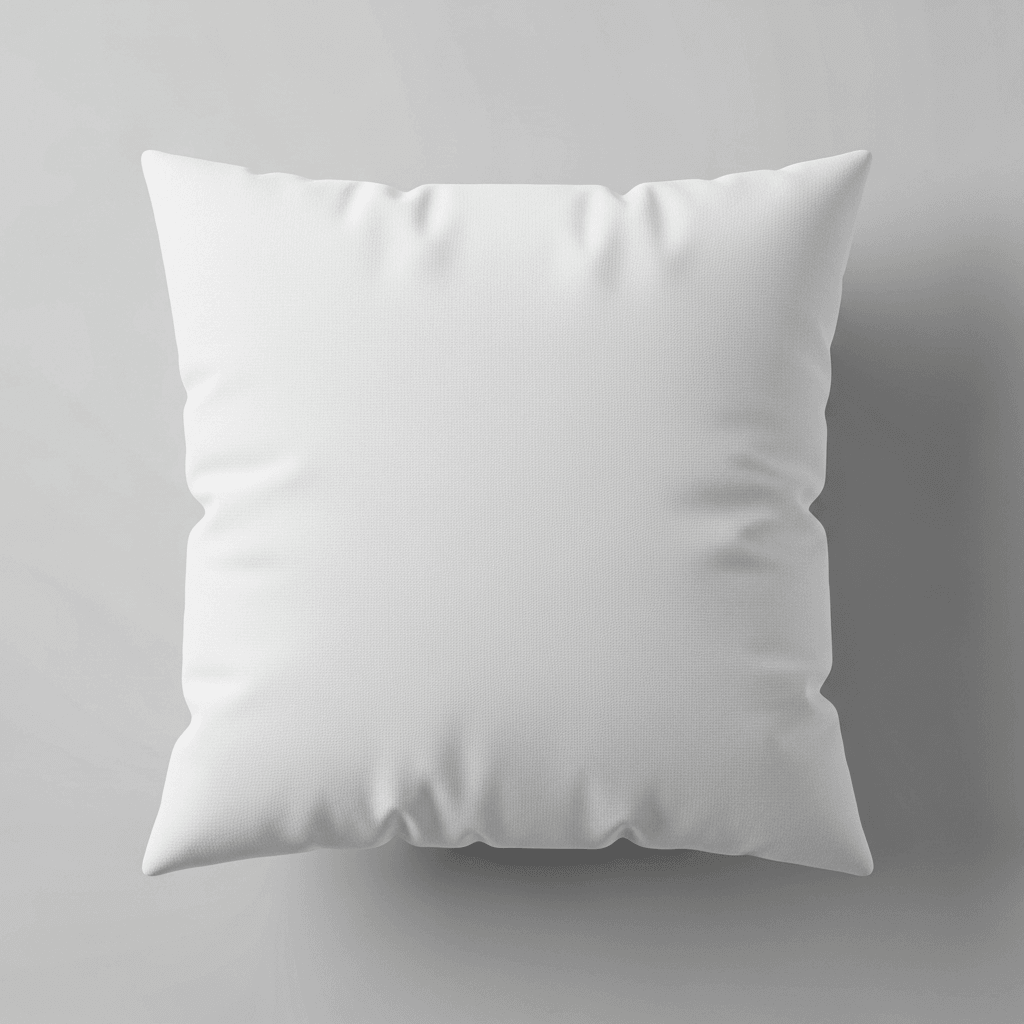
A laptop sleeve mockup is a product template that shows a blank laptop sleeve in photorealistic quality. Every angle opens as a ready photo mockup: place your artwork in the editor or through the API.
Loading selected angle
White Polyester Laptop Sleeve Mockup - 5 Angles
What's Included
Five camera angles: flat lay front, three-quarter standing, desk lifestyle, zipper detail macro, and flat lay back
White polyester exterior with smooth leather-like grain texture visible in close-up shots
Dual-pull metal zipper hardware with fabric pull tabs shown in detail view
Soft gray interior lining visible in partially open front view
Zigzag decorative stitching pattern across front panel for visual interest
Desk lifestyle angle includes wooden surface, coffee cup, and laptop for scale context
Every angle opens as a ready photo mockup
Subscriptions from $0.002 per render
Specifications
Format
PNG · RGB
Angles
5 views
About This Mockup
Product Overview
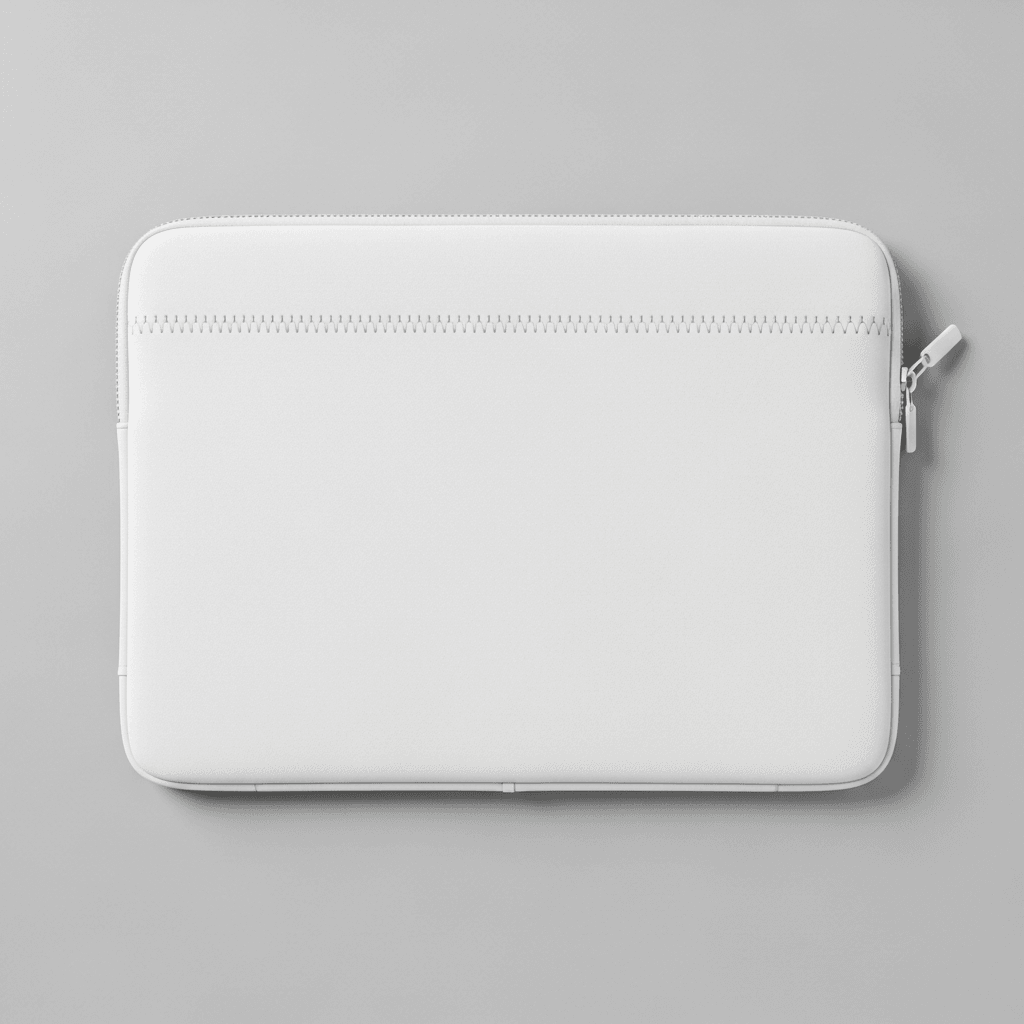
This mockup template displays a white polyester laptop sleeve photographed across five angles against light gray studio backgrounds and one lifestyle desk setting. The sleeve features a zippered top opening with dual zipper pulls, visible zigzag stitching detail running horizontally across the front panel, and rounded corners. All five views show the product in plain white with no prints, logos, or graphics on the surface.
The flat lay front view captures the sleeve from directly overhead with the zipper partially open, revealing a light gray felt-like interior lining. The zigzag decorative stitching is clearly visible running across the upper portion of the front panel. A zipper pull with a small fabric tab hangs from the left side.
Camera Angles and Visual Details
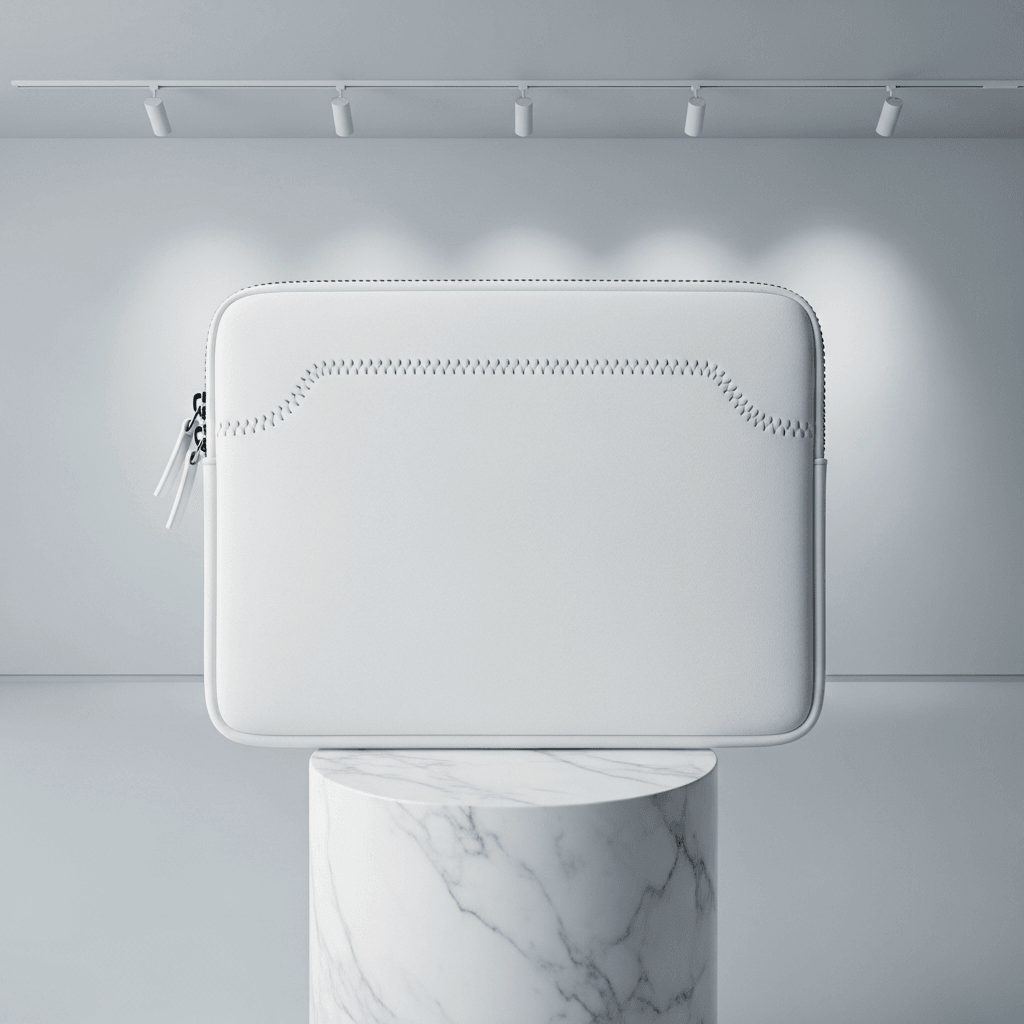
The three-quarter angled view shows the sleeve standing upright at approximately 45 degrees against a neutral gray studio background. This angle reveals the sleeve's slim profile and padding thickness. The same zigzag stitching pattern is visible, running both horizontally and vertically in a cross pattern. The metal zipper hardware and partially open top flap are visible from this perspective.
The desk context shot places the sleeve on a warm-toned wooden desk surface with a laptop partially inserted, its silver edge protruding from the open end. A white coffee cup on a saucer and a notebook are visible in the background, providing scale reference. Natural window lighting illuminates the scene from the left side.
The close-up detail shot is a macro photograph of the corner zipper area. Two metal zipper pulls with white leather-look tabs are shown in sharp focus. The image reveals the fine grain texture of the polyester material, precise edge stitching, and the zigzag decorative stitch pattern at close range. The metal zipper teeth are visible in silver finish.
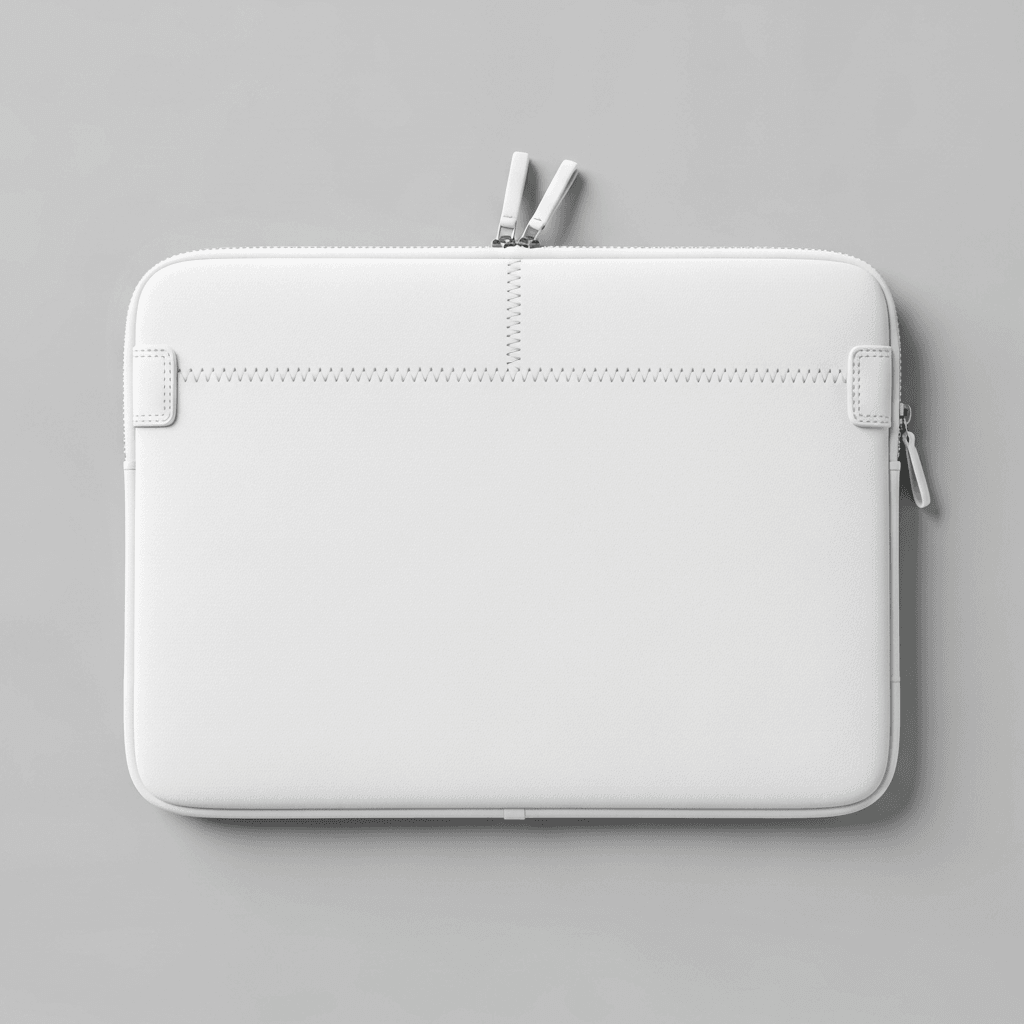
The flat lay back view shows the reverse side from overhead. This panel is clean and minimal with a subtle horizontal seam line near the top and a small tab detail at the bottom center. The zipper pull is visible at the right edge.
Material and Construction
The sleeve exterior appears to be a smooth-grain polyester with a leather-like finish. Construction details include reinforced zigzag stitching as a decorative and structural element, dual-pull metal zipper hardware, and a soft interior lining visible in the partially open shots. The rounded corners and clean edge binding indicate padded construction suitable for laptop protection.
Technical Specifications
This template set provides five distinct camera angles for complete product catalog coverage. The white surface area on both front and back panels serves as the design placement zone for API rendering.
Applicable Use Cases
Suitable for e-commerce product listings on Etsy, Amazon, and Shopify stores. Compatible with print-on-demand fulfillment through providers offering sublimated laptop sleeves. The five-angle set covers standard marketplace image requirements including hero image, alternate views, lifestyle context, and detail photography. The desk lifestyle shot provides context for product listing galleries where showing real-world usage is beneficial.
Every angle opens as a ready photo mockup: place your artwork in the editor or through the API.
How to Use This Mockup
Step 01
Pick an angle
Choose the angle you want from this template. Every angle opens as a ready photo mockup.
Photo Mockups GuideStep 02
Place your artwork
Add your design in the editor or through the API, as a single placement or a repeating pattern.
Print Areas GuideStep 03
Export your mockup
Generate high-resolution product images in PNG, JPG, or WebP format. Batch process multiple designs.
Render Artwork DocsDetails & Specifications
File Format
PNG
Color Mode
RGB
Angles
5
| Angle | Type | Primary |
|---|---|---|
| Flat Lay Front View | flat-lay-front | Yes |
| Three-Quarter Angled View | three-quarter-angled | |
| Desk Context Shot | lifestyle-desk | |
| Close-Up Detail Shot | detail-zipper-texture | |
| Flat Lay Back View | flat-lay-back |
Perfect For
Use Cases
Seasons
Tags
Laptop Sleeve MockupLaptop Sleeve TemplateSublimated Laptop Sleeve MockupLaptop Case MockupLaptop Pouch MockupMacbook Sleeve MockupLaptop Accessories MockupWhite Laptop SleevePolyester Laptop SleeveSublimation MockupLaptop Sleeve Branding MockupCustom Laptop Sleeve MockupLaptop Sleeve Design TemplatePOD Laptop SleeveLaptop Bag MockupNeoprene Sleeve MockupAPI Mockup RenderingPrint-on-Demand MockupAccessories MockupFashion Bags Mockup
Industry Insights & Research
“The lifestyle desk angle consistently performs well in our A/B tests for accessory listings. Customers want to see how the sleeve looks in a real setting, not just floating on white.”
“I render the front and back views for my main listing images, then use the detail shot for the secondary gallery. The zipper close-up helps communicate quality without needing physical samples.”
Frequently Asked Questions
Standard laptop sleeves are manufactured in sizes corresponding to common laptop screens: 13-inch, 14-inch, 15-inch, and 16-inch. The design print area dimensions vary by manufacturer. When preparing artwork for sublimated polyester sleeves, check your print provider's template specifications for the exact pixel dimensions and DPI requirements.
With SudoMock, you upload your design artwork via the API or Dashboard Playground. Every angle opens as a ready photo mockup: place your artwork in the editor or through the API. Subscriptions from $0.002 per render.
A laptop sleeve is a slim, padded envelope-style cover that typically opens from one end with a zipper. A laptop case is a rigid or semi-rigid enclosure with a clamshell or folio opening. A laptop pouch is similar to a sleeve but often lacks structured padding. This mockup shows a zippered sleeve style with interior padding visible in the open views.
Yes. The five-angle set provides marketplace-ready images. The flat lay front and back views work as primary listing images with white-adjacent backgrounds. The desk lifestyle shot and detail close-up serve as supplementary gallery images. Rendered outputs can be exported in WebP, PNG, or JPEG formats up to 10,000px resolution.
The mockup shows a white polyester sleeve with a smooth, leather-like grain finish. The close-up detail shot reveals the fine surface texture, which is important for sublimation printing previews. The interior lining appears to be a soft felt-like material visible in the partially open front view.
This set includes five angles: flat lay front view with the zipper partially open, three-quarter standing view showing the slim profile, desk lifestyle shot with a laptop partially inserted, macro close-up of the zipper hardware and material texture, and flat lay back view. Each angle renders independently through the API.
Pick an angle, open it in Photo Mockups and place your artwork in the editor or through the API. Then export your mockup as PNG, JPG or WebP.
Ready to Create Stunning Mockups?
Generate product mockups with Photo Mockups and the Render API. Upload artwork and export high-resolution images from one workflow.
No credit card required500 one-time creditsInstant API access