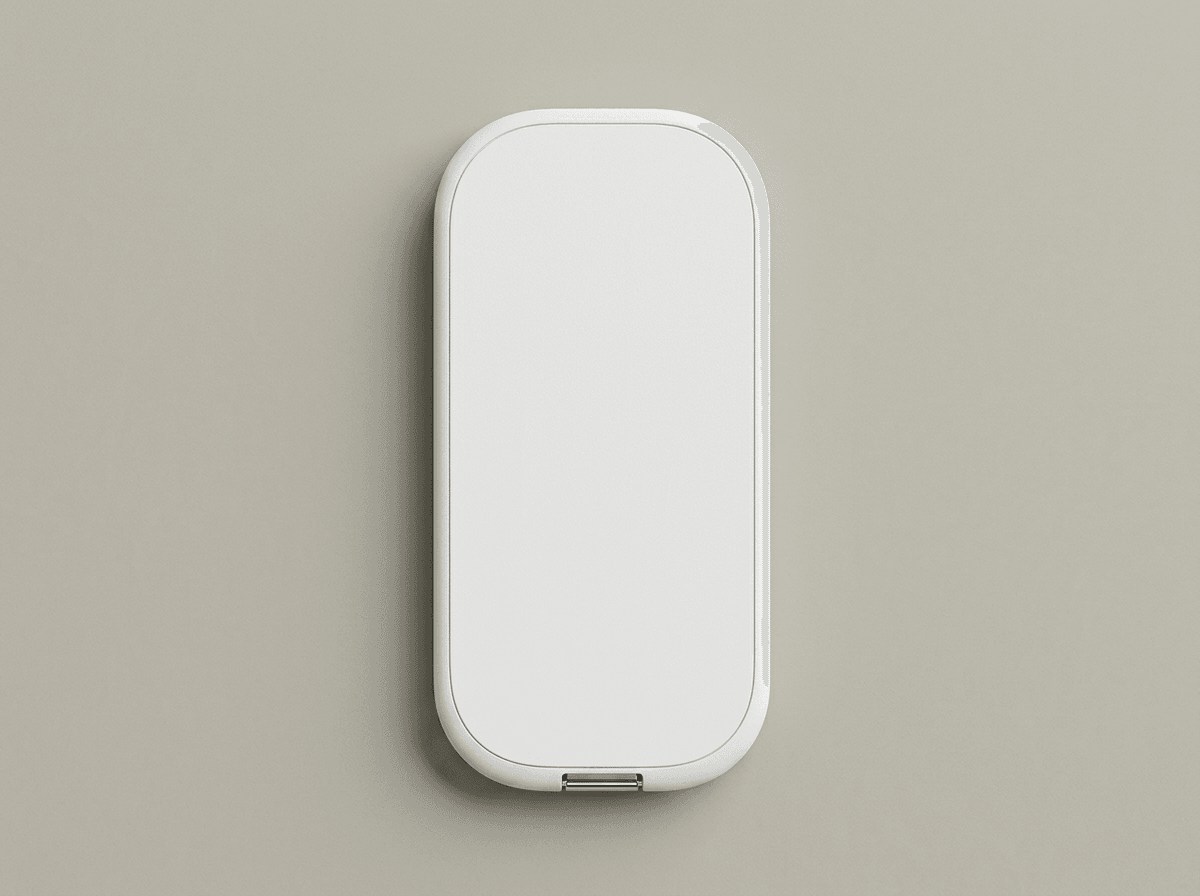
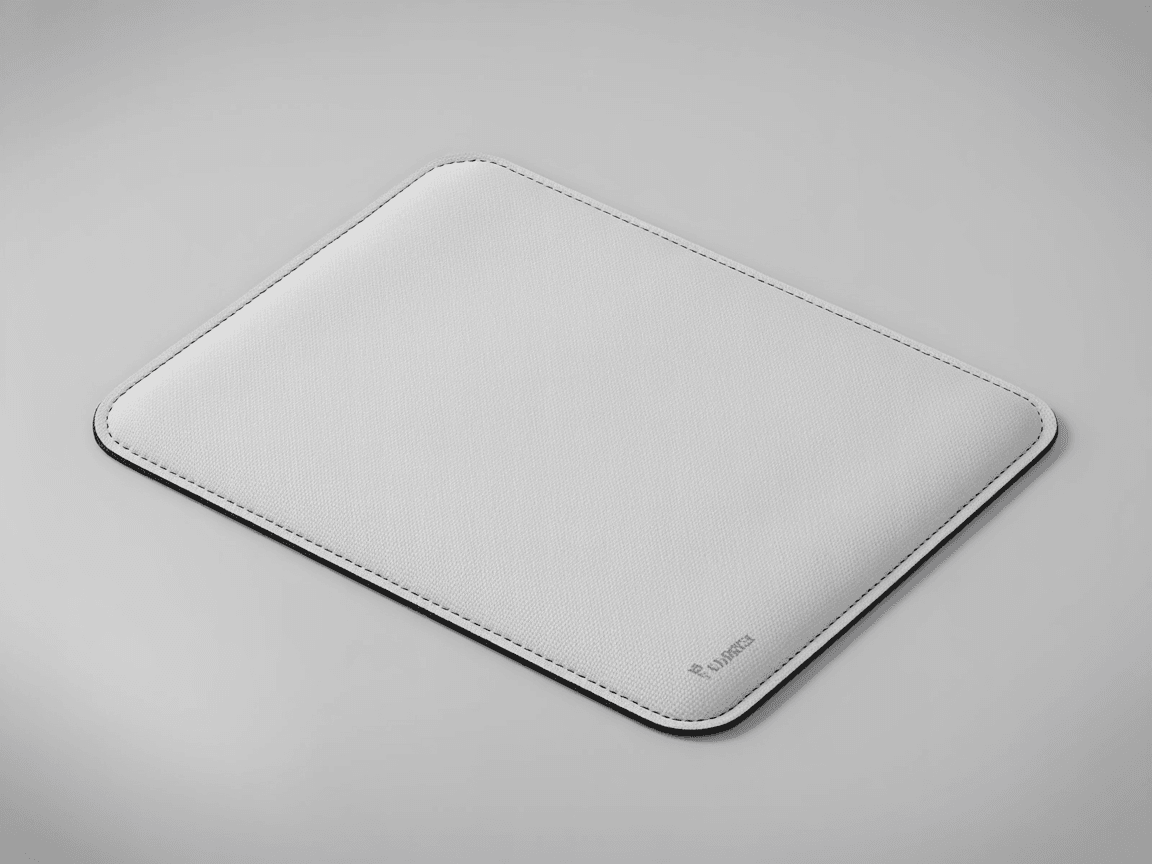
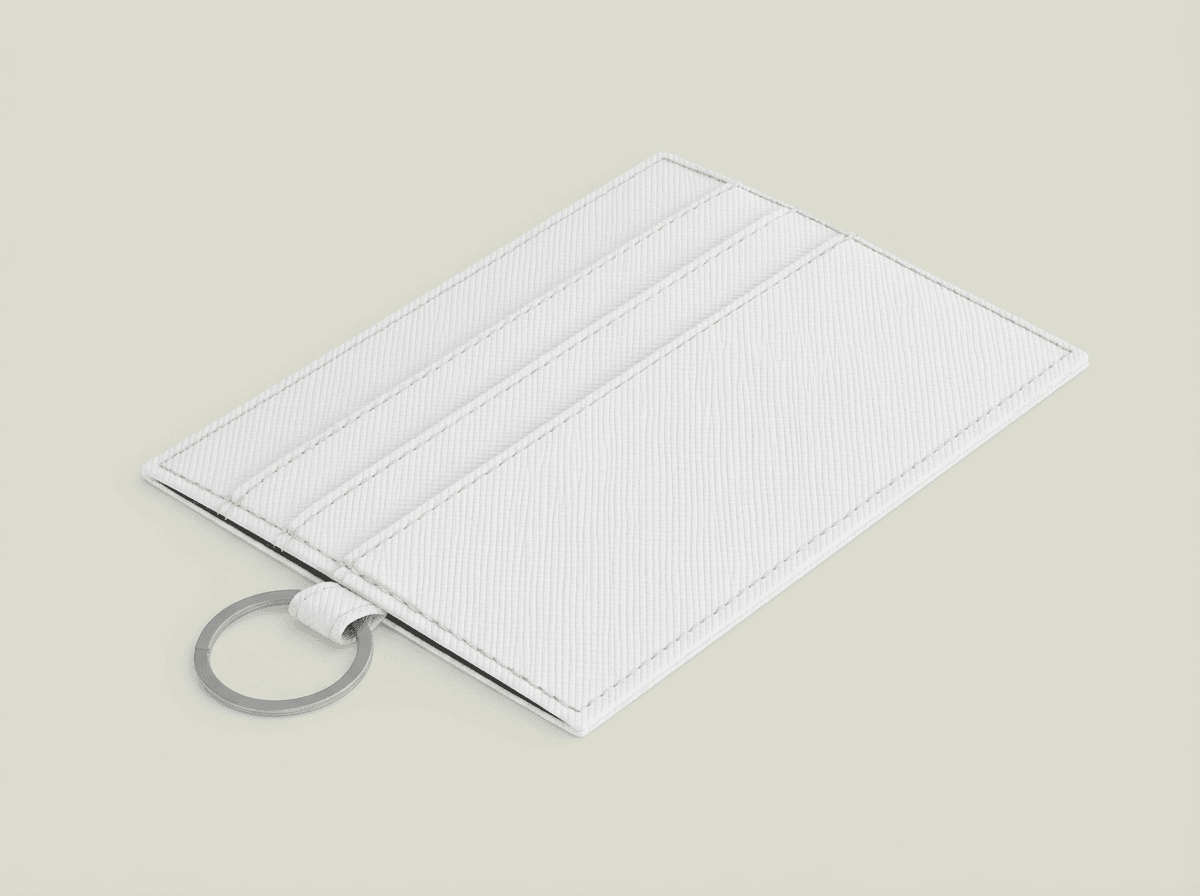
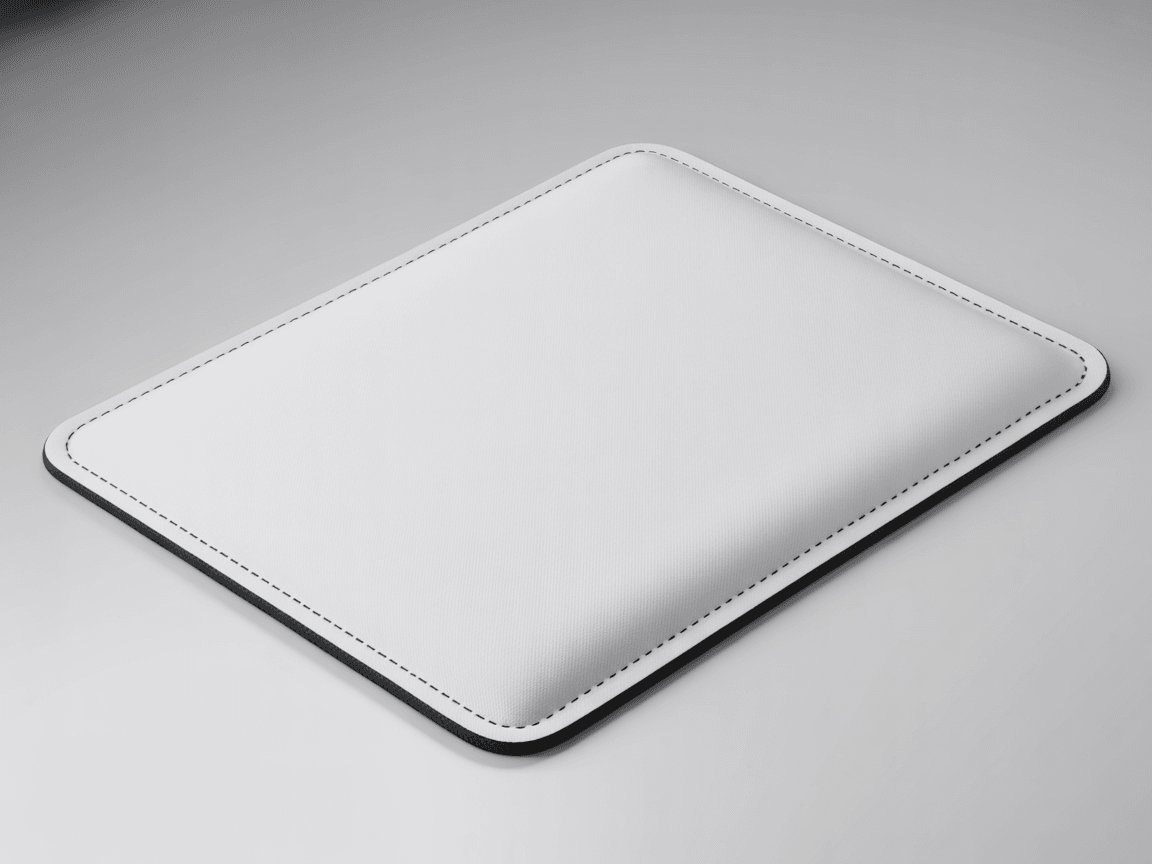
Every angle opens as a ready photo mockup: place your artwork in the editor or through the API.
Loading selected angle
White Neoprene Laptop Sleeve Mockup - Studio
What's Included
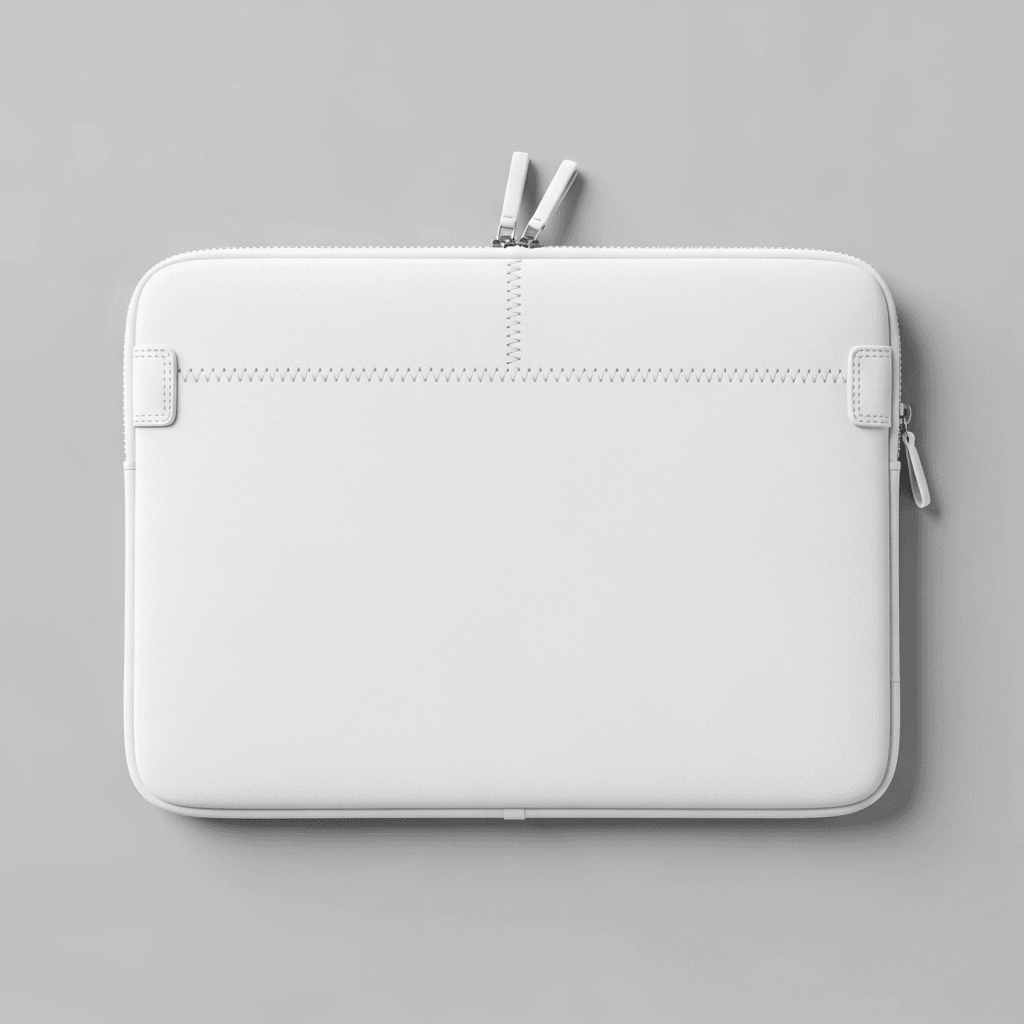
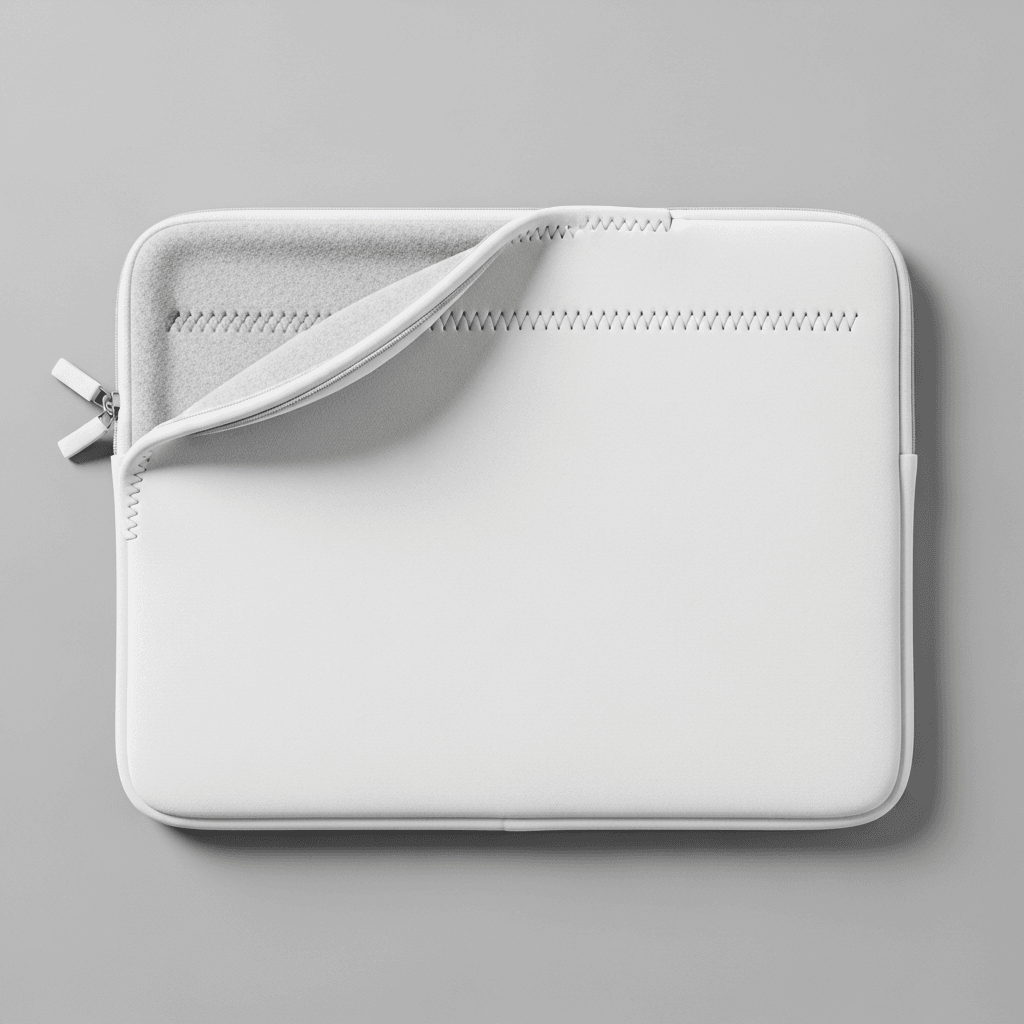
Five camera angles: flat lay front, flat lay back, three-quarter standing, desk lifestyle, and zipper detail close-up
Silver-tone metal zipper hardware with white fabric pull tab, shown in detail across multiple angles
Light gray studio background (#F0F0F0 range) providing separation from the pure white product surface
Cross-stitch binding detail along zipper track and edges, visible in close-up and angled views
Desk context angle on wooden surface with laptop in frame for real-world scale reference
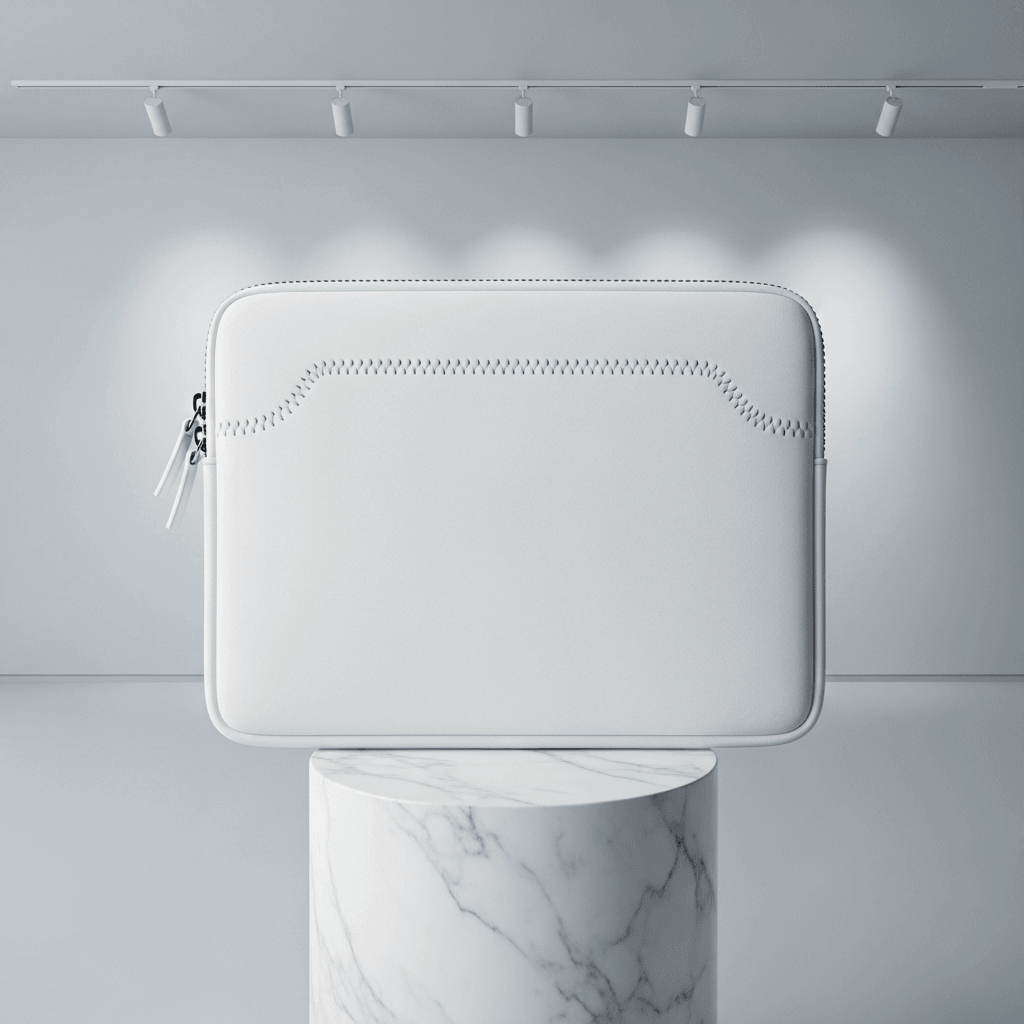
Padded construction with slim profile visible in three-quarter standing view
Compatible with Printful, Printify, Gelato, Redbubble, and other POD fulfillment platforms
Every angle opens as a ready photo mockup
Specifications
Format
PNG · RGB
Angles
5 views
About This Mockup
Mockup Overview
This mockup template displays a white neoprene laptop sleeve photographed across five angles in a minimal studio environment. The sleeve features a three-sided zipper closure with a silver-tone metal pull tab and decorative cross-stitch detailing along the zipper track. All images use a light gray background that separates visually from the pure white product surface. The sleeve has rounded corners, a slim profile, and visible fine-grain neoprene texture across the body panels.
Angles and Visual Details
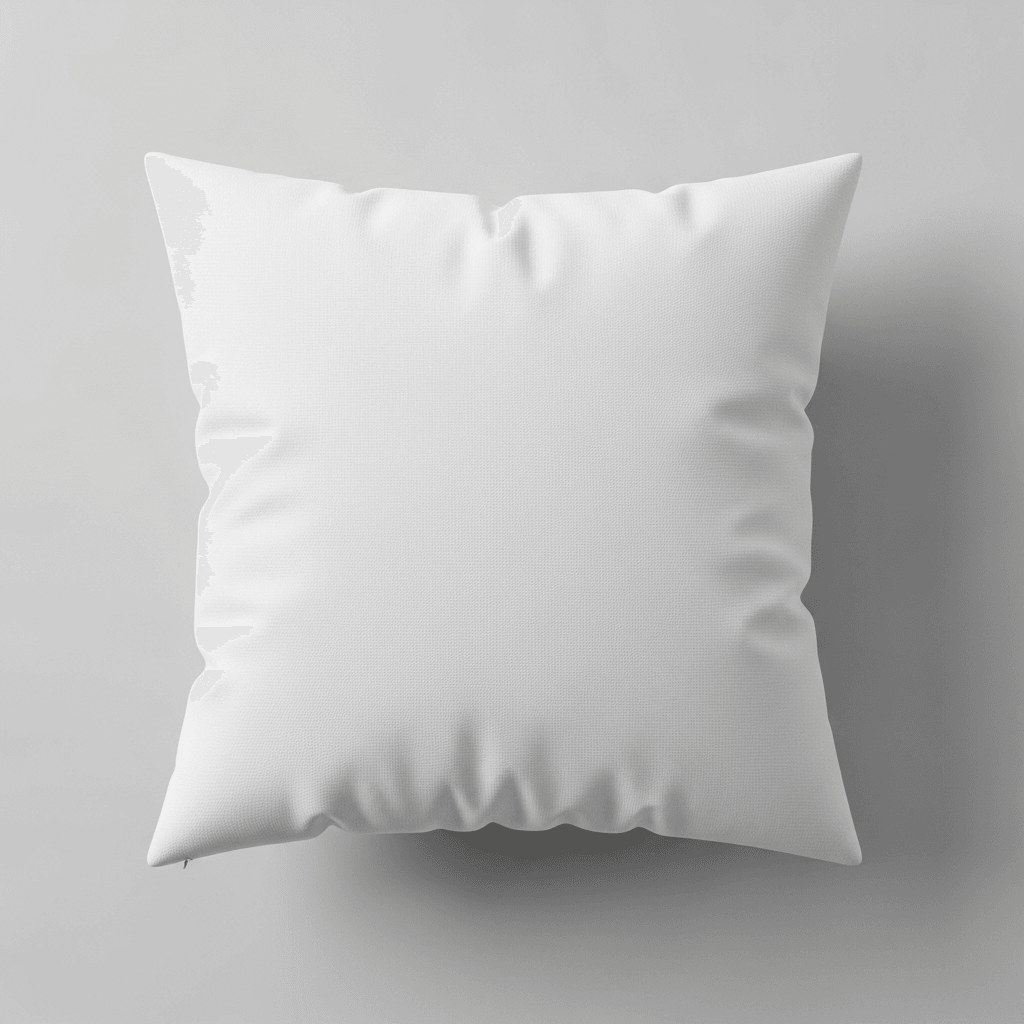
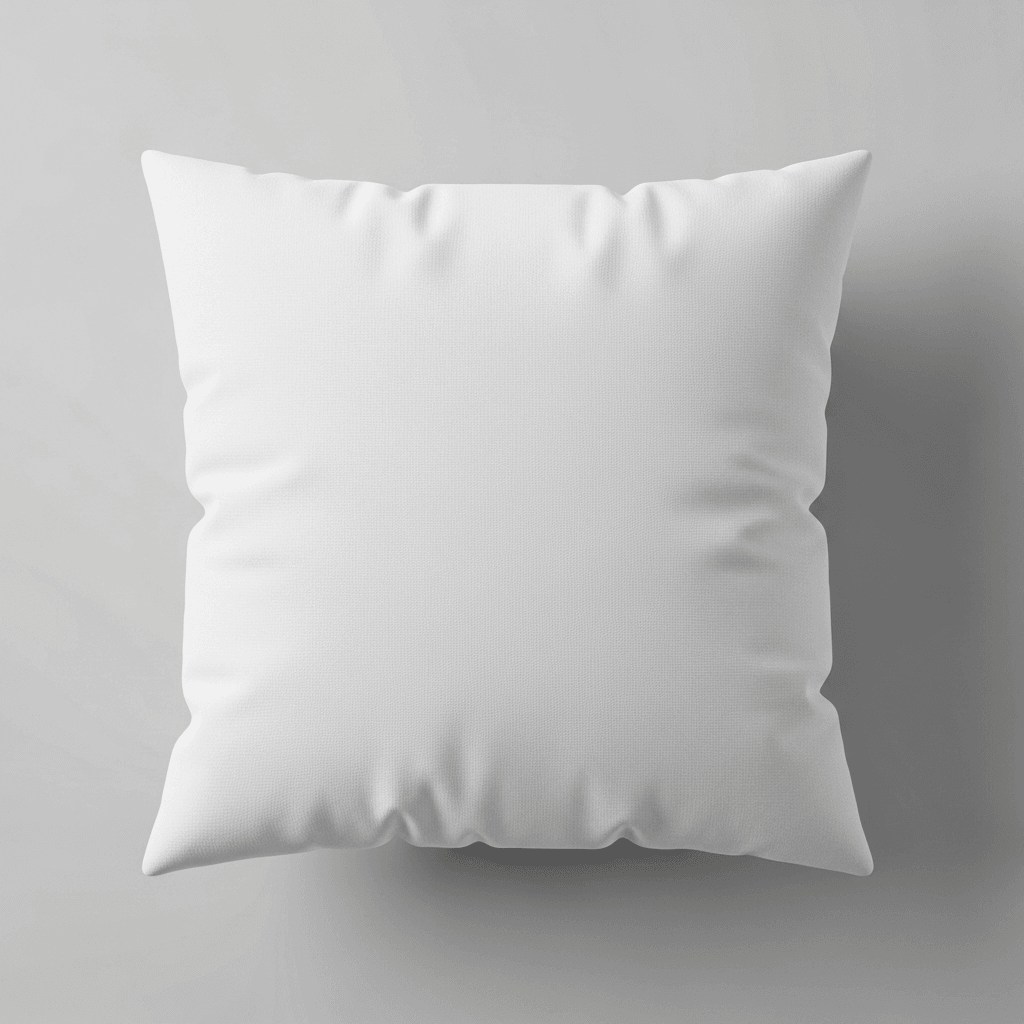
The primary flat lay front view shows the sleeve from directly overhead, laying flat on the gray surface. The zipper pull sits at the right side, and the cross-stitch pattern runs horizontally across the upper portion of the front panel. A subtle shadow grounds the product against the background.
The three-quarter angled view presents the sleeve standing upright at roughly 45 degrees, leaning slightly to the right. This angle reveals the slim side profile and the thickness of the padded construction. The zipper hardware, with its silver metal teeth and white fabric pull tab, is visible along the left edge. Stitching along the zipper track and the overall build quality are observable from this perspective.
The desk context shot places the sleeve on a clean wooden desk surface with warm natural tones. A laptop is partially visible at the right edge of the frame, providing scale reference. Soft, diffused light enters from the left side, casting a gentle highlight on the sleeve surface. The background shows a plain white wall with a window edge, establishing a simple workspace setting.
The close-up detail shot captures the lower-right corner area at macro range. The fine-grain neoprene texture is clearly visible, showing the material's characteristic subtle pebbled surface. The cross-stitch binding along the edge is rendered in sharp detail, and the silver zipper pull with its oval hole is shown in focus. The metal zipper teeth and fabric tape are distinguishable at this magnification.
The flat lay back view mirrors the front composition from overhead but shows the reverse panel. The zipper pull appears on the left side in this orientation. The back panel presents a large, uninterrupted white surface area suitable for design placement, with the same rounded corner construction and edge binding visible.
Material and Construction
The sleeve body appears to be neoprene or a neoprene-blend material with a smooth, lightly textured outer surface. The edges feature a cross-stitch binding that wraps the zipper track and provides structural reinforcement. The zipper hardware is silver-tone metal with a white fabric pull tab. The overall construction suggests a padded interior with enough structure to hold its shape when standing upright, as shown in the three-quarter view.
Template Specifications
This is a rendering template in the SudoMock mockup library.
Suitable Applications
This template set covers the angles commonly required for e-commerce product listings on Etsy, Amazon, and Shopify stores. The five-view configuration provides front and back flat lays for primary listings, a three-quarter view for dimensional context, a lifestyle desk shot for marketing materials, and a detail shot for quality-focused product galleries. POD sellers working with Printful, Printify, or Gelato can use these renders to populate their laptop sleeve product pages.
Every angle opens as a ready photo mockup: place your artwork in the editor or through the API. Subscriptions from $0.002 per render.
How to Use This Mockup
Step 01
Pick an angle
Choose the angle you want from this template. Every angle opens as a ready photo mockup.
Photo Mockups GuideStep 02
Place your artwork
Add your design in the editor or through the API, as a single placement or a repeating pattern.
Print Areas GuideStep 03
Export your mockup
Generate high-resolution product images in PNG, JPG, or WebP format. Batch process multiple designs.
Render Artwork DocsDetails & Specifications
File Format
PNG
Color Mode
RGB
Angles
5
| Angle | Type | Primary |
|---|---|---|
| Flat Lay Front View | flat-lay-front | Yes |
| Three-Quarter Angled View | three-quarter-angled | |
| Desk Context Shot | lifestyle-desk | |
| Close-Up Detail Shot | detail-zipper-texture | |
| Flat Lay Back View | flat-lay-back |
Perfect For
Use Cases
Seasons
Tags
Laptop Sleeve MockupNeoprene Laptop Sleeve MockupLaptop Sleeve TemplateLaptop Case MockupLaptop Pouch MockupMacbook Sleeve MockupWhite Laptop SleeveNeoprene Sleeve MockupSublimation Laptop SleeveCustom Laptop Sleeve MockupLaptop Sleeve Branding MockupLaptop Accessories MockupZipper Laptop Sleeve13 Inch Laptop Sleeve15 Inch Laptop SleeveLaptop Sleeve Design TemplatePOD Laptop SleeveAPI Mockup RenderingPrint-on-Demand Mockup
Industry Insights & Research
Subscriptions from $0.002 per render.
Pricing from the SudoMock pricing page, October 2026.
“We list laptop sleeves in three sizes across about 200 designs. Having a consistent mockup template that renders through an API saves us from manually creating 600 individual product images.”
“The detail shot matters more than people think for laptop sleeves. Buyers want to see the zipper quality and material texture before committing, especially at the $25-40 price point.”
“For laptop sleeve listings, a five-angle set with front, back, lifestyle, detail, and dimensional views covers what marketplace algorithms and customers both need to see.”
Sources
Frequently Asked Questions
Laptop sleeve mockups should accommodate common device sizes: 13-inch, 14-inch, 15-inch, and 16-inch variants. The print area dimensions vary by manufacturer, but typical sublimation print areas span the full front and back panels. SudoMock templates support high-resolution output up to 10,000px, which provides sufficient detail for both web listings and print-ready proofs.
With SudoMock, you upload your design image and send a render request via REST API or use the Dashboard Playground. Every angle opens as a ready photo mockup: place your artwork in the editor or through the API. Subscriptions from $0.002 per render.
A laptop sleeve is a slim, padded cover that fits snugly around a laptop, typically with a zipper closure. A laptop case is a harder, more structured enclosure that may include handles. A pouch is usually an unstructured fabric envelope without rigid padding. This mockup template depicts a zippered sleeve with neoprene-style padding and cross-stitch edge binding.
Yes. SudoMock mockup templates are designed for commercial use in product listings. Renders generated through the API or Dashboard can be used on Etsy, Amazon, Shopify, and other e-commerce platforms. The templates are part of SudoMock's rendering service, so usage rights are included with your subscription plan.
Neoprene is a synthetic rubber material valued for its water resistance, shock absorption, and lightweight flexibility. It provides cushioning that protects laptops from minor impacts and scratches. For POD products, neoprene surfaces accept sublimation printing well, producing vibrant full-coverage designs. Every angle opens as a ready photo mockup: place your artwork in the editor or through the API.
Most POD fulfillment providers offer laptop sleeves in 12-inch, 13-inch, and 15-inch sizes, with some adding 14-inch and 16-inch options. The exact product dimensions and print areas vary by provider. Sellers typically create mockup renders for each size variant to populate their product listings with accurate visual representations.
Pick an angle, open it in Photo Mockups and place your artwork in the editor or through the API. Then export your mockup as PNG, JPG or WebP.
Ready to Create Stunning Mockups?
Generate product mockups with Photo Mockups and the Render API. Upload artwork and export high-resolution images from one workflow.
No credit card required500 one-time creditsInstant API access