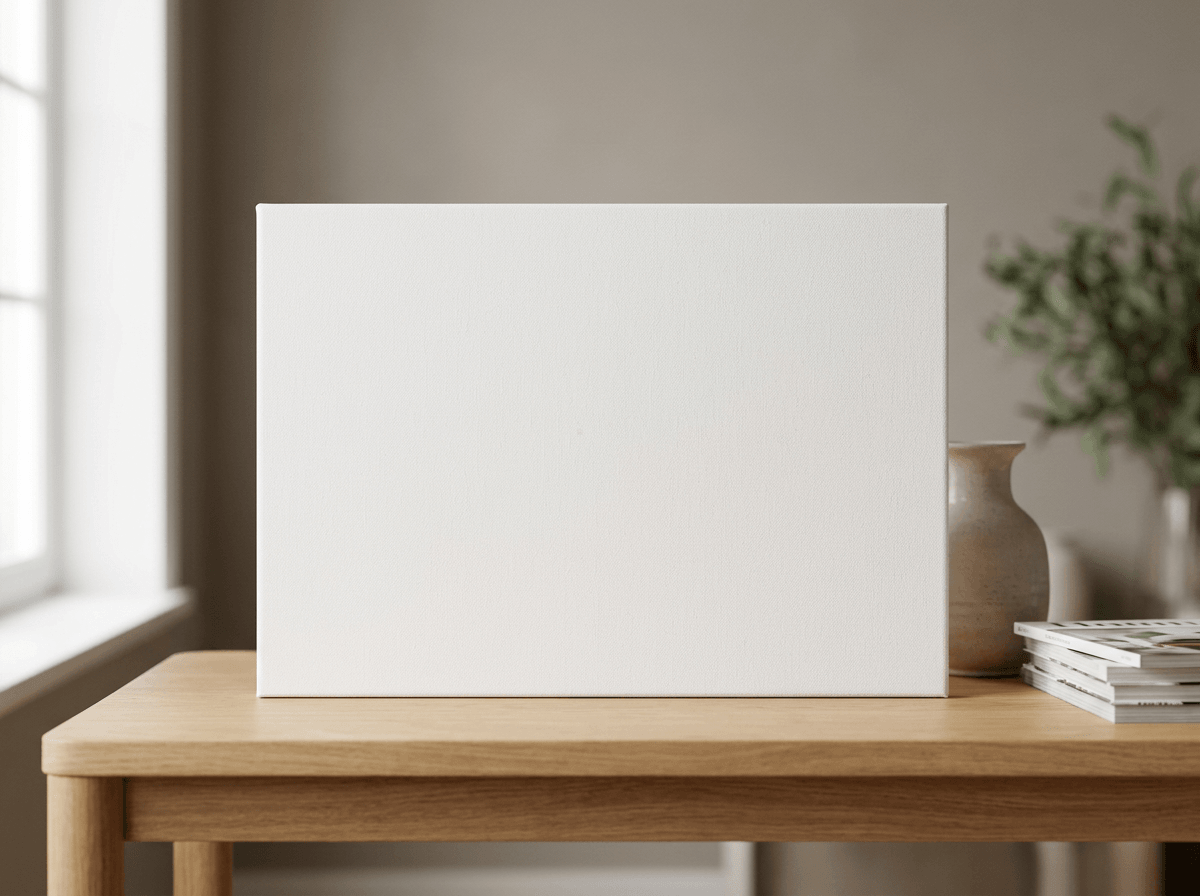
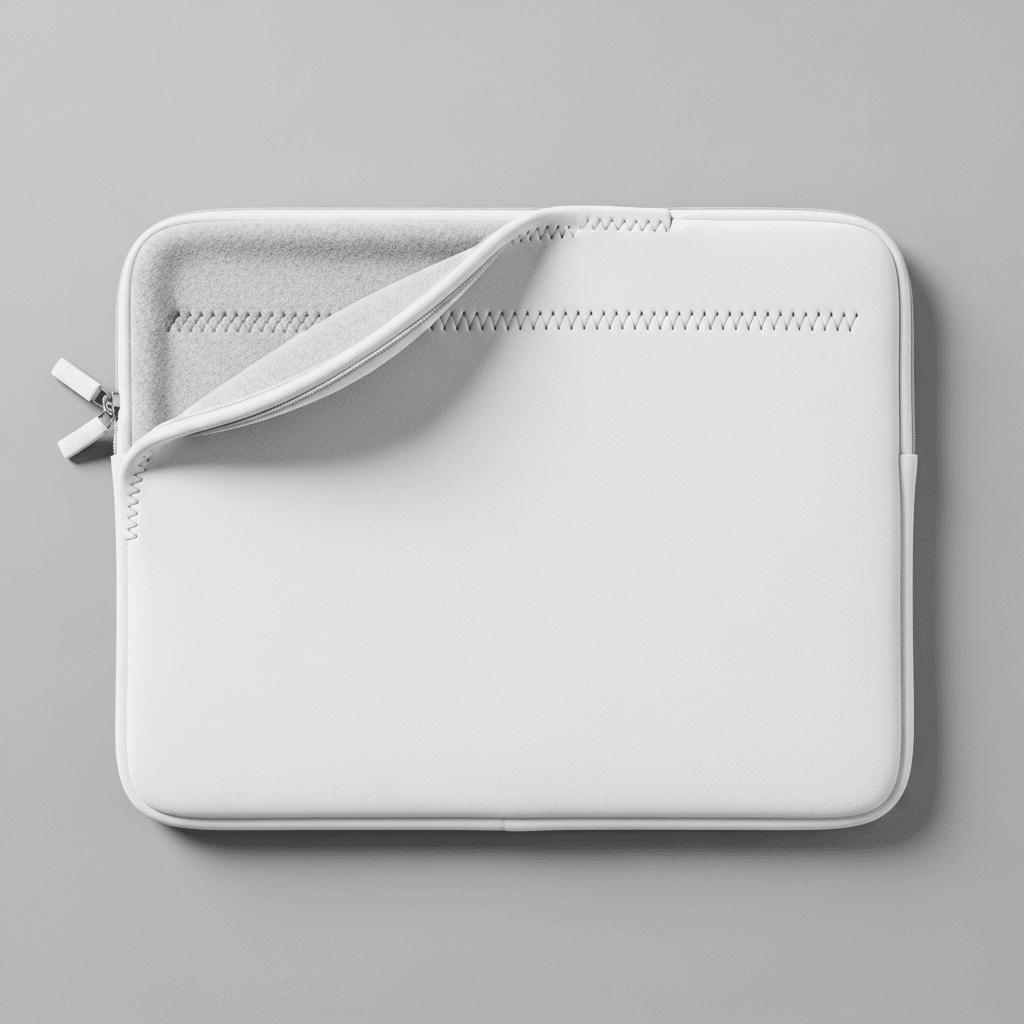
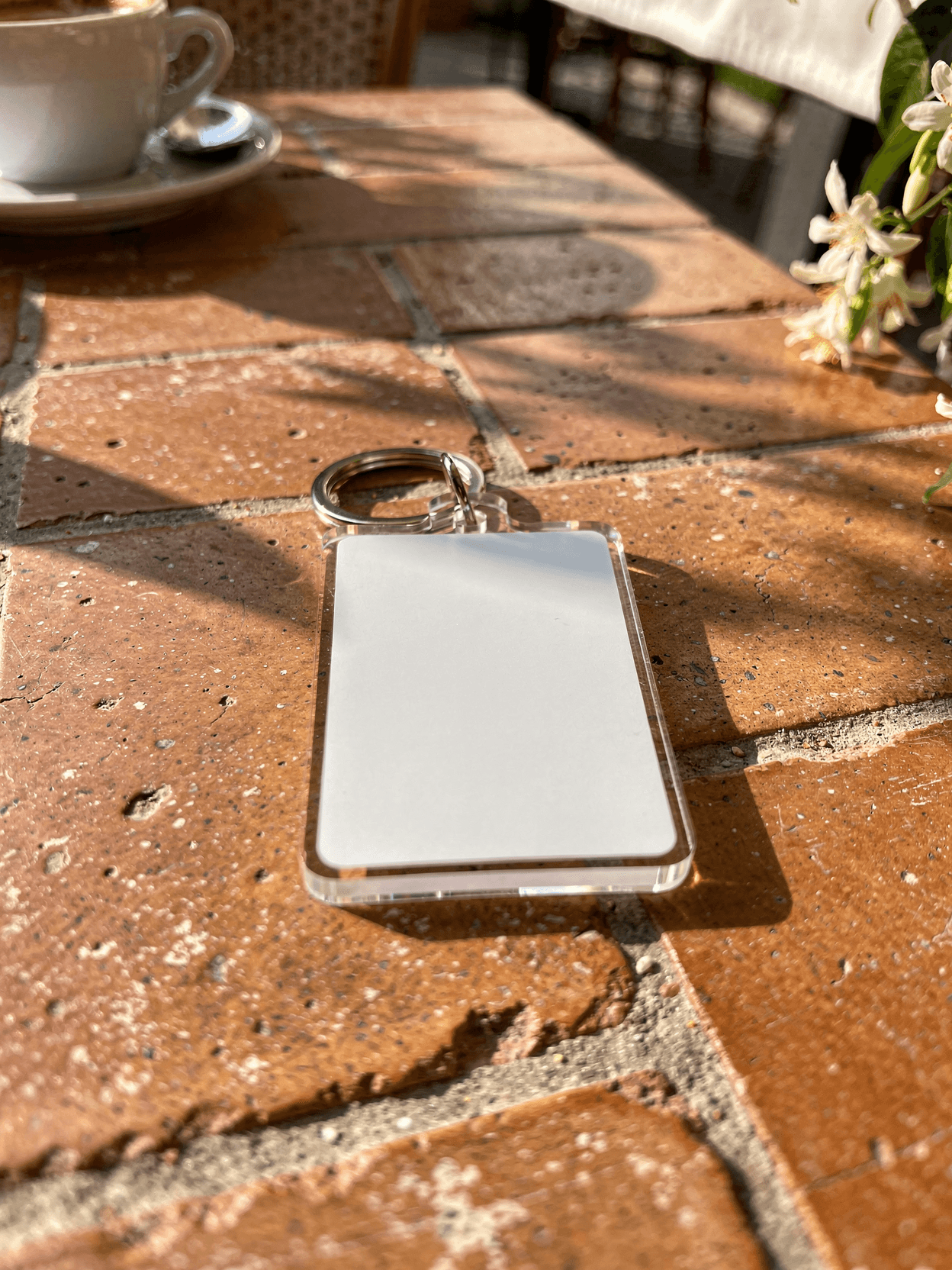
The design sits on a 6" x 6" (15cm x 15cm) glossy ceramic tile fitted on top of the lid. The Jewelry Box itself comes in one size.
Loading selected angle
Jewelry Box Mockup
What's Included
7 views, including From Above
6" x 6" ceramic tile on the lid
Glossy finish
Felt-lined interior
One size
Export as PNG, JPG or WebP
Subscriptions from $0.002 per render.
Specifications
Format
PNG · RGB
Angles
7 views
About This Mockup
Jewelry box mockup in 7 views, built around the 6" x 6" glossy ceramic tile on the lid that carries your design. Every angle opens as a ready photo mockup: place your artwork in the editor or through the API.
The Jewelry Box
The Jewelry Box has a 6" x 6" (15cm x 15cm) ceramic tile fitted on top of the lid, a glossy finish and an interior lined with soft felt. It comes in one size.
Which view to use
From Above looks down on the box, so it is the view for the lid design. Straight-On shows the box face on, Three-Quarter View shows it at an angle, and Surface Close-Up shows the print up close.
Exporting the jewelry box mockup
Each view exports as PNG, JPG or WebP. For an Etsy listing, export JPG, one of the photo formats Etsy accepts.
How to Use This Mockup
Step 01
Pick an angle
Choose the angle you want from this template. Every angle opens as a ready photo mockup.
Photo Mockups GuideStep 02
Place your artwork
Add your design in the editor or through the API, as a single placement or a repeating pattern.
Print Areas GuideStep 03
Export your mockup
Generate high-resolution product images in PNG, JPG, or WebP format. Batch process multiple designs.
Render Artwork DocsDetails & Specifications
File Format
PNG
Color Mode
RGB
Angles
7
| Angle | Type | Size | Primary |
|---|---|---|---|
| Lifestyle Scene | lifestyle-scene | 1200x896 | Yes |
| Straight-On | front-straight | 1600x2000 | |
| In Use | in-use | 1600x2000 | |
| Three-Quarter View | three-quarter | 1600x2000 | |
| From Above | flat-lay-overhead | 1600x2000 | |
| Second Setting | lifestyle-second | 1600x2000 | |
| Surface Close-Up | detail-front | 1600x2000 |
Visual Style
Frequently Asked Questions
The interior of the Jewelry Box is lined with soft felt. The outside has a glossy finish.
The jewelry box mockup has 7 views: Lifestyle Scene, Straight-On, In Use, Three-Quarter View, From Above, Second Setting and Surface Close-Up. In Use and Second Setting set the box in context, and Lifestyle Scene is the cover view of the set.
Ready to Create Stunning Mockups?
Generate product mockups with Photo Mockups and the Render API. Upload artwork and export high-resolution images from one workflow.
No credit card required500 one-time creditsInstant API access