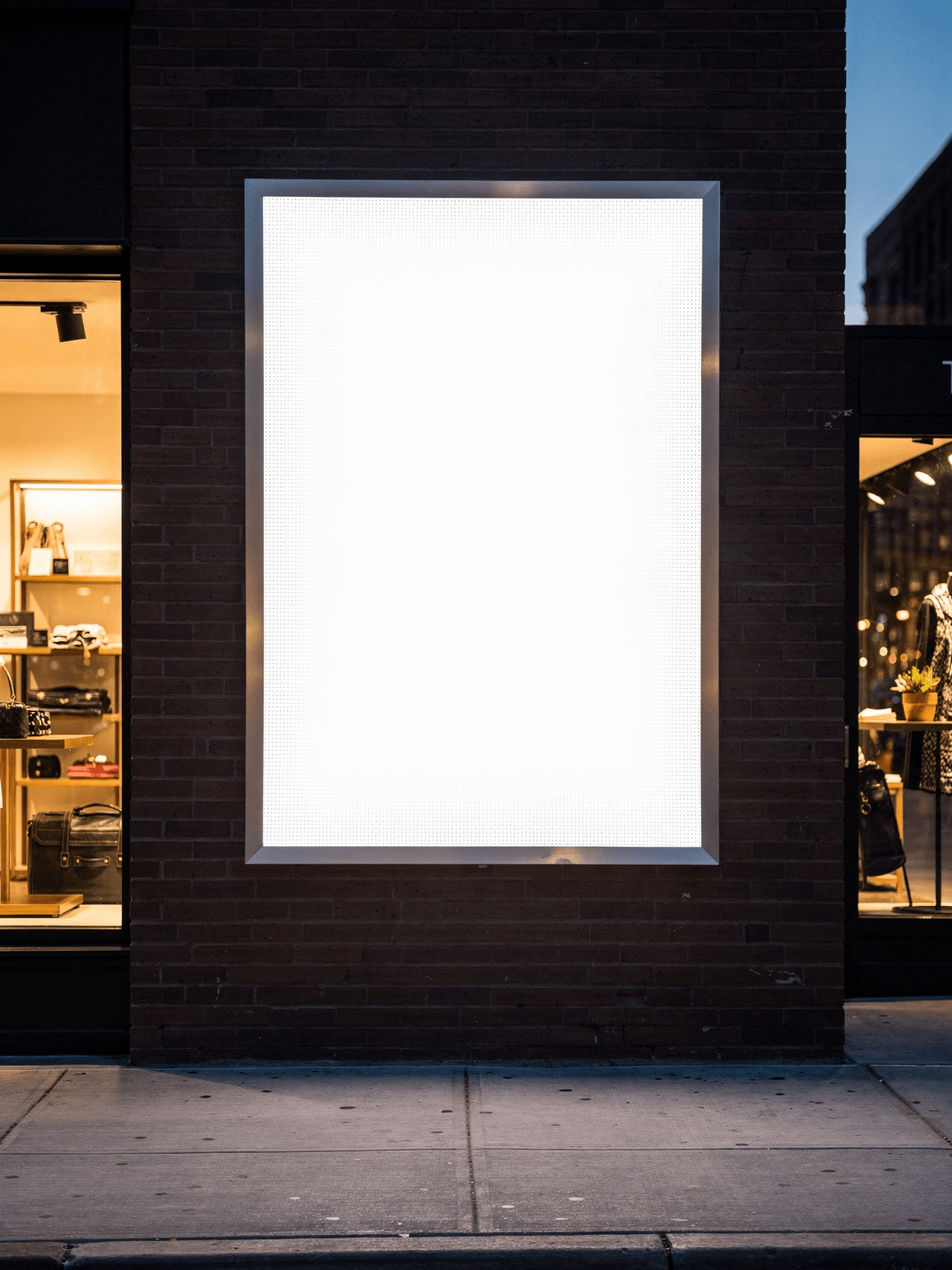
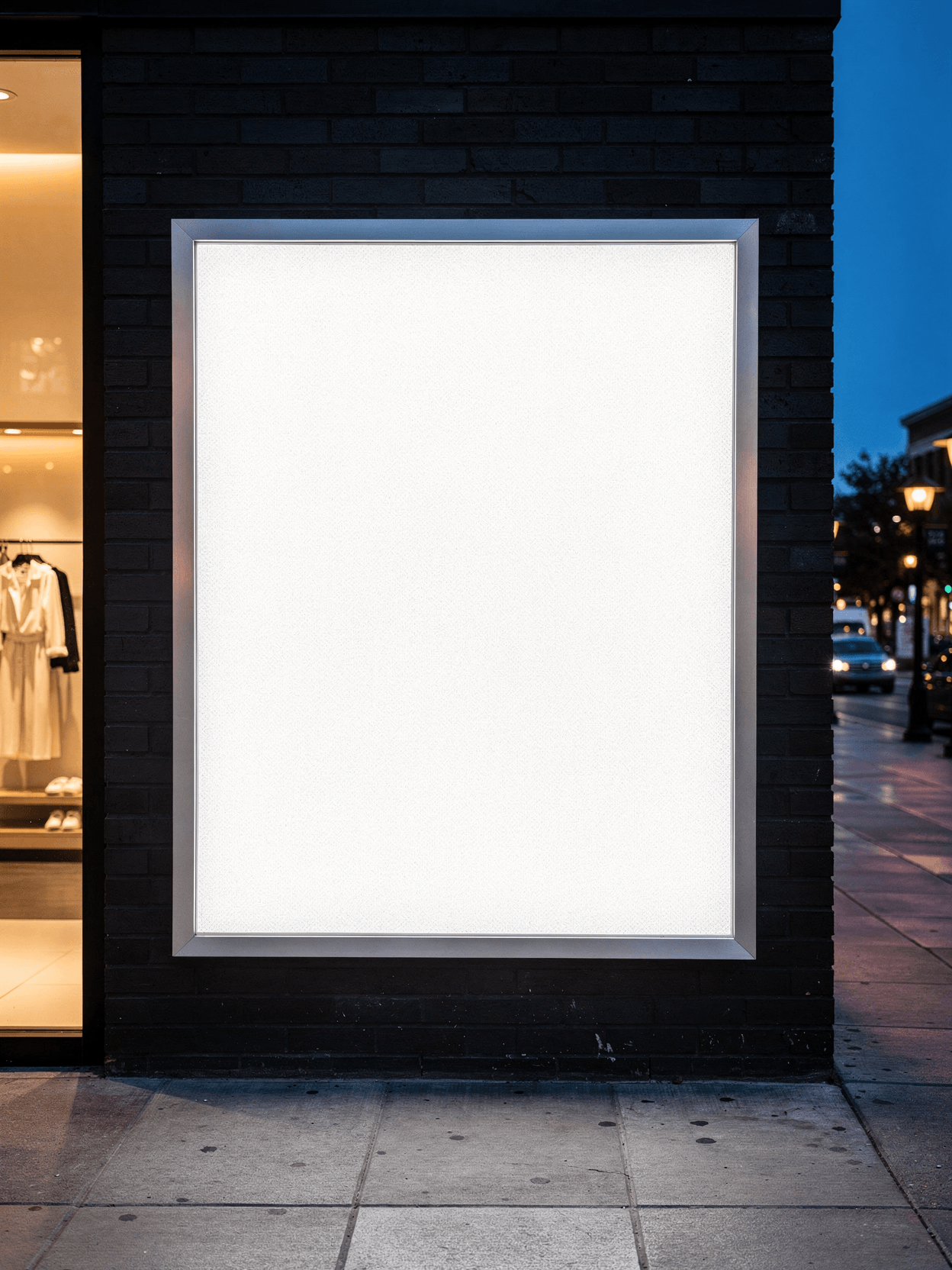
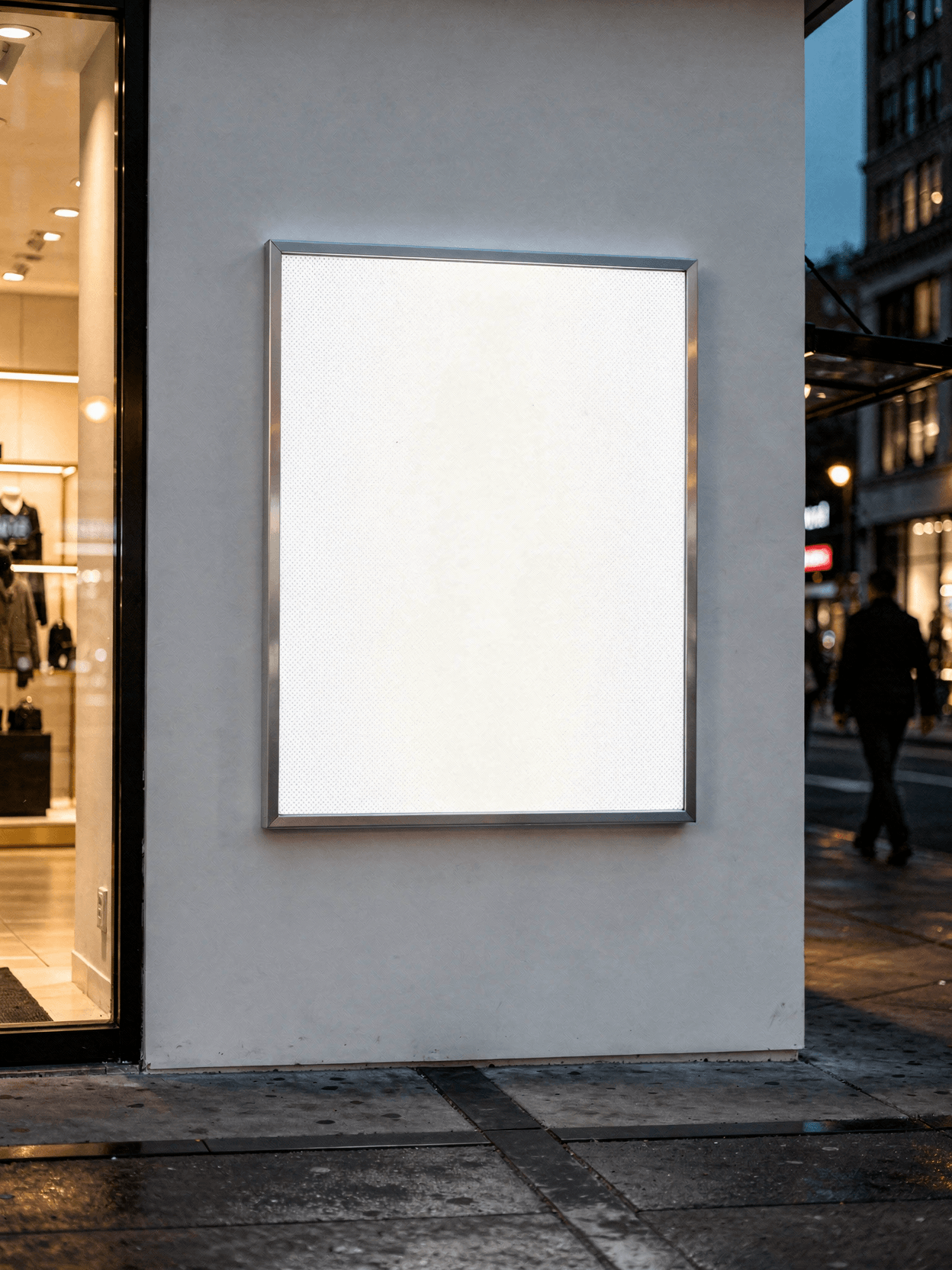
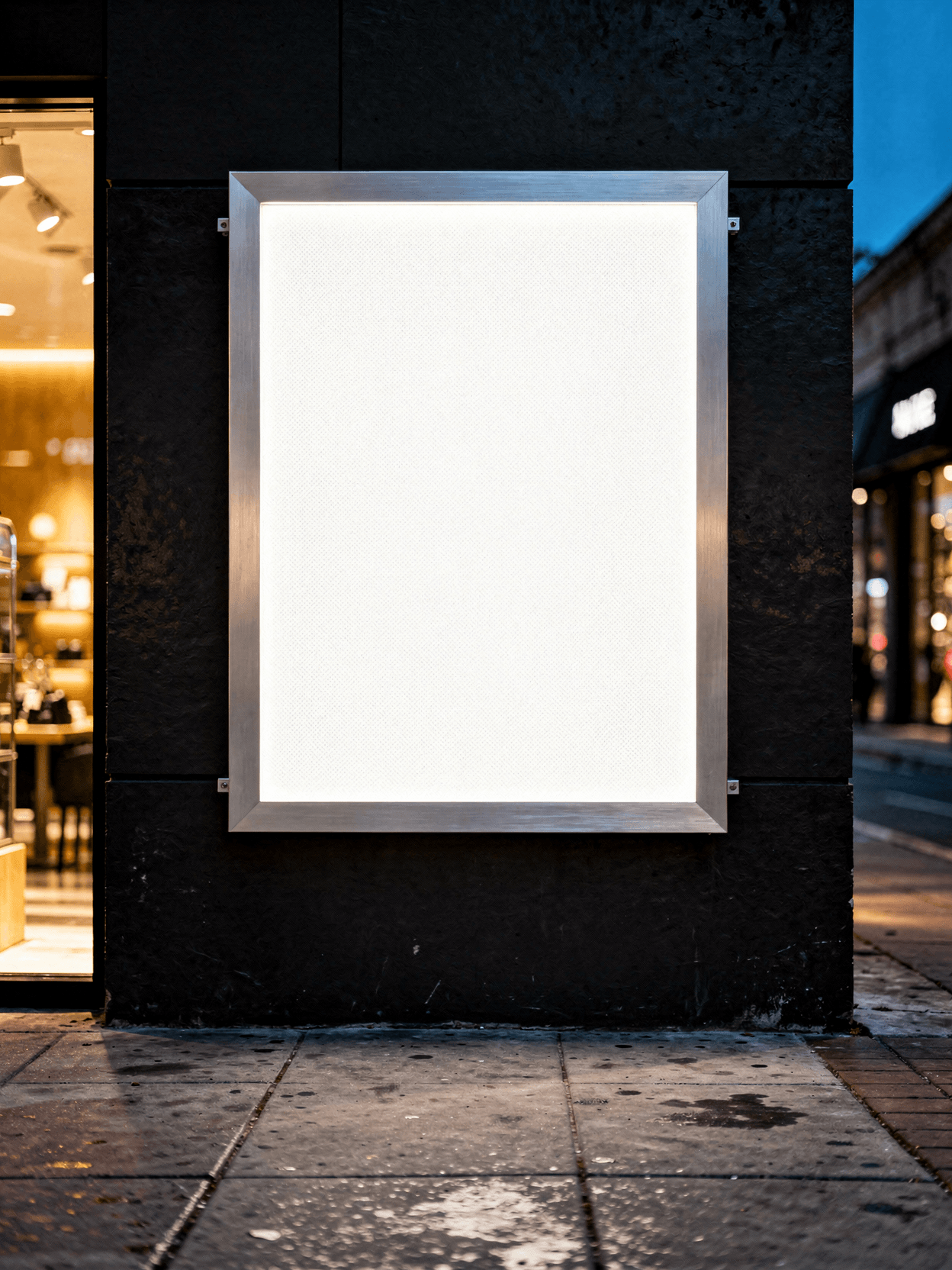
A lightbox mockup is a template that simulates an illuminated advertising sign. Designers and sign companies use it to preview how a graphic, logo, or advertisement will appear when backlit and mounted in a real environment. This specific template shows a wall-mounted retail lightbox on a brick surface, suitable for presenting indoor advertising concepts to clients.
Loading selected angle
White LED Lightbox Mockup - Brick Wall Retail
What's Included
Six camera angles: front illuminated, three-quarter frame, corner macro, retail environment, side profile, and graphic detail close-up
Brushed stainless steel frame with mitered 45-degree corner joints and visible LGP dot pattern on diffuser
Retail storefront environment on gray brick wall with dusk lighting and neighboring shop context
Side profile reveals approximately 2-3 inch mounting depth with metal bracket arms and cable routing
API rendering available through SudoMock platform; compatible with Shopify, WooCommerce, Etsy, and POD workflows
Every angle opens as a ready photo mockup
Specifications
Format
PNG · RGB
Angles
6 views
About This Mockup
Mockup Overview
This mockup template displays a white LED-backlit lightbox mounted on a gray brick wall in a retail storefront setting. The lightbox features a brushed stainless steel or nickel frame with a slim rectangular profile, oriented vertically in portrait format. The face panel is uniformly illuminated, glowing white with no visible hotspots or LED point sources. Six camera angles capture the unit from different perspectives: a straight-on front view, a three-quarter angle from the left, an extreme close-up of the corner joint construction, a wider environmental shot showing the retail context at dusk, a side profile revealing the mounting depth and bracket hardware, and a front-facing close-up showing the graphic surface and frame edge.
Visual Details by Angle
The straight-on hero image shows the lightbox face fully illuminated against the brick wall. The white surface fills the frame area with even backlighting. A thin black inner border separates the illuminated panel from the brushed metal frame. Warm ambient light falls across the brick texture, and a clothing store interior is partially visible to the right, with garments hanging on a rack and recessed ceiling lights.
The three-quarter view from the left reveals the frame depth and how the lightbox projects from the wall. The brushed metal frame catches light along its beveled edge, and the backlit panel shows a slightly warmer, more diffused glow compared to the straight-on shot. The brick surface appears in cool blue-gray tones consistent with dusk or evening lighting. The same retail interior with hanging garments and a dark tote bag is visible at the right edge.
The corner construction macro image provides an extreme close-up of the upper-right corner joint. The frame is mitered at 45 degrees with a clean, tight seam. The brushed stainless steel finish shows fine directional grain lines. A small screw head is visible securing the acrylic or diffuser panel to the frame. Rows of tiny circular dots are visible on the illuminated surface, indicating a light guide plate (LGP) dot pattern beneath the diffuser. The brick mortar joint is visible behind the frame edge.
The environmental retail context shot shows the lightbox with visible corner screws at all four corners. The diffuser panel has a slightly cloudy, translucent texture. The frame appears thinner than in the hero shot, with a flatter profile. The brick wall and retail storefront interior are visible with warmer tones and a dusk-blue sky reflection in the background.
The side profile image, taken from the left side, shows the lightbox projecting from the brick wall on metal mounting brackets. Two bracket arms are visible with bolt fasteners. The box depth appears to be approximately 2 to 3 inches. A power cable runs along the wall behind the unit. The scene is set at dusk on a sidewalk with a charcoal concrete surface. A tree, potted plants, and neighboring storefronts with illuminated signage are visible in the background.
The graphic detail close-up is a straight-on view showing the full lightbox face with the brushed metal frame border. The illuminated surface is uniform white with a subtle warm center glow. Small screw heads are faintly visible in the upper corners. A thin black border separates the frame from the diffuser panel.
Technical Application
The even LED illumination means rendered designs will appear uniformly lit across the full panel area.
Compatible Products
This lightbox mockup pairs with other indoor advertising templates in the SudoMock library, including wall-mounted poster frames, A-frame sidewalk signs, and retail window displays. For outdoor variations, consider street-level billboard and bus shelter lightbox templates.
Specifications
Orientation: vertical (portrait). Frame material: brushed stainless steel or nickel. Mounting: wall-mounted with metal bracket arms. Illumination: edge-lit LED with light guide plate. Environment: brick wall, retail storefront, dusk lighting.
Every angle opens as a ready photo mockup: place your artwork in the editor or through the API. Subscriptions from $0.002 per render.
How to Use This Mockup
Step 01
Pick an angle
Choose the angle you want from this template. Every angle opens as a ready photo mockup.
Photo Mockups GuideStep 02
Place your artwork
Add your design in the editor or through the API, as a single placement or a repeating pattern.
Print Areas GuideStep 03
Export your mockup
Generate high-resolution product images in PNG, JPG, or WebP format. Batch process multiple designs.
Render Artwork DocsDetails & Specifications
File Format
PNG
Color Mode
RGB
Angles
6
| Angle | Type | Primary |
|---|---|---|
| Straight-On Illuminated Hero | straight-on-illuminated | Yes |
| Three-Quarter Frame Detail | three-quarter-profile | |
| Corner Construction Close-Up | corner-construction-macro | |
| Environmental Retail Context | environmental-retail-context | |
| Side Profile Thickness | side-profile-slim | |
| Graphic Detail with Glow | graphic-detail-glow |
Perfect For
Use Cases
Seasons
Tags
Lightbox MockupLightbox Mockup FreeLightbox Sign MockupIlluminated Lightbox MockupIndoor Lightbox MockupLed LightboxBacklit Sign MockupRetail Signage MockupWall Mounted LightboxBrick Wall MockupBrushed Metal FrameSnap Frame LightboxVertical Lightbox MockupShop Sign Lightbox MockupCafe Lightbox Sign MockupNight Lightbox MockupFrameless Lightbox MockupCoroplast Lightbox MockupLightbox TemplateIndoor Advertising Mockup
Industry Insights & Research
Subscriptions from $0.002 per render.
Pricing from the SudoMock pricing page, October 2026.
“For our indoor advertising catalog, we needed lightbox mockups that showed the actual retail mounting context, not just a floating frame on a white background. The brick wall environment and dusk lighting in these templates give clients a realistic sense of how the finished sign will look installed.”
Sources
Frequently Asked Questions
Lightbox mockups should match common real-world lightbox dimensions. Standard indoor lightbox sizes include 18x24, 24x36, and 27x40 inches. This template uses a vertical portrait orientation. Every angle opens as a ready photo mockup: place your artwork in the editor or through the API.
Indoor lightbox mockups typically show slim-profile, edge-lit frames mounted in retail, mall, or restaurant settings with controlled lighting. Outdoor lightbox mockups feature weatherproof housings, locking mechanisms, and are shown in street-level or transit contexts. This template is an indoor variant, mounted on a brick retail wall with dusk ambient lighting and visible storefront context.
Yes. SudoMock mockup templates are designed for commercial use, including client presentations, e-commerce product listings, Etsy shops, and advertising pitch decks. Rendered output images can be used in commercial contexts across platforms like Shopify, Amazon, and print-on-demand services.
SudoMock offers a free tier with 500 render credits, allowing you to generate lightbox mockups at no cost. Every angle opens as a ready photo mockup: place your artwork in the editor or through the API.
LED backlighting creates an even glow across the diffuser panel, which means designs appear uniformly illuminated without shadows or dark spots. In this mockup, the light guide plate dot pattern is visible in the corner macro shot, confirming edge-lit LED construction. Every angle opens as a ready photo mockup: place your artwork in the editor or through the API.
Pick an angle, open it in Photo Mockups and place your artwork in the editor or through the API. Then export your mockup as PNG, JPG or WebP.
Ready to Create Stunning Mockups?
Generate product mockups with Photo Mockups and the Render API. Upload artwork and export high-resolution images from one workflow.
No credit card required500 one-time creditsInstant API access