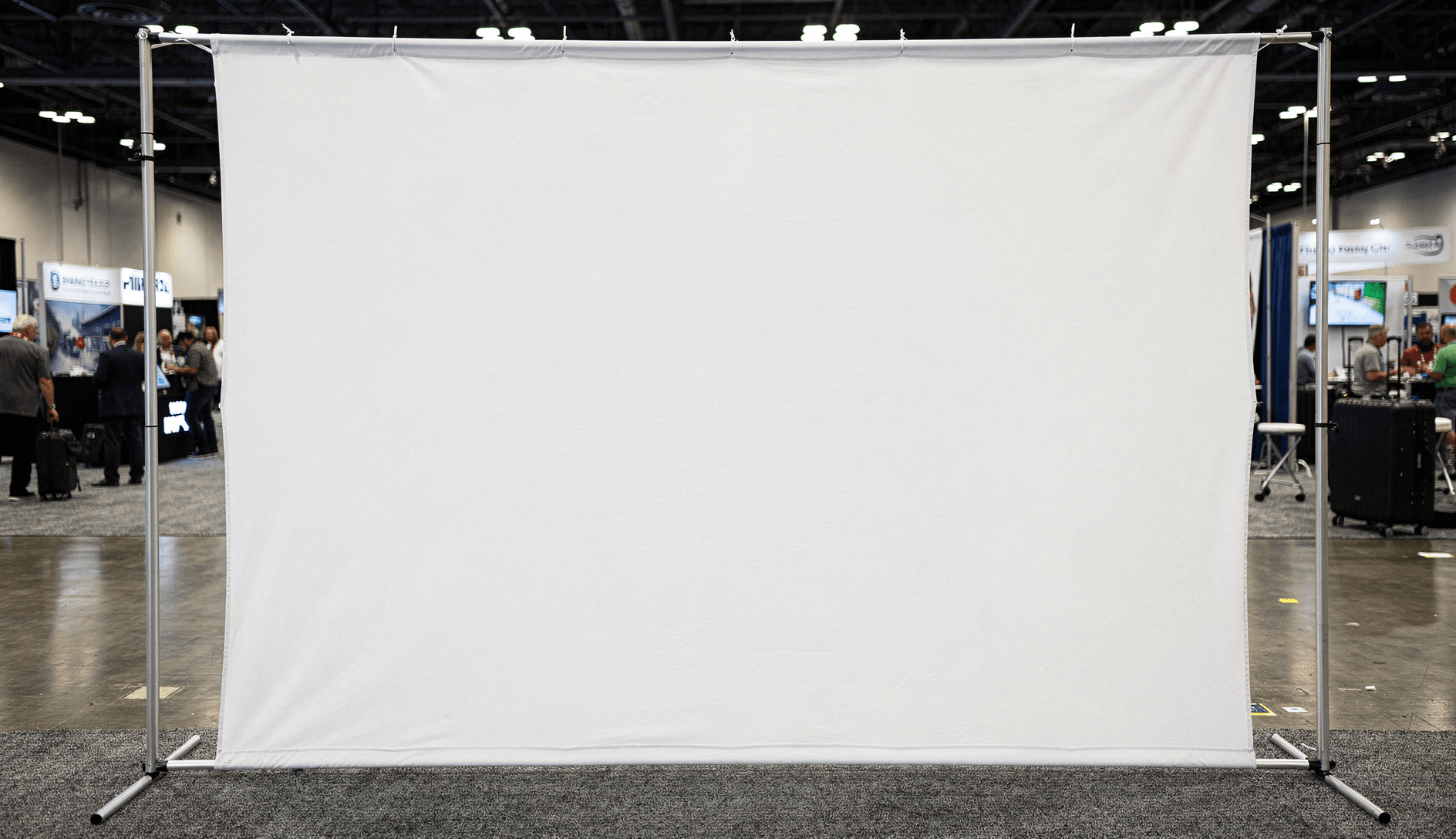
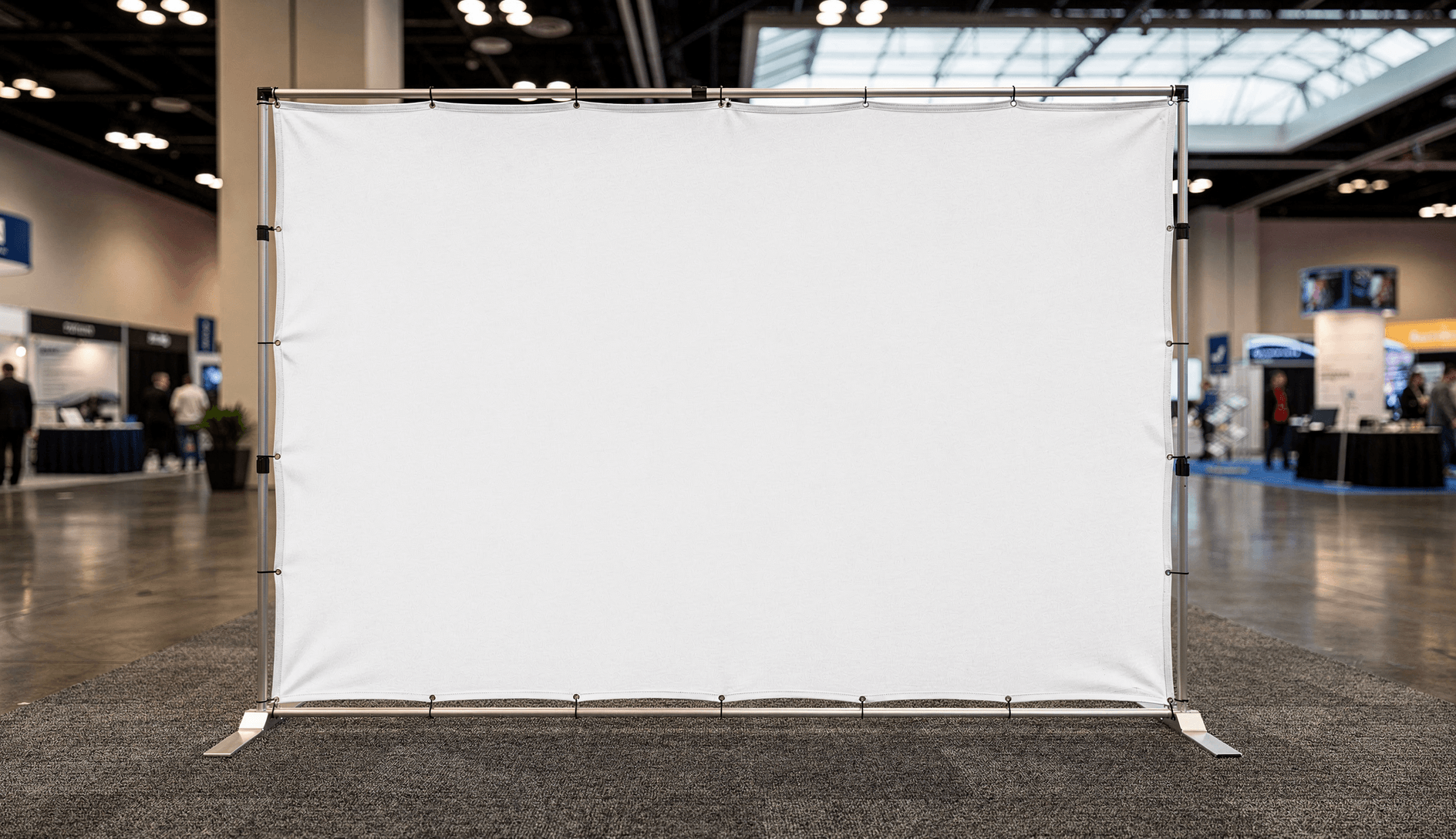
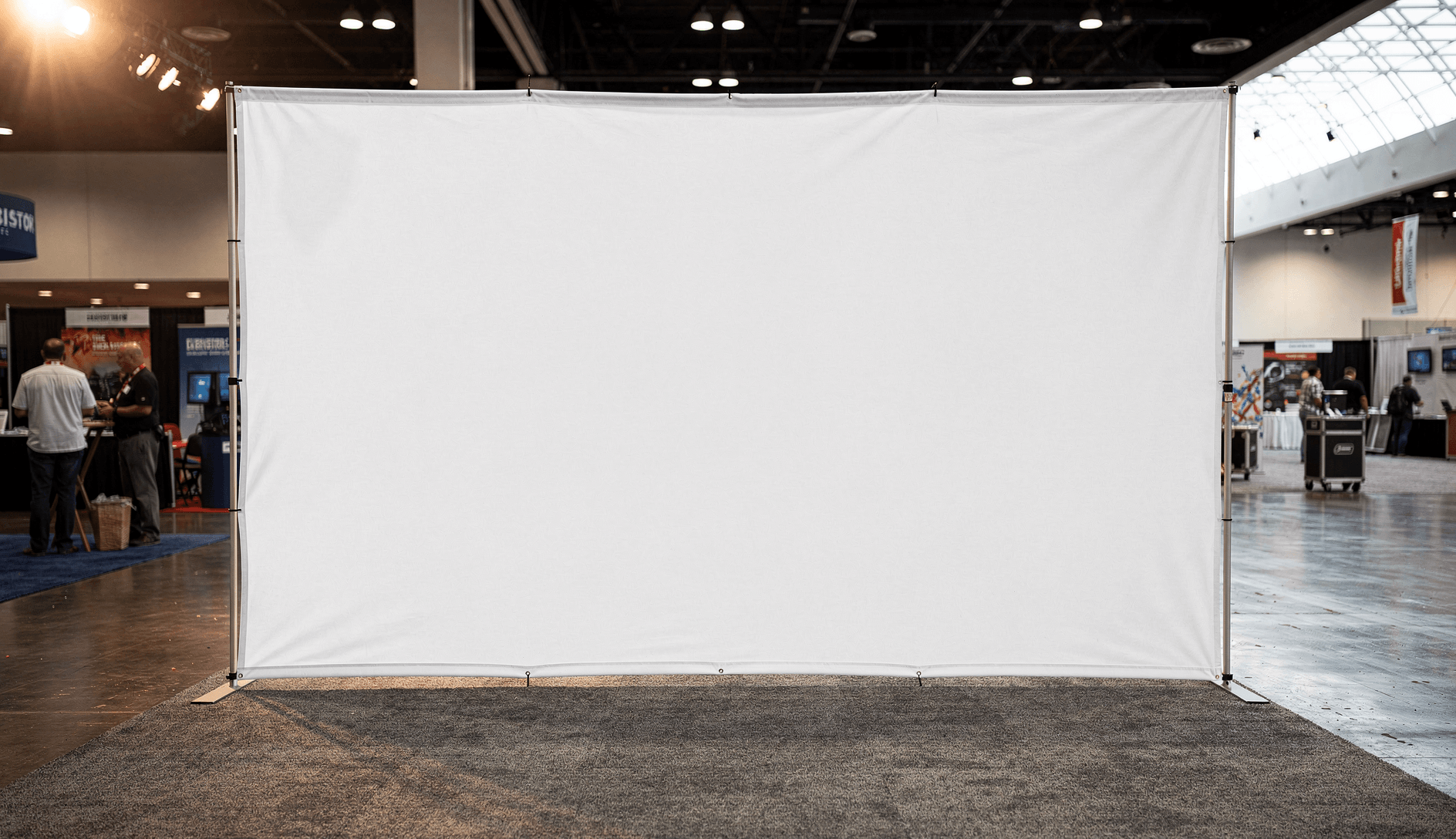
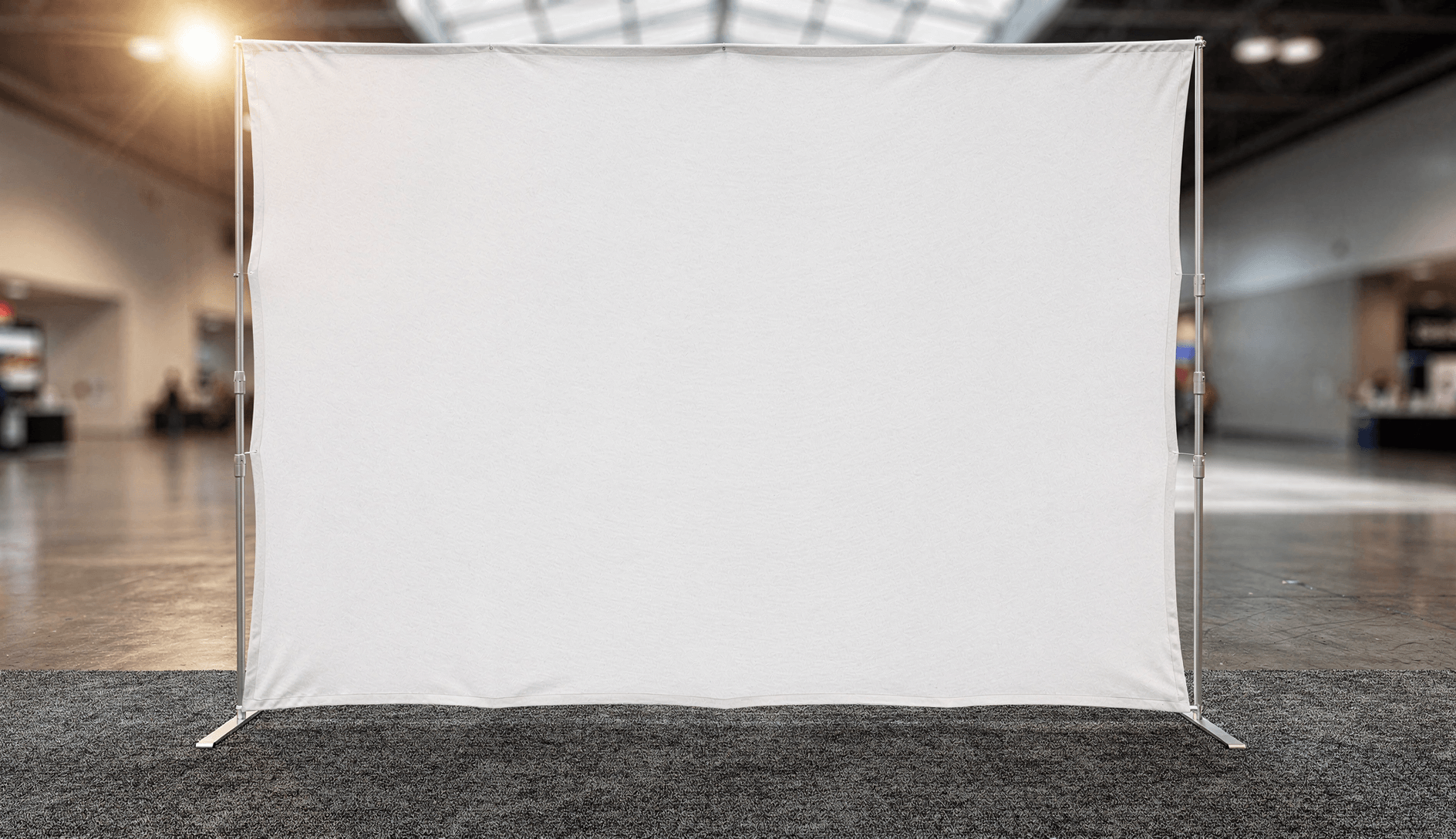
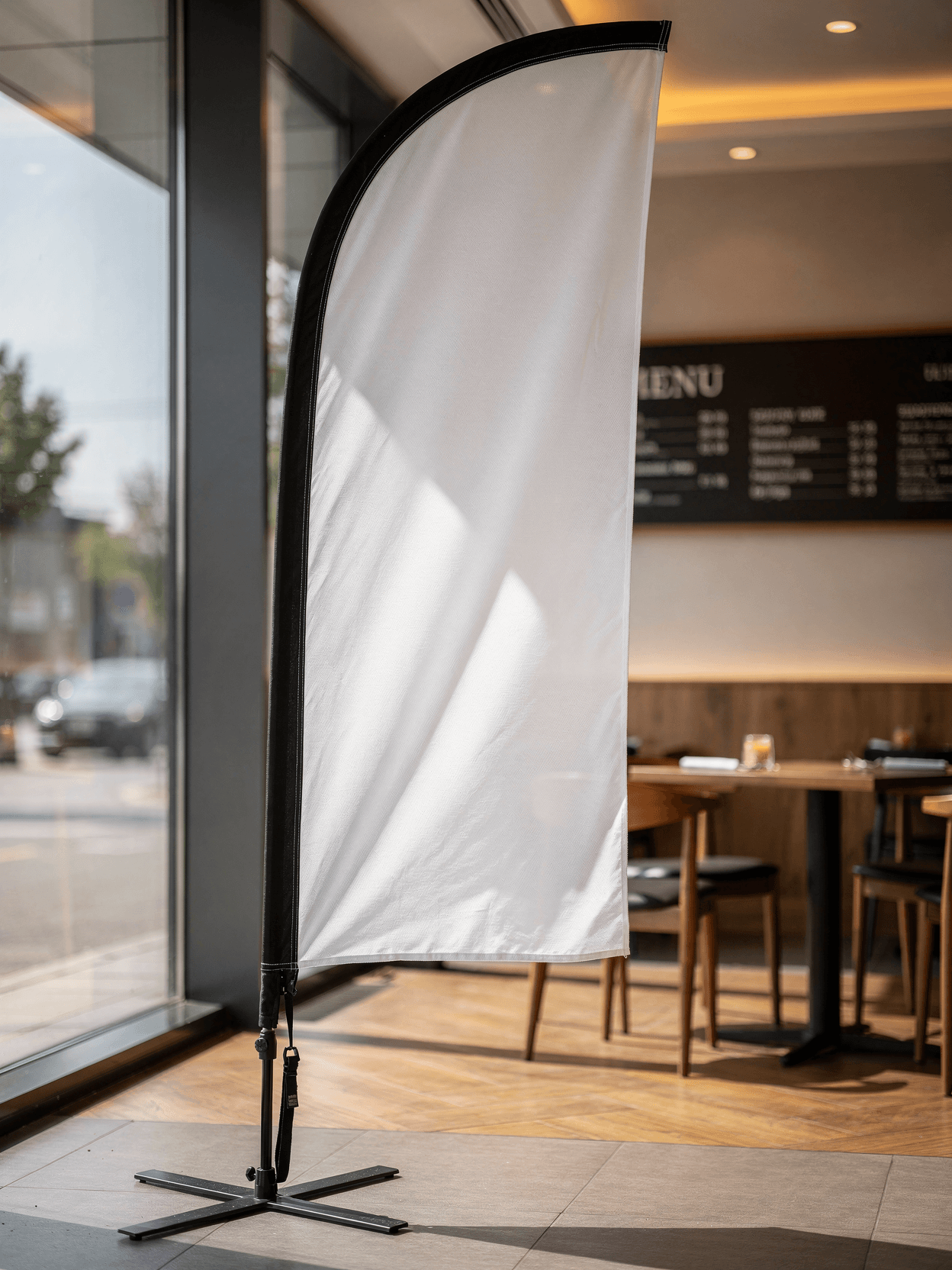
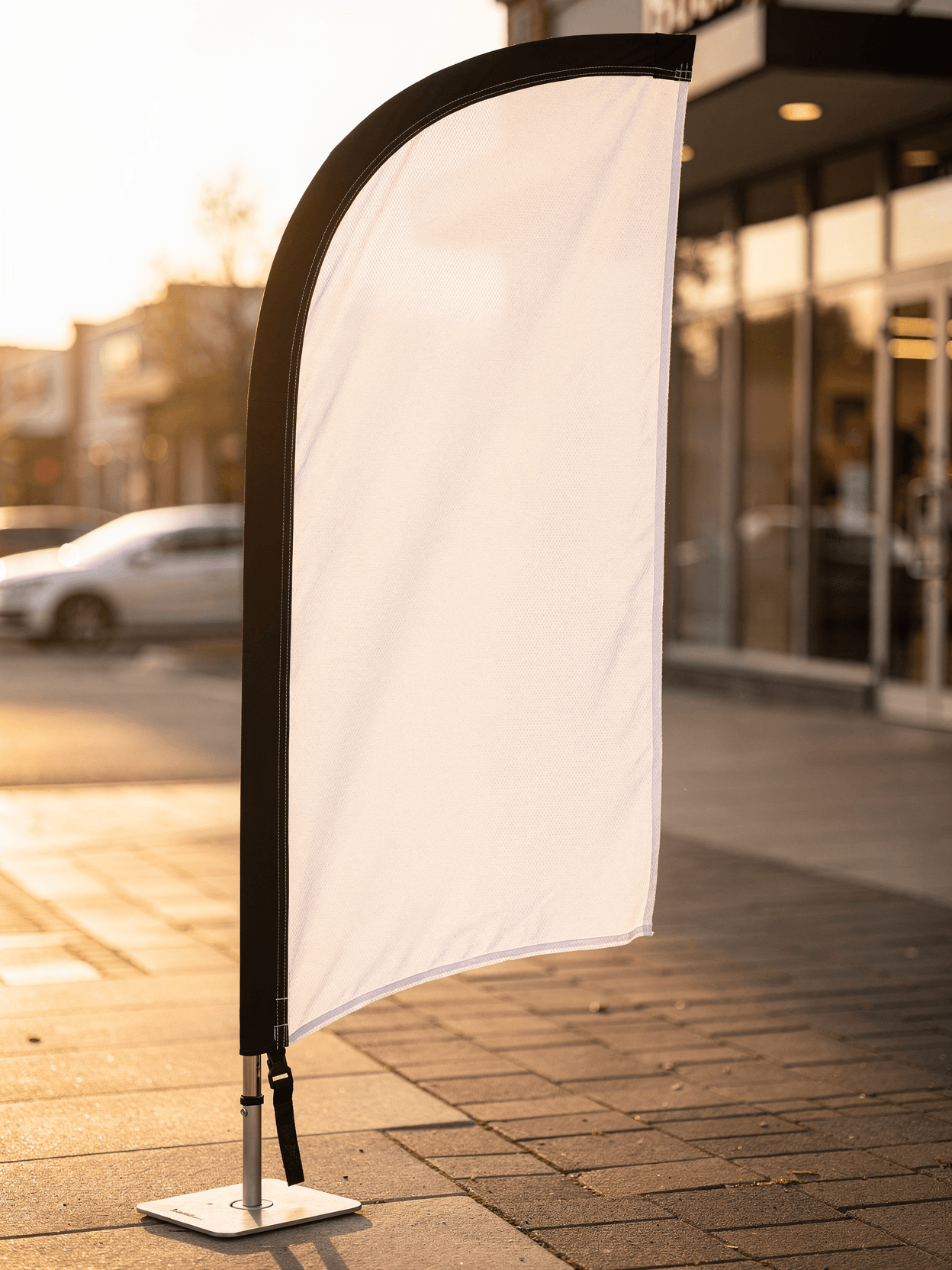
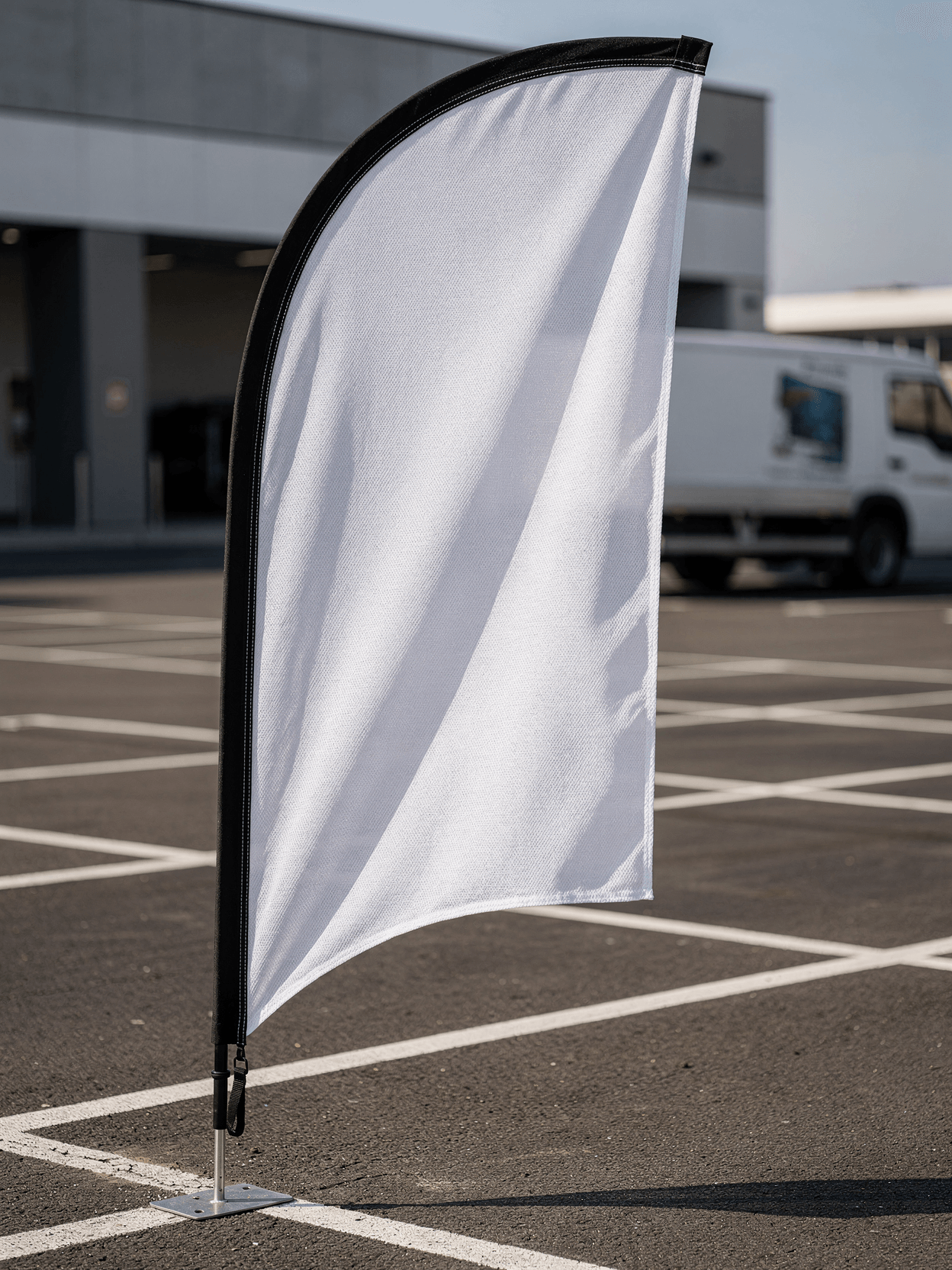
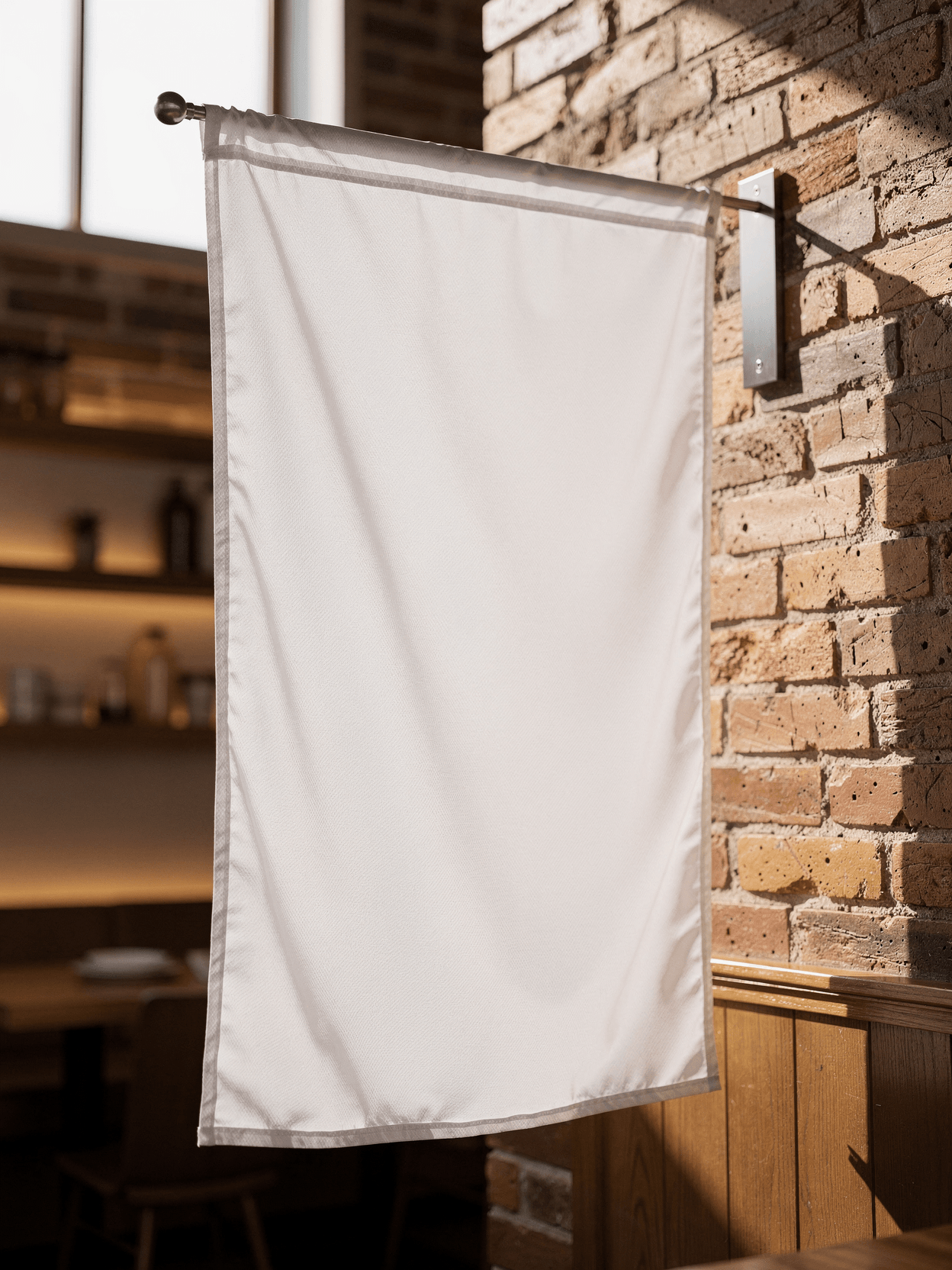
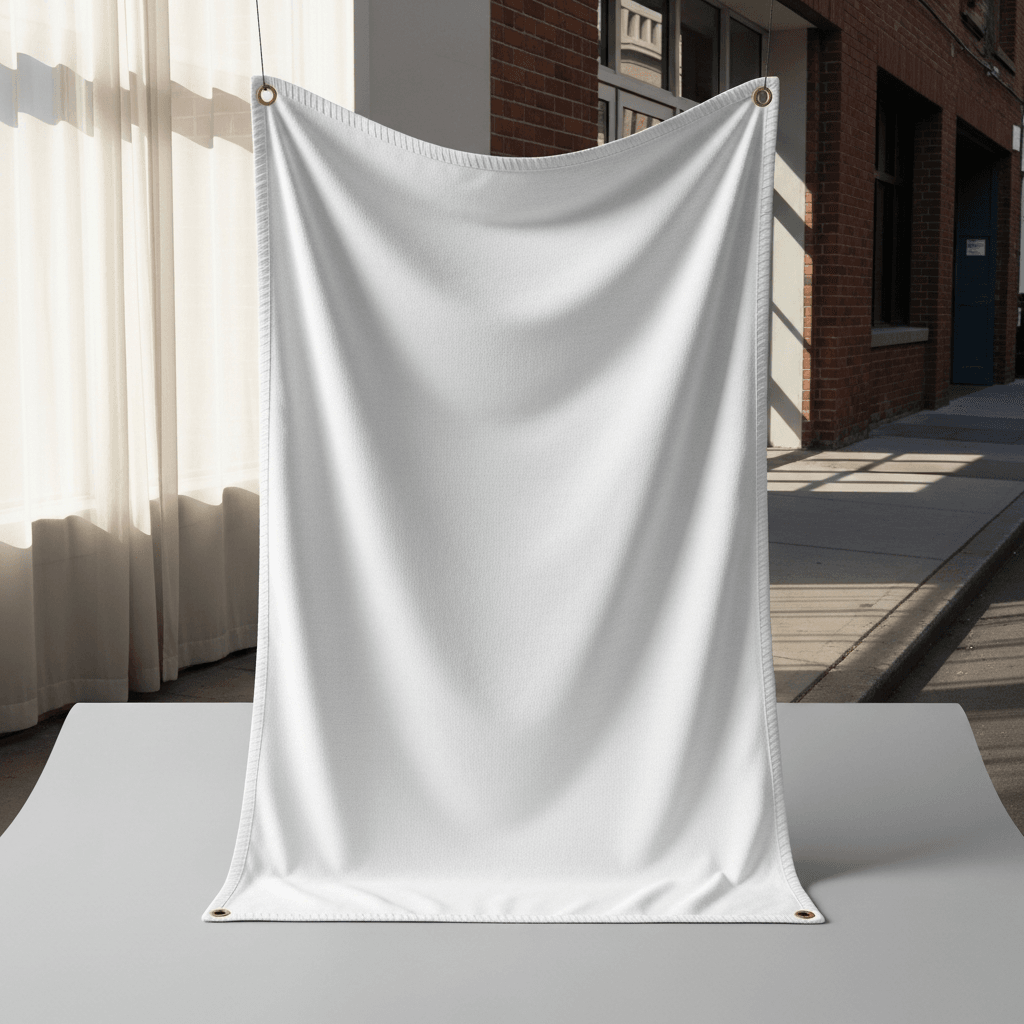
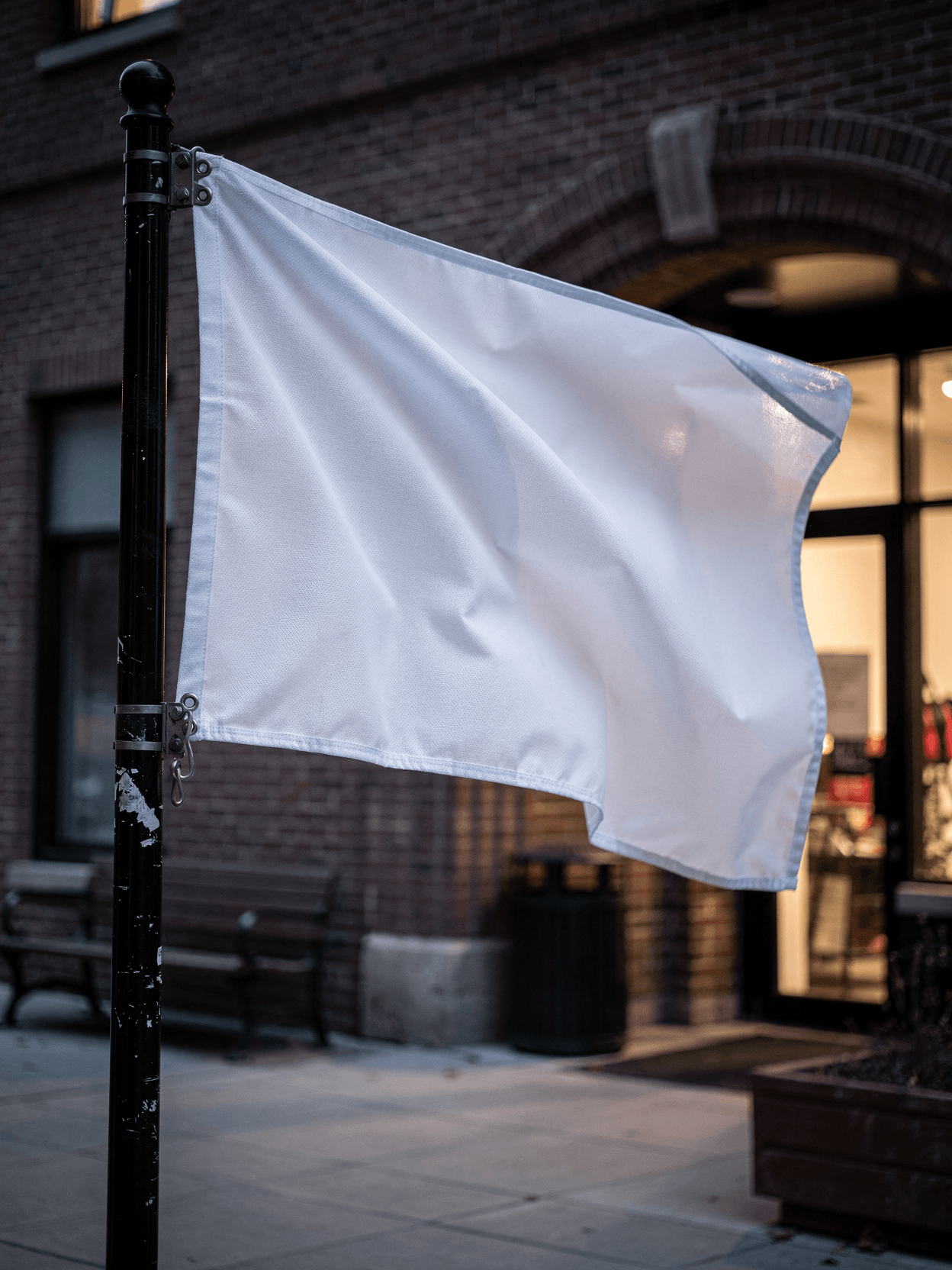
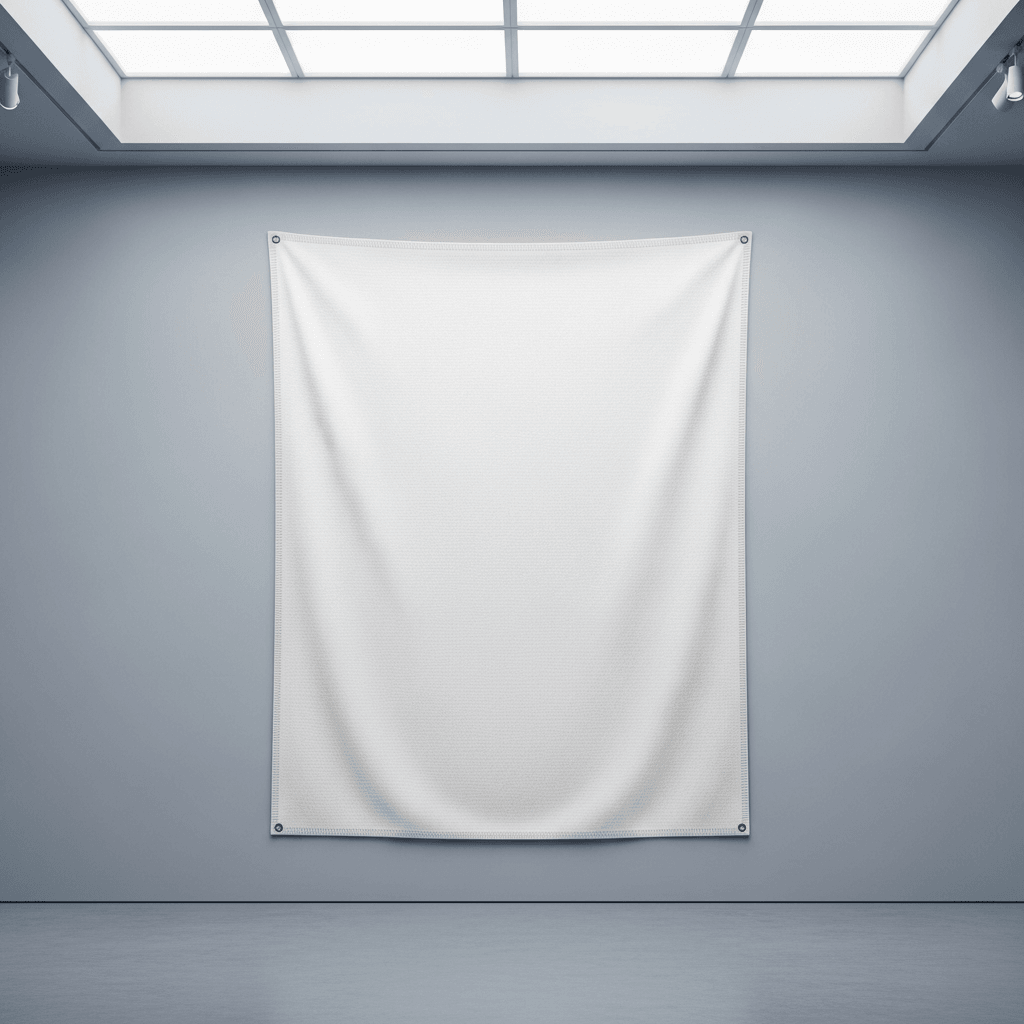
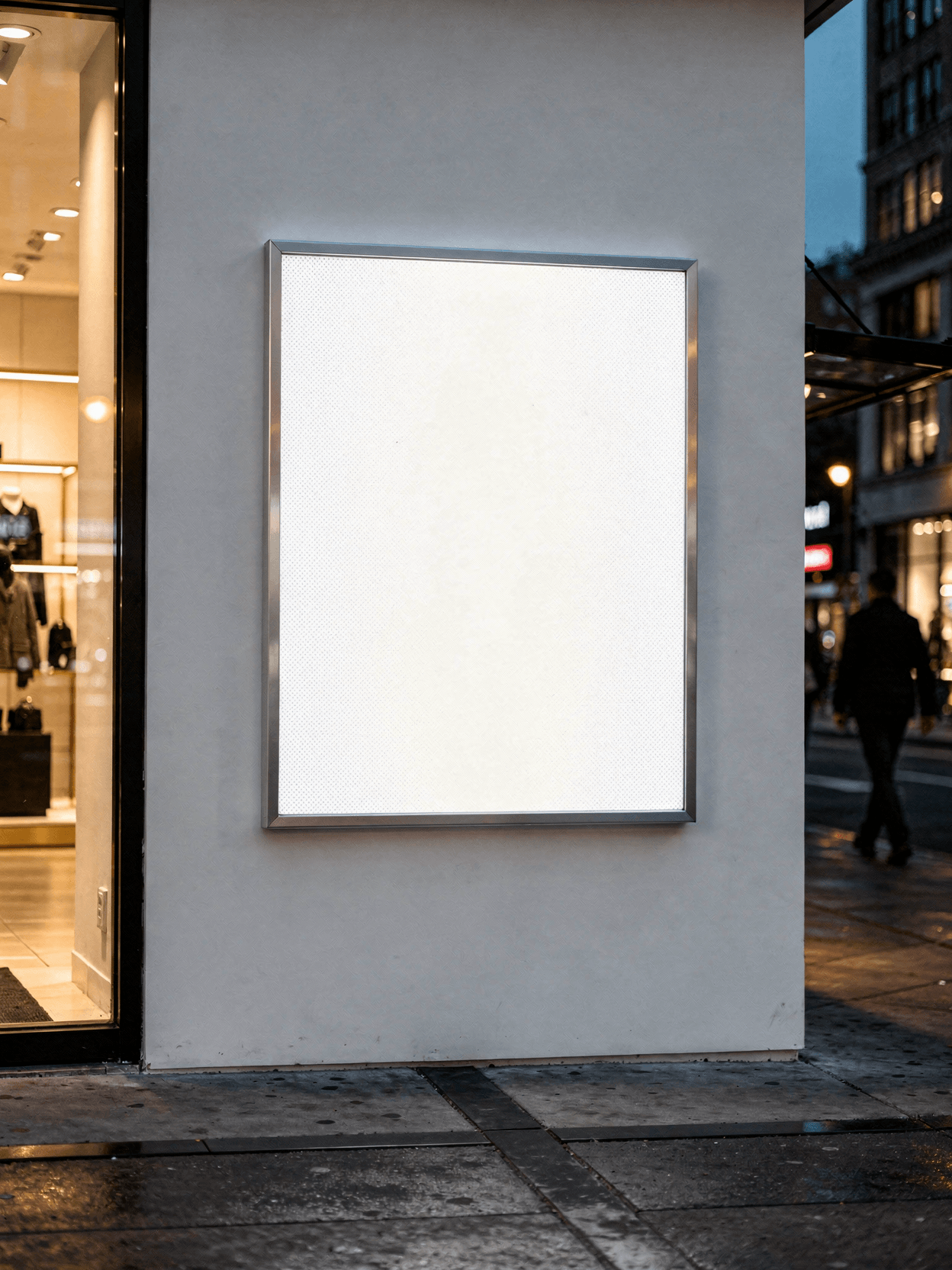
An X-banner mockup replicates the distinctive crossing frame structure that holds a banner at four corner points via grommets and hooks. Unlike a retractable roll-up banner that retracts into a base cassette, the X-banner frame is a visible structural element with a central pivot hub and tripod legs. This mockup shows that X-frame structure from multiple angles, including a rear view where the crossing aluminum arms are fully visible.
Loading selected angle
White X-Banner Stand Mockup - Trade Show Setup
What's Included
Photorealistic X-banner template on portable aluminum X-frame stand for API rendering
Six camera angles: three-quarter hero, direct front, low-angle, side profile, rear detail, and horizontal view
Convention center environment with commercial carpet, overhead spotlights, and glass skylight ceiling
Metal grommet attachment points at all four corners with black hook clips connecting to frame arms
Collapsible aluminum X-frame with central pivot hub and four-leg tripod base visible in side and rear views
Standard X-banner display dimensions compatible with common print sizes (24x63 in, 31.5x71 in)
Compatible with Shopify, WooCommerce, Etsy, and print-on-demand workflow integrations
Every angle opens as a ready photo mockup
Specifications
Format
PNG · RGB
Angles
6 views
Shopify
WooCommerce
Etsy
Printful
Printify
Shopify
WooCommerce
Etsy
Printful
Printify
About This Mockup
Mockup Overview
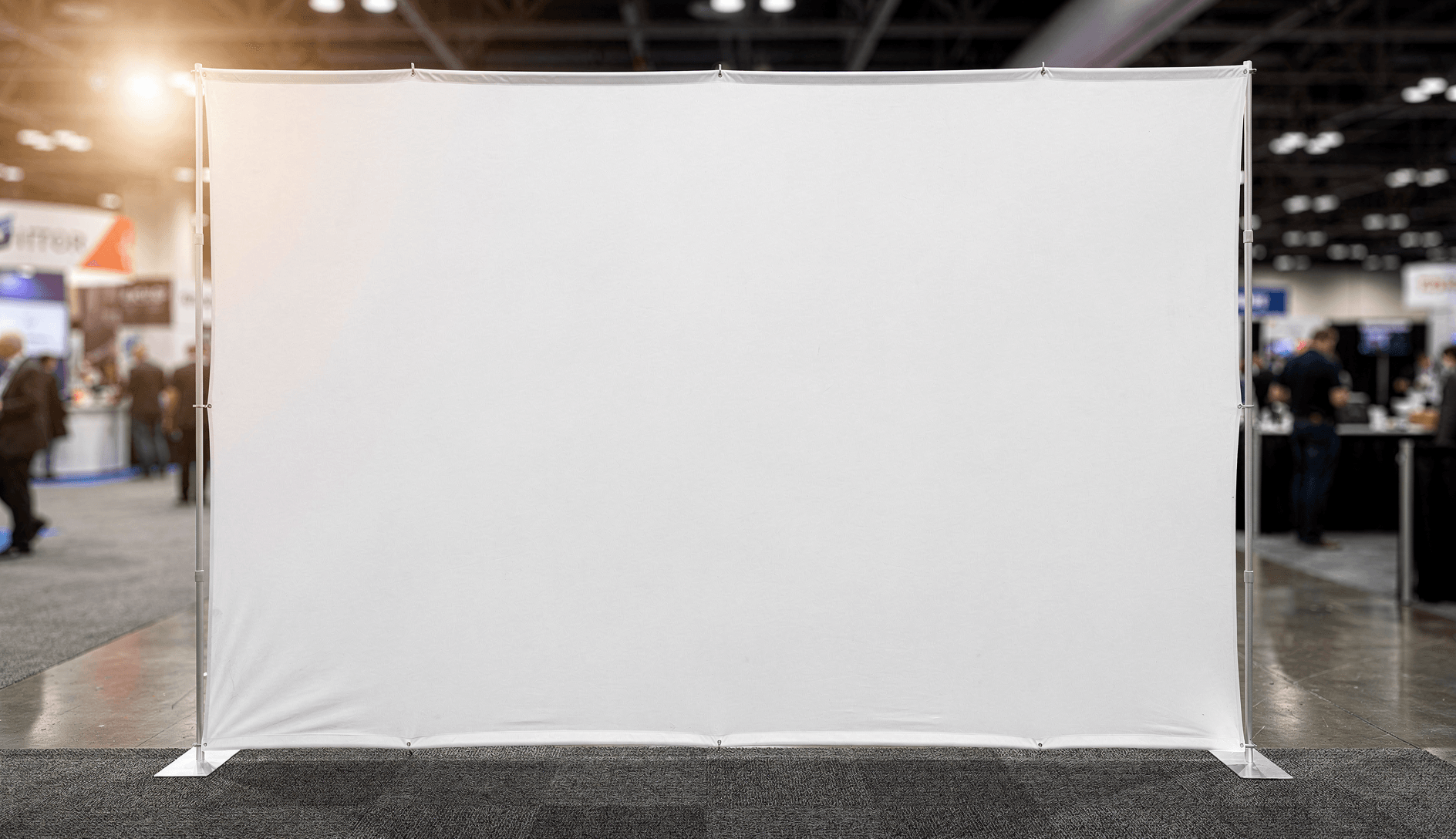
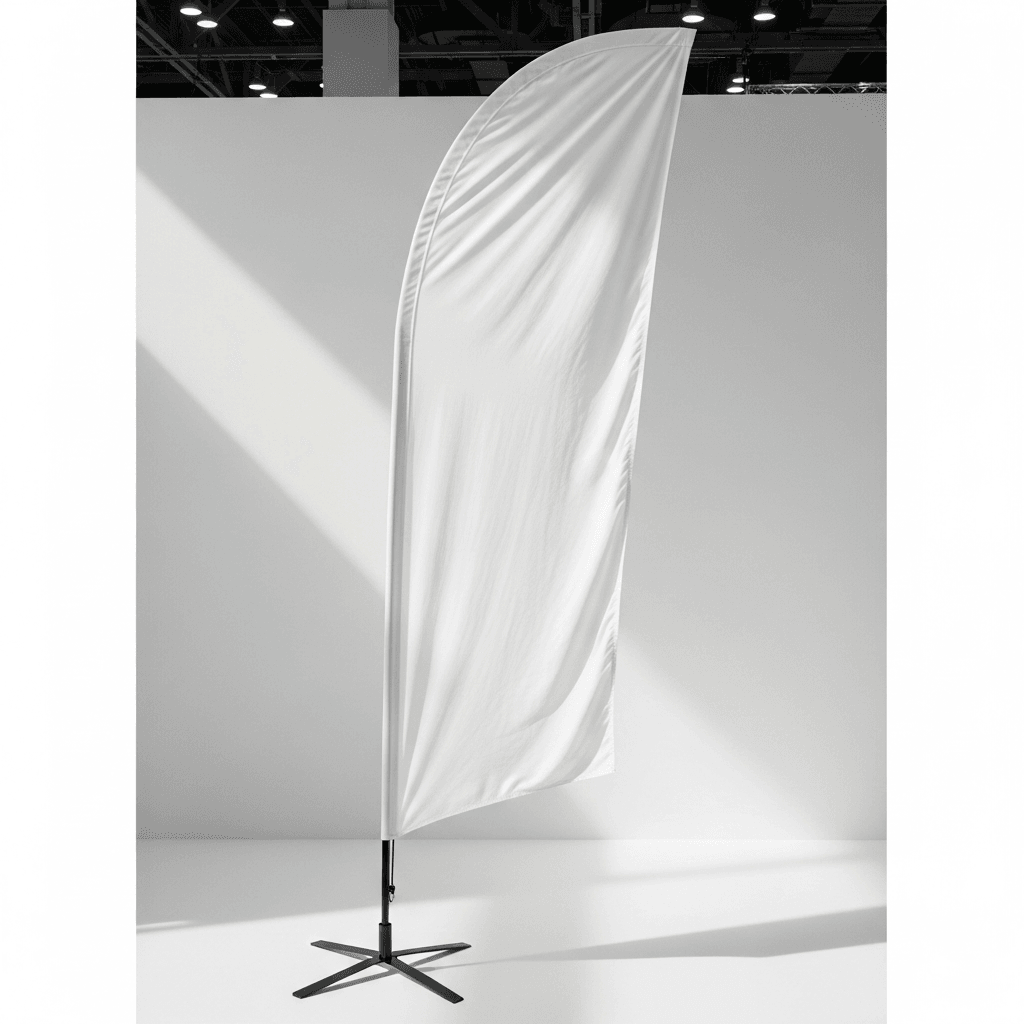
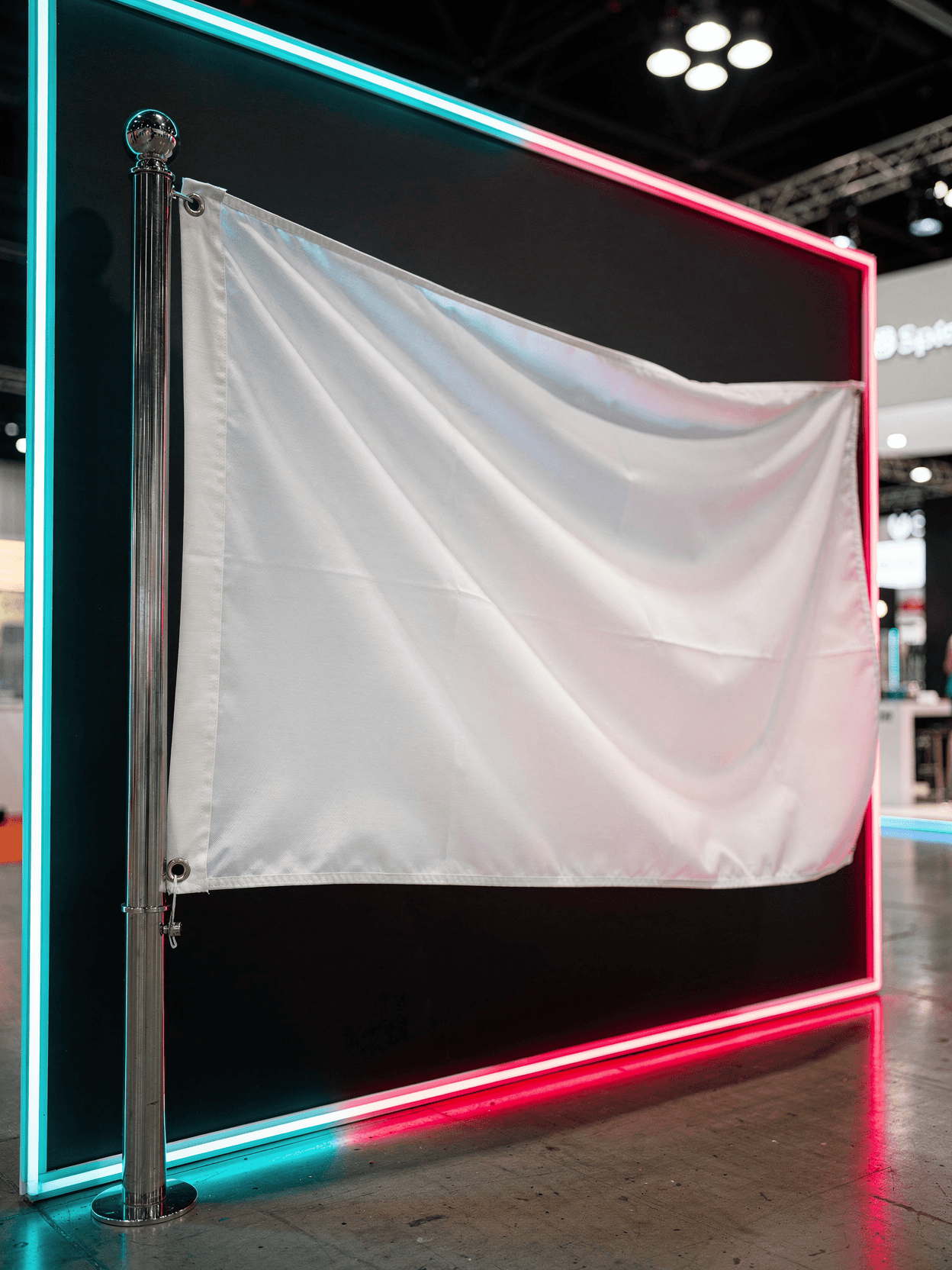
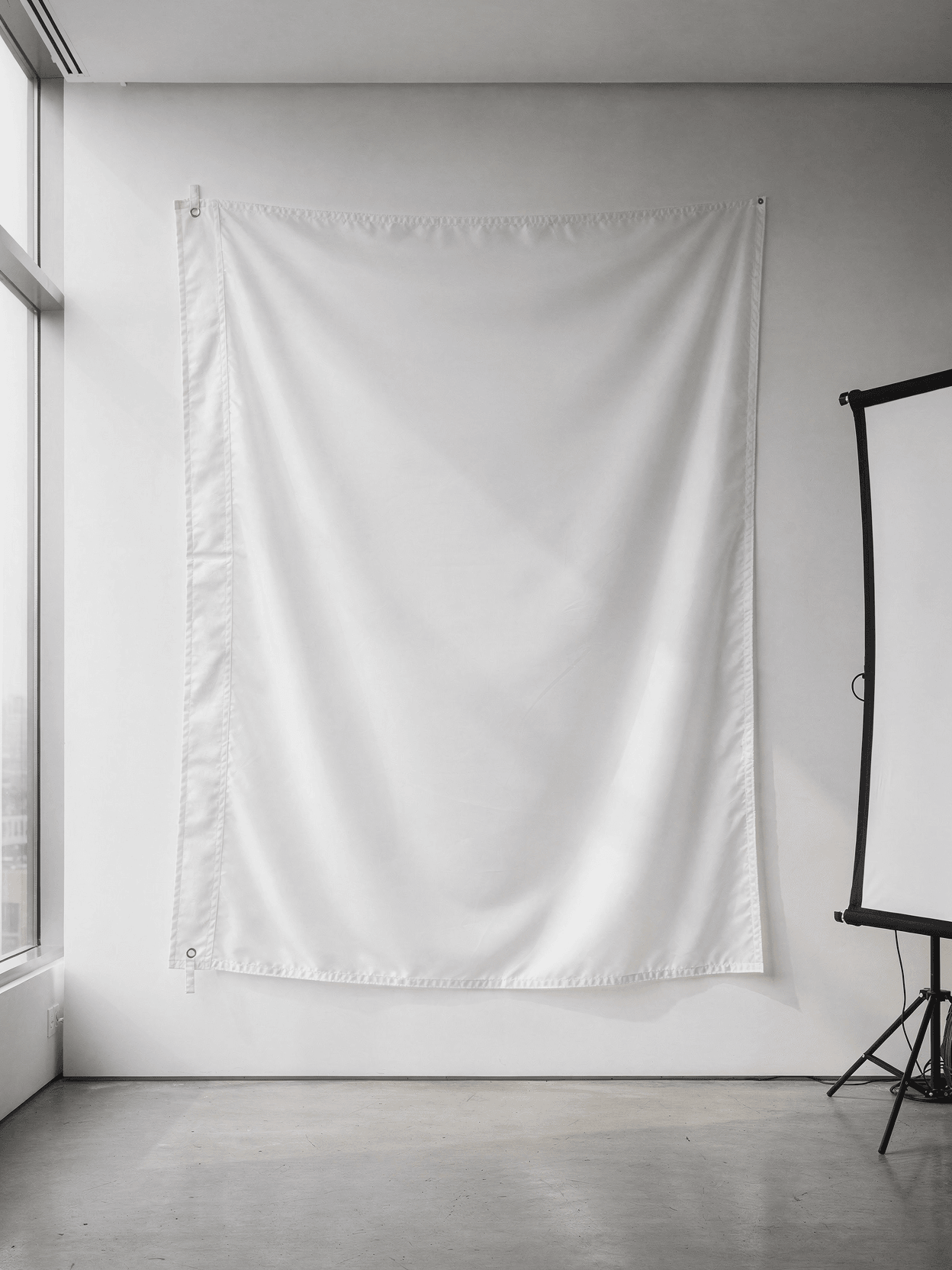
This mockup template displays a white X-banner mounted on a portable aluminum X-frame stand, photographed inside a convention center with commercial carpet flooring. The banner surface is plain white fabric with visible woven textile texture throughout. The X-frame uses silver aluminum poles that cross at a central pivot hub, with the banner attached at all four corners via metal grommets and hook clips. Convention center lighting comes from overhead - a warm spotlight visible in the upper-left portion of the frame creates soft directional light, while ambient skylight from a glass ceiling structure fills the rest of the scene. The background is blurred, showing other trade show booths, display tables, and attendees at a distance.
What the Images Show
Six camera angles document this X-banner mockup from different perspectives:
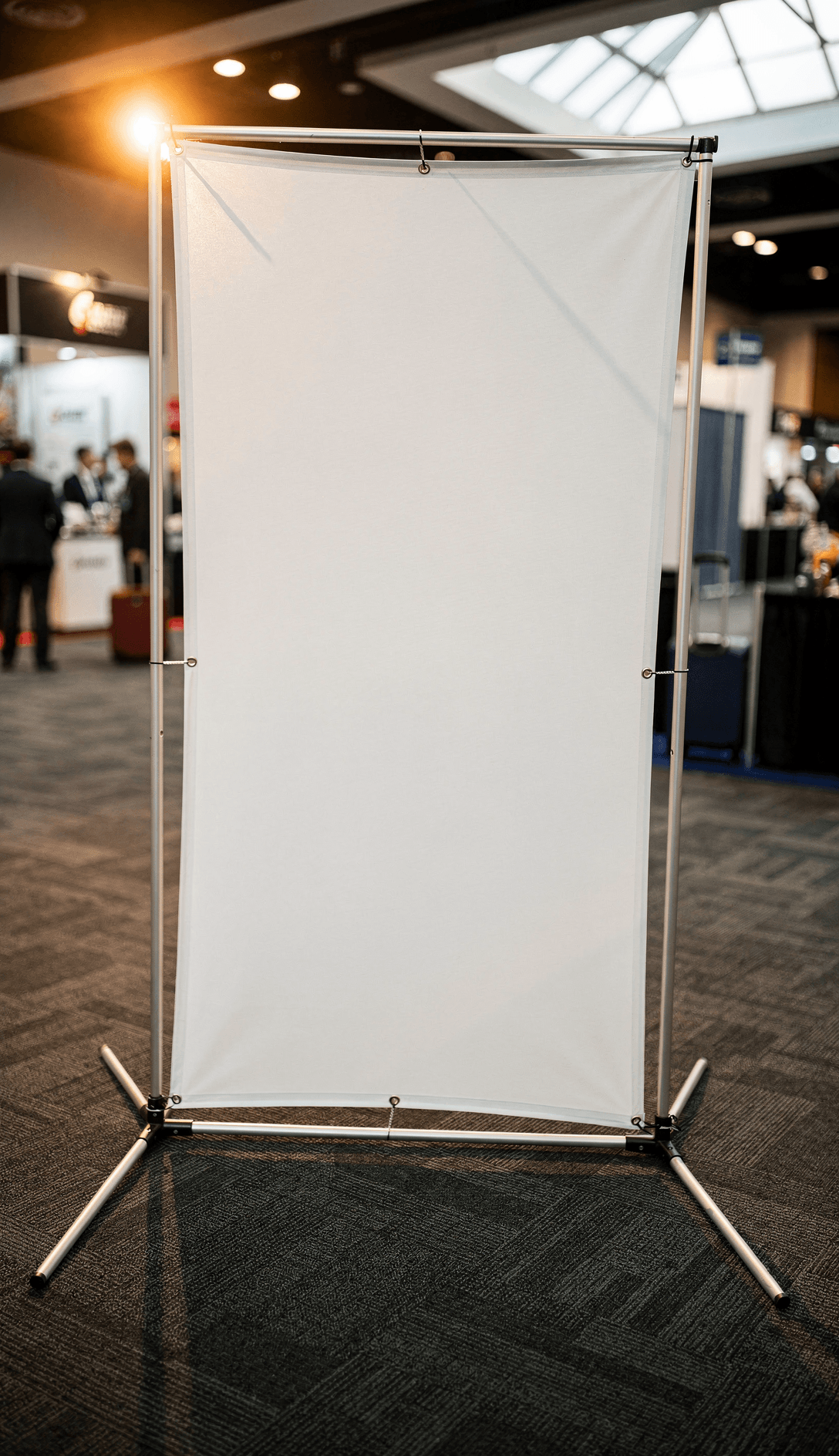
The three-quarter hero shot captures the full banner from a slight left-of-center position. The white fabric surface fills most of the frame, with the X-frame structure partially visible behind the banner as faint shadow lines. Metal grommets are visible at the top corners where black hook clips attach the banner to the aluminum arms. Two tripod legs extend outward at the base. A small metal piece sits on the carpet near the base.
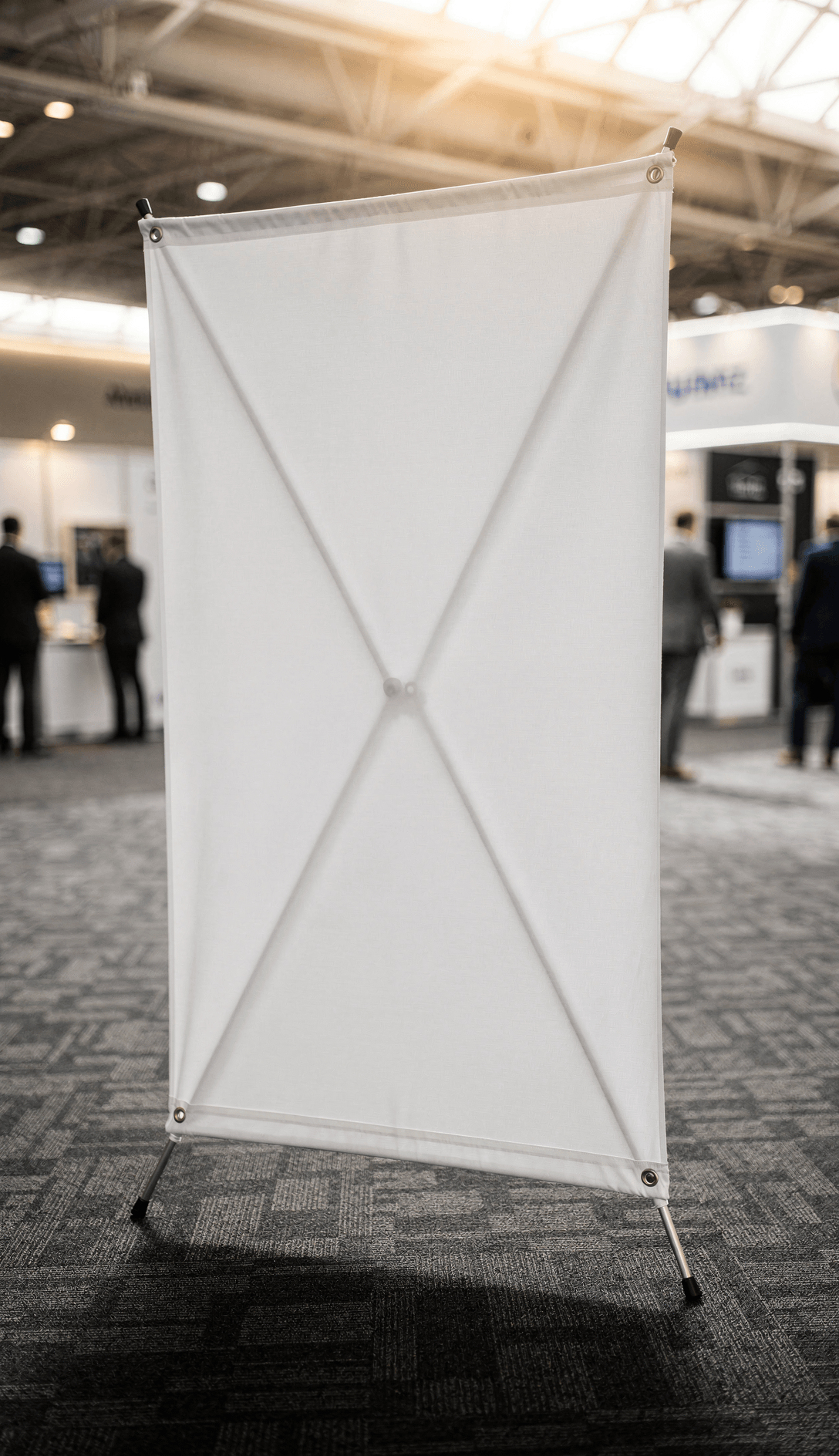
The direct front view shows the banner straight-on, revealing the full rectangular display surface. The X-frame shadow is more visible here, casting an X-shaped pattern through the semi-translucent white fabric. All four corner grommets are visible, and the banner fabric shows slight tension wrinkles near the attachment points. The woven texture of the banner material is clearly distinguishable.
The low-angle shot is taken from near floor level looking upward. This perspective emphasizes the banner's height relative to the convention center ceiling. The glass skylight structure and overhead lighting fixtures are visible above the banner. The fabric texture appears more pronounced from this angle, and the X-frame shadow pattern shows through the material.
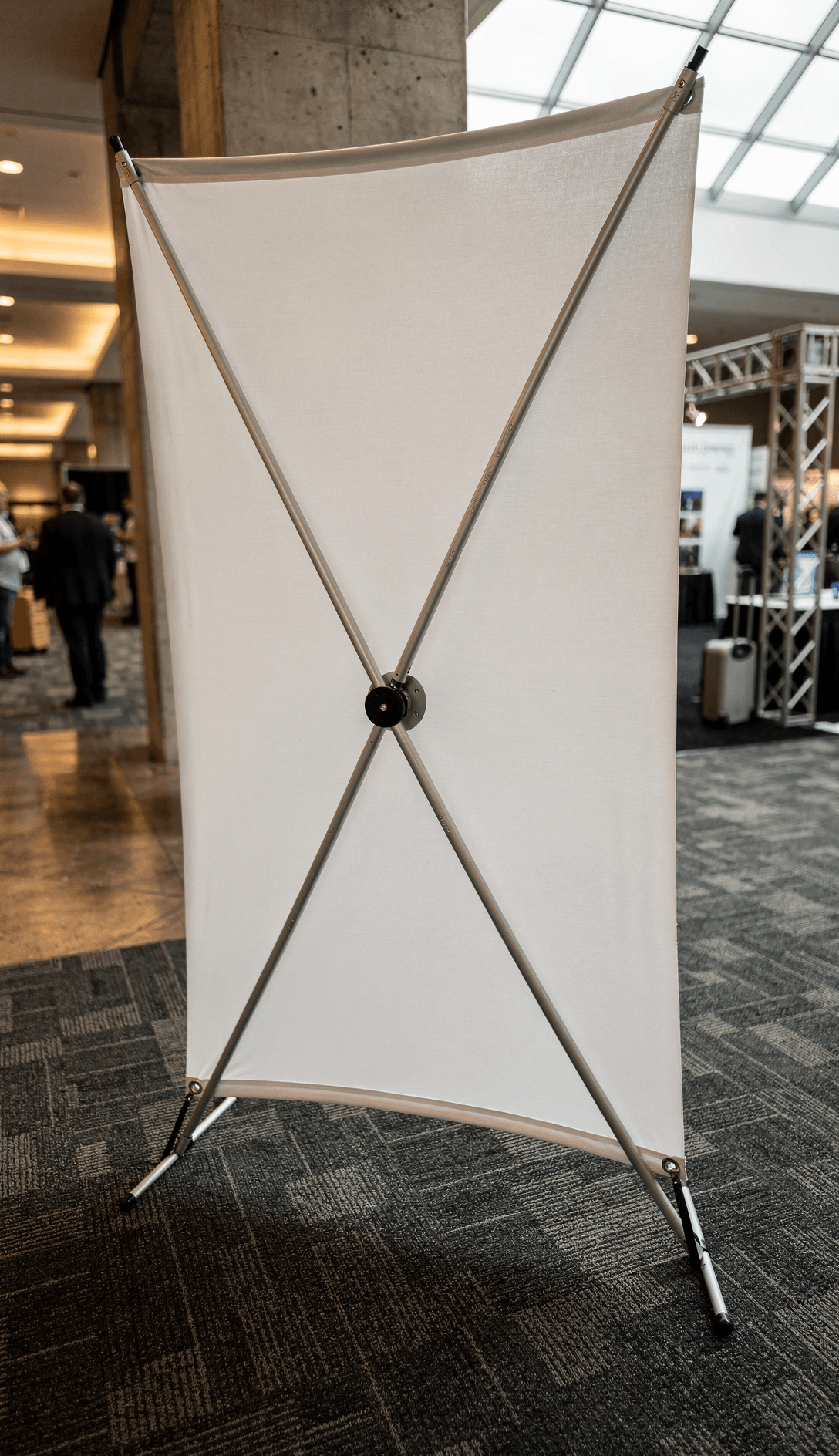
The side profile view reveals the X-frame structure from the left side. The aluminum poles cross at a central black plastic hub with visible screws. The banner wraps around the front of the frame, and you can see how the fabric curves slightly between the corner attachment points. The tripod legs splay outward for stability.
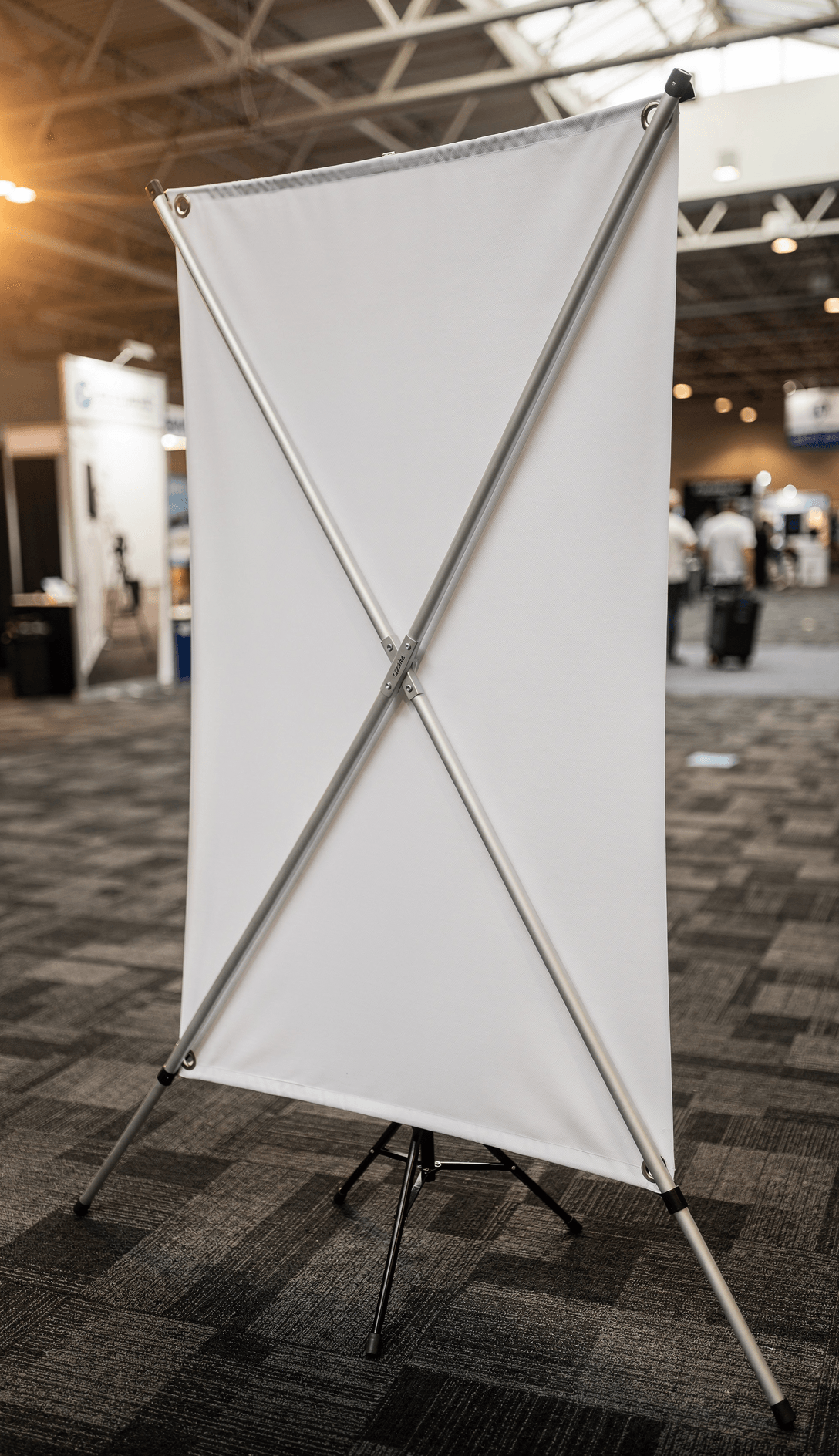
The rear-facing detail shot shows the back of the banner, where the X-frame crossing is fully exposed. Two aluminum poles intersect at a center joint with metal clamp fittings. The white fabric is visible from behind, showing its translucency and woven grid texture when backlit by the convention center lighting. The four tripod legs and corner hooks are all visible.
The horizontal orientation shot shows the banner laid on its side or viewed from a lower vantage, displaying the full width of the fabric with grommets along the top and bottom edges. This angle reveals the banner's aspect ratio and the overall width-to-height proportions of the display surface.
Technical Details
The X-banner stand uses a collapsible aluminum frame with four arms extending from a central pivot point. Each arm terminates in a hook that attaches to a metal grommet at each corner of the banner. The tripod base consists of four legs that fold flat for transport. Standard X-banner display sizes include 24"x63" and 31.5"x71" according to common trade show specifications referenced by U.S. Press.
The banner material shown is a white woven polyester or vinyl fabric with enough translucency to reveal the frame structure behind it as shadow lines.
Compatible Products and Related Mockups
This X-banner mockup complements other signage templates in the SudoMock library. Related display formats include retractable roll-up banner stands, vinyl banner mockups, and trade show backdrop templates. For outdoor signage needs, Coroplast yard sign mockups and vinyl banner options are also available in the signage-advertising category.
Intended Applications
Suitable for trade show booth graphics, event promotions, retail point-of-sale displays, conference signage, real estate open house banners, and exhibition marketing materials. The convention center environment shown provides context for designers and event planners visualizing deployment scenarios.
Every angle opens as a ready photo mockup: place your artwork in the editor or through the API.
How to Use This Mockup
Step 01
Pick an angle
Choose the angle you want from this template. Every angle opens as a ready photo mockup.
Photo Mockups GuideStep 02
Place your artwork
Add your design in the editor or through the API, as a single placement or a repeating pattern.
Print Areas GuideStep 03
Export your mockup
Generate high-resolution product images in PNG, JPG, or WebP format. Batch process multiple designs.
Render Artwork DocsDetails & Specifications
File Format
PNG
Color Mode
RGB
Angles
6
| Angle | Type | Primary |
|---|---|---|
| Three-Quarter Hero Shot | three-quarter-front | Yes |
| Direct Front View | straight-front | |
| Low Angle Empowerment Shot | low-angle-perspective | |
| Side Profile Structure | side-profile | |
| Corner Grommet Detail | detail-corner-grommet | |
| Trade Show Environment | environmental-context |
Use Cases
Seasons
Tags
X Banner MockupX Stand BannerTrade Show DisplayStanding Banner MockupX Banner TemplateConvention CenterPortable DisplayX Frame BannerExhibition BannerVertical BannerBanner Stand MockupEvent SignagePromotional BannerSignage MockupBanner DisplayTrade Show BannerVinyl Banner MockupBanner Mockup TemplateAPI Mockup Rendering
Visual Style
Industry Insights & Research
Subscriptions from $0.002 per render.
Pricing from the SudoMock pricing page, October 2026.
“We render X-banner proofs for every client order before it goes to print. The convention center background gives customers a clear idea of what their display will look like at their event, which cuts down on revision requests.”
“For our event signage catalog, we generate about 200 mockup variants per week across different banner formats. The X-banner template with visible fabric texture makes the rendered designs look like actual printed output rather than flat graphics pasted onto a photo.”
Frequently Asked Questions
Common X-banner display sizes are 24x63 inches and 31.5x71 inches. The design area excludes the grommet margins at each corner. Standard print resolution is 150-300 DPI depending on viewing distance. Every angle opens as a ready photo mockup: place your artwork in the editor or through the API.
This template is designed for programmatic rendering through SudoMock's API or Dashboard Playground. The rendered output images can then be used for Etsy listings, Shopify product pages, or client proofs for custom print orders. Every angle opens as a ready photo mockup: place your artwork in the editor or through the API.
The white banner surface in this mockup has a visible woven textile texture. Every angle opens as a ready photo mockup: place your artwork in the editor or through the API.
Physical X-banners are commonly printed on 13oz scrim vinyl or polyester fabric using dye-sublimation or UV printing. The banner attaches to the frame via metal grommets at each corner. This mockup shows a woven polyester-type material with translucency that reveals the frame structure as shadow lines behind the banner surface.
Ready to Create Stunning Mockups?
Generate product mockups with Photo Mockups and the Render API. Upload artwork and export high-resolution images from one workflow.
No credit card required500 one-time creditsInstant API access