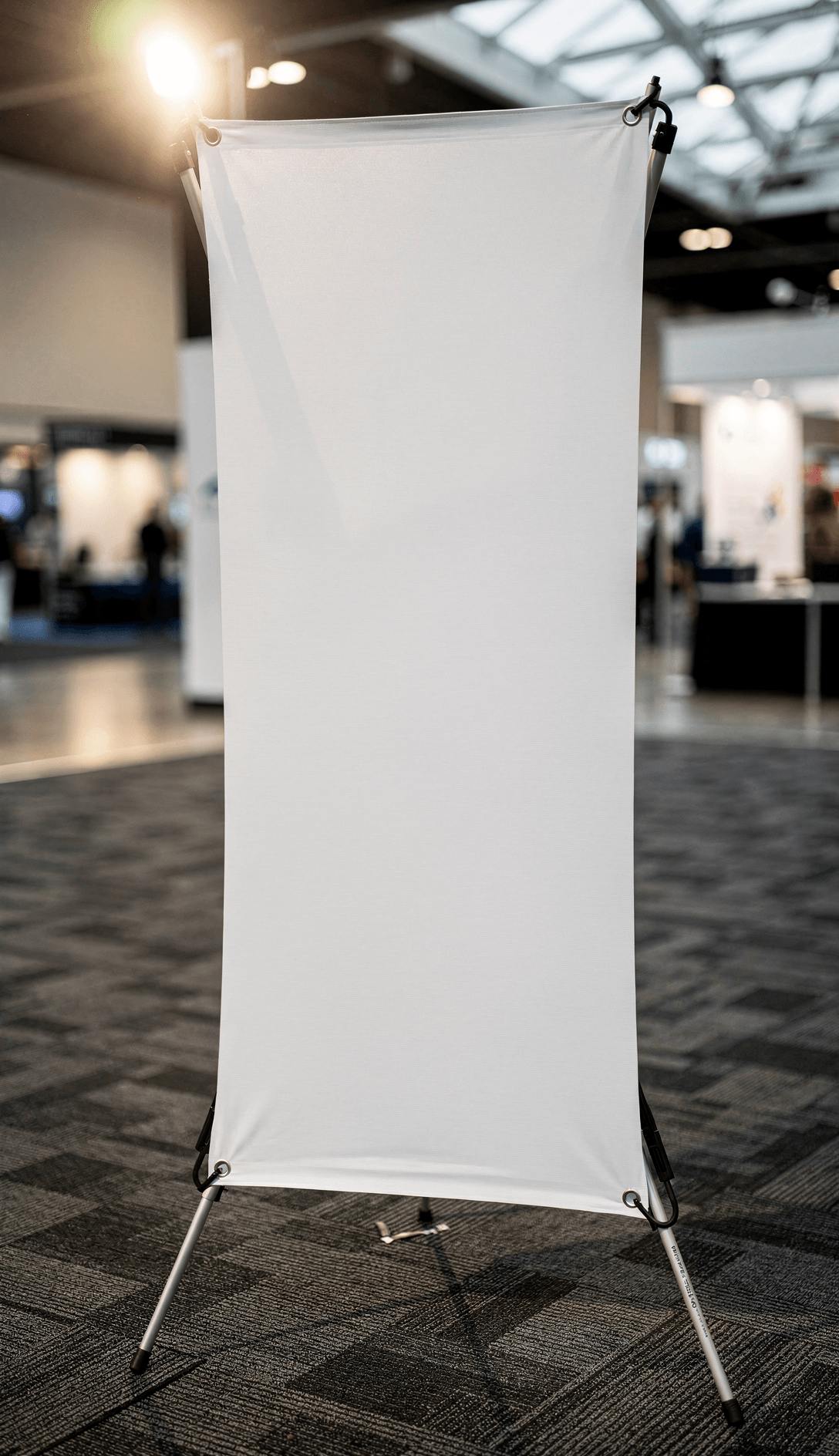
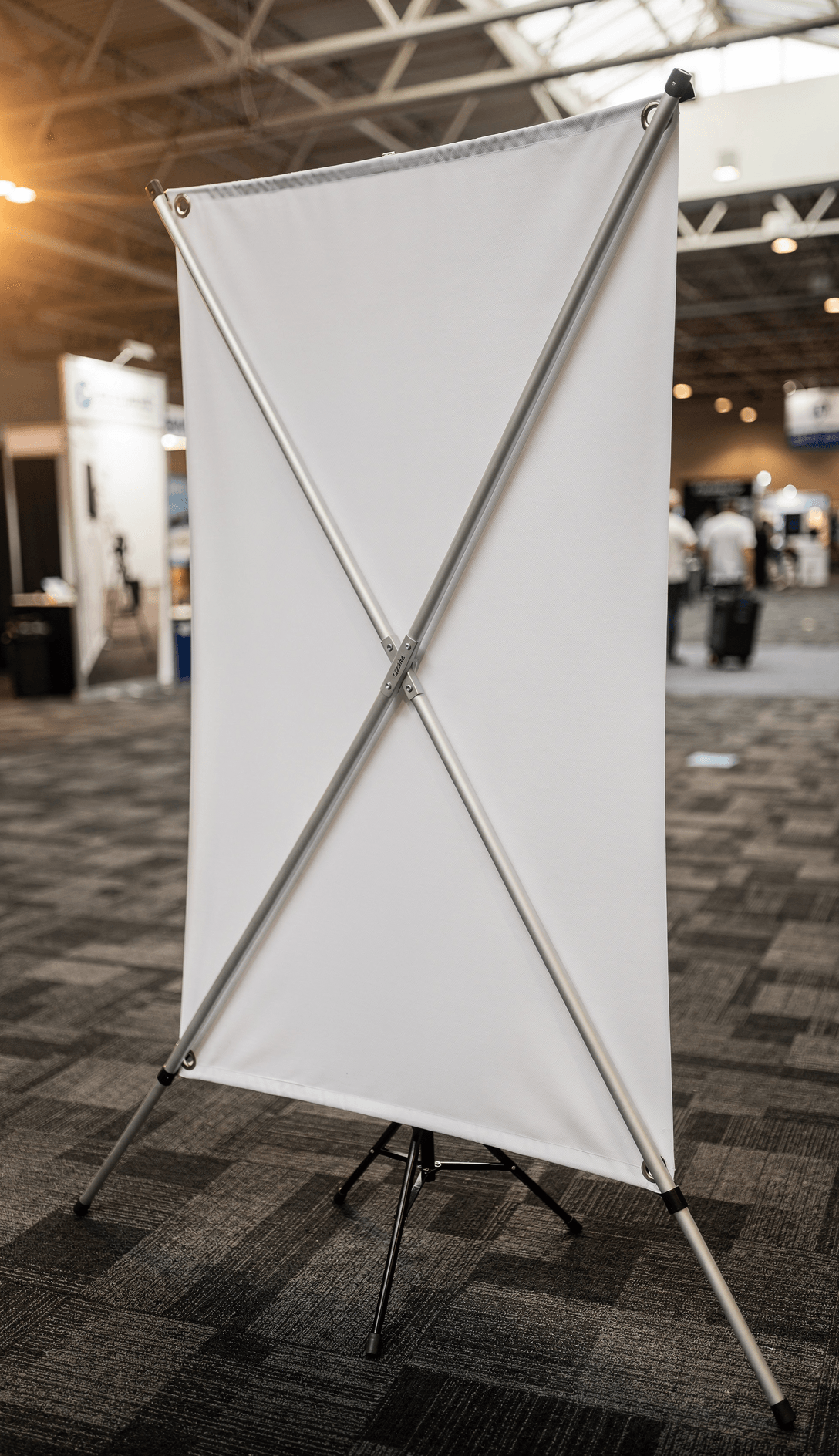
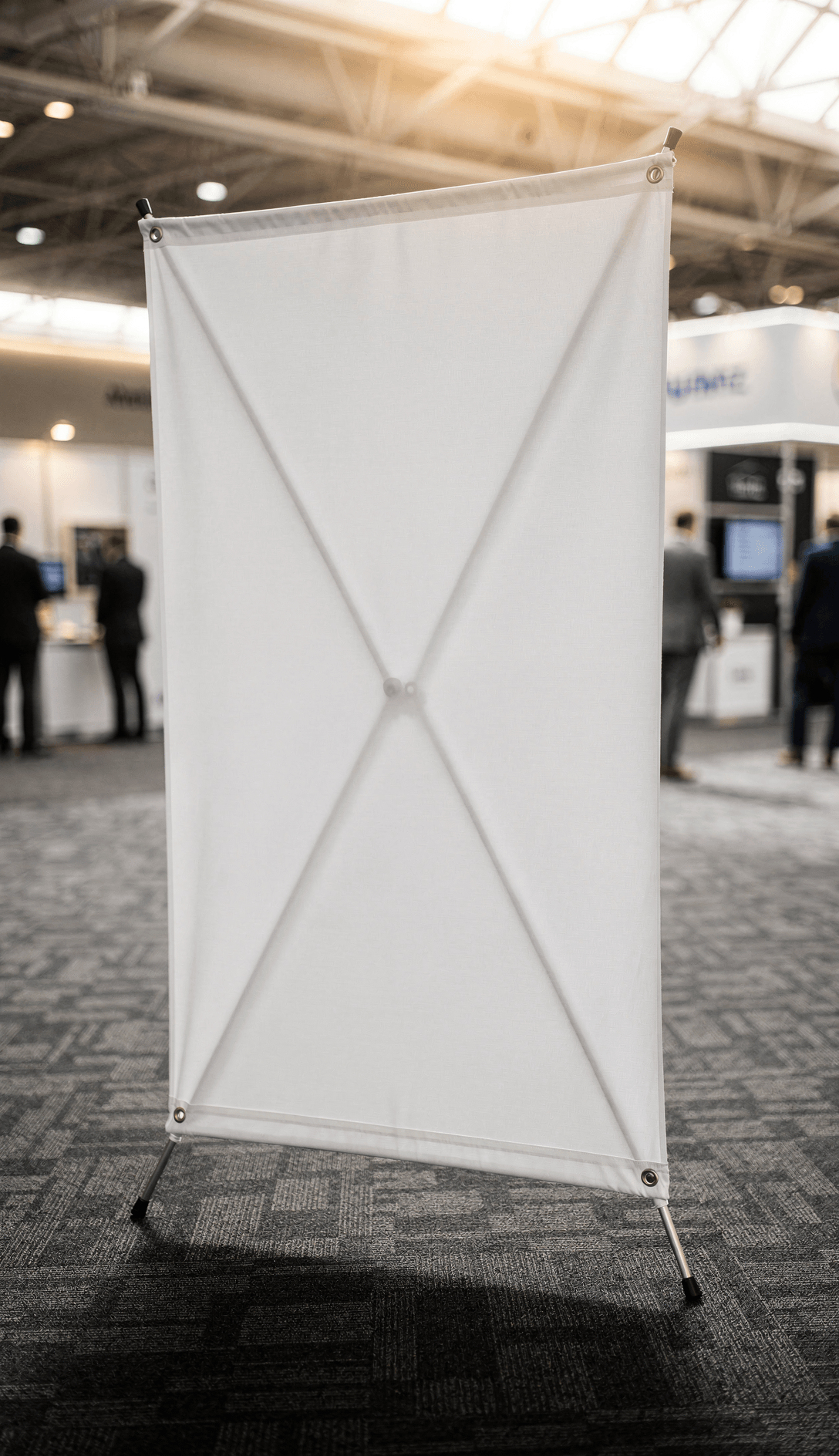
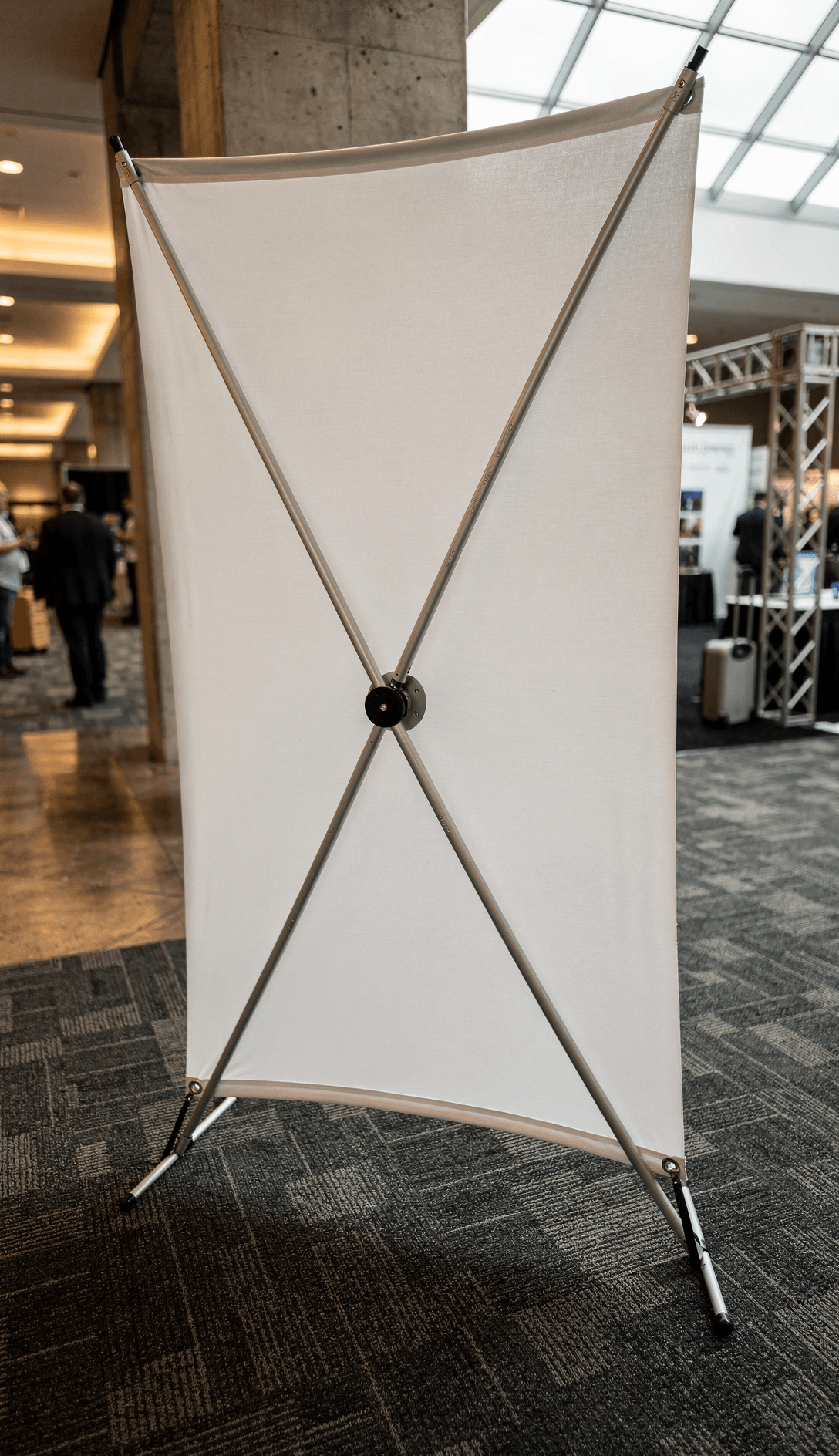
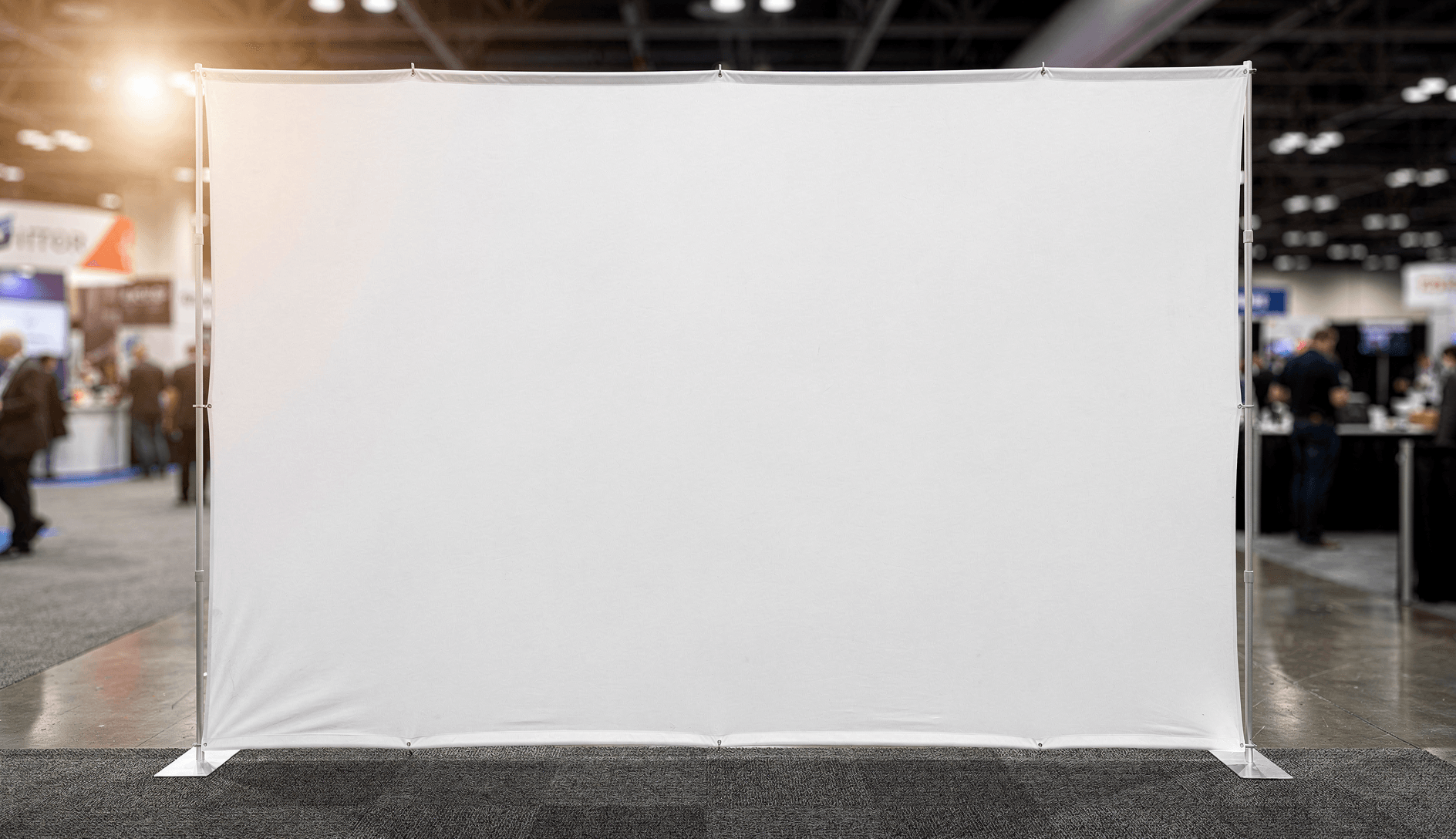
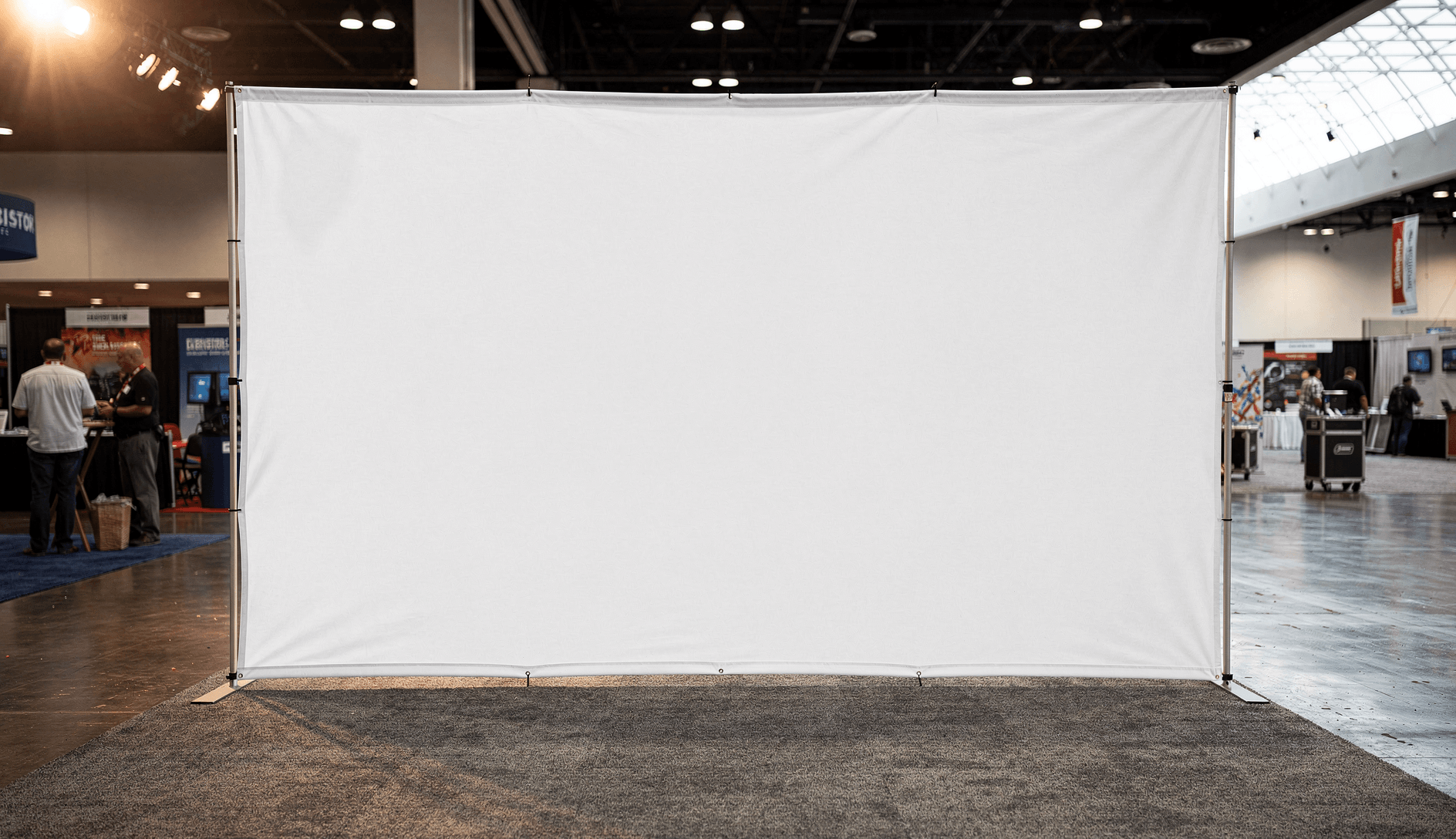
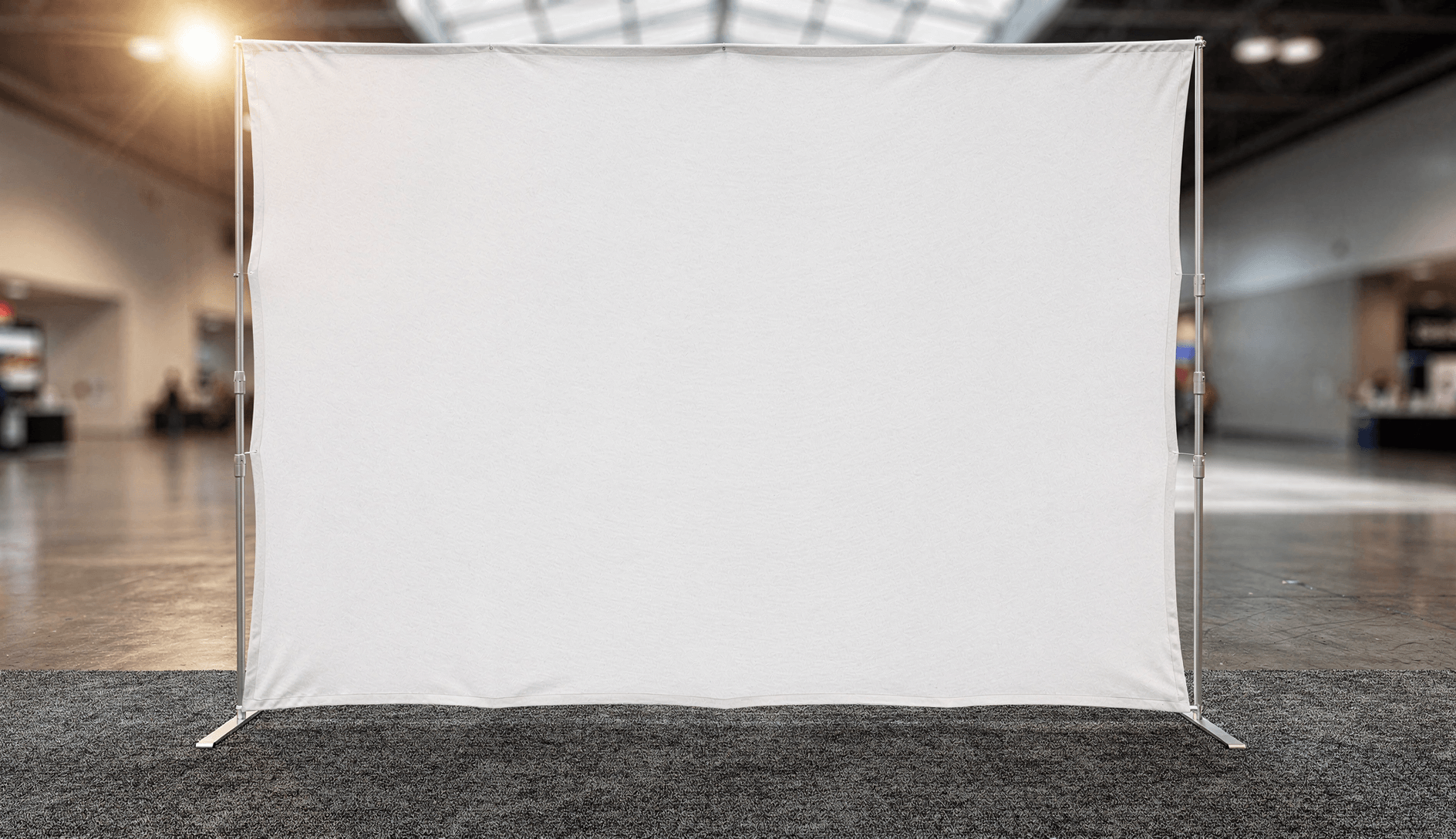
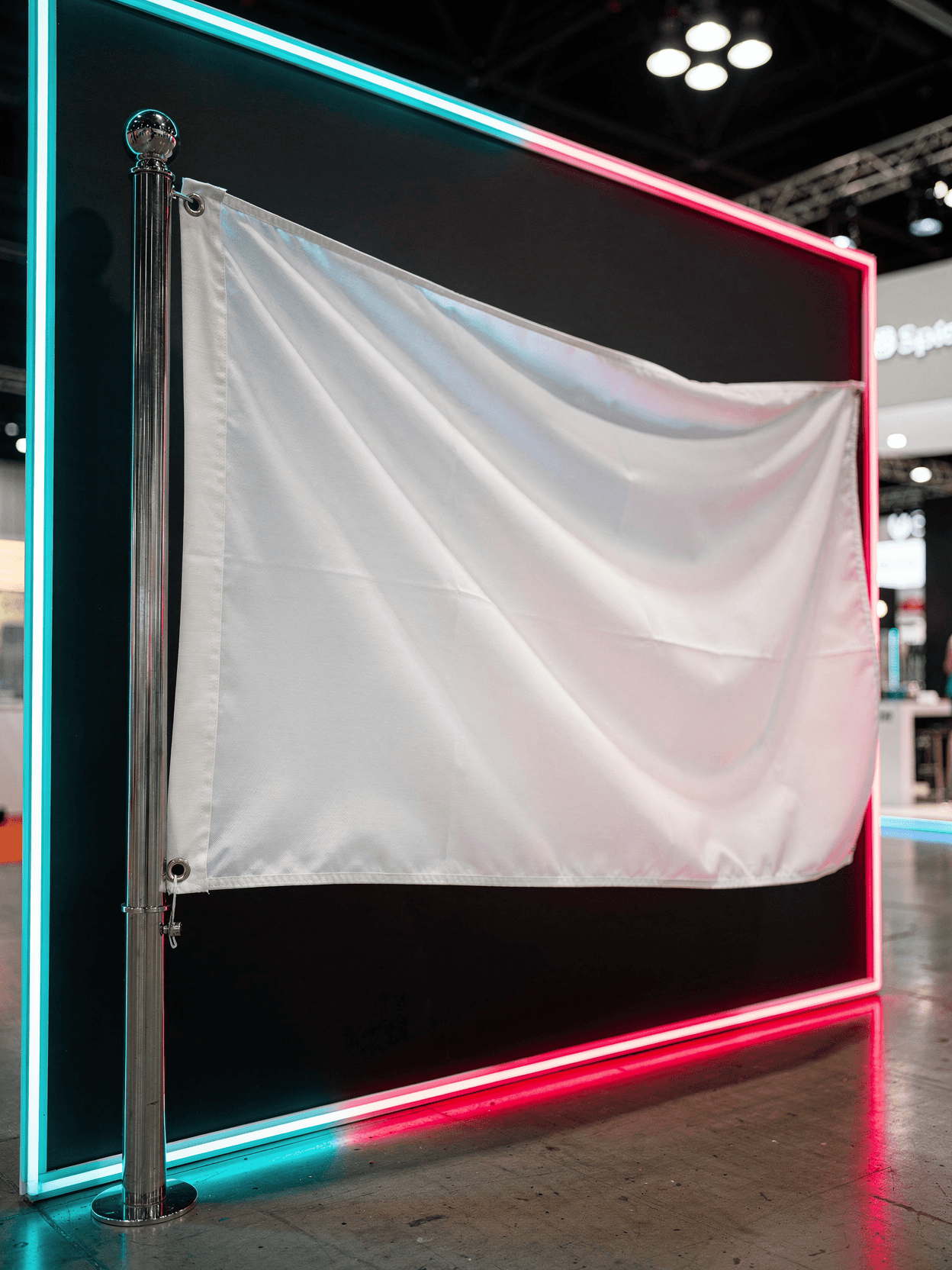
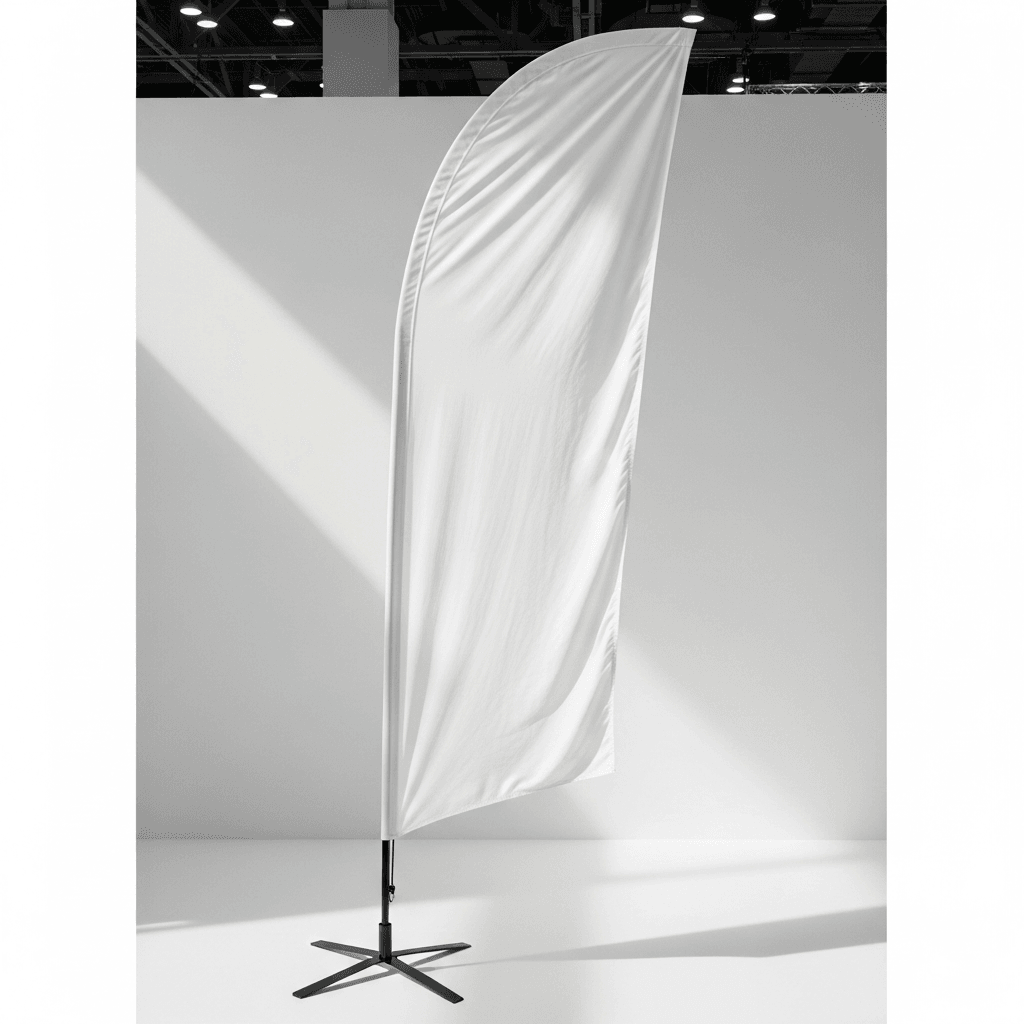
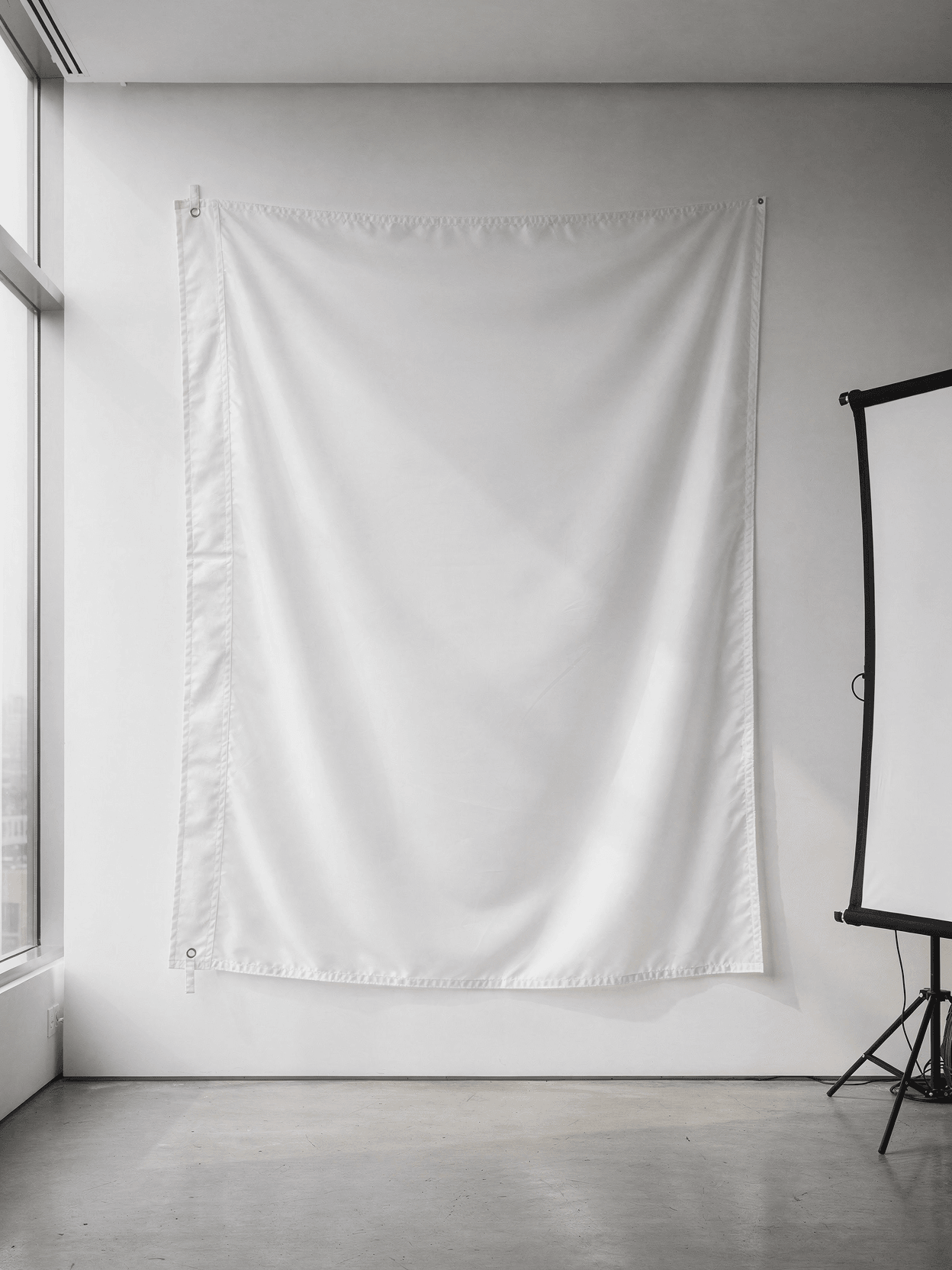
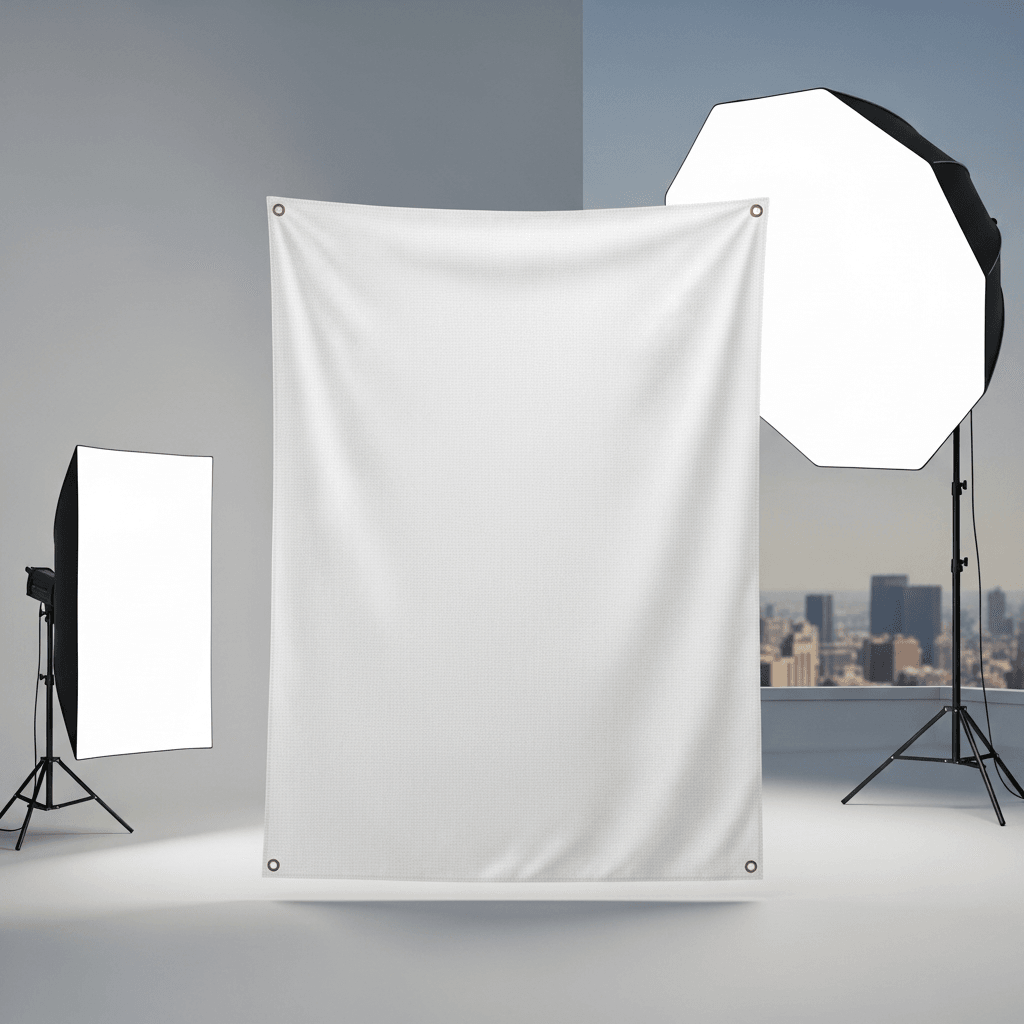
An X-banner mockup is a digital template that shows a banner panel mounted on a crossed-arm aluminum frame stand. The white banner surface serves as a placeholder where designers insert their artwork to preview how a printed X-banner will look in a realistic display setting. This template includes six angles photographed in a convention center environment.
Loading selected angle
White X-Banner Stand Mockup - Trade Show Setup
What's Included
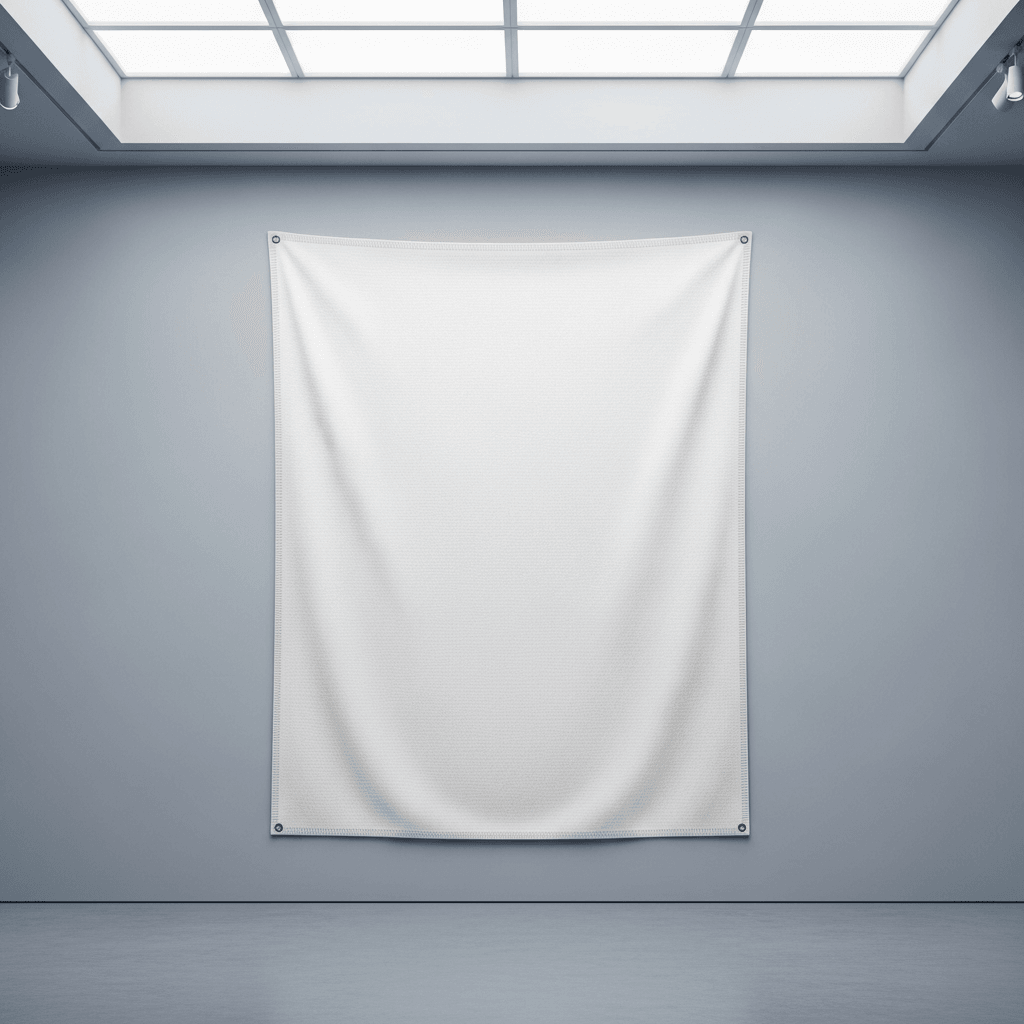
White woven fabric banner on aluminum X-frame with brass grommets at four corners
Six camera angles: three-quarter front, direct front, low-angle, side profile, grommet macro detail, wide environmental
Convention center setting with charcoal carpet tiles, overhead skylights, and warm booth lighting
Tripod base with four aluminum tube legs and black plastic hub connectors
Compatible with Shopify, WooCommerce, Etsy, and POD platforms including Printful and Printify
Every angle opens as a ready photo mockup
Subscriptions from $0.002 per render
Specifications
Format
PNG · RGB
Angles
6 views
About This Mockup
Mockup Overview
This mockup template displays a white X-banner stand photographed inside an active convention center environment. The banner is mounted on an aluminum tube frame with four diagonal arms forming an X-shape behind a white fabric panel. A four-legged tripod base anchors the stand to the floor. The convention center features charcoal gray commercial carpet tiles with a subtle geometric pattern, overhead skylight panels, and warm booth lighting from recessed ceiling fixtures. Other trade show booths are visible in the background with blurred attendees moving through the aisles.
Six camera angles capture the full structure. The three-quarter hero shot shows the banner from a slight left angle, revealing the depth of the aluminum frame behind the taut white surface. The fabric panel fills the rectangular area between the four corner attachment points, with the X-frame arms visible through the semi-translucent material. The direct front view presents the banner surface head-on with all four grommeted corners visible and the X-frame crossing pattern showing through the fabric. The low-angle shot, taken from near floor level, looks upward at the banner, emphasizing the stand's height relative to the convention hall ceiling and skylight. The side profile reveals the banner's curvature from corner tension, the frame's narrow depth, and the tripod leg extension at the base. A macro detail shot captures a brass-colored metal grommet where the woven fabric attaches to an aluminum frame arm via a wire hook. The final environmental context image is a wider shot from the right side, placing the X-banner within the convention floor with surrounding booths, signage, and attendees visible for scale.
Product Construction
The X-banner frame consists of telescoping aluminum tubes that form the four diagonal arms and the tripod base legs. The arms cross at a central black plastic hub connector visible from the rear. The banner panel is a white woven fabric (visible weave texture in the grommet close-up) attached at each corner via brass grommets threaded onto wire hooks at the frame arm endpoints. The base uses four aluminum tube legs extending outward from black hub connectors for floor stability.
Standard X-banner stand dimensions are typically 24"x63" or 32"x72" for the display area. The white fabric surface serves as the design placement zone for API rendering.
What the Template Includes
Six photographic angles of the same X-banner unit in a single convention center location:
- Three-quarter front view (primary hero image)
- Direct front view showing full banner surface
- Low-angle perspective emphasizing height
- Side profile showing frame depth and curvature
- Extreme close-up of corner grommet and fabric texture
- Wide environmental shot with trade show context
Compatible Products
This template pairs with other signage and banner mockups in the SudoMock library, including retractable roll-up banner stands, vinyl banner mockups, and outdoor banner displays. For trade show booth setups, consider combining with backdrop wall mockups or tabletop display templates.
Suitable Applications
- Trade show and exhibition promotional material previews
- Event signage mockups for client presentations
- Print shop order proofs for X-banner printing jobs
- E-commerce listings for custom banner printing services
- Marketing collateral review for conferences and corporate events
Every angle opens as a ready photo mockup: place your artwork in the editor or through the API.
How to Use This Mockup
Step 01
Pick an angle
Choose the angle you want from this template. Every angle opens as a ready photo mockup.
Photo Mockups GuideStep 02
Place your artwork
Add your design in the editor or through the API, as a single placement or a repeating pattern.
Print Areas GuideStep 03
Export your mockup
Generate high-resolution product images in PNG, JPG, or WebP format. Batch process multiple designs.
Render Artwork DocsDetails & Specifications
File Format
PNG
Color Mode
RGB
Angles
6
| Angle | Type | Primary |
|---|---|---|
| Three-Quarter Hero Shot | three-quarter-front | Yes |
| Direct Front View | straight-front | |
| Low Angle Empowerment Shot | low-angle-perspective | |
| Side Profile Structure | side-profile | |
| Corner Grommet Detail | detail-corner-grommet | |
| Trade Show Environment | environmental-context |
Perfect For
Use Cases
Seasons
Tags
X Banner MockupX Stand Banner MockupStanding Banner MockupTrade Show BannerExhibition BannerX Banner TemplateBanner Stand MockupConvention DisplayPortable BannerAluminum Frame BannerTripod Banner StandVertical Banner MockupSignage MockupPromotional BannerEvent Display MockupGrommet BannerTrade Show DisplayX Banner FreeBanner Stand DisplayAPI Mockup Rendering
Visual Style
Industry Insights & Research
X-banner stands are among the most commonly used portable display formats at trade shows and conventions due to their low cost and simple assembly.
Establishes the widespread adoption of X-banner displays in the signage industry.
Subscriptions from $0.002 per render.
Pricing from the SudoMock pricing page, October 2026.
“We photograph our X-banner templates in real convention center environments because designers need to see how their artwork will look in actual deployment conditions, not just on a flat white background.”
“For our banner printing service on Etsy, having multiple angle mockups cut our back-and-forth with customers in half. They can see exactly what the final product looks like before ordering.”
“The grommet detail shot is something most free mockups skip, but it matters when you are showing clients that the final product has solid construction, not just a nice design.”
“We render about 200 banner mockups per week using the API. At that volume, the per-render cost matters a lot more than any individual template feature.”
Frequently Asked Questions
Standard X-banner display sizes are 24"x63" and 32"x72". Design files should be created at the finished banner dimensions plus any required bleed area, typically 0.25" to 0.5" on each side. Artwork should be prepared at 150-300 DPI for print-quality output.
X-banners use a crossed-arm frame that attaches to the banner at four corner grommets, with a separate tripod base for stability. Roll-up (retractable) banners house the printed material inside a base cassette and pull upward on a spring mechanism. X-banners are generally lighter and less expensive, while roll-up banners offer faster setup and better banner protection during transport.
Yes. This mockup template is designed for rendering via SudoMock's API or Dashboard. Every angle opens as a ready photo mockup: place your artwork in the editor or through the API.
For digital product listings and web use, rendered mockup images at 2000-4000px on the long side are sufficient. SudoMock supports output up to 10,000px resolution. For print-quality banner artwork (the design file itself, not the mockup), prepare source files at 150-300 DPI at the final print dimensions.
The white banner surface in this template has a visible woven fabric texture. Every angle opens as a ready photo mockup: place your artwork in the editor or through the API.
This template includes six angles: a three-quarter front hero shot, a direct front view, a low-angle perspective from floor level, a side profile showing frame depth, an extreme close-up of the corner grommet attachment, and a wide environmental shot showing the banner within a convention center trade show floor.
You can also use the SudoMock Dashboard playground for manual rendering without code. Every angle opens as a ready photo mockup: place your artwork in the editor or through the API. Subscriptions from $0.002 per render.
Ready to Create Stunning Mockups?
Generate product mockups with Photo Mockups and the Render API. Upload artwork and export high-resolution images from one workflow.
No credit card required500 one-time creditsInstant API access