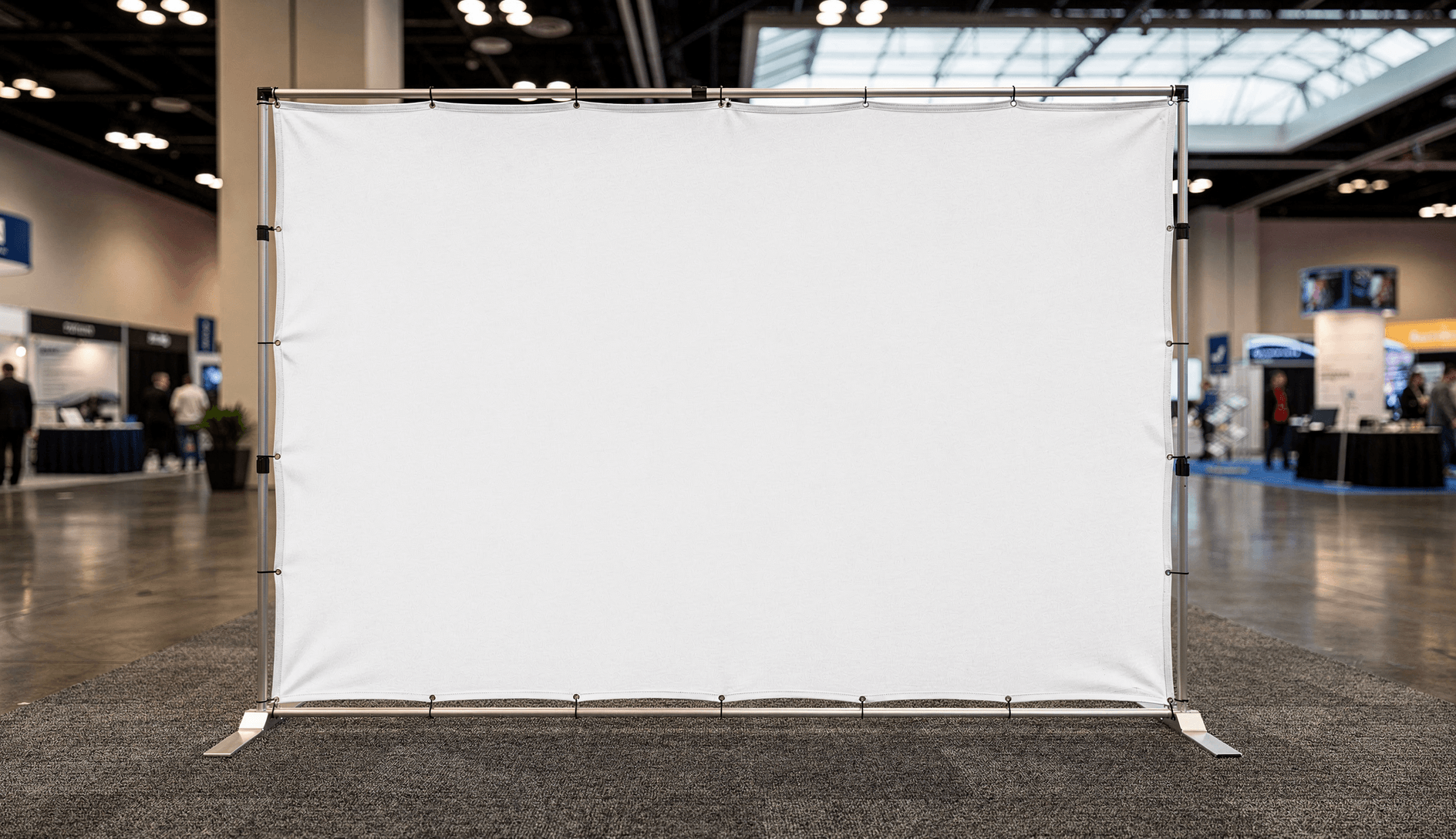
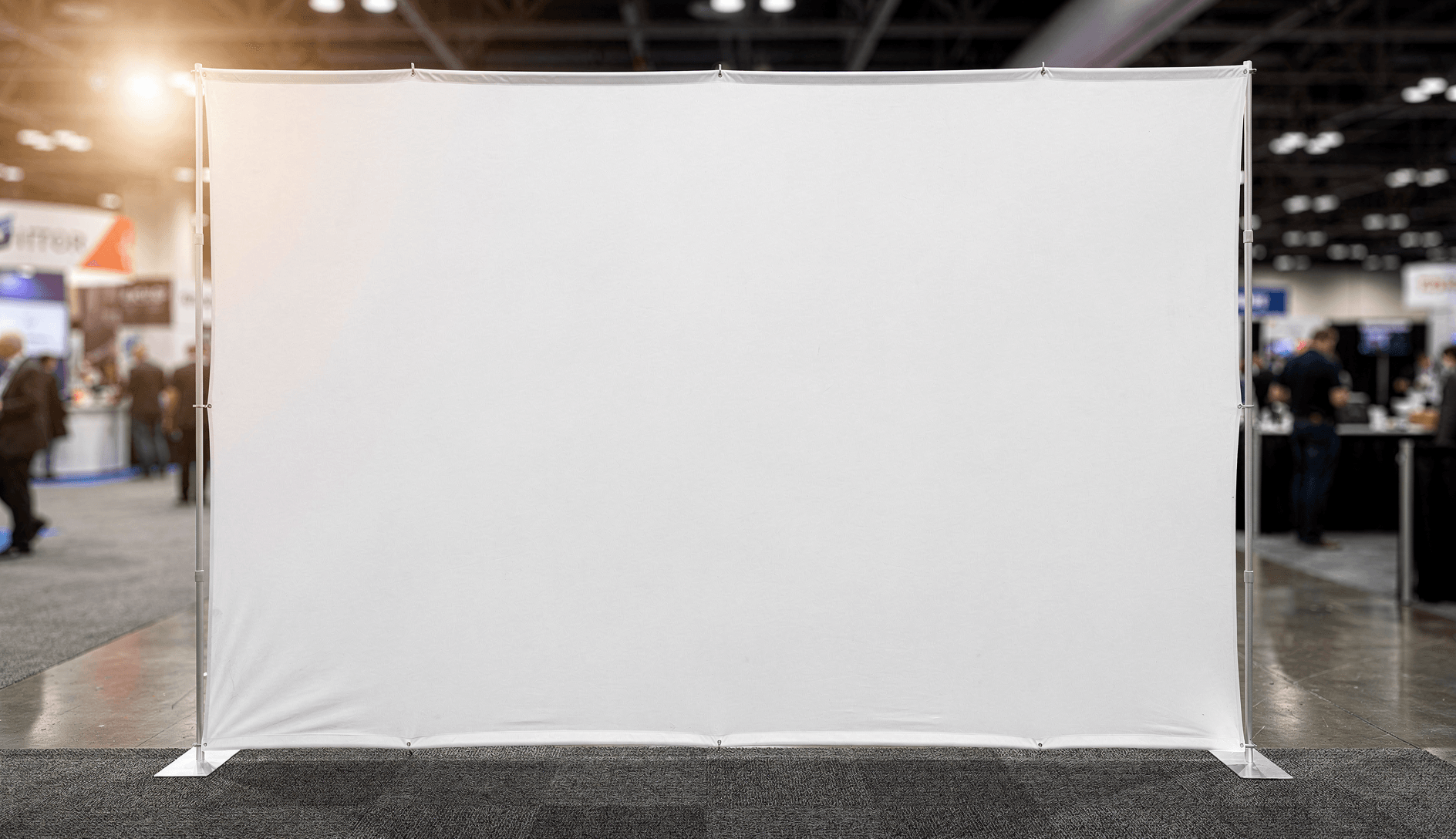
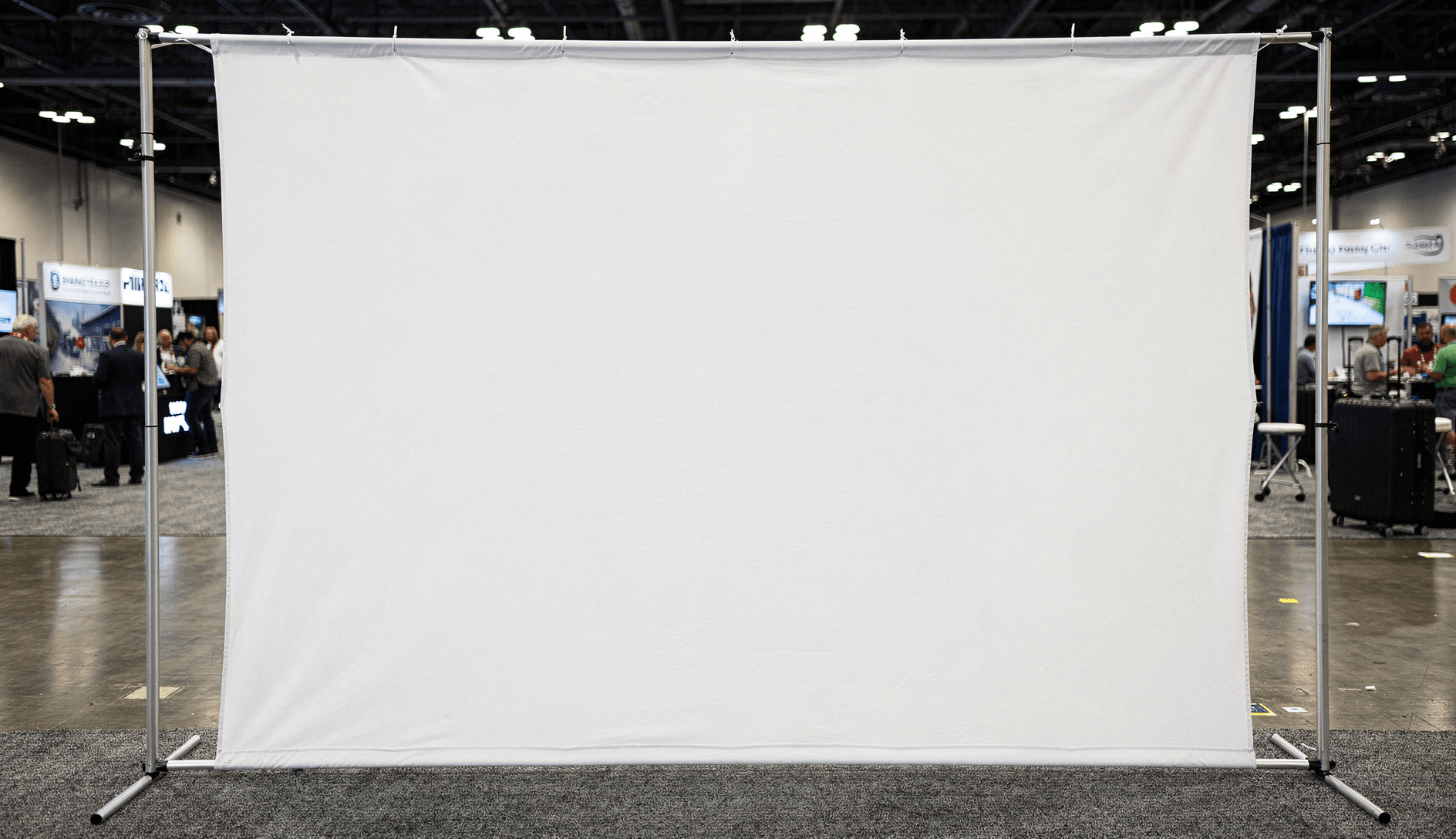
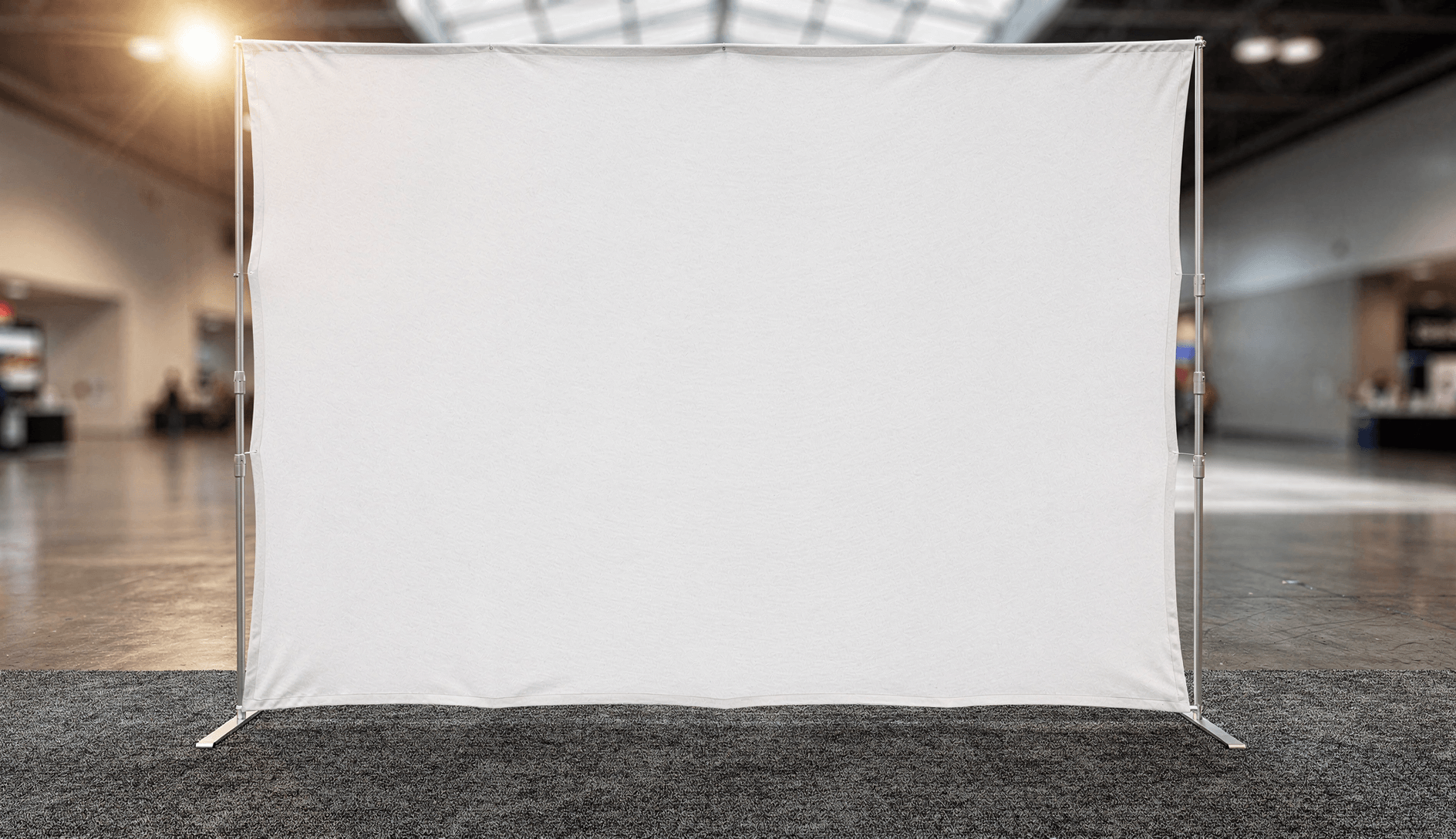
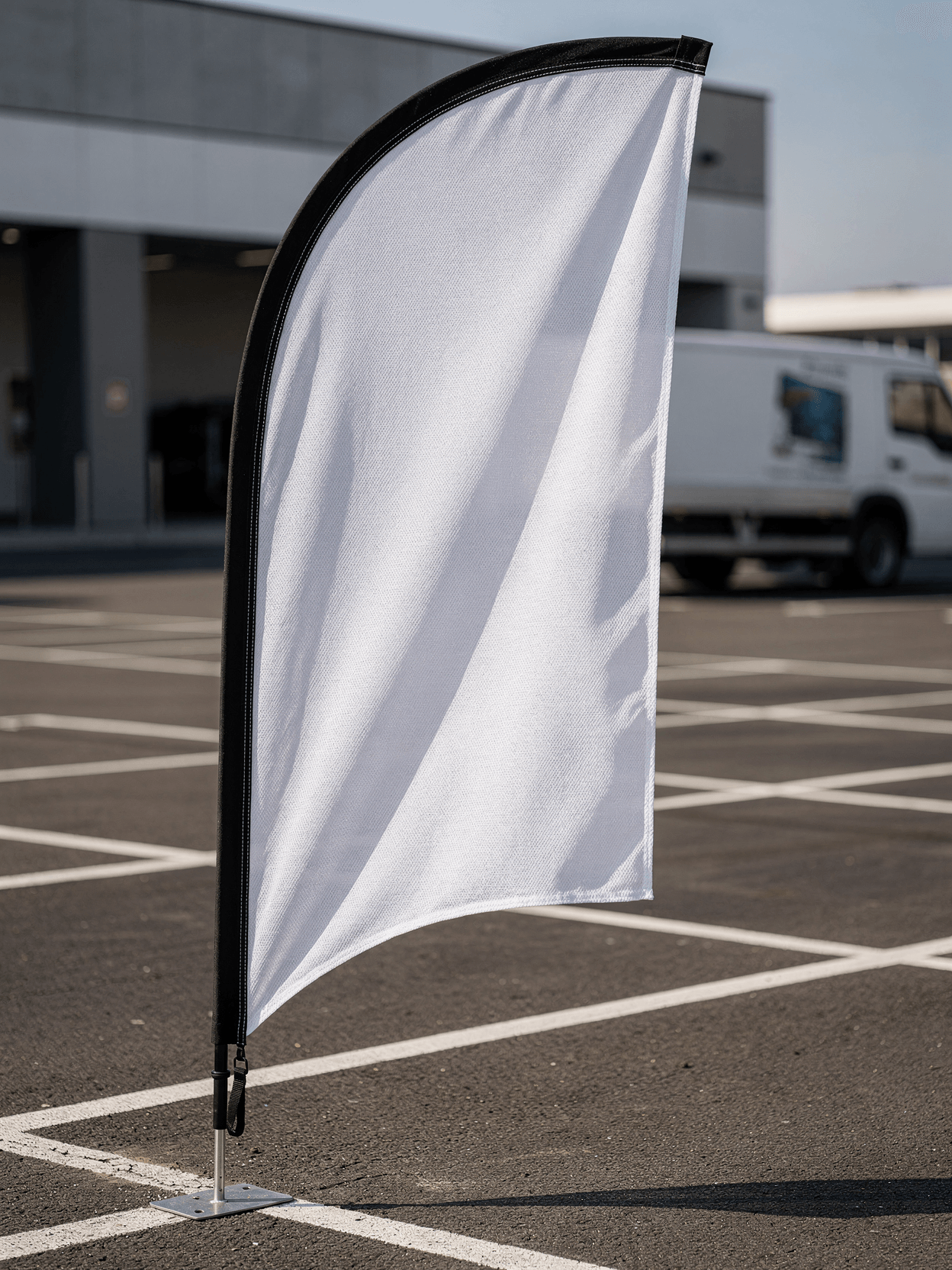
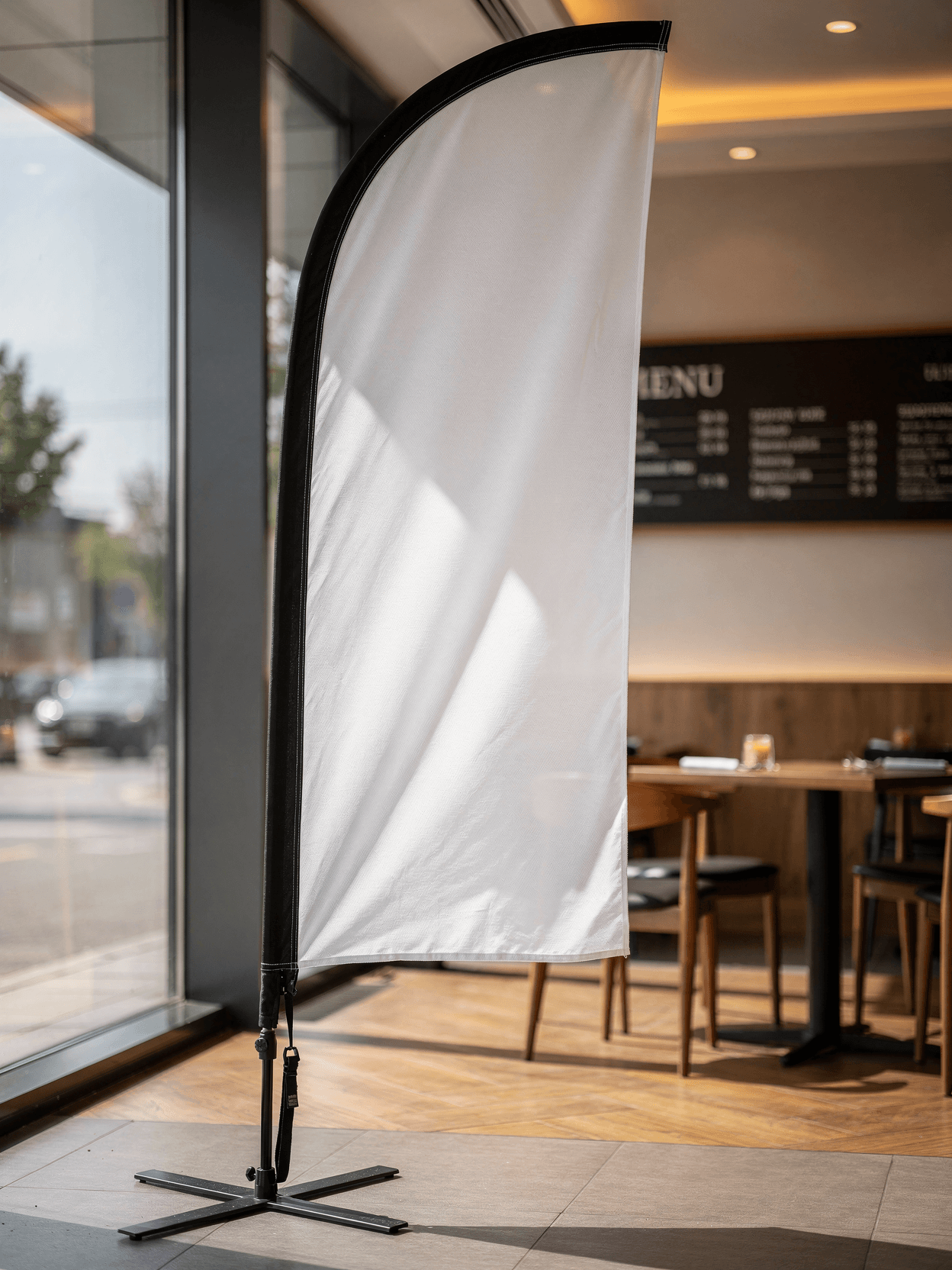
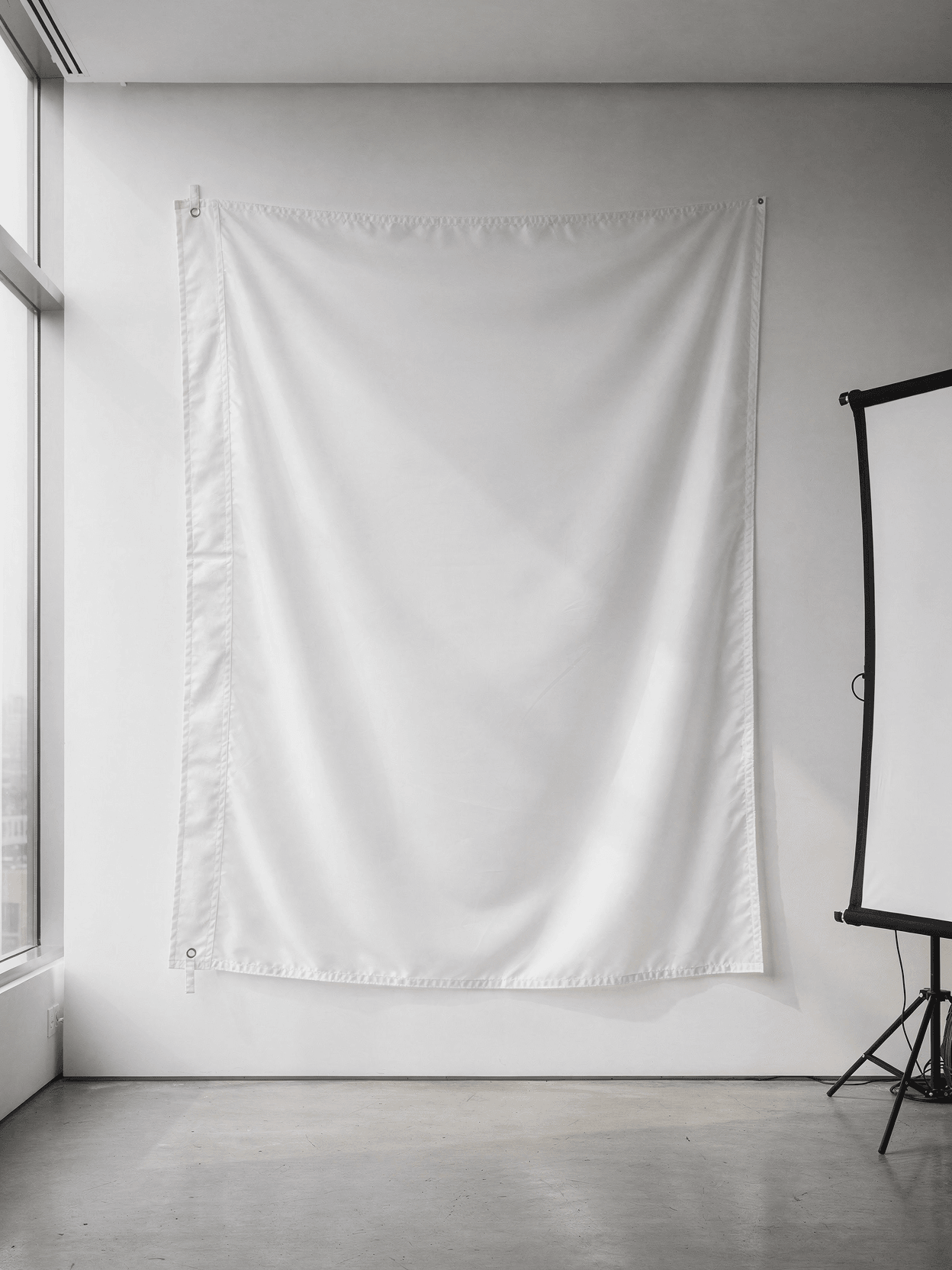
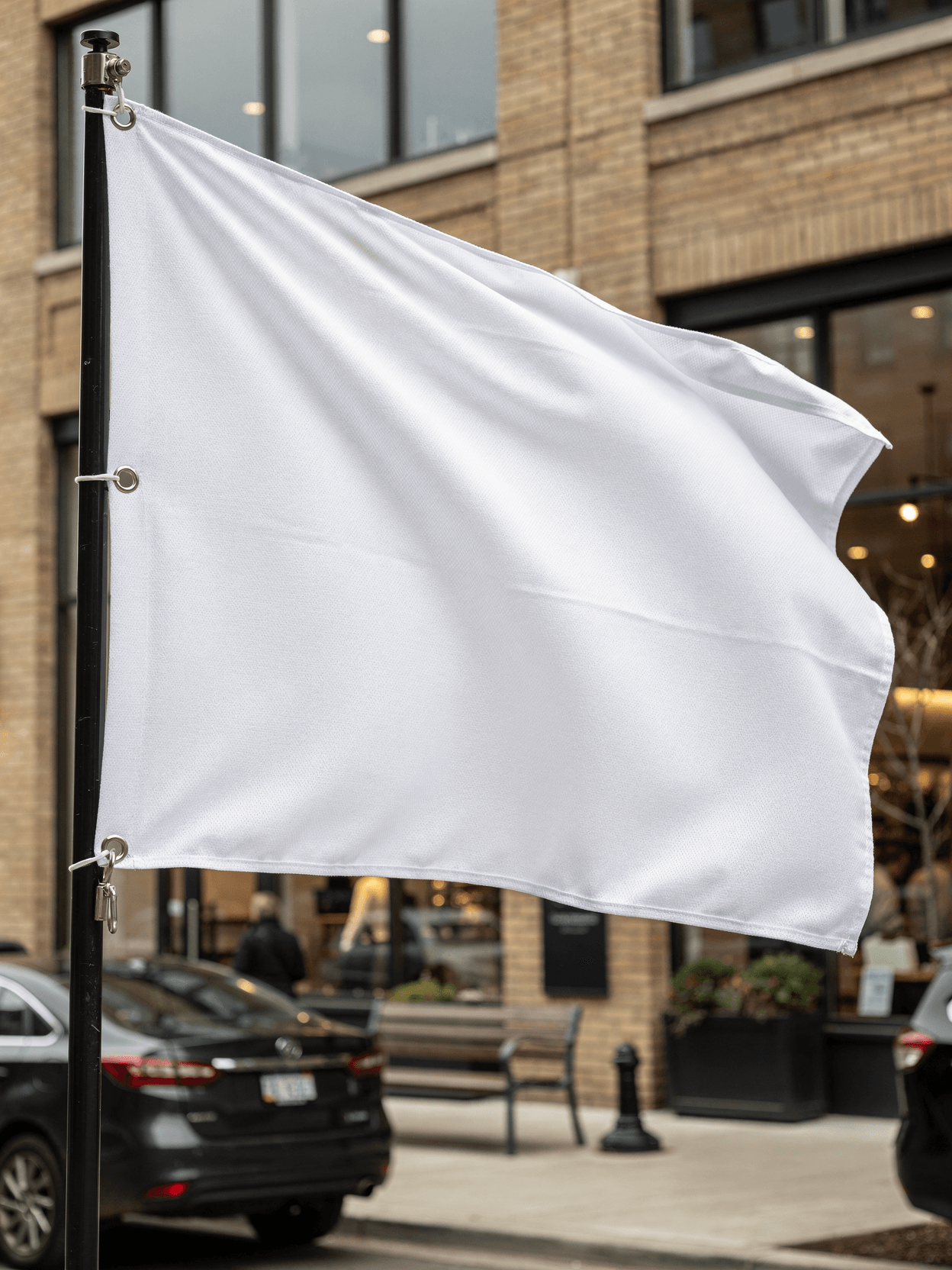
An X-banner mockup is a digital template showing a blank banner mounted on an X-shaped frame stand. Designers use it to preview how printed artwork will look on the physical product before sending files to production. Every angle opens as a ready photo mockup: place your artwork in the editor or through the API.
Loading selected angle
White X-Banner Stand Mockup - Trade Show Setup
What's Included
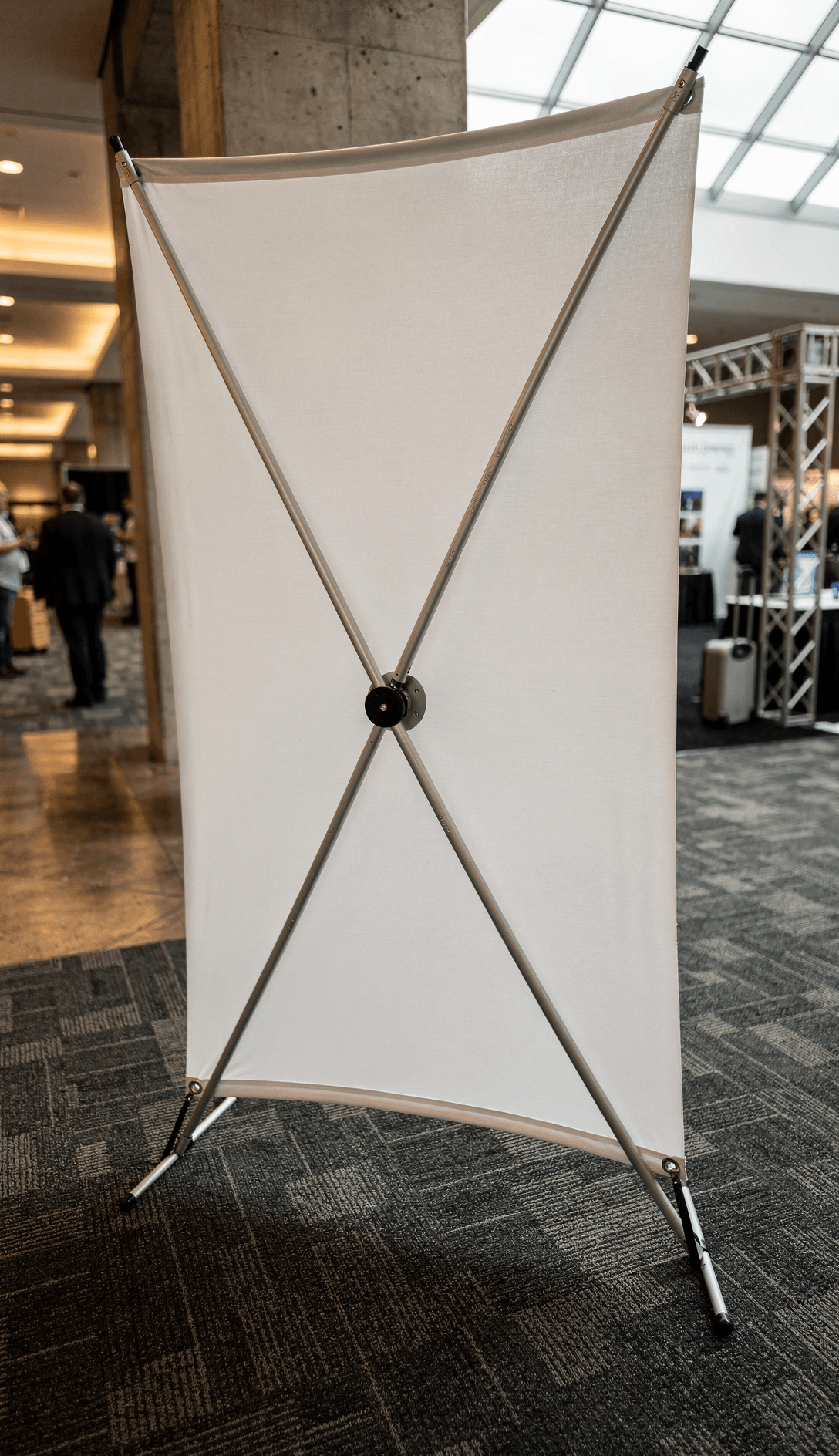
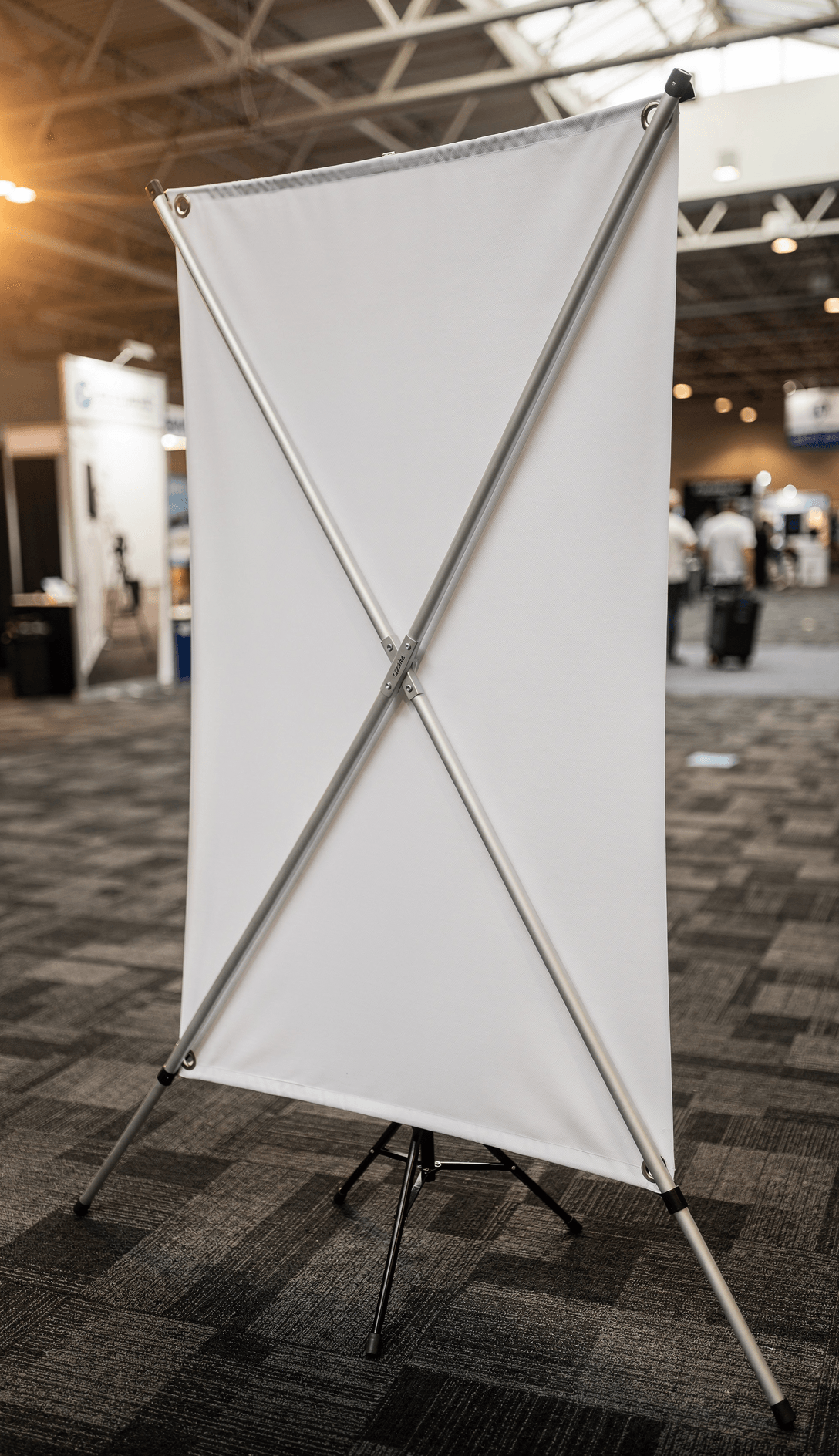
White matte banner surface on aluminum X-frame stand with four corner grommets and central hub connector
Six camera angles: three-quarter hero, direct front, low-angle perspective, side profile, corner grommet macro detail, and wide trade show environment
Convention center setting with charcoal carpet tiles, overhead skylight, and blurred exhibitor booths for scale reference
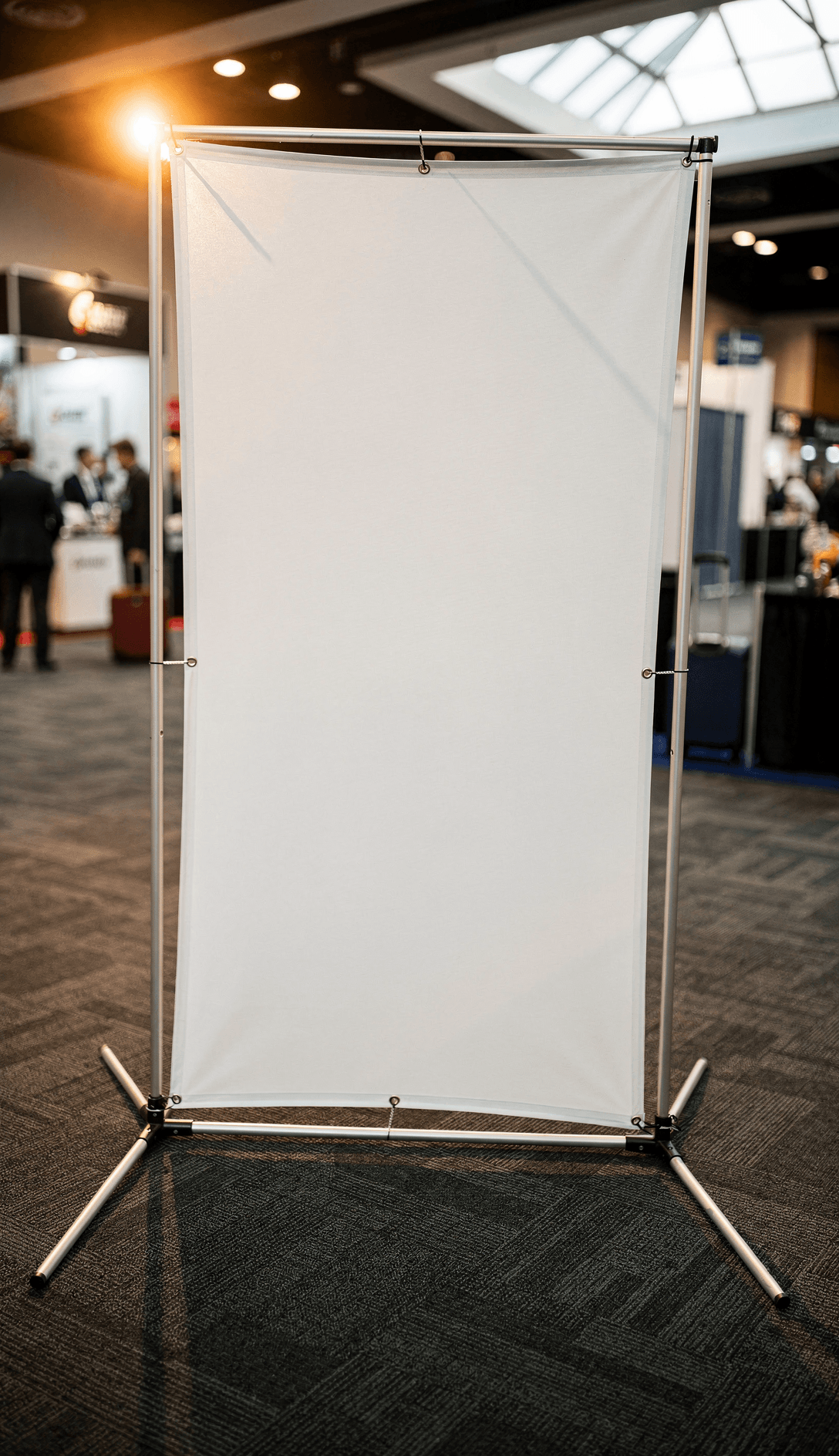
Tripod base with rubber-tipped aluminum legs shown in multiple angles to demonstrate full stand structure
Every angle opens as a ready photo mockup
Subscriptions from $0.002 per render
Specifications
Format
PNG · RGB
Angles
6 views
About This Mockup
Mockup Overview
This template shows a white matte X-banner mounted on an aluminum X-frame stand, photographed inside a convention center with charcoal gray commercial carpet tiles and overhead skylight illumination. The banner surface is plain white with visible woven fabric texture throughout. All six camera angles capture the full X-frame structure: two diagonal aluminum arms crossing at a central hub, four metal grommets at the corners, and a tripod base with rubber-tipped feet. Blurred attendees in business attire and exhibitor booths are visible in the background across multiple shots, providing realistic scale context.
What This Mockup Shows
The three-quarter hero shot presents the full X-banner at a slight leftward angle, revealing the depth of the X-frame arms behind the banner material. Corner grommets are visible at all four points, and the tripod base legs extend outward on the carpet. The banner fabric shows a slight natural drape between the tensioned corners.
The direct front view captures the banner surface head-on. The white fabric is taut across its rectangular area, with the X-frame crossing pattern faintly visible through the semi-translucent material. All four corner grommets and the central hub connector are centered in frame.
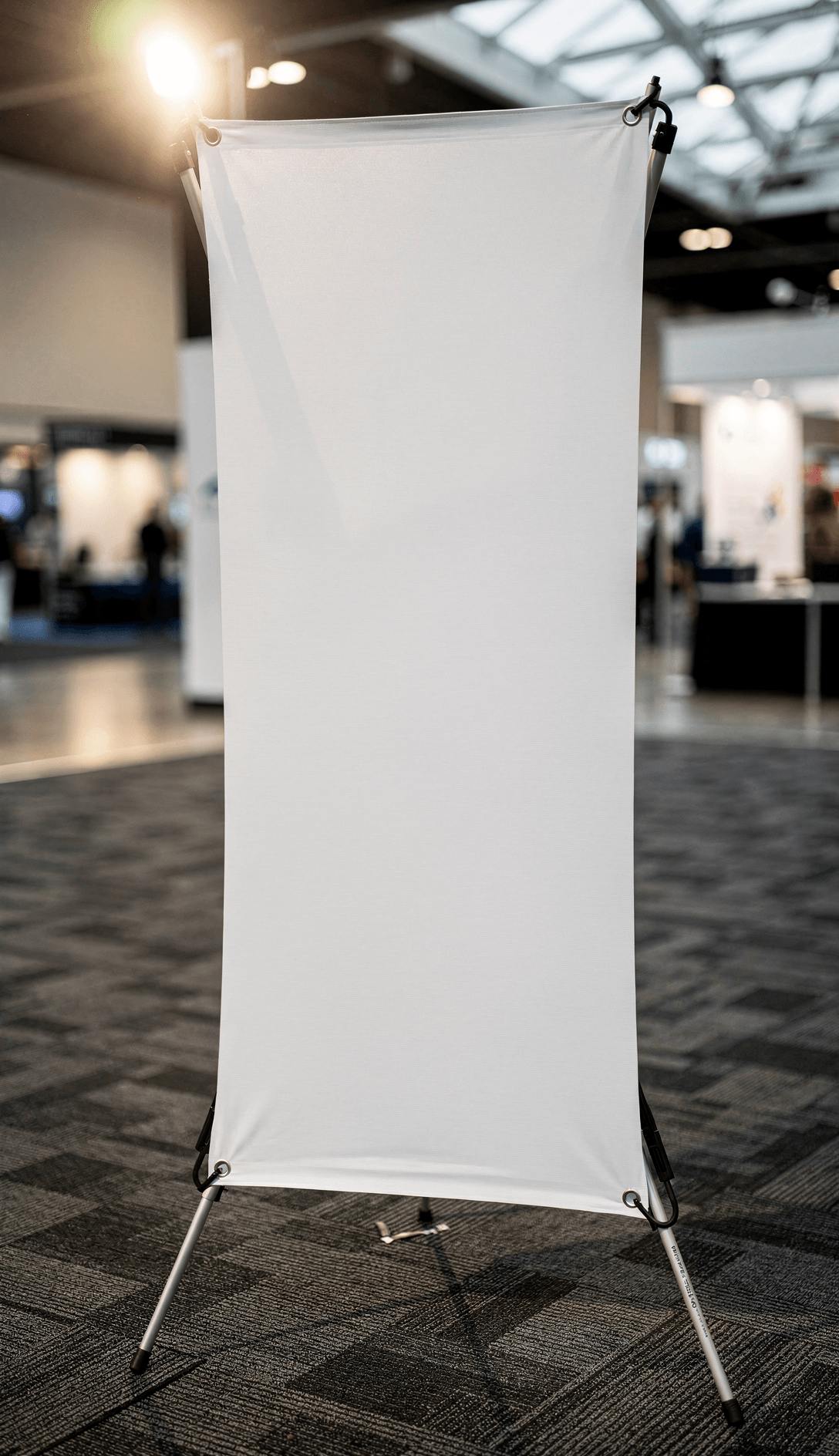
The low-angle perspective places the camera near floor level, looking upward. This emphasizes the banner's height relative to the convention space. The tripod feet sit in the foreground on the carpet, and the banner extends upward toward the venue's exposed steel truss ceiling and skylight panels.
The side profile reveals the X-frame's structural depth. The aluminum arms create a visible X-shape from this angle, with a black plastic hub connector at the center. The banner material curves slightly between its top and bottom attachment points. The tripod legs extend forward and backward, showing the stand's footprint.
The corner grommet detail is a macro-distance close-up of the top corner attachment. A metal grommet ring is punched through the white woven banner material, hooked onto the end cap of an aluminum frame arm. The fabric weave texture is clearly visible at this magnification, showing a crosshatch pattern consistent with polyester banner material.
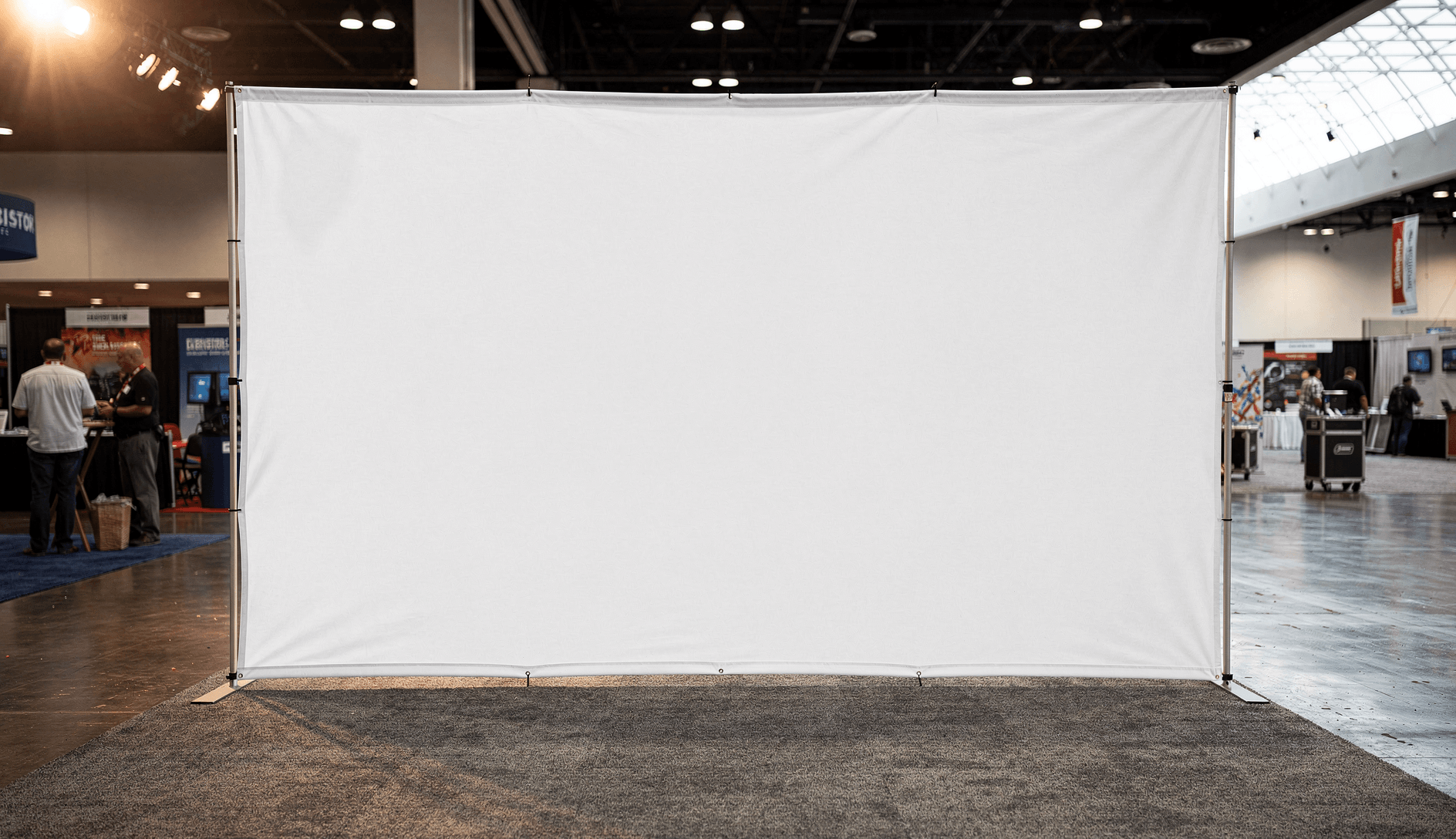
The trade show environment shot is a wider angle from the right side, showing the X-banner as the focal point within the convention floor. Multiple exhibitor booths with signage are visible in the background. The charcoal carpet, overhead lighting grid, and attendee foot traffic establish the setting.
Technical Details
The banner surface is pure white (#FFFFFF) with no prints, logos, or graphics.
Standard X-banner dimensions for this style of stand are typically 24" x 63" or 31.5" x 70", based on common industry specifications from suppliers like U.S. Press and 48HourPrint.
File and Rendering Specifications
This template is available for rendering through the SudoMock API or the Dashboard Playground at sudomock.com/dashboard/playground. Output formats include WebP, PNG, and JPEG at resolutions up to 10,000px.
Use Cases
Suitable for: trade show signage previews, event marketing material presentations, print shop order proofs, promotional banner design client approvals, and e-commerce listings for banner printing services.
Compatible Products and Related Mockups
This X-banner template complements other signage mockups in the SudoMock library. Related templates include retractable roll-up banner stands, vinyl outdoor banners, and A-frame sidewalk signs. For sellers offering trade show packages, combining this X-banner mockup with tabletop banner and backdrop wall templates provides a complete booth visualization set.
X-Banner Size Reference
Common X-banner print sizes per Platon Graphics and Vispronet: small (16" x 42"), medium (24" x 63"), and large (31.5" x 70"). Design files should include 0.25" bleed on all edges. Resolution of 150 DPI minimum is standard for banner printing at viewing distances of 3 feet or more.
Every angle opens as a ready photo mockup: place your artwork in the editor or through the API.
How to Use This Mockup
Step 01
Pick an angle
Choose the angle you want from this template. Every angle opens as a ready photo mockup.
Photo Mockups GuideStep 02
Place your artwork
Add your design in the editor or through the API, as a single placement or a repeating pattern.
Print Areas GuideStep 03
Export your mockup
Generate high-resolution product images in PNG, JPG, or WebP format. Batch process multiple designs.
Render Artwork DocsDetails & Specifications
File Format
PNG
Color Mode
RGB
Angles
6
| Angle | Type | Primary |
|---|---|---|
| Three-Quarter Hero Shot | three-quarter-front | Yes |
| Direct Front View | straight-front | |
| Low Angle Empowerment Shot | low-angle-perspective | |
| Side Profile Structure | side-profile | |
| Corner Grommet Detail | detail-corner-grommet | |
| Trade Show Environment | environmental-context |
Use Cases
Seasons
Tags
X Banner MockupX Stand Banner MockupStanding Banner MockupTrade Show BannerExhibition Banner MockupX Banner TemplateBanner Stand MockupVertical Banner MockupPromotional Banner MockupX Banner DisplayConvention Center SignagePortable Banner StandGrommet BannerAluminum Frame BannerSignage MockupEvent Banner MockupTrade Show DisplayBanner Mockup TemplateX Banner FreeCoroplast X Banner
Visual Style
Industry Insights & Research
“We render X-banner mockups for every order proof we send to clients. It saves a lot of back-and-forth compared to flat PDF previews because the client can see how the design sits on the actual stand with realistic proportions.”
“For our Etsy banner printing listings, we generate mockups through the API whenever a new design template goes live. The trade show background in these templates gives customers context they respond to better than plain white backgrounds.”
Frequently Asked Questions
Standard X-banner sizes are 24x63 inches (small/medium) and 31.5x70 inches (large). Design files should be created at the full print size with 0.25-inch bleed on all edges. A minimum resolution of 150 DPI is standard for banner printing viewed at 3+ feet distance.
An X-banner uses a collapsible X-shaped frame with grommets at each corner to hold the banner taut, while a roll-up (retractable) banner stores the graphic inside a base cassette and pulls upward on a spring mechanism. X-banners are typically lighter, more affordable, and have a visible frame structure on the back side.
Yes. X-banner mockups rendered through the SudoMock API produce standard image files (WebP, PNG, JPEG) that can be uploaded directly to Etsy product listings. Sellers offering banner printing services commonly use these mockups to show customers how their design will appear on the finished X-banner stand.
For digital mockup previews used in product listings or client proofs, output at 72-150 DPI is sufficient for screen display. SudoMock renders output up to 10,000px on the longest edge, which provides enough resolution for both web use and print-quality proofing documents.
X-banners are commonly printed on 13oz scrim vinyl for outdoor use or polyester fabric for indoor trade show displays. This mockup template shows a woven polyester-type banner material with visible crosshatch texture, which is the standard choice for indoor exhibition X-banners.
Pick an angle, open it in Photo Mockups and place your artwork in the editor or through the API. Then export your mockup as PNG, JPG or WebP.
Ready to Create Stunning Mockups?
Generate product mockups with Photo Mockups and the Render API. Upload artwork and export high-resolution images from one workflow.
No credit card required500 one-time creditsInstant API access