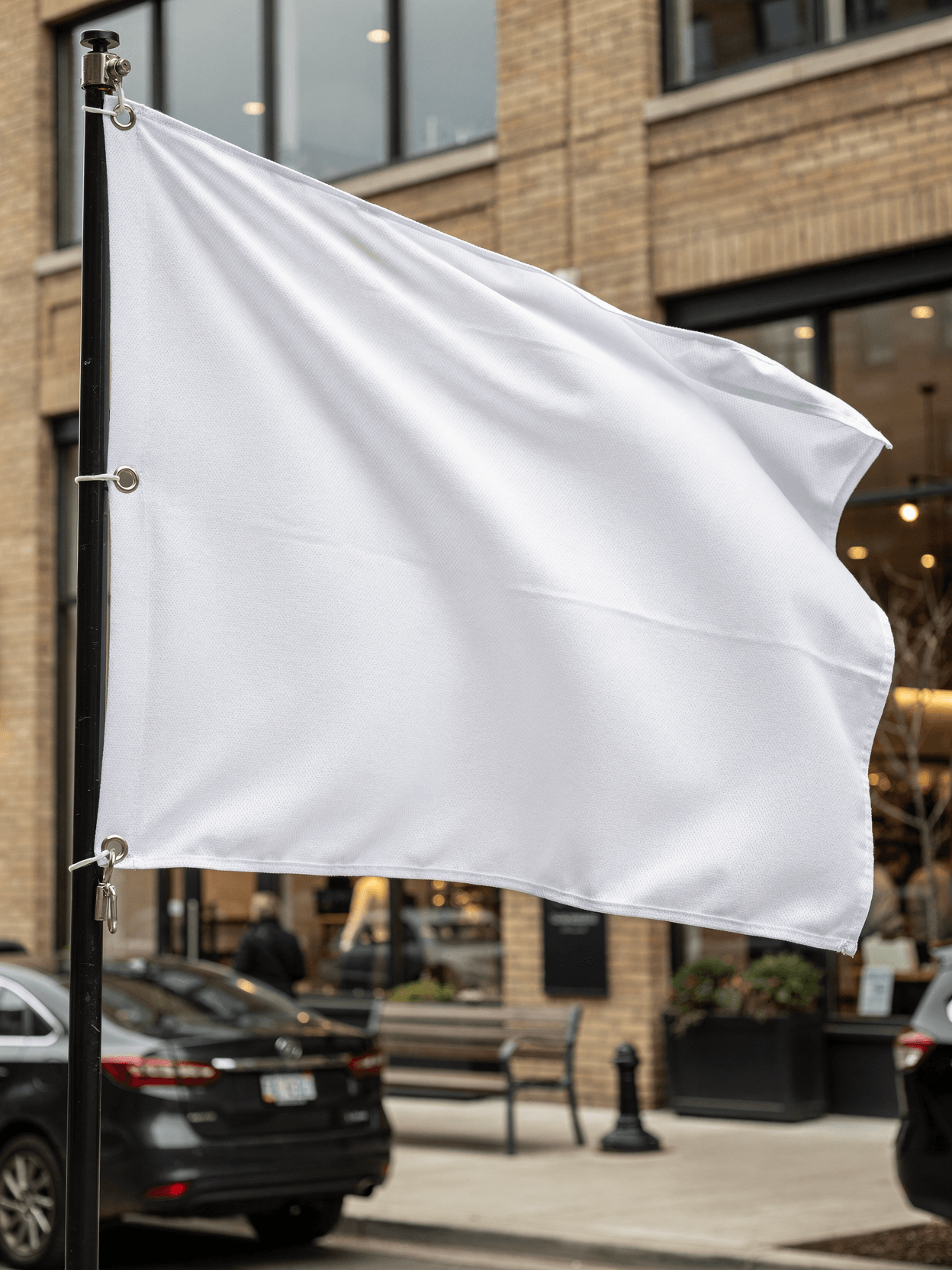
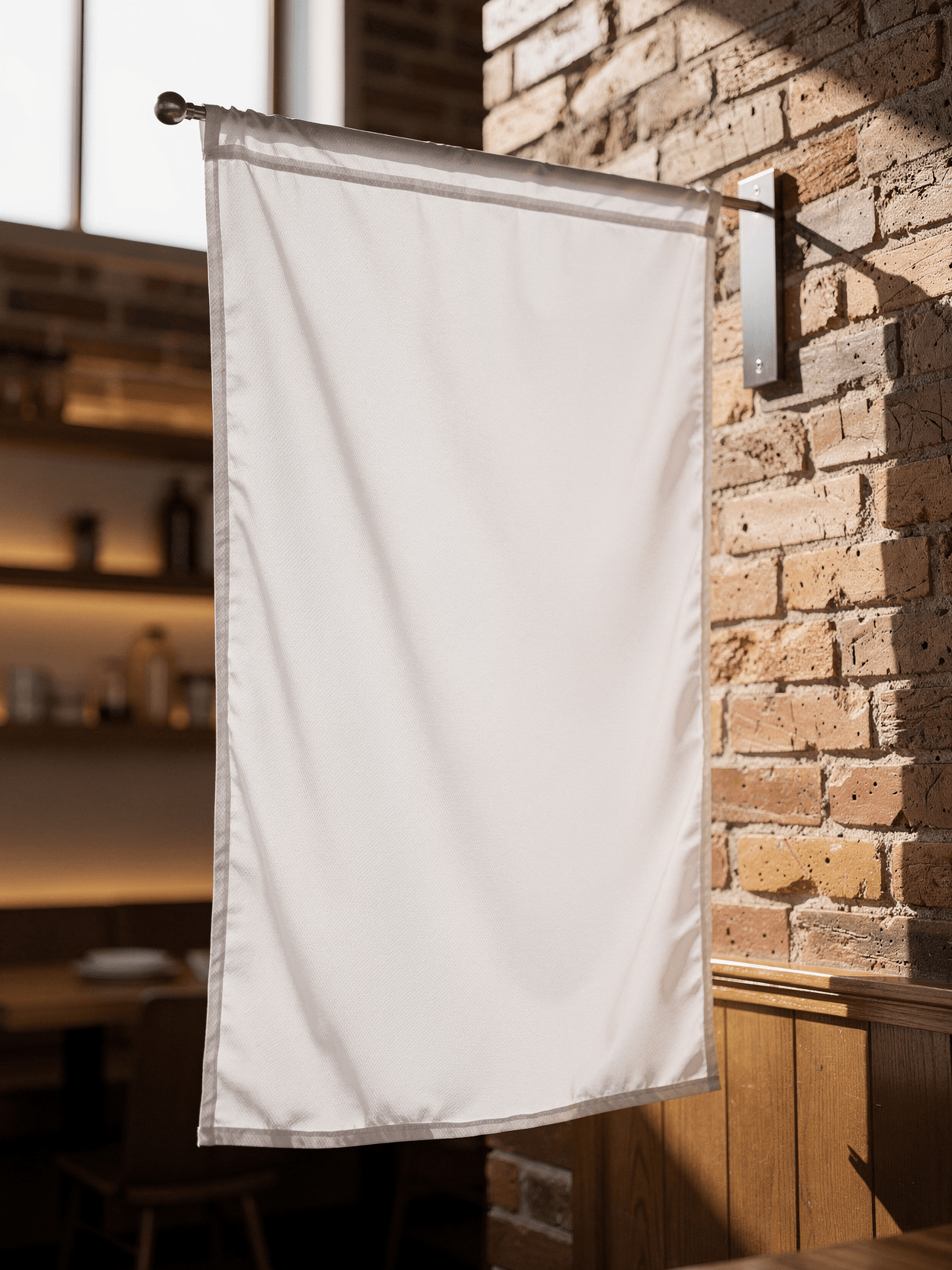
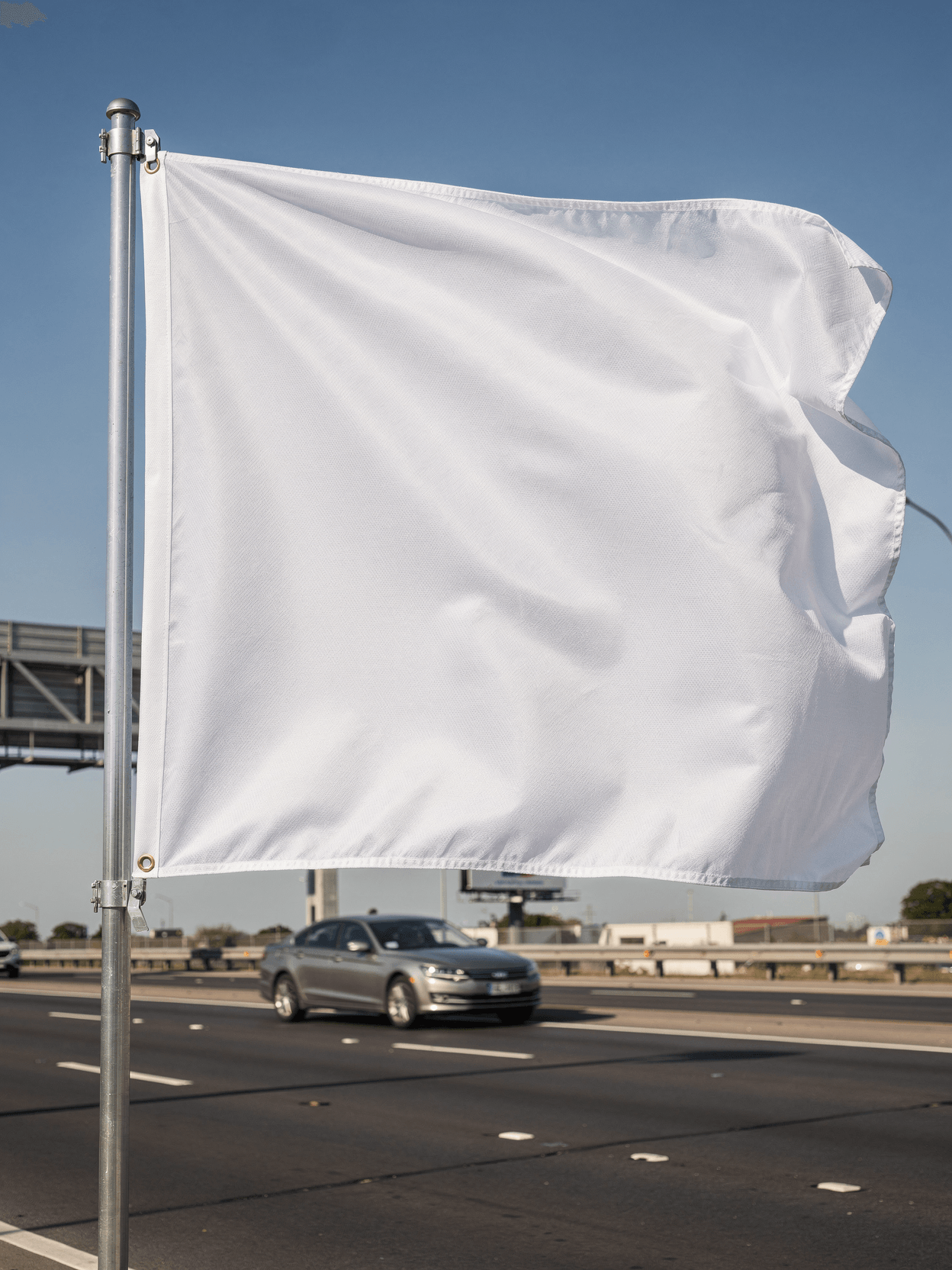
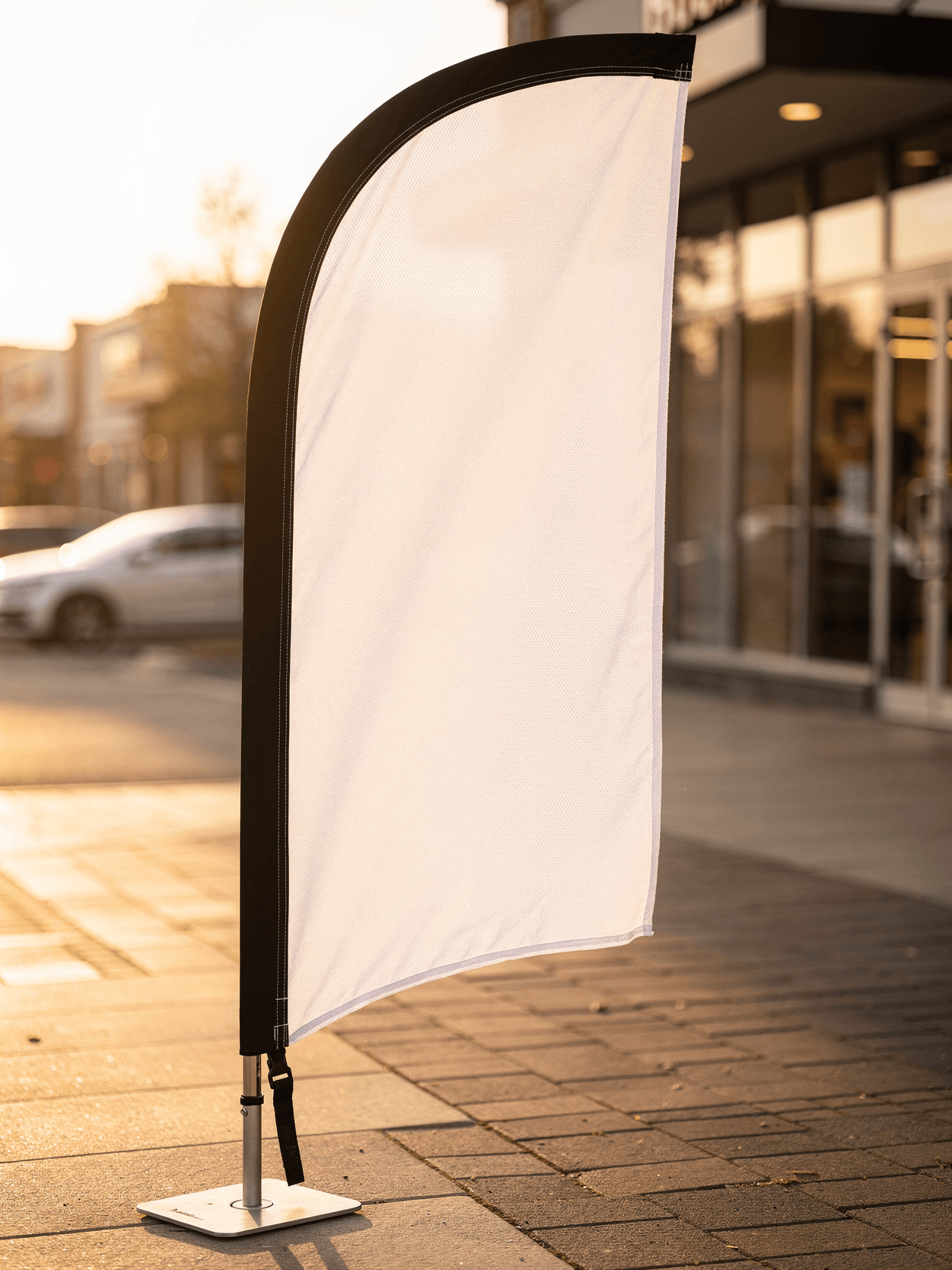
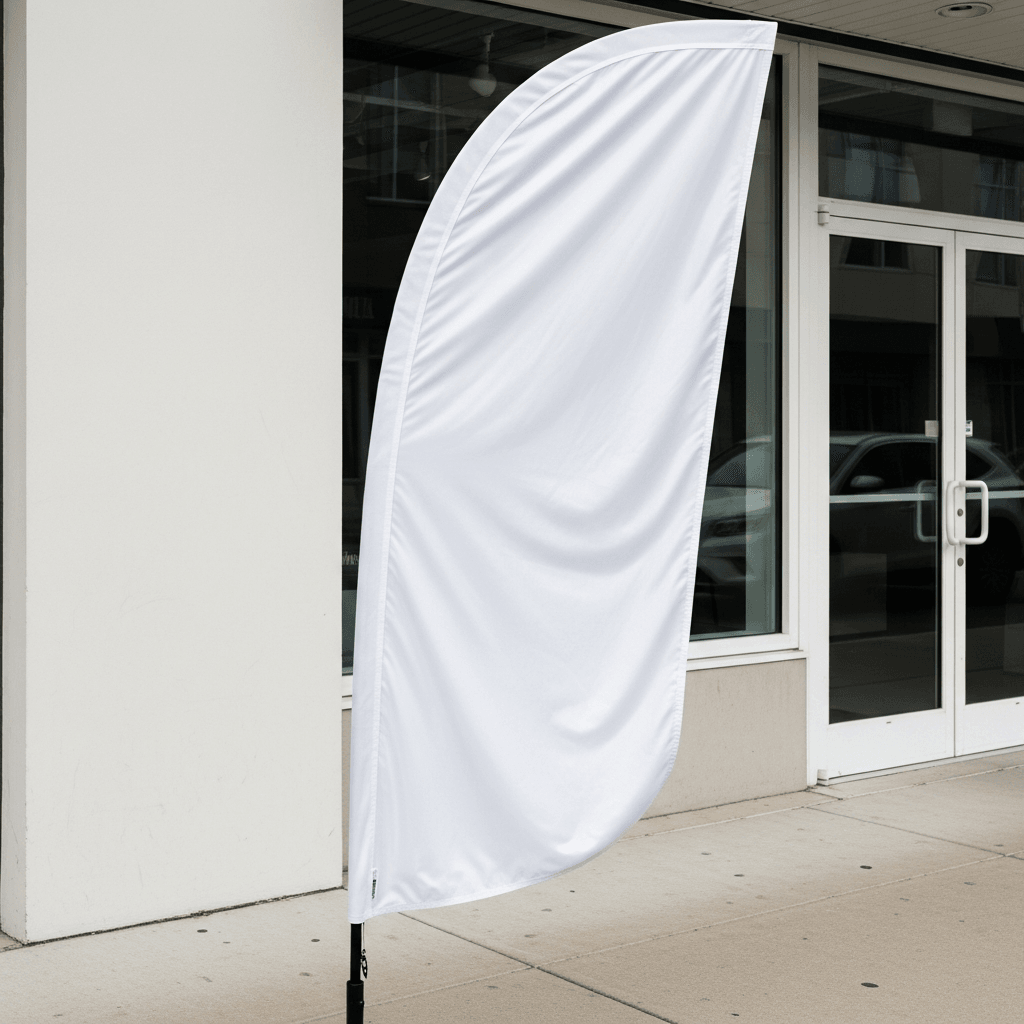
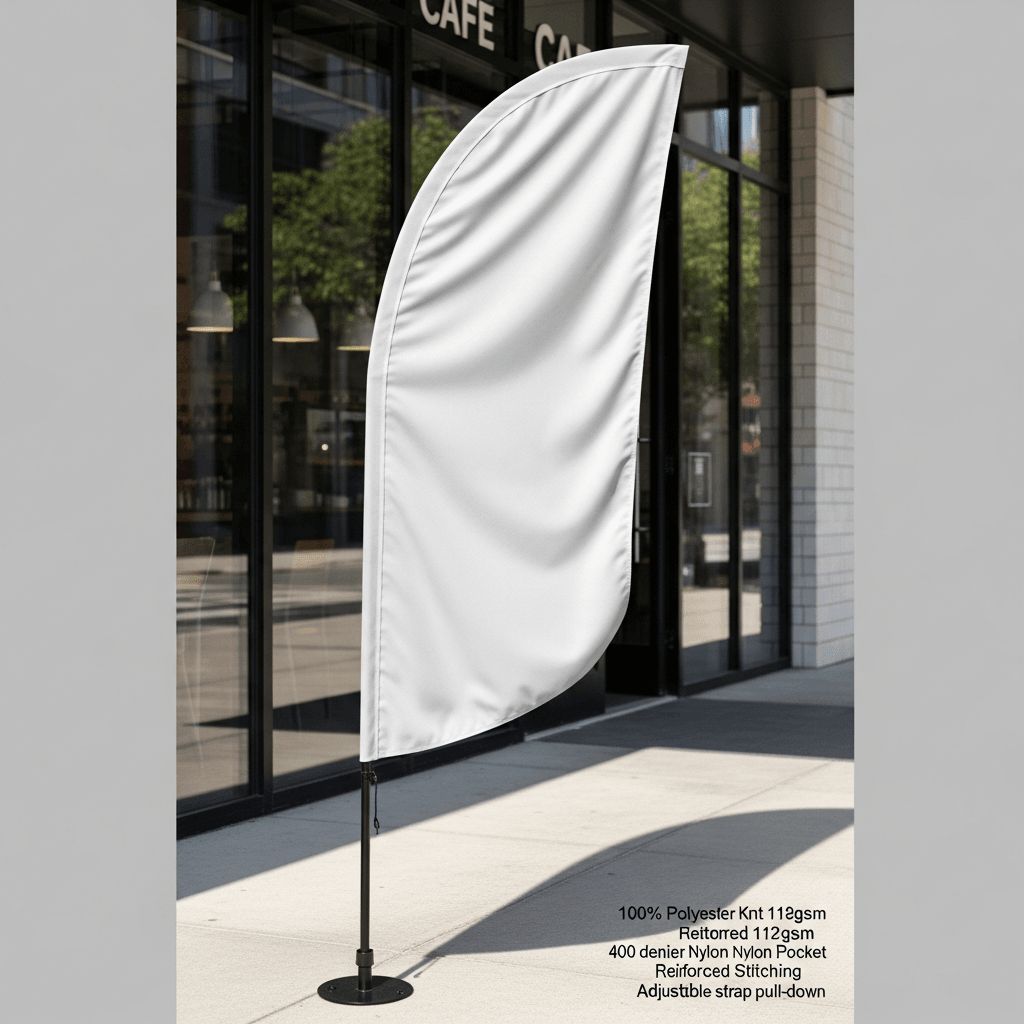
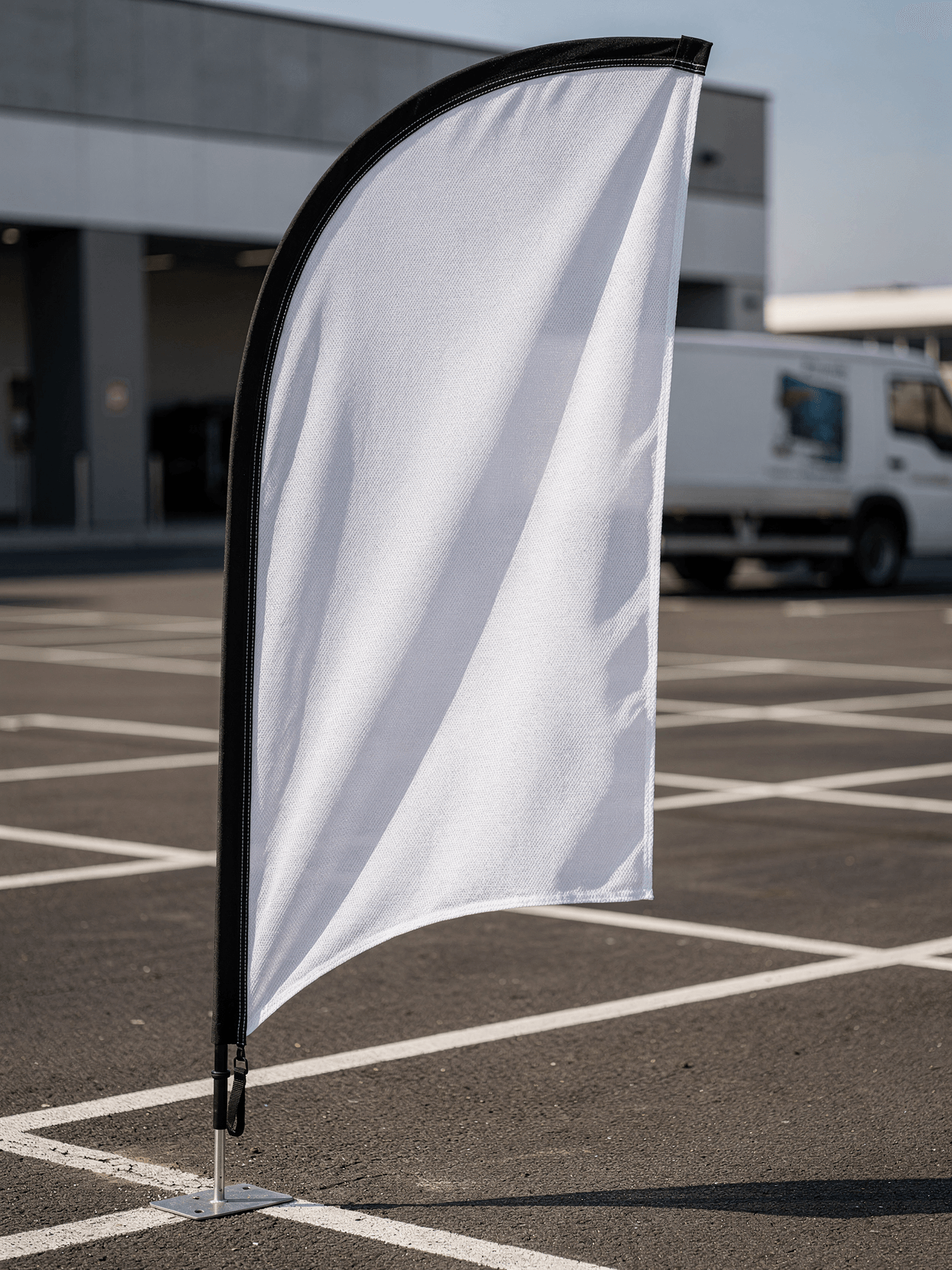
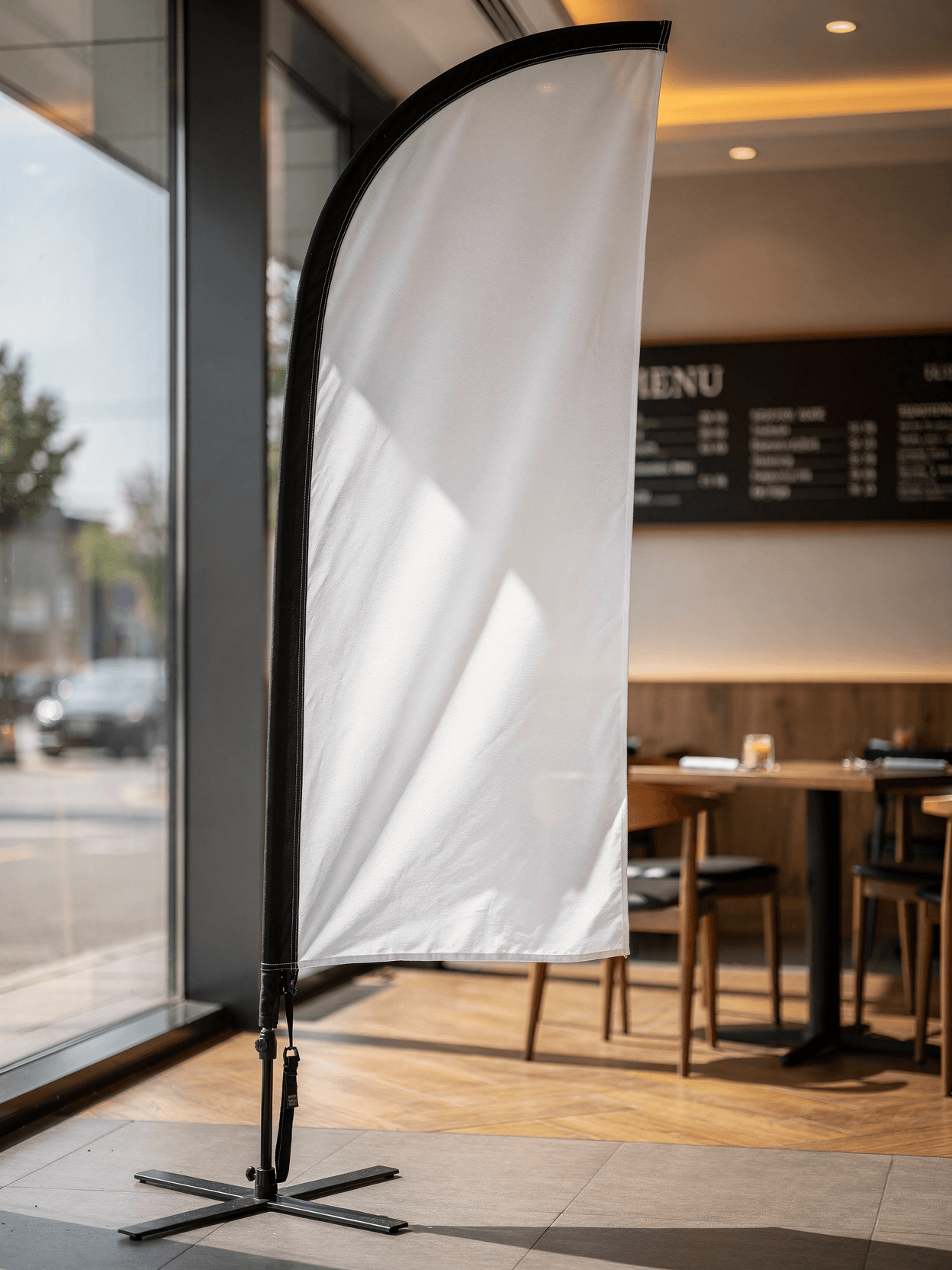
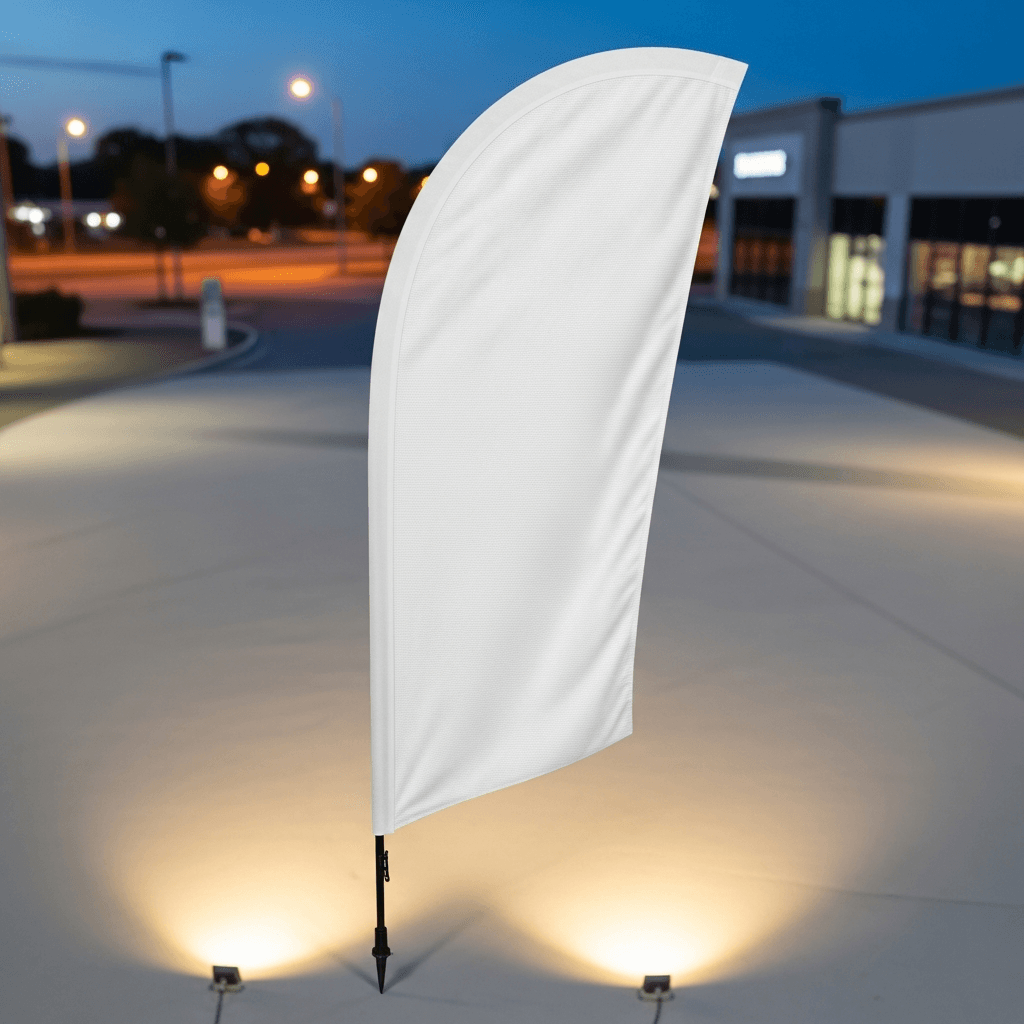
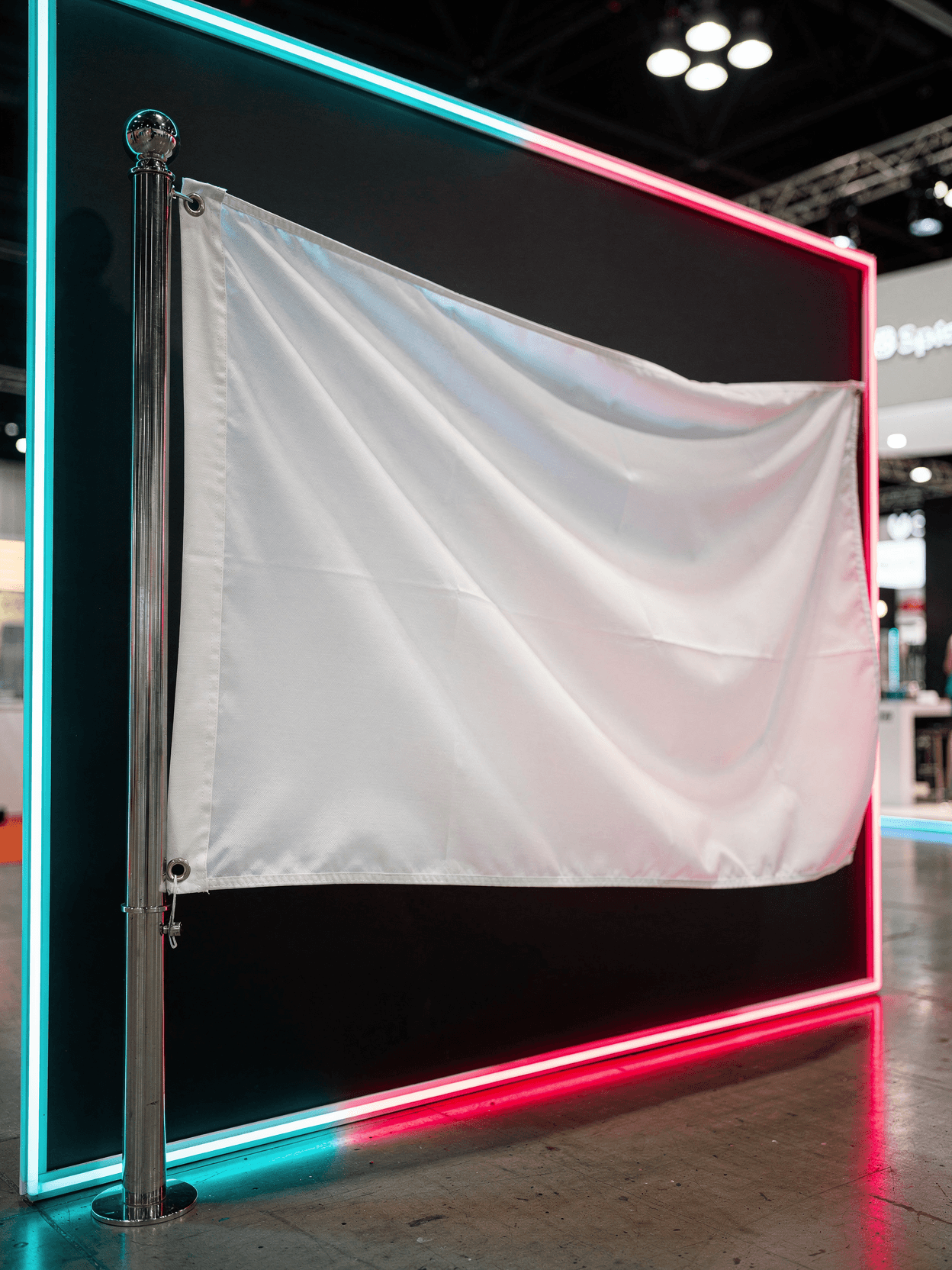
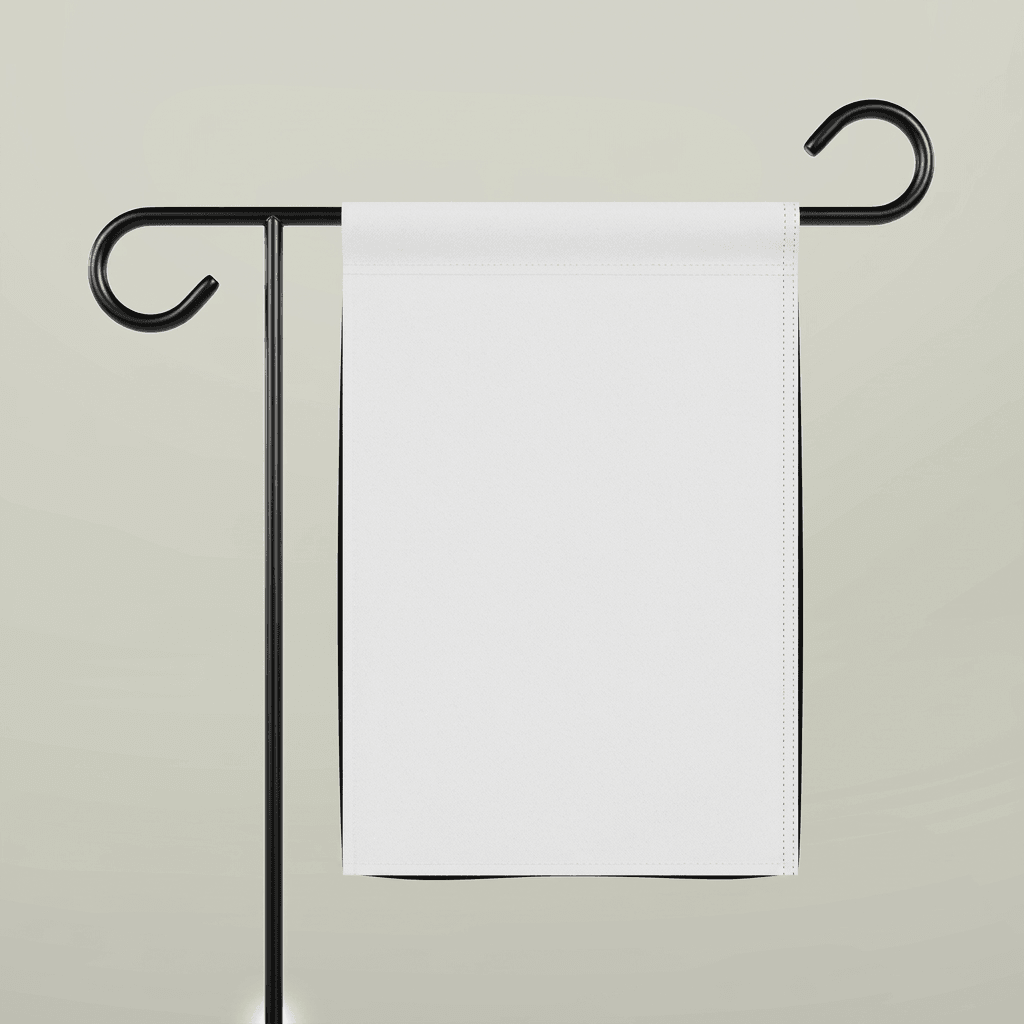
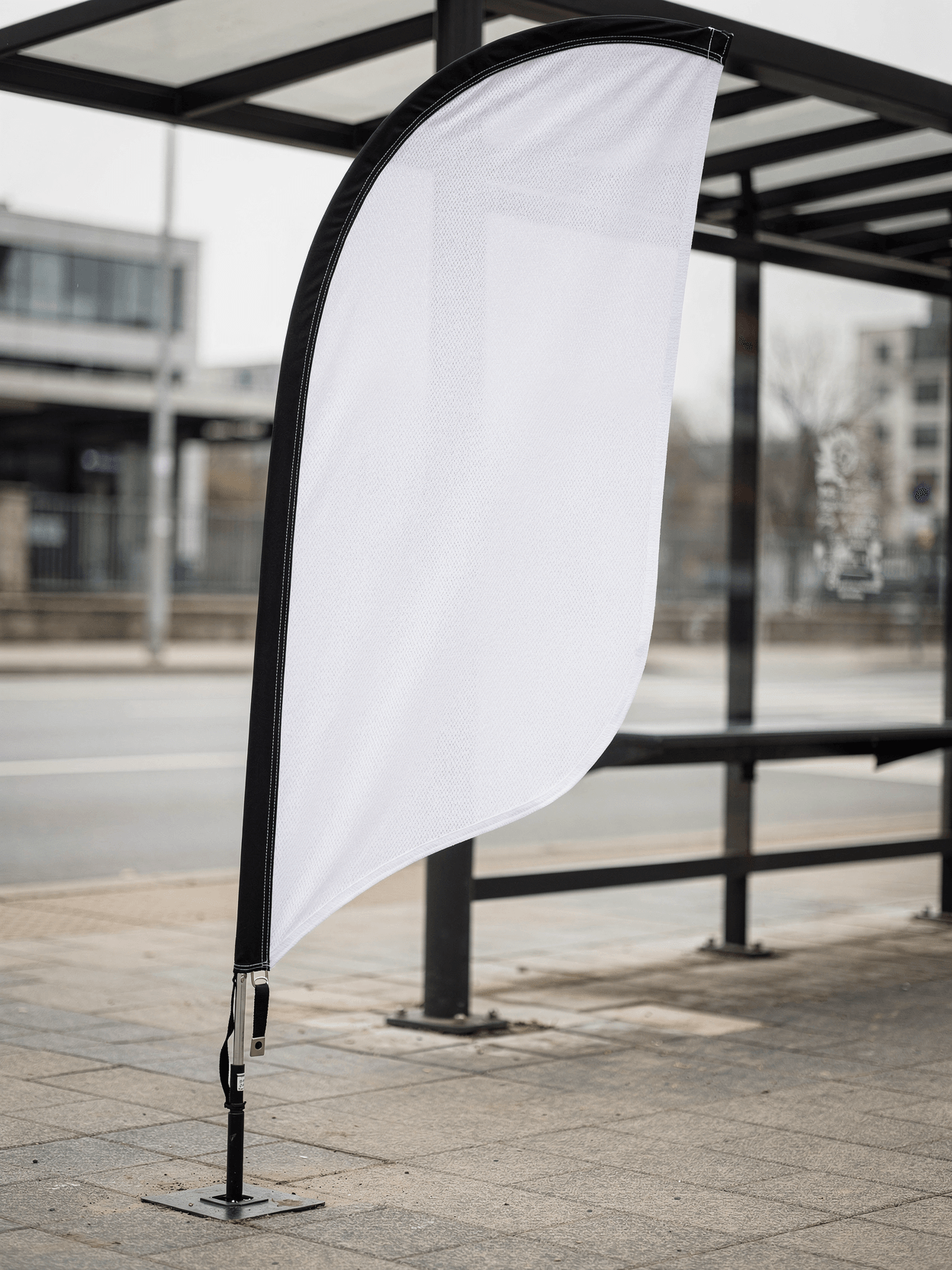
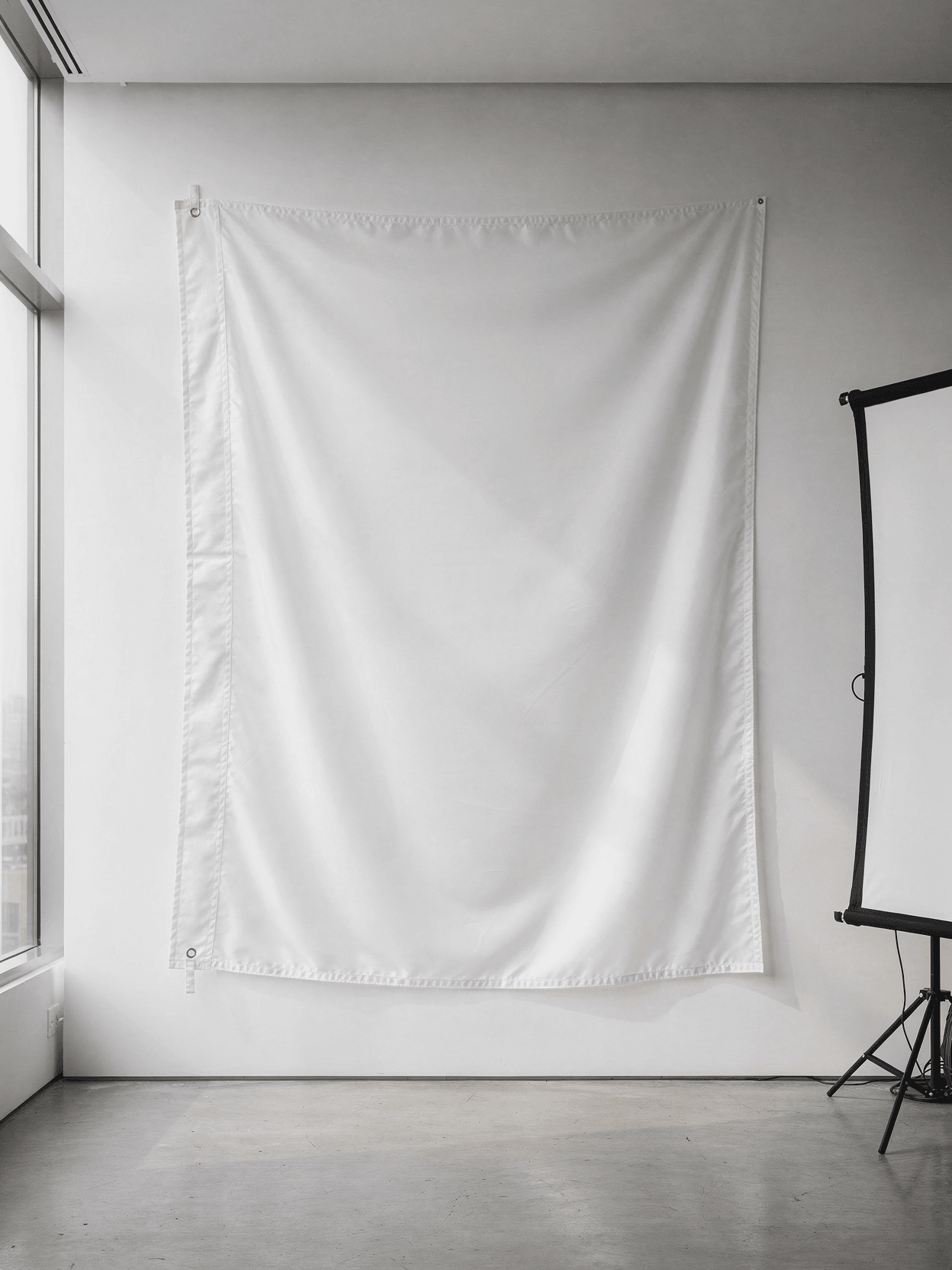
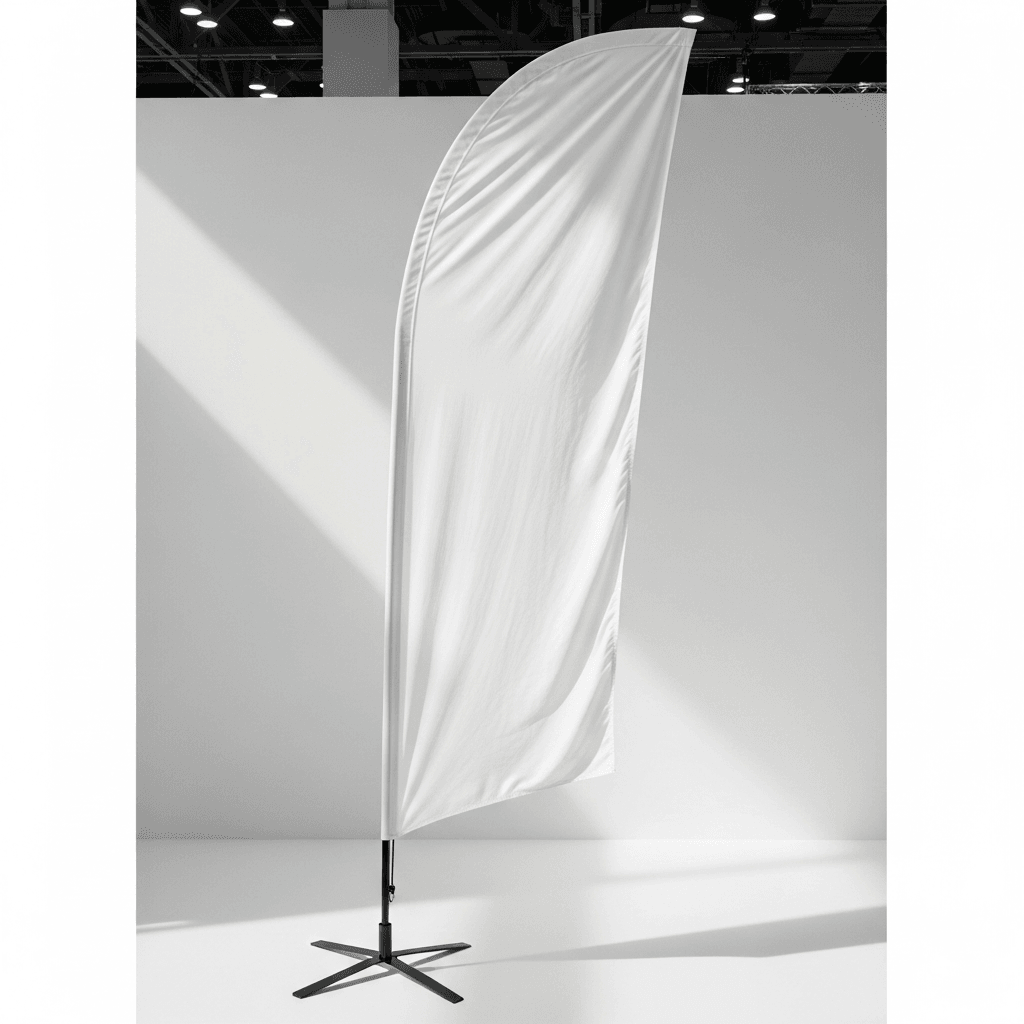
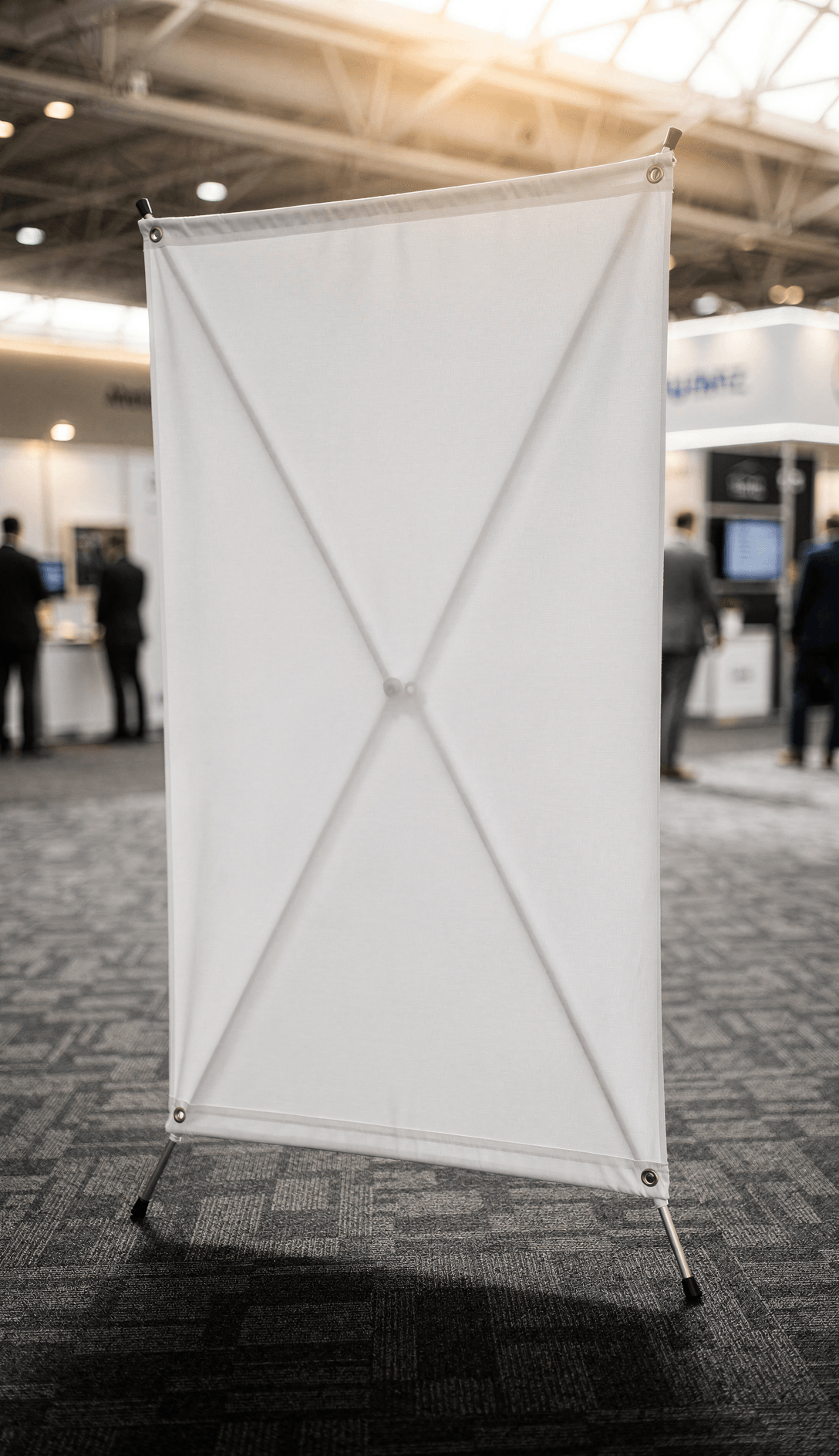
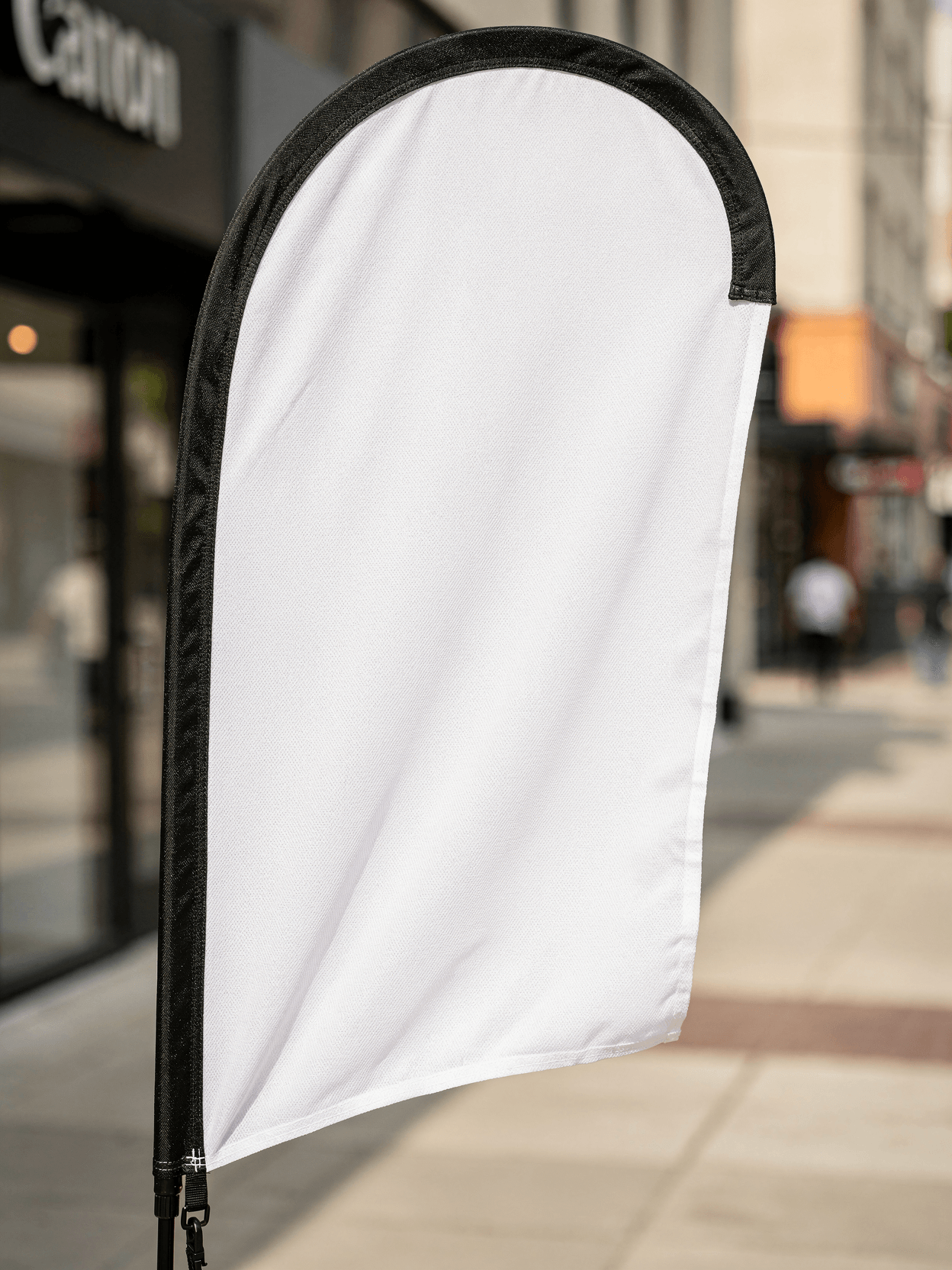
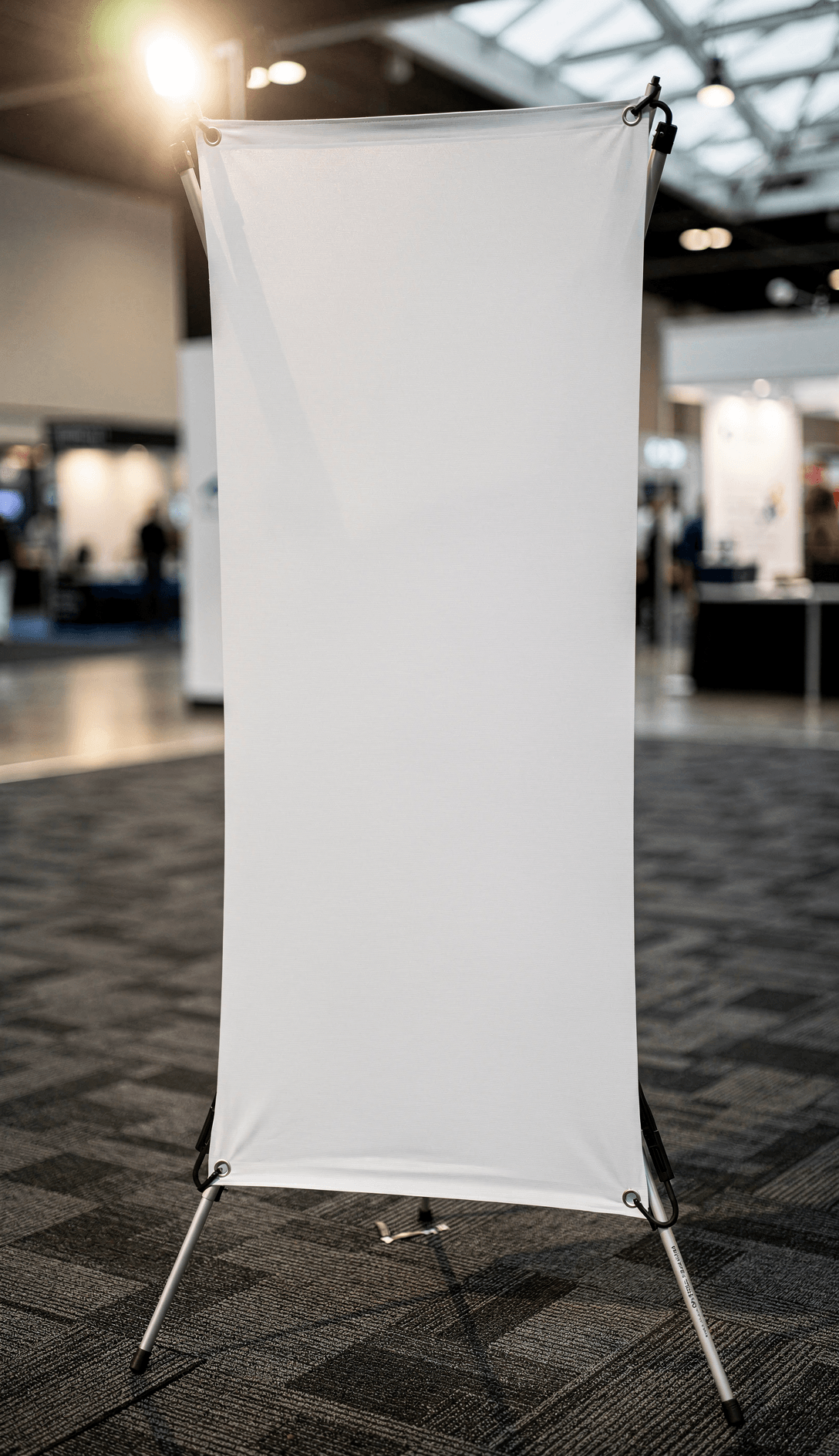
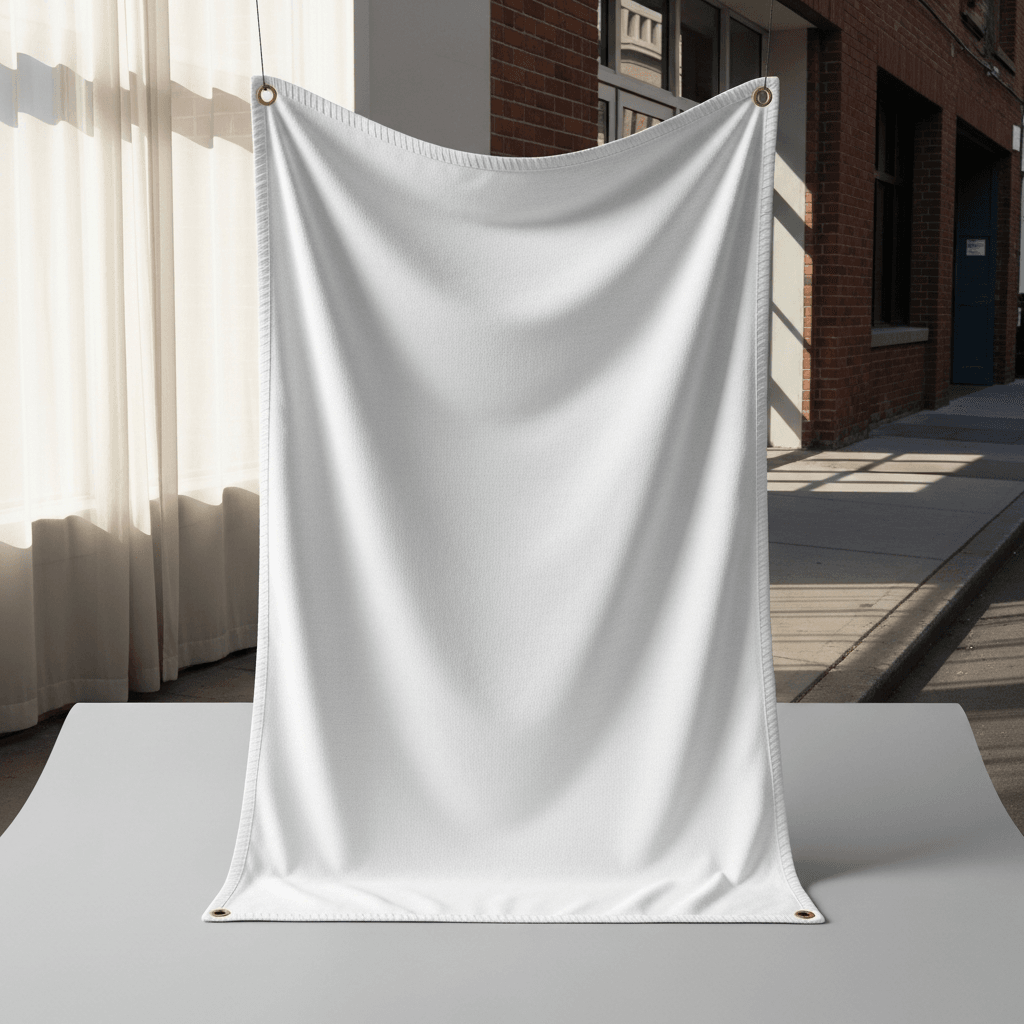
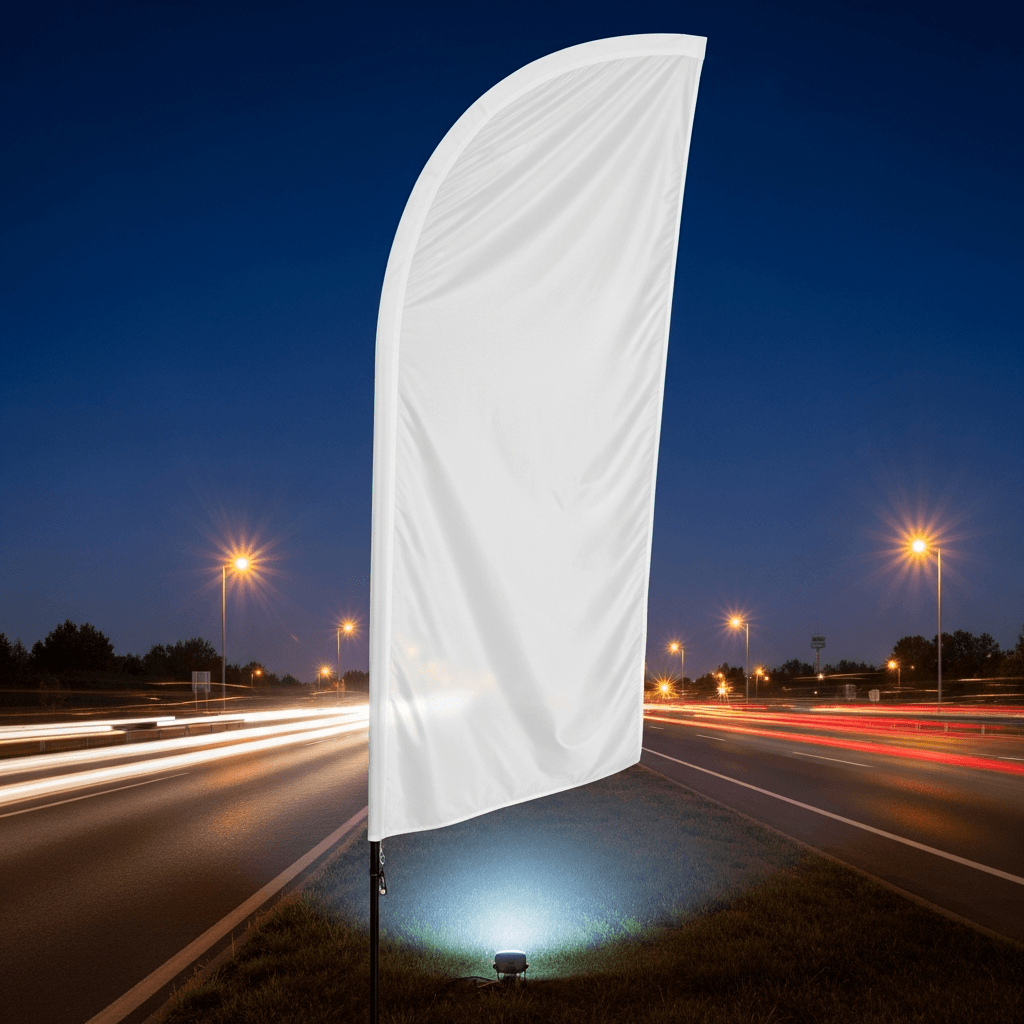
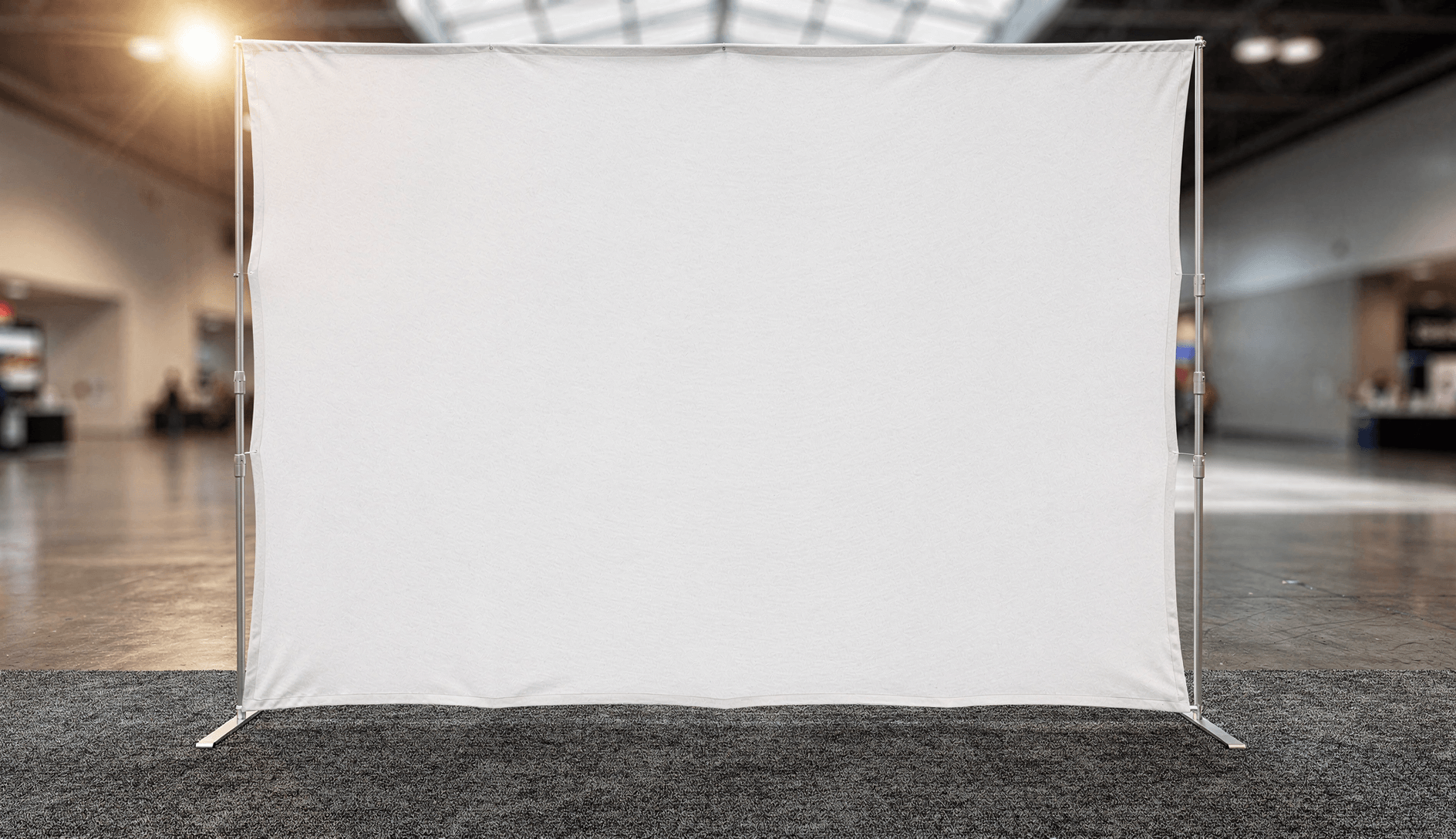
This template shows a rectangular horizontal flag made of knitted polyester fabric, mounted on a black metal street pole with snap hook hardware. The flag is photographed outdoors in an urban setting with natural wind creating realistic fabric movement across all six angles.
Loading selected angle
White Polyester Flag Mockup - Urban Street Pole
What's Included
Six camera angles: three-quarter hero, frontal, low angle pole mount, side wave, fabric texture, and multi-flag street row
Outdoor urban setting with red brick building, arched entryway, and warm storefront lighting in evening conditions
Weathered black metal pole with ball finial, clamp brackets, and snap hook hardware visible in detail
Natural wind movement captured across all angles, showing realistic fabric folds, ripples, and dimensional drape
Multiple-flag street installation angle shows commercial signage context with pedestrian for scale reference
Compatible with Printful, Printify, Gelato, Merchize, and other POD platforms for custom flag product listings
Every angle opens as a ready photo mockup
Subscriptions from $0.002 per render
Specifications
Format
PNG · RGB
Angles
6 views
About This Mockup
Mockup Overview
This mockup template shows a plain white polyester flag mounted on a weathered black metal pole in an urban street setting. The flag is photographed outdoors in front of a red brick building with arched entryway and large storefront windows. Evening ambient light illuminates the scene, with warm interior glow visible through the glass behind the flag. The pole features a black ball finial at the top, metal clamp brackets, and snap hook hardware attaching the flag at two points along its hoist edge. Paint chipping is visible on the lower section of the pole, adding to the street-level realism.
Across all six angles, the flag fabric catches varying degrees of wind, creating natural folds, ripples, and dimensional movement in every frame. The white surface remains clean and uniform, serving as the design placement zone for API-based rendering.
Camera Angles and What They Show
The three-quarter outdoor hero captures the flag at roughly 45 degrees from the left. The fabric billows outward with a pronounced wave along the fly edge and soft diagonal folds running from the upper hoist corner. The brick archway and lit storefront sit in shallow depth-of-field behind the pole. This is the primary template angle.
The front flat display provides a more direct frontal perspective. The flag extends outward with gentle horizontal creases and a slight curl at the bottom corner. The same brick building and bench are visible in the blurred background, but the camera faces the flag surface more squarely, showing a larger unobstructed white area.
The low angle pole mount looks upward at the flag from a lower vantage point. The fabric stretches taut in the upper portion and folds softly near the bottom, with the pole hardware and snap hooks clearly visible. Light passes through the polyester weave near the top right corner, revealing the fabric's translucency.
The side wave detail catches the flag mid-flutter from a slightly lateral perspective. The fabric folds inward, creating a concave curve that reveals both sides of the material. The bottom edge lifts away from the viewer, showing how the flag wraps around itself in wind.
The fabric texture close-up (image 5) frames the flag at a similar distance as other angles but with the fabric spread flatter. A light source behind the flag creates a glow through the polyester weave near the upper right quadrant. The knitted polyester texture is faintly visible on the surface, and the stitched hem border runs along all four edges.
The multiple flag display is a wider street-level shot showing a row of four or more identical white flags mounted on separate black poles along a sidewalk. The poles recede in perspective down a city block. A pedestrian in a dark t-shirt and jeans walks along the right side of the sidewalk. Street lamps, multi-story buildings, and traffic signals are visible in the background. This angle demonstrates how the flag template looks in a commercial signage installation.
Technical Details
The flag is a rectangular horizontal format, attached at the hoist side with two snap hooks to the pole bracket. The fabric is a lightweight knitted polyester consistent with dye-sublimation printing substrates. Hem stitching is visible along all edges.
Intended Use
This template is suitable for presenting custom flag designs for print-on-demand storefronts, event signage previews, branding presentations, and outdoor advertising concepts. Compatible with POD platforms including Printful, Printify, Gelato, and Merchize for flag and banner product listings.
Every angle opens as a ready photo mockup: place your artwork in the editor or through the API. Subscriptions from $0.002 per render.
How to Use This Mockup
Step 01
Pick an angle
Choose the angle you want from this template. Every angle opens as a ready photo mockup.
Photo Mockups GuideStep 02
Place your artwork
Add your design in the editor or through the API, as a single placement or a repeating pattern.
Print Areas GuideStep 03
Export your mockup
Generate high-resolution product images in PNG, JPG, or WebP format. Batch process multiple designs.
Render Artwork DocsDetails & Specifications
File Format
PNG
Color Mode
RGB
Angles
6
| Angle | Type | Primary |
|---|---|---|
| Three-Quarter Outdoor Hero | three-quarter-outdoor | Yes |
| Front Flat Display | straight-frontal | |
| Low Angle Pole Mount | low-angle-pole | |
| Side Wave Detail | side-wave | |
| Fabric Texture Close-Up | macro-texture | |
| Multiple Flag Display | multiple-arrangement |
Perfect For
Use Cases
Seasons
Tags
Flag MockupFlag Mockup FreeFlag TemplateFeather Flag MockupFeather Flag Banner Mockup FreeOutdoor Advertising Flag MockupFlag Mockup GeneratorWaving Flag MockupFlag Pole MockupCustom Flag MockupVertical Flag Mockup OutdoorStreet Pole FlagPolyester FlagBanner Flag MockupSignage MockupPrint-on-Demand FlagAPI Mockup RenderingPOD Mockup TemplateUrban Flag DisplayKnitted Polyester Flag
Industry Insights & Research
Print-on-demand flag suppliers commonly offer production starting from $2.00 per unit with no minimum order quantities.
Low entry costs make flags accessible for POD sellers, increasing the need for quality mockup templates to present designs before production.
Subscriptions from $0.002 per render.
Pricing from the SudoMock pricing page, October 2026.
“We render about 200 flag mockups a week for our Etsy store. Having the fabric texture show through the design is what makes them look real instead of just a flat rectangle with a print slapped on it.”
“The wind movement in these angles matters more than people think. A static flat flag looks like clip art. When the mockup shows actual drape and fold, customers trust the listing.”
“We integrated the SudoMock API into our Shopify store so every new flag design automatically generates six angle views. It replaced a manual process that used to take 20 minutes per design.”
Frequently Asked Questions
Every angle opens as a ready photo mockup: place your artwork in the editor or through the API.
Yes. This template is compatible with POD platforms including Printful, Printify, Gelato, and Merchize. You can render your flag designs via API and use the output images directly in Etsy, Shopify, Amazon, or WooCommerce product listings.
Several tools offer flag mockup generation. SudoMock is suited for bulk automation through its REST API and platform integrations. Subscriptions from $0.002 per render.
Most custom printed flags use knitted polyester fabric, typically weighing around 3 oz per square yard. This material supports dye-sublimation printing, which produces vibrant colors that penetrate the fabric rather than sitting on the surface. The mockup template replicates this material's translucency and weave pattern.
This template includes six distinct angles: a three-quarter outdoor hero shot, a front flat display, a low angle pole mount view, a side wave detail, a fabric texture close-up, and a multiple flag street installation. Each angle captures different fabric behavior and mounting context.
The SudoMock API accepts design images in standard formats including PNG, JPEG, and WebP. For flag designs with transparent areas or irregular shapes, PNG with transparency is recommended. Every angle opens as a ready photo mockup: place your artwork in the editor or through the API.
Pick an angle, open it in Photo Mockups and place your artwork in the editor or through the API. Then export your mockup as PNG, JPG or WebP.
Ready to Create Stunning Mockups?
Generate product mockups with Photo Mockups and the Render API. Upload artwork and export high-resolution images from one workflow.
No credit card required500 one-time creditsInstant API access