A lightbox mockup is a template image of an illuminated sign panel, used to preview how a graphic design will appear when backlit in a real-world setting. Designers insert their artwork into the blank white panel area, and the template's built-in lighting, shadows, and environment make the result look like a photograph of an installed sign. This is common for retail signage proposals, advertising pitches, and portfolio presentations.
Loading selected angle
White Acrylic Edge-Lit Lightbox Mockup - Retail
What's Included
White frosted acrylic face panel with edge-lit LED backlighting shown in evening ambient conditions
Six camera angles: front illuminated, three-quarter profile, corner macro, wide environmental, side profile, and close-up detail
Brushed aluminum frame visible in silver and dark anodized finishes across angle variants
Retail boutique corner setting with dark-painted brick wall, concrete sidewalk, and city street background
Blue-hour dusk photography with warm boutique interior lighting visible through storefront windows
Corner construction macro reveals mitered aluminum joints, mechanical fasteners, and clear acrylic edge channel
Every angle opens as a ready photo mockup
Subscriptions from $0.002 per render
Specifications
Format
PNG · RGB
Angles
6 views
About This Mockup
Mockup Overview
This mockup template shows a white acrylic edge-lit lightbox mounted on a dark-painted brick wall at the corner of a retail clothing boutique. The lightbox face is a frosted acrylic panel, illuminated from behind, producing an even white glow against the dusky blue-hour sky. The storefront environment is visible on the left side of several angles: a warmly lit boutique interior with clothing racks displaying light-colored garments and shoes on low wooden shelves. To the right, a city sidewalk extends into the background with street lamps, parked vehicles, and low-rise commercial buildings. The sidewalk surface is smooth charcoal gray concrete with expansion joints visible at the base of the lightbox.
What the Images Show
Six distinct camera angles document this lightbox template:
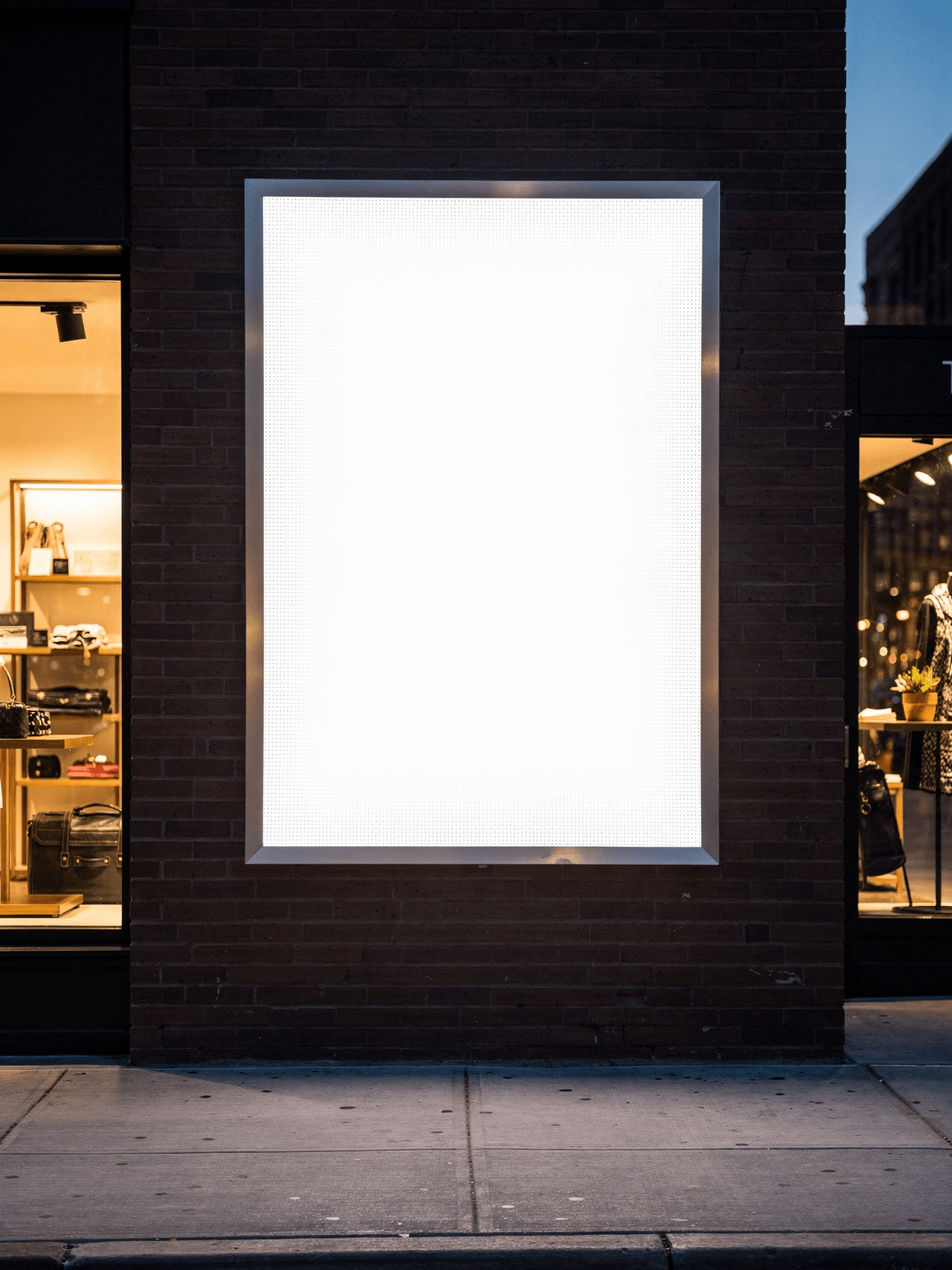
Straight-On Illuminated Hero: A direct frontal view captures the full lightbox face flush against the dark brick wall. The frame is a silver brushed aluminum profile, and the white acrylic panel fills nearly the entire frame area. The panel glows uniformly with no visible hotspots. The light spills slightly onto the concrete sidewalk below. The aspect ratio of the lightbox face is roughly portrait-oriented, slightly taller than wide.
Three-Quarter Frame Detail: Shot from a three-quarter left angle, this image reveals the lightbox sitting in a shallow recessed area of the brick wall. Here the frame appears as a dark (black) aluminum border with LED backlighting visible as a warm glow between the frame edge and the surrounding brickwork. The brick texture is more pronounced in this angle, showing rough mortar joints. The boutique window is partially visible on the left, and taller buildings appear in the distant background.
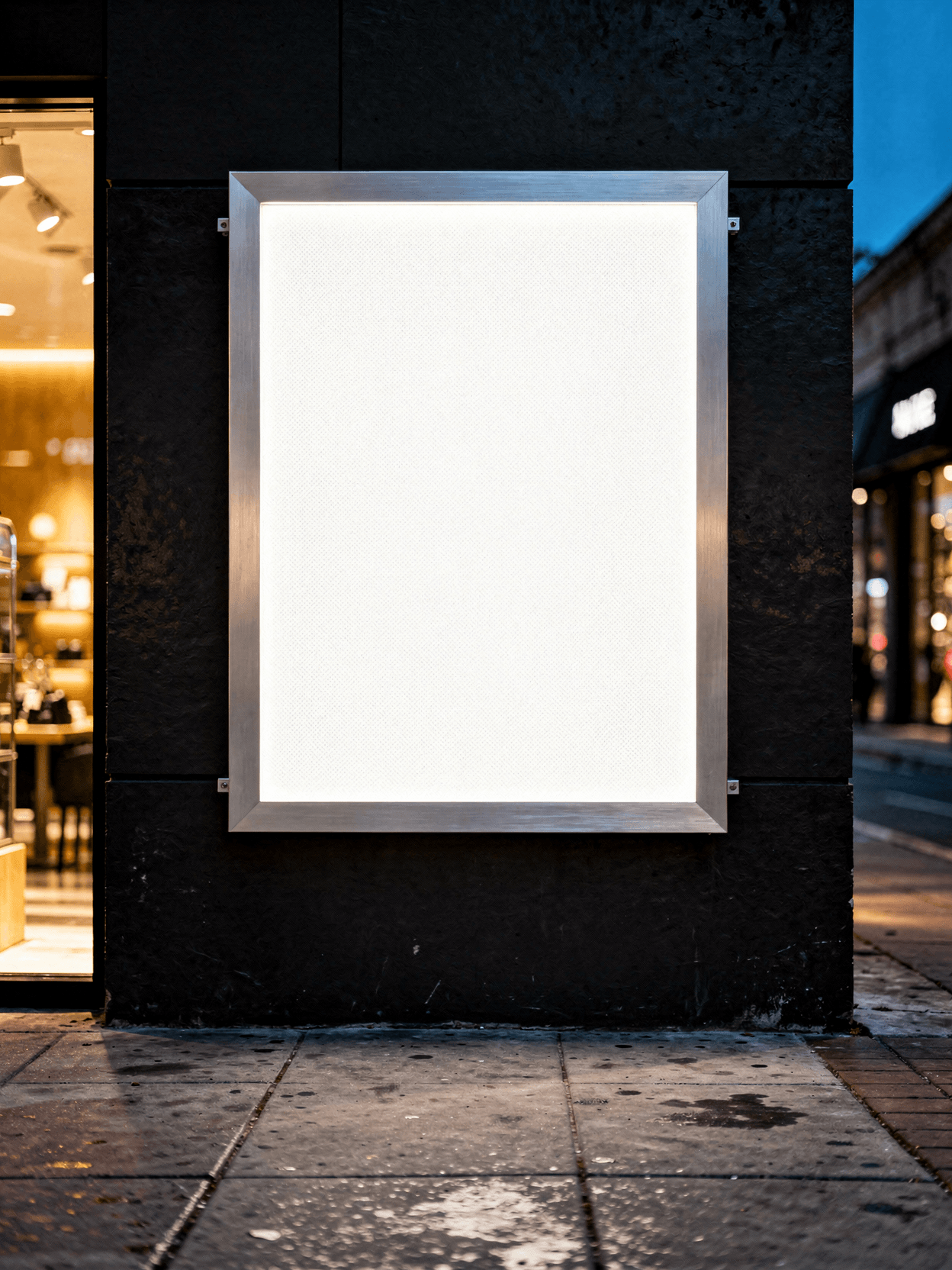
Corner Construction Close-Up: An extreme macro shot of the upper-right corner joint shows the brushed aluminum extrusion in detail. The mitered corner joint is secured with small visible screws. The acrylic panel edge is clear and thick, sitting within a channel in the aluminum frame. The brushed metal finish has fine linear grain. Behind the lightbox, the blurred warm interior of the shop is faintly visible.
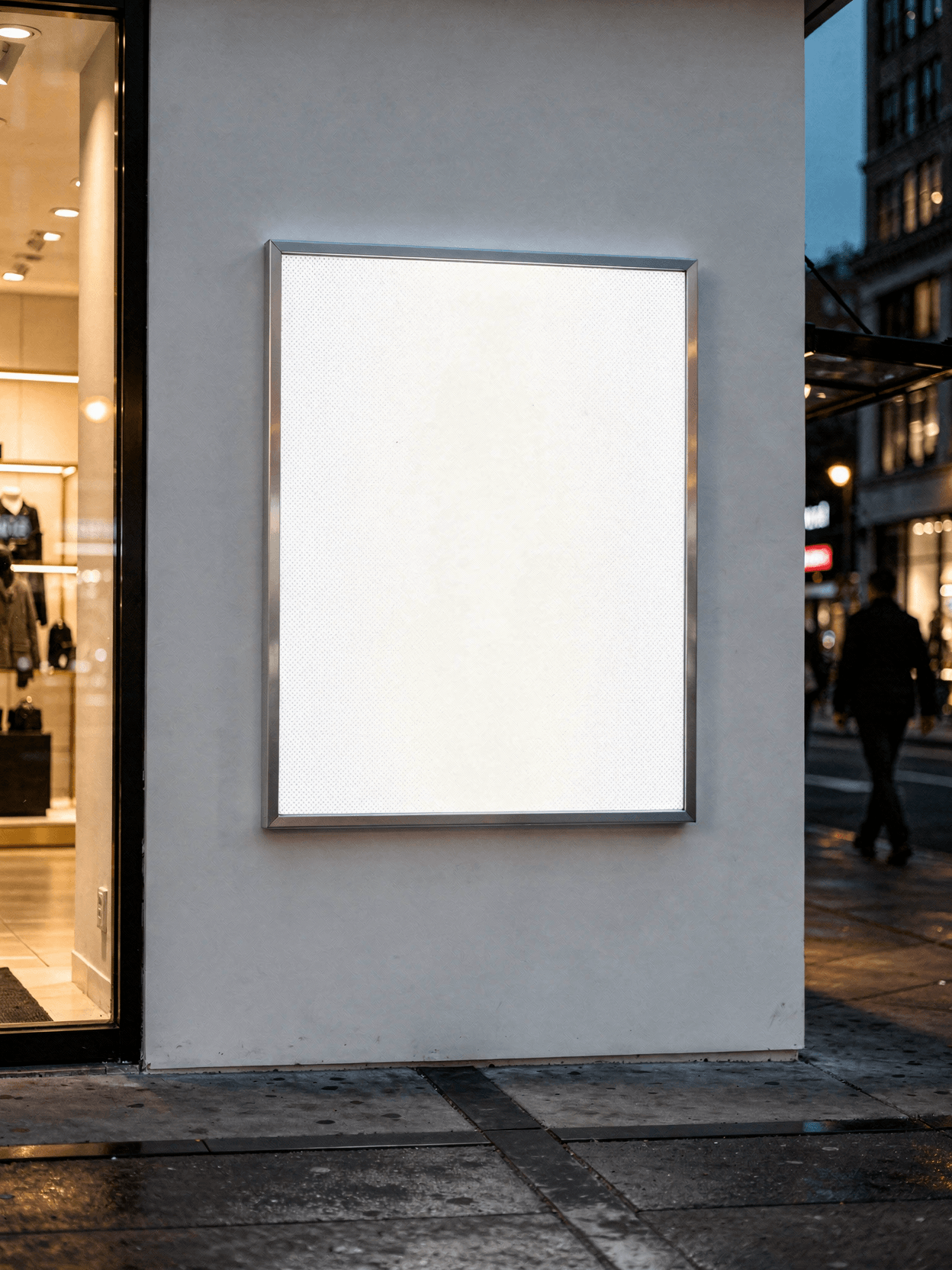
Environmental Retail Context: A wider establishing shot taken from a three-quarter left position at greater distance. A person walking on the sidewalk is captured in motion blur on the far left. The boutique interior is more fully visible: a clothing rack with a light trench coat and dark jacket, a low wooden shoe display bench, and recessed ceiling downlights. The lightbox appears as a large illuminated square on the brick corner, with the city street receding to the right. Signs and storefronts are visible further down the block.
Side Profile Thickness: Photographed from a low oblique angle on the left side, this image shows a horizontal/landscape-oriented lightbox variant mounted at roughly waist height on the same dark brick wall. The aluminum frame depth is visible: approximately 2-3 inches. A power cable exits from the lower-left corner. A locking ring or conduit fitting is visible at the bottom-right. The brushed aluminum side panel and top cap are clearly shown.
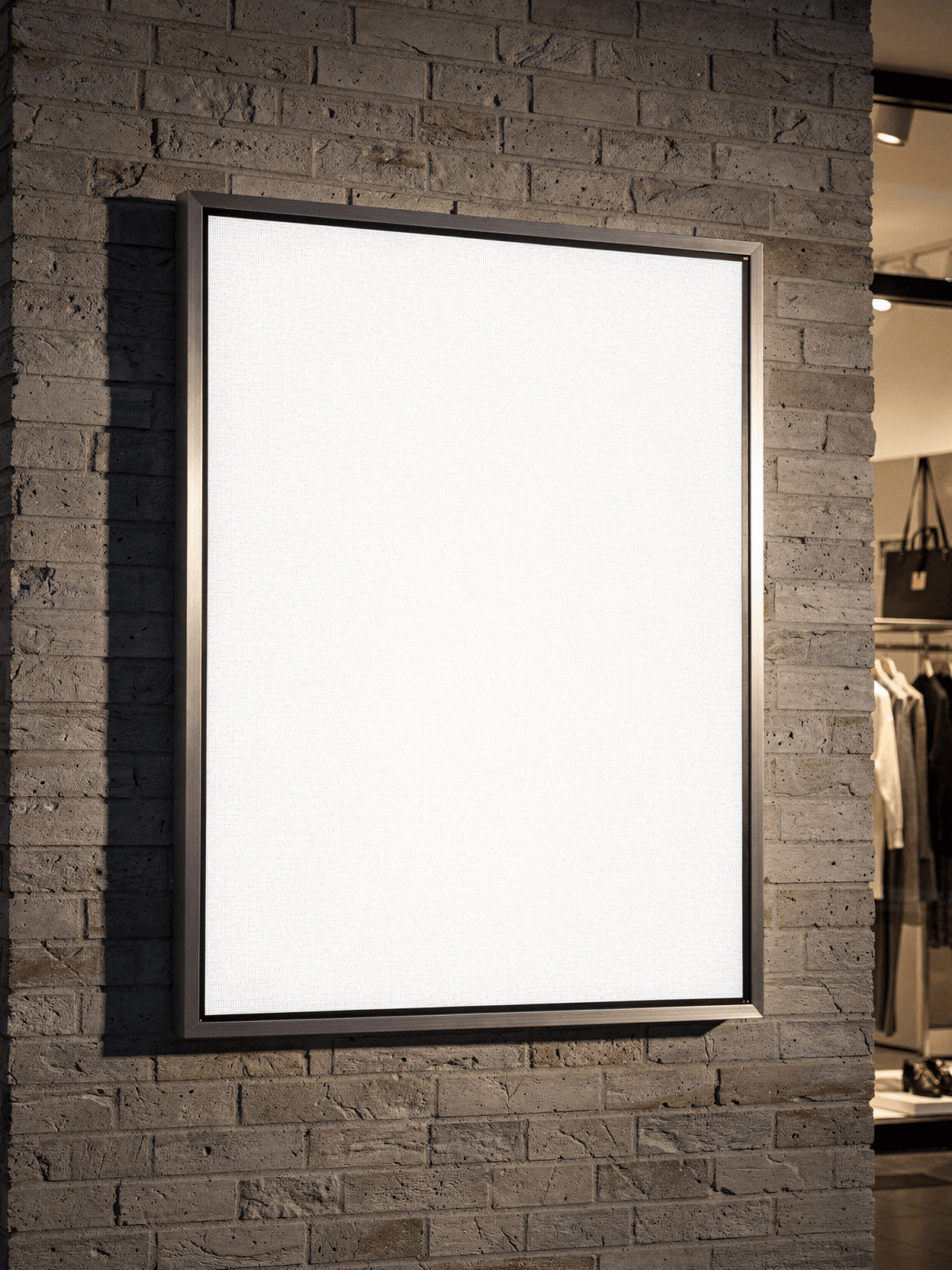
Graphic Detail with Glow: A close-up front view shows the lightbox with a wider dark brushed-metal frame border. The acrylic face has a softer, slightly mottled illumination texture compared to the hero shot. The frame corners show rounded transitions. The dark frame blends into the painted brick wall, and the glow from the panel creates a subtle halo on the surrounding brick surface.
Technical Details
The lightbox uses edge-lit LED technology behind a frosted acrylic face panel. The aluminum frame is available in at least two finishes visible across the image set: silver brushed and dark anodized black. Frame construction uses mitered corners with mechanical fasteners. The unit mounts flush or semi-recessed against the wall surface. Power connection is via external cable with conduit fitting.
Design Placement
Designs rendered onto this surface will appear as backlit graphics. The frosted texture of the panel is faintly visible, which adds realism to rendered output.
Compatible Products
This template pairs with other signage mockups in the SudoMock library, including outdoor billboard mockups, storefront window decal templates, and A-frame sidewalk sign mockups. For related advertising formats, browse the indoor-ads subcategory or the broader signage-advertising collection at sudomock.com/mockups.
Use Cases
Suitable for presenting retail advertising concepts, restaurant menu board designs, event promotion graphics, wayfinding signage proposals, and branded storefront displays. The dusk lighting context makes this template effective for campaigns where nighttime visibility is relevant.
Rendering via API
Output formats include WebP, PNG, and JPEG at resolutions up to 10,000px. Integration is supported through n8n, Zapier, Make, and direct REST API calls. See API documentation for implementation details.
Every angle opens as a ready photo mockup: place your artwork in the editor or through the API. Subscriptions from $0.002 per render.
How to Use This Mockup
Step 01
Pick an angle
Choose the angle you want from this template. Every angle opens as a ready photo mockup.
Photo Mockups GuideStep 02
Place your artwork
Add your design in the editor or through the API, as a single placement or a repeating pattern.
Print Areas GuideStep 03
Export your mockup
Generate high-resolution product images in PNG, JPG, or WebP format. Batch process multiple designs.
Render Artwork DocsDetails & Specifications
File Format
PNG
Color Mode
RGB
Angles
6
| Angle | Type | Primary |
|---|---|---|
| Straight-On Illuminated Hero | straight-on-illuminated | Yes |
| Three-Quarter Frame Detail | three-quarter-profile | |
| Corner Construction Close-Up | corner-construction-macro | |
| Environmental Retail Context | environmental-retail-context | |
| Side Profile Thickness | side-profile-slim | |
| Graphic Detail with Glow | graphic-detail-glow |
Perfect For
Use Cases
Seasons
Tags
Lightbox MockupEdge Lit LightboxAcrylic LightboxAluminum Frame SignRetail Signage MockupOutdoor Lightbox MockupIlluminated Sign MockupBacklit Panel MockupStorefront SignDusk PhotographyUrban Street MockupSnap Frame LightboxLed LightboxSignage AdvertisingIndoor AdsSquare Lightbox MockupBillboard MockupNight Lightbox MockupCoroplast LightboxAPI Mockup RenderingBrick Wall Sign
Industry Insights & Research
Subscriptions from $0.002 per render.
Pricing from the SudoMock pricing page, October 2026.
“The corner macro and side profile angles are what I actually need when presenting to a client who wants to understand how the lightbox hardware looks in person. Most mockup sets only give you the front face. Having the construction detail and the slim depth visible in separate angles makes the proposal more credible.”
Frequently Asked Questions
Indoor lightbox mockups typically show the sign in controlled environments like shopping malls, airports, or subway stations, with consistent artificial lighting. Outdoor lightbox mockups, like this template, place the sign on an exterior wall or street-facing location where natural ambient light (often at dusk or night) interacts with the panel's LED illumination. Outdoor mockups tend to show more environmental context: sidewalks, street lamps, passing pedestrians, and weather-exposed surfaces.
SudoMock supports output up to 10,000px, which accommodates large-format print proofing. Every angle opens as a ready photo mockup: place your artwork in the editor or through the API.
Yes. Mockup templates rendered through the SudoMock API are intended for commercial use, including client proposals, advertising presentations, e-commerce listings, and portfolio work. Every angle opens as a ready photo mockup: place your artwork in the editor or through the API.
The rendered image is returned as a WebP, PNG, or JPEG file. This can be done via REST API call, through the Dashboard playground, or through integrations with n8n, Zapier, and Make. Every angle opens as a ready photo mockup: place your artwork in the editor or through the API.
Ready to Create Stunning Mockups?
Generate product mockups with Photo Mockups and the Render API. Upload artwork and export high-resolution images from one workflow.
No credit card required500 one-time creditsInstant API access