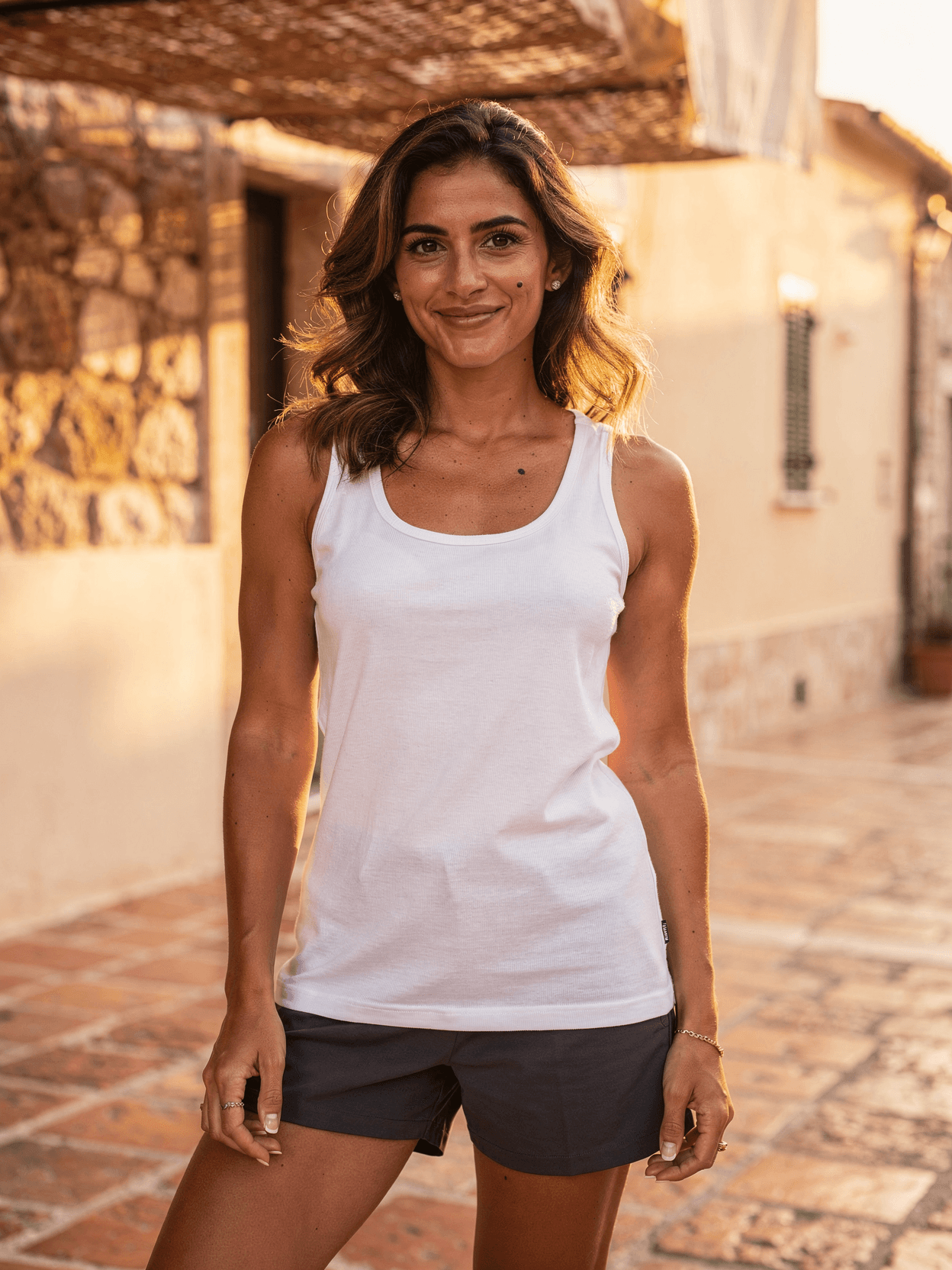
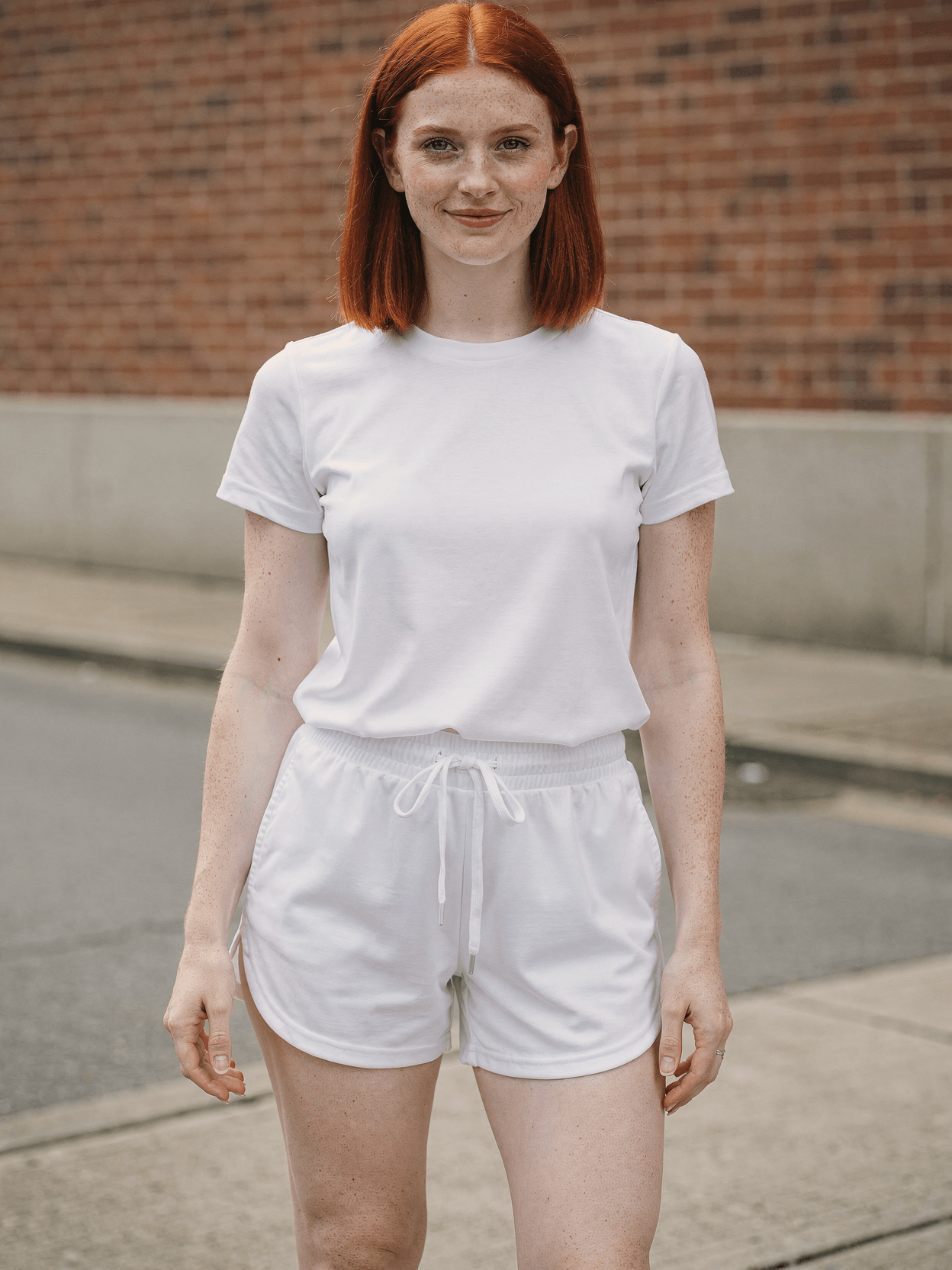
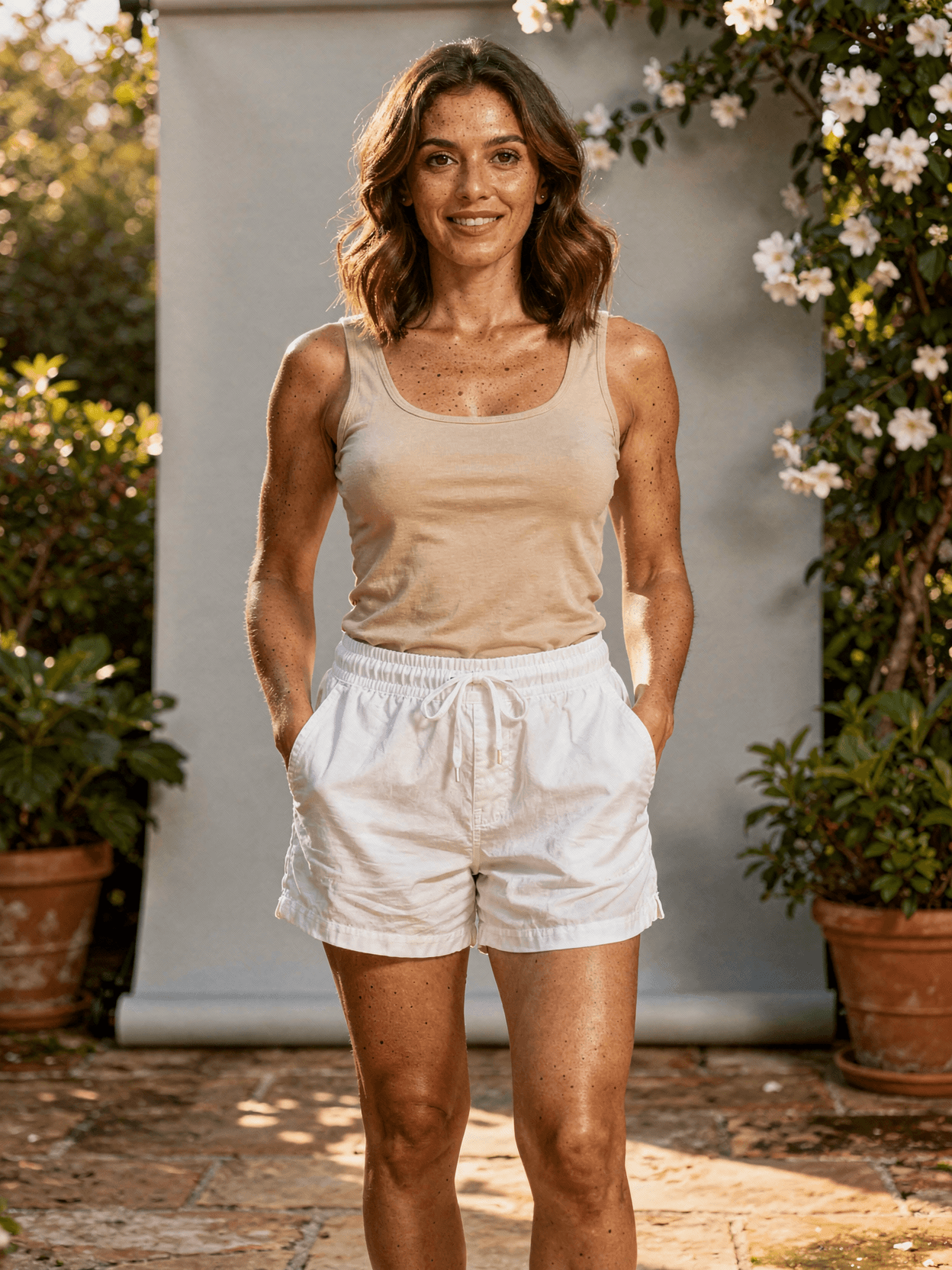
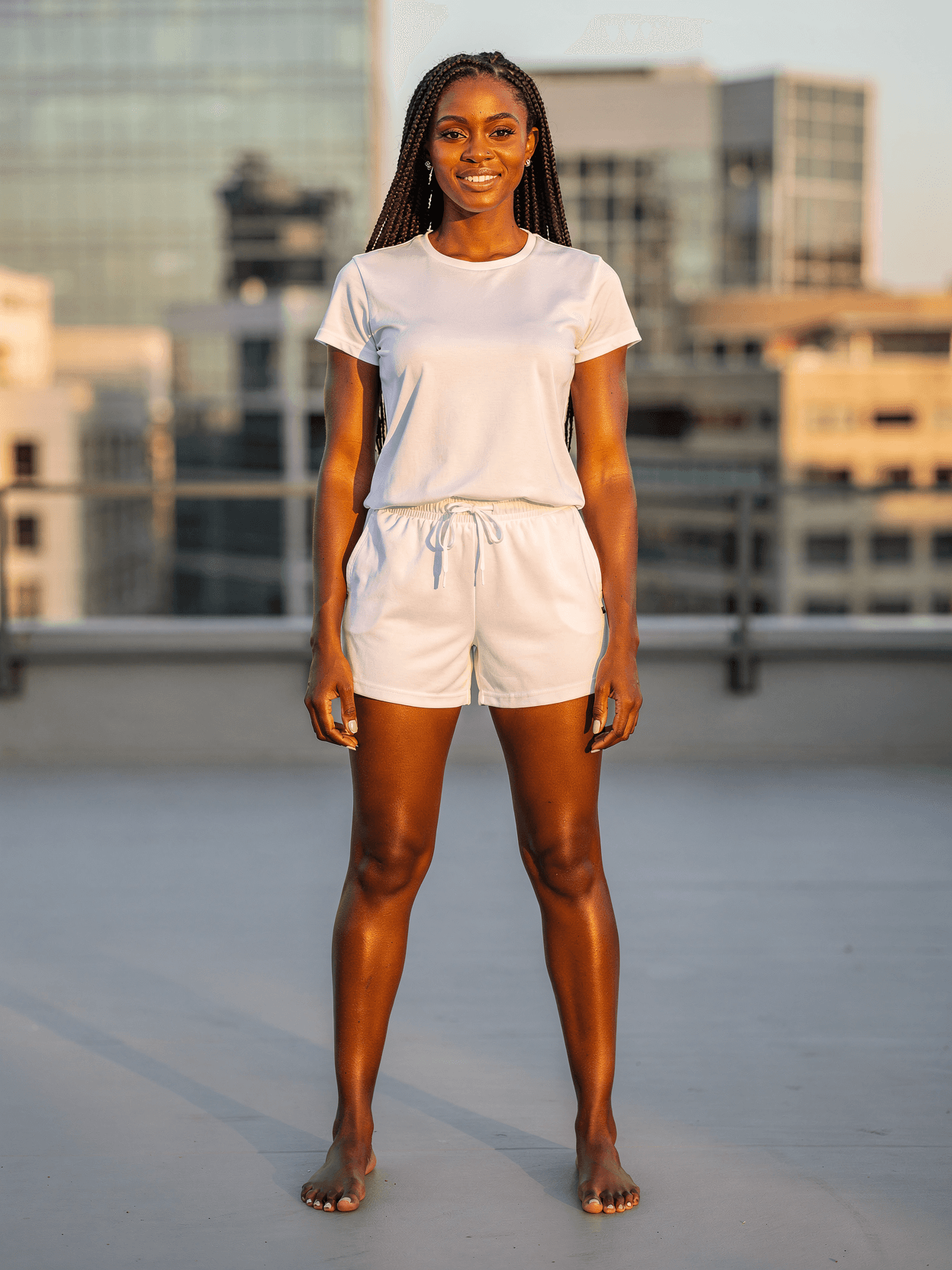
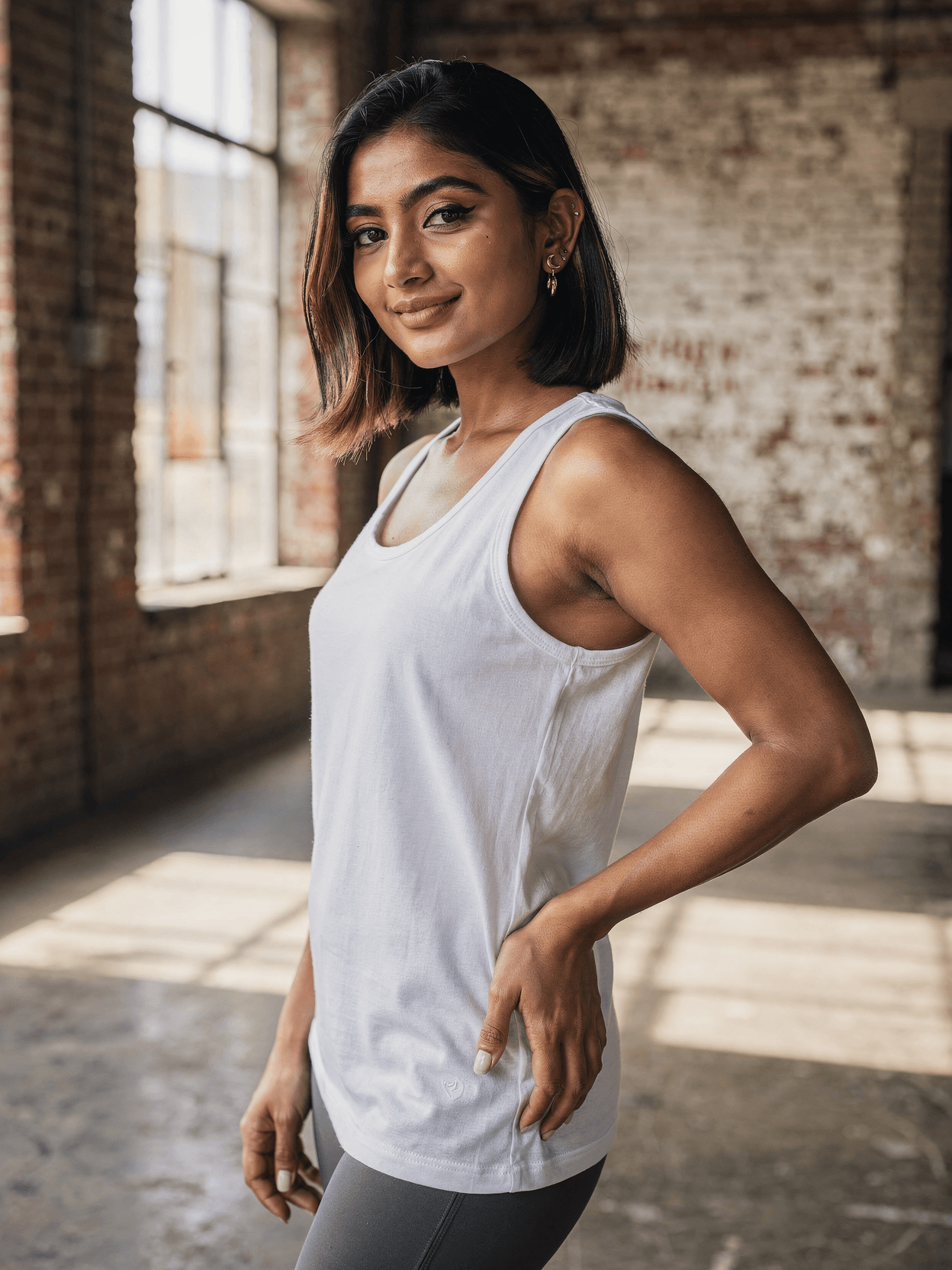
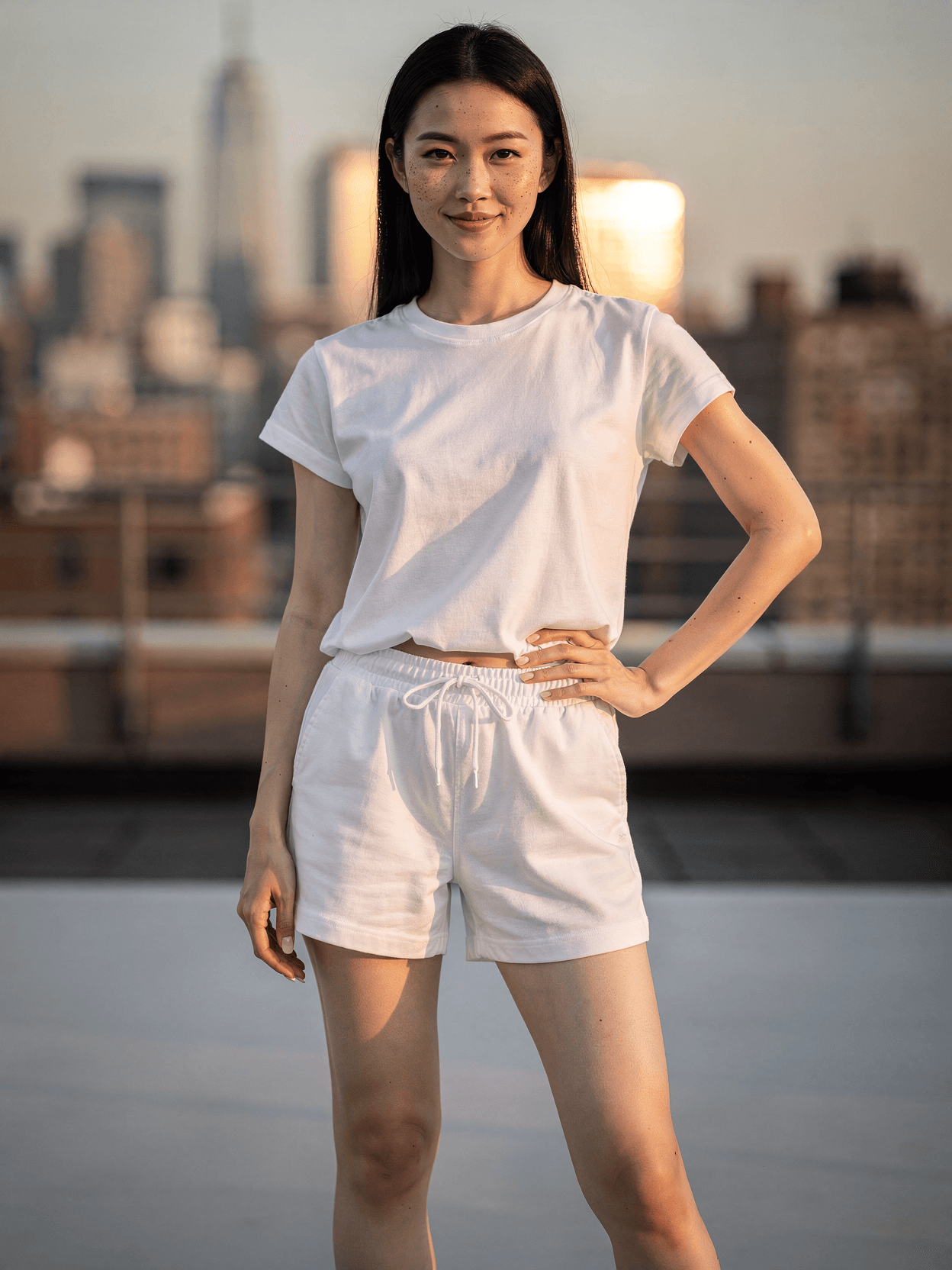
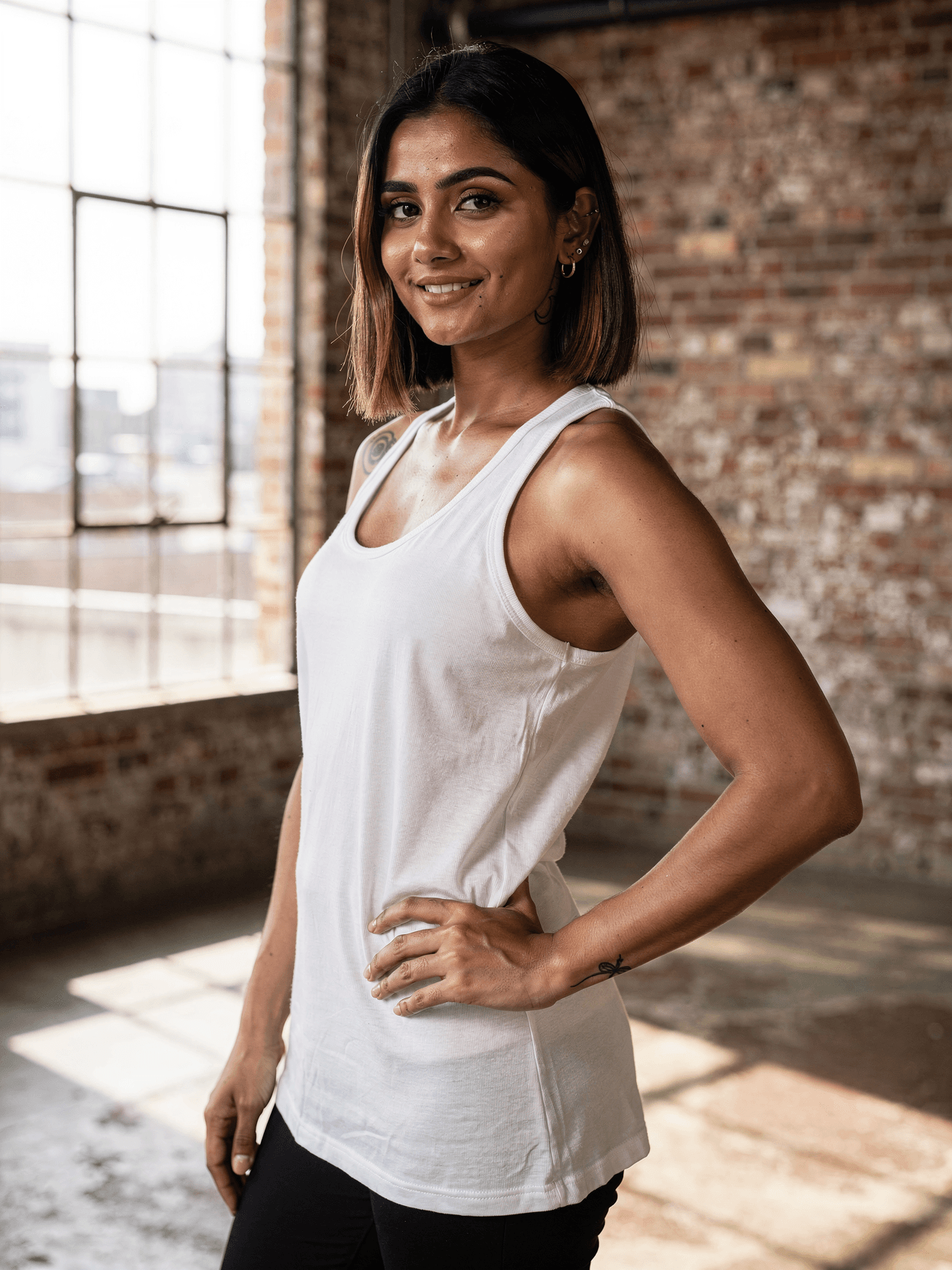
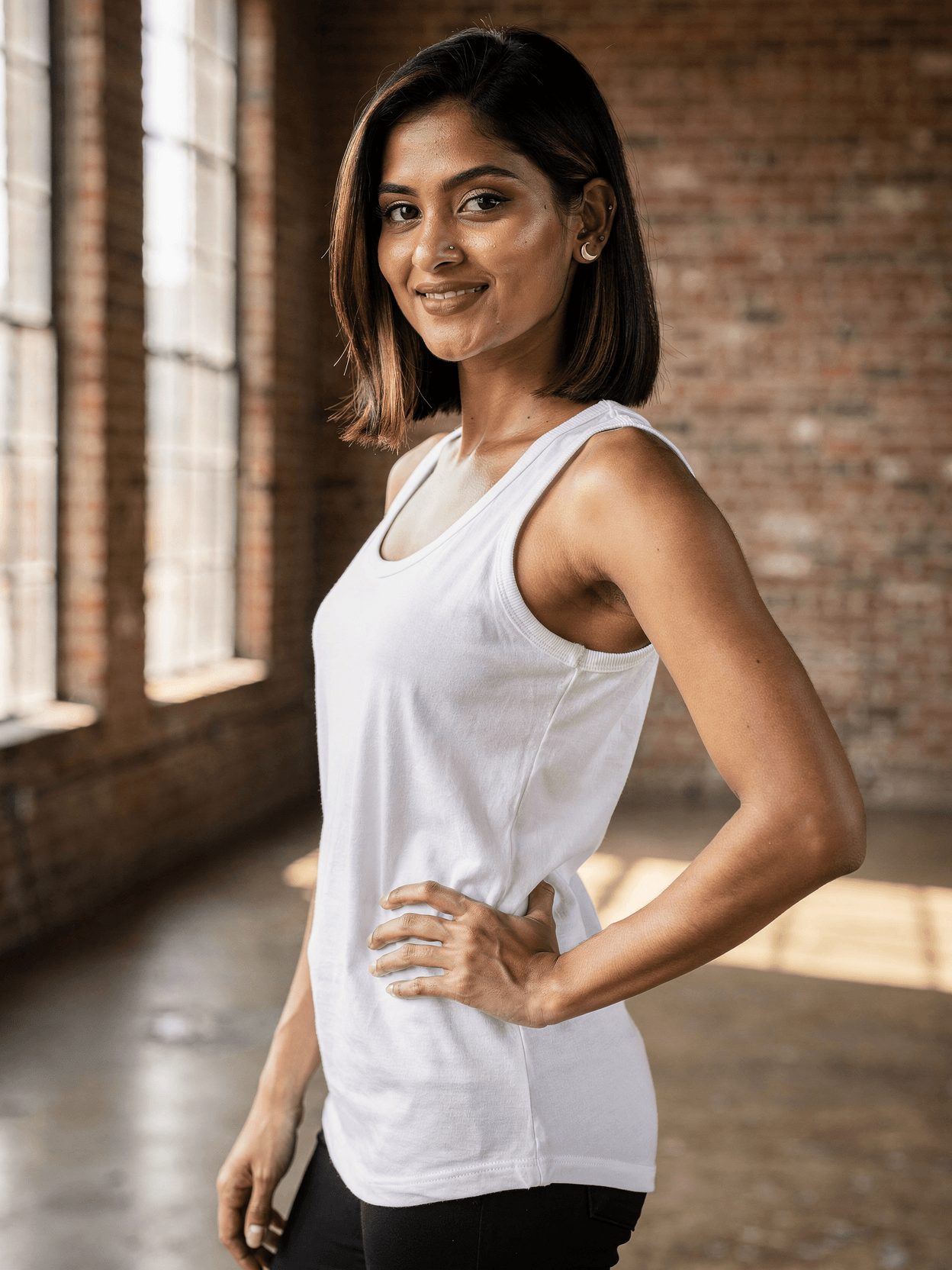
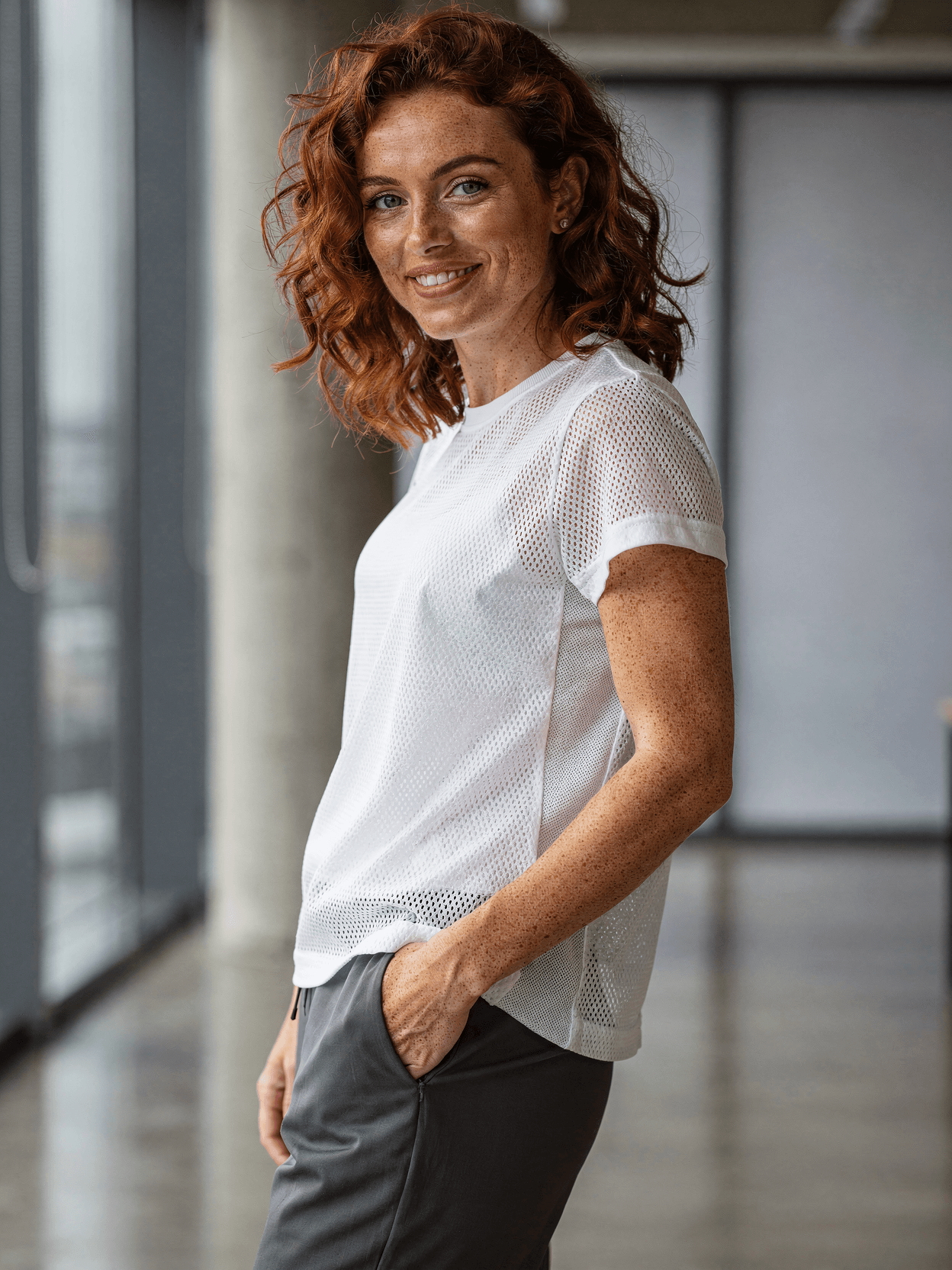
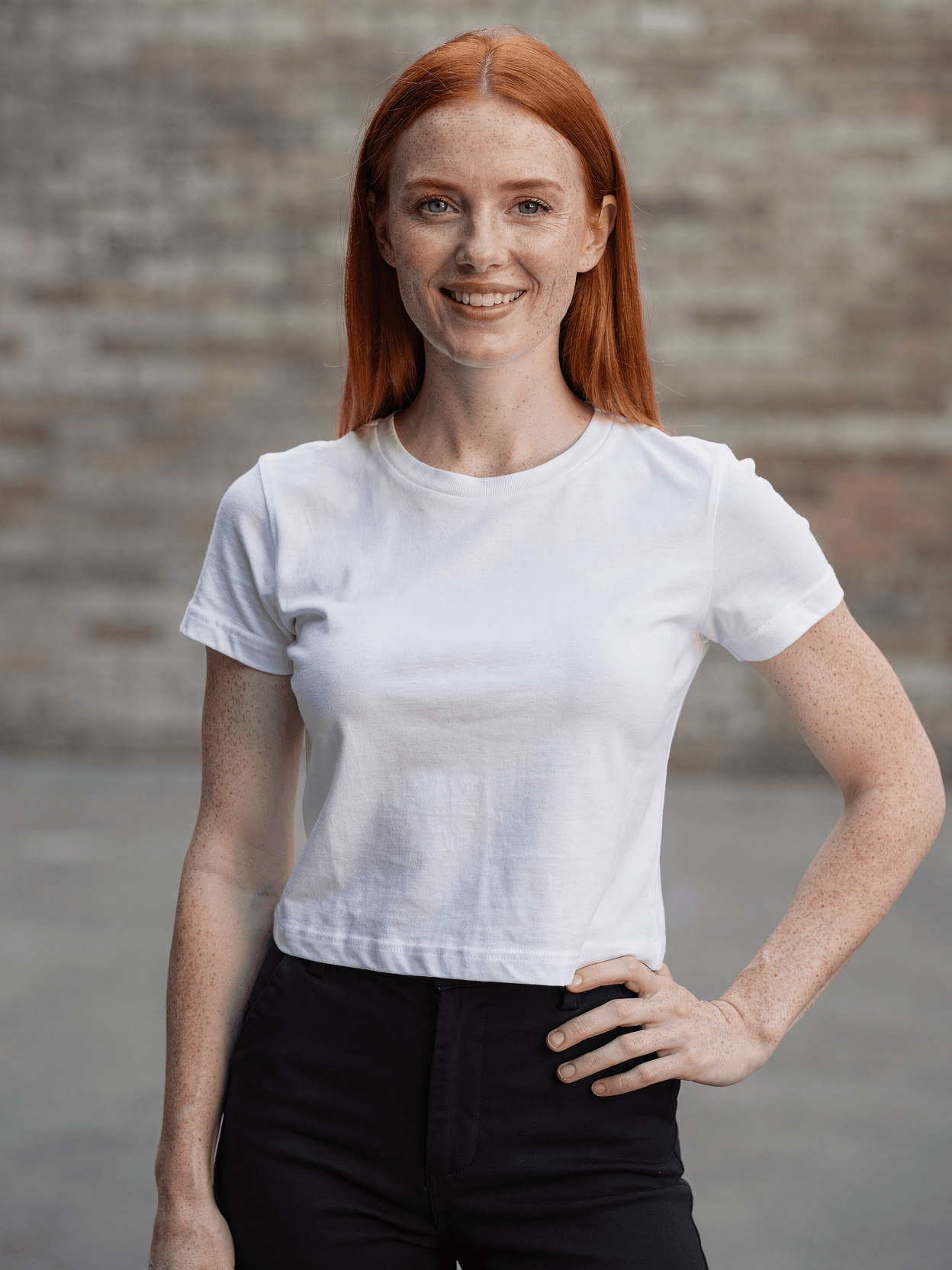
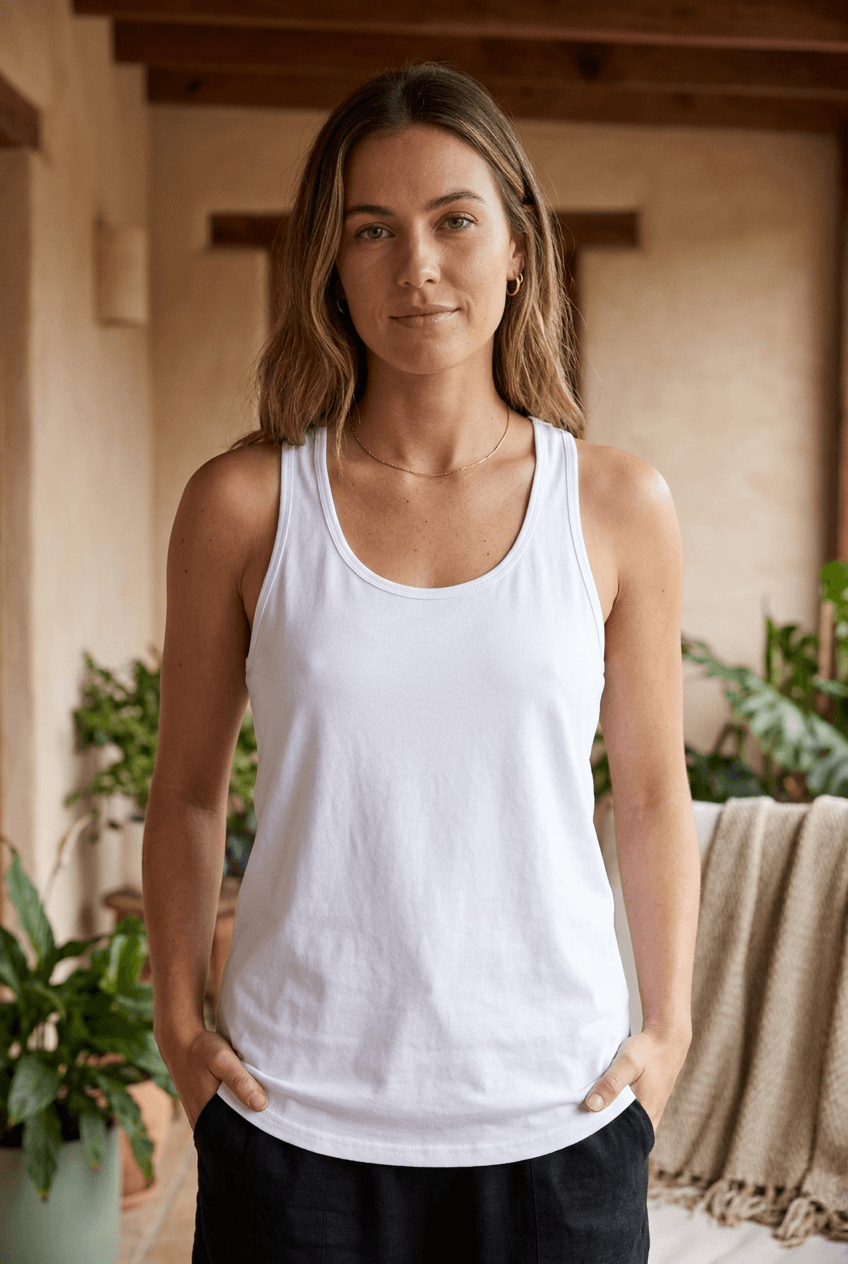
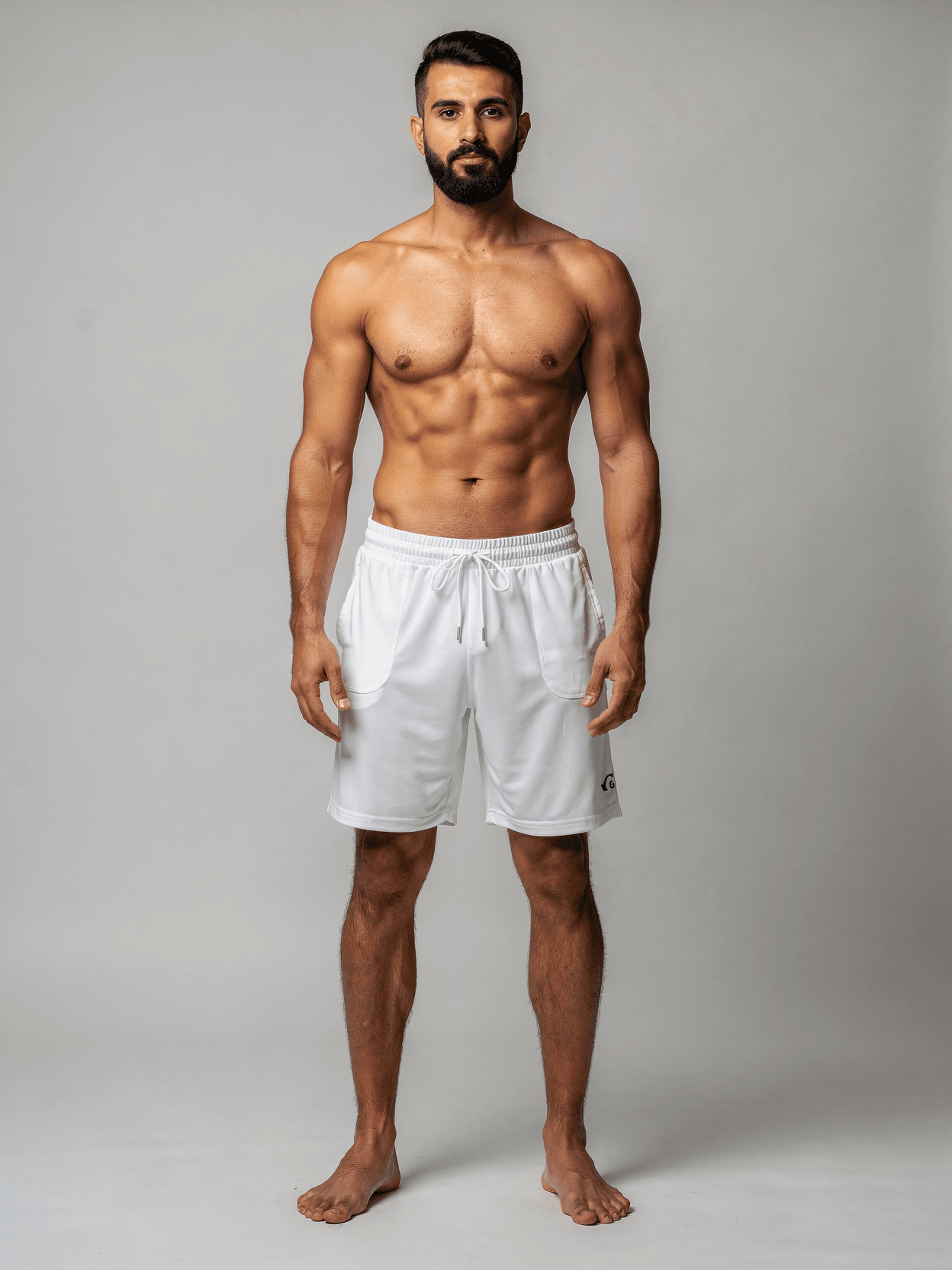
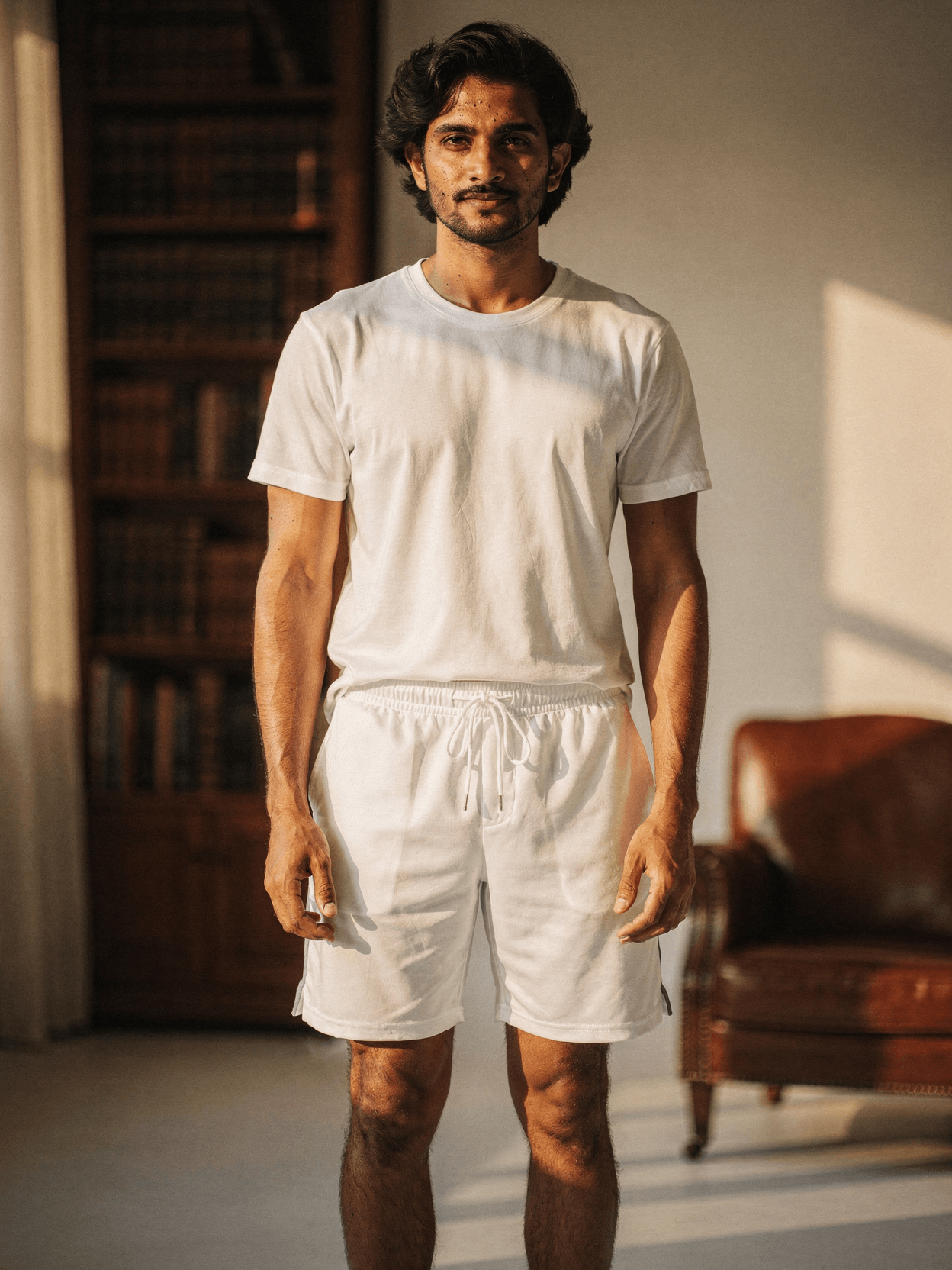
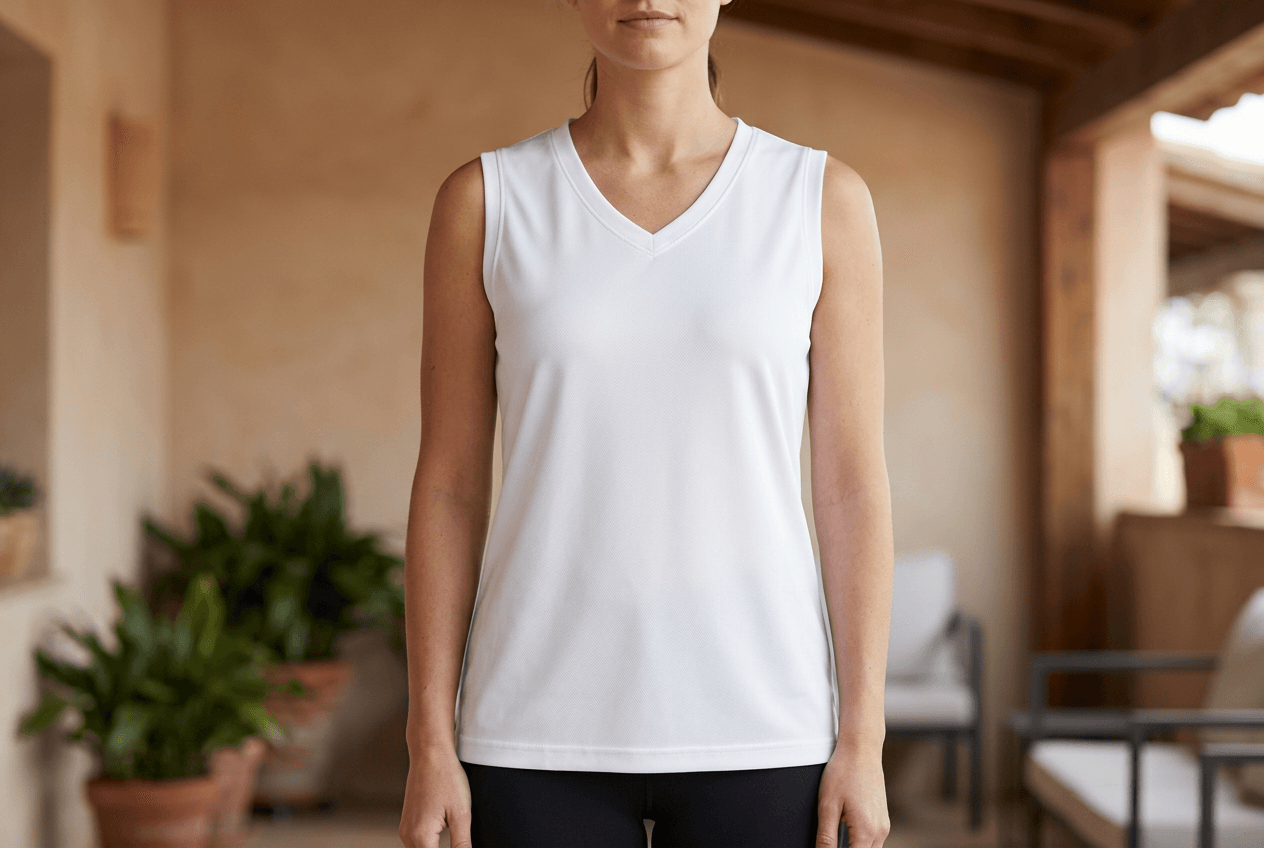
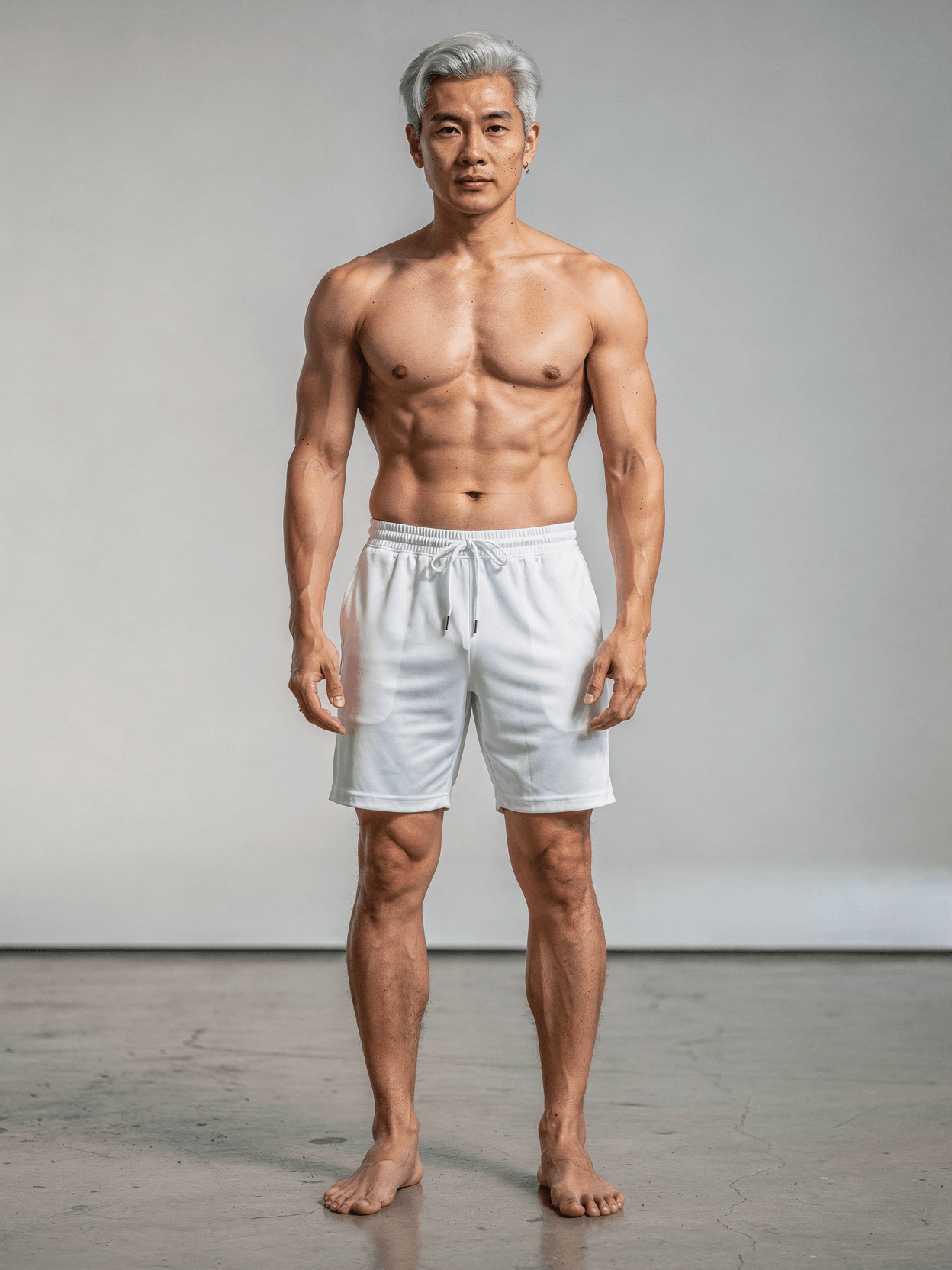
This template includes five angles: a front-centered hero shot showing the full front print area, a 3/4 angle view revealing side seam and pocket construction, a back view displaying the rear print area and waistband, a waistband detail closeup showing drawstring and elastic construction, and a lifestyle walking shot in an urban setting. All five angles feature the same female model wearing the same white polyester shorts.
Loading selected angle
White Polyester Shorts Mockup on Female Model
What's Included
Five camera angles: front hero, 3/4 side, back view, waistband detail closeup, and lifestyle walking shot
Female model with athletic build, curly red hair, and freckled complexion shown in relaxed and active poses
Construction details visible: elastic waistband, drawstring with gold aglets, side pockets, mesh side panels, curved hem with side slits
Urban outdoor photography with natural warm sunlight, portable gray backdrop, brick walls, and colorful street art murals
Compatible with Printful, Printify, Gelato, Shopify, and WooCommerce for print-on-demand catalog workflows
Every angle opens as a ready photo mockup
Subscriptions from $0.002 per render
Specifications
Format
PNG · RGB
Angles
5 views
About This Mockup
Mockup Overview
This mockup template shows white polyester athletic shorts on a female model photographed in an urban street setting. The model is a fair-skinned woman, approximately late 20s to early 30s, with curly red hair at shoulder length and visible freckles across her arms and legs. She has a toned, athletic build. In the front hero shot, she stands with hands on hips against a portable gray backdrop set up outdoors in front of a brick wall. She wears the white shorts paired with a plain white racerback tank top. Warm, directional sunlight catches her hair from the left side.
Camera Angles and Visual Details
Five angles are included in this template set:
Front Centered Hero Shot: The model faces the camera directly, hands on hips, in a confident stance. The shorts sit at the natural waist with an elastic waistband and drawstring tie visible at center front. The drawstring ends have small gold-tone metal aglets. Side slits at the hem allow freedom of movement. A small logo is visible on the lower left leg. The gray studio backdrop is positioned behind the model outdoors, with exposed brick visible on either side.
3/4 Angle View: The model is turned roughly 45 degrees to her right, looking over her shoulder toward the camera with a slight smile. Her right hand rests in the shorts pocket. The background is a brick wall covered in colorful graffiti with bubble-letter street art. This angle shows the side seam construction, pocket depth, and how the polyester fabric drapes loosely around the thigh. A mesh-like panel or lighter-weight inset is visible along the side.
Back View: The model faces away from the camera with hands clasped behind her lower back. The gray portable backdrop is again visible behind her. This angle displays the rear of the shorts: the elastic waistband from behind, the drawstring bow at center back, and the overall relaxed fit through the seat and thigh. The racerback cut of the tank top is also visible. The shorts show a slight curve at the hemline with the side slits.
Waistband and Print Detail: A close-up shot focused on the waistband area. The model's midsection is visible from roughly navel to mid-thigh. She holds the waistband with both hands, pulling it slightly outward to show the elastic construction. The drawstring with gold aglets is tied in a bow. The polyester fabric shows a subtle woven texture. A mesh side panel is visible along the right side seam, providing a contrasting texture to the main body fabric.
Lifestyle Athletic Context: The model walks toward the camera on a cobblestone street, carrying a tan canvas tote bag in her right hand. She wears brown leather boots. Behind her is a large, colorful mural on a building wall depicting a woman's face. Natural late-afternoon sunlight creates warm tones across the scene. The shorts are shown in motion, demonstrating how the fabric moves and the side slits open slightly with each stride.
Technical Specifications
The elastic waistband, drawstring, side pockets, mesh side panels, and curved hem with side slits are all visible construction details.
Intended Use
This template is suitable for e-commerce product listings, print-on-demand catalog generation, and automated mockup rendering. The five-angle coverage provides front print area, back print area, construction details, and lifestyle context for complete product pages.
Every angle opens as a ready photo mockup: place your artwork in the editor or through the API.
How to Use This Mockup
Step 01
Pick an angle
Choose the angle you want from this template. Every angle opens as a ready photo mockup.
Photo Mockups GuideStep 02
Place your artwork
Add your design in the editor or through the API, as a single placement or a repeating pattern.
Print Areas GuideStep 03
Export your mockup
Generate high-resolution product images in PNG, JPG, or WebP format. Batch process multiple designs.
Render Artwork DocsDetails & Specifications
File Format
PNG
Color Mode
RGB
Angles
5
| Angle | Type | Primary |
|---|---|---|
| Front Centered Hero Shot | front-centered | Yes |
| 3/4 Angle View | three-quarter-angle | |
| Back View | back-view | |
| Waistband & Print Detail | detail-closeup | |
| Lifestyle Athletic Context | lifestyle-action |
Perfect For
Use Cases
Tags
Shorts MockupAthletic Shorts MockupGym Shorts MockupPolyester ShortsWhite Shorts MockupWomen's Shorts MockupRunning Shorts MockupMesh Shorts MockupSports Shorts MockupShorts TemplateBasketball Shorts MockupTraining Shorts MockupPrint-on-Demand ShortsActivewear MockupOn Model MockupUrban Lifestyle MockupFemale Model MockupMulti-Angle MockupAPI Mockup RenderingDrawstring ShortsFrench Terry Shorts MockupApparel Mockup
Industry Insights & Research
The print-on-demand market was valued at $12.15 billion in 2025 and is estimated to grow from $15.19 billion in 2026 to reach $46.43 billion by 2031, at a CAGR of 25.05% (Mordor Intelligence).
The growing POD market drives demand for product mockup templates, particularly in the apparel category which includes athletic shorts.
Apparel led the print-on-demand market with 40.20% revenue share in 2025, making it the dominant product category (Mordor Intelligence).
Shorts and other apparel items represent the largest segment of POD products, making accurate mockup templates a practical necessity for sellers.
The conversion rate of high-resolution product photos is 94% higher than low-resolution photos in e-commerce (GrabOn).
High-resolution mockup templates with visible fabric texture and multiple angles provide the image quality that correlates with higher conversion rates.
22% of product returns happen because products look different in person than in photos (GrabOn).
Accurate mockup rendering that preserves fabric texture and fit details helps reduce the gap between online presentation and physical product appearance.
26% of consumers abandon their shopping cart due to inaccurate or missing product images (Anchanto).
Multi-angle mockup templates covering front, back, detail, and lifestyle views help ensure complete product visualization that reduces cart abandonment.
“Mockups eliminate the overhead of ordering and photographing samples, giving you polished visuals without inventory or photoshoots.”
“The images you use to promote your store and products are going to have a huge impact on the sales you make, so it's incredibly important to get it right.”
“In the print-on-demand industry, mockups play a crucial role in showcasing products to potential customers by instilling confidence and trust in the brand.”
Frequently Asked Questions
Upload your design image via the SudoMock REST API or Dashboard Playground. Every angle opens as a ready photo mockup: place your artwork in the editor or through the API. Subscriptions from $0.002 per render.
SudoMock offers a free tier with 500 render credits that includes access to shorts mockup templates. The free plan provides enough credits to render 500 mockup images. Every angle opens as a ready photo mockup: place your artwork in the editor or through the API.
Yes. The rendered output images are standard WebP, PNG, or JPEG files that can be uploaded to any print-on-demand platform including Printful, Printify, Gelato, Redbubble, and others. SudoMock also has native integrations with Shopify and WooCommerce for automated product listing workflows.
The shorts in this mockup are polyester athletic shorts with a lightweight, slightly shiny woven texture. They feature an elastic waistband with drawstring, side pockets, mesh side panel inserts, and curved hem with side slits. Every angle opens as a ready photo mockup: place your artwork in the editor or through the API.
SudoMock's REST API enables bulk mockup generation by accepting JSON payloads with design image URLs. Integration with tools like n8n, Zapier, Make, and Airtable allows automated pipelines that generate complete product catalogs without manual intervention. Subscriptions from $0.002 per render.
In common usage, the terms are often interchangeable. A shorts mockup refers to the rendered output image showing a specific design on the product. Every angle opens as a ready photo mockup: place your artwork in the editor or through the API.
Pick an angle, open it in Photo Mockups and place your artwork in the editor or through the API. Then export your mockup as PNG, JPG or WebP.
Ready to Create Stunning Mockups?
Generate product mockups with Photo Mockups and the Render API. Upload artwork and export high-resolution images from one workflow.
No credit card required500 one-time creditsInstant API access